Introduction to Library
Resources and Services
          Jennifer Thiessen
    Liaison Librarian, Education
      James A. Gibson Library
              July 2012
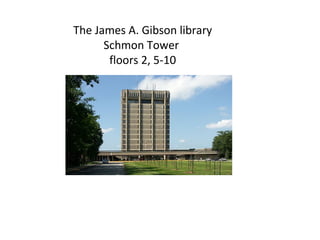
The James A. Gibson library
      Schmon Tower
       floors 2, 5-10
IRC
• The IRC (Instructional Resource Centre)
  – K-12 curriculum material
  – Emphasis on teaching


• The James A. Gibson Library
  – Material on the theory, philosophy, history and
    practice of education (mostly on 8th floor)
  – For your papers and projects for your Education
    classes
  – Emphasis on research
Goals for today’s session
 Part I: Library Services
    My Library Account
    Laptop loans
    Photocopying services
    RACER
    Study space
    RefWorks

 Part II: Library Resources
    Catalogue
    Databases
    Your Research Guide
My Library Account

My Library Account allows library users to

  see a list of items they have signed out

  renew and place holds on items

  view details of outstanding library fines

  log in to library databases from off campus
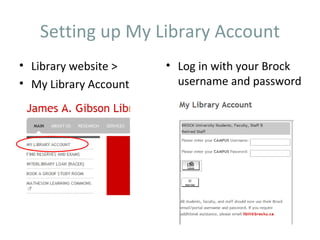
Setting up My Library Account
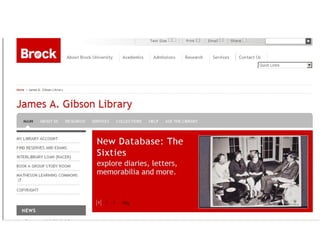
• Library website >    • Log in with your Brock
• My Library Account     username and password
Laptops
 The Library currently has 40 laptops available for 4
  hour loans from the Circulation Desk.

 All laptops have Office software on them.

 Laptops can be taken out of the Library.
Photocopying Services
• Photocopy cards

• Colour and transparency copying

• Posters, photos, banners and other large
  format prints (5th Floor)
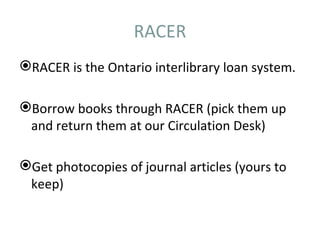
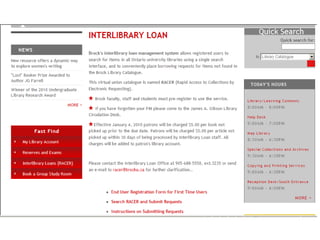
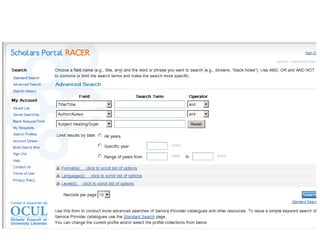
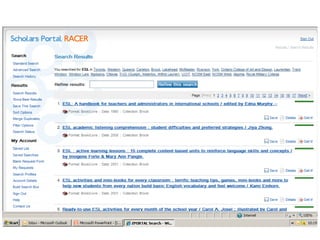
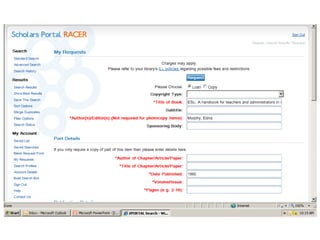
RACER
RACER is the Ontario interlibrary loan system.

Borrow books through RACER (pick them up
 and return them at our Circulation Desk)

Get photocopies of journal articles (yours to
 keep)
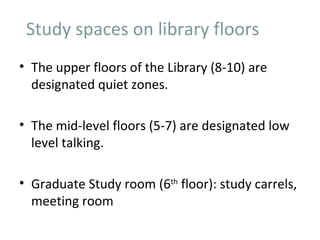
Study spaces on library floors
• The upper floors of the Library (8-10) are
  designated quiet zones.

• The mid-level floors (5-7) are designated low
  level talking.

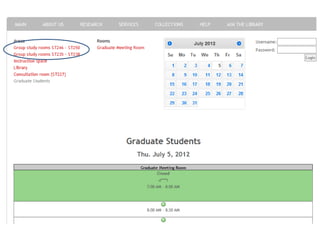
• Graduate Study room (6th floor): study carrels,
  meeting room
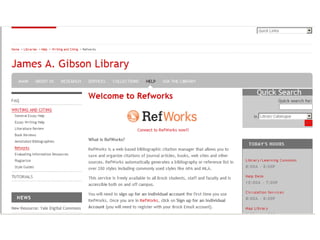
RefWorks
RefWorks is software that allows you to:

  Save references to books and articles from our
   catalogue and our databases.

  Automatically create bibliographies or works cited
   pages in APA style format.
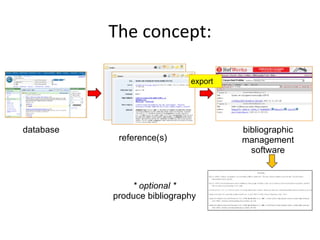
The concept:

                             export


database                              bibliographic
            reference(s)              management
                                        software


               * optional *
           produce bibliography
Part II: Library Resources
               in Education
• Books
• Journals
• Research Guide

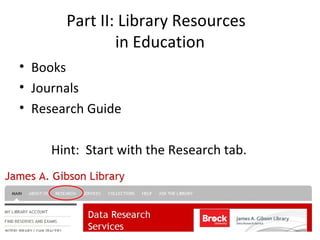
     Hint: Start with the Research tab.
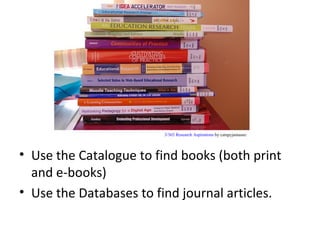
3/365 Research Aspirations by catspyjamasnz


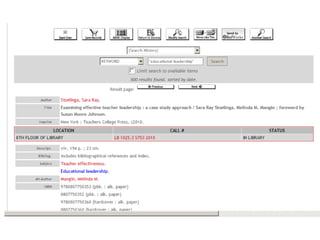
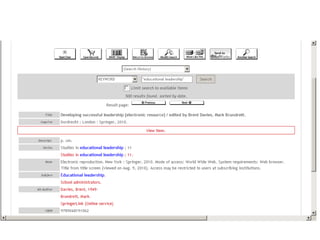
• Use the Catalogue to find books (both print
  and e-books)
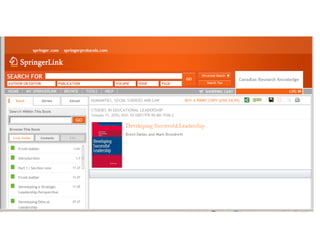
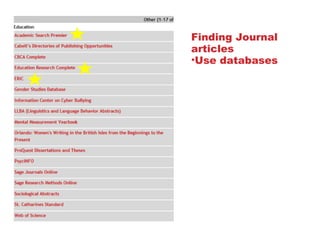
• Use the Databases to find journal articles.
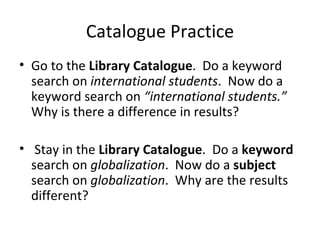
Catalogue Practice
• Go to the Library Catalogue. Do a keyword
  search on international students. Now do a
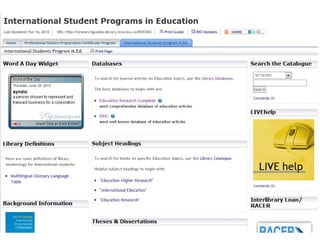
  keyword search on “international students.”
  Why is there a difference in results?

• Stay in the Library Catalogue. Do a keyword
  search on globalization. Now do a subject
  search on globalization. Why are the results
  different?
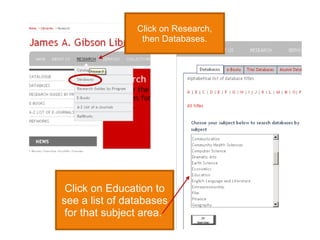
Click on Research,
                 then Databases.


 Click on Education to
see a list of databases
 for that subject area.
Finding Journal
articles
•Use databases
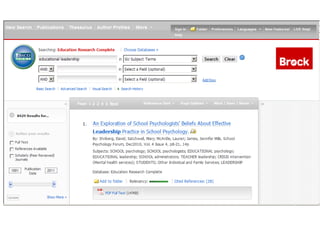
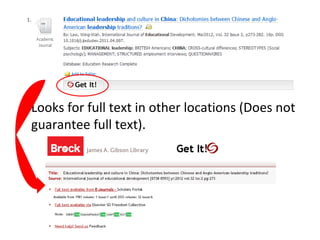
• Looks for full text in other locations (Does not
  guarantee full text).
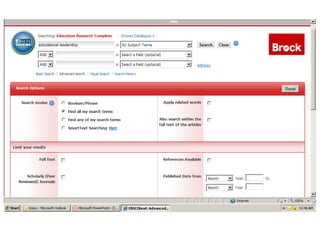
Database Practice
• Find the Education databases.
• Open up Education Research Complete.
• Do a search on “international students.” How
  are the results arranged? How can you limit
  your results to peer reviewed journal articles?
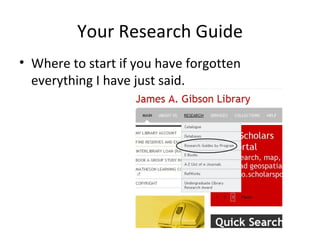
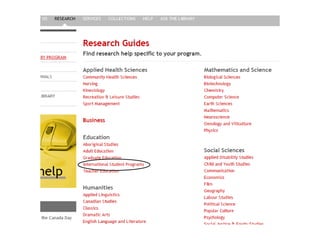
Your Research Guide
• Where to start if you have forgotten
  everything I have just said.
Summary
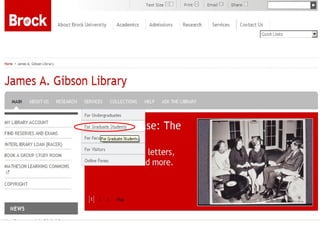
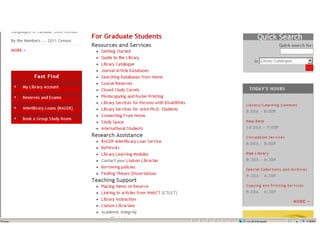
 Information about library services for graduate students can be found here:
   http://www.brocku.ca/library/services-lib/grad-students

 The most important services you should know about are:
   My Library Account
   RACER
   RefWorks

 Library Resources:
   Library catalogue – books
   Library databases – journal articles
   Research Guide

 Contact me if you need help:
   jthiessen@brocku.ca

EDUC 5N99 ISP

  • 1.
    Introduction to Library Resourcesand Services Jennifer Thiessen Liaison Librarian, Education James A. Gibson Library July 2012
  • 2.
    The James A.Gibson library Schmon Tower floors 2, 5-10
  • 3.
    IRC • The IRC(Instructional Resource Centre) – K-12 curriculum material – Emphasis on teaching • The James A. Gibson Library – Material on the theory, philosophy, history and practice of education (mostly on 8th floor) – For your papers and projects for your Education classes – Emphasis on research
  • 4.
    Goals for today’ssession  Part I: Library Services  My Library Account  Laptop loans  Photocopying services  RACER  Study space  RefWorks  Part II: Library Resources  Catalogue  Databases  Your Research Guide
  • 8.
    My Library Account MyLibrary Account allows library users to  see a list of items they have signed out  renew and place holds on items  view details of outstanding library fines  log in to library databases from off campus
  • 9.
    Setting up MyLibrary Account • Library website > • Log in with your Brock • My Library Account username and password
  • 10.
    Laptops  The Librarycurrently has 40 laptops available for 4 hour loans from the Circulation Desk.  All laptops have Office software on them.  Laptops can be taken out of the Library.
  • 11.
    Photocopying Services • Photocopycards • Colour and transparency copying • Posters, photos, banners and other large format prints (5th Floor)
  • 12.
    RACER RACER is theOntario interlibrary loan system. Borrow books through RACER (pick them up and return them at our Circulation Desk) Get photocopies of journal articles (yours to keep)
  • 17.
    Study spaces onlibrary floors • The upper floors of the Library (8-10) are designated quiet zones. • The mid-level floors (5-7) are designated low level talking. • Graduate Study room (6th floor): study carrels, meeting room
  • 19.
    RefWorks RefWorks is softwarethat allows you to:  Save references to books and articles from our catalogue and our databases.  Automatically create bibliographies or works cited pages in APA style format.
  • 20.
    The concept: export database bibliographic reference(s) management software * optional * produce bibliography
  • 22.
    Part II: LibraryResources in Education • Books • Journals • Research Guide Hint: Start with the Research tab.
  • 23.
    3/365 Research Aspirationsby catspyjamasnz • Use the Catalogue to find books (both print and e-books) • Use the Databases to find journal articles.
  • 27.
    Catalogue Practice • Goto the Library Catalogue. Do a keyword search on international students. Now do a keyword search on “international students.” Why is there a difference in results? • Stay in the Library Catalogue. Do a keyword search on globalization. Now do a subject search on globalization. Why are the results different?
  • 28.
    Click on Research, then Databases. Click on Education to see a list of databases for that subject area.
  • 29.
  • 32.
    • Looks forfull text in other locations (Does not guarantee full text).
  • 33.
    Database Practice • Findthe Education databases. • Open up Education Research Complete. • Do a search on “international students.” How are the results arranged? How can you limit your results to peer reviewed journal articles?
  • 34.
    Your Research Guide •Where to start if you have forgotten everything I have just said.
  • 37.
    Summary  Information aboutlibrary services for graduate students can be found here:  http://www.brocku.ca/library/services-lib/grad-students  The most important services you should know about are:  My Library Account  RACER  RefWorks  Library Resources:  Library catalogue – books  Library databases – journal articles  Research Guide  Contact me if you need help:  jthiessen@brocku.ca