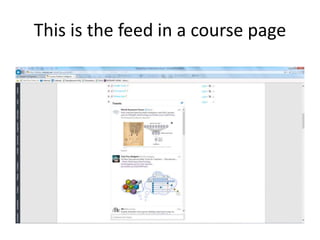
This document provides instructions for embedding a Twitter feed into an Oracle course page in 3 steps:
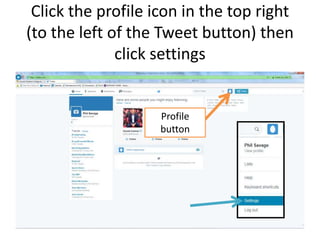
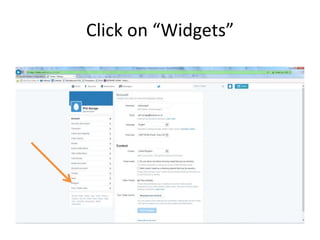
1. Create a Twitter widget with the desired feed settings like search terms, auto-expand photos, and height.
2. Copy the embed code from the widget preview.
3. Paste the embed code into an HTML block or label/page on the Oracle course page and update to display the Twitter feed.