Download to read offline
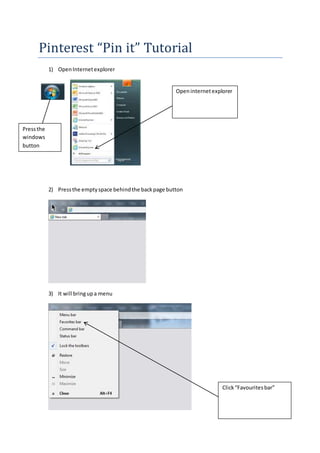
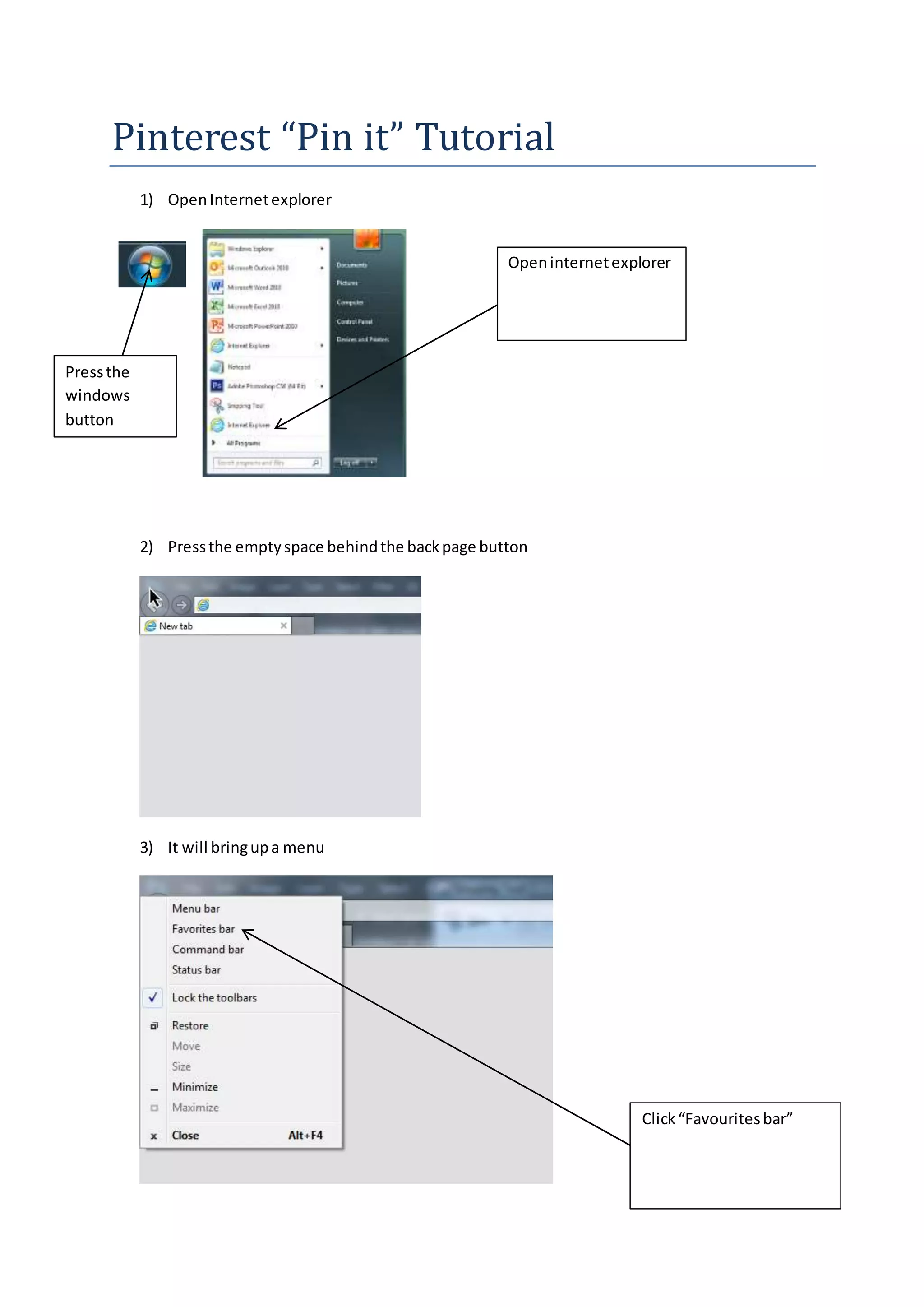
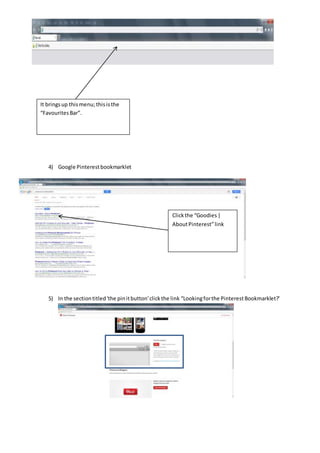
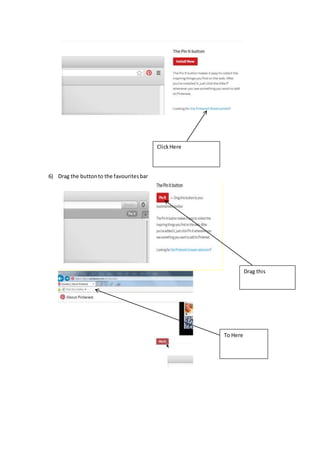
This tutorial teaches how to add a Pinterest "Pin it" button to Internet Explorer. It instructs users to open Internet Explorer, press the empty space behind the back button which brings up a menu. From there, users can click "Favourites bar" and then search online for the Pinterest bookmarklet, drag the button found to the Favourites bar for easy access to pin items to their Pinterest board directly from Internet Explorer.


