Download to read offline



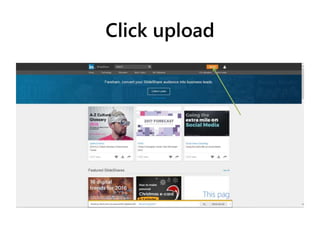
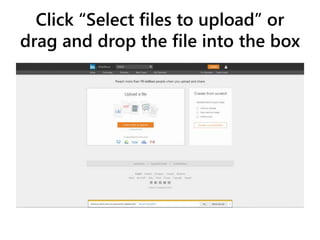
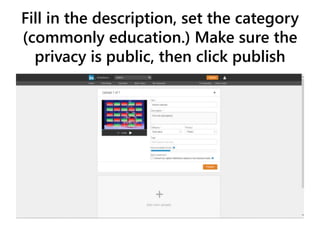


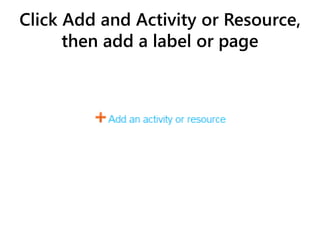
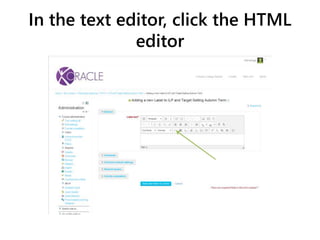
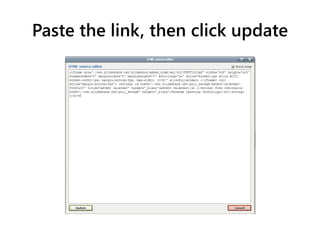
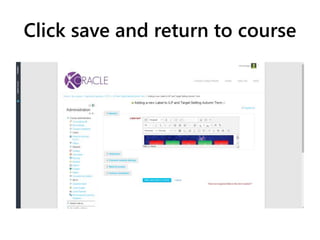
To embed a Slideshare presentation in an Oracle course page, first upload the presentation file to Slideshare and publish it publicly. Then, copy the presentation link and paste it into the HTML editor on the Oracle course page where you want it displayed. Finally, update and save the course page to embed the Slideshare presentation.


