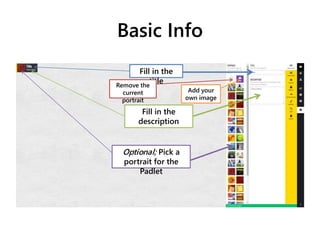
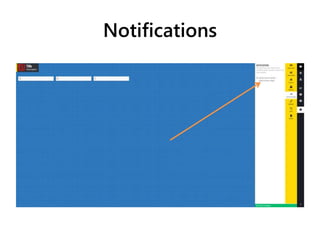
This document provides instructions for modifying various aspects of a Padlet, including basic info like the title and description, adding or changing the wallpaper, selecting different layouts, setting the privacy level to private or public, customizing notifications and the web address, duplicating or deleting the Padlet and its posts. Key options mentioned are filling out title and description, choosing a portrait or adding your own image, selecting from layout styles, setting the privacy to private and requiring a password or making it public, and resetting or submitting changes to settings.