Effective Job Search Using Online Tools
                                        March 13, 2012
    Presented by: Victoria Montgomery, Drake Global Tech
Agenda

• Your online job search – LinkedIn
• Other online tools for finding a job
• Tips for applying online
• Social networking for your career


                                         2
Social Career Networking - LinkedIn

“Reverse” headhunt: find the hiring manager on
LinkedIn and connect directly
     • If a job is posted, you can often see who’s
       posted it and contact them directly, even if it’s
       just to introduce yourself
Warning: Do not annoy the poster! Just introduce
yourself and make them aware you exist


                                                           3
Social Career Networking - LinkedIn

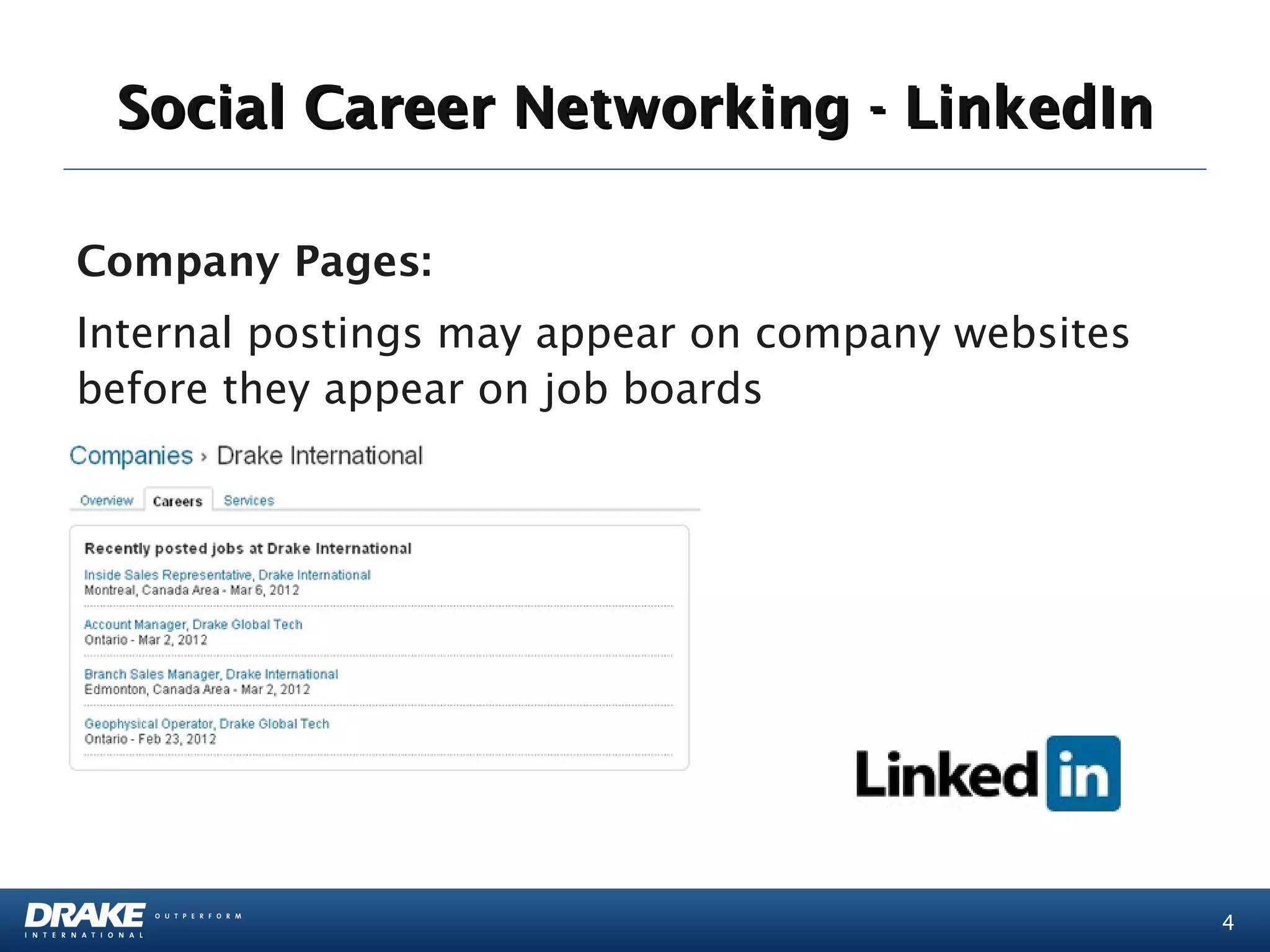
Company Pages:
Internal postings may appear on company websites
before they appear on job boards


                                                   4
Social Career Networking - LinkedIn

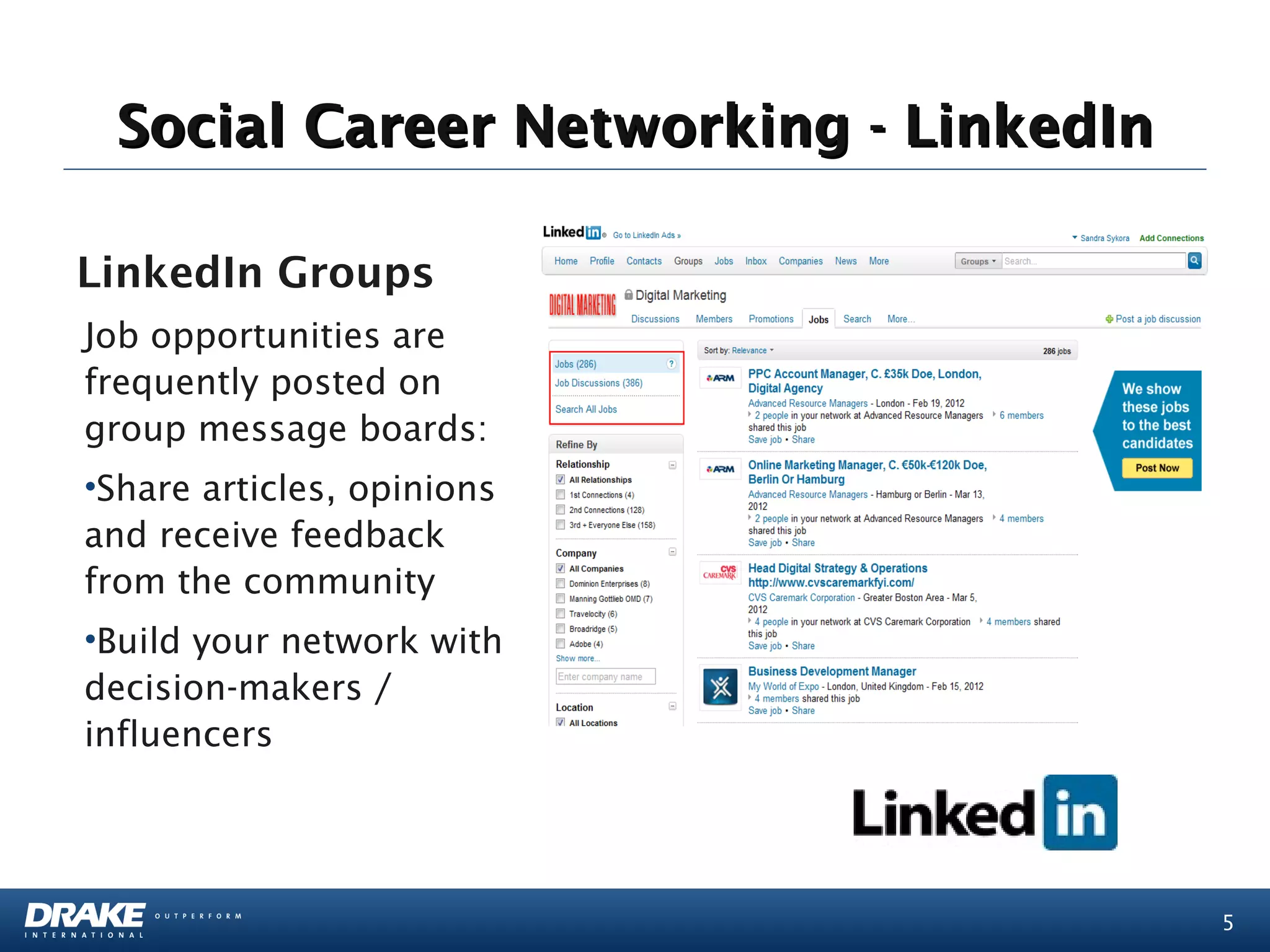
LinkedIn Groups
Job opportunities are
frequently posted on
group message boards:
•Share articles, opinions
and receive feedback
from the community
•Build your network with
decision-makers /
influencers


                                       5
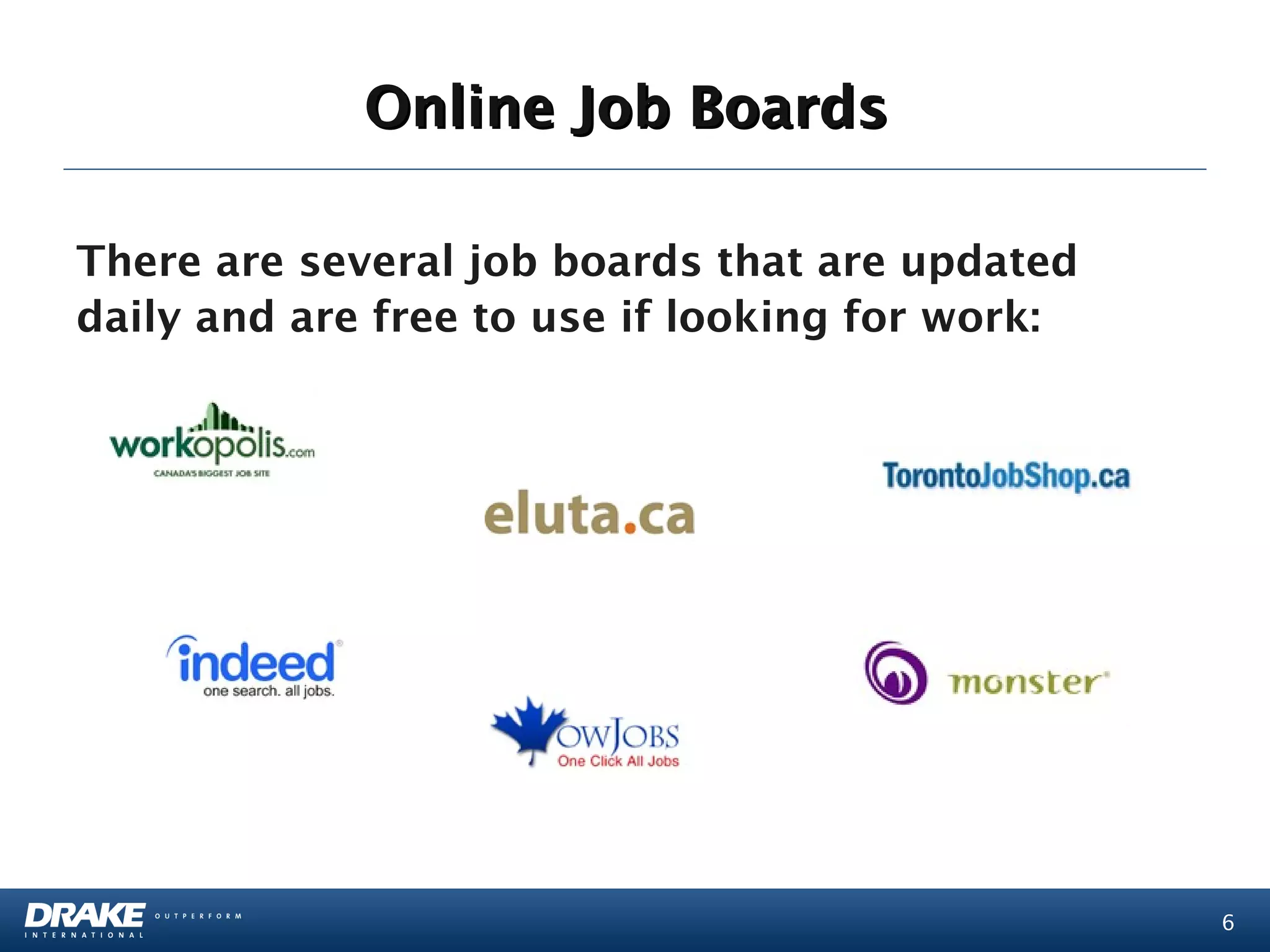
Online Job Boards

There are several job boards that are updated
daily and are free to use if looking for work:


                                                 6
Company Career Pages

Internal postings may appear on company
websites before they appear on job boards:
•These are updated frequently, depending on the size
of the company
•When applying to larger companies, use relevant
keywords on your resume
•You can also try contacting the HR department to
learn more about the position (Only if it says on the
posting that you may contact the company)


                                                        7
Creating Your Online Profile

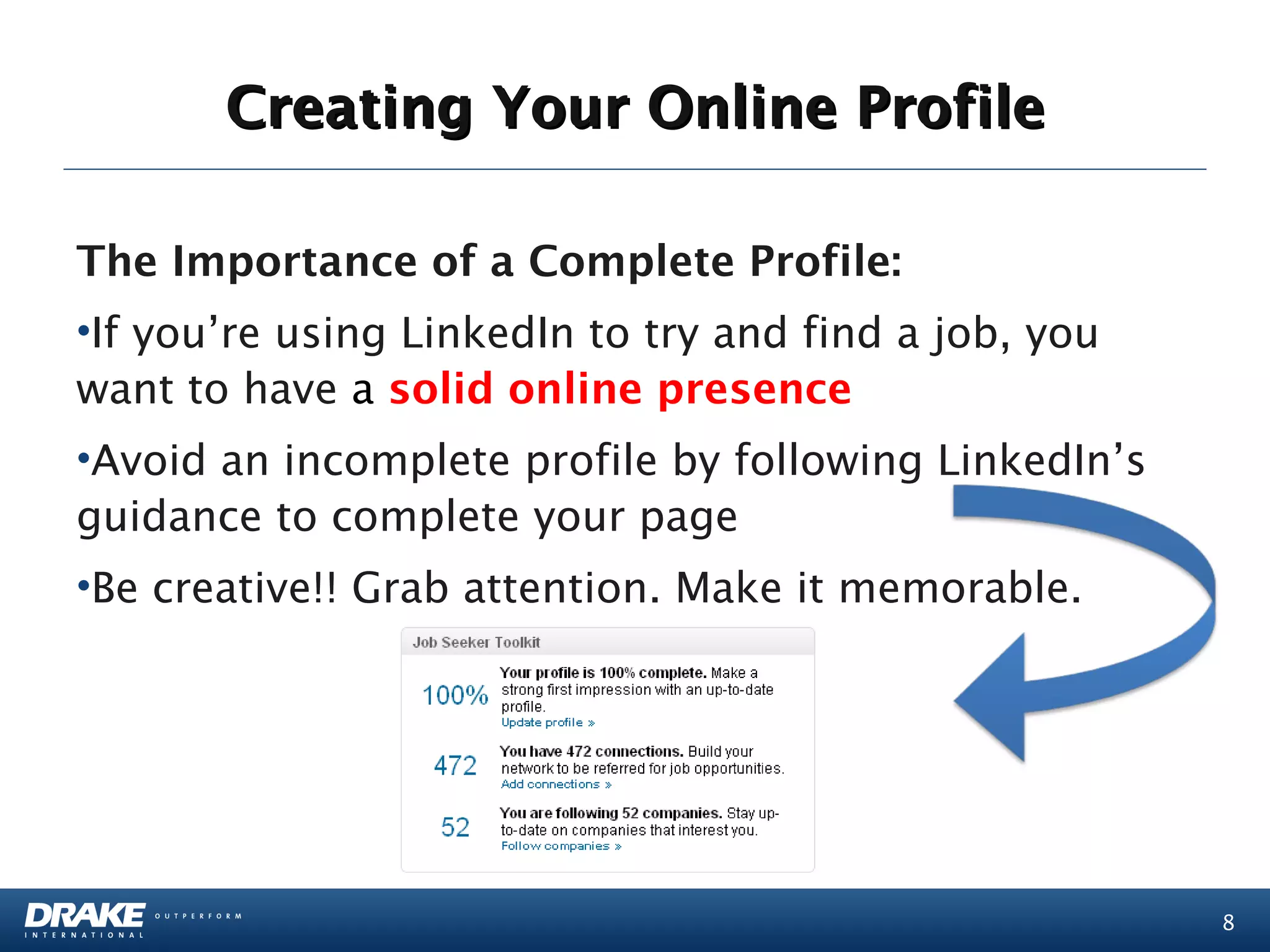
The Importance of a Complete Profile:
•If you’re using LinkedIn to try and find a job, you
want to have a solid online presence
•Avoid an incomplete profile by following LinkedIn’s
guidance to complete your page
•Be creative!! Grab attention. Make it memorable.


                                                       8
Creating Your Online Profile

Play around with your professional headline, if
you’re looking for work, there are dozens of
creative ways to phrase it:
  • “Exploring new opportunities”
  • “Seeking a change”
  • “Not working”
  • “Creative Professional looking for new
    opportunities”


                                                  9
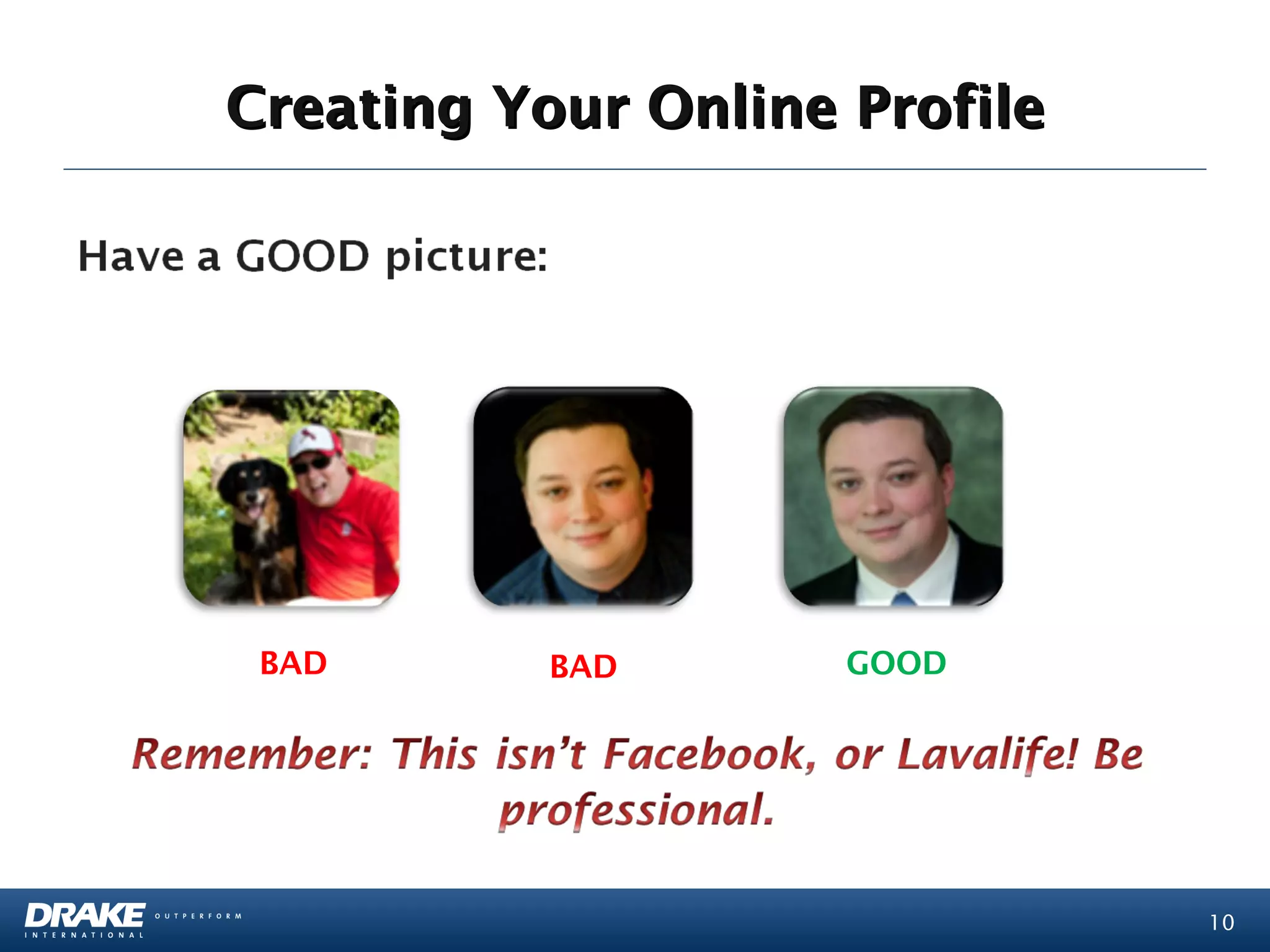
Creating Your Online Profile


 BAD       BAD       GOOD


                               10
Inviting Someone to Connect Online

• Always, always, always, write a personal
  message
• Be genuine:
   – people are more inclined to talk you if they sense
     you aren’t using them
•  Try to schedule an “Information Call”:
   – Goal: to learn more about the industry and what
     a career is like in industry X
   – Once you have the call, try to schedule a coffee
     meeting
                                                          11
Tips for Applying

1. Have a Plan
  – Don’t go into your search blind
  – Narrow down what you REALLY want to do and
    who you REALLY can see a career with
  – Get a list of 10-20 companies and start hunting
2. Connect on LinkedIn with people in the
   company who can help you with your search:
  – Remember to have a complete profile


                                                      12
Tips for Applying

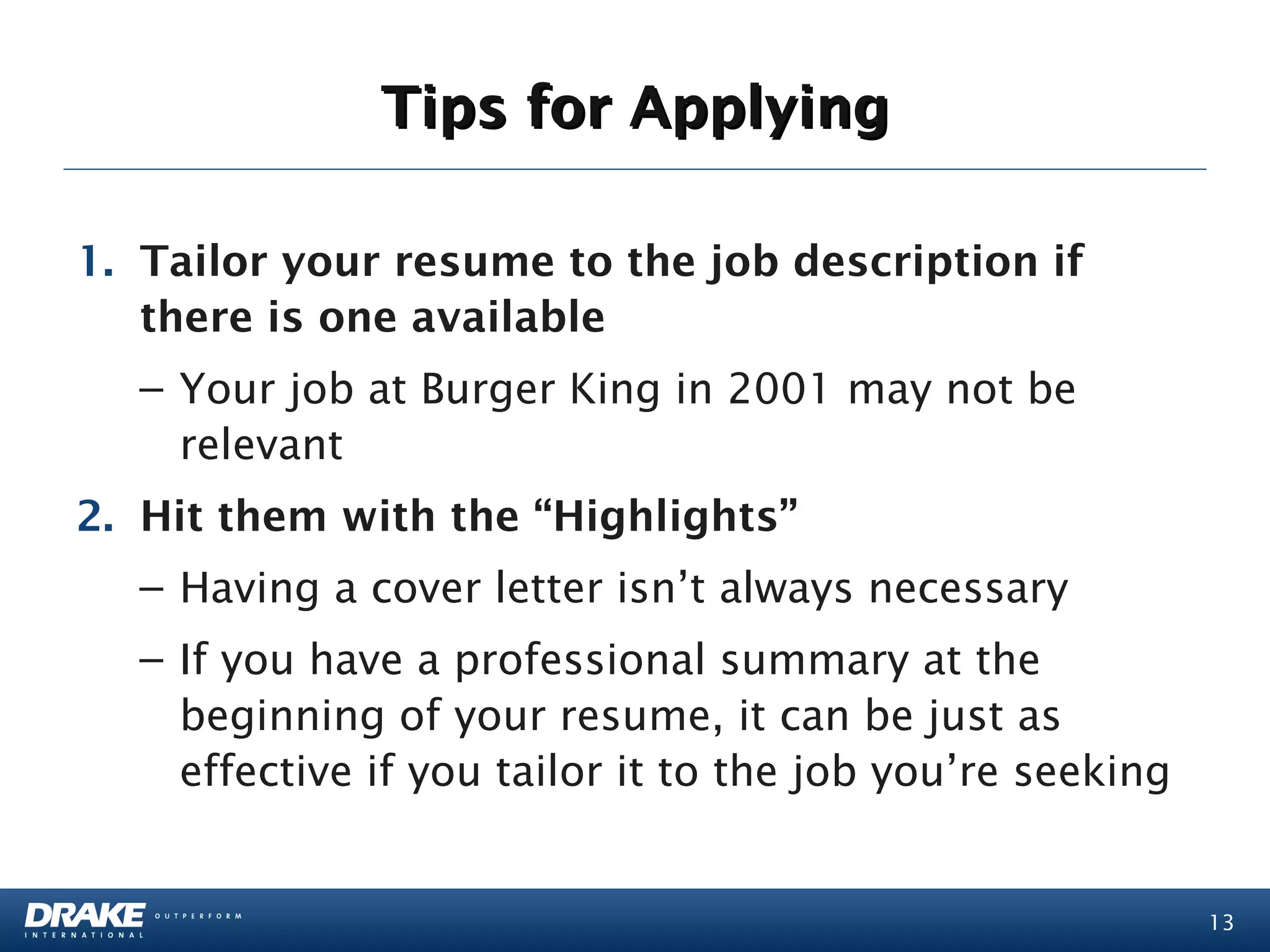
1. Tailor your resume to the job description if
   there is one available
  – Your job at Burger King in 2001 may not be
    relevant
2. Hit them with the “Highlights”
  – Having a cover letter isn’t always necessary
  – If you have a professional summary at the
    beginning of your resume, it can be just as
    effective if you tailor it to the job you’re seeking


                                                           13
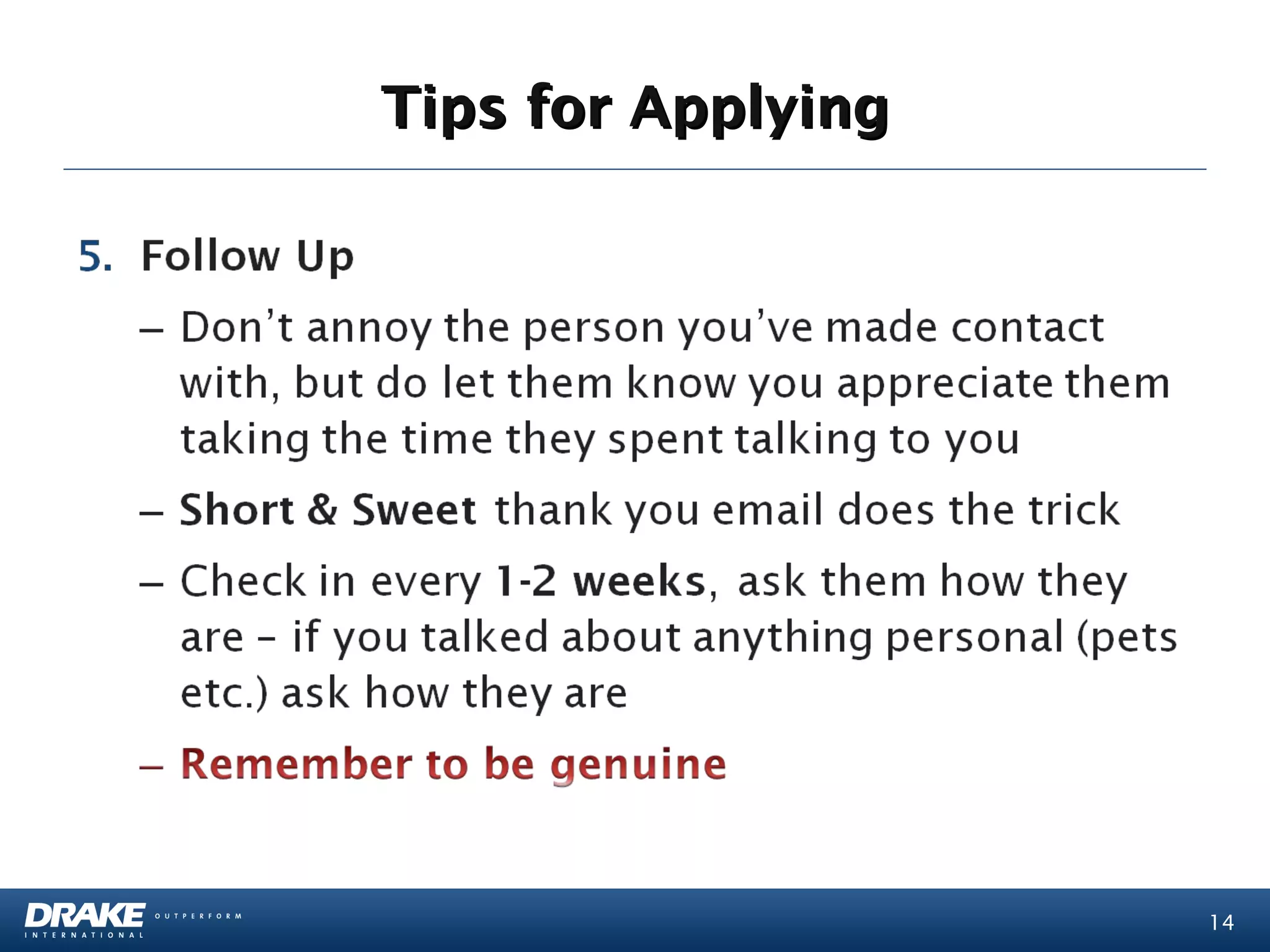
Tips for Applying


                    14
Tips for Applying

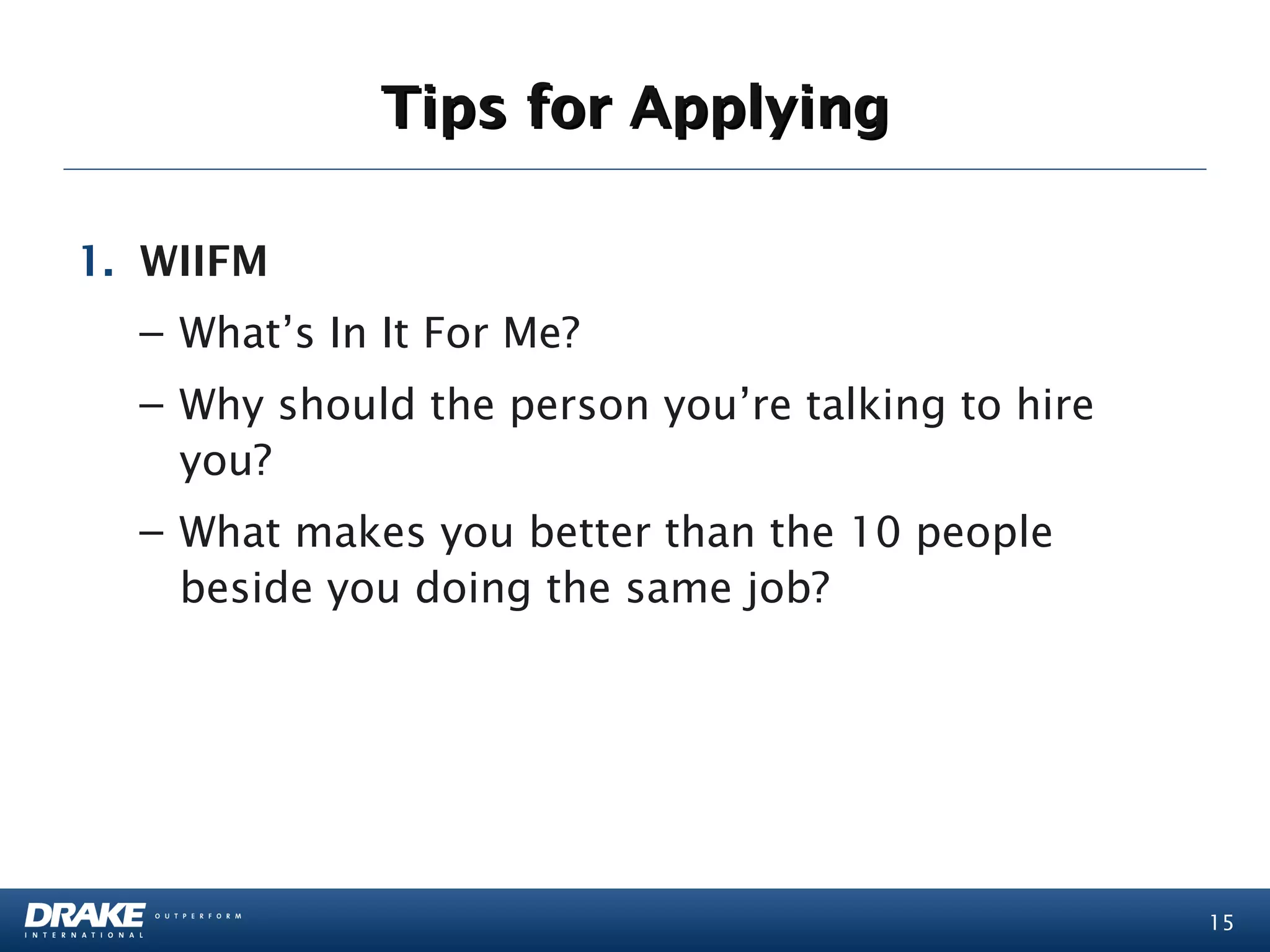
1. WIIFM
  – What’s In It For Me?
  – Why should the person you’re talking to hire
    you?
  – What makes you better than the 10 people
    beside you doing the same job?


                                                   15
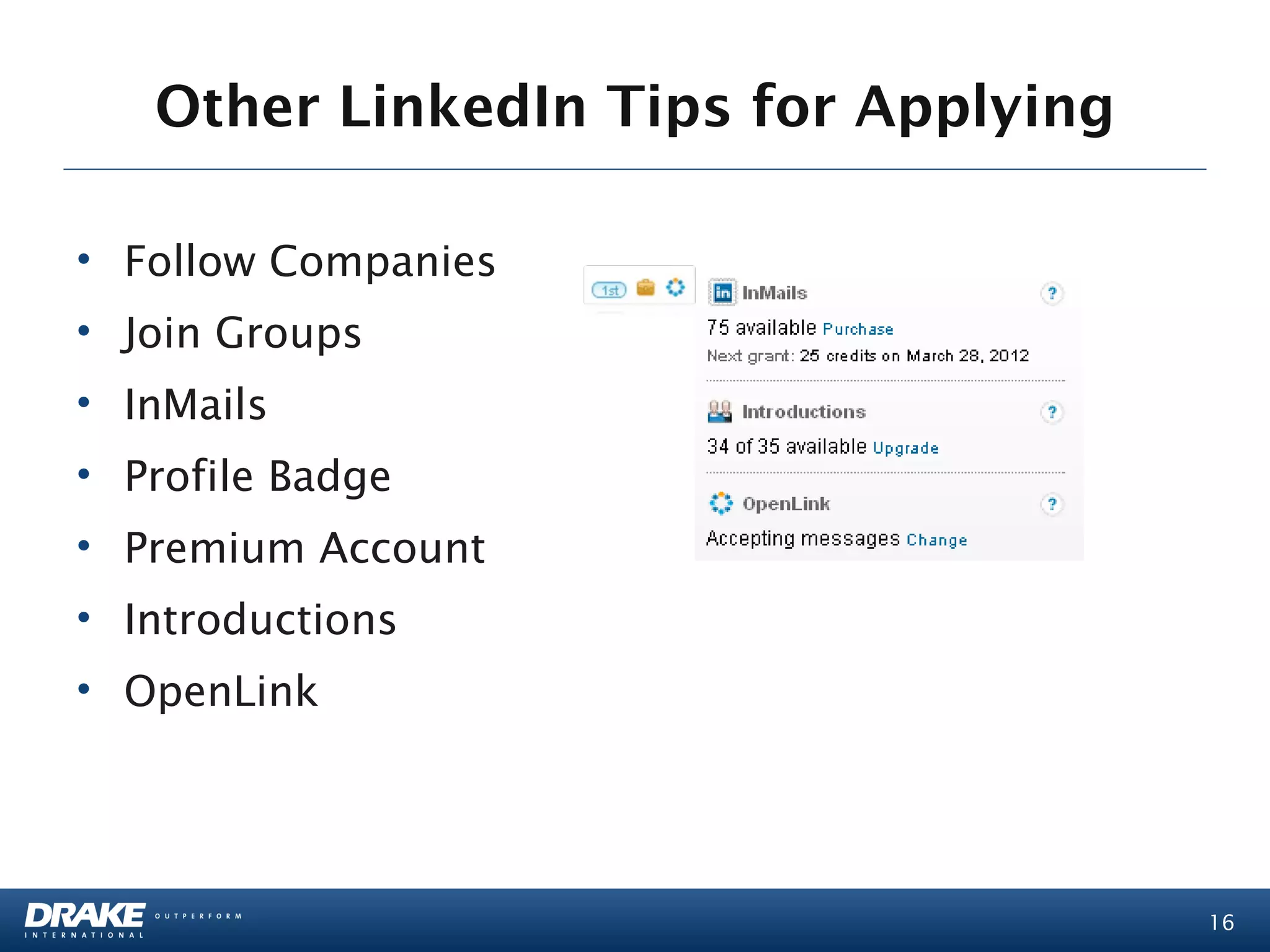
Other LinkedIn Tips for Applying

• Follow Companies
• Join Groups
• InMails
• Profile Badge
• Premium Account
• Introductions
• OpenLink


                                      16
Contact Victoria:                   For Current Job Openings:

Email:                             Visit:
vmontgomery@na.drakeintl.com       http://www.drakeintl.com/
LinkedIn:                          Click the “Jobs” Tab on the
http://www.linkedin.com/in/vnmontgomery
                                   homepage

                                    “Like” our Facebook Page
                                    and gain access to new jobs
                                    across Canada


                                            THANK YOU
            For Questions Please Contact Victoria Montgomery


                                                                  17

Effective Job Search Using Online Tools

  • 1.
    Effective Job SearchUsing Online Tools March 13, 2012 Presented by: Victoria Montgomery, Drake Global Tech
  • 2.
    Agenda • Your onlinejob search – LinkedIn • Other online tools for finding a job • Tips for applying online • Social networking for your career 2
  • 3.
    Social Career Networking- LinkedIn “Reverse” headhunt: find the hiring manager on LinkedIn and connect directly • If a job is posted, you can often see who’s posted it and contact them directly, even if it’s just to introduce yourself Warning: Do not annoy the poster! Just introduce yourself and make them aware you exist 3
  • 4.
    Social Career Networking- LinkedIn Company Pages: Internal postings may appear on company websites before they appear on job boards 4
  • 5.
    Social Career Networking- LinkedIn LinkedIn Groups Job opportunities are frequently posted on group message boards: •Share articles, opinions and receive feedback from the community •Build your network with decision-makers / influencers 5
  • 6.
    Online Job Boards Thereare several job boards that are updated daily and are free to use if looking for work: 6
  • 7.
    Company Career Pages Internalpostings may appear on company websites before they appear on job boards: •These are updated frequently, depending on the size of the company •When applying to larger companies, use relevant keywords on your resume •You can also try contacting the HR department to learn more about the position (Only if it says on the posting that you may contact the company) 7
  • 8.
    Creating Your OnlineProfile The Importance of a Complete Profile: •If you’re using LinkedIn to try and find a job, you want to have a solid online presence •Avoid an incomplete profile by following LinkedIn’s guidance to complete your page •Be creative!! Grab attention. Make it memorable. 8
  • 9.
    Creating Your OnlineProfile Play around with your professional headline, if you’re looking for work, there are dozens of creative ways to phrase it: • “Exploring new opportunities” • “Seeking a change” • “Not working” • “Creative Professional looking for new opportunities” 9
  • 10.
    Creating Your OnlineProfile BAD BAD GOOD 10
  • 11.
    Inviting Someone toConnect Online • Always, always, always, write a personal message • Be genuine: – people are more inclined to talk you if they sense you aren’t using them •  Try to schedule an “Information Call”: – Goal: to learn more about the industry and what a career is like in industry X – Once you have the call, try to schedule a coffee meeting 11
  • 12.
    Tips for Applying 1.Have a Plan – Don’t go into your search blind – Narrow down what you REALLY want to do and who you REALLY can see a career with – Get a list of 10-20 companies and start hunting 2. Connect on LinkedIn with people in the company who can help you with your search: – Remember to have a complete profile 12
  • 13.
    Tips for Applying 1.Tailor your resume to the job description if there is one available – Your job at Burger King in 2001 may not be relevant 2. Hit them with the “Highlights” – Having a cover letter isn’t always necessary – If you have a professional summary at the beginning of your resume, it can be just as effective if you tailor it to the job you’re seeking 13
  • 14.
  • 15.
    Tips for Applying 1.WIIFM – What’s In It For Me? – Why should the person you’re talking to hire you? – What makes you better than the 10 people beside you doing the same job? 15
  • 16.
    Other LinkedIn Tipsfor Applying • Follow Companies • Join Groups • InMails • Profile Badge • Premium Account • Introductions • OpenLink 16
  • 17.
    Contact Victoria: For Current Job Openings: Email: Visit: vmontgomery@na.drakeintl.com http://www.drakeintl.com/ LinkedIn: Click the “Jobs” Tab on the http://www.linkedin.com/in/vnmontgomery homepage “Like” our Facebook Page and gain access to new jobs across Canada THANK YOU For Questions Please Contact Victoria Montgomery 17