TRINITY DC UNIVERSITY
            EDCC250

               Carmella Doty
            January 16, 2013
Welcome
                        EDCC205

Mrs. Carmella Doty        dotyc@trinitydc.edu
Phone/Text: 301-520-6749
Office hours by appointment
Meeting Time/Place: M/W 1:30 – 2:45 pm
Main 238
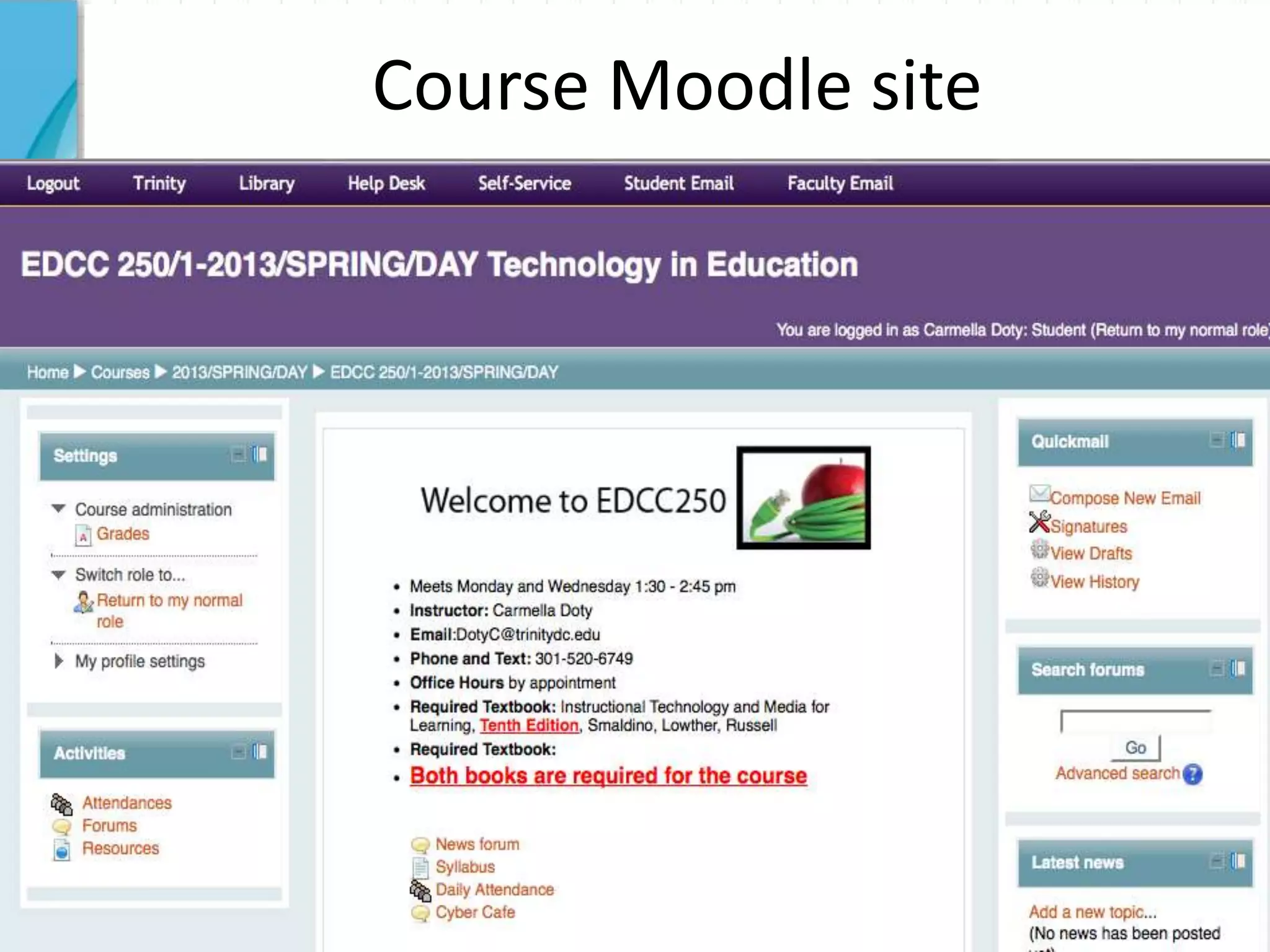
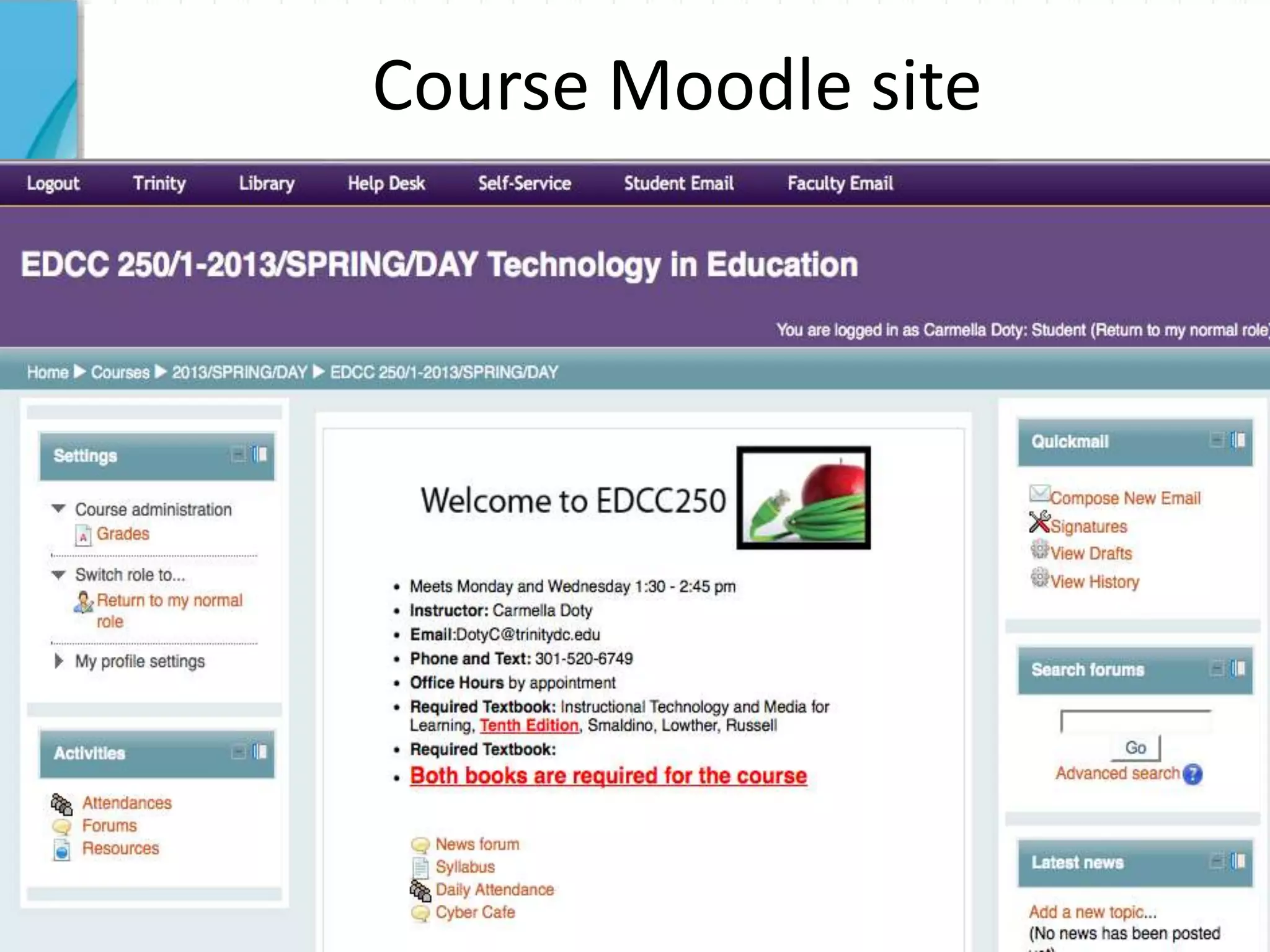
Course Moodle site
Today’s Overview
         • Class
     1     dates/textbook/Remind1
           01

     2   • Syllabus

         • Meet your new
     3     colleagues
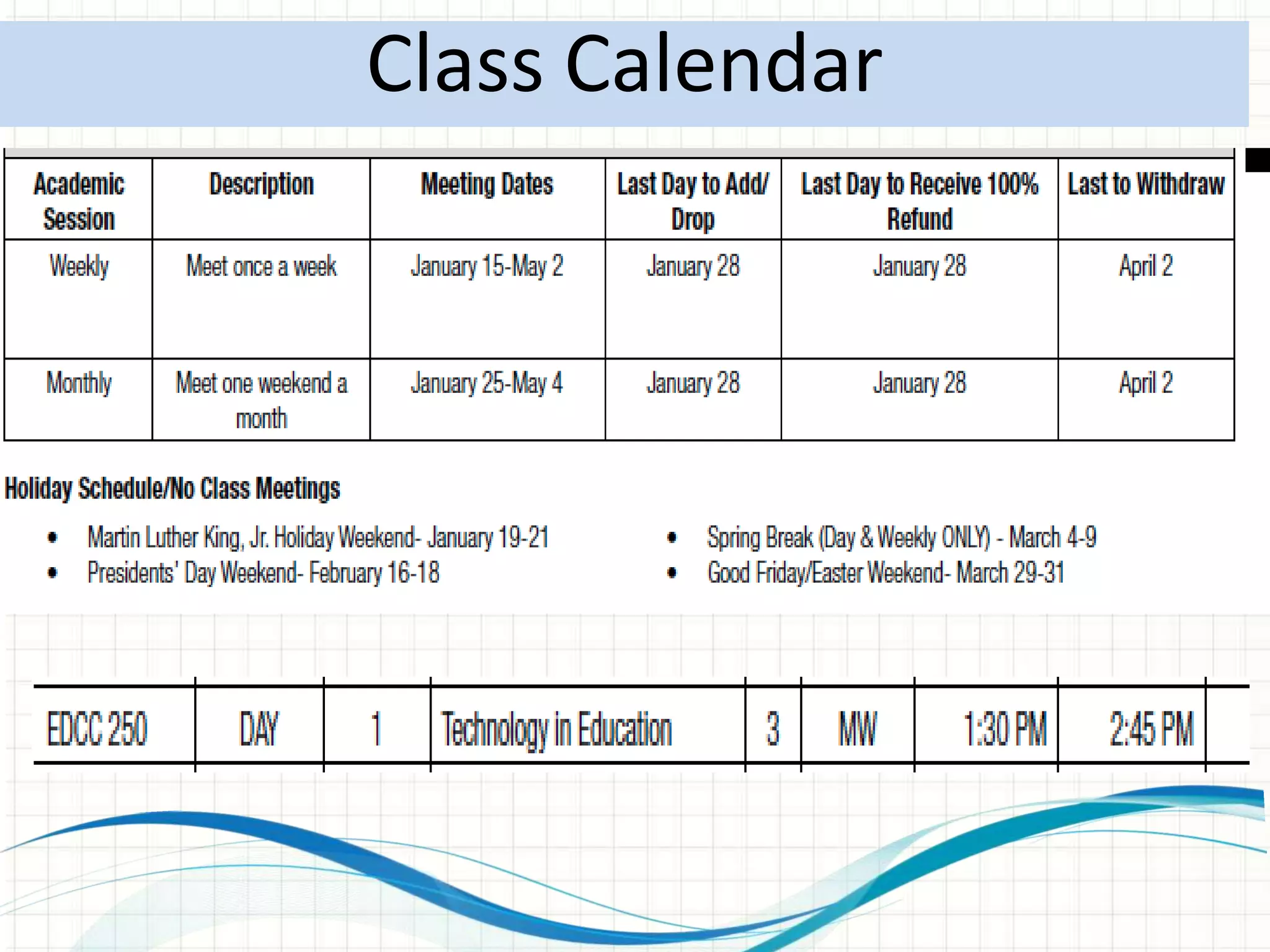
Class Calendar
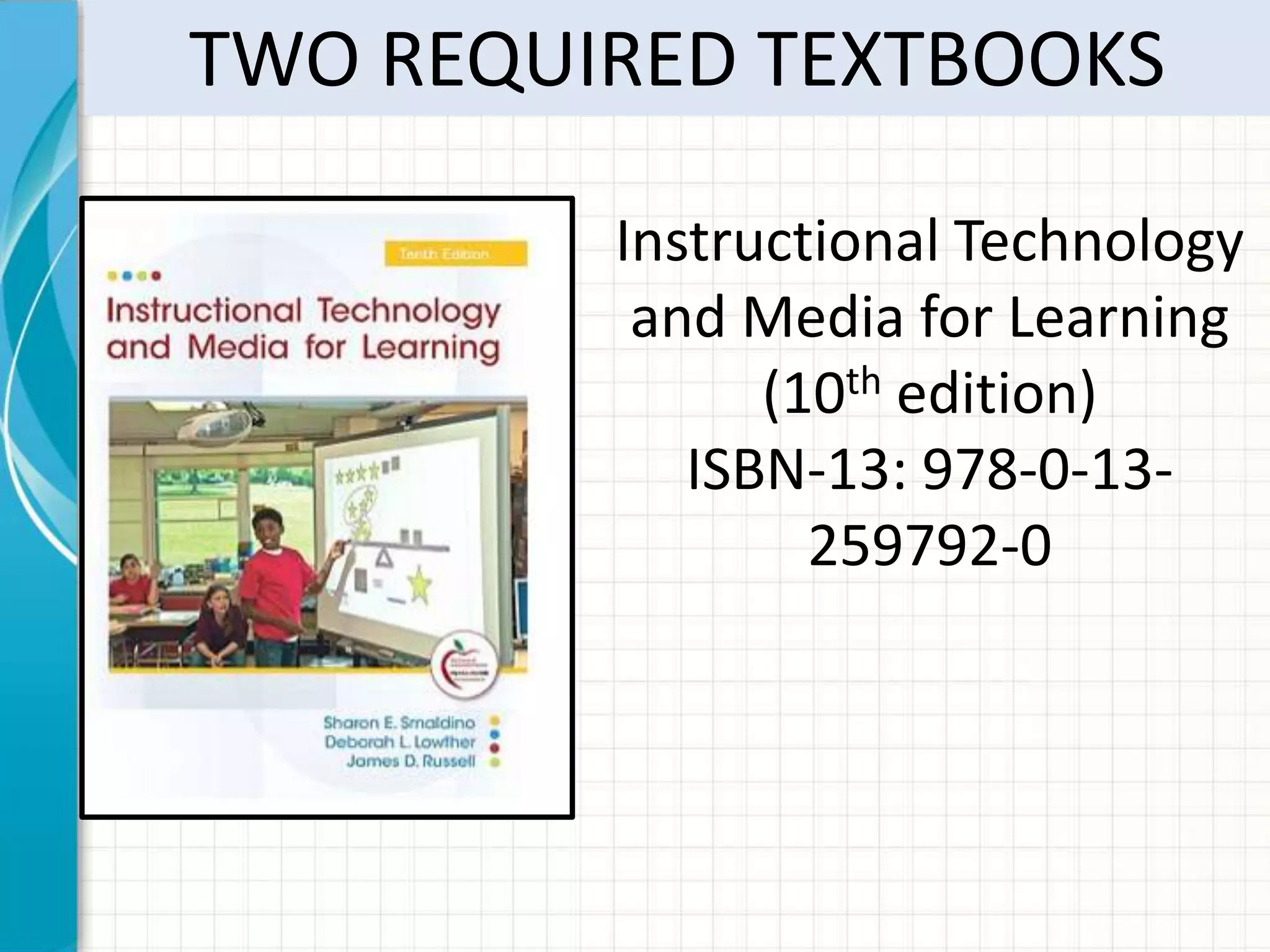
TWO REQUIRED TEXTBOOKS

         Instructional Technology
          and Media for Learning
               (10th edition)
            ISBN-13: 978-0-13-
                 259792-0
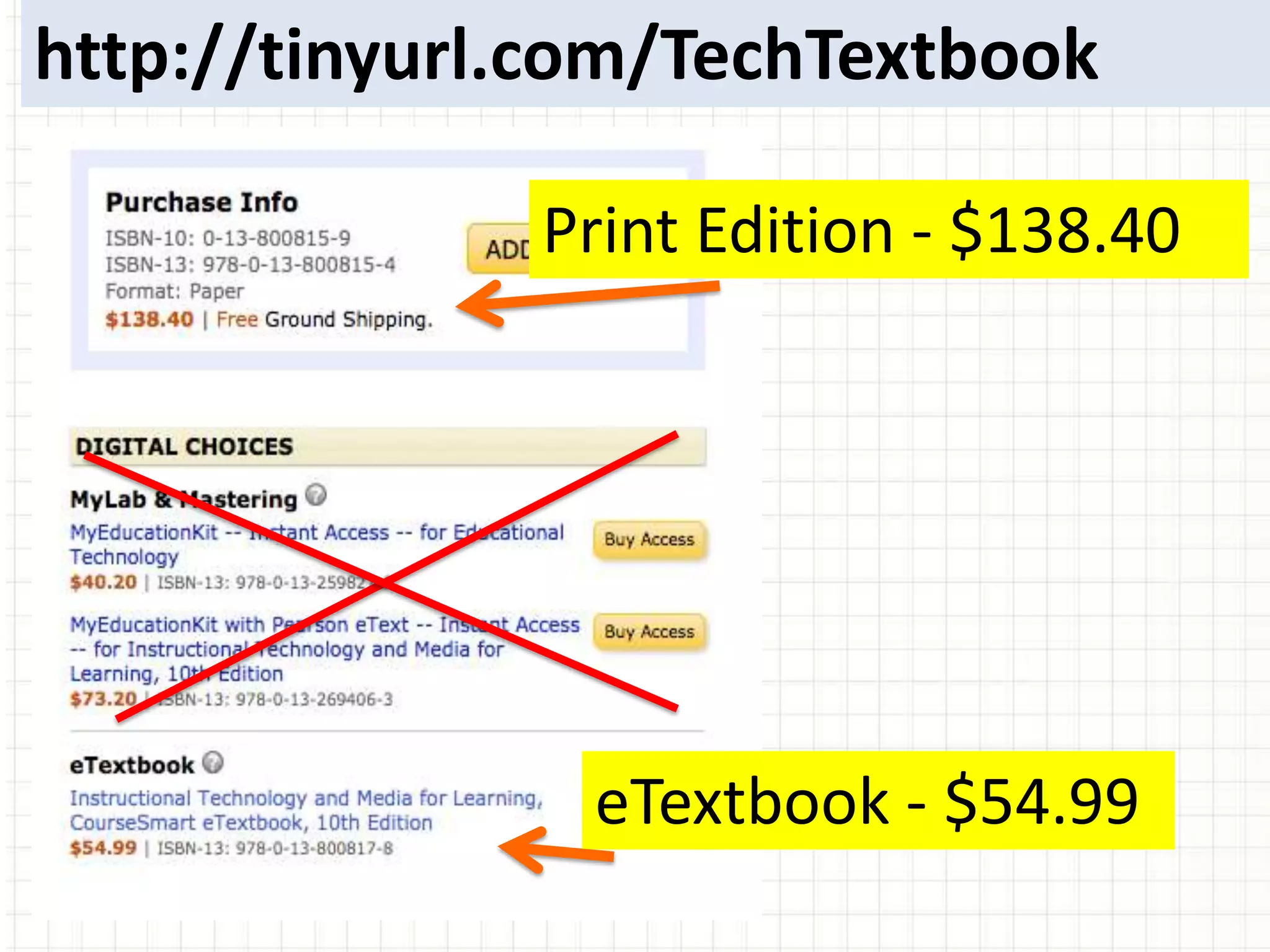
http://tinyurl.com/TechTextbook

              Print Edition - $138.40


                eTextbook - $54.99
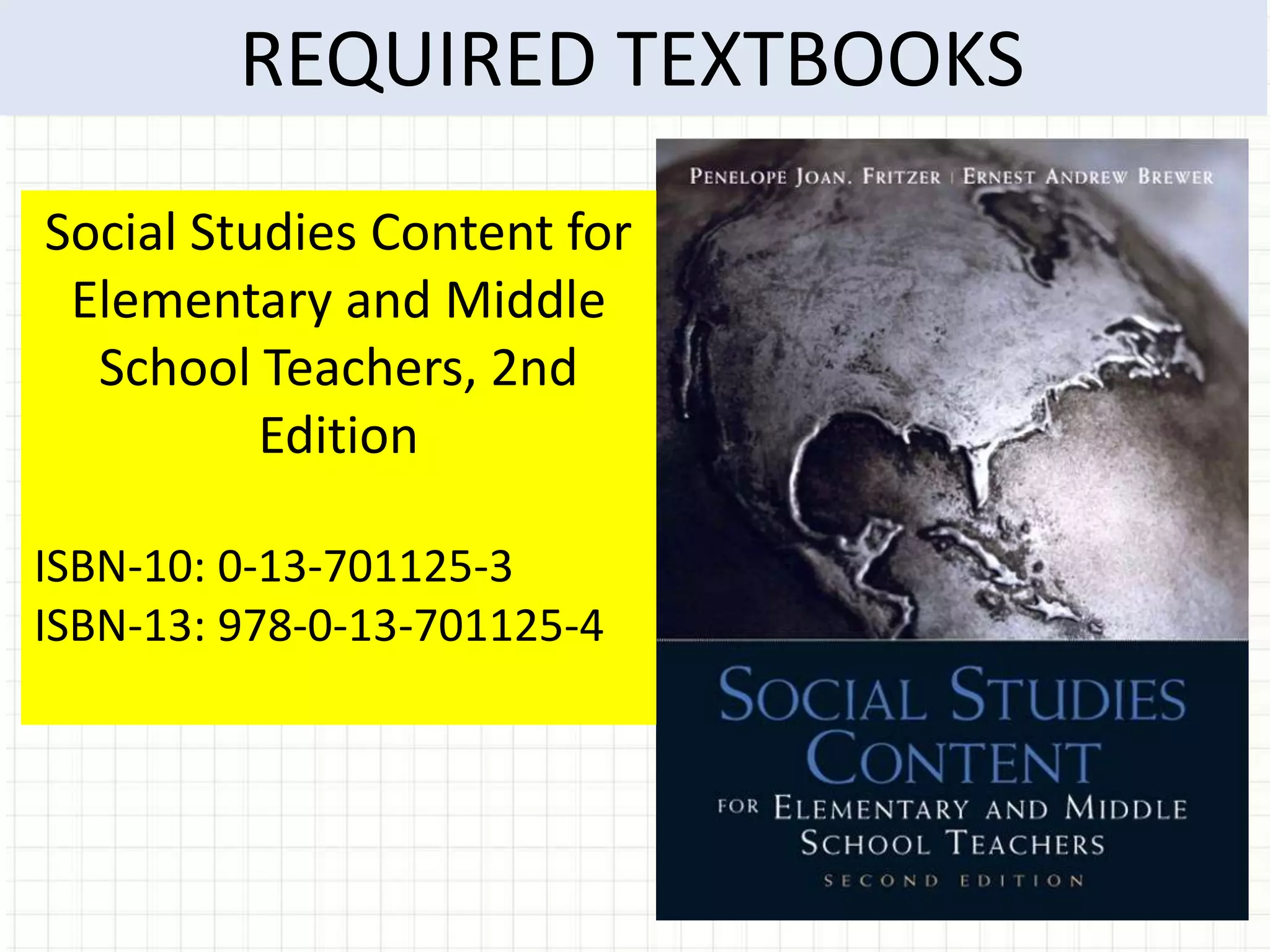
REQUIRED TEXTBOOKS
Social Studies Content for
 Elementary and Middle
  School Teachers, 2nd
          Edition

ISBN-10: 0-13-701125-3
ISBN-13: 978-0-13-701125-4
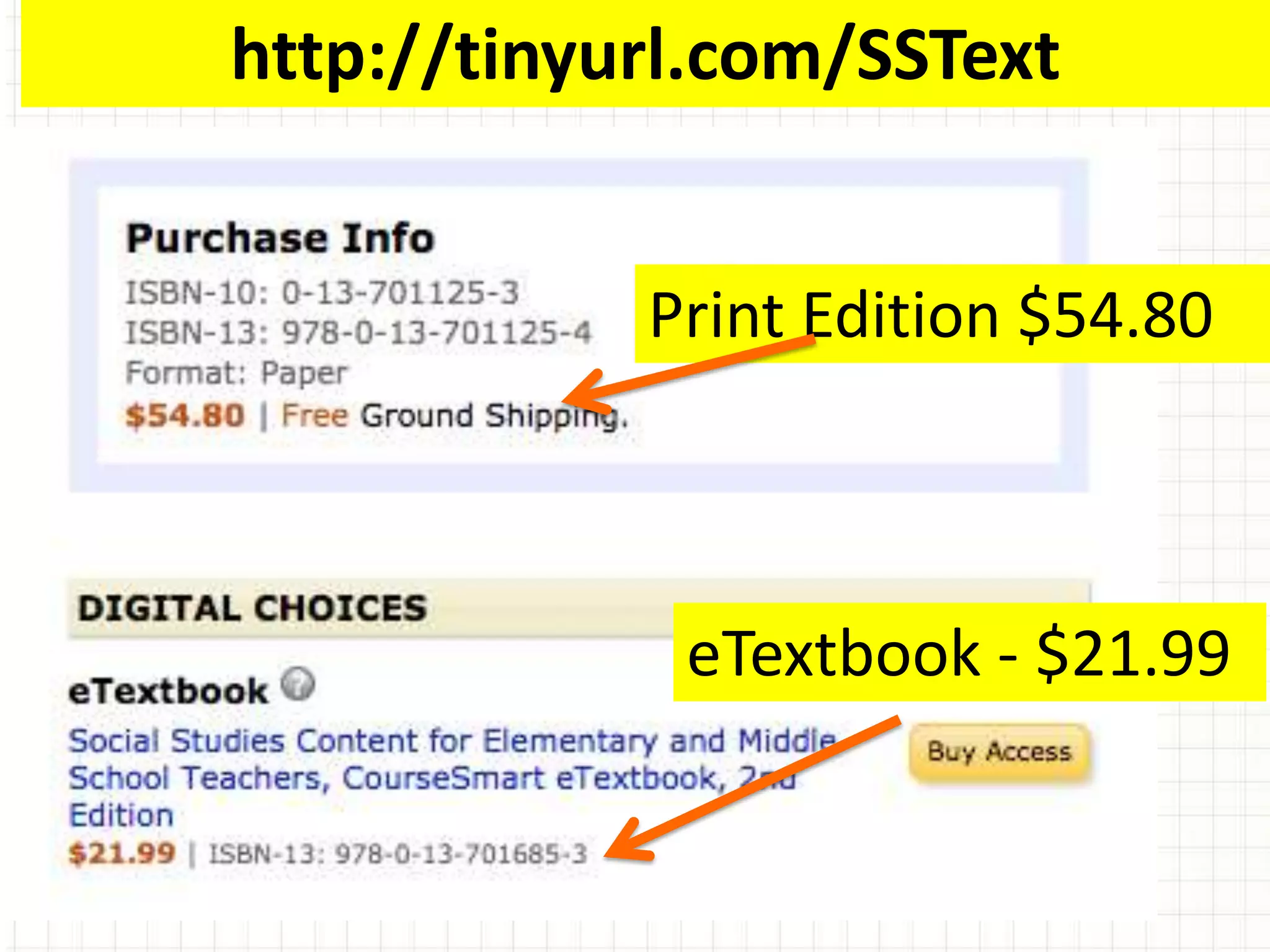
http://tinyurl.com/SSText


            Print Edition $54.80


             eTextbook - $21.99
SIGN UP FOR REMIND101


                  EMAIL:
469-203-4659      EDCC250@MAIL.
               OR
@EDCC250          REMIND101.COM
Course Moodle site
Course Syllabus
Review of Syllabus
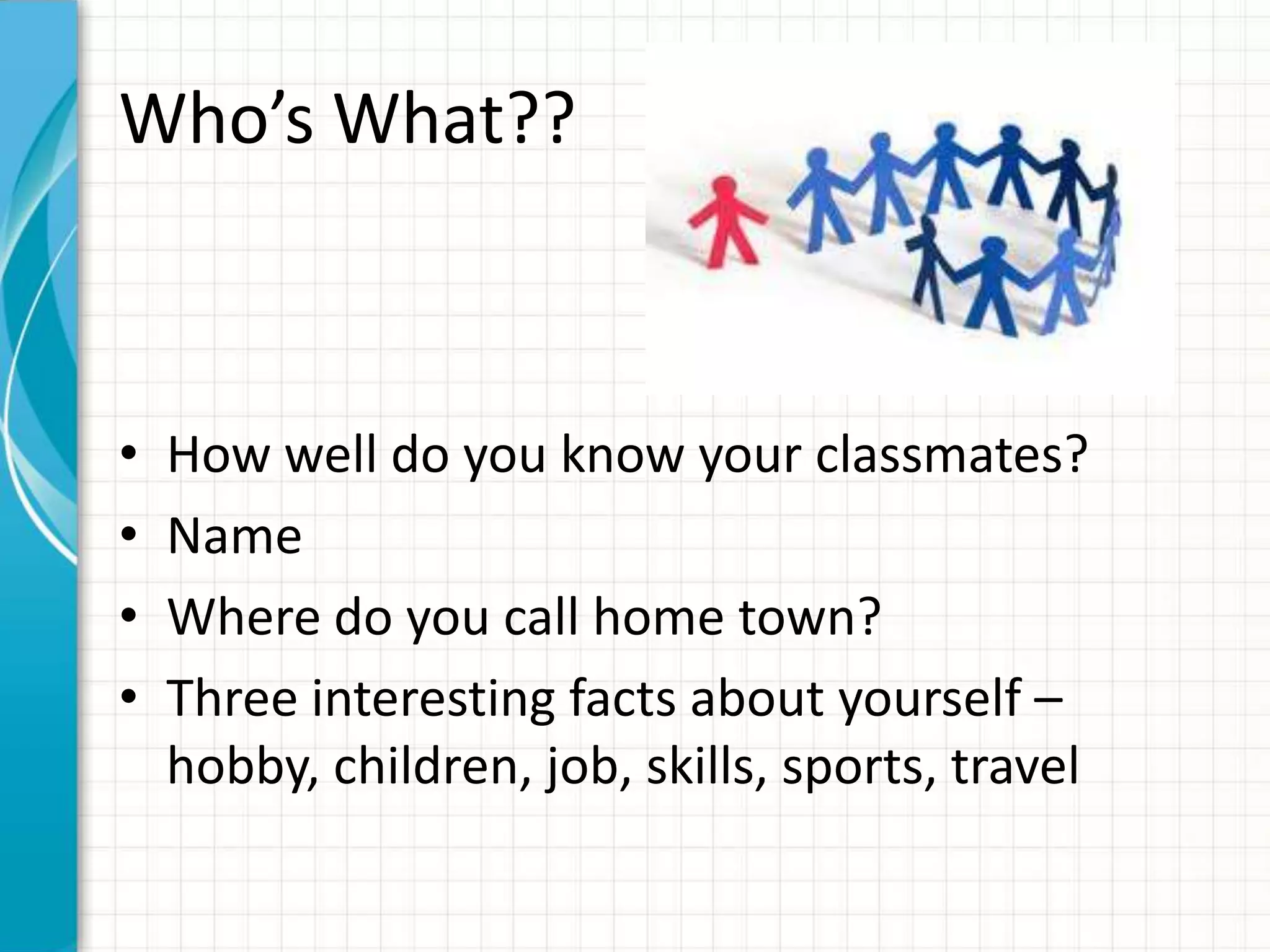
Who’s What??


•   How well do you know your classmates?
•   Name
•   Where do you call home town?
•   Three interesting facts about yourself –
    hobby, children, job, skills, sports, travel
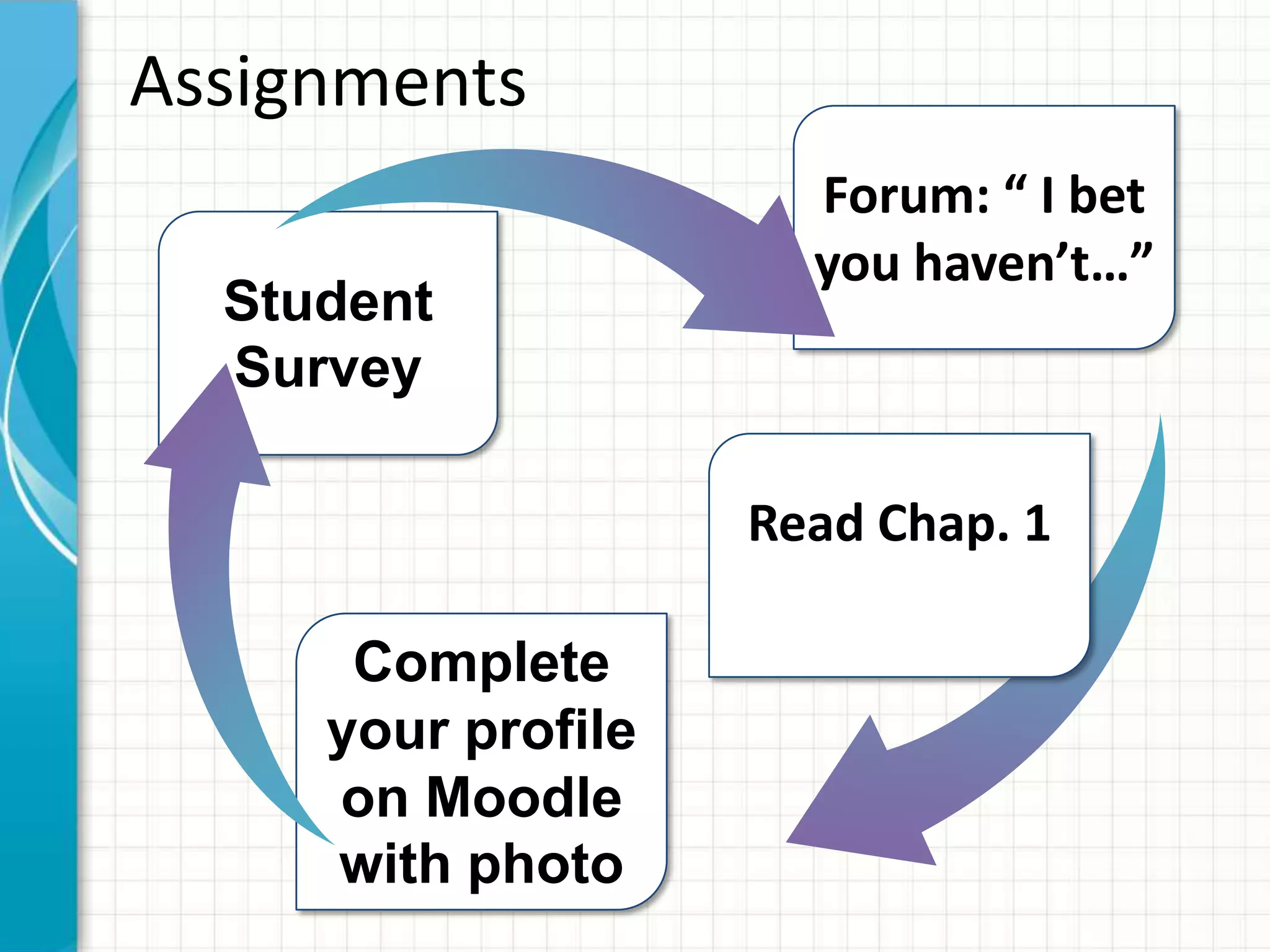
Assignments
                      Forum: “ I bet
                      you haven’t…”
  Student
  Survey

                    Read Chap. 1

      Complete
     your profile
     on Moodle
     with photo

Eddcc250 jan16,2013

Editor's Notes

  • #2 This template can be used as a starter file for presenting training materials in a group setting.SectionsSections can help to organize your slides or facilitate collaboration between multiple authors. On the Home tab under Slides, click Section, and then click Add Section.NotesUse the Notes pane for delivery notes or to provide additional details for the audience. You can see these notes in Presenter View during your presentation. Keep in mind the font size (important for accessibility, visibility, videotaping, and online production)Coordinated colors Pay particular attention to the graphs, charts, and text boxes.Consider that attendees will print in black and white or grayscale. Run a test print to make sure your colors work when printed in pure black and white and grayscale.Graphics, tables, and graphsKeep it simple: If possible, use consistent, non-distracting styles and colors.Label all graphs and tables.
  • #4 What will the audience be able to do after this training is complete?Briefly describe each objective and how the audience will benefit from this presentation.
  • #5 This is another option for an overview slide.
  • #7 Give a brief overview of the presentation. Describe the major focus of the presentation and why it is important.Introduce each of the major topics.To provide a road map for the audience, you can repeat this Overview slide throughout the presentation, highlighting the particular topic you will discuss next.
  • #8 This is another option for an overview using transitions to advance through several slides.
  • #10 This is another option for an overview using transitions to advance through several slides.
  • #11 Use a section header for each of the topics, so there is a clear transition to the audience.
  • #12 What will the audience be able to do after this training is complete?Briefly describe each objective and how the audience will benefit from this presentation.
  • #13 Add slides to each topic section as necessary, including slides with tables, graphs, and images. See next section for sampletable, graph, image, and video layouts.
  • #14 Keep it brief. Make your text as brief as possible to maintain a larger font size.