


Eclipse 4.0 Application Platform The unexpected simplicity of Eclipse RCP and Eclipse plugin development26. August for JUG SaxonyLars Vogelhttp://www.vogella.de Twitter: @vogella
Eclipse 4.0 Application Platform -Agenda What is Eclipse 4.0?Whom does try to help?Building blocks of Eclipse 4.0Q&A
What is an Eclipse RCP application?Local running application using the native widget toolkitBased on the Eclipse runtime and technology
Your first RCP app in < 10 secs
Eclipse e4 ScopeMake developmentfor Eclipseeasier
Eclipse e4Eclipse e4 is the incubator project which did produce the Eclipse 4.0 SDK
How does Eclipse e4  help me?
from Eclipse DeveloperEclipse E4to Eclipse Developer
So, what’s wrong with plugin and RCP development  in Eclipse 3.X?
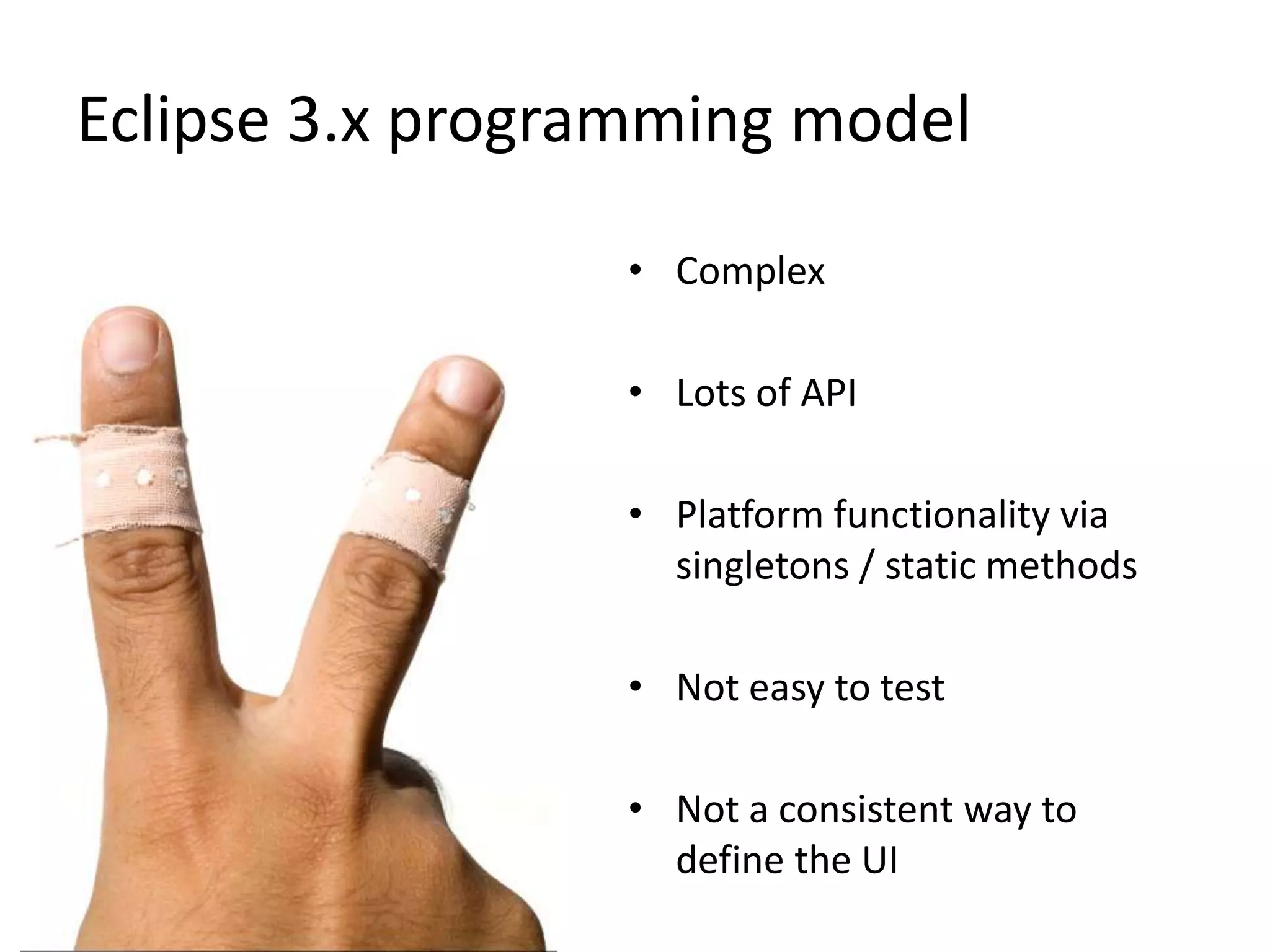
Eclipse 3.x programming modelComplexLots of APIPlatform functionality via singletons / static methodsNot easy to testNot a consistent way to define the UI
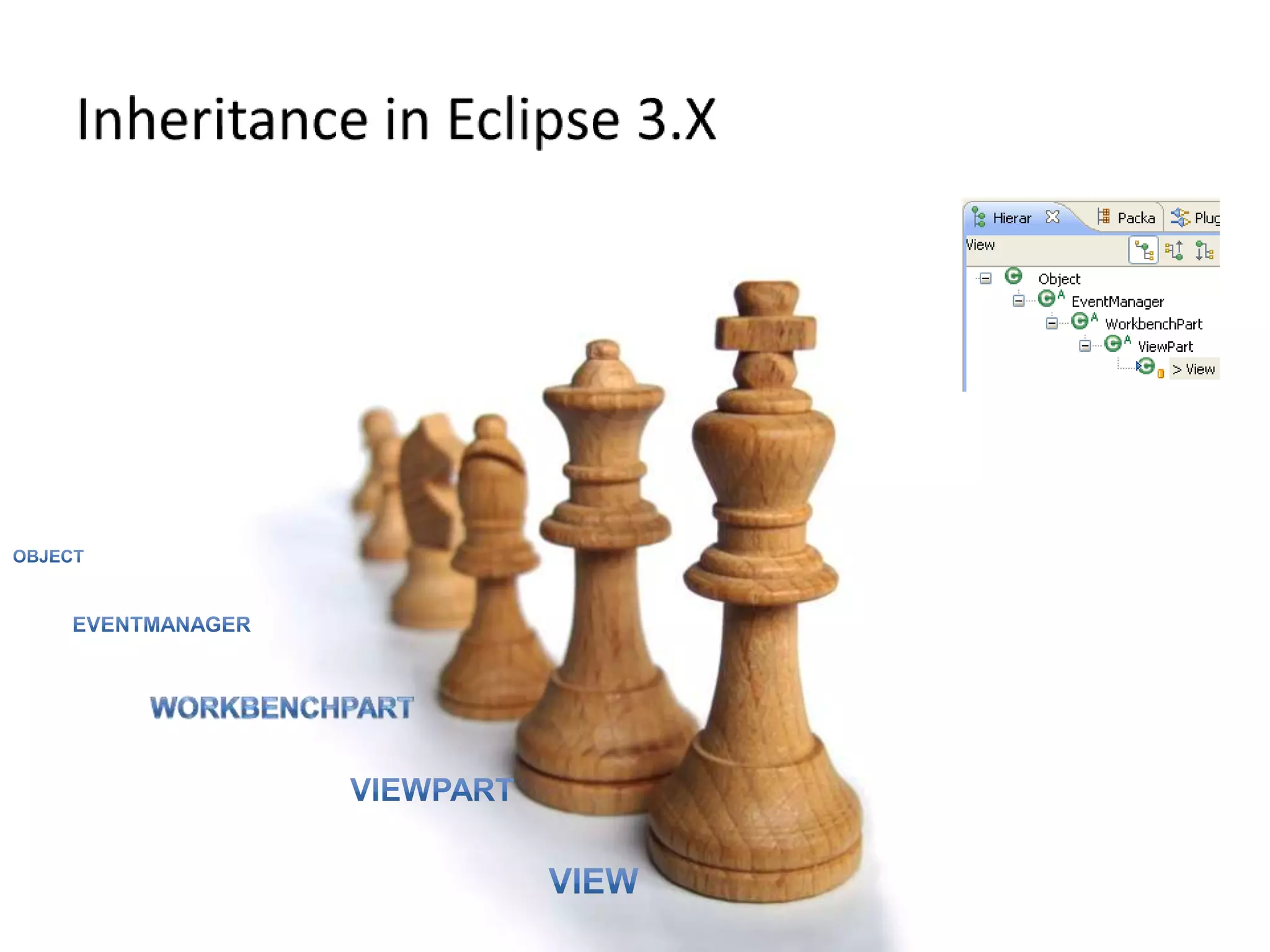
Inheritance in Eclipse 3.XObjectEventManagerWorkbenchPartViewPartView
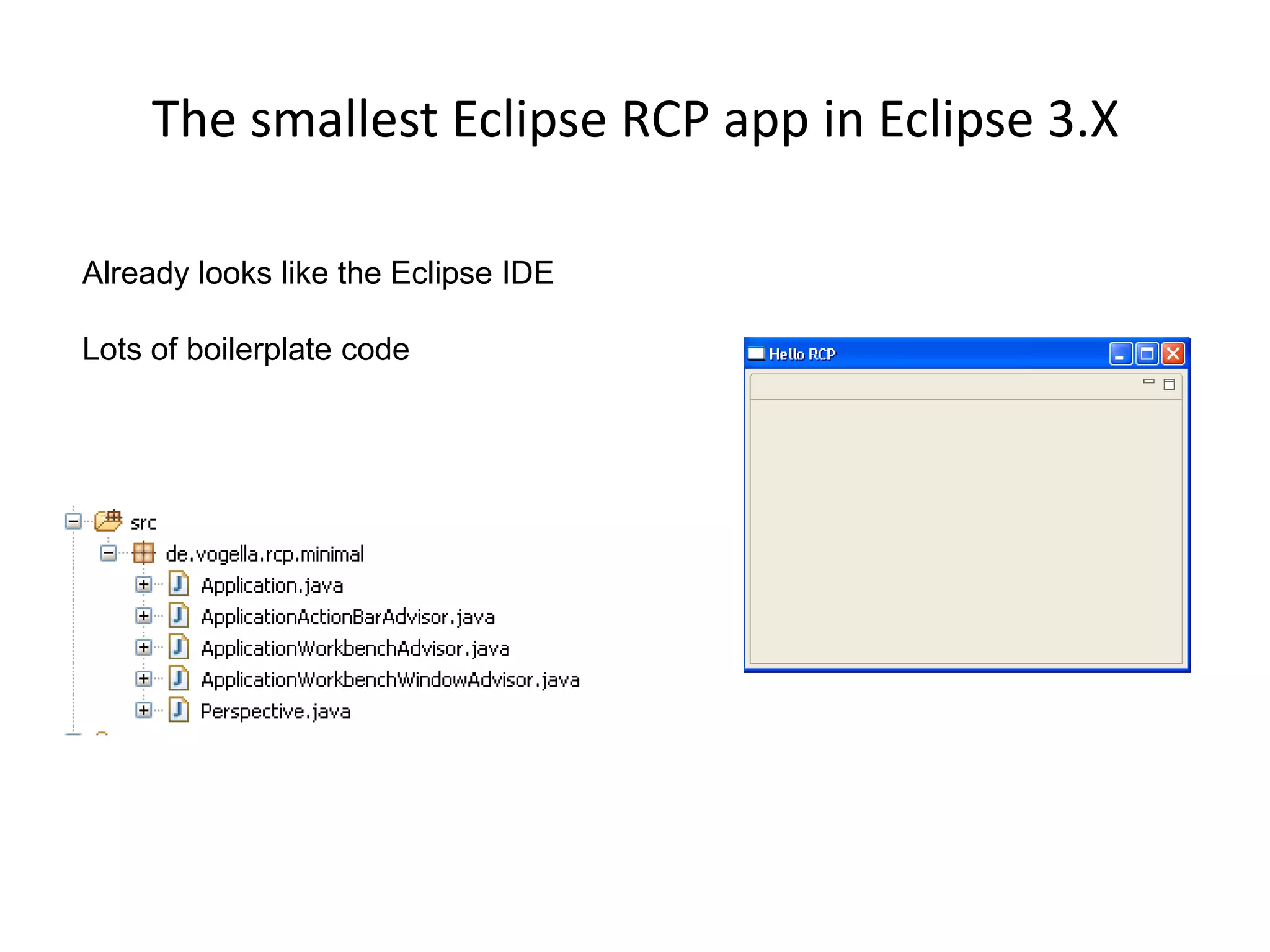
The smallest Eclipse RCP app in Eclipse 3.XAlready looks like the Eclipse IDELots of boilerplate code
If only Eclipse development would be easier, more visual appealing and easier to test.13
The first amazing change Eclipse e4 uses Java 1.5 language features!AAbout time I would say….
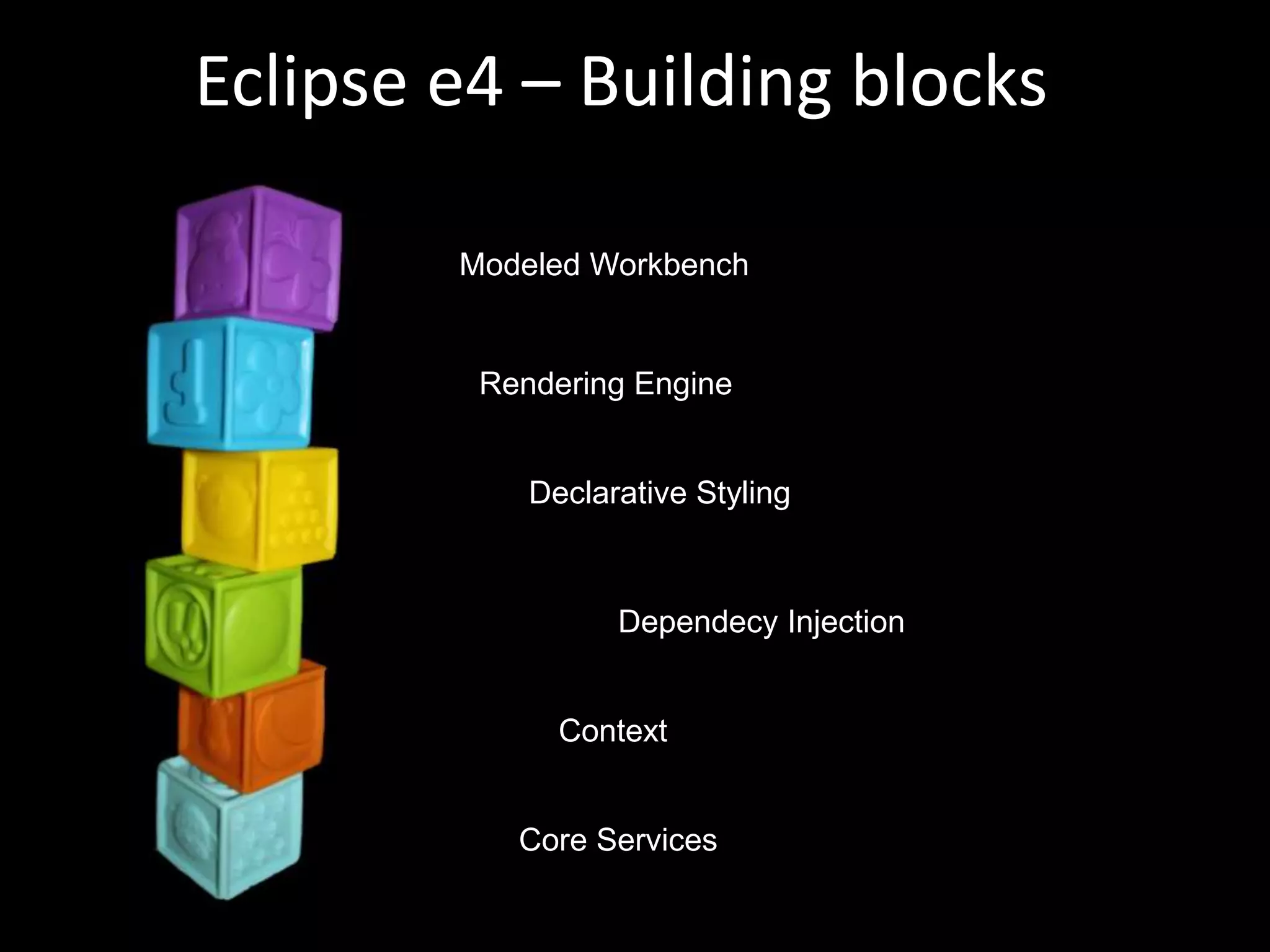
Eclipse e4 – Building blocksModeled WorkbenchRendering EngineDeclarative StylingDependecy InjectionContextCore Services
The Modeled Workbench
The e4 Workbench Modele4 Workbench ModelEMF inside
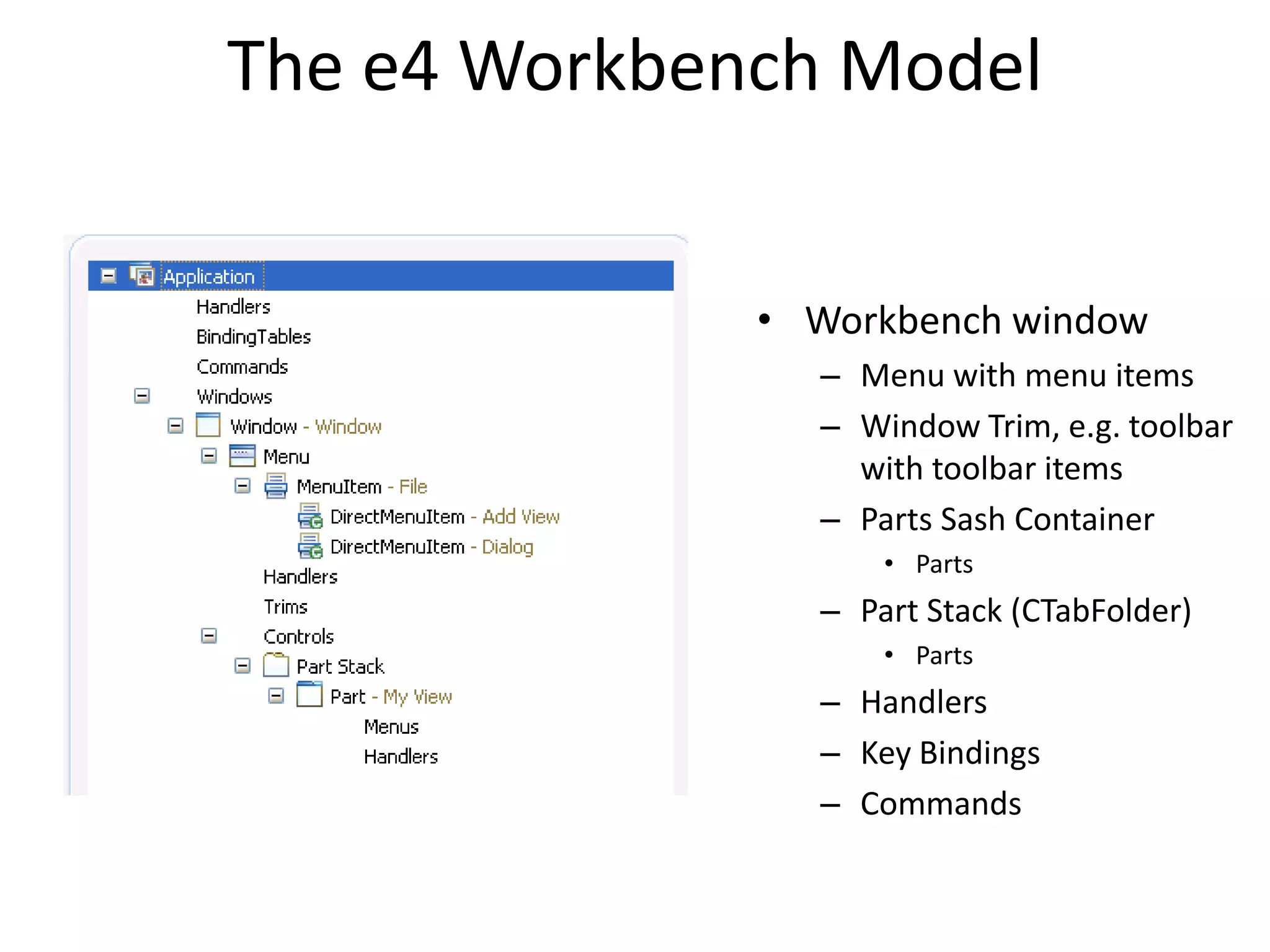
The e4 Workbench ModelWorkbench window Menu with menu items Window Trim, e.g. toolbar with toolbar items Parts Sash ContainerPartsPart Stack (CTabFolder)PartsHandlersKey BindingsCommands
Model is FlexibleNo distinction between View and EditorPerspectives are optionalStack / Sash are optionalSeveral windows possibleFlexible Toolbars
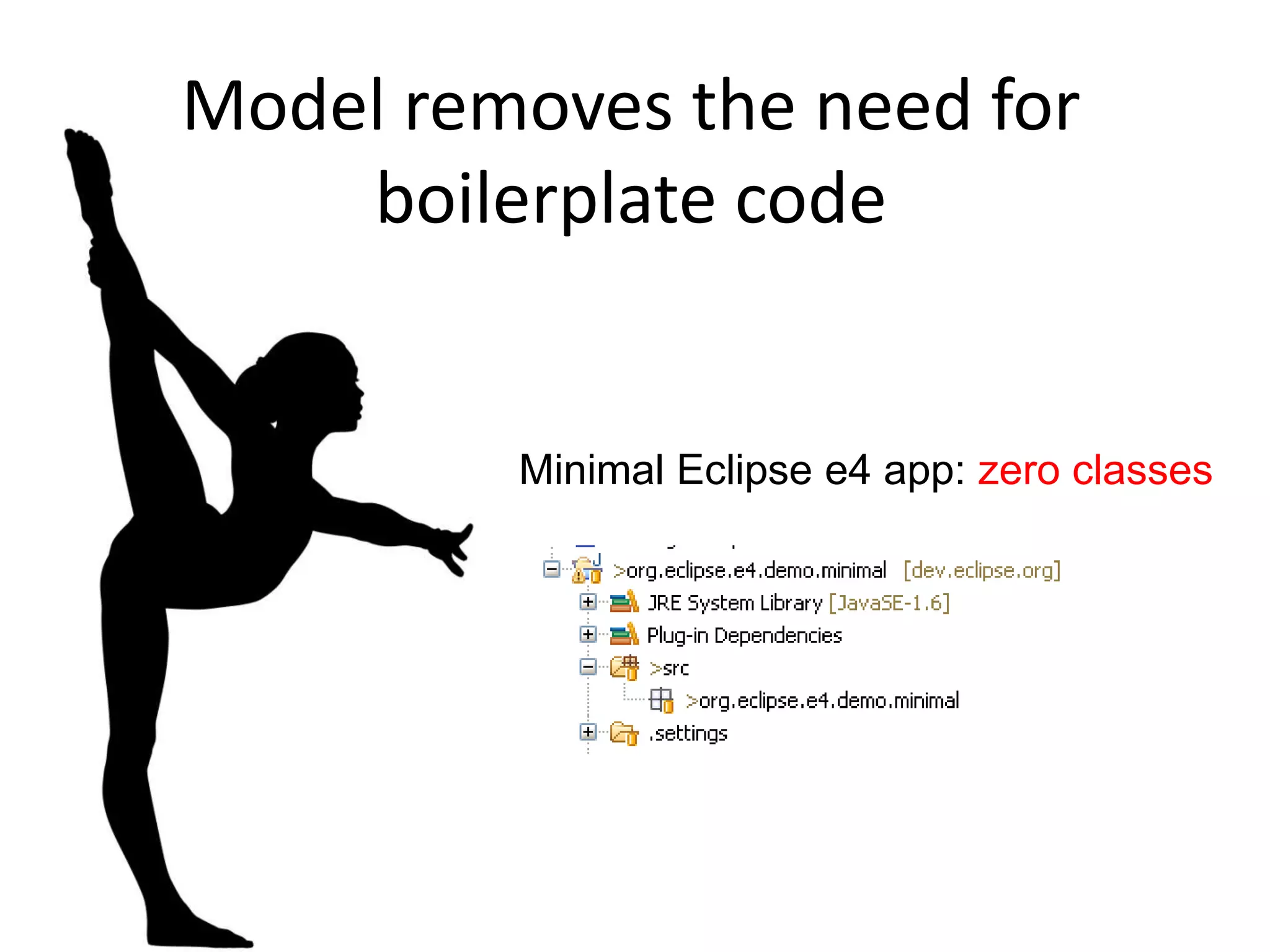
Model removes the need for boilerplate codeMinimal Eclipse e4 app: zero classes
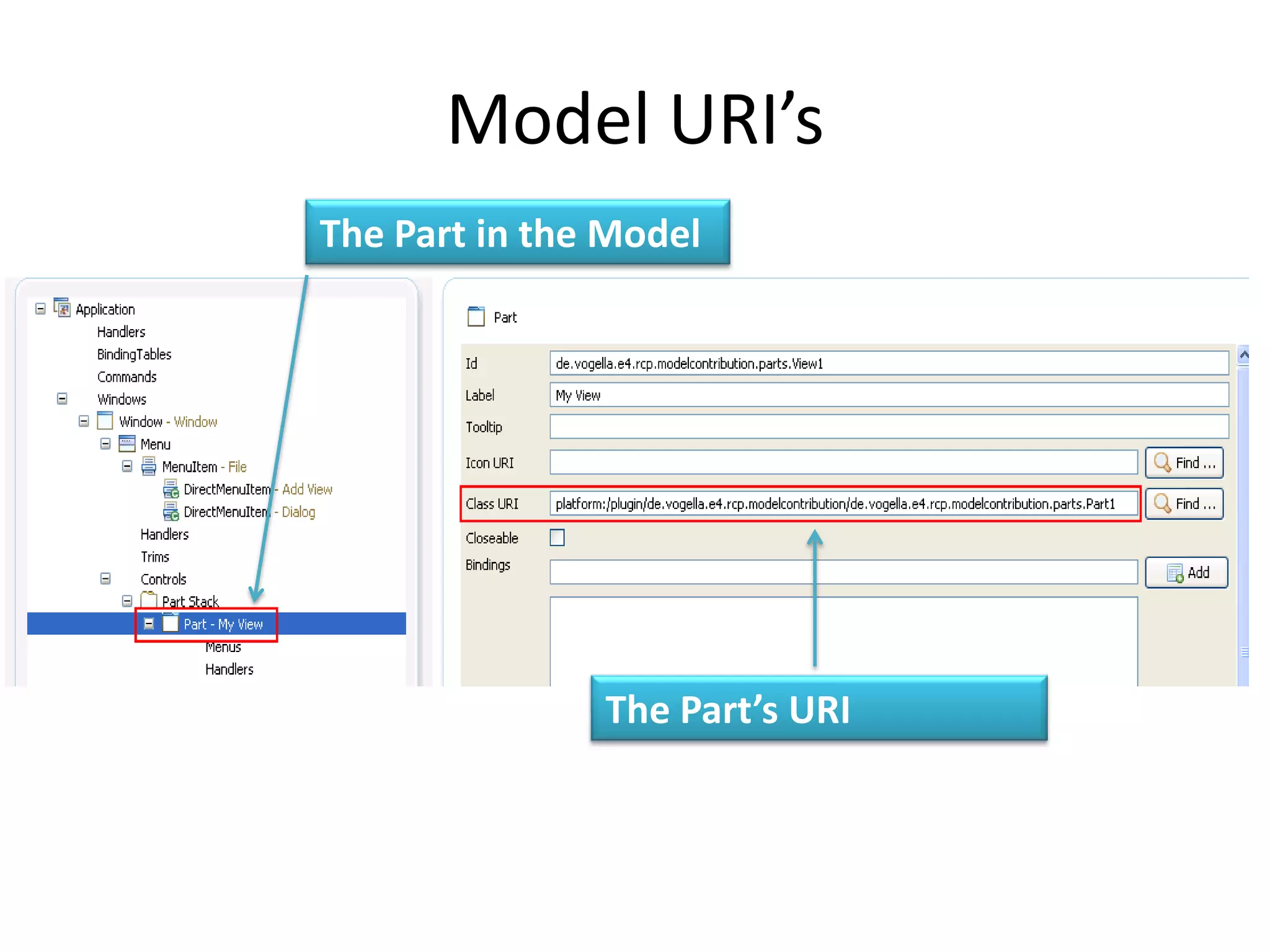
Model URI’sThe Part in the ModelThe Part’s URI
Lessions learned from Java Web deelopmentThe POJO* has won!* Plain Old Java Objects
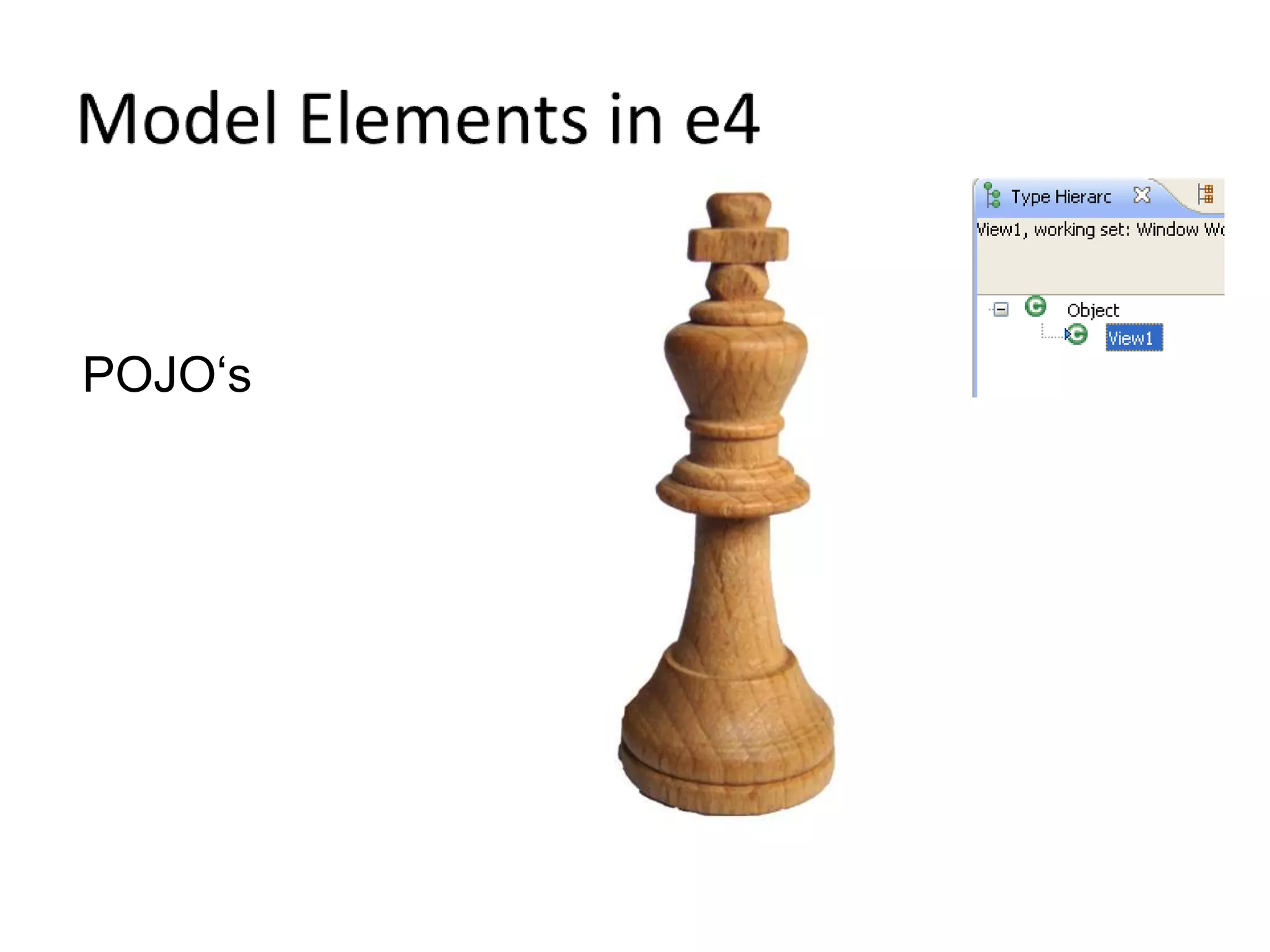
Model Elements in e4POJO‘s
Usage of annotationsAnnotations are usedTo indicate which methods are called
Model available at runtime
Change the model at runtime
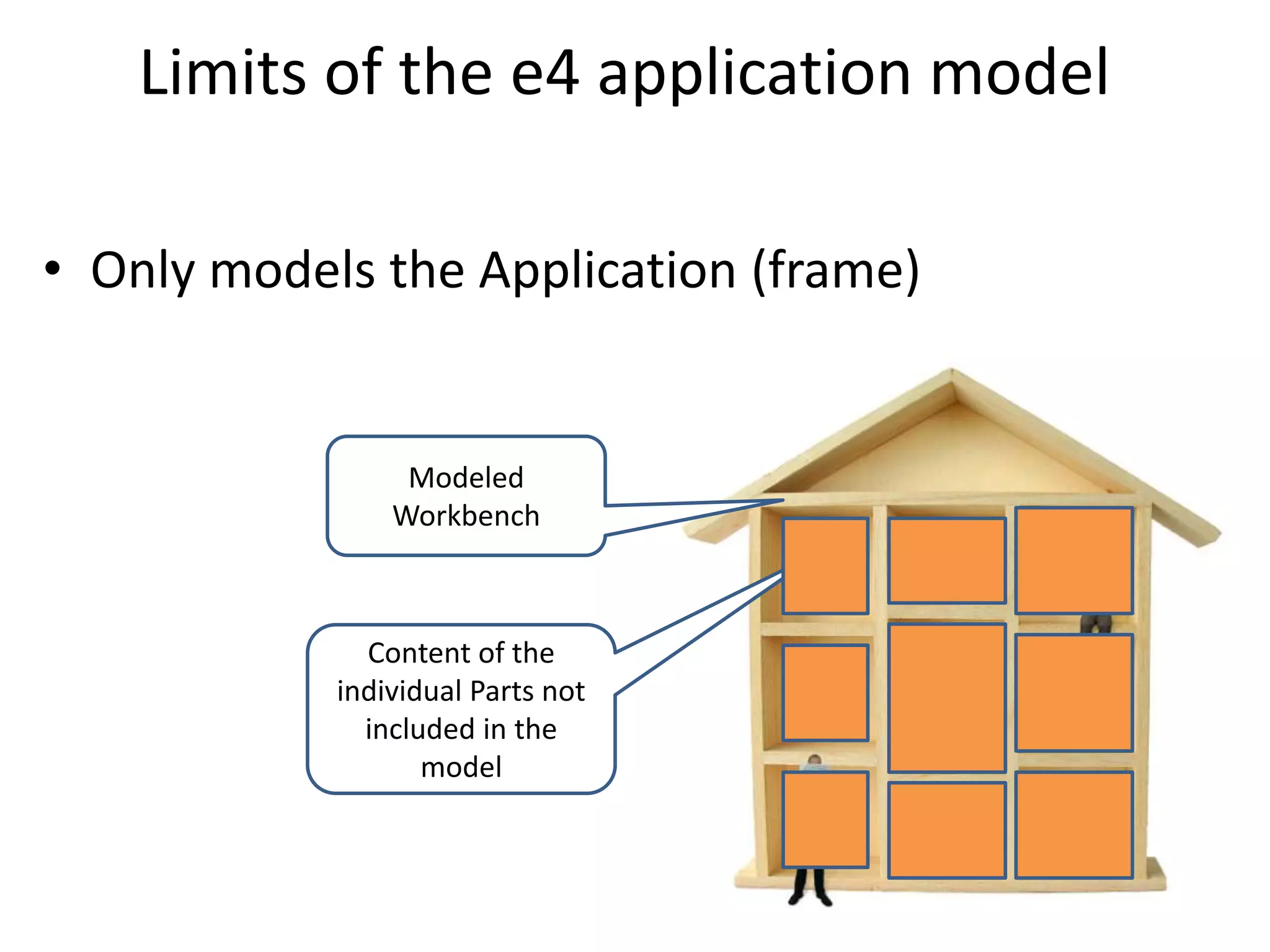
Limits of the e4 application modelOnly models the Application (frame)Modeled WorkbenchContent of the individual Parts not included in the model
How is this model translated into UI components?© Lars Vogel and others, Licensed under Creative Commons by-nc-nd-3.0 (de)
Model and UI RenderersModelI don’t care who draws meThe Workbench model is independent of a specific UI toolkit
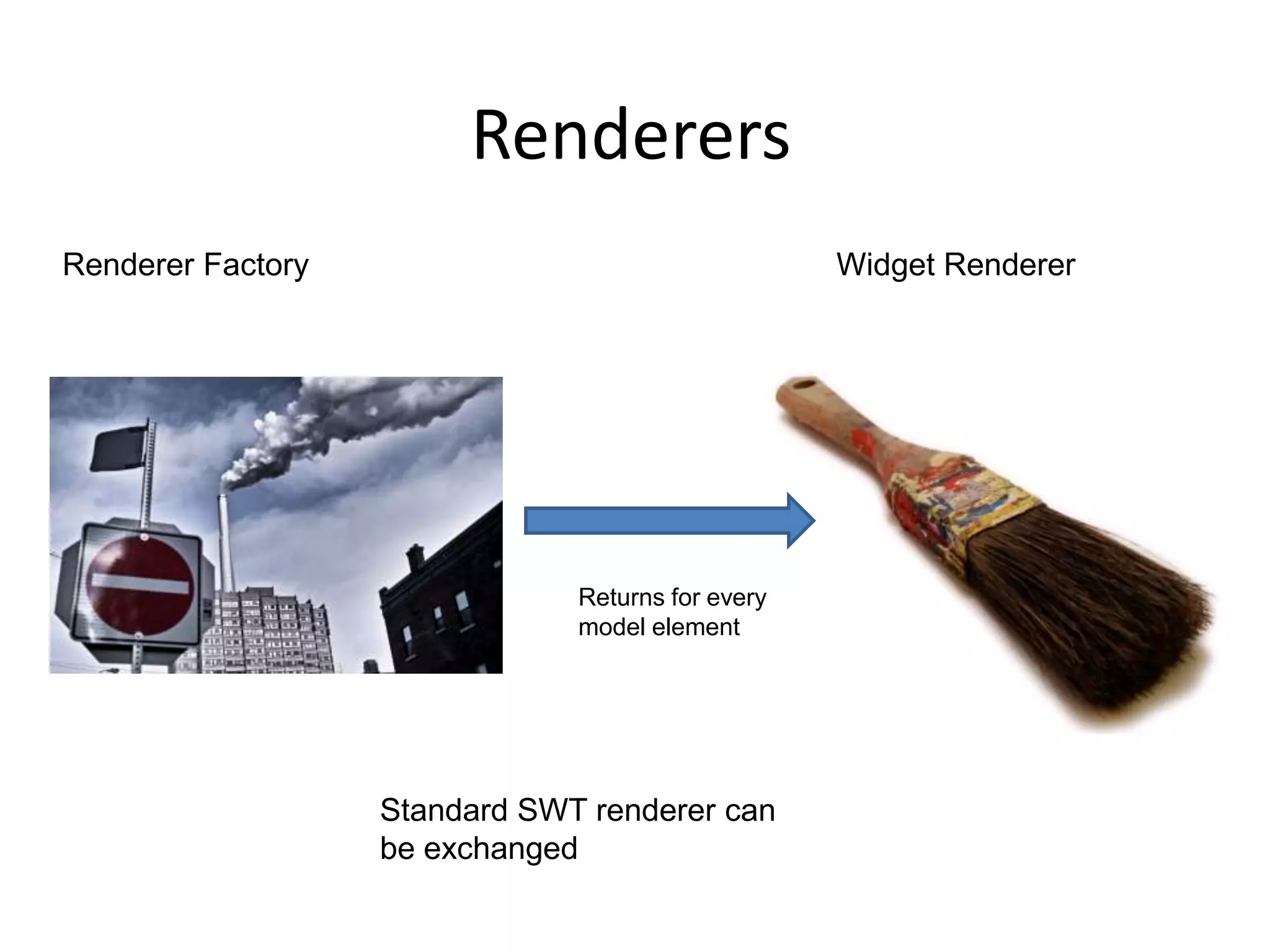
RenderersWidget RendererRenderer FactoryReturns for every model element Standard SWT renderer can be exchanged
Renderer: flexible but complex
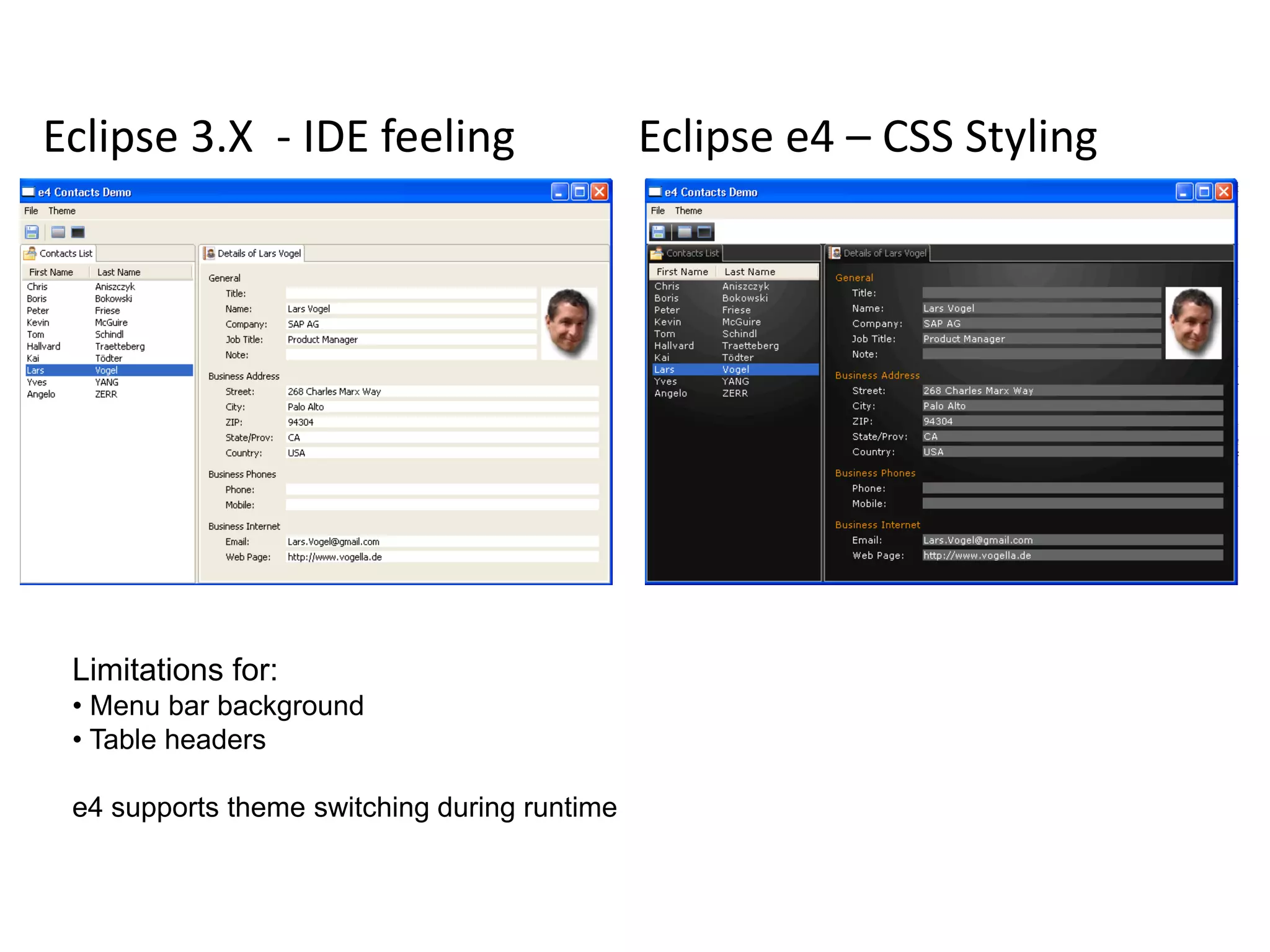
e4 CSS Styling
In reality all RCP apps look like the an IDE
Eclipse3.X  - IDE feelingEclipse e4 – CSS StylingLimitations for: Menu bar background
 Table headers e4 supports theme switching during runtime
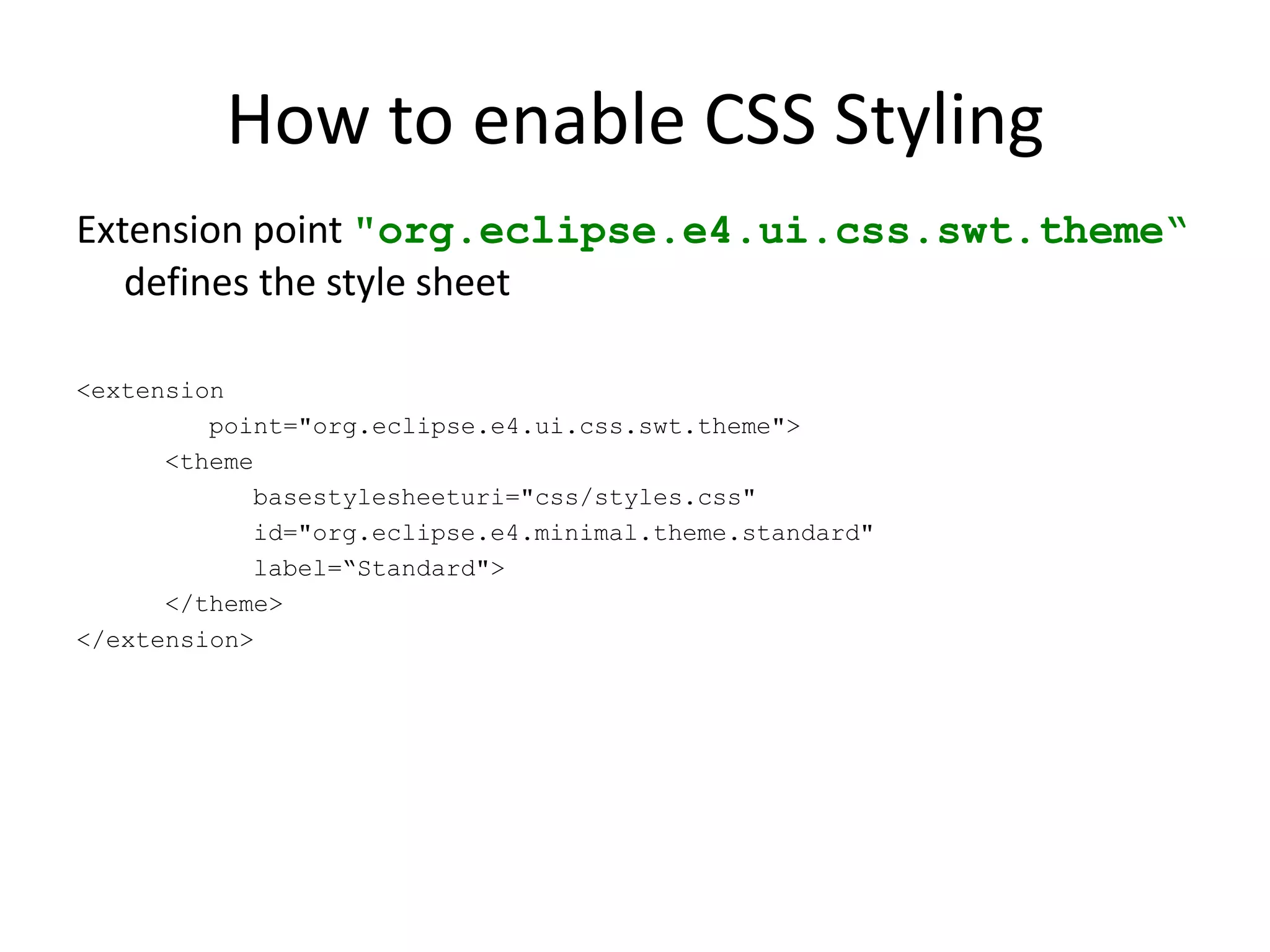
How to enable CSS StylingExtension point "org.eclipse.e4.ui.css.swt.theme“ defines the style sheet<extension         point="org.eclipse.e4.ui.css.swt.theme">      <themebasestylesheeturi="css/styles.css"            id="org.eclipse.e4.minimal.theme.standard"            label=“Standard">      </theme></extension>
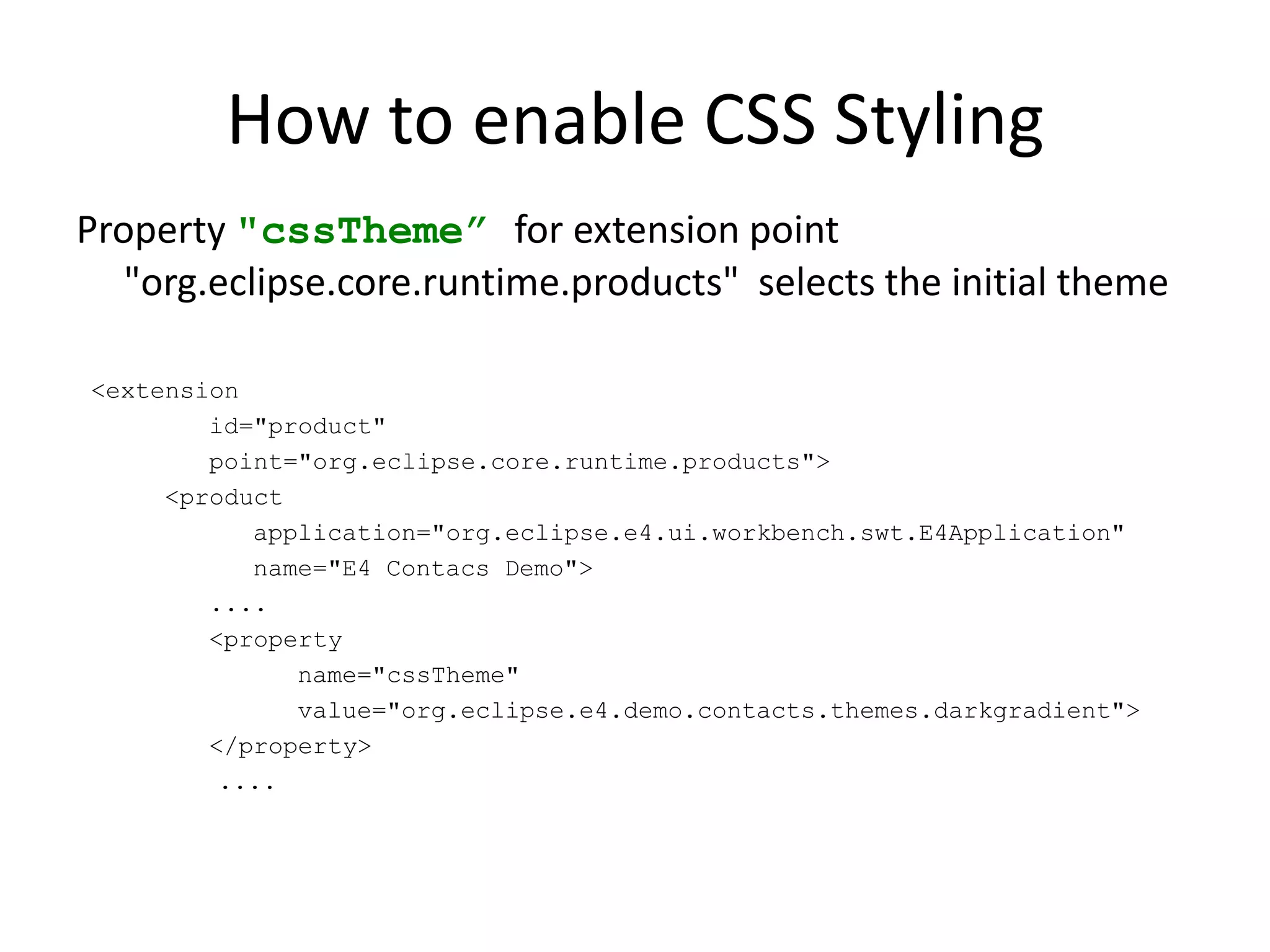
How to enable CSS StylingProperty "cssTheme” for extension point "org.eclipse.core.runtime.products"  selects the initial theme <extension         id="product"         point="org.eclipse.core.runtime.products">      <product            application="org.eclipse.e4.ui.workbench.swt.E4Application"            name="E4 Contacs Demo">         ....         <property               name="cssTheme"               value="org.eclipse.e4.demo.contacts.themes.darkgradient">         </property>		 ....
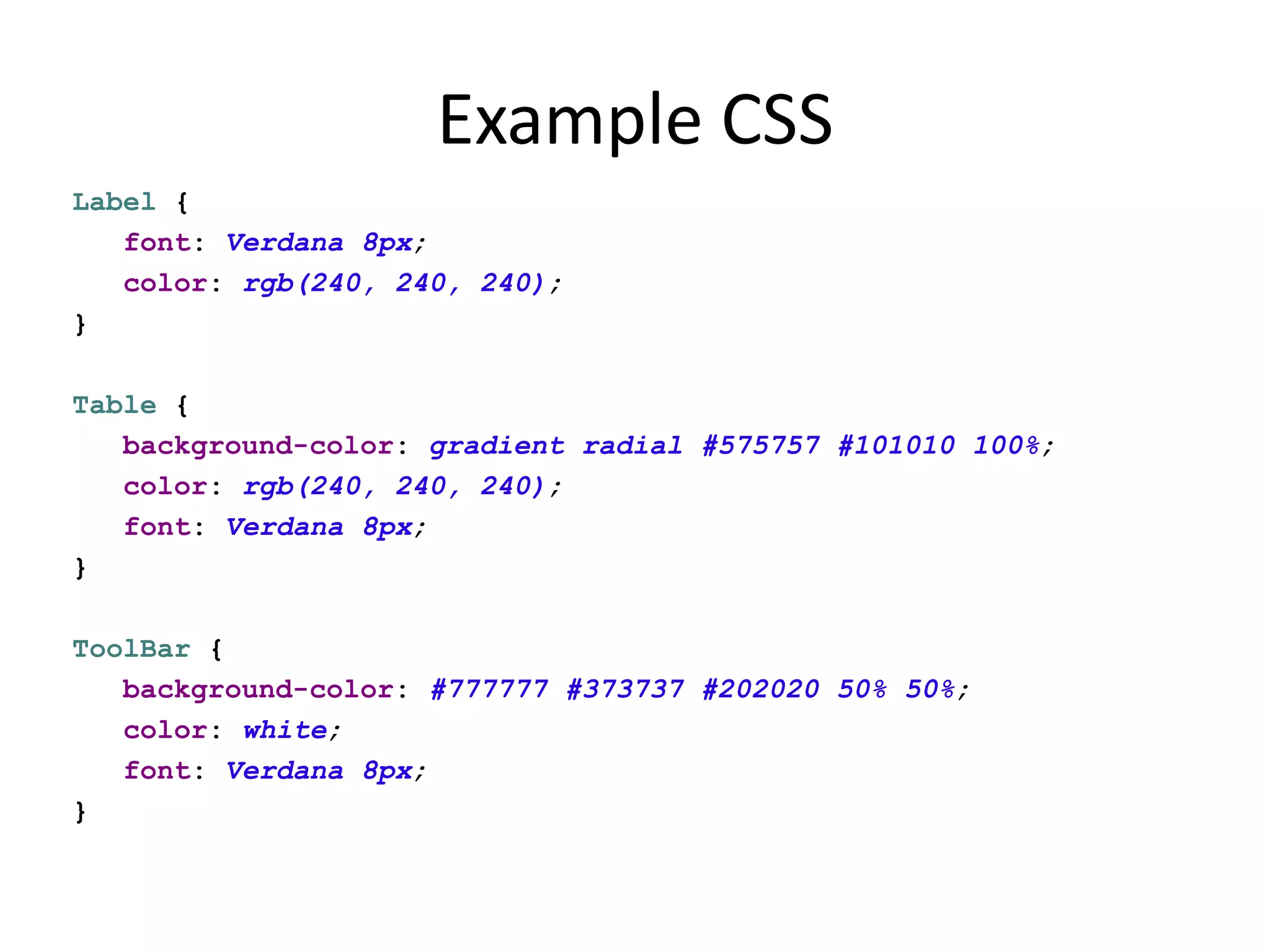
Example CSSLabel {   font: Verdana 8px;   color: rgb(240, 240, 240);}Table {   background-color: gradient radial #575757 #101010 100%;   color: rgb(240, 240, 240);   font: Verdana 8px;}ToolBar {   background-color: #777777 #373737 #202020 50% 50%;   color: white;   font: Verdana 8px;}
JavaLabel label = new Label(parent, SWT.NONE);label.setData("org.eclipse.e4.ui.css.id", "SeparatorLabel");CSS#SeparatorLabel {    color: #f08d00;}Assign custom attributes
The e4 Programming Model
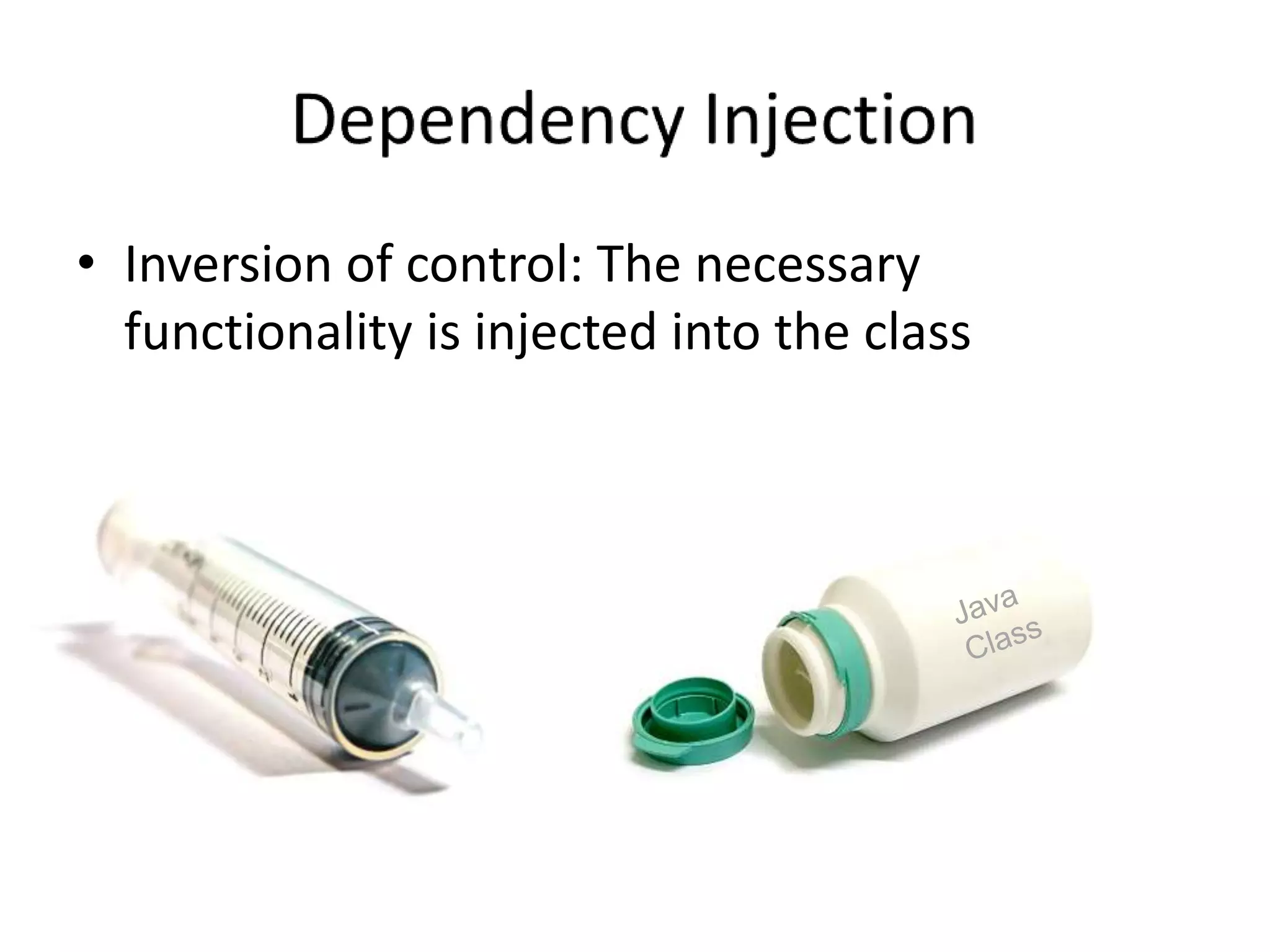
Dependency InjectionInversion of control: The necessary functionality is injected into the classJava Class
Dependency Injection in e4JSR 330 compatible injection implementation@javax.inject.Inject – Field, Constructor and Method injection@javax.inject.Named – Specify a custom qualifier to context object (default is fully qualified classname of the injected type)e4 specific annotations, e.g. @Optional
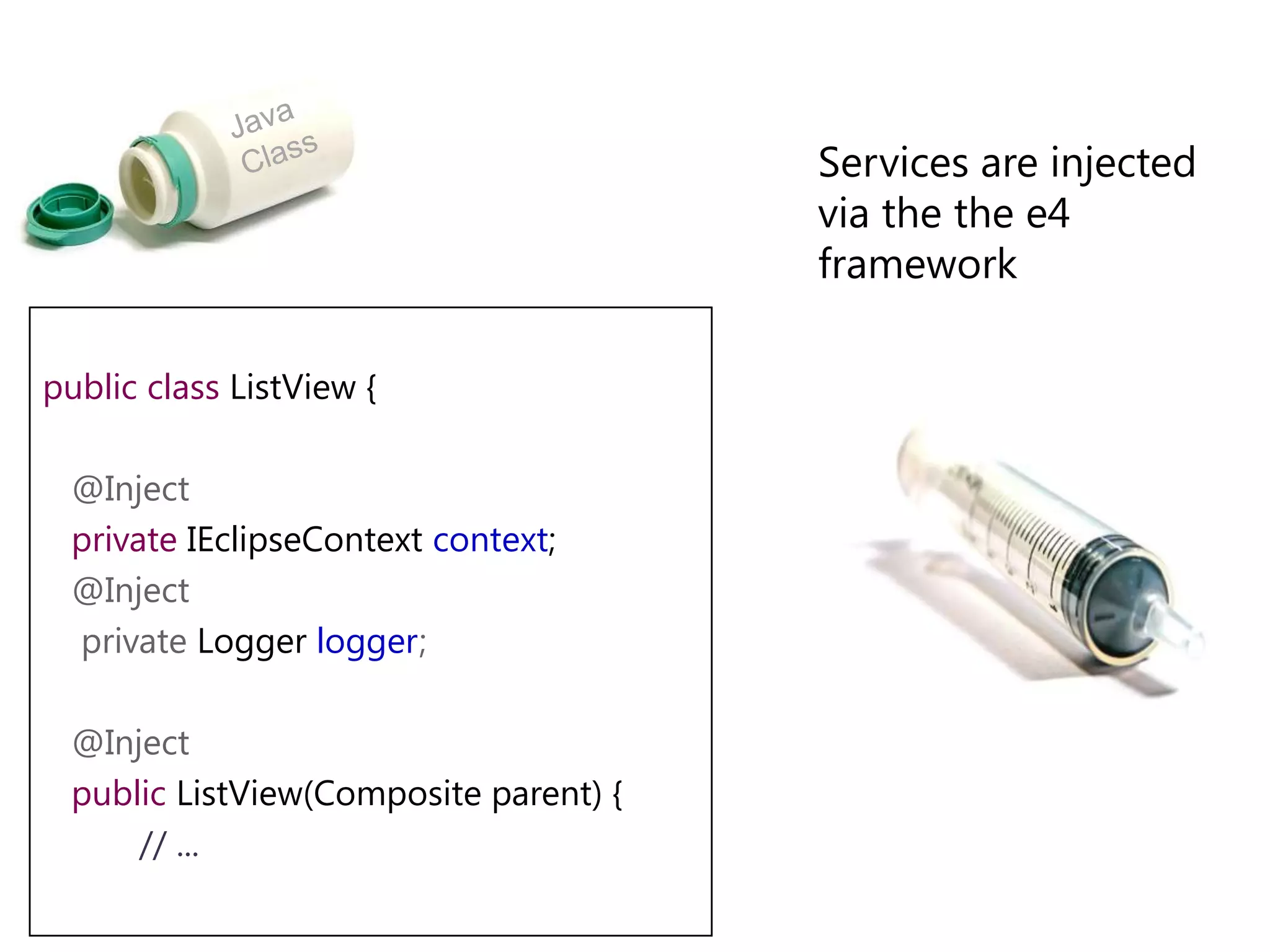
Java Class	Services are injected via the the e4 frameworkpublicclassListView {   @Inject   privateIEclipseContextcontext;@Inject    private Loggerlogger;   @Inject   publicListView(Composite parent) {// ...
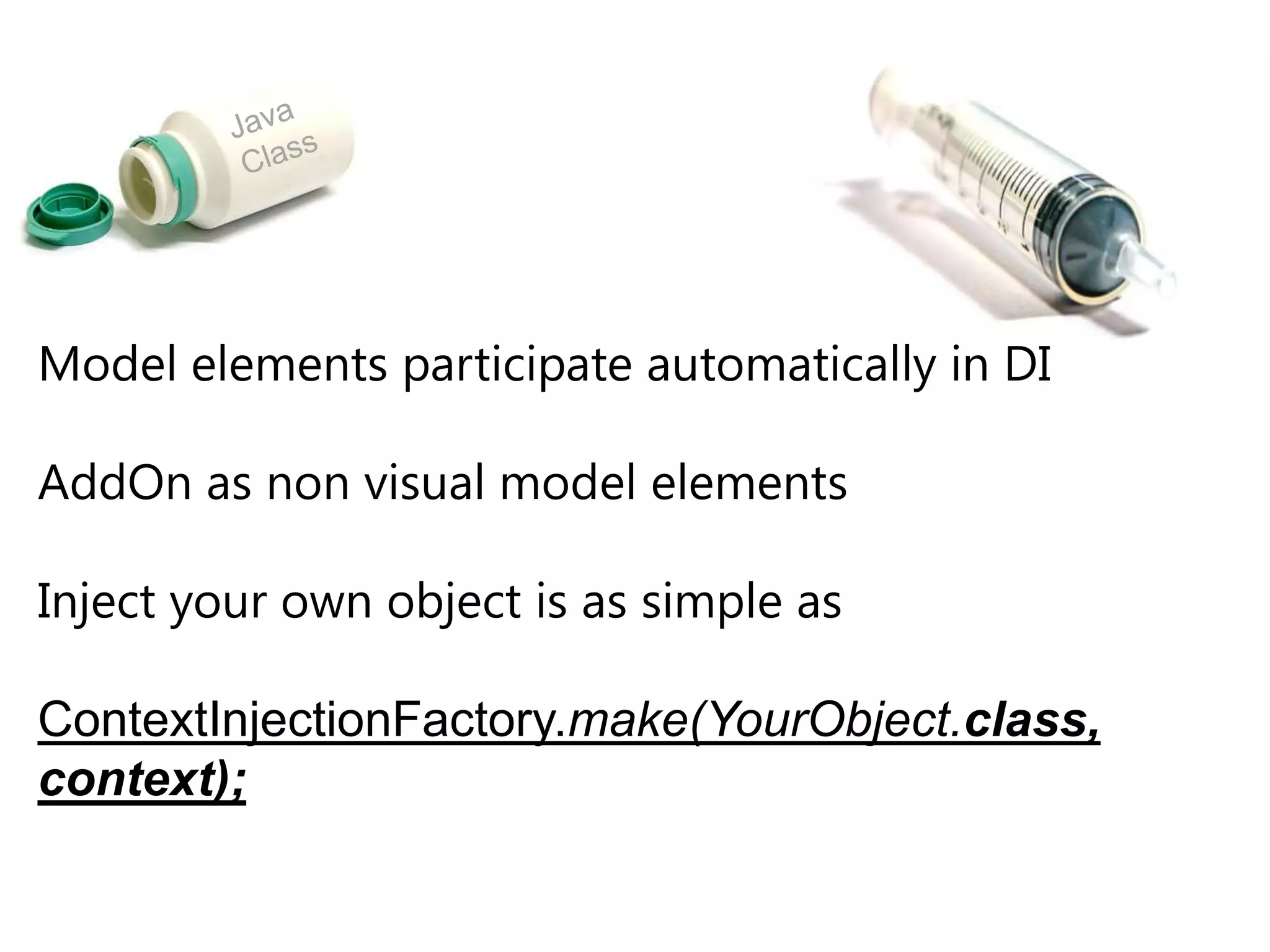
Java ClassModel elements participate automatically in DIAddOn as non visual model elementsInject your own object is as simple asContextInjectionFactory.make(YourObject.class, context);
Lifecycle for Parts@PostConstruct: Called after Object created and Fields- and Methods-Injection finished
@PreDestroy: Called before the object is destroyed (e.g. the Part shown in the UI is removed)Lifecycle for ApplicationRegistered at startupWhat can be injected?
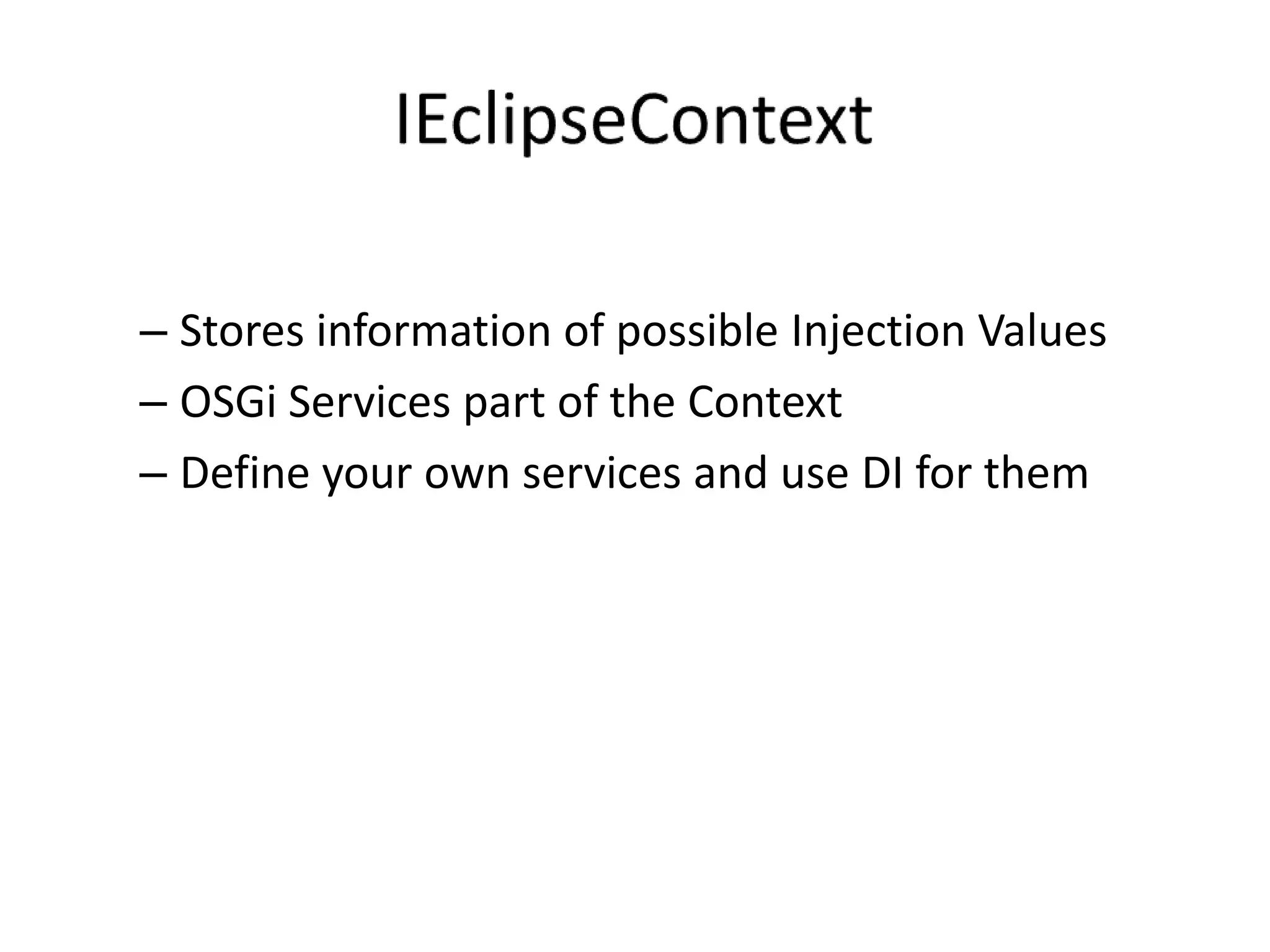
IEclipseContextStores information of possible Injection ValuesOSGi Services part of the ContextDefine your own services and use DI for them
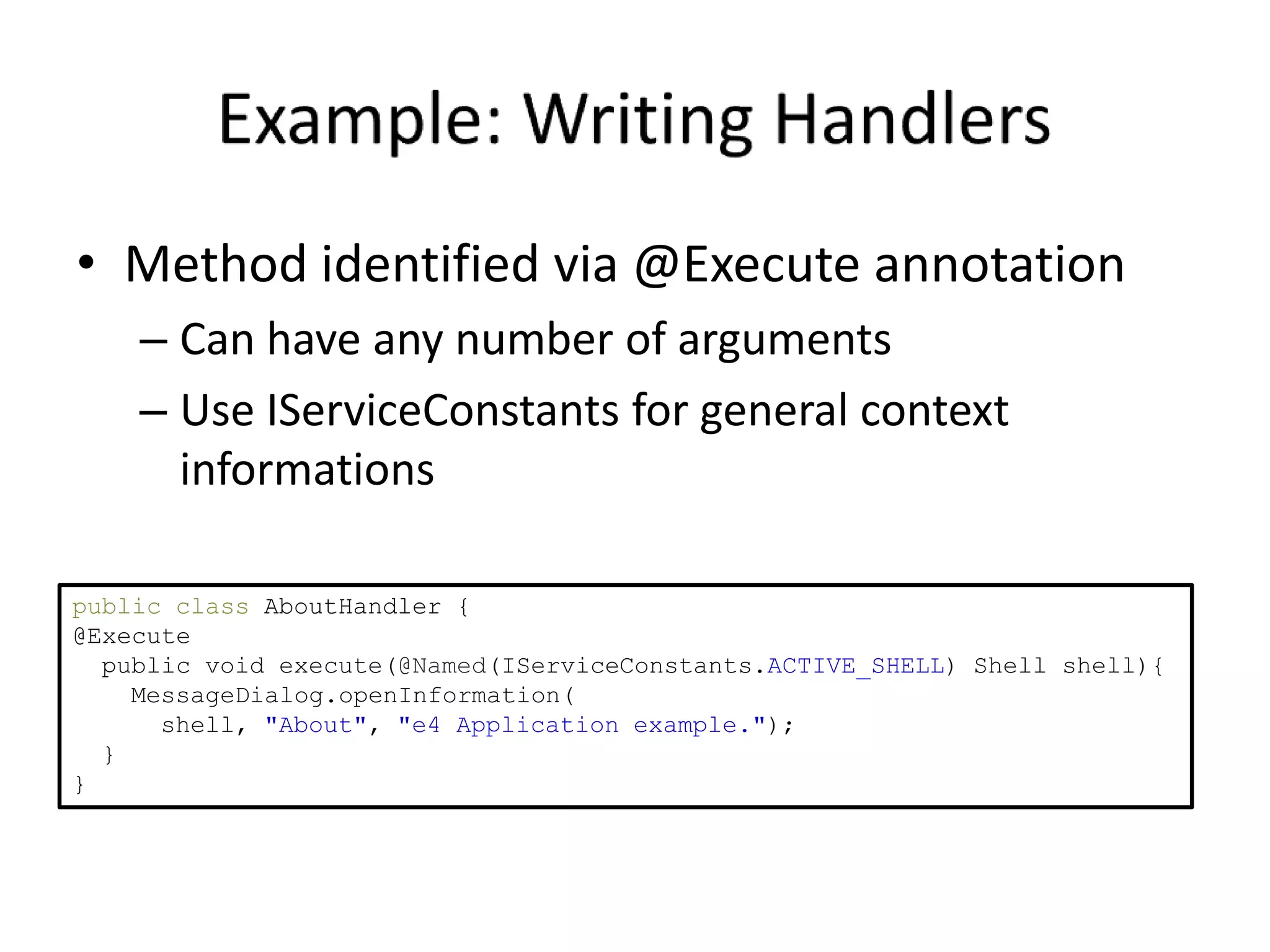
Example: Writing HandlersMethod identified via @Execute annotationCan have any number of argumentsUse IServiceConstants for general context informationspublic class AboutHandler {@Execute  public void execute(@Named(IServiceConstants.ACTIVE_SHELL) Shell shell){MessageDialog.openInformation(      shell, "About", "e4 Application example.");  }}
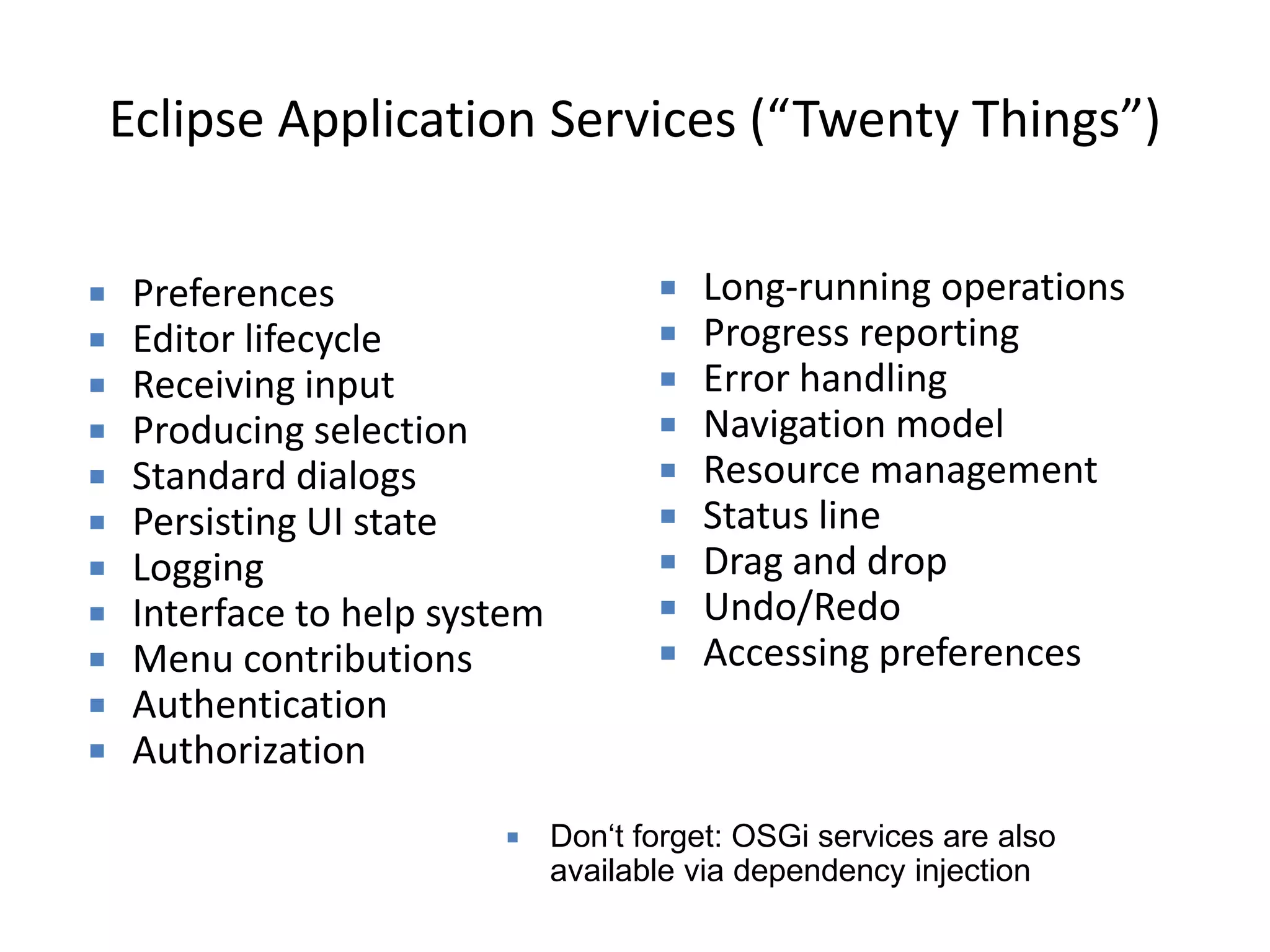
Eclipse Application Services (“Twenty Things”)Long-running operations
Progress reporting
Error handling
Navigation model
Resource management
Status line
Drag and drop
Undo/Redo
Accessing preferences
Preferences

Eclipse 40 and Eclipse e4