October 2009  |  New Features
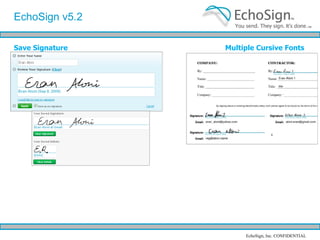
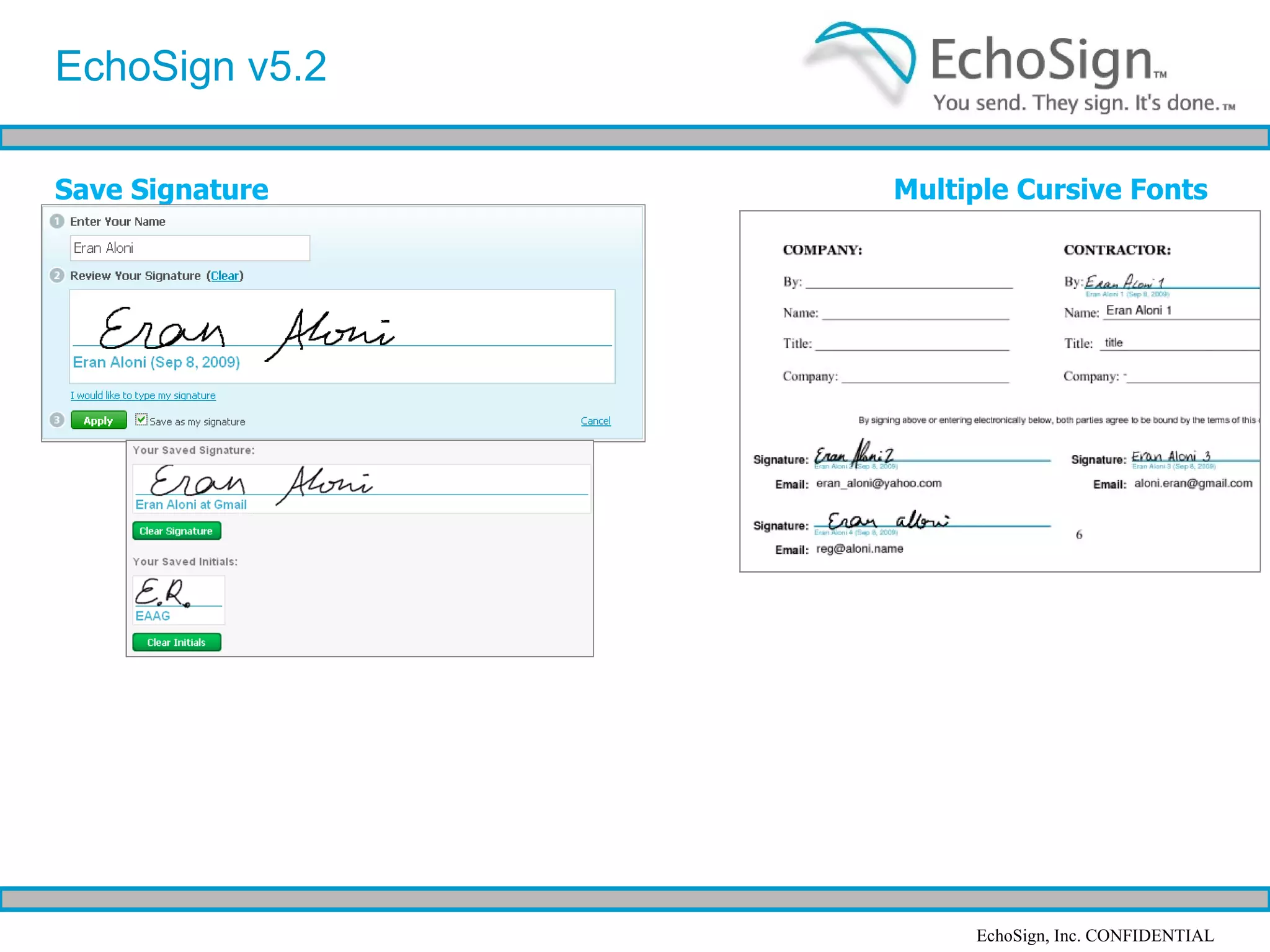
Saved Signature EchoSign October ‘09 Features EchoSign v5.2 allows users to easily save their biometric signature. Saved biometric signatures allow your users to quickly and conveniently counter-sign documents while using a personalized signature they’ve created Set up by checking “Save as my signature” when signing any doc
Multiple Advanced Signature Fonts Now, with multiple signers, each signer is automatically assigned a different Advanced signature font, making signed documents look even more like documents signed on paper. EchoSign October ‘09 Features
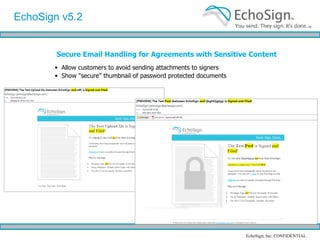
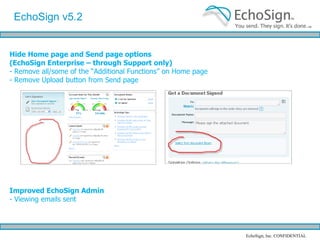
Secure Email Handling for Sensitive Agreements EchoSign now allows you to set your account to avoid sending the signed documents as attachments and let your customers access the signed documents in EchoSign, instead. Or, you may choose to password protect signed documents to ensure they can only be viewed by the original signers EchoSign October ‘09 Features
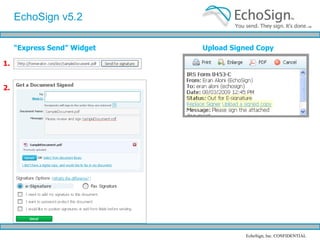
Upload a Signed Copy of an Agreement signed out of EchoSign  Do you get a signed copies of your documents sent to you directly by email or fax outside of EchoSign?  You may now upload the signed copy to mark your document as signed and send a short message to the original signers, notifying them you received their signed copy. Turn on / enable on Account tab / Account Settings EchoSign October ‘09 Features
“ Express Send” Widget 1. 2. Does you site contain content your users may need to send out for signature? You can now integrate EchoSign to your site in 2 minutes by simply adding a few lines of HTML code on your web page. No coding skills required, just include our Express Send Widget on your website and let us take care of the rest! Accessed via the API tab on the Account page EchoSign October ‘09 Features
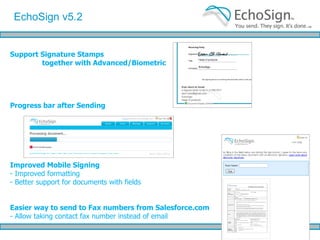
EchoSign Signature Stamps together with Advanced/Biometric Signatures You may now choose to apply a signature stamp to every page of the signed document while requiring your signers to sign using Advanced or Biometric signatures at specific locations in your document. This unique combination allows you to clearly mark every page of the signed documents while enjoying the benefits of Advanced and Biometric signatures. EchoSign October ‘09 Features
Improved Mobile Signing Enhanced support in Mobile Safari for Biometric signatures Enhanced support on Blackberry and other mobile browsers for forms EchoSign October ‘09 Features
October 2009 New Features   Questions? Just contact us at support at echosign.com, or contract your account representative

EchoSign 5.2 Release Feature Summary

  • 1.
    October 2009 | New Features
  • 2.
    Saved Signature EchoSignOctober ‘09 Features EchoSign v5.2 allows users to easily save their biometric signature. Saved biometric signatures allow your users to quickly and conveniently counter-sign documents while using a personalized signature they’ve created Set up by checking “Save as my signature” when signing any doc
  • 3.
    Multiple Advanced SignatureFonts Now, with multiple signers, each signer is automatically assigned a different Advanced signature font, making signed documents look even more like documents signed on paper. EchoSign October ‘09 Features
  • 4.
    Secure Email Handlingfor Sensitive Agreements EchoSign now allows you to set your account to avoid sending the signed documents as attachments and let your customers access the signed documents in EchoSign, instead. Or, you may choose to password protect signed documents to ensure they can only be viewed by the original signers EchoSign October ‘09 Features
  • 5.
    Upload a SignedCopy of an Agreement signed out of EchoSign Do you get a signed copies of your documents sent to you directly by email or fax outside of EchoSign? You may now upload the signed copy to mark your document as signed and send a short message to the original signers, notifying them you received their signed copy. Turn on / enable on Account tab / Account Settings EchoSign October ‘09 Features
  • 6.
    “ Express Send”Widget 1. 2. Does you site contain content your users may need to send out for signature? You can now integrate EchoSign to your site in 2 minutes by simply adding a few lines of HTML code on your web page. No coding skills required, just include our Express Send Widget on your website and let us take care of the rest! Accessed via the API tab on the Account page EchoSign October ‘09 Features
  • 7.
    EchoSign Signature Stampstogether with Advanced/Biometric Signatures You may now choose to apply a signature stamp to every page of the signed document while requiring your signers to sign using Advanced or Biometric signatures at specific locations in your document. This unique combination allows you to clearly mark every page of the signed documents while enjoying the benefits of Advanced and Biometric signatures. EchoSign October ‘09 Features
  • 8.
    Improved Mobile SigningEnhanced support in Mobile Safari for Biometric signatures Enhanced support on Blackberry and other mobile browsers for forms EchoSign October ‘09 Features
  • 9.
    October 2009 NewFeatures Questions? Just contact us at support at echosign.com, or contract your account representative