E-Learning Resources and Opportunities at Whatcom Community College
What is E-Learning? Learning and teaching using technology – both in the classroom and online Resources and support for faculty and staff to design and implement diverse educational strategies  Making education open, free and accessible
Software Based Resources Moodle ,  Angel ,  BlackBoard American Speech Sounds  Ning  Wiki Sites Screen Captures – Camtasia and  Jing Digital Video Production  Basic Graphic Design Microsoft Office Suite Screen Readers
Hardware Based Resources Document Cameras Projectors Clickers Eggspert Scanners WebCam Video Cameras Podcasting
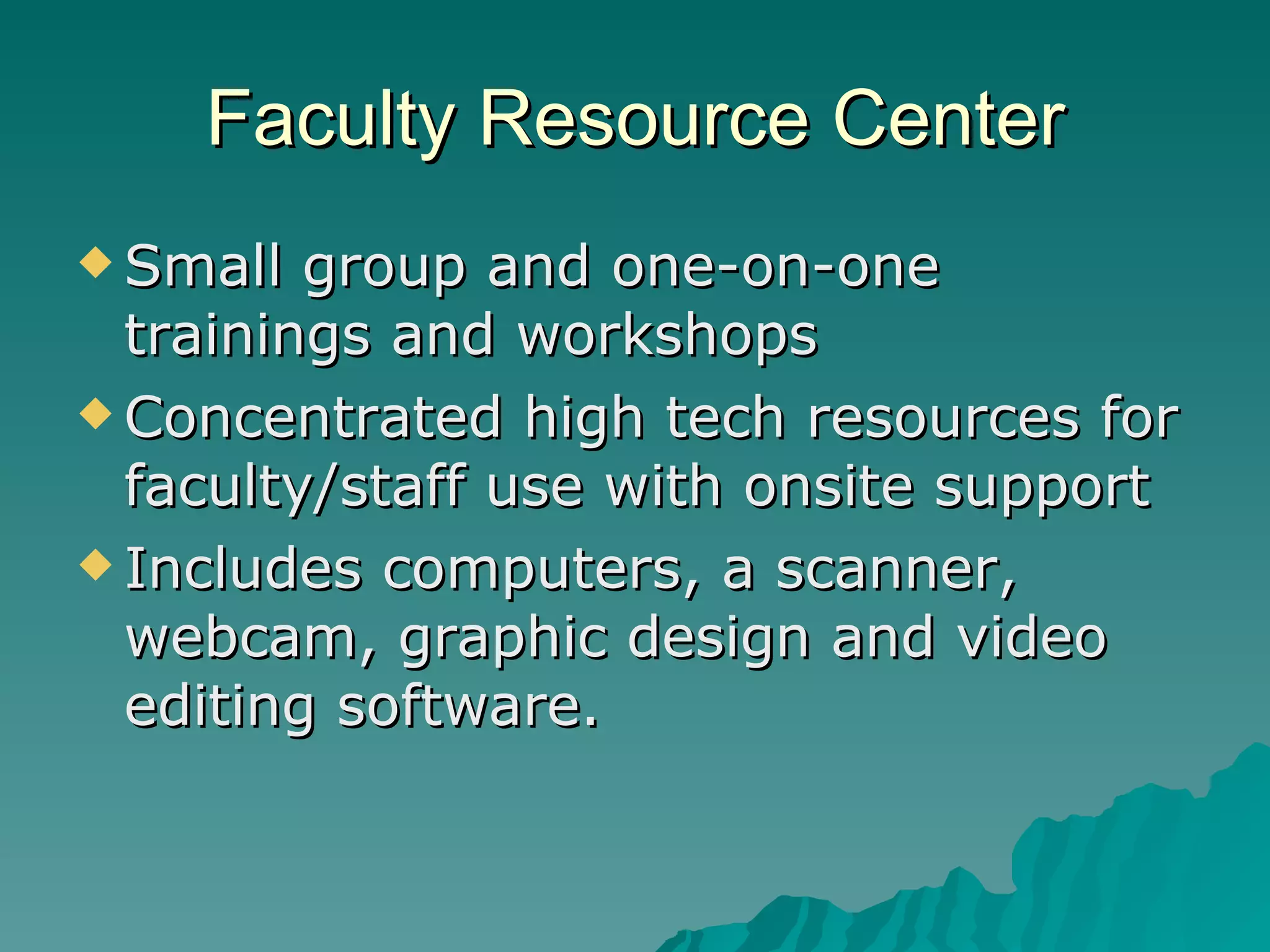
Faculty Resource Center Small group and one-on-one trainings and workshops Concentrated high tech resources for faculty/staff use with onsite support  Includes computers, a scanner, webcam, graphic design and video editing software.
Assistance Finding Resources Online  math  practice problems and games Online guide  to grammar and writing
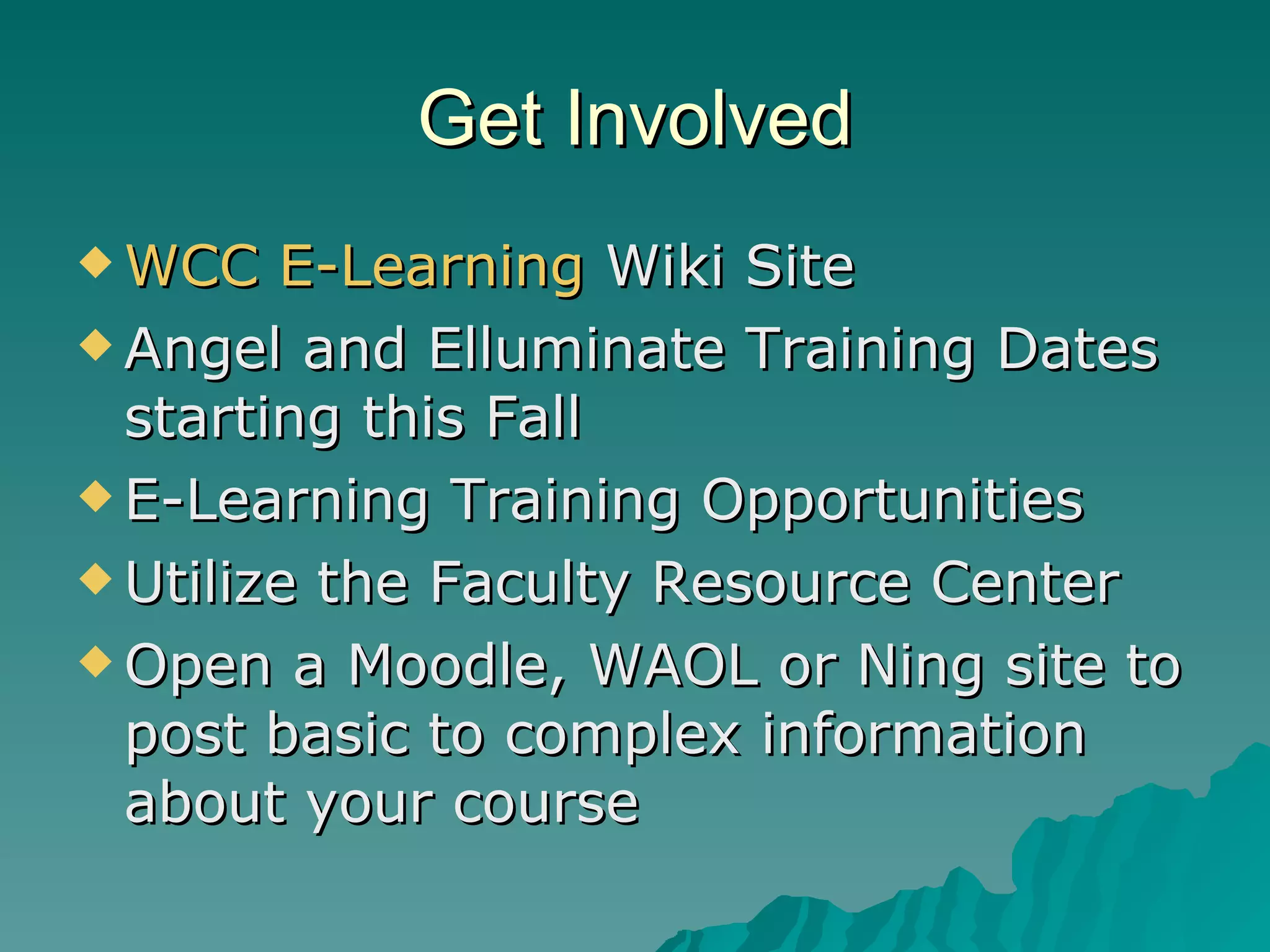
Get Involved WCC E-Learning  Wiki Site Angel and Elluminate Training Dates starting this Fall E-Learning Training Opportunities  Utilize the Faculty Resource Center Open a Moodle, WAOL or Ning site to post basic to complex information about your course
Adult Basic Education Needs? What hardware and software possibilities are you interested in? What training and support would be useful to your department? Is there research that I can help with on any emerging technologies or ideas that you have?
This PowerPoint can be found and copied at SlideShare.net Licensed with Creative Commons This work is licensed under the Creative Commons Attribution-Noncommercial-Share Alike 3.0 United States License. To view a copy of this license, visit http://creativecommons.org/licenses/by-nc-sa/3.0/us/ or send a letter to Creative Commons, 171 Second Street, Suite 300, San Francisco, California, 94105, USA.

E Learning Resources And Opportunities At Whatcom Community College

  • 1.
    E-Learning Resources andOpportunities at Whatcom Community College
  • 2.
    What is E-Learning?Learning and teaching using technology – both in the classroom and online Resources and support for faculty and staff to design and implement diverse educational strategies Making education open, free and accessible
  • 3.
    Software Based ResourcesMoodle , Angel , BlackBoard American Speech Sounds Ning Wiki Sites Screen Captures – Camtasia and Jing Digital Video Production Basic Graphic Design Microsoft Office Suite Screen Readers
  • 4.
    Hardware Based ResourcesDocument Cameras Projectors Clickers Eggspert Scanners WebCam Video Cameras Podcasting
  • 5.
    Faculty Resource CenterSmall group and one-on-one trainings and workshops Concentrated high tech resources for faculty/staff use with onsite support Includes computers, a scanner, webcam, graphic design and video editing software.
  • 6.
    Assistance Finding ResourcesOnline math practice problems and games Online guide to grammar and writing
  • 7.
    Get Involved WCCE-Learning Wiki Site Angel and Elluminate Training Dates starting this Fall E-Learning Training Opportunities Utilize the Faculty Resource Center Open a Moodle, WAOL or Ning site to post basic to complex information about your course
  • 8.
    Adult Basic EducationNeeds? What hardware and software possibilities are you interested in? What training and support would be useful to your department? Is there research that I can help with on any emerging technologies or ideas that you have?
  • 9.
    This PowerPoint canbe found and copied at SlideShare.net Licensed with Creative Commons This work is licensed under the Creative Commons Attribution-Noncommercial-Share Alike 3.0 United States License. To view a copy of this license, visit http://creativecommons.org/licenses/by-nc-sa/3.0/us/ or send a letter to Creative Commons, 171 Second Street, Suite 300, San Francisco, California, 94105, USA.