











How to make all the
components of Office 365
work for you
Loryan Strant
@LoryanStrant
Thank
you to our
sponsors!
Let’s set expectations
 Groups are at the heart of how things get done in Office 365 –
they connect to Teams, StaffHub, SharePoint, and Yammer.
 Navigating Office 365 Groups can be challenging when it comes
to allowing users to create their own, managing how they get
created in the first place, and trying to control the chaos that
Groups can bring.
 In this session, attendees will learn how to successfully
implement Office 365 Groups in your organisation – ensuring
compliance, security, and successful user adoption.
A tale of three organisations
Local
council
Multi-
national
insurance
firm
IT
company
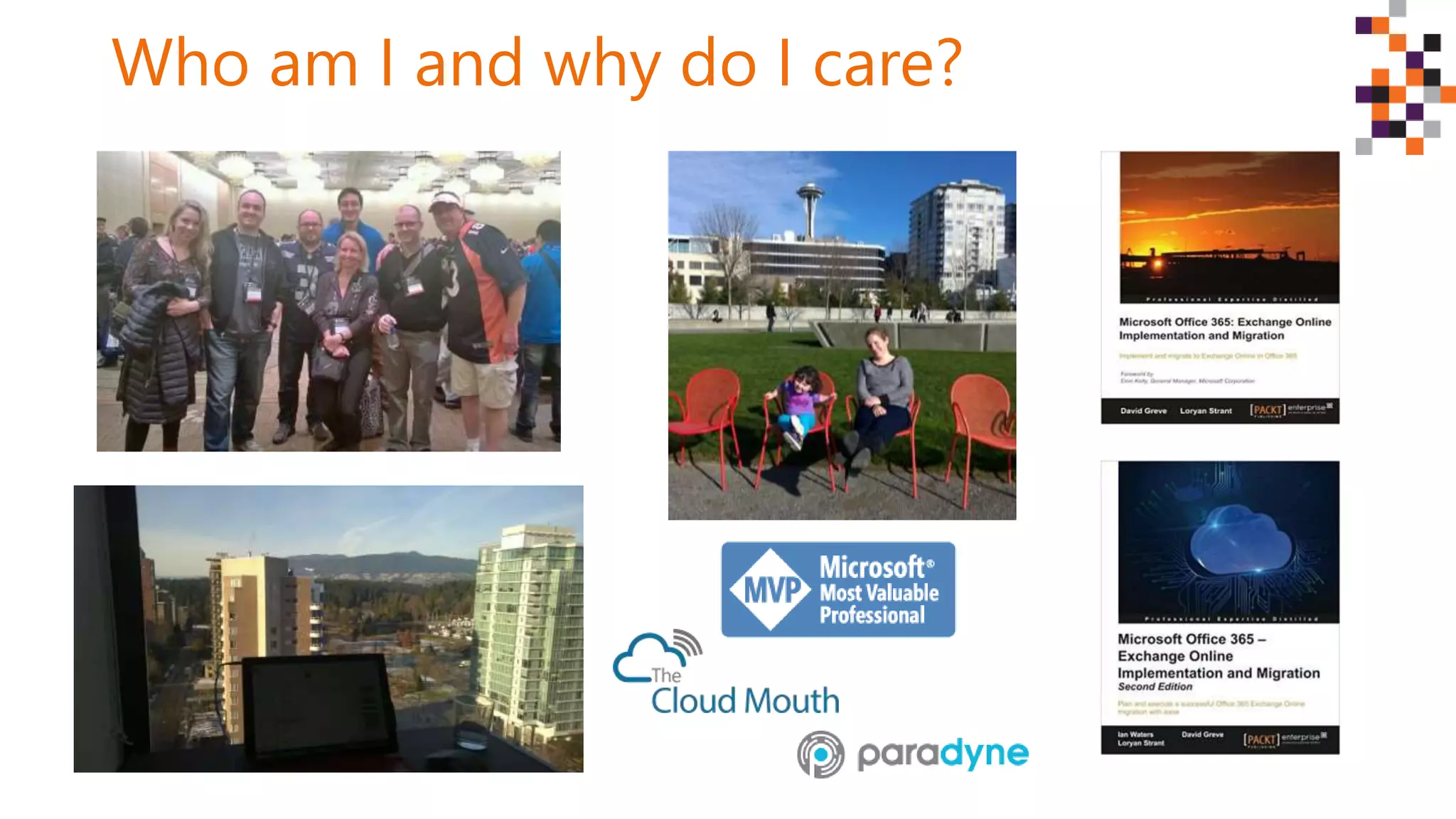
Who am I and why do I care?
Loryan’s Top Tips for Office 365 Success
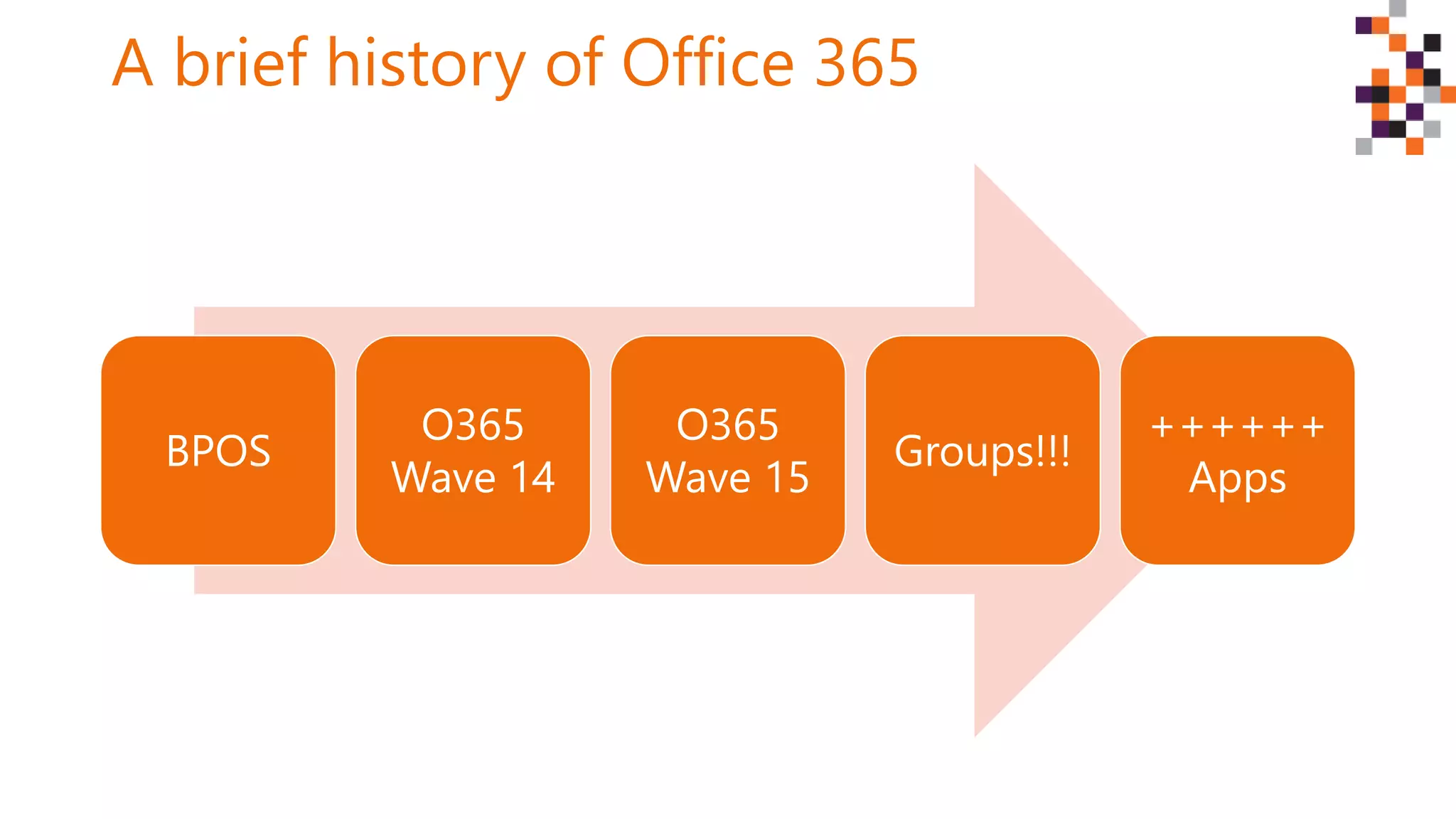
A brief history of Office 365
BPOS
O365
Wave 14
O365
Wave 15
Groups!!!
++++++
Apps
Let’s look at the big picture
Tip: Top down and
bottom up
approach
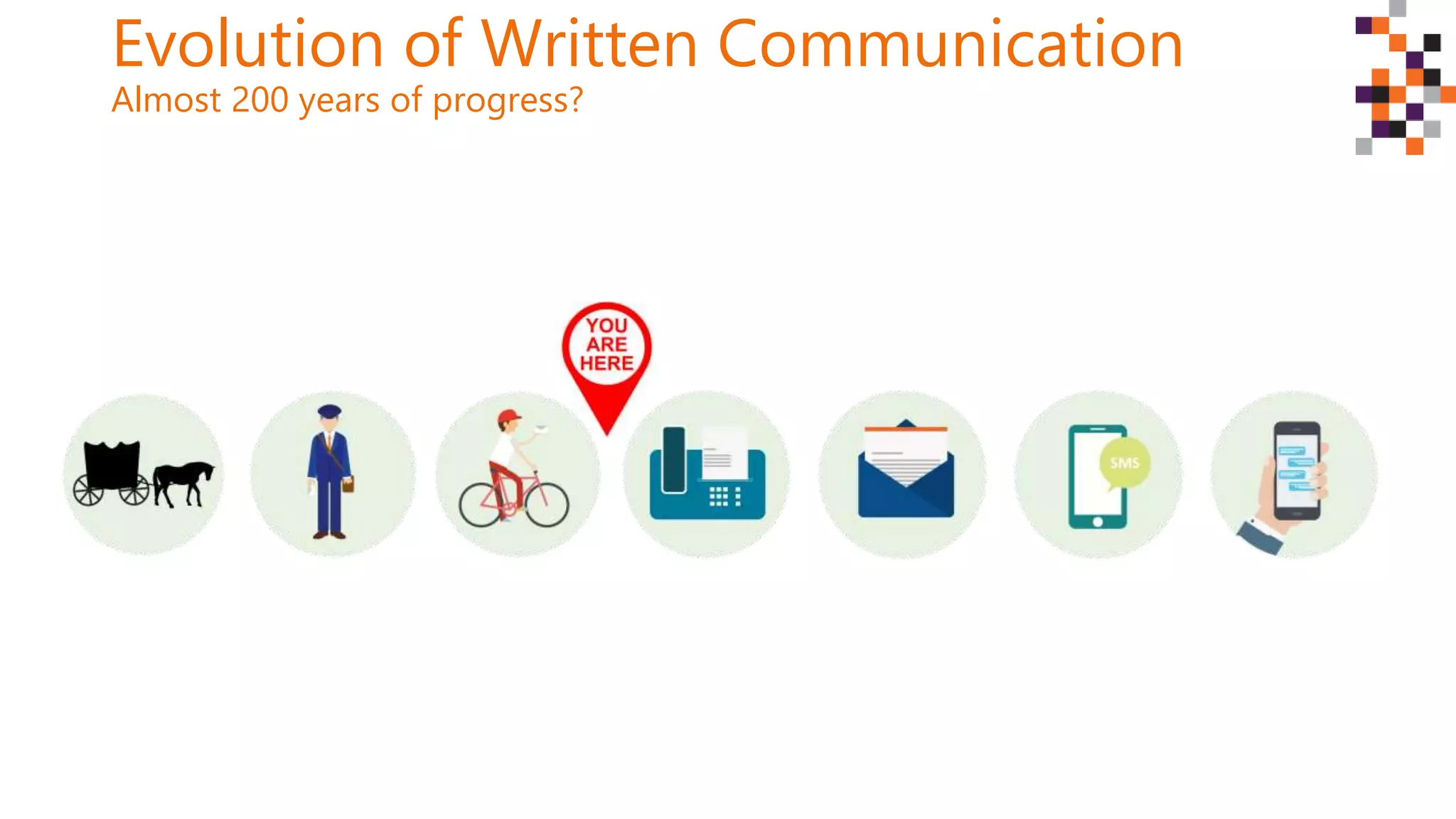
Evolution of Written Communication
Almost 200 years of progress?
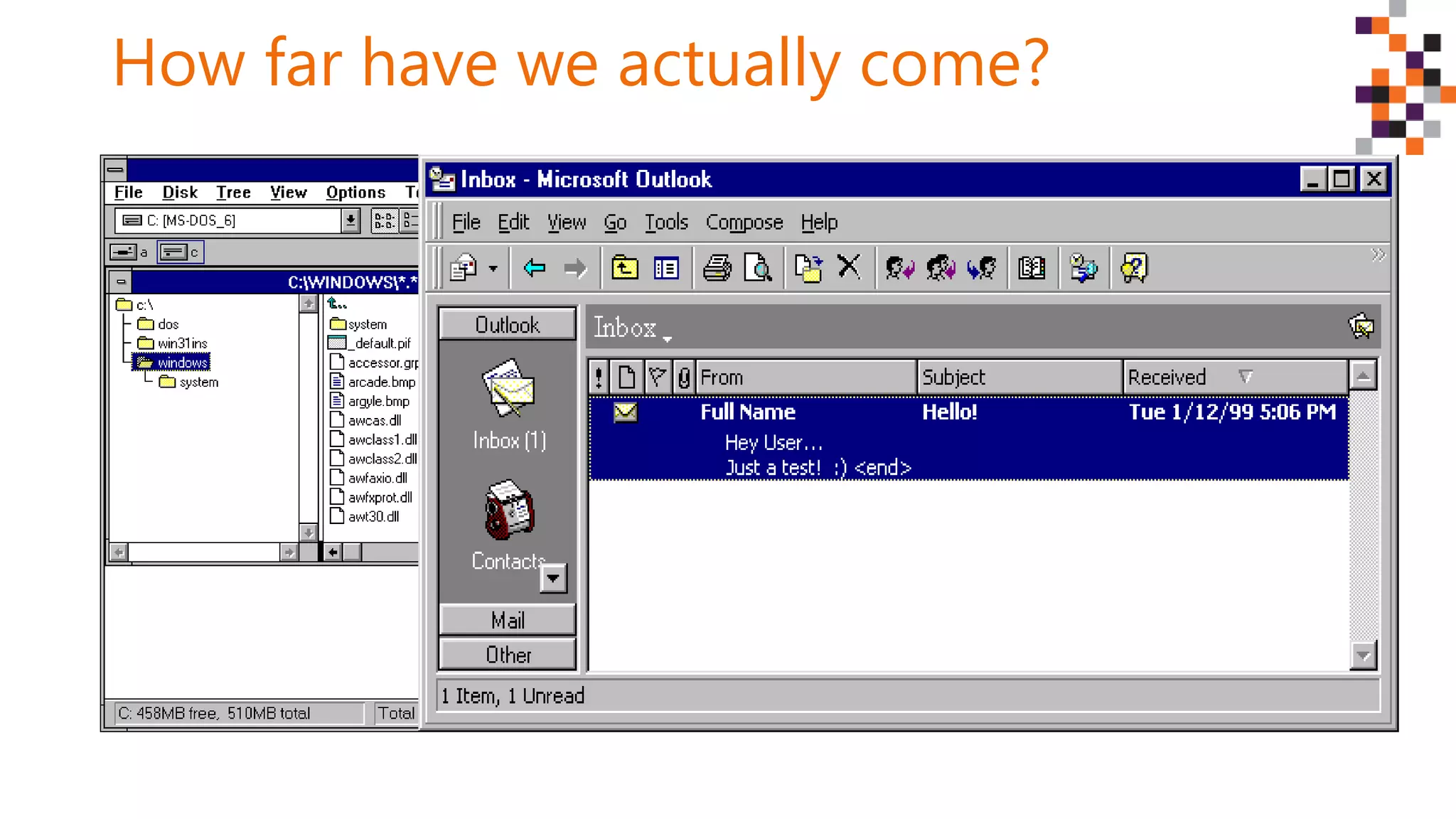
How far have we actually come?
Technology today
Tip: IT does not
own Office 365
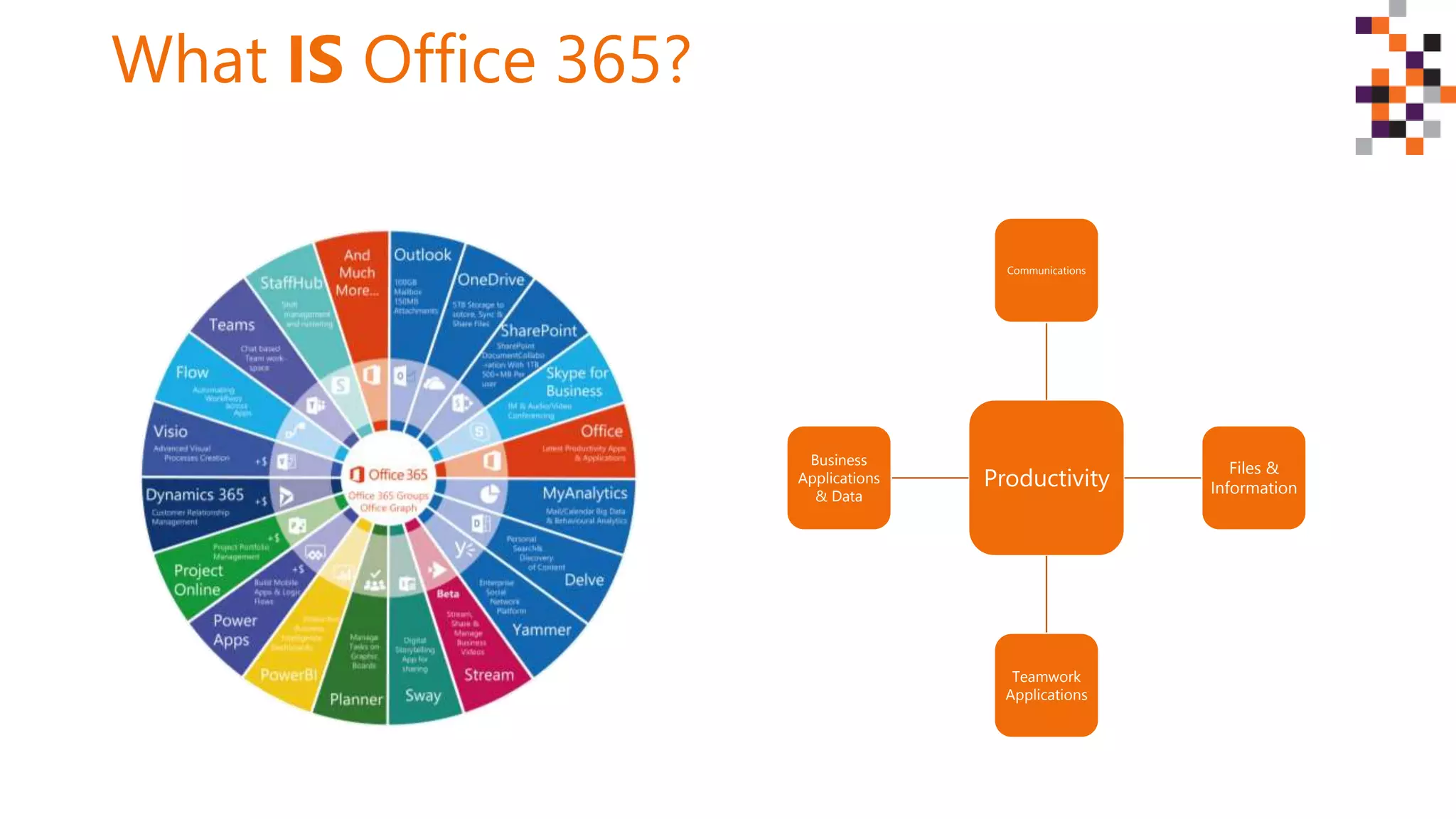
What IS Office 365?
Productivity
Communications
Files &
Information
Teamwork
Applications
Business
Applications
& Data
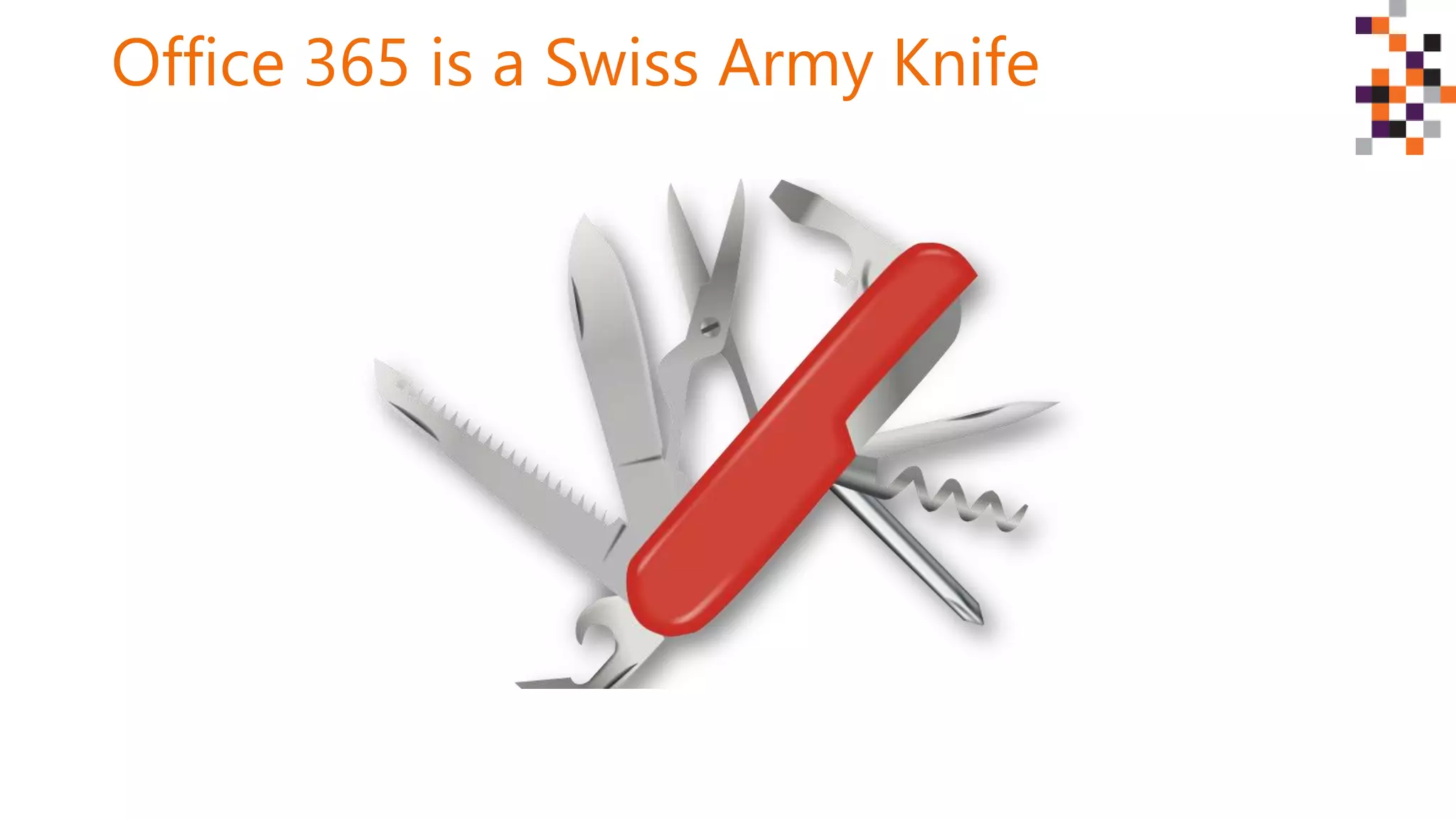
Office 365 is a Swiss Army Knife
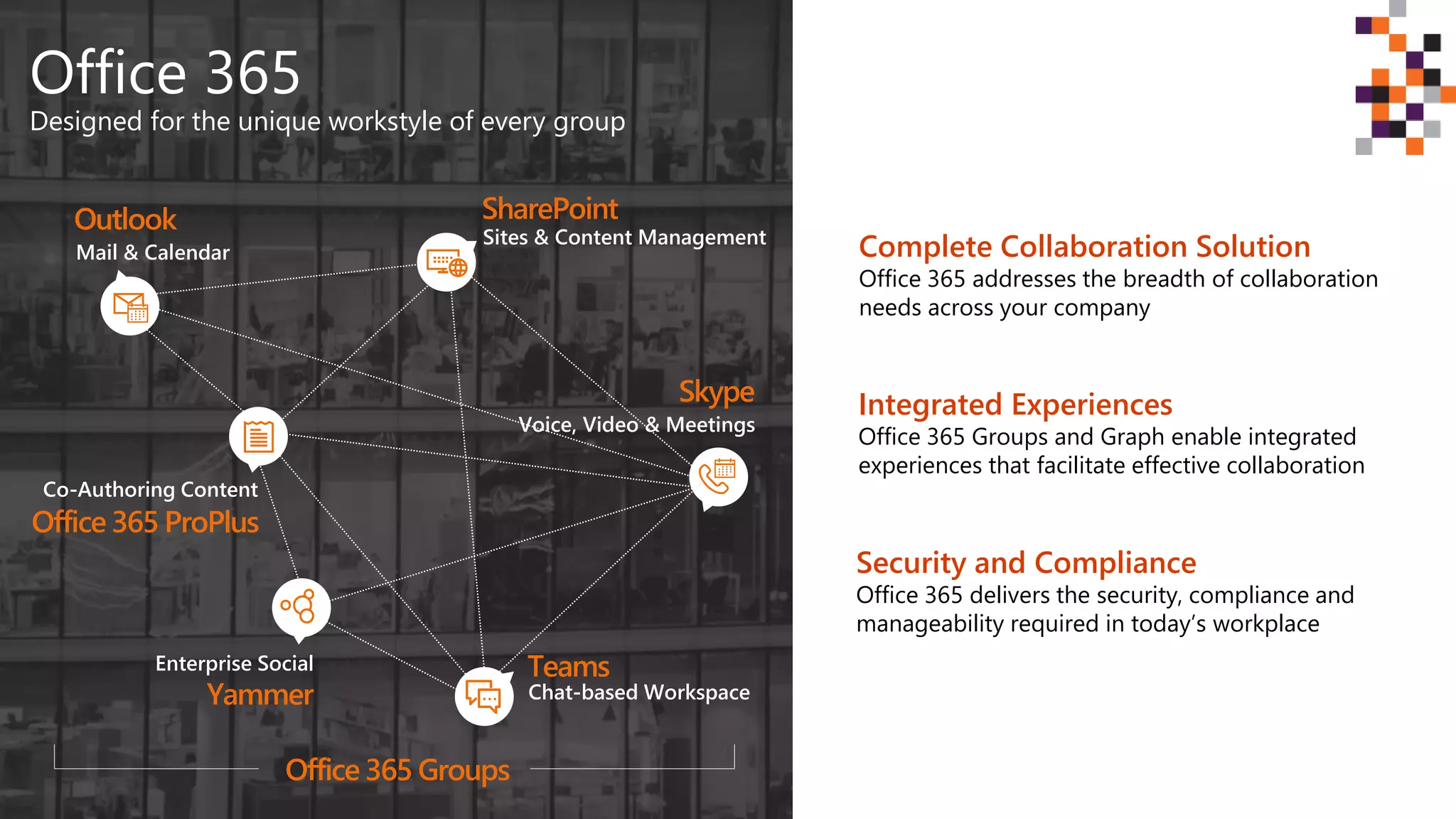
Office 365
Designed for the unique workstyle of every group
SharePoint
Teams
Office 365 ProPlus
Yammer
Outlook
Skype
Sites & Content Management
Chat-based Workspace
Co-Authoring Content
Enterprise Social
Mail & Calendar
Voice, Video & Meetings
Complete Collaboration Solution
Office 365 addresses the breadth of collaboration
needs across your company
Integrated Experiences
Office 365 Groups and Graph enable integrated
experiences that facilitate effective collaboration
Security and Compliance
Office 365 delivers the security, compliance and
manageability required in today’s workplace
Office 365 Groups
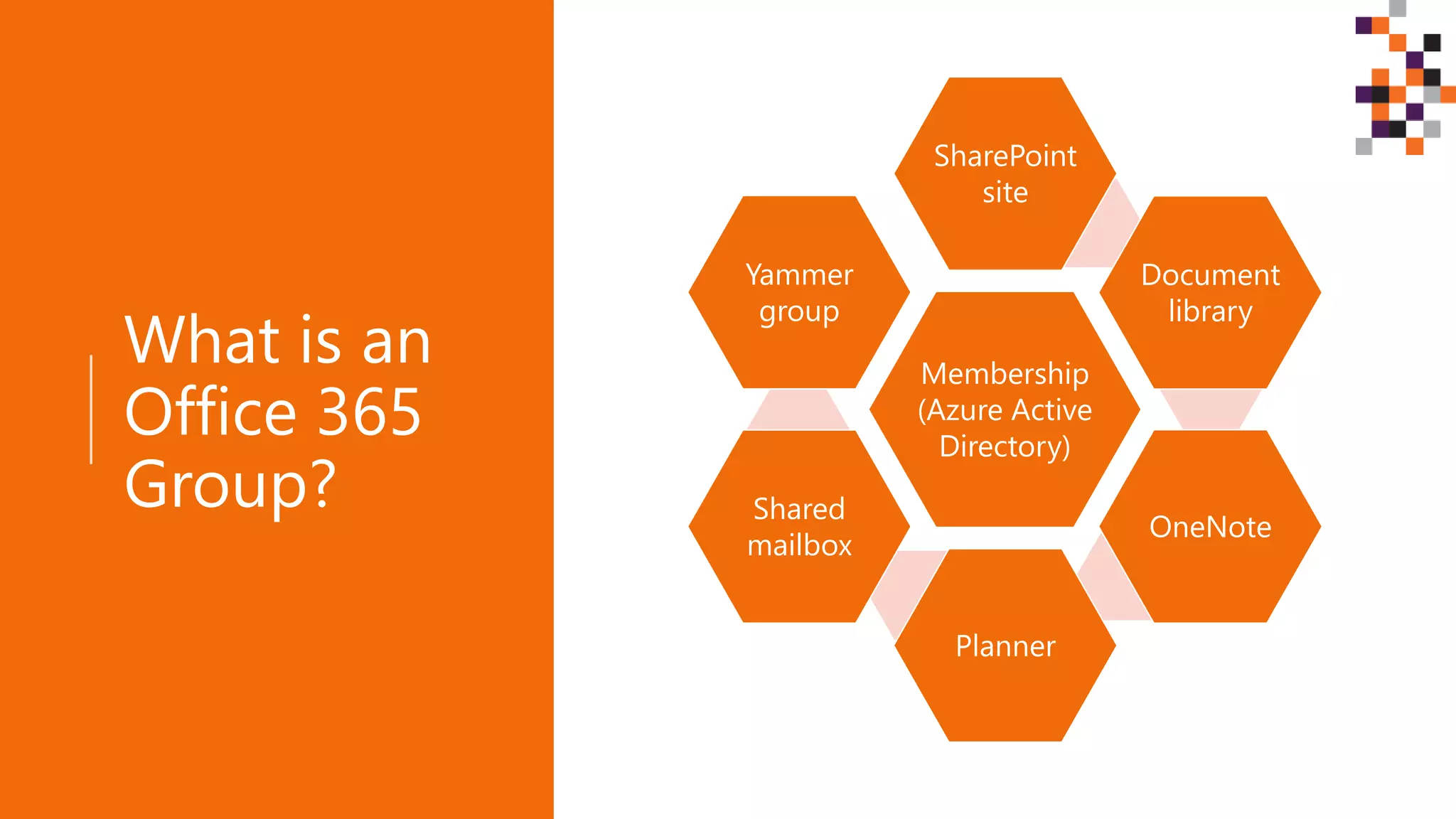
What is an
Office 365
Group?
Membership
(Azure Active
Directory)
SharePoint
site
Document
library
OneNote
Planner
Shared
mailbox
Yammer
group
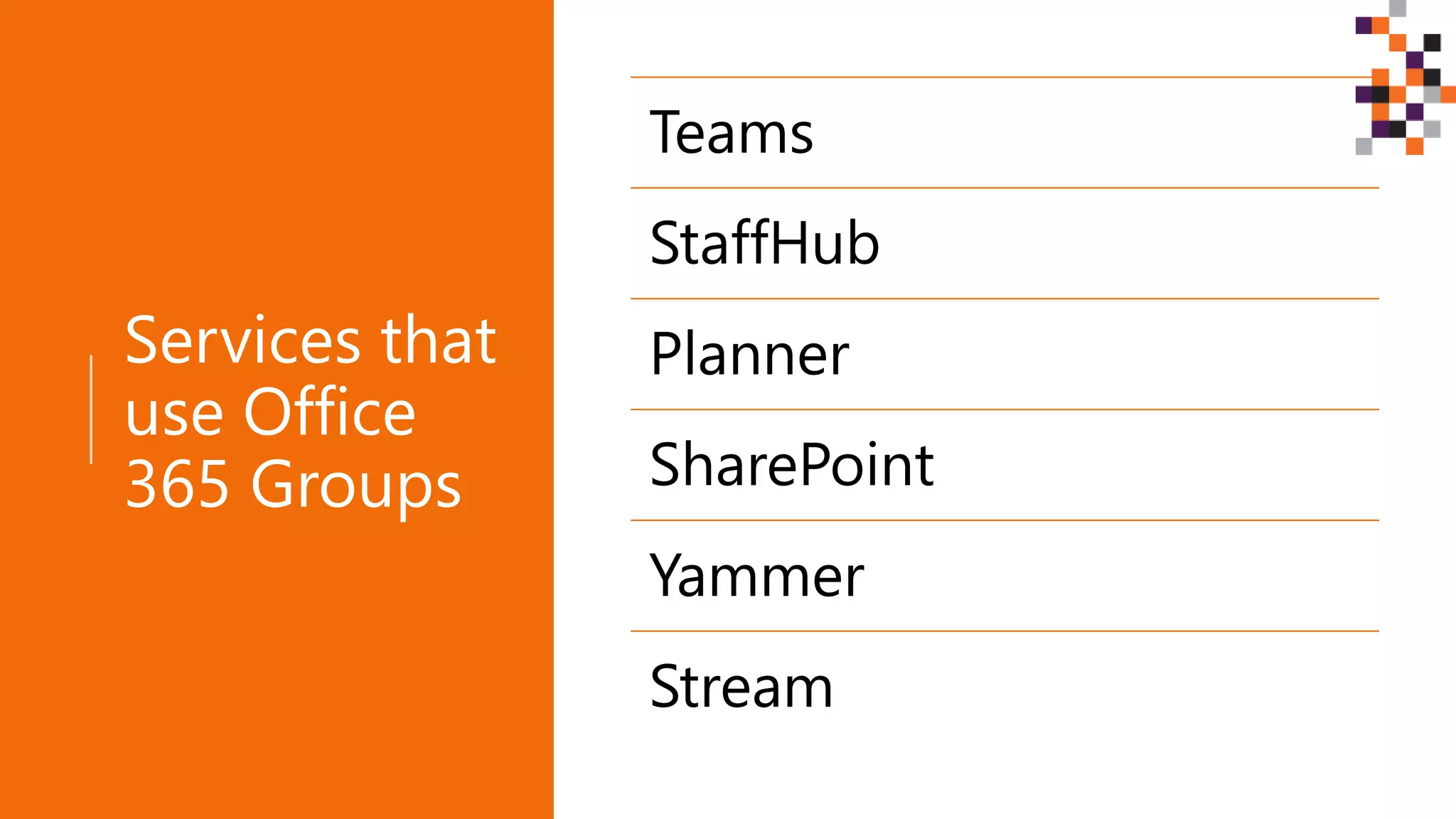
Services that
use Office
365 Groups
Teams
StaffHub
Planner
SharePoint
Yammer
Stream
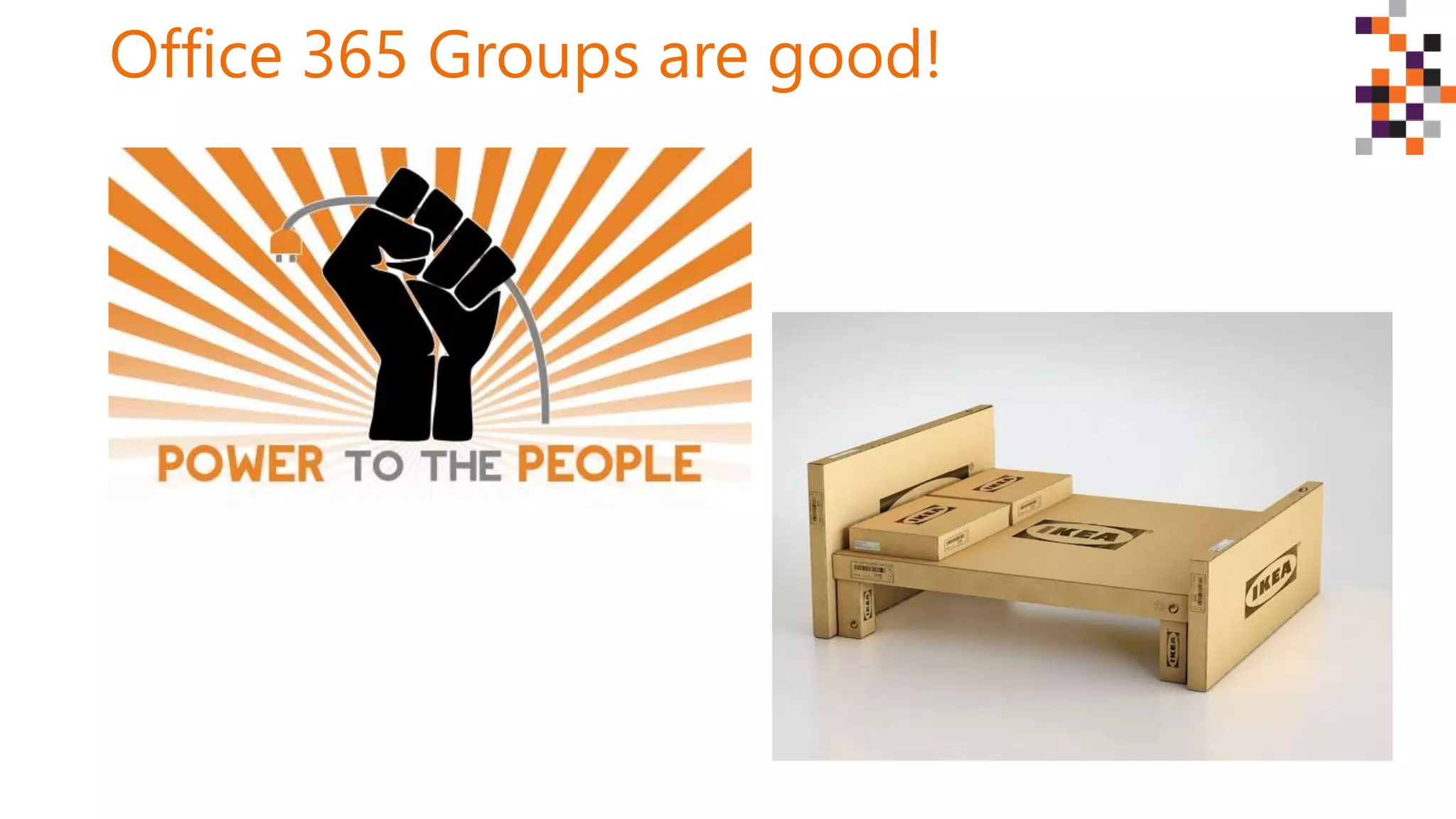
Office 365 Groups are good!
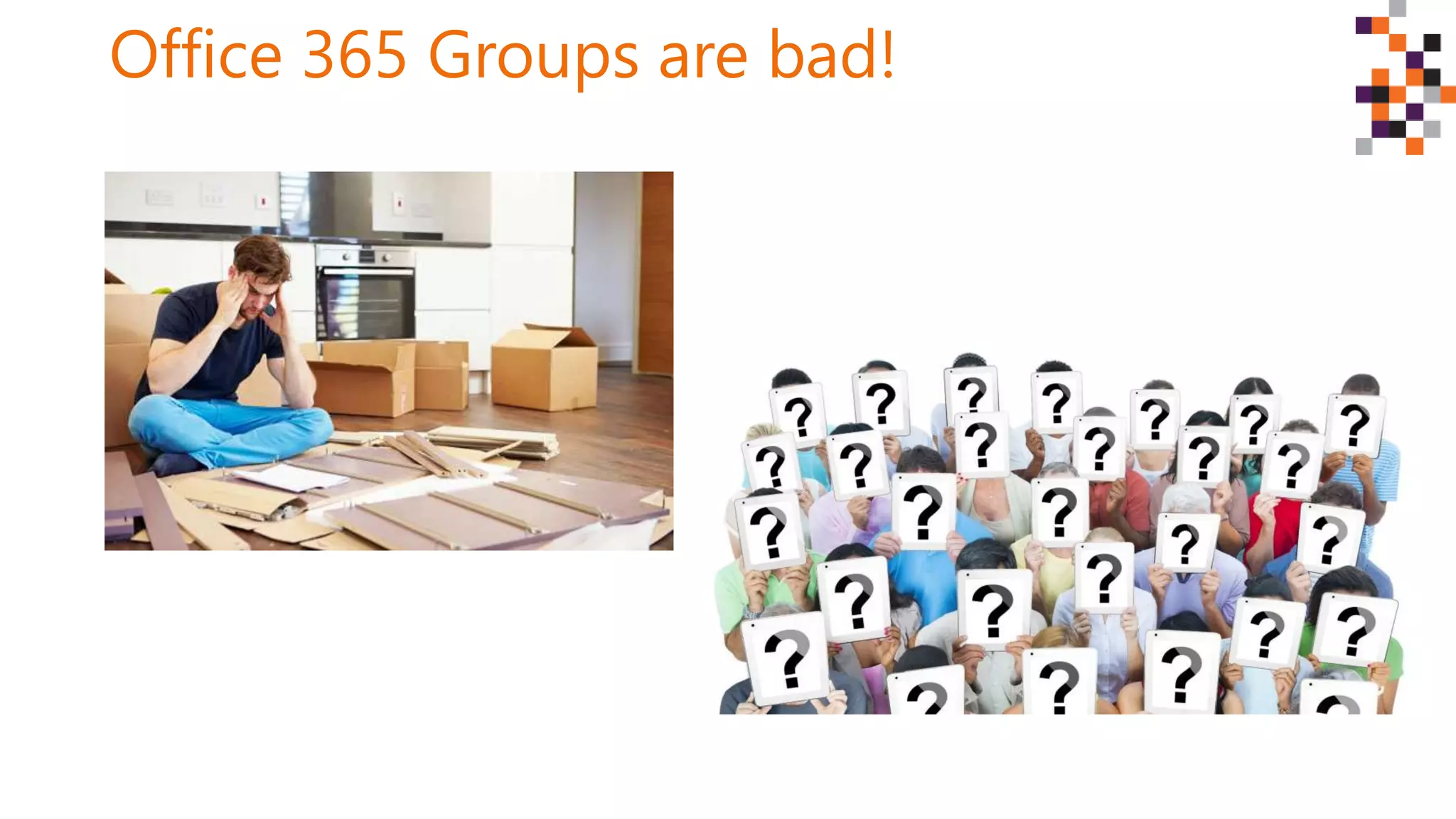
Office 365 Groups are bad!
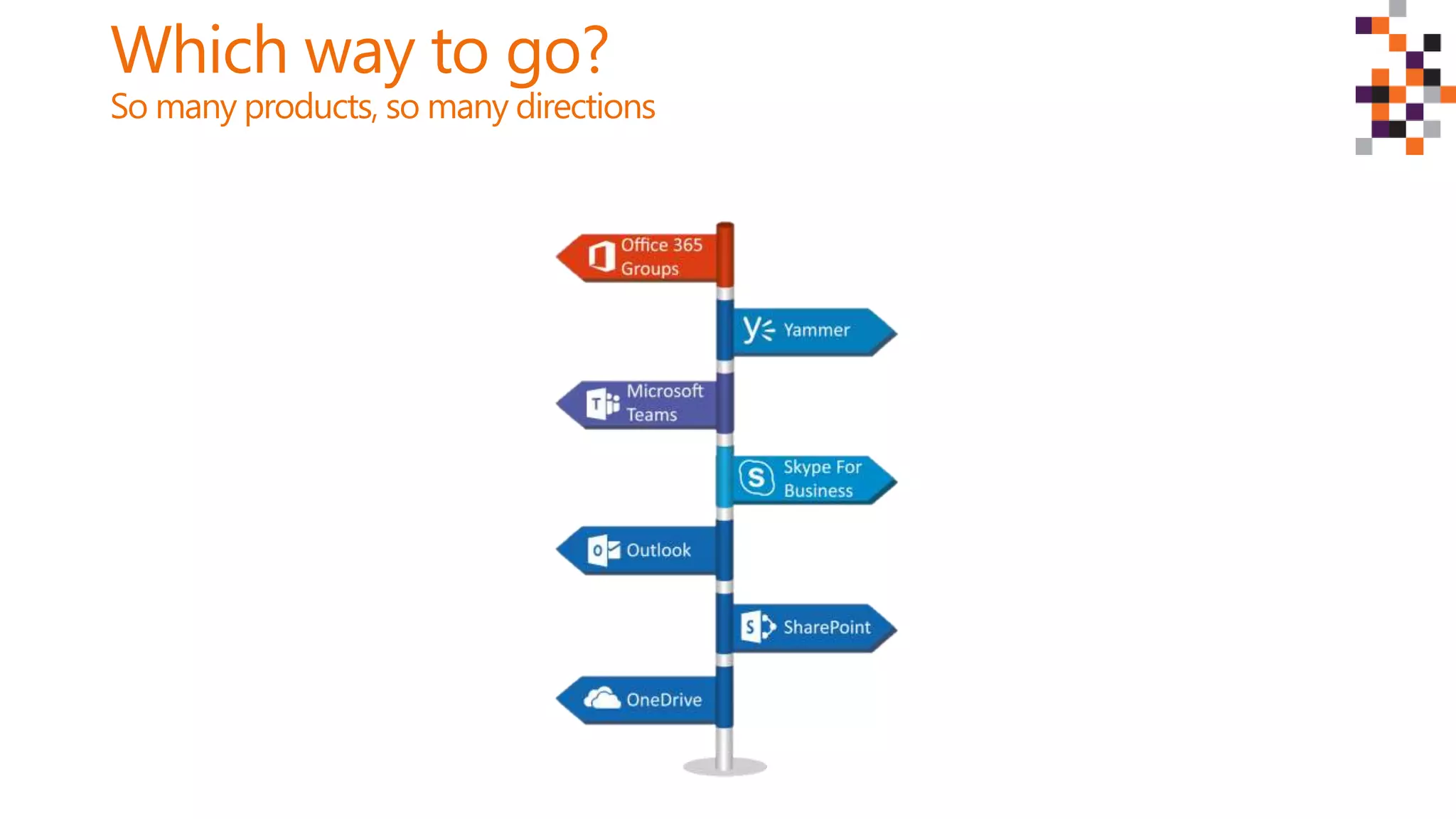
Which way to go?
So many products, so many directions
Tip: Office 365 is
not a project, it’s a
journey
You need a roadmap
Tip: Educate all
users
Tip: Invest in
business resources
and tools
Get the right toolbelt
Work with the right people
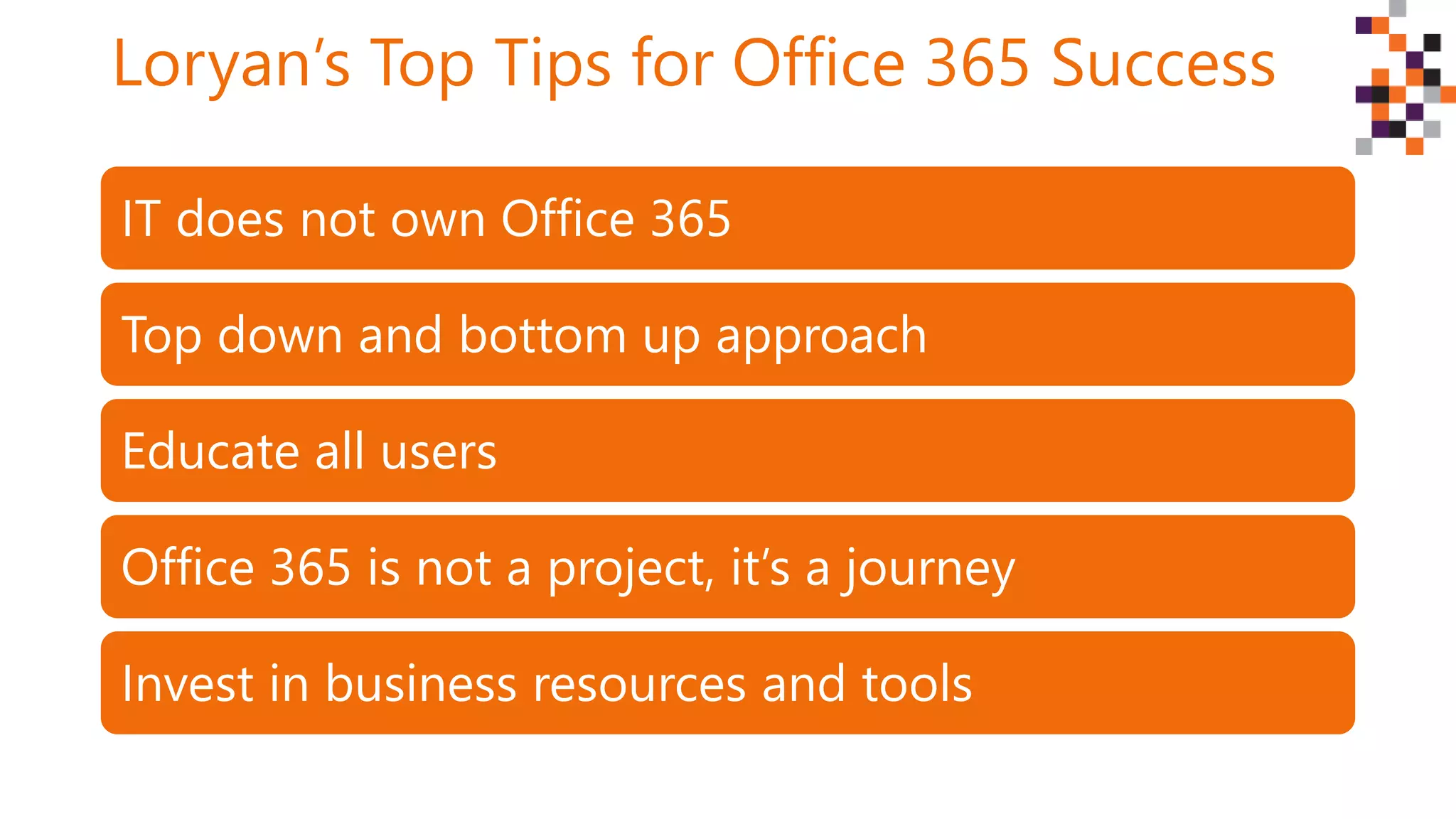
Loryan’s Top Tips for Office 365 Success
IT does not own Office 365
Top down and bottom up approach
Educate all users
Office 365 is not a project, it’s a journey
Invest in business resources and tools
Thank you!
Twitter: @LoryanStrant
Email: loryan@loryanstrant.com
Web: www.loryanstrant.com
Thank
you to our
sponsors!

DWCAU17: How to make all the components of Office 365 work for you

  • 1.
    How to makeall the components of Office 365 work for you Loryan Strant @LoryanStrant
  • 2.
  • 3.
    Let’s set expectations Groups are at the heart of how things get done in Office 365 – they connect to Teams, StaffHub, SharePoint, and Yammer.  Navigating Office 365 Groups can be challenging when it comes to allowing users to create their own, managing how they get created in the first place, and trying to control the chaos that Groups can bring.  In this session, attendees will learn how to successfully implement Office 365 Groups in your organisation – ensuring compliance, security, and successful user adoption.
  • 4.
    A tale ofthree organisations Local council Multi- national insurance firm IT company
  • 5.
    Who am Iand why do I care?
  • 6.
    Loryan’s Top Tipsfor Office 365 Success
  • 7.
    A brief historyof Office 365 BPOS O365 Wave 14 O365 Wave 15 Groups!!! ++++++ Apps
  • 8.
    Let’s look atthe big picture
  • 9.
    Tip: Top downand bottom up approach
  • 10.
    Evolution of WrittenCommunication Almost 200 years of progress?
  • 11.
    How far havewe actually come?
  • 12.
  • 14.
    Tip: IT doesnot own Office 365
  • 15.
    What IS Office365? Productivity Communications Files & Information Teamwork Applications Business Applications & Data
  • 16.
    Office 365 isa Swiss Army Knife
  • 17.
    Office 365 Designed forthe unique workstyle of every group SharePoint Teams Office 365 ProPlus Yammer Outlook Skype Sites & Content Management Chat-based Workspace Co-Authoring Content Enterprise Social Mail & Calendar Voice, Video & Meetings Complete Collaboration Solution Office 365 addresses the breadth of collaboration needs across your company Integrated Experiences Office 365 Groups and Graph enable integrated experiences that facilitate effective collaboration Security and Compliance Office 365 delivers the security, compliance and manageability required in today’s workplace Office 365 Groups
  • 18.
    What is an Office365 Group? Membership (Azure Active Directory) SharePoint site Document library OneNote Planner Shared mailbox Yammer group
  • 19.
    Services that use Office 365Groups Teams StaffHub Planner SharePoint Yammer Stream
  • 20.
  • 21.
  • 22.
    Which way togo? So many products, so many directions
  • 23.
    Tip: Office 365is not a project, it’s a journey
  • 24.
    You need aroadmap
  • 26.
  • 30.
    Tip: Invest in businessresources and tools
  • 31.
    Get the righttoolbelt
  • 32.
    Work with theright people
  • 33.
    Loryan’s Top Tipsfor Office 365 Success IT does not own Office 365 Top down and bottom up approach Educate all users Office 365 is not a project, it’s a journey Invest in business resources and tools
  • 34.
    Thank you! Twitter: @LoryanStrant Email:loryan@loryanstrant.com Web: www.loryanstrant.com
  • 35.

Editor's Notes

  • #4 No PowerShell, no admin functions
  • #5 Local council – wants to change. Challenges of mergers and rate capping. Wants to be innovative. Leadership talk about it, but doesn’t push it. Some management and staff want it but others are resistant. Multi-national insurance firm – invests two hundred million dollars in a transformation program around its line of business applications and front end experience, has licensed Office 365 but doesn’t use a single component – not even email. IT company – lives and breaths technology, implements O365, still stuck in old ways because they are techs at heart and doesn’t care for things like Yammer, Teams, or even SharePoint
  • #9 Office 365 has the power to be transformational to any organisation Gardener example
  • #12 File Manager in Windows 3.1 – 1992 to current Outlook 97 – 1996 to current
  • #13 Users confused – investment in Sonos First experience – what’s the point Bottom up – daughter can now interact with it, leading to…
  • #17 Different ways to cut things using the same tool: has at least 4-5 sharp elements Each have their own special purposes Same with O365 – many different ways to do the same things
  • #21 People can provision themselves – don’t need IT involvement Simple to use – users can DIY, all the pieces are included
  • #22 More services than required Duplication by different apps
  • #23 Several different was to do the same thing No one right way Different per organisation, per department, per team, per user
  • #25 It’s not just about moving to the cloud
  • #26 You don’t become a property owner overnight. Start with money Purchase property Learn lessons Buy houses, upgrade houses to hotels
  • #27 IT speaks a different language than users Product names mean nothing to them
  • #28 What users hear
  • #29 It’s not a race, there is no endpoint – only outcomes and benefits Go at a pace that people are comfortable with
  • #30 Otherwise you will lose your marbles, content will be everywhere
  • #33 Use a combination of external consultants and internal resources Engage with the business at every level Give energy to the champions, but also to the laggards