Looking Under the Hood of Your
Org with Eclipse
jbuck@foundationsource.com, @jbotmania
Jamie Buck-Tomek, Business Intelligence Manager
Forward-Looking Statements
Statement under the Private Securities Litigation Reform Act of 1995:
This presentation may contain forward-looking statements that involve risks, uncertainties, and assumptions. If any such uncertainties materialize or if
any of the assumptions proves incorrect, the results of salesforce.com, inc. could differ materially from the results expressed or implied by the forward-
looking statements we make. All statements other than statements of historical fact could be deemed forward-looking, including any projections of
product or service availability, subscriber growth, earnings, revenues, or other financial items and any statements regarding strategies or plans of
management for future operations, statements of belief, any statements concerning new, planned, or upgraded services or technology developments
and customer contracts or use of our services.
The risks and uncertainties referred to above include – but are not limited to – risks associated with developing and delivering new functionality for our
service, new products and services, our new business model, our past operating losses, possible fluctuations in our operating results and rate of
growth, interruptions or delays in our Web hosting, breach of our security measures, the outcome of any litigation, risks associated with completed and
any possible mergers and acquisitions, the immature market in which we operate, our relatively limited operating history, our ability to expand, retain,
and motivate our employees and manage our growth, new releases of our service and successful customer deployment, our limited history reselling
non-salesforce.com products, and utilization and selling to larger enterprise customers. Further information on potential factors that could affect the
financial results of salesforce.com, inc. is included in our annual report on Form 10-K for the most recent fiscal year and in our quarterly report on Form
10-Q for the most recent fiscal quarter. These documents and others containing important disclosures are available on the SEC Filings section of the
Investor Information section of our Web site.
Any unreleased services or features referenced in this or other presentations, press releases or public statements are not currently available and may
not be delivered on time or at all. Customers who purchase our services should make the purchase decisions based upon features that are currently
available. Salesforce.com, inc. assumes no obligation and does not intend to update these forward-looking statements.
Jamie Buck-Tomek
Business intelligence Manager
jbuck@foundationsource.com
@jbotmania
Change is Beautiful… and Complicated
Example: “No One Uses This Field, Get Rid of it”
You see an old field that you don’t recognize.
There’s no description, help text or documentation
A report shows it is used rarely
None of your power users know what it is either
You *know* your org backwards and forwards
You’re satisfied – DELETE IT!
Huh – that’s funny. There’s a panicked call from the head of another department saying
that her critical report is no longer working…
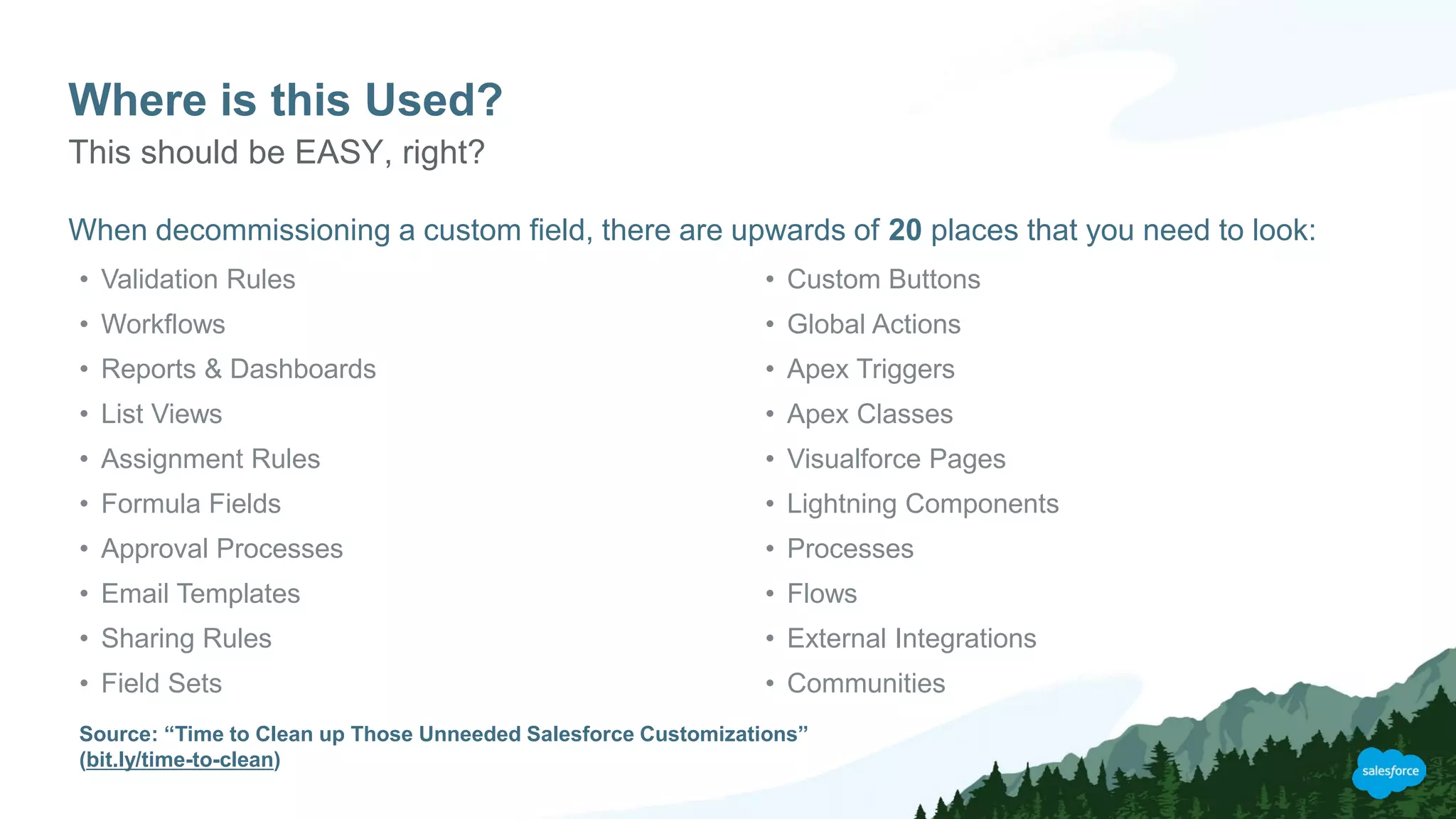
Where is this Used?
When decommissioning a custom field, there are upwards of 20 places that you need to look:
This should be EASY, right?
• Validation Rules
• Workflows
• Reports & Dashboards
• List Views
• Assignment Rules
• Formula Fields
• Approval Processes
• Email Templates
• Sharing Rules
• Field Sets
• Custom Buttons
• Global Actions
• Apex Triggers
• Apex Classes
• Visualforce Pages
• Lightning Components
• Processes
• Flows
• External Integrations
• Communities
Source: “Time to Clean up Those Unneeded Salesforce Customizations”
(bit.ly/time-to-clean)
How Can We Make This Process
Easier and Also More Reliable?
Ideally…
We need a tool that can:
• Search every nook and cranny of our org
• Provide a complete list of all of the places that a field is referenced, including email templates and even
dashboard footers
• The list must be detailed and easy to navigate
• The list must be easy to generate on demand
If only such a tool existed…
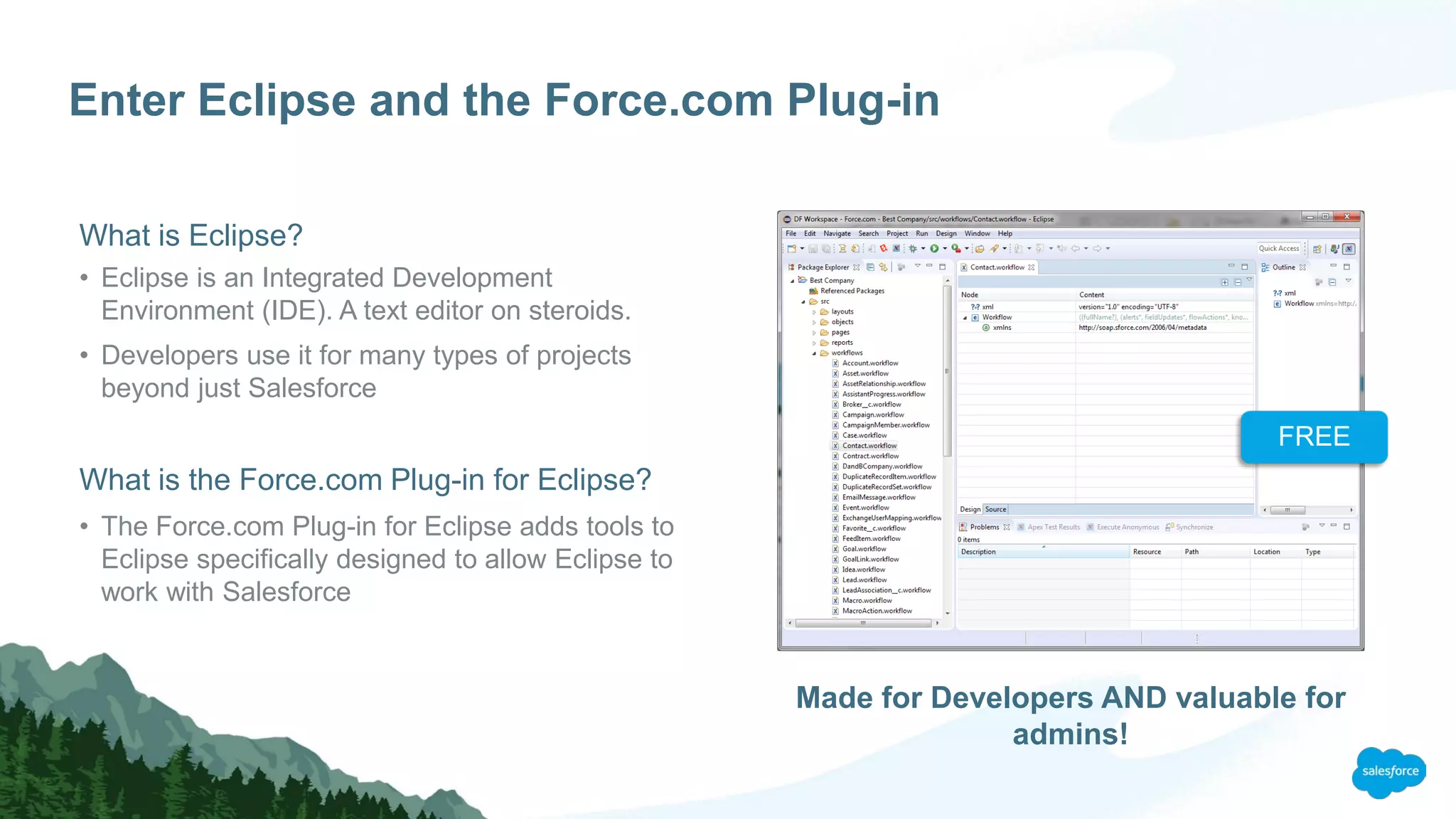
Enter Eclipse and the Force.com Plug-in
What is Eclipse?
• Eclipse is an Integrated Development
Environment (IDE). A text editor on steroids.
• Developers use it for many types of projects
beyond just Salesforce
What is the Force.com Plug-in for Eclipse?
• The Force.com Plug-in for Eclipse adds tools to
Eclipse specifically designed to allow Eclipse to
work with Salesforce
Made for Developers AND valuable for
admins!
FREE
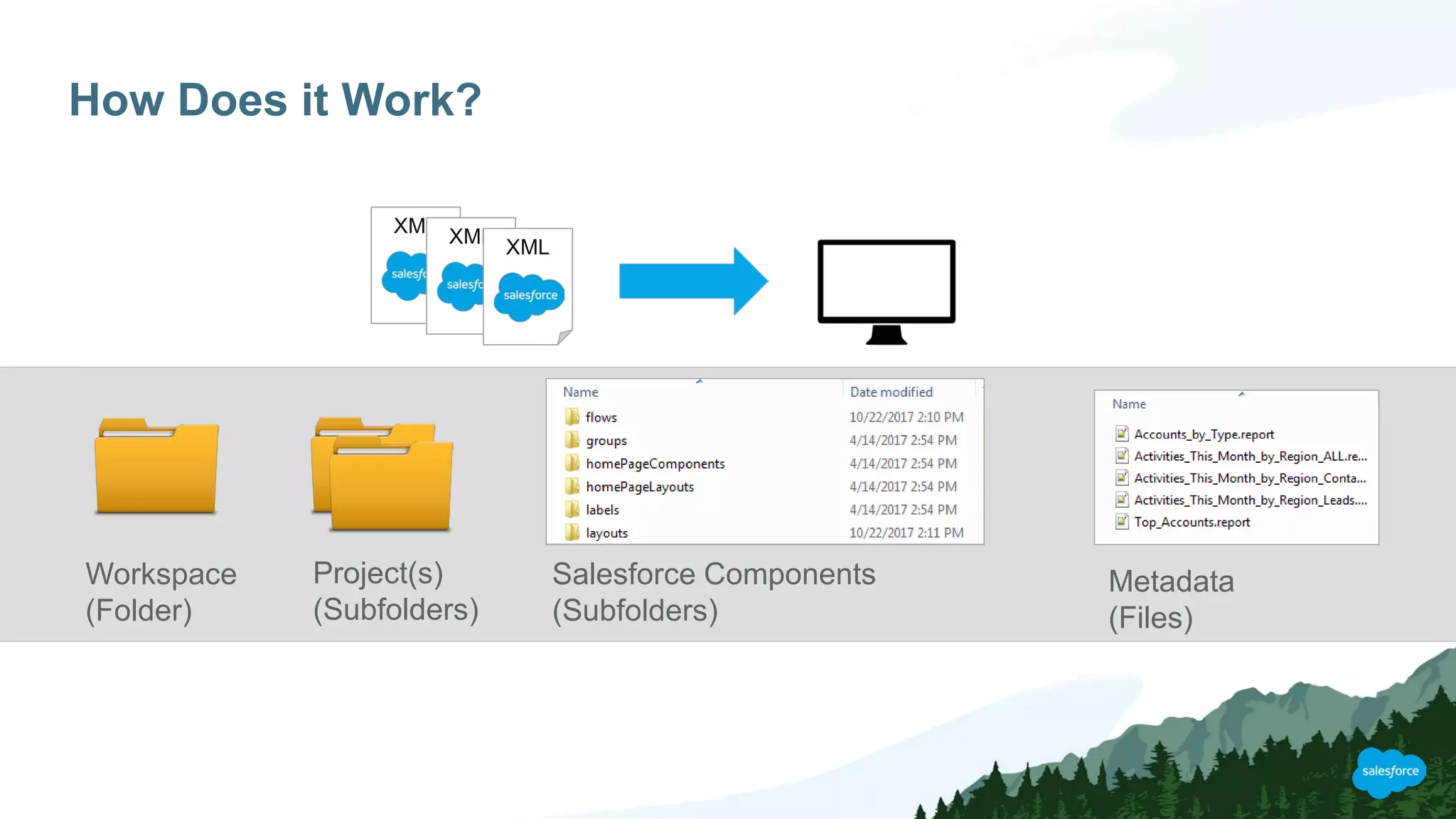
How Does it Work?
XML XML
XML
Workspace
(Folder)
Project(s)
(Subfolders)
Salesforce Components
(Subfolders)
Metadata
(Files)
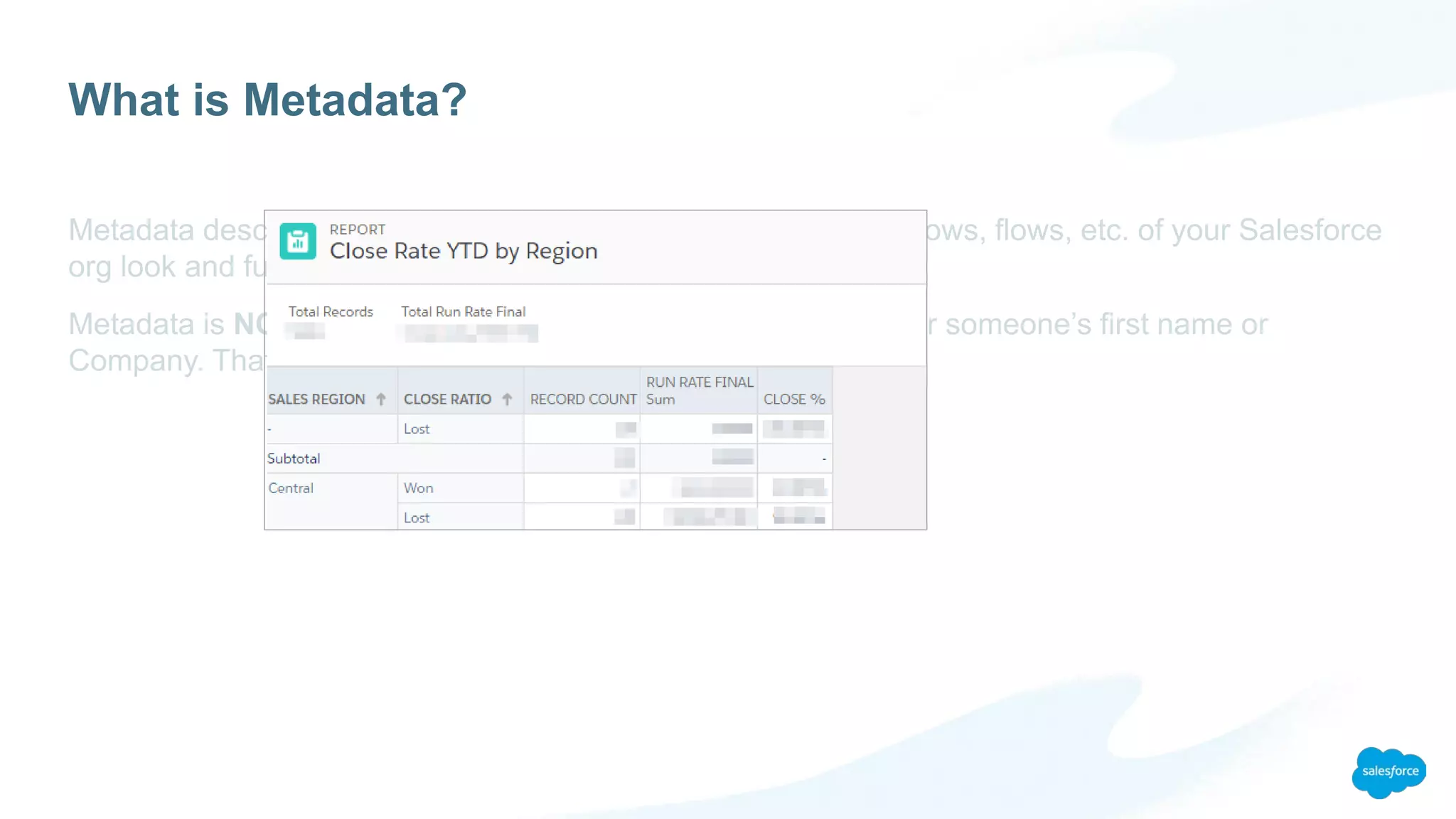
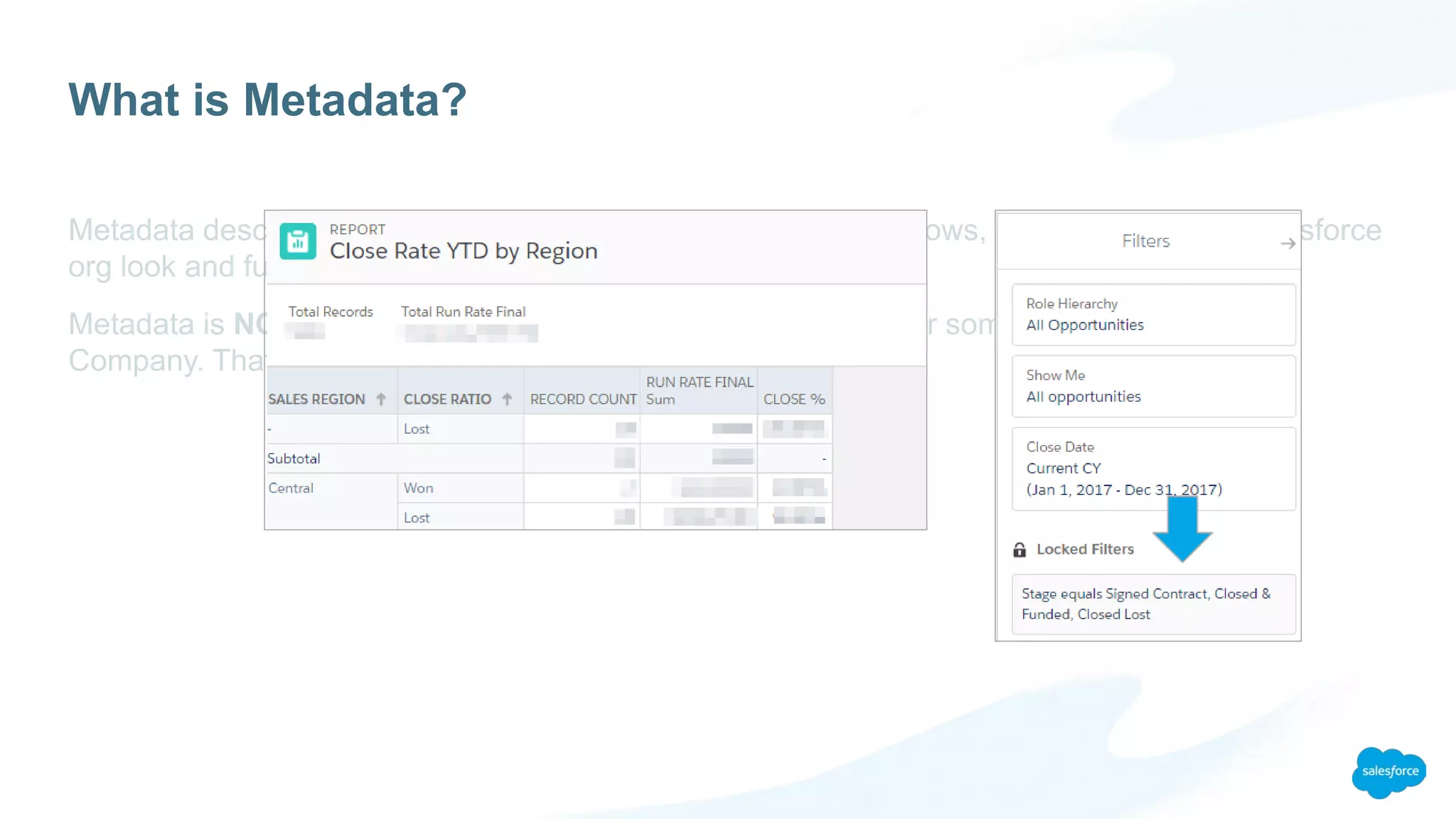
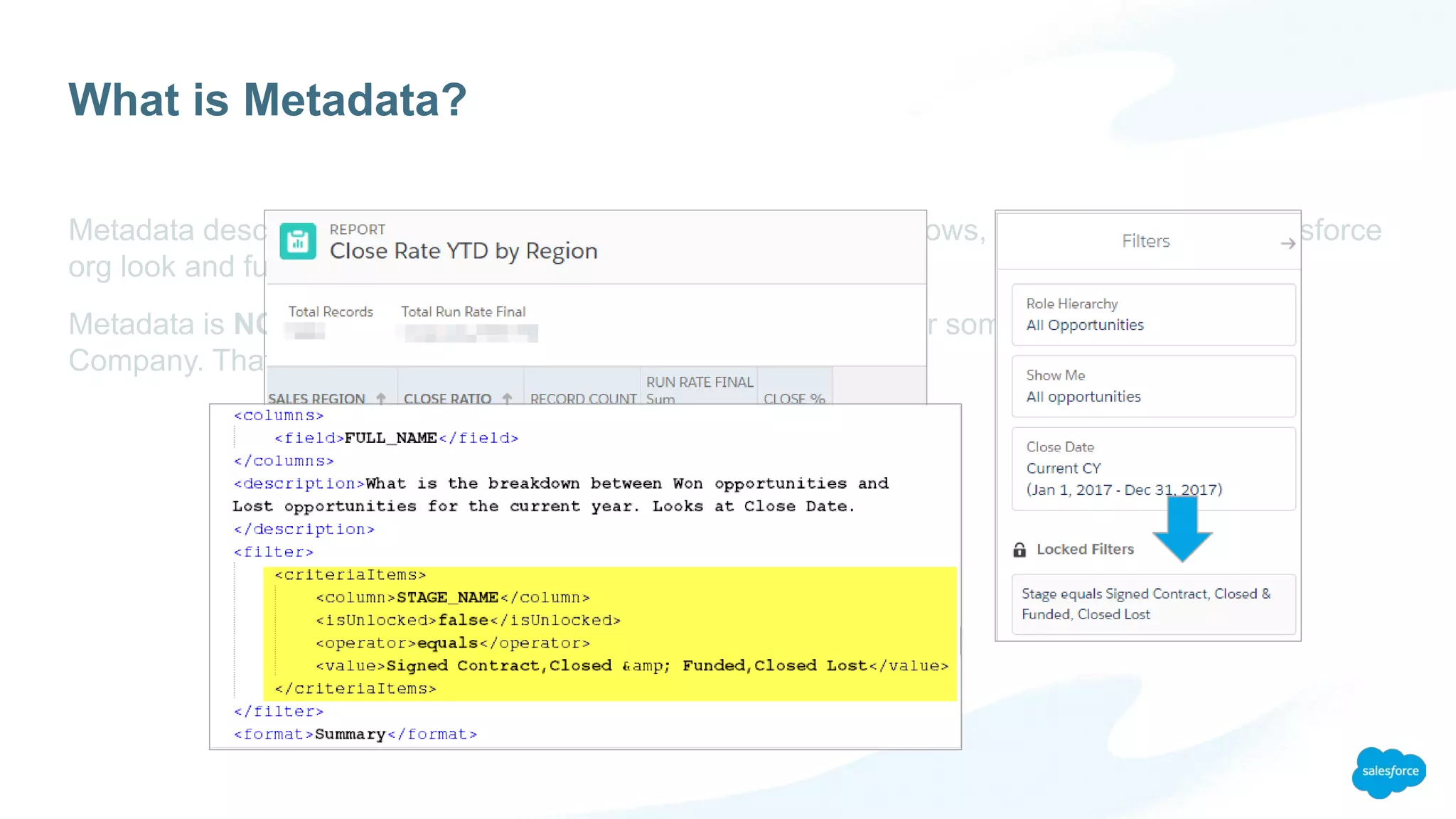
What is Metadata?
Metadata describes how the objects, fields, page layouts, workflows, flows, etc. of your Salesforce
org look and function
Metadata is NOT the actual data in a record, such a the value for someone’s first name or
Company. That’s just plain data.
What is Metadata?
What is Metadata?
What is Metadata?
So What Can You Do?
A few examples
So What Can You Do?
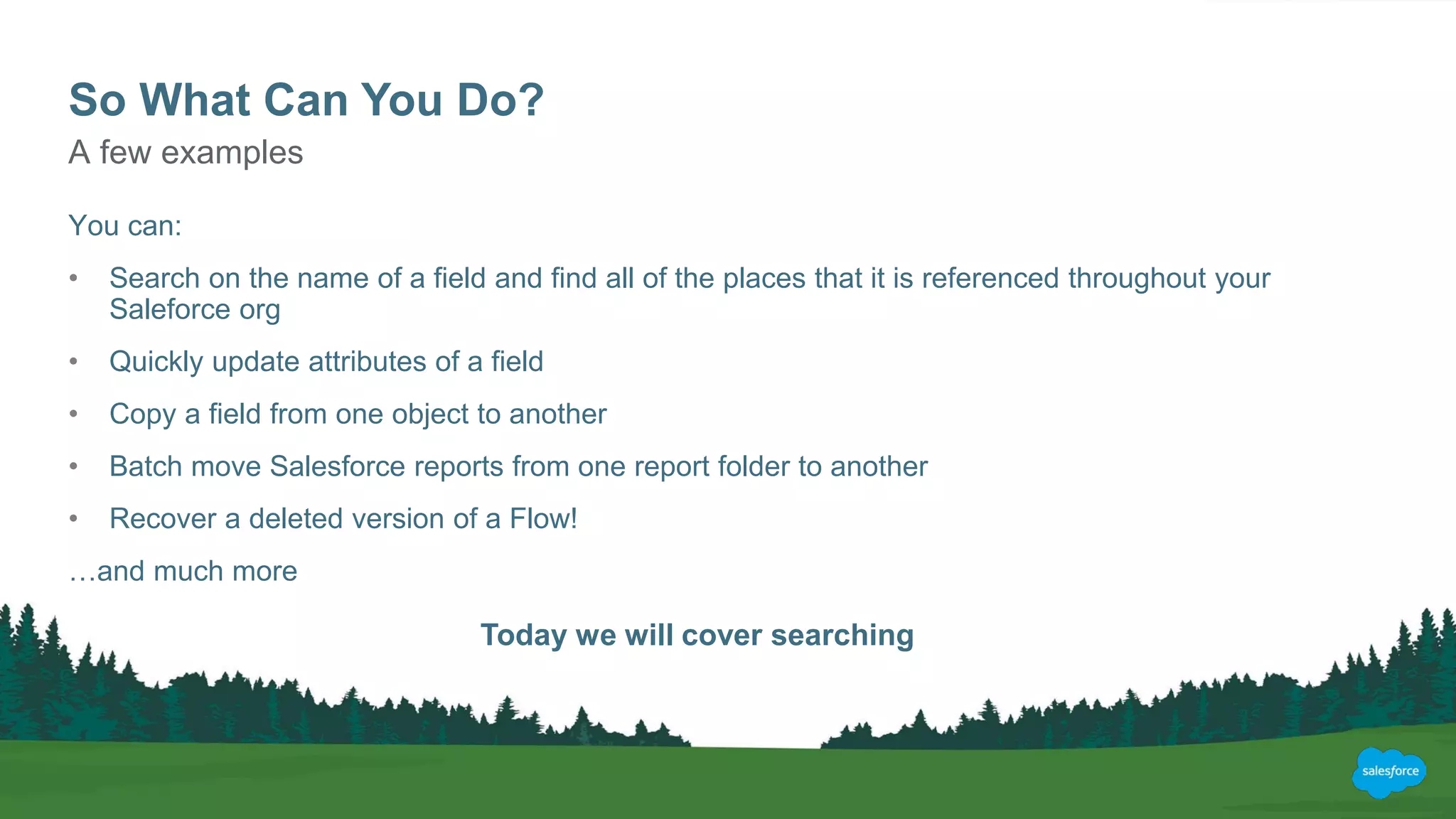
You can:
• Search on the name of a field and find all of the places that it is referenced throughout your
Saleforce org
• Quickly update attributes of a field
• Copy a field from one object to another
• Batch move Salesforce reports from one report folder to another
• Recover a deleted version of a Flow!
…and much more
A few examples
Today we will cover searching
If it’s So Great, Why Don’t More
Admins Use it?
No One’s Perfect
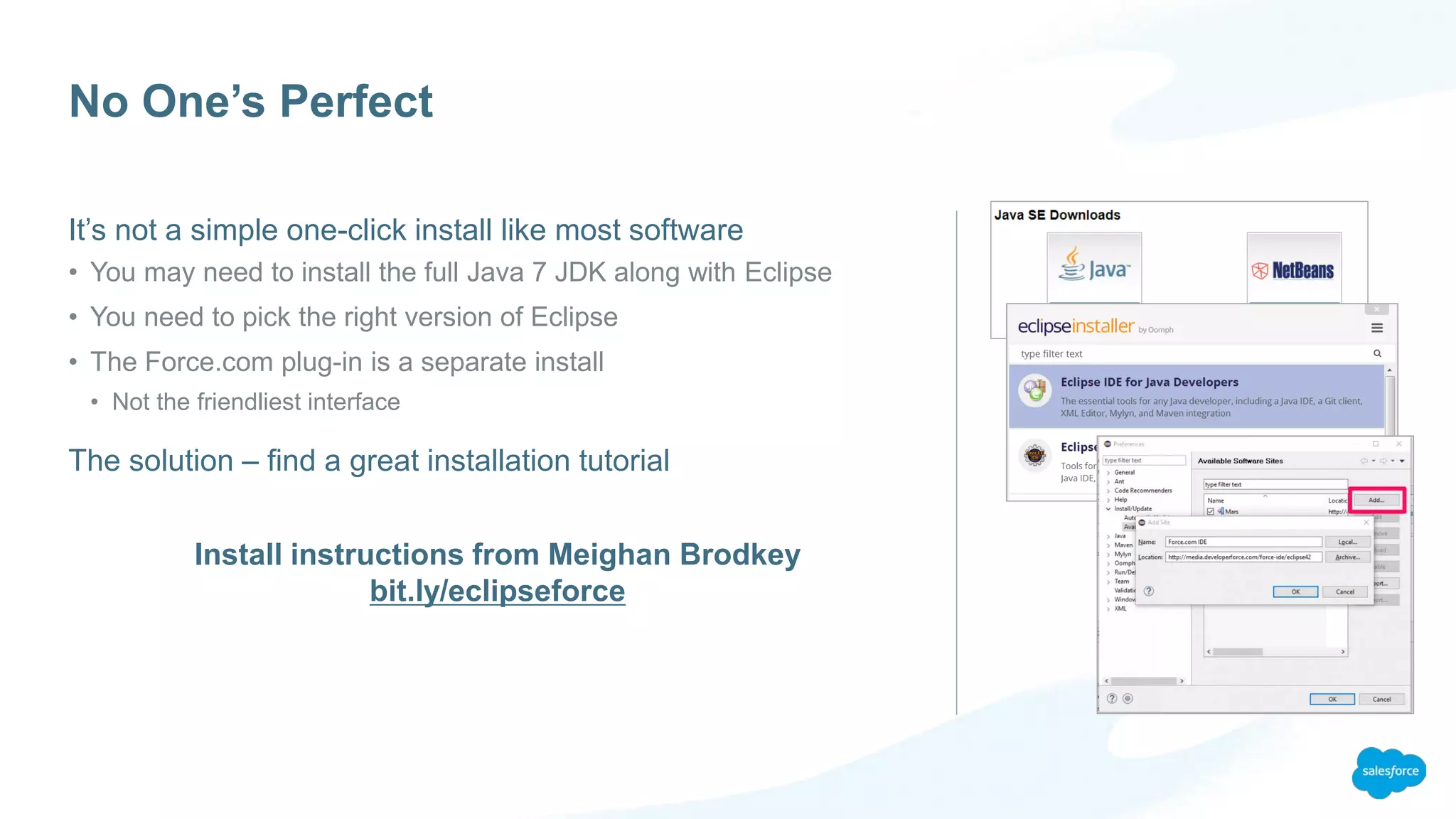
It’s not a simple one-click install like most software
• You may need to install the full Java 7 JDK along with Eclipse
• You need to pick the right version of Eclipse
• The Force.com plug-in is a separate install
• Not the friendliest interface
The solution – find a great installation tutorial
Install instructions from Meighan Brodkey
bit.ly/eclipseforce
Now We Need Some
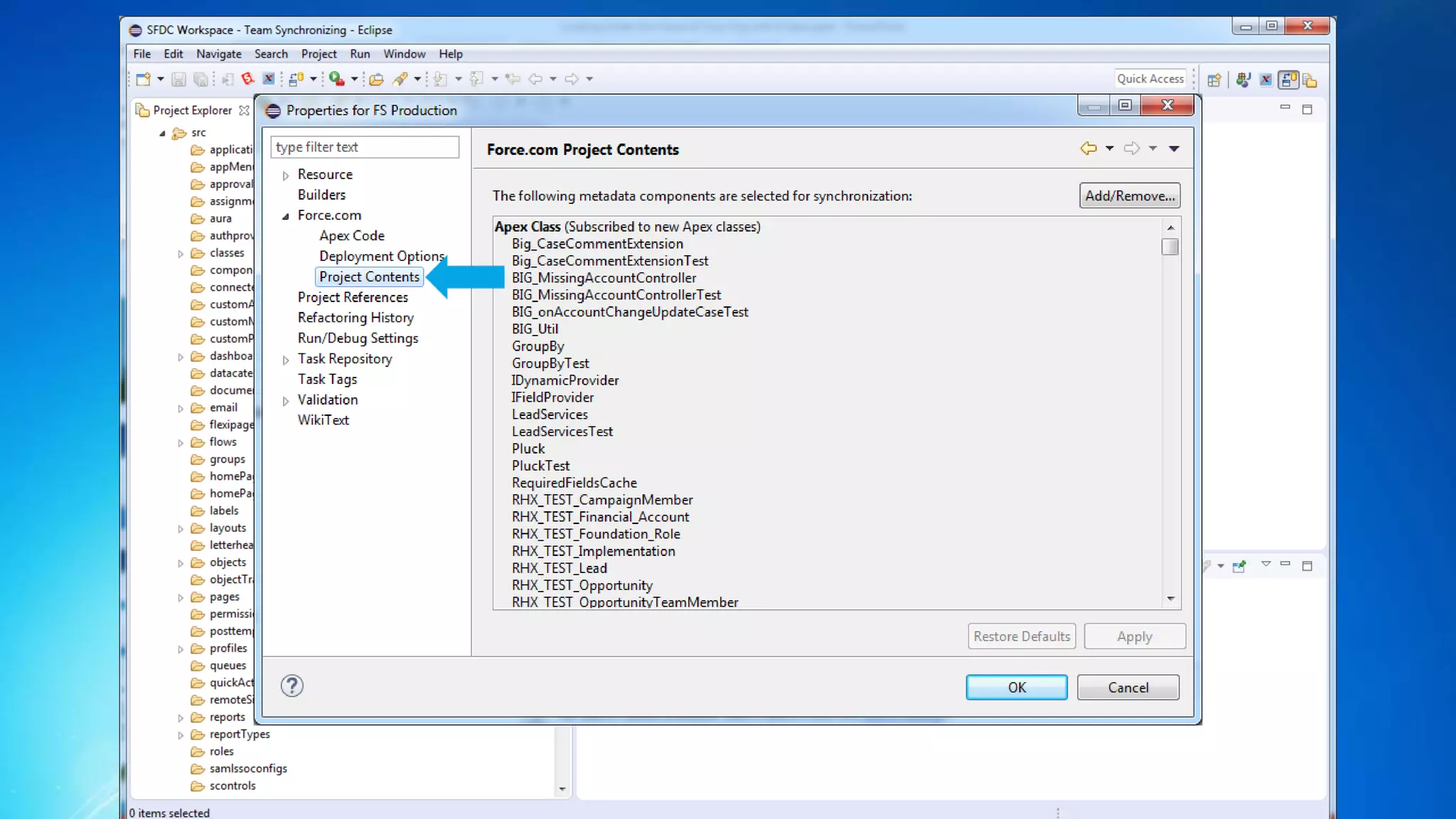
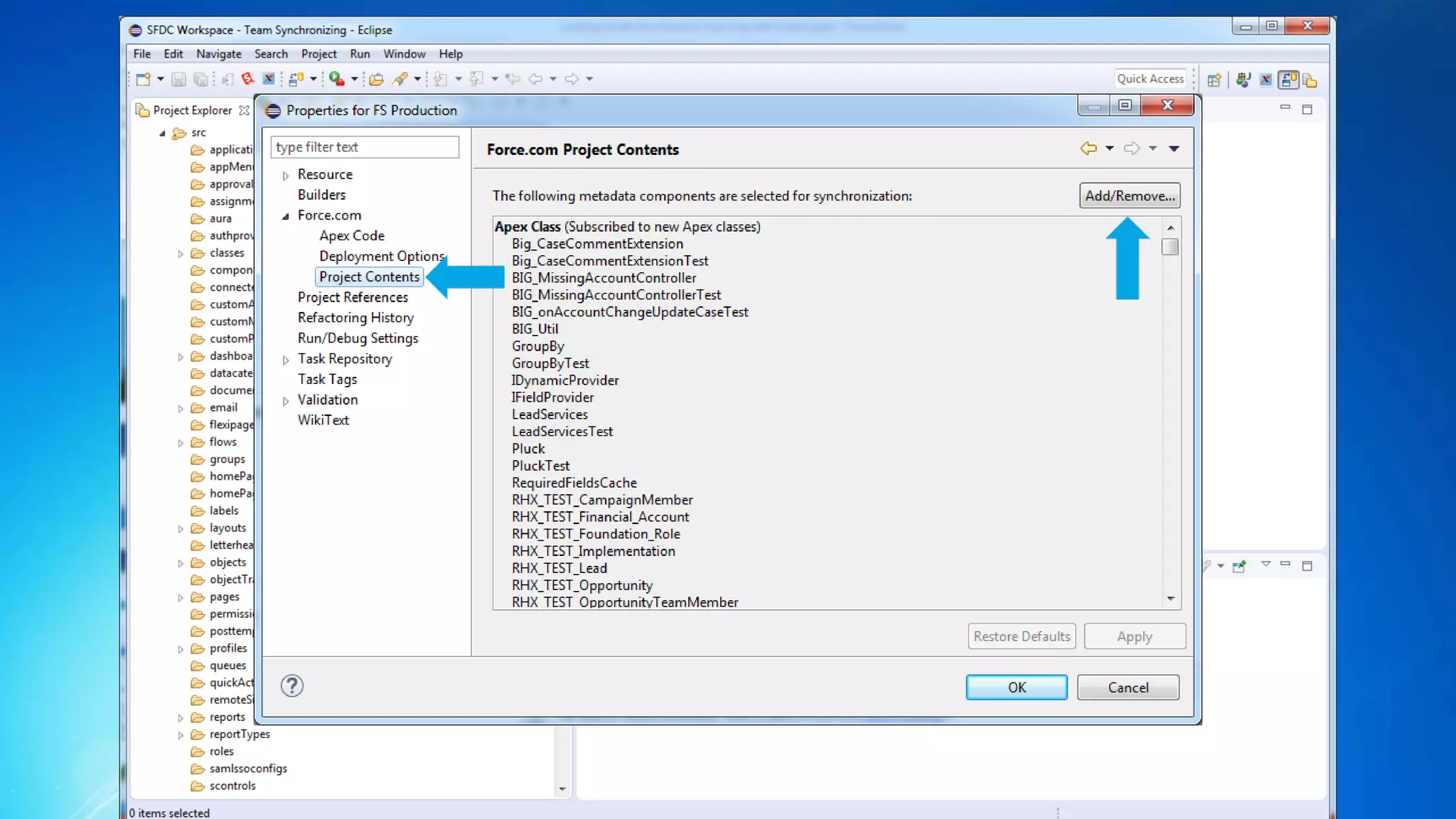
Metadata (DEMO)
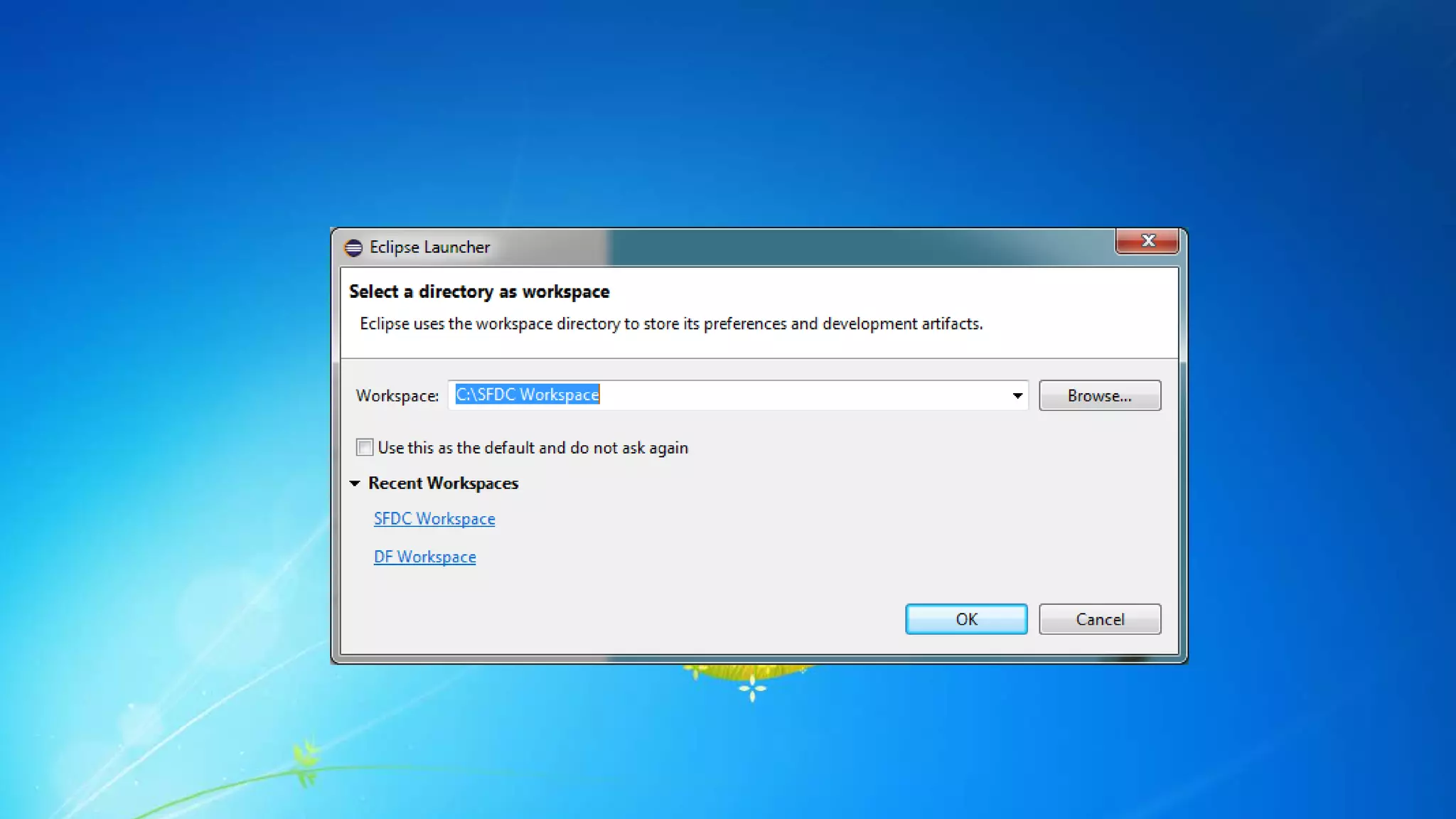
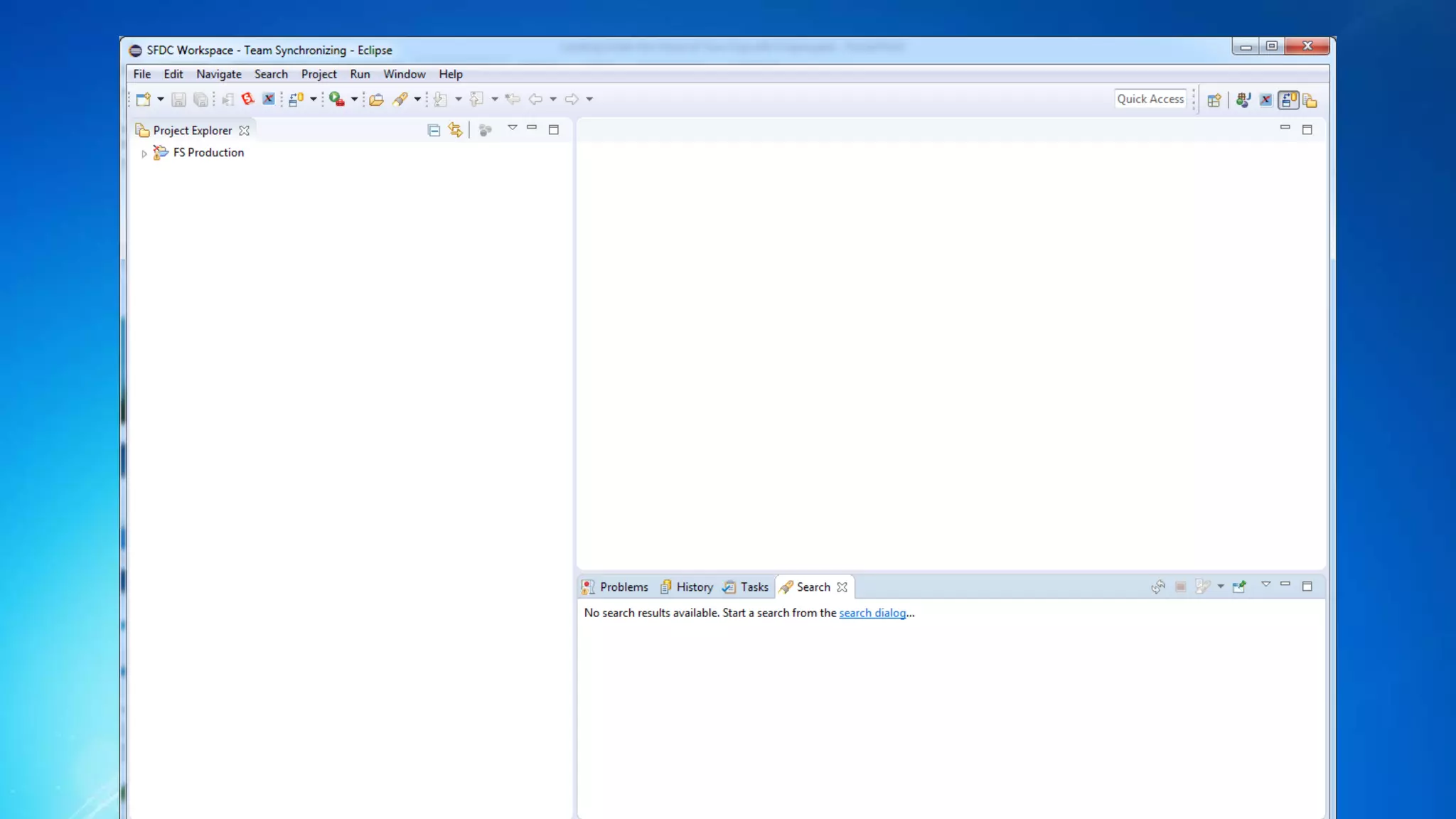
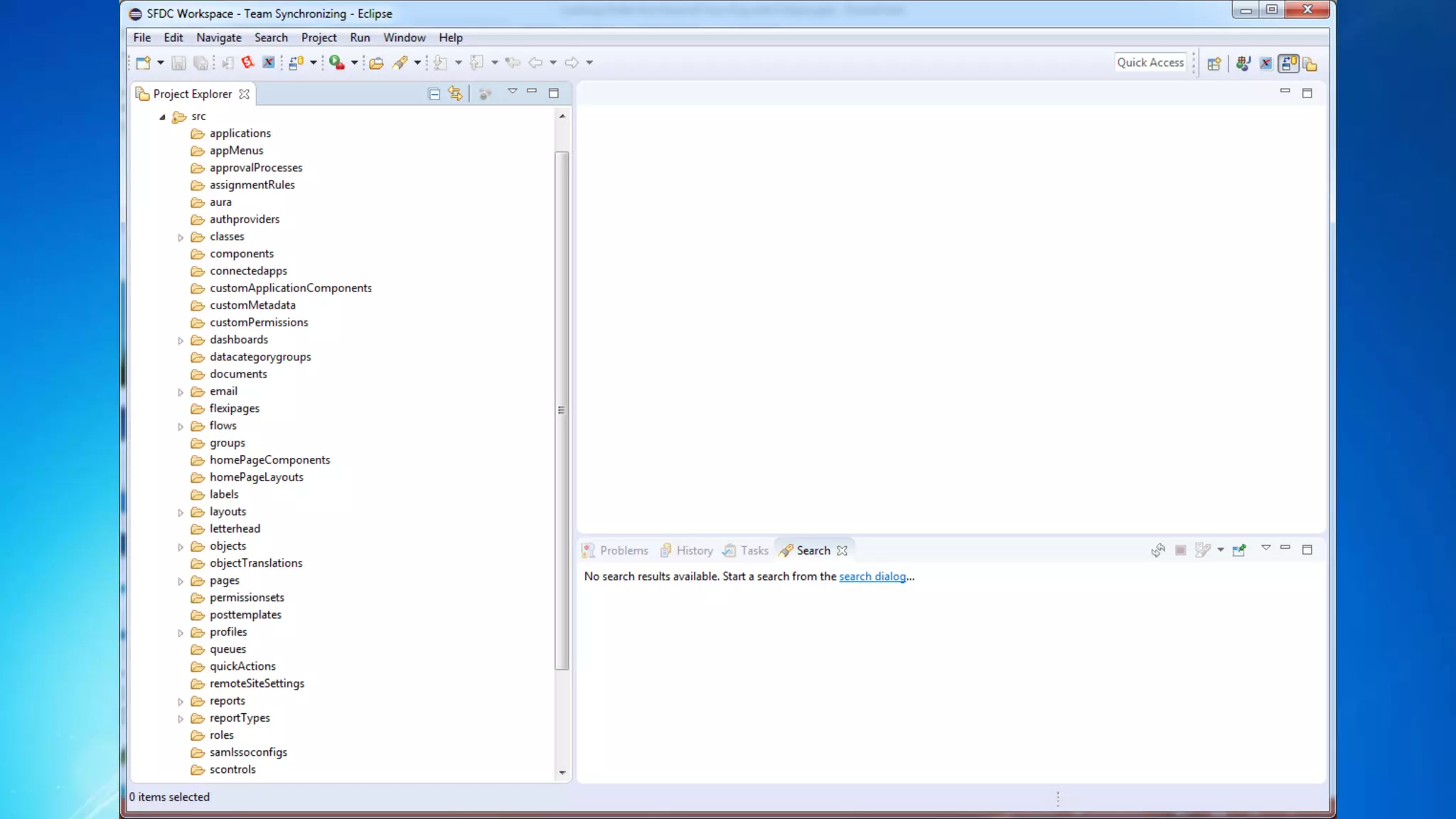
Getting the Metadata onto your machine
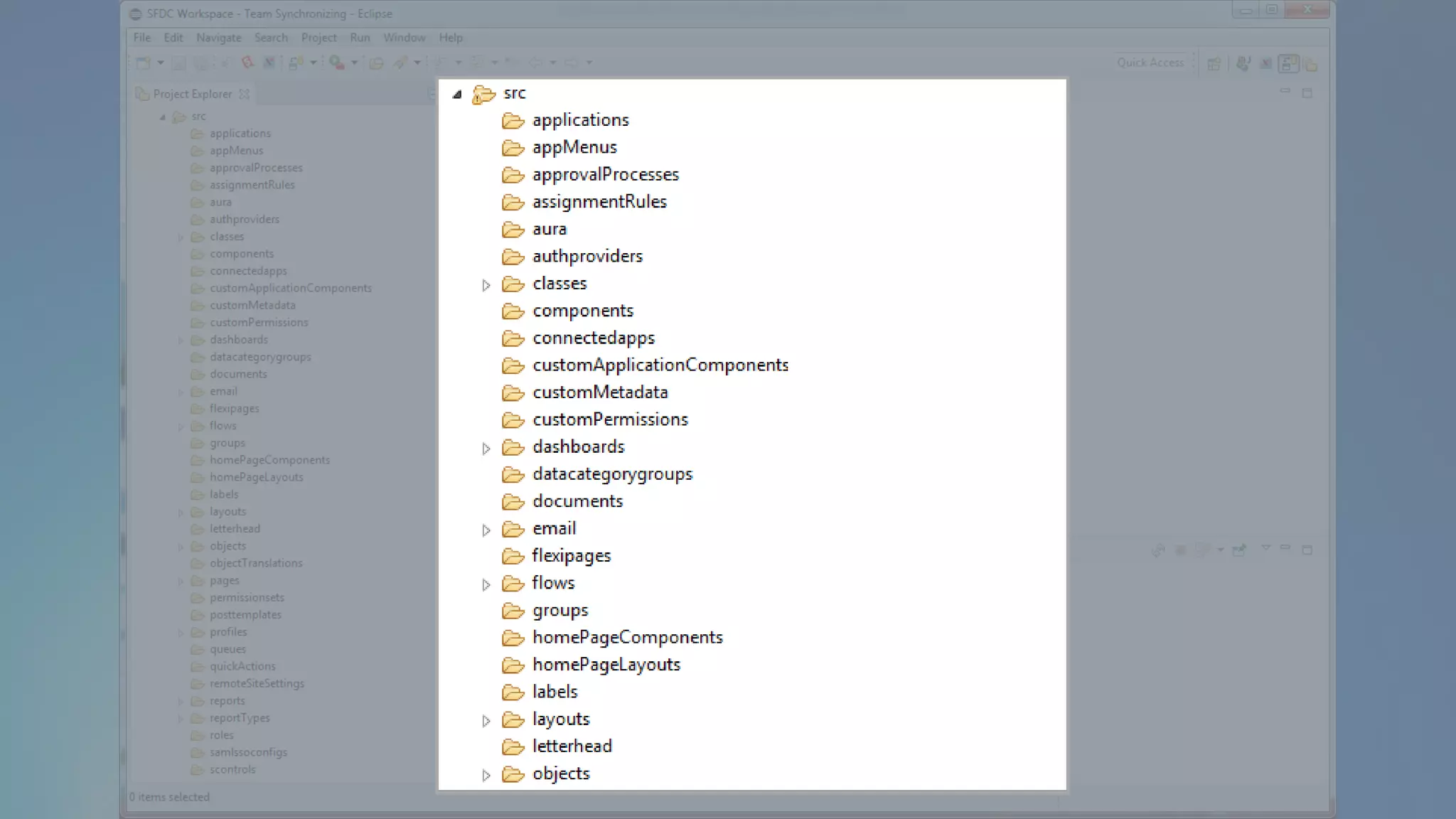
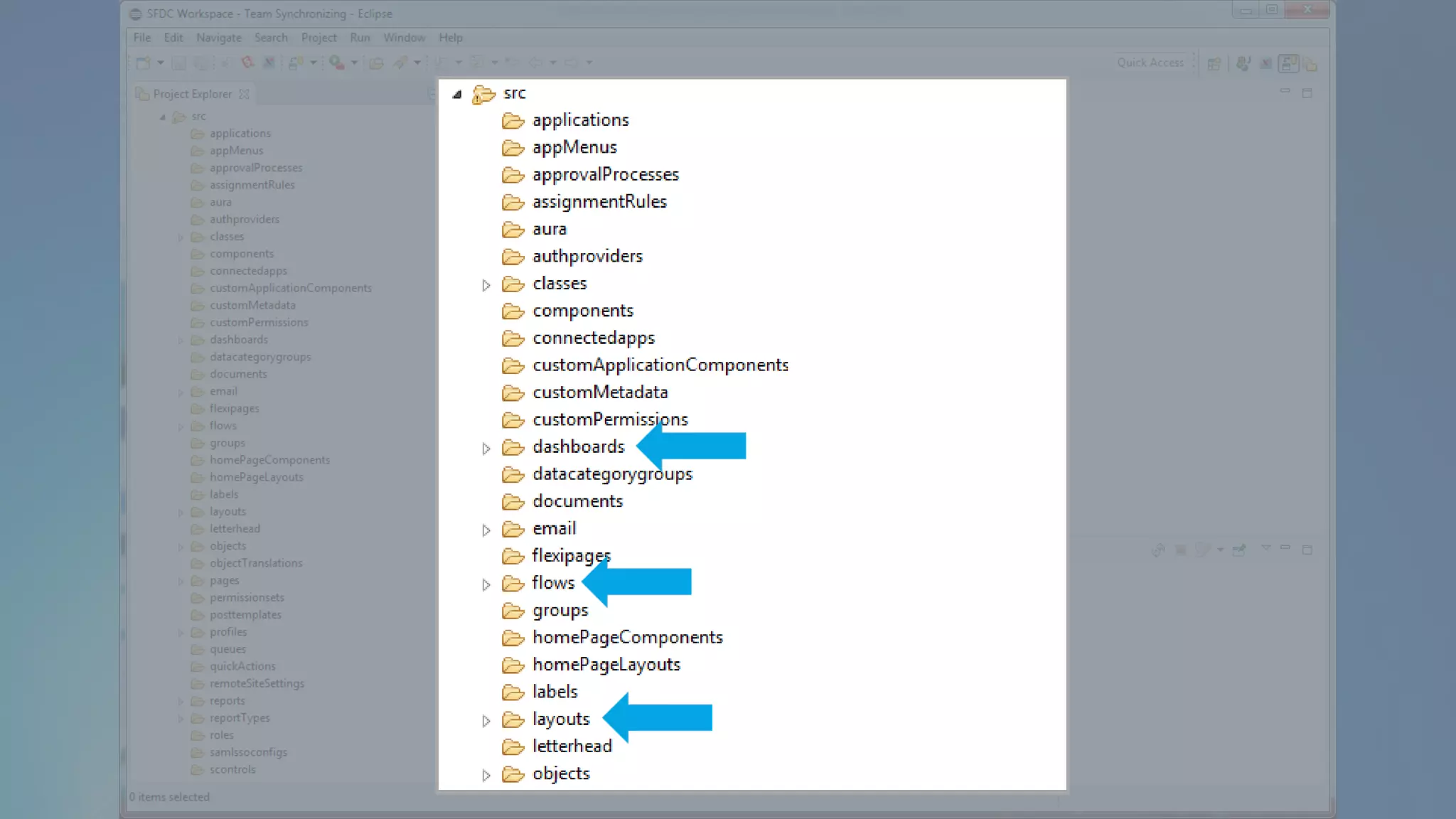
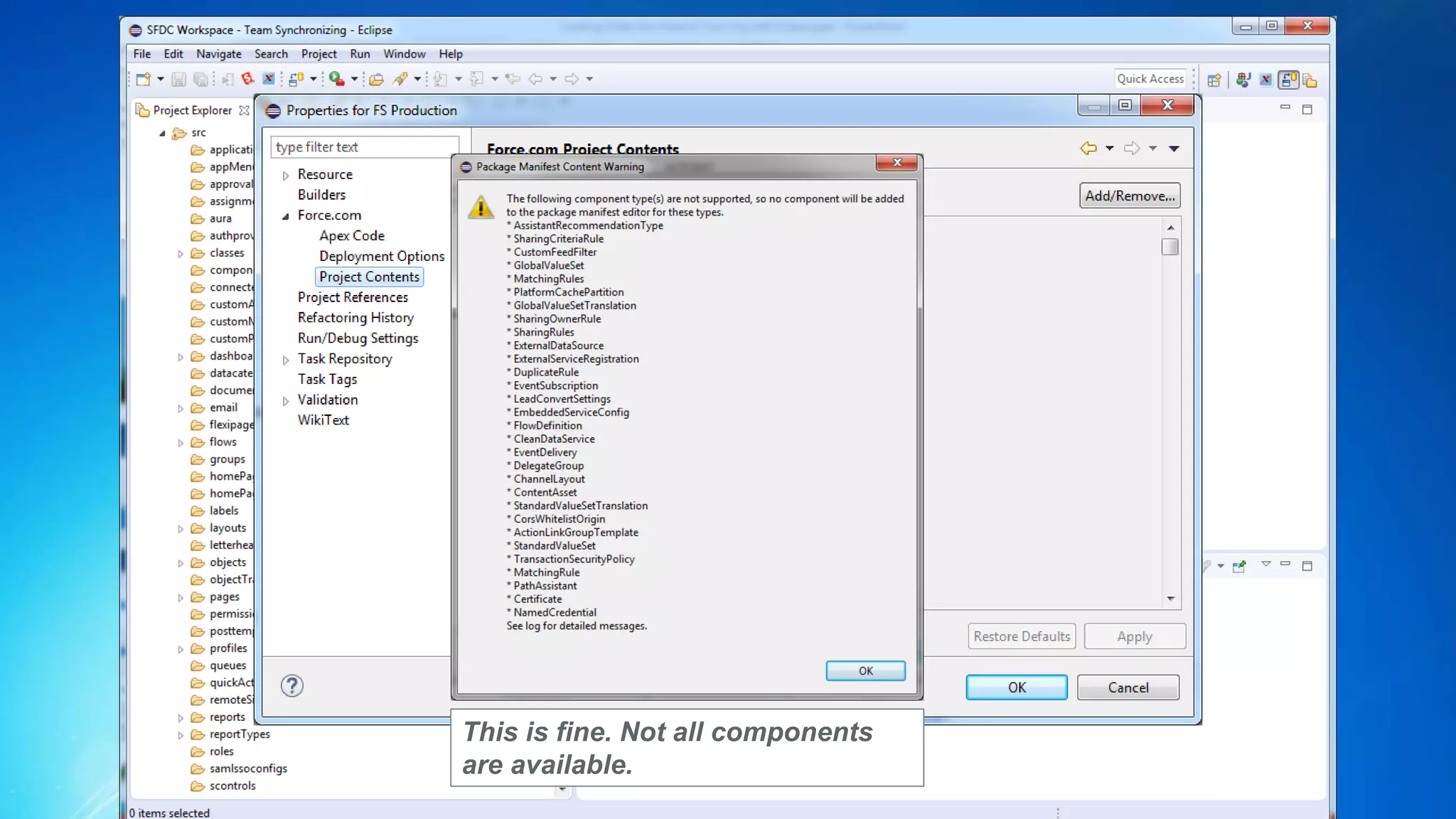
This is fine. Not all components
are available.
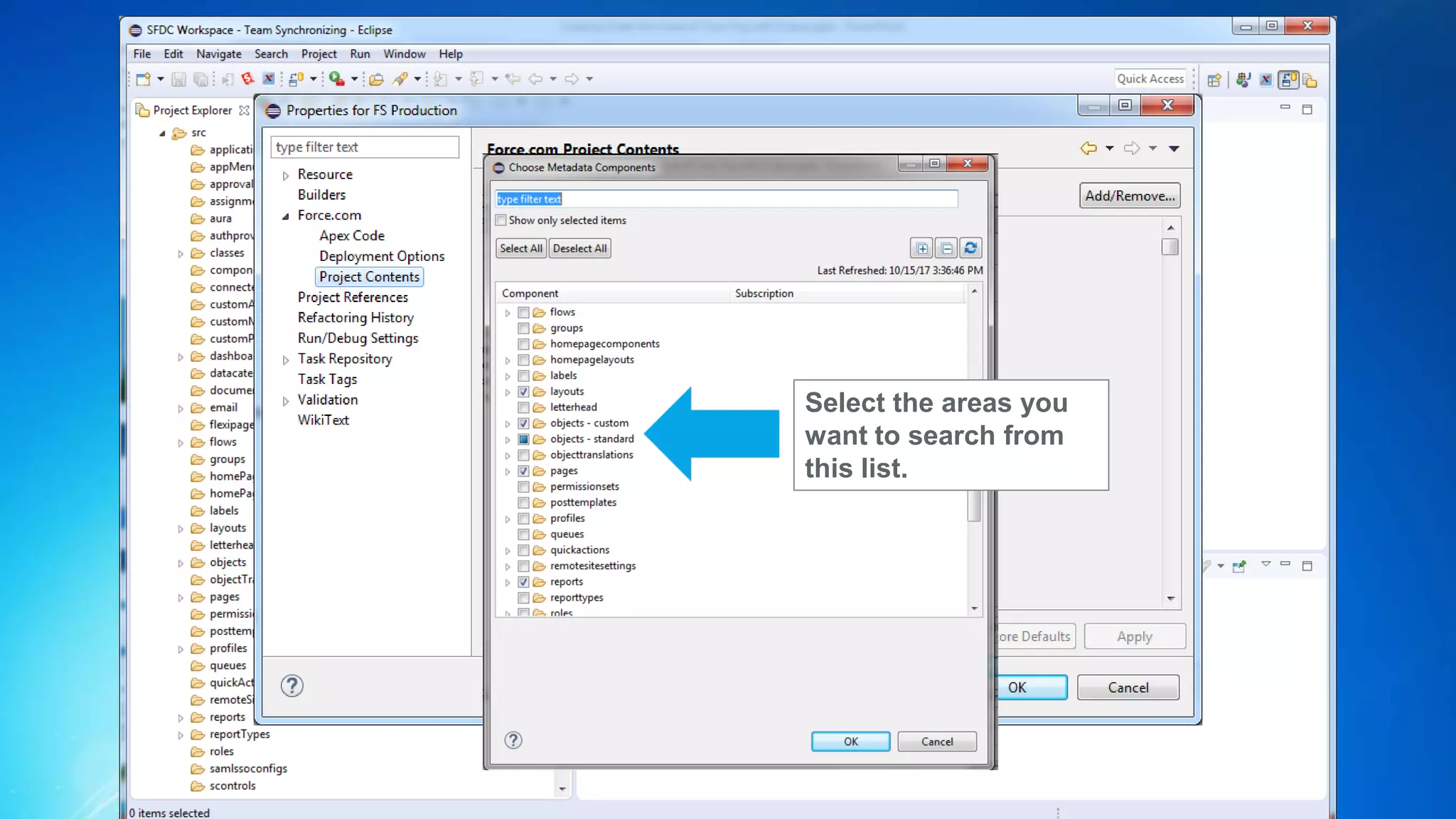
Select the areas you
want to search from
this list.
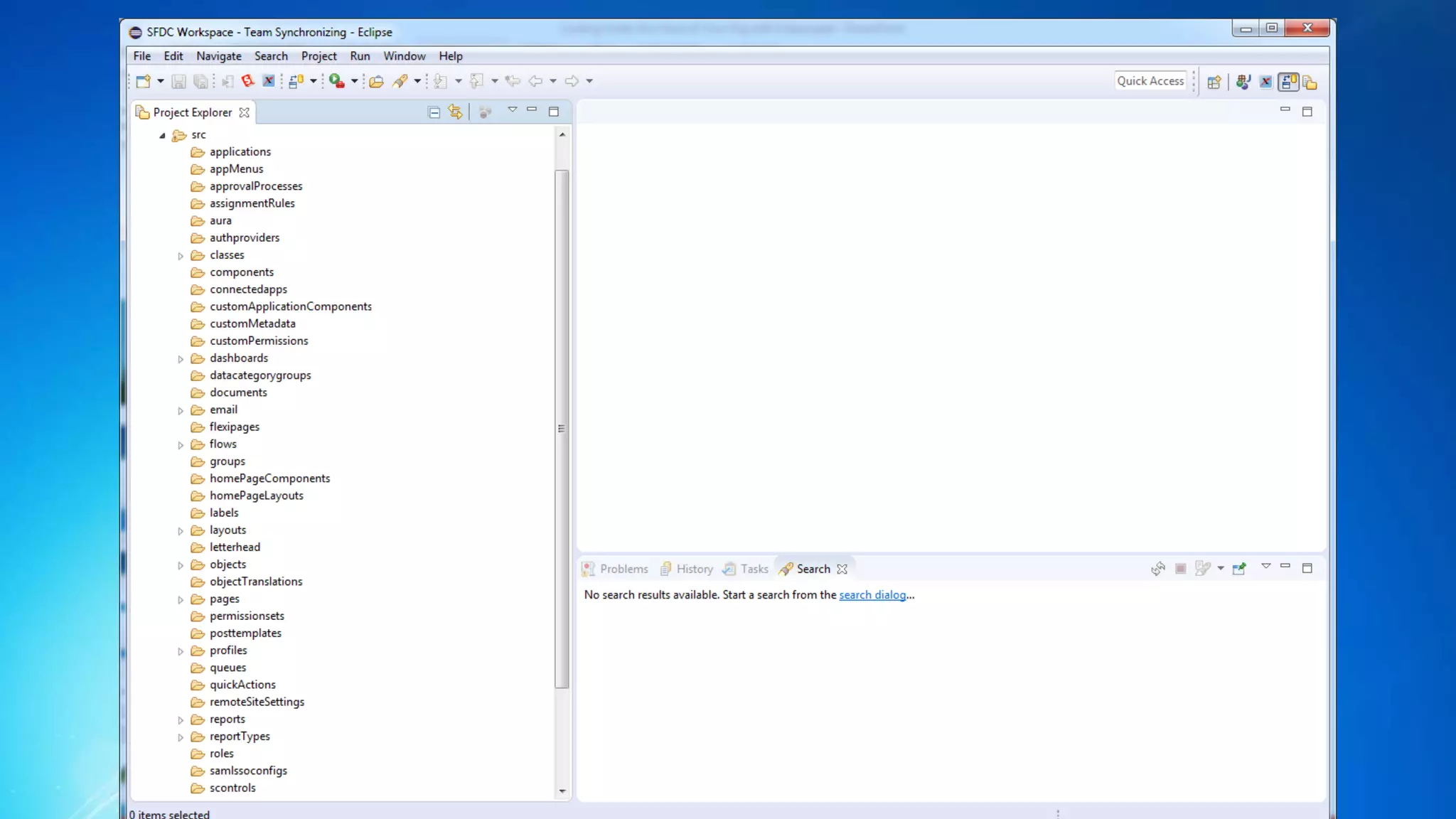
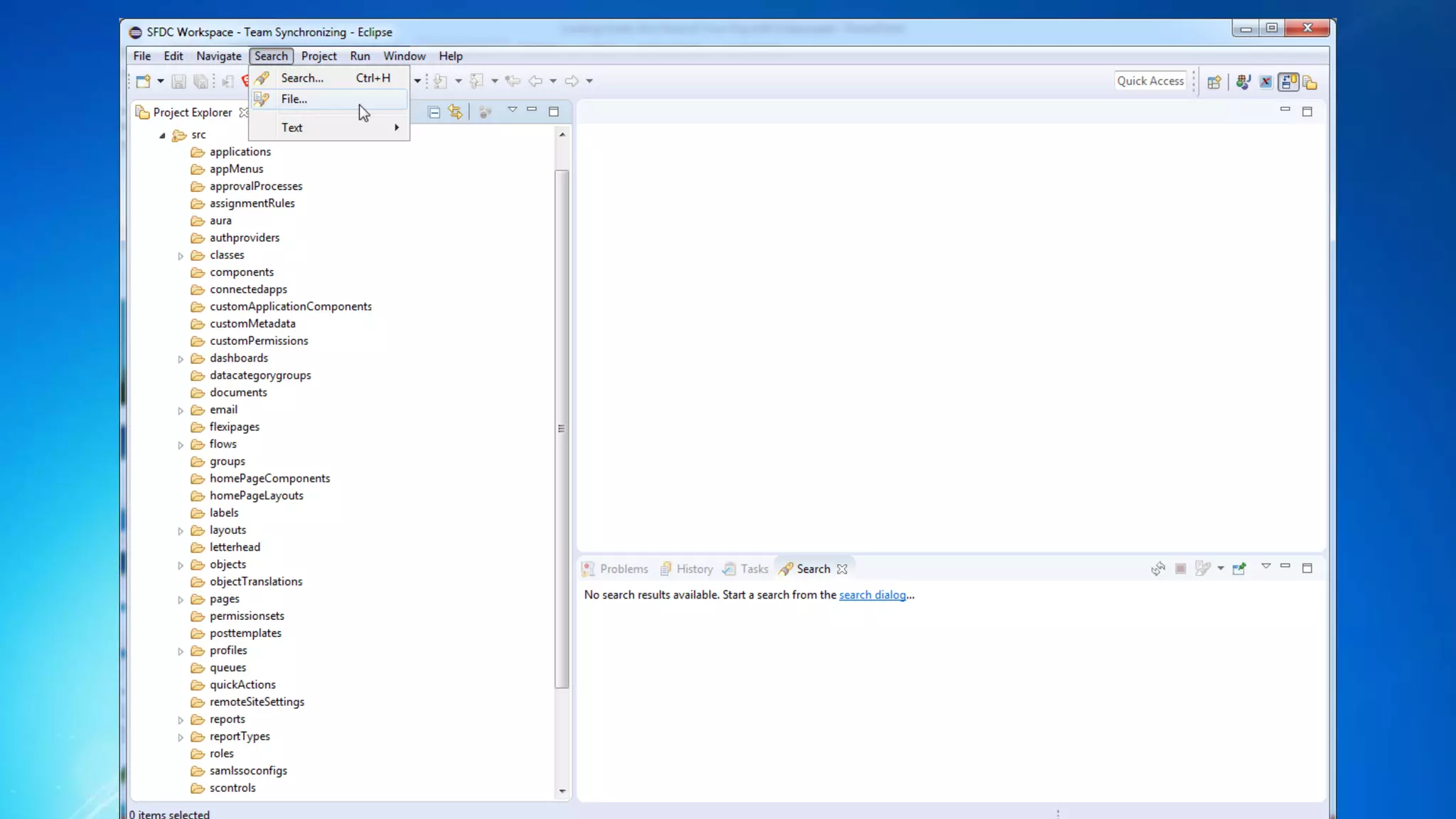
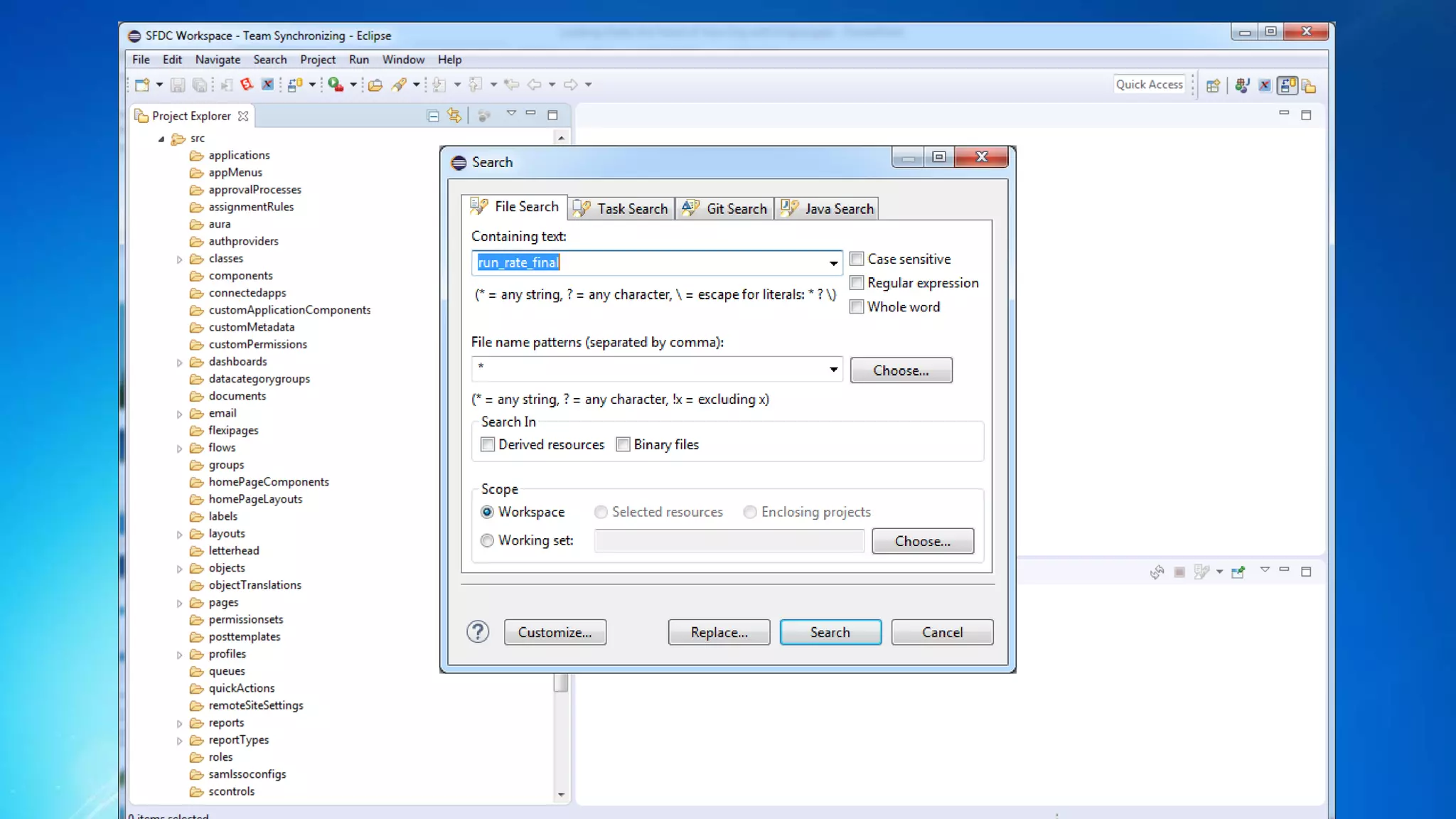
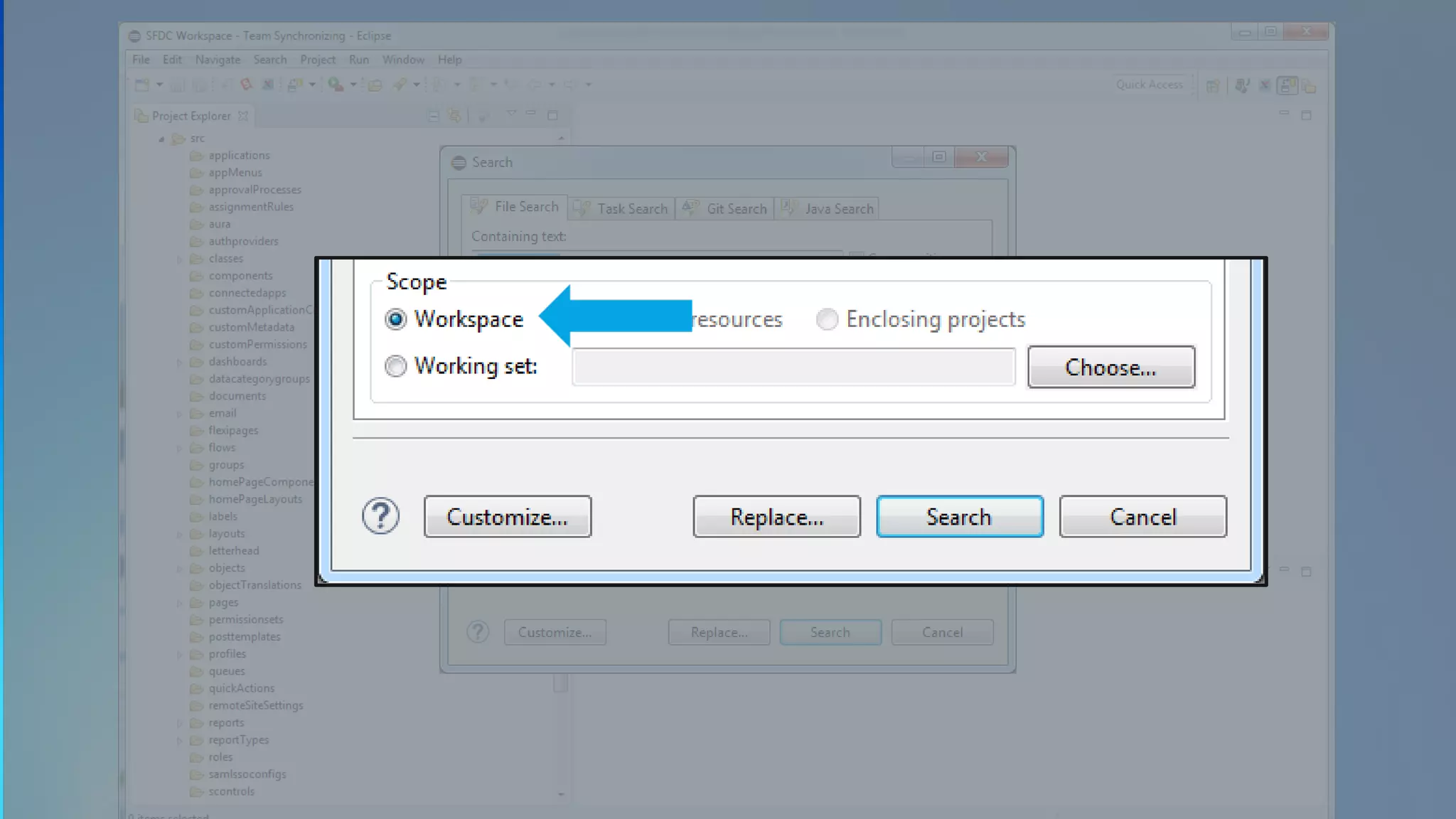
Searching Your Metadata
(DEMO)
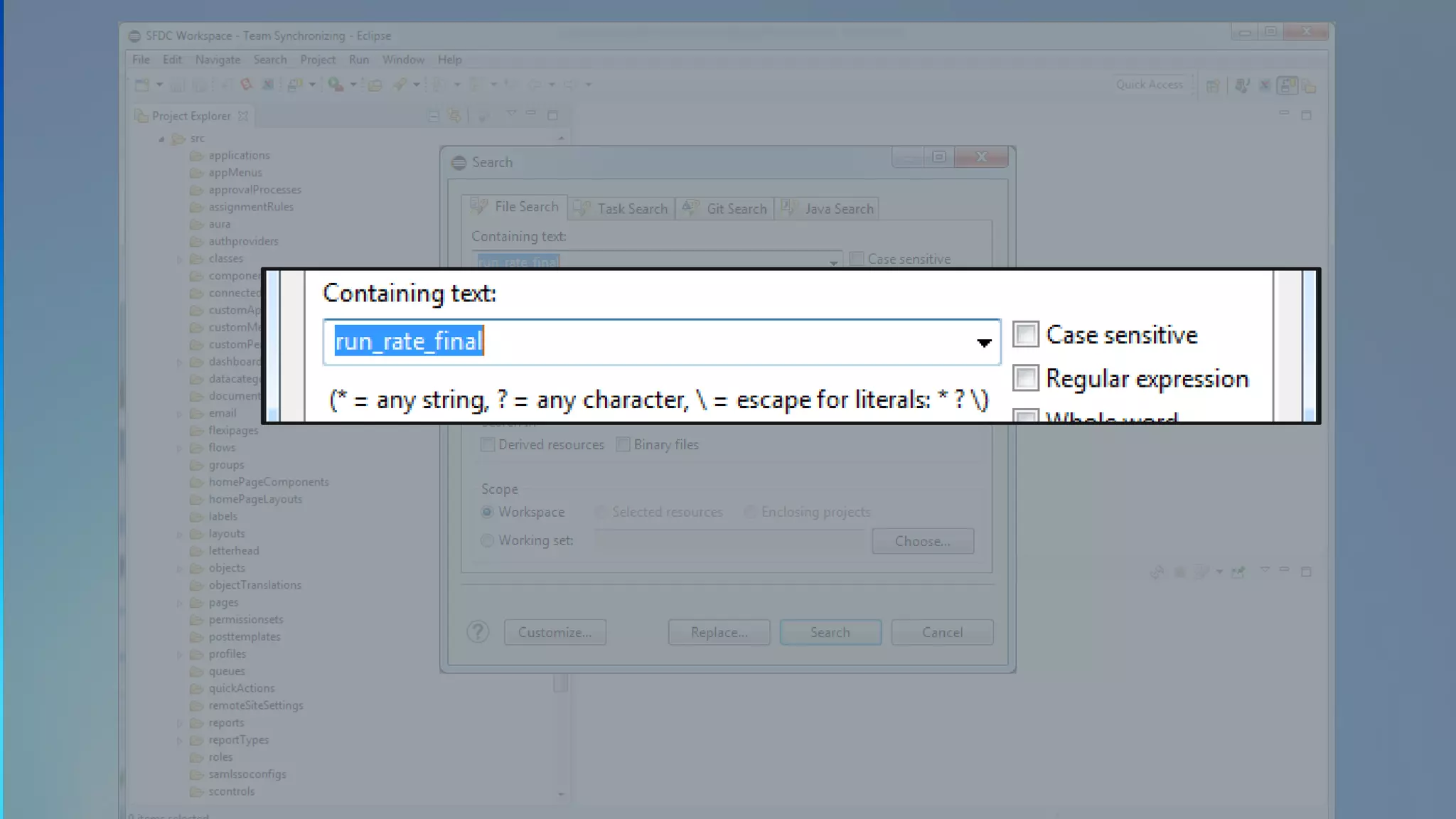
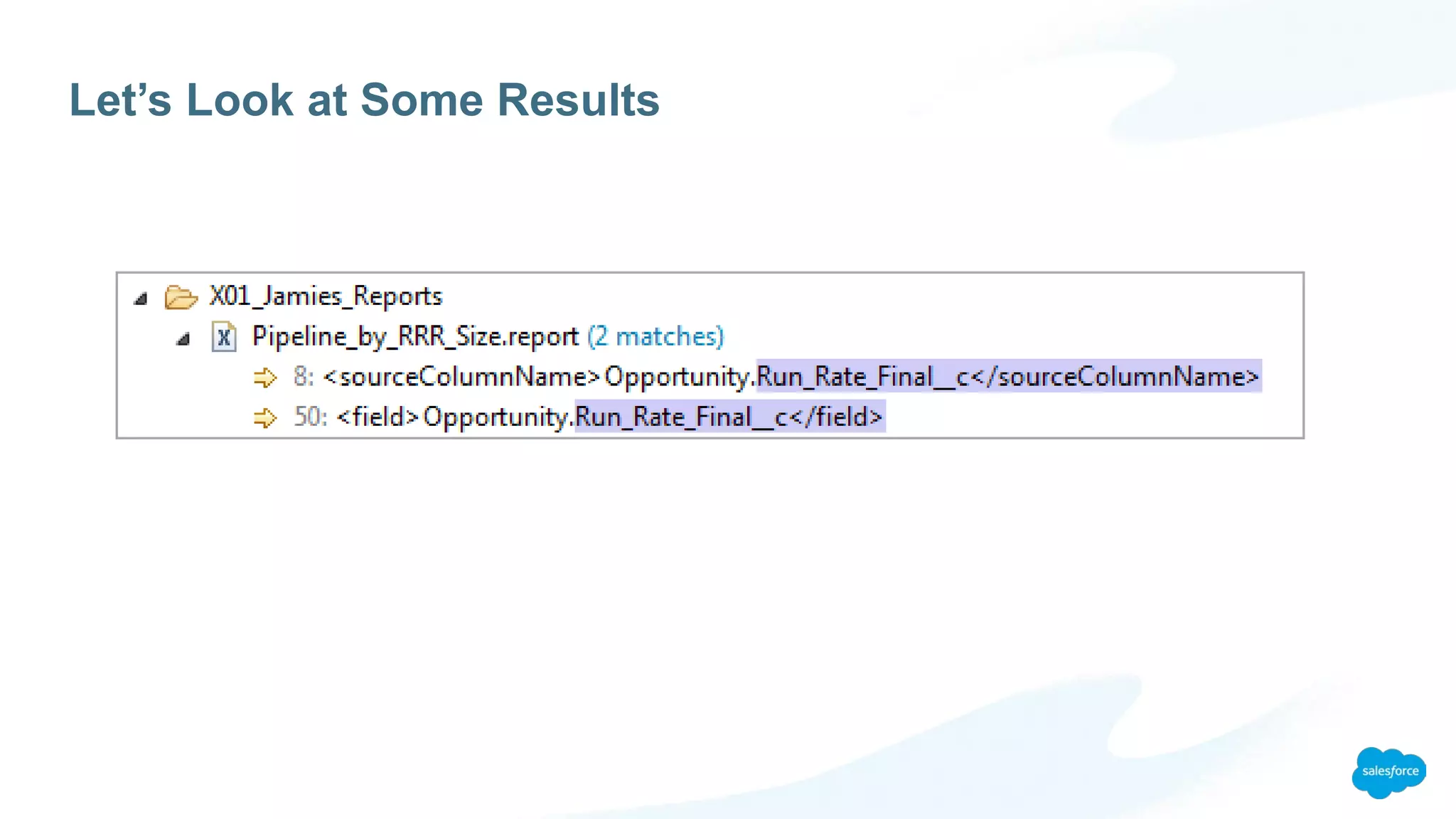
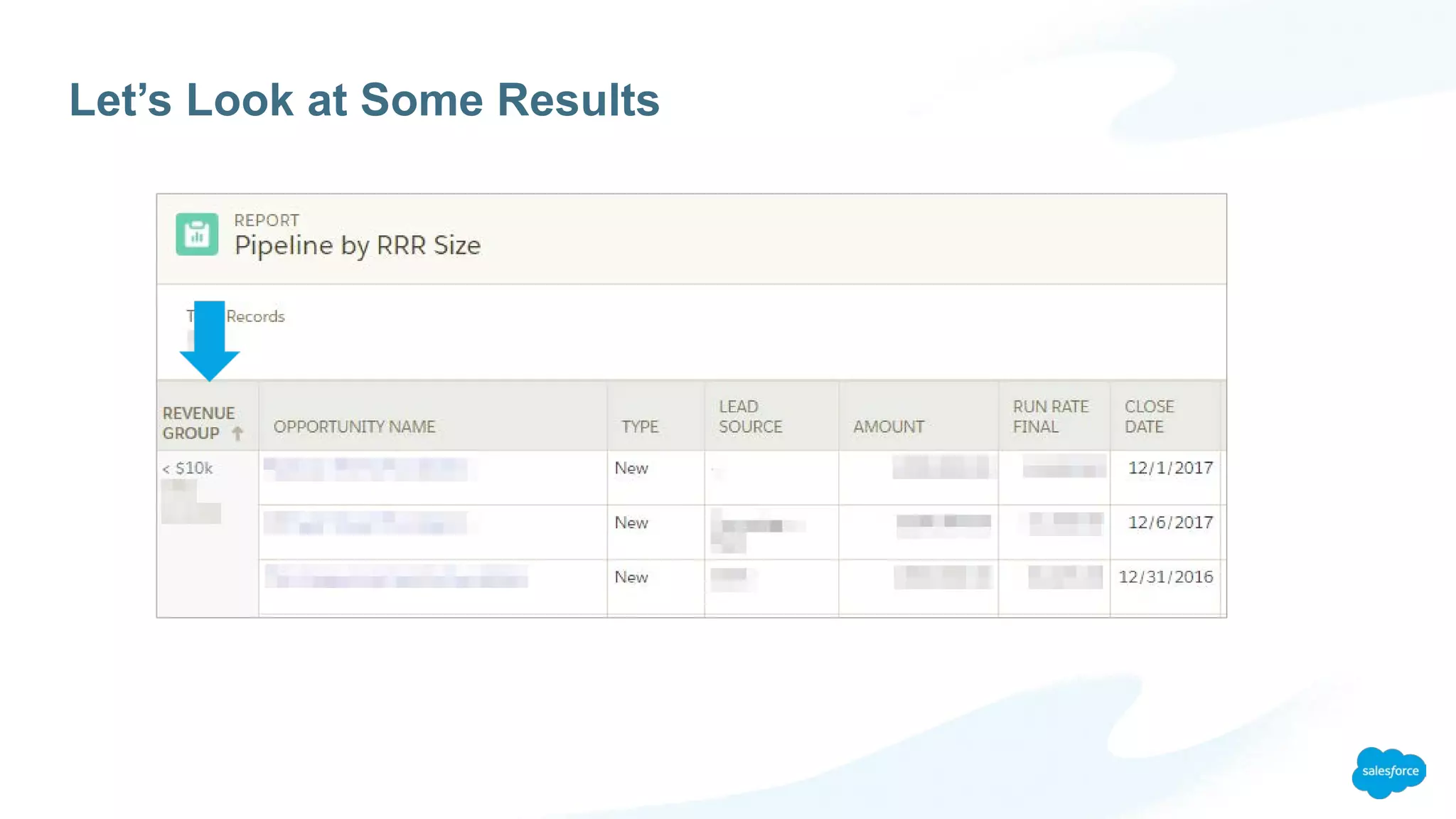
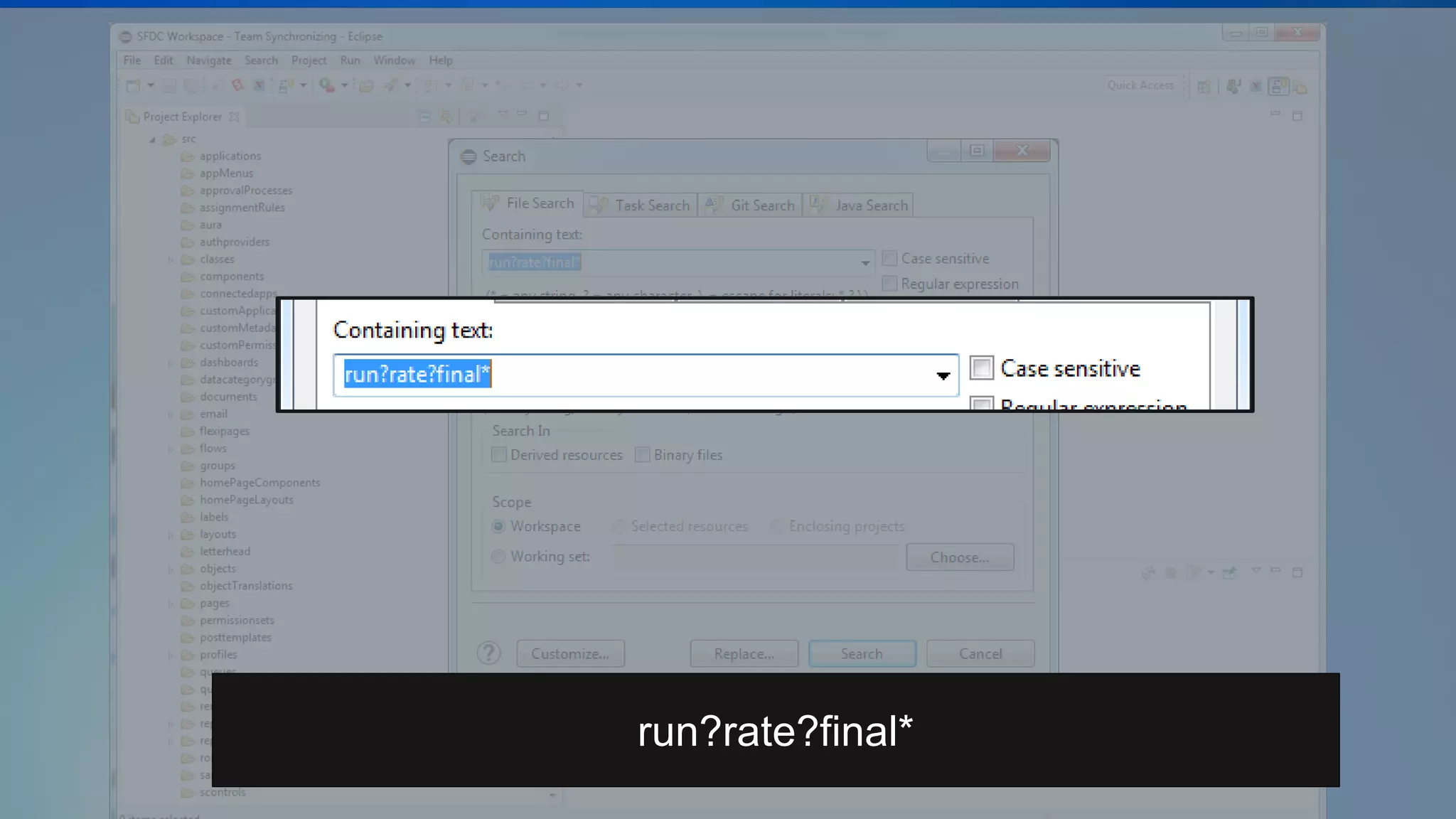
Scenario: Meh, I’m Done With This Formula
Sometimes you don’t want the value of a formula field to change even if the calculation itself does
EXAMPLE: Your pricing calculation changes and you have open opportunities that need to remain
on the old model
SOLUTION: Going forward this can be handled via a workflow rule that copies that value a
formula returns and stores it in a non-formula field, such as a currency or number field.
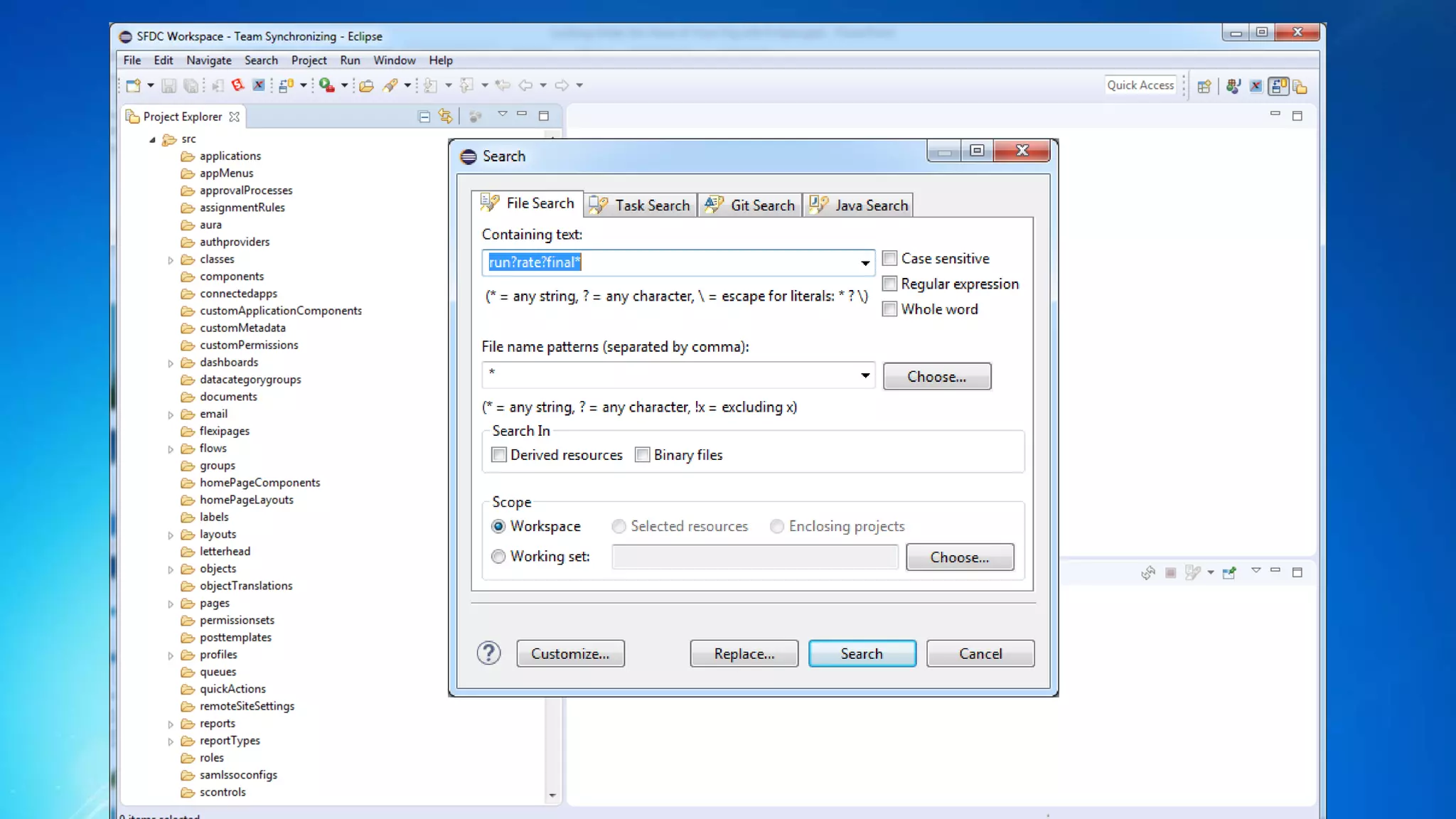
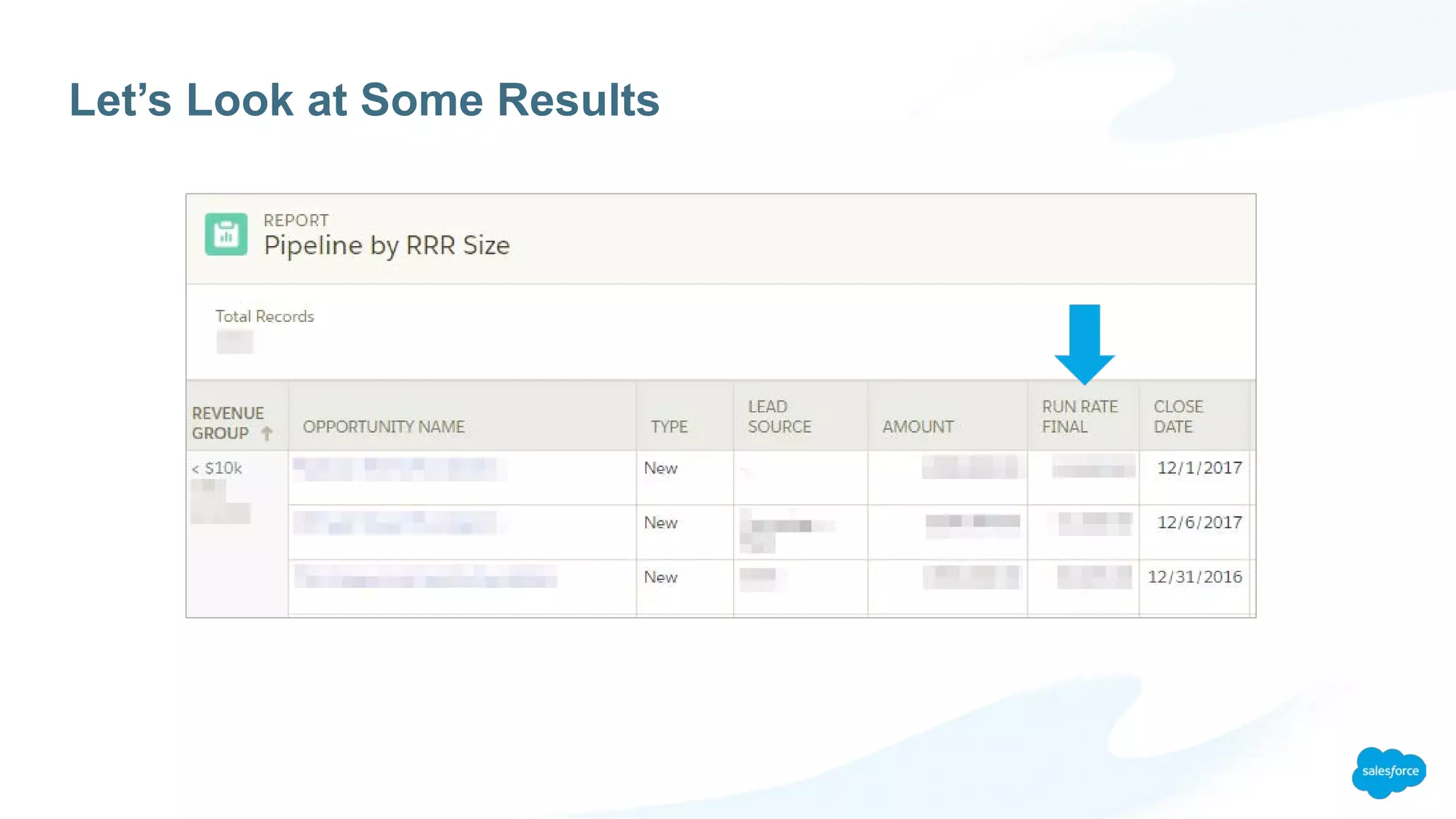
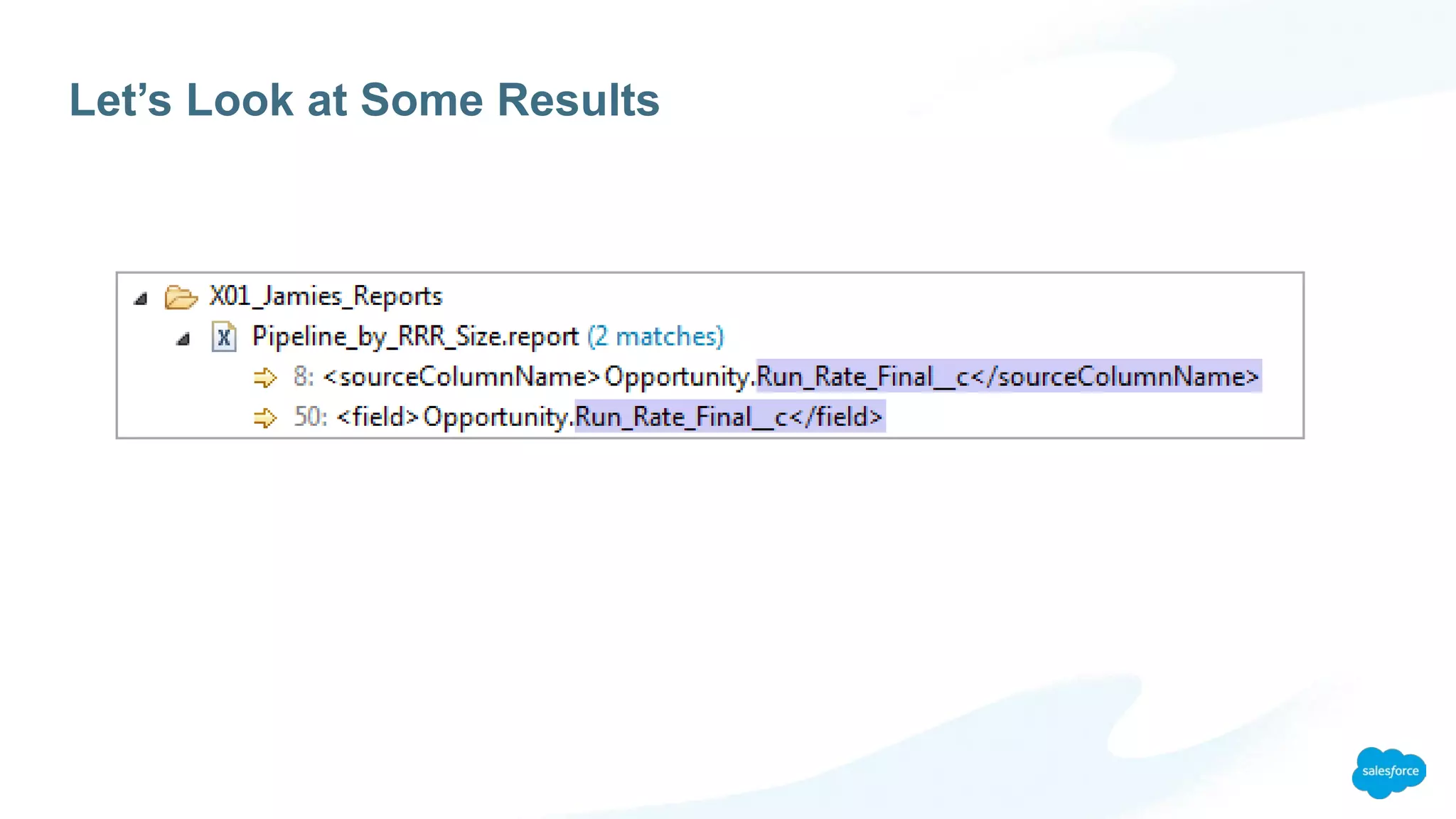
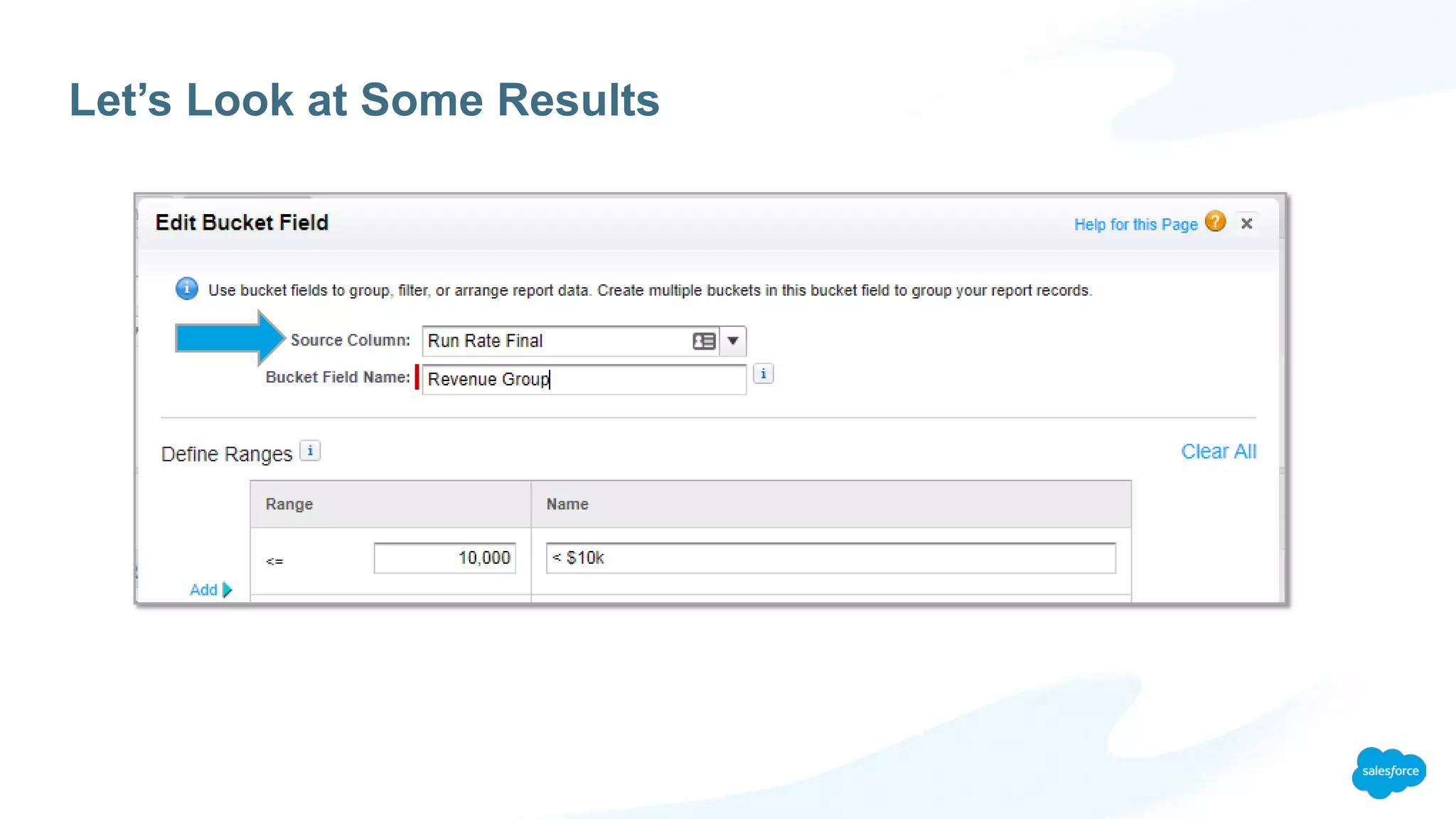
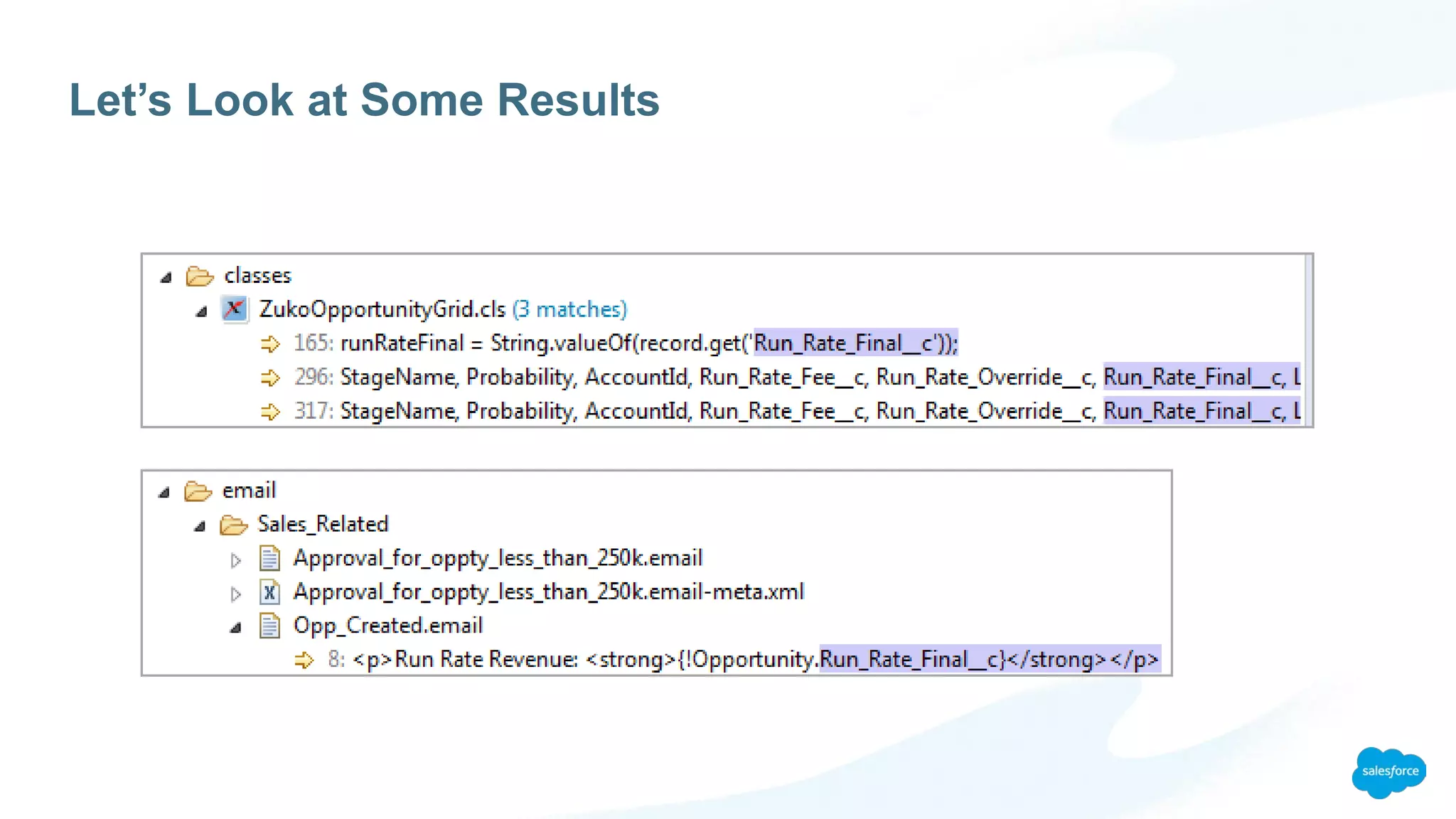
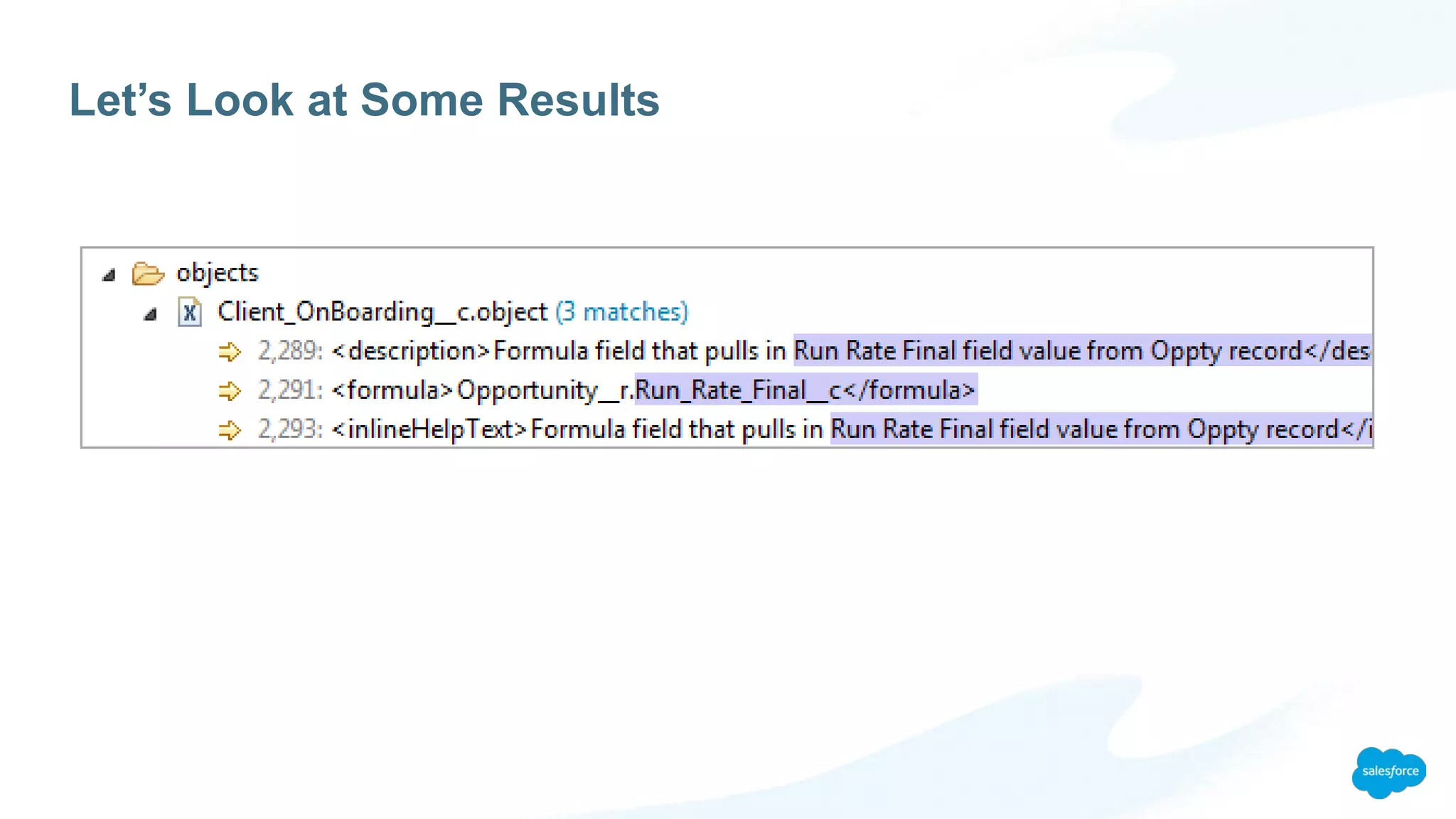
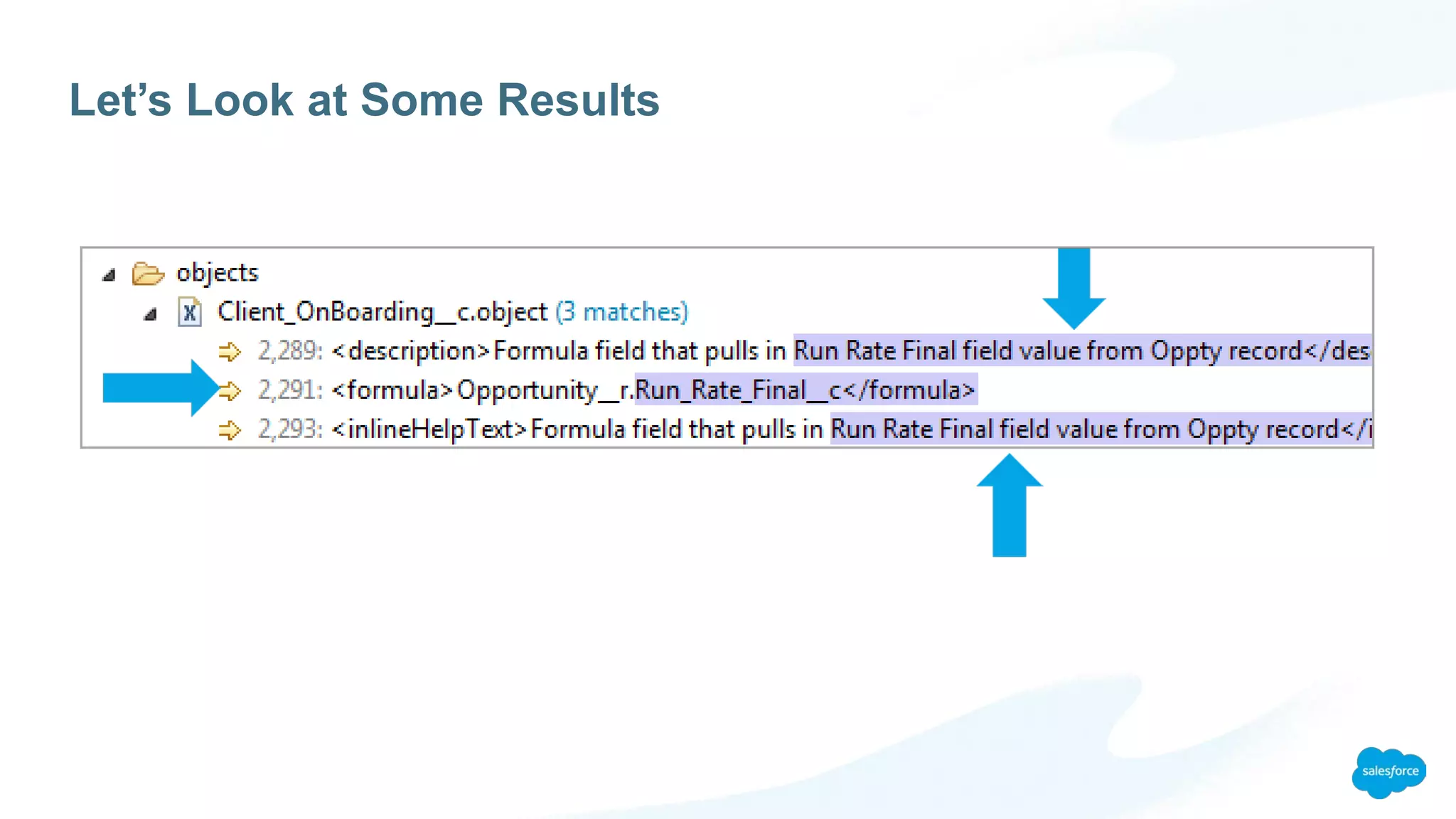
PROBLEM: Your current pricing formula field is used all over the place and you need
to make sure that the new non-formula field gets used instead.
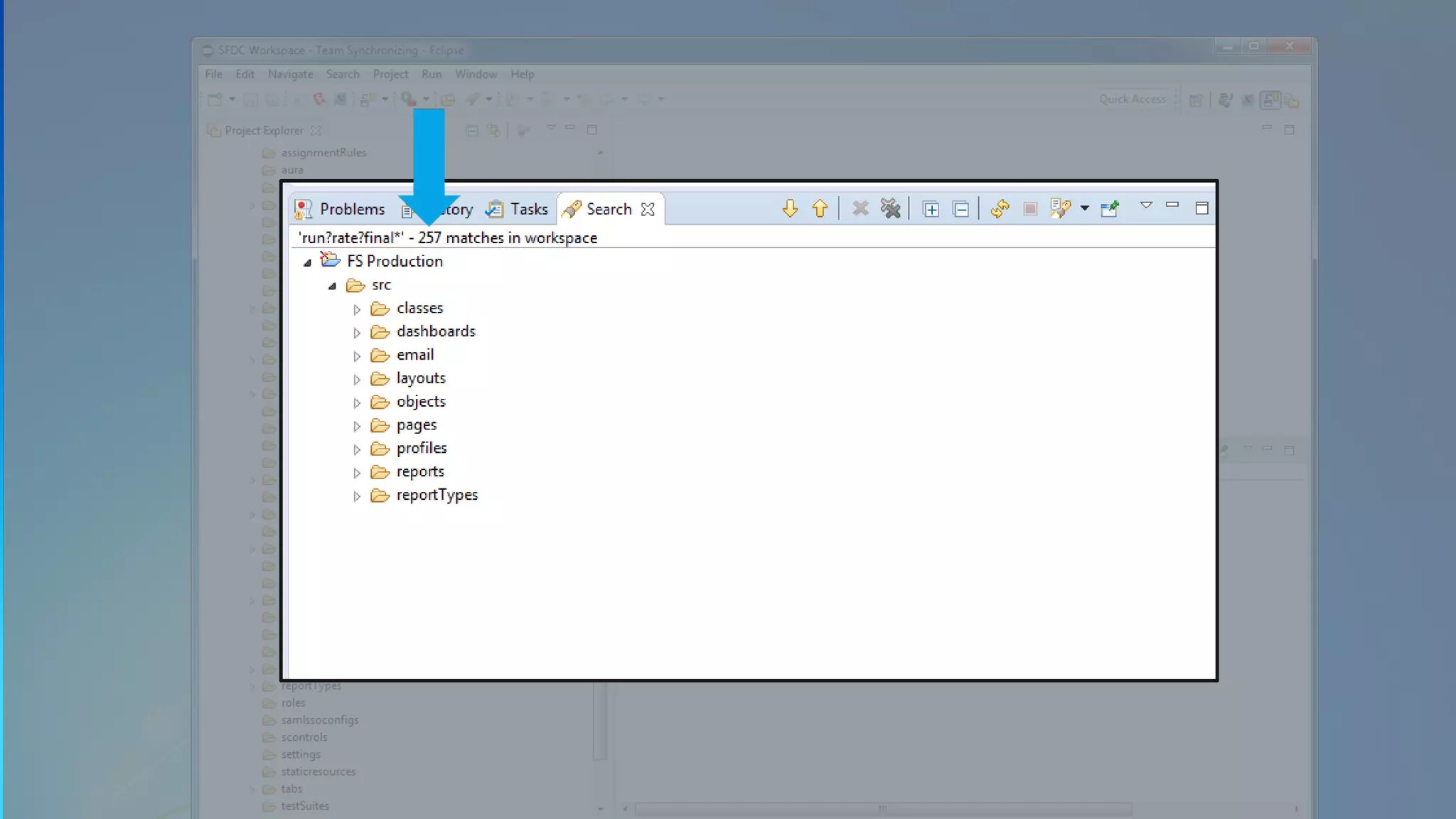
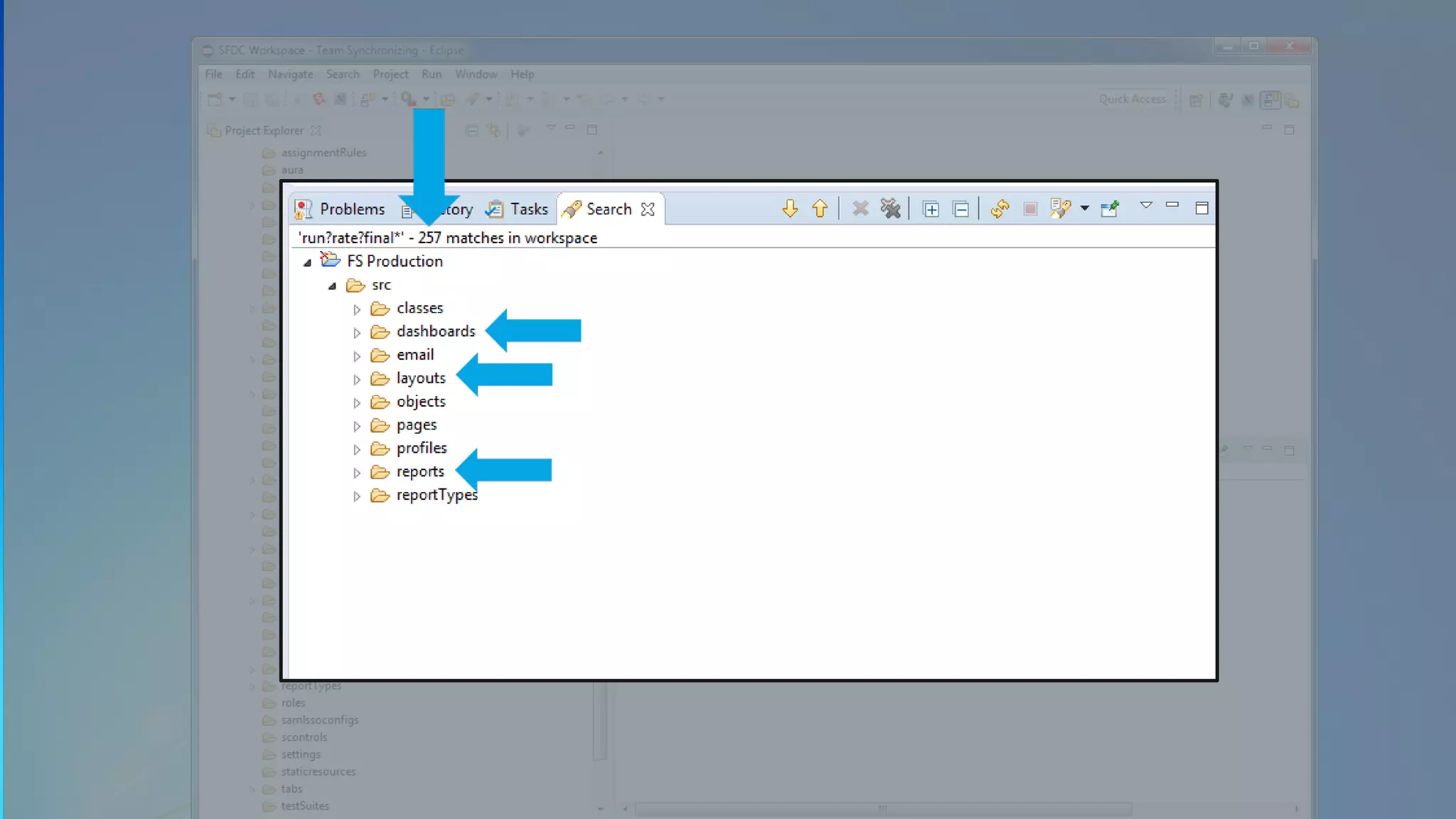
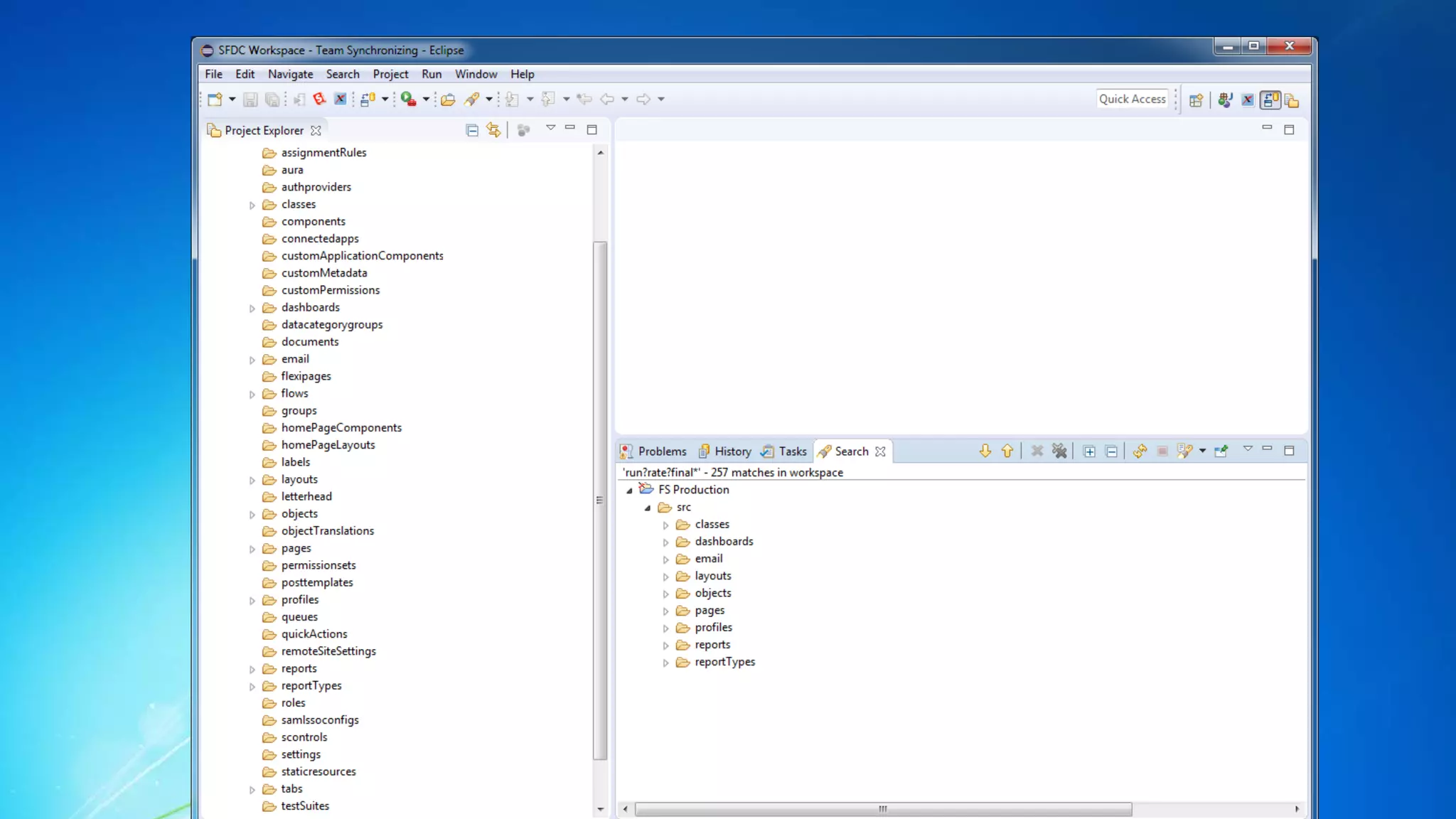
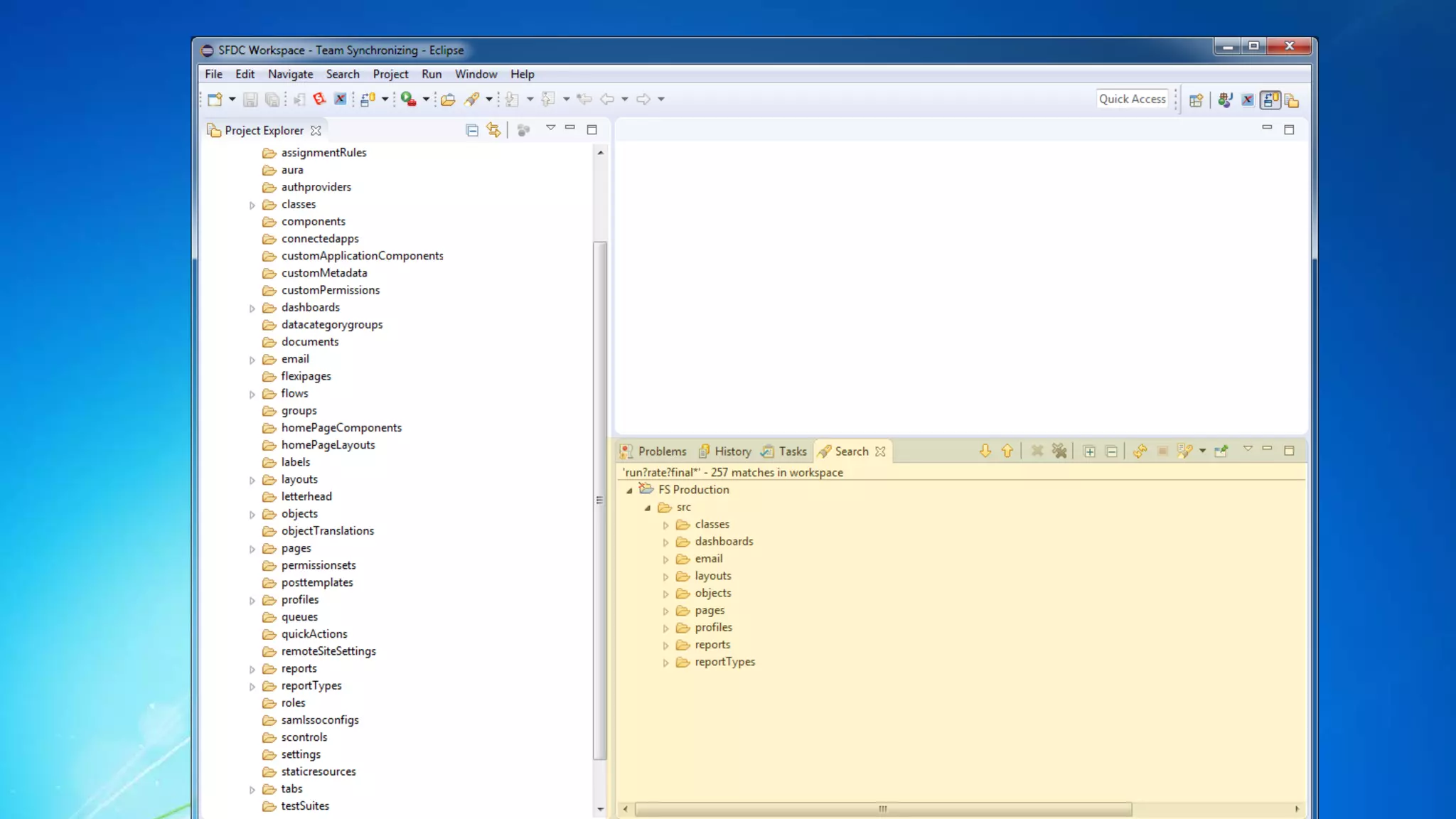
run?rate?final*
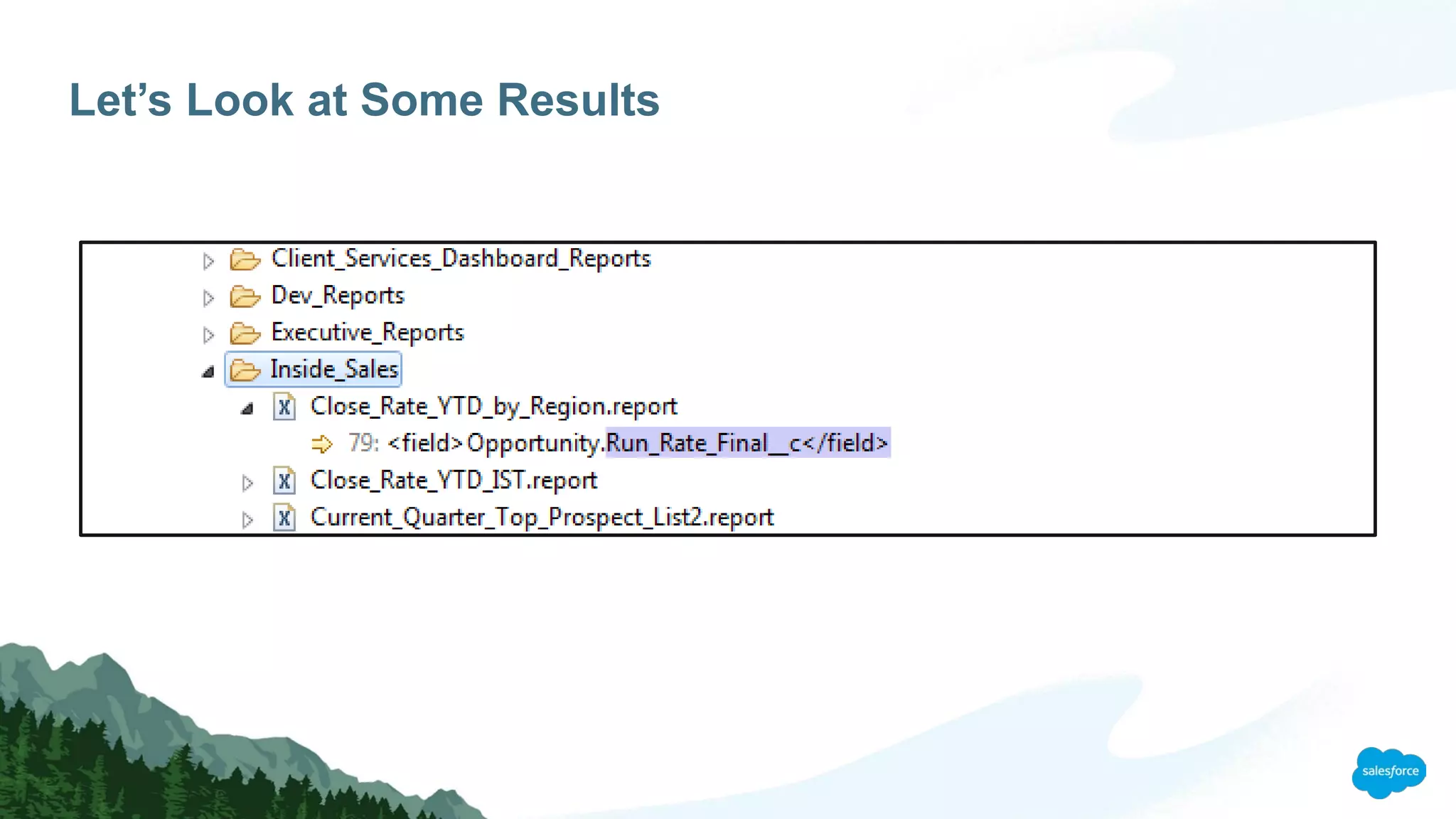
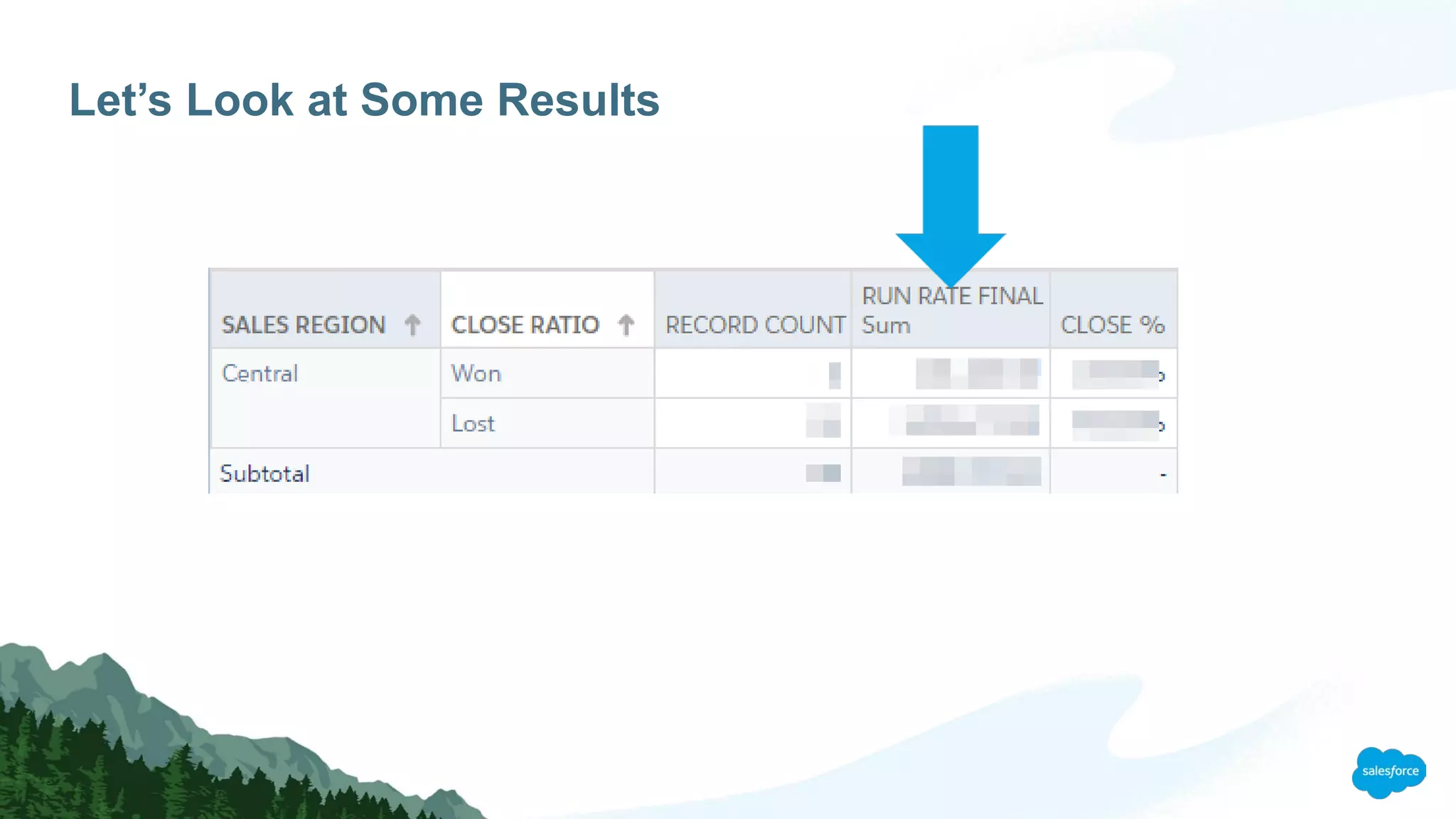
Let’s Look at Some Results
Your Mission (should you choose to accept it)
1. Install Eclipse and the Force.com Plugin on your computer this week
2. Download one or two groups of metadata (layouts and workflows, for instance)
3. Do a quick search for something you know should be there and take a look through the
results
Tools made for developers can also have big benefits for admins
Eclipse and the Force.com plug-in are worth the effort
Key Takeaways
Application
Lifecycle
Management
Change
Management
Salesforce
Technology Model
Where Can I Learn More?
“Time to Clean up Those Unneeded Salesforce Customizations”
bit.ly/time-to-clean
Install instructions from Meighan Brodkey
bit.ly/eclipseforce
Looking under the hood of your org with eclipse

Looking under the hood of your org with eclipse

  • 1.
    Looking Under theHood of Your Org with Eclipse jbuck@foundationsource.com, @jbotmania Jamie Buck-Tomek, Business Intelligence Manager
  • 2.
    Forward-Looking Statements Statement underthe Private Securities Litigation Reform Act of 1995: This presentation may contain forward-looking statements that involve risks, uncertainties, and assumptions. If any such uncertainties materialize or if any of the assumptions proves incorrect, the results of salesforce.com, inc. could differ materially from the results expressed or implied by the forward- looking statements we make. All statements other than statements of historical fact could be deemed forward-looking, including any projections of product or service availability, subscriber growth, earnings, revenues, or other financial items and any statements regarding strategies or plans of management for future operations, statements of belief, any statements concerning new, planned, or upgraded services or technology developments and customer contracts or use of our services. The risks and uncertainties referred to above include – but are not limited to – risks associated with developing and delivering new functionality for our service, new products and services, our new business model, our past operating losses, possible fluctuations in our operating results and rate of growth, interruptions or delays in our Web hosting, breach of our security measures, the outcome of any litigation, risks associated with completed and any possible mergers and acquisitions, the immature market in which we operate, our relatively limited operating history, our ability to expand, retain, and motivate our employees and manage our growth, new releases of our service and successful customer deployment, our limited history reselling non-salesforce.com products, and utilization and selling to larger enterprise customers. Further information on potential factors that could affect the financial results of salesforce.com, inc. is included in our annual report on Form 10-K for the most recent fiscal year and in our quarterly report on Form 10-Q for the most recent fiscal quarter. These documents and others containing important disclosures are available on the SEC Filings section of the Investor Information section of our Web site. Any unreleased services or features referenced in this or other presentations, press releases or public statements are not currently available and may not be delivered on time or at all. Customers who purchase our services should make the purchase decisions based upon features that are currently available. Salesforce.com, inc. assumes no obligation and does not intend to update these forward-looking statements.
  • 3.
    Jamie Buck-Tomek Business intelligenceManager jbuck@foundationsource.com @jbotmania
  • 4.
    Change is Beautiful…and Complicated
  • 5.
    Example: “No OneUses This Field, Get Rid of it” You see an old field that you don’t recognize. There’s no description, help text or documentation A report shows it is used rarely None of your power users know what it is either You *know* your org backwards and forwards You’re satisfied – DELETE IT! Huh – that’s funny. There’s a panicked call from the head of another department saying that her critical report is no longer working…
  • 6.
    Where is thisUsed? When decommissioning a custom field, there are upwards of 20 places that you need to look: This should be EASY, right? • Validation Rules • Workflows • Reports & Dashboards • List Views • Assignment Rules • Formula Fields • Approval Processes • Email Templates • Sharing Rules • Field Sets • Custom Buttons • Global Actions • Apex Triggers • Apex Classes • Visualforce Pages • Lightning Components • Processes • Flows • External Integrations • Communities Source: “Time to Clean up Those Unneeded Salesforce Customizations” (bit.ly/time-to-clean)
  • 7.
    How Can WeMake This Process Easier and Also More Reliable?
  • 8.
    Ideally… We need atool that can: • Search every nook and cranny of our org • Provide a complete list of all of the places that a field is referenced, including email templates and even dashboard footers • The list must be detailed and easy to navigate • The list must be easy to generate on demand If only such a tool existed…
  • 9.
    Enter Eclipse andthe Force.com Plug-in What is Eclipse? • Eclipse is an Integrated Development Environment (IDE). A text editor on steroids. • Developers use it for many types of projects beyond just Salesforce What is the Force.com Plug-in for Eclipse? • The Force.com Plug-in for Eclipse adds tools to Eclipse specifically designed to allow Eclipse to work with Salesforce Made for Developers AND valuable for admins! FREE
  • 10.
    How Does itWork? XML XML XML Workspace (Folder) Project(s) (Subfolders) Salesforce Components (Subfolders) Metadata (Files)
  • 11.
    What is Metadata? Metadatadescribes how the objects, fields, page layouts, workflows, flows, etc. of your Salesforce org look and function Metadata is NOT the actual data in a record, such a the value for someone’s first name or Company. That’s just plain data.
  • 12.
  • 13.
  • 14.
  • 15.
    So What CanYou Do? A few examples
  • 16.
    So What CanYou Do? You can: • Search on the name of a field and find all of the places that it is referenced throughout your Saleforce org • Quickly update attributes of a field • Copy a field from one object to another • Batch move Salesforce reports from one report folder to another • Recover a deleted version of a Flow! …and much more A few examples Today we will cover searching
  • 17.
    If it’s SoGreat, Why Don’t More Admins Use it?
  • 18.
    No One’s Perfect It’snot a simple one-click install like most software • You may need to install the full Java 7 JDK along with Eclipse • You need to pick the right version of Eclipse • The Force.com plug-in is a separate install • Not the friendliest interface The solution – find a great installation tutorial Install instructions from Meighan Brodkey bit.ly/eclipseforce
  • 19.
    Now We NeedSome Metadata (DEMO) Getting the Metadata onto your machine
  • 27.
    This is fine.Not all components are available.
  • 28.
    Select the areasyou want to search from this list.
  • 29.
  • 30.
    Scenario: Meh, I’mDone With This Formula Sometimes you don’t want the value of a formula field to change even if the calculation itself does EXAMPLE: Your pricing calculation changes and you have open opportunities that need to remain on the old model SOLUTION: Going forward this can be handled via a workflow rule that copies that value a formula returns and stores it in a non-formula field, such as a currency or number field. PROBLEM: Your current pricing formula field is used all over the place and you need to make sure that the new non-formula field gets used instead.
  • 37.
  • 42.
    Let’s Look atSome Results
  • 43.
    Let’s Look atSome Results
  • 44.
    Let’s Look atSome Results
  • 45.
    Let’s Look atSome Results
  • 46.
    Let’s Look atSome Results
  • 47.
    Let’s Look atSome Results
  • 48.
    Let’s Look atSome Results
  • 49.
    Let’s Look atSome Results
  • 50.
    Let’s Look atSome Results
  • 51.
    Let’s Look atSome Results
  • 52.
    Your Mission (shouldyou choose to accept it) 1. Install Eclipse and the Force.com Plugin on your computer this week 2. Download one or two groups of metadata (layouts and workflows, for instance) 3. Do a quick search for something you know should be there and take a look through the results
  • 53.
    Tools made fordevelopers can also have big benefits for admins Eclipse and the Force.com plug-in are worth the effort Key Takeaways
  • 54.
    Application Lifecycle Management Change Management Salesforce Technology Model Where CanI Learn More? “Time to Clean up Those Unneeded Salesforce Customizations” bit.ly/time-to-clean Install instructions from Meighan Brodkey bit.ly/eclipseforce