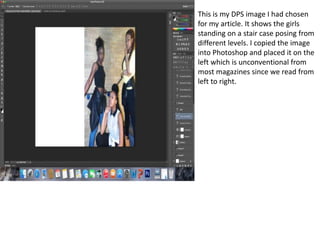
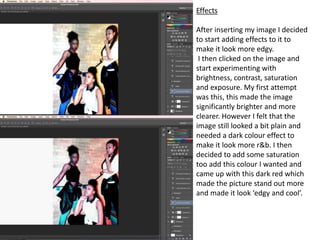
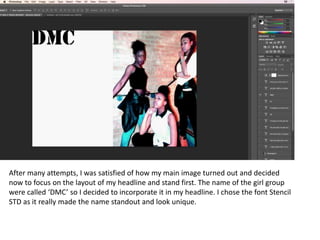
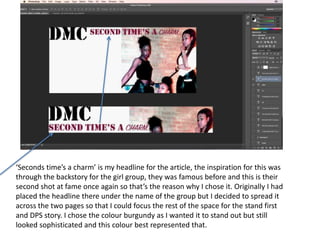
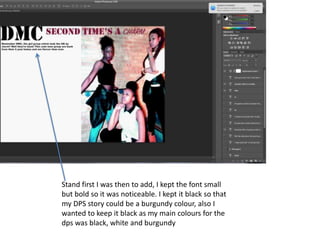
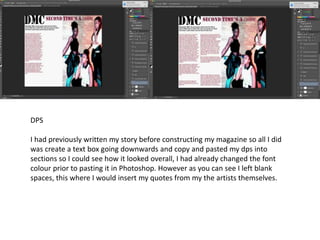
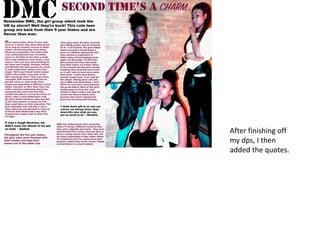
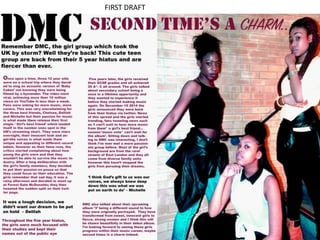
This document describes editing a photo for a magazine article in Photoshop. The author inserted the photo on the left page, which is unconventional. They experimented with brightness, contrast, saturation and exposure to make the photo look "edgy" and "cool", settling on adding dark red saturation. They were satisfied with the edited photo and focused on layout, choosing fonts for the headline and stand first text that would make them stand out.