Docker Swarm!
@aluzzardi - @vieux!
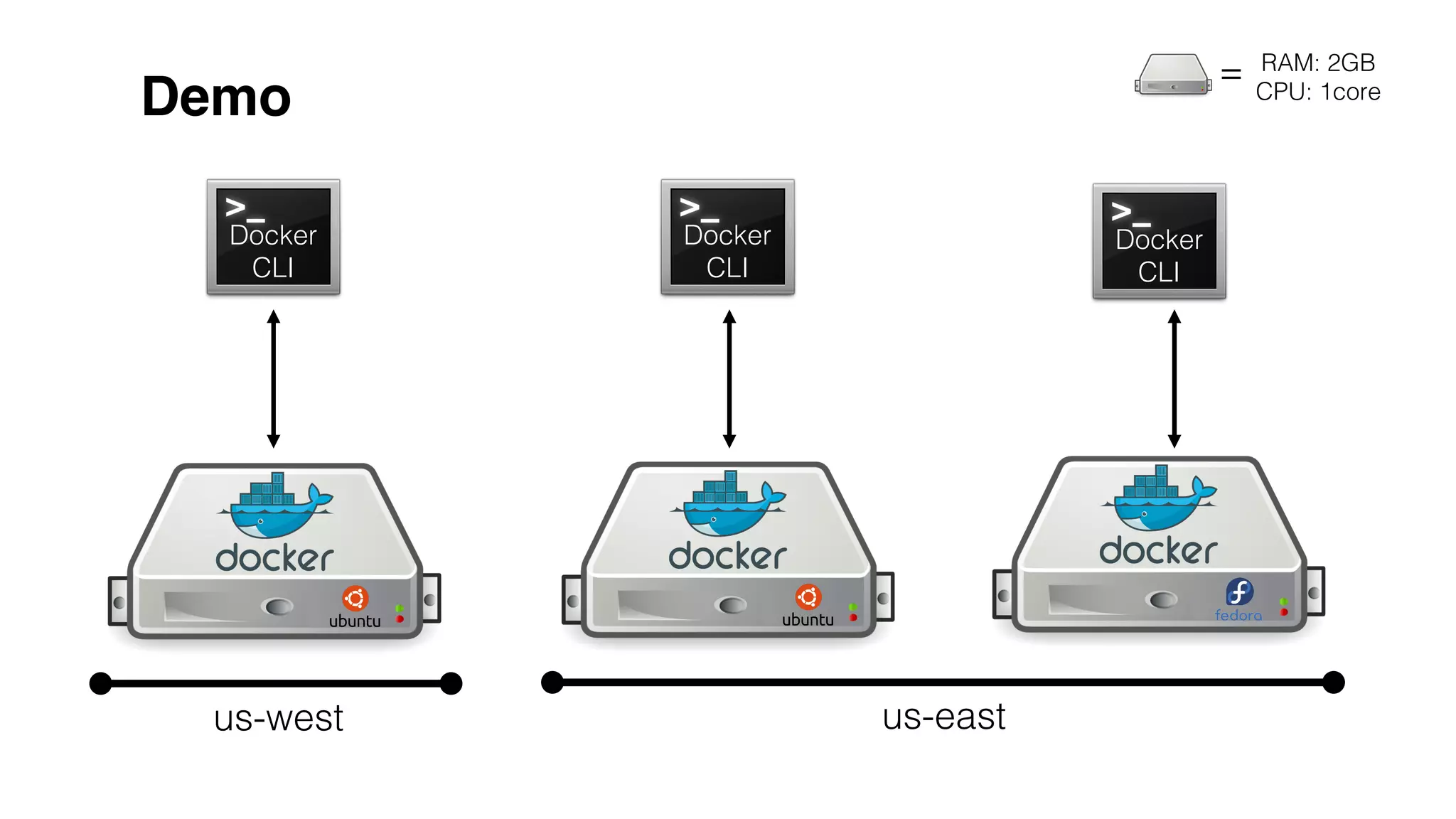
Demo!
us-west! us-east!
Docker!
CLI!
Docker!
CLI!
Docker!
CLI!
=! RAM: 2GB!
CPU: 1core!
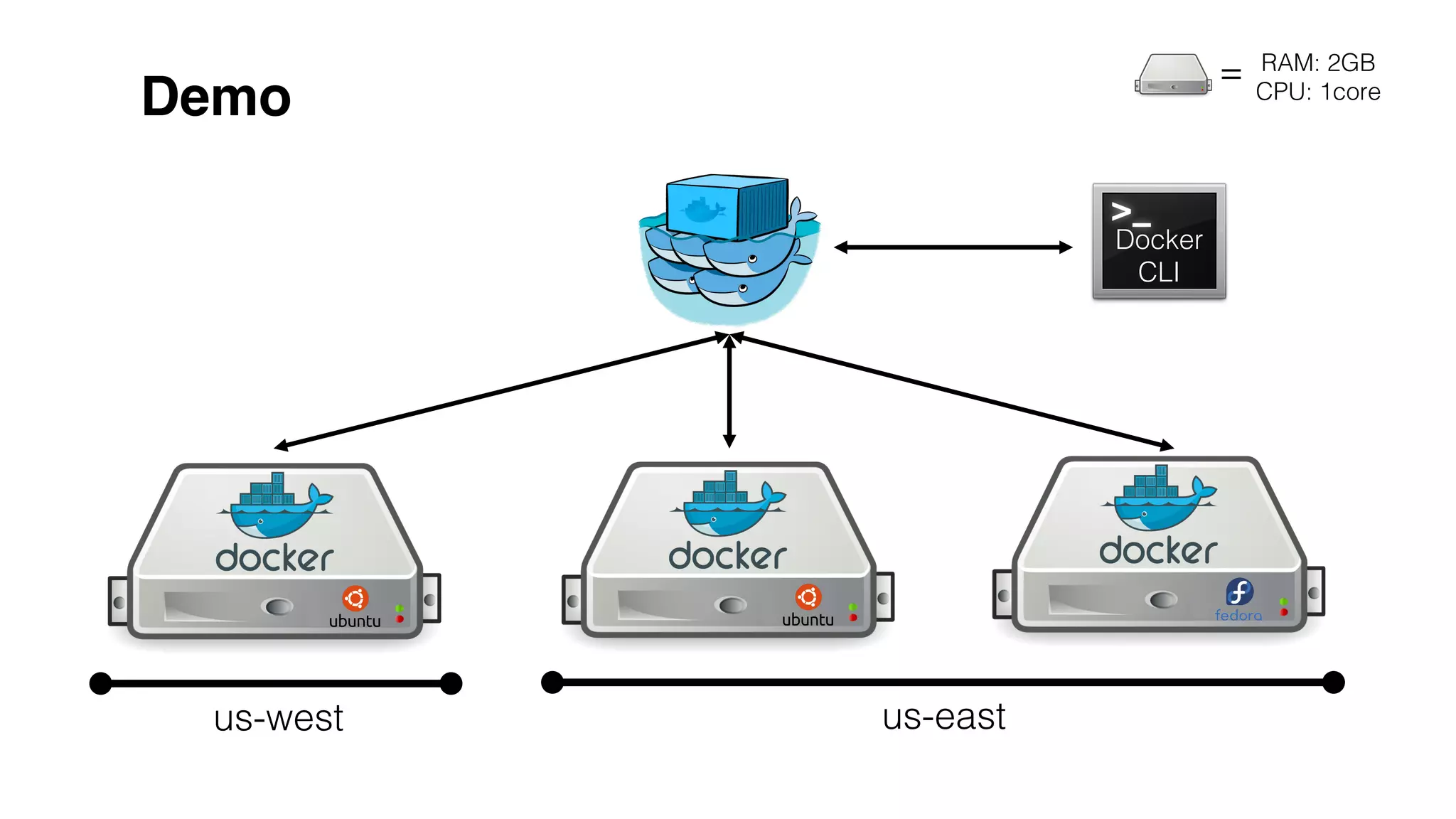
Demo!
us-west! us-east!
=! RAM: 2GB!
CPU: 1core!
Docker!
CLI!
Docker!
CLI!
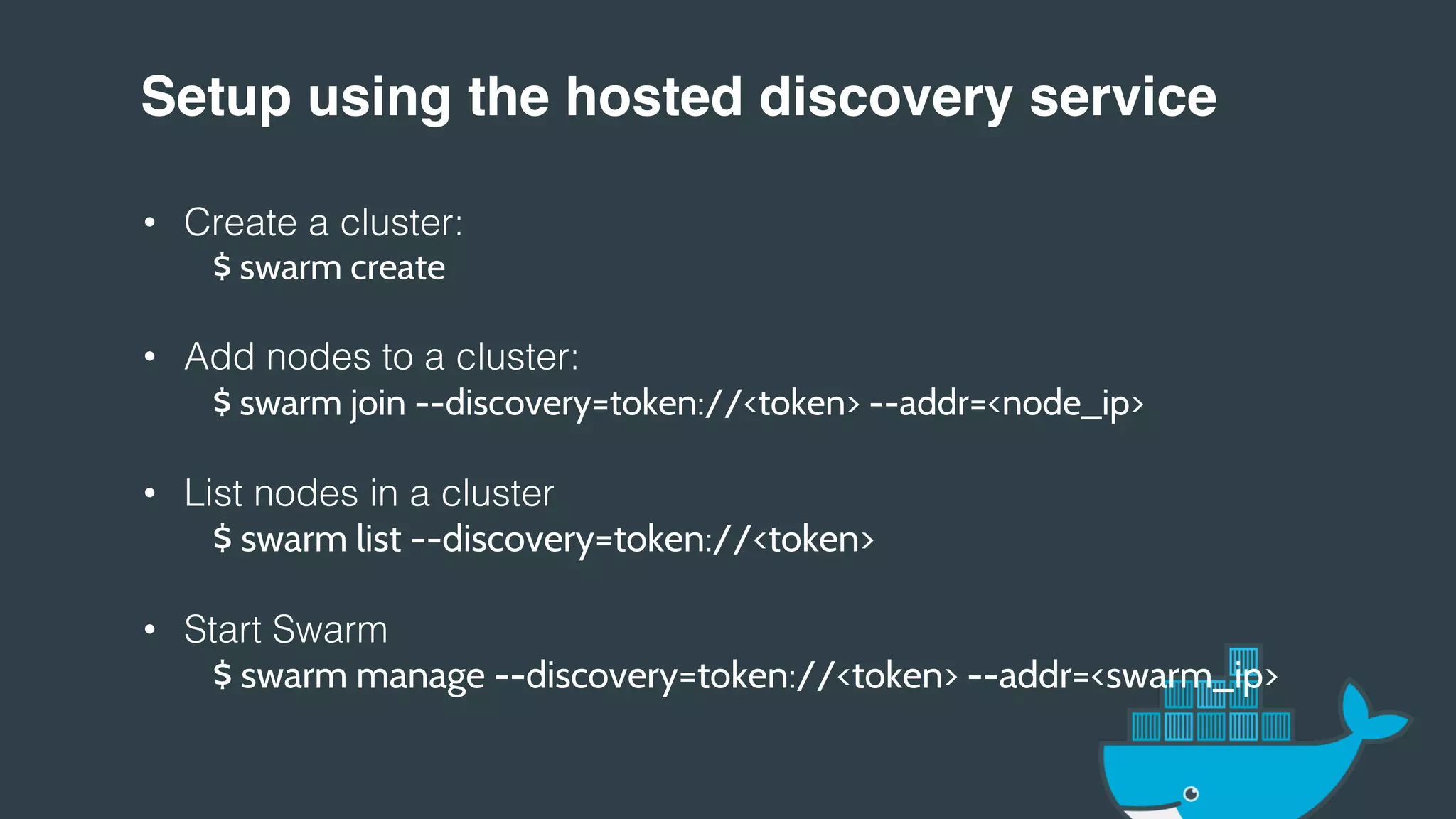
Setup using the hosted discovery service!
•  Create a cluster:!
$ swarm create
•  Add nodes to a cluster:!
$ swarm join --discovery=token://<token> --addr=<node_ip>
•  List nodes in a cluster!
$ swarm list --discovery=token://<token>
•  Start Swarm!
$ swarm manage --discovery=token://<token> --addr=<swarm_ip>
!
!
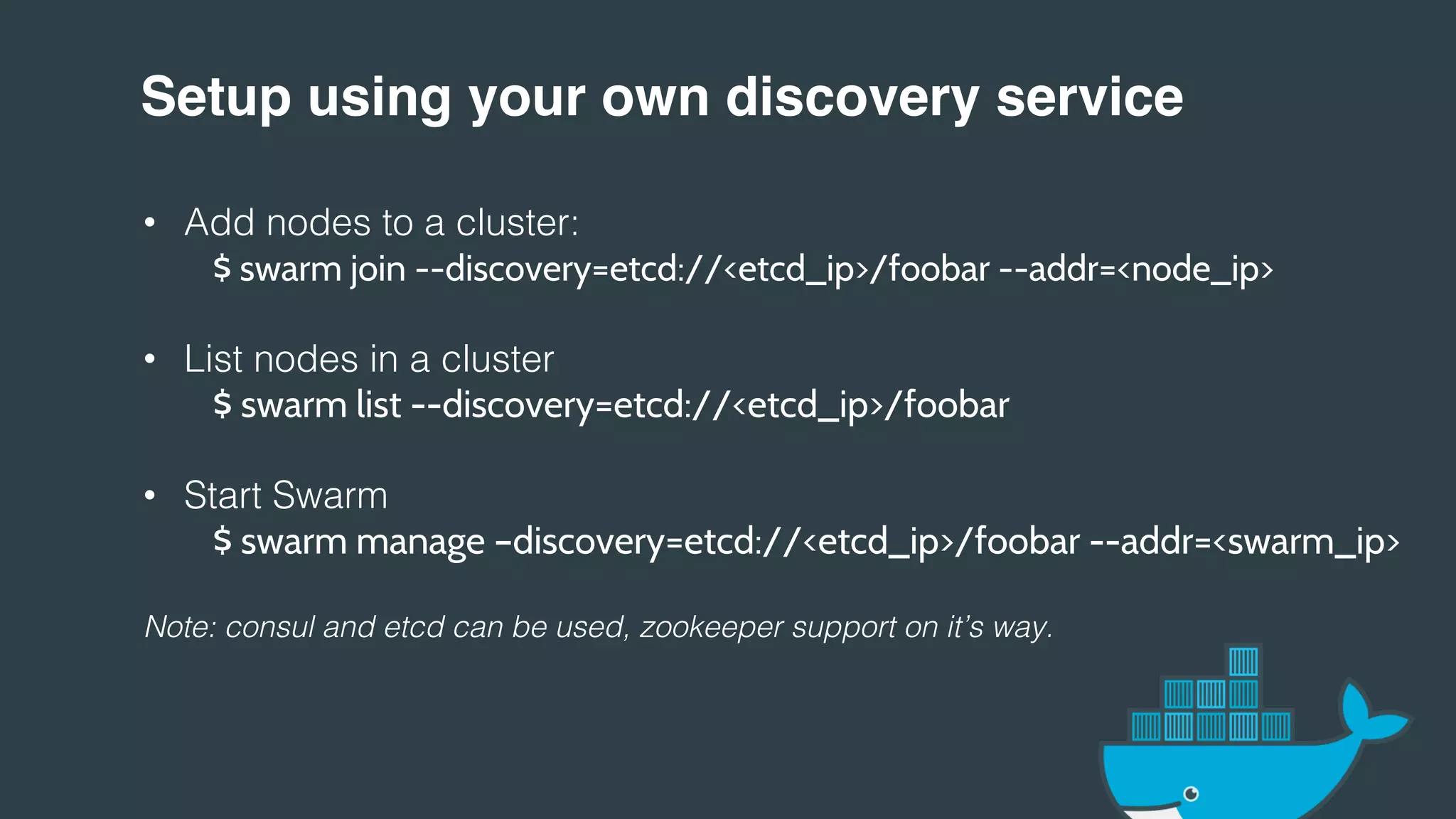
Setup using your own discovery service!
•  Add nodes to a cluster:!
$ swarm join --discovery=etcd://<etcd_ip>/foobar --addr=<node_ip>
•  List nodes in a cluster!
$ swarm list --discovery=etcd://<etcd_ip>/foobar
•  Start Swarm!
$ swarm manage –discovery=etcd://<etcd_ip>/foobar --addr=<swarm_ip>
!
Note: consul and etcd can be used, zookeeper support on it’s way.!
!
!
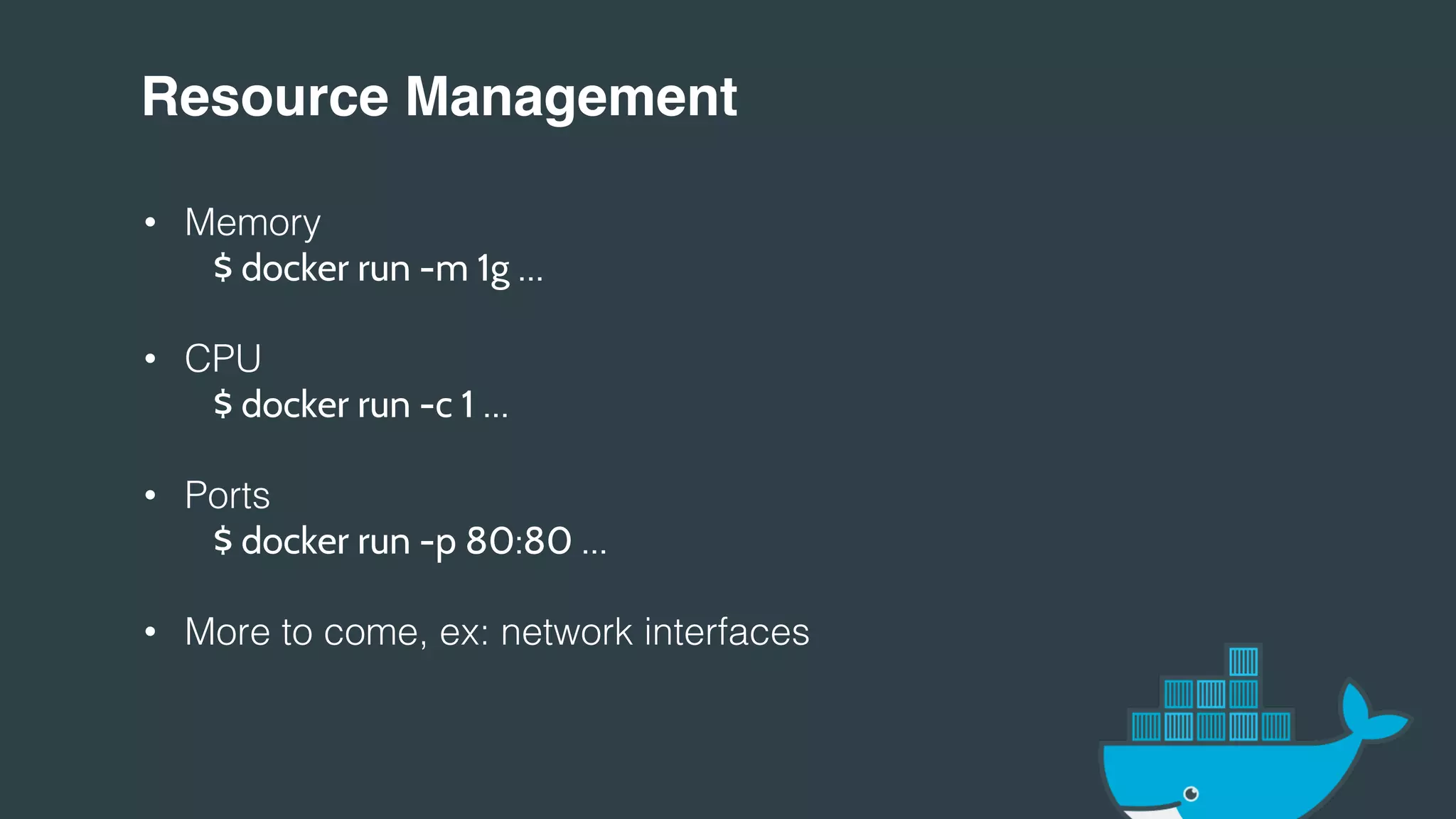
Resource Management!
•  Memory!
" "$ docker run -m 1g …
•  CPU!
" "$ docker run -c 1 …
•  Ports!
" "$ docker run -p 80:80 …
•  More to come, ex: network interfaces!
!
!
!
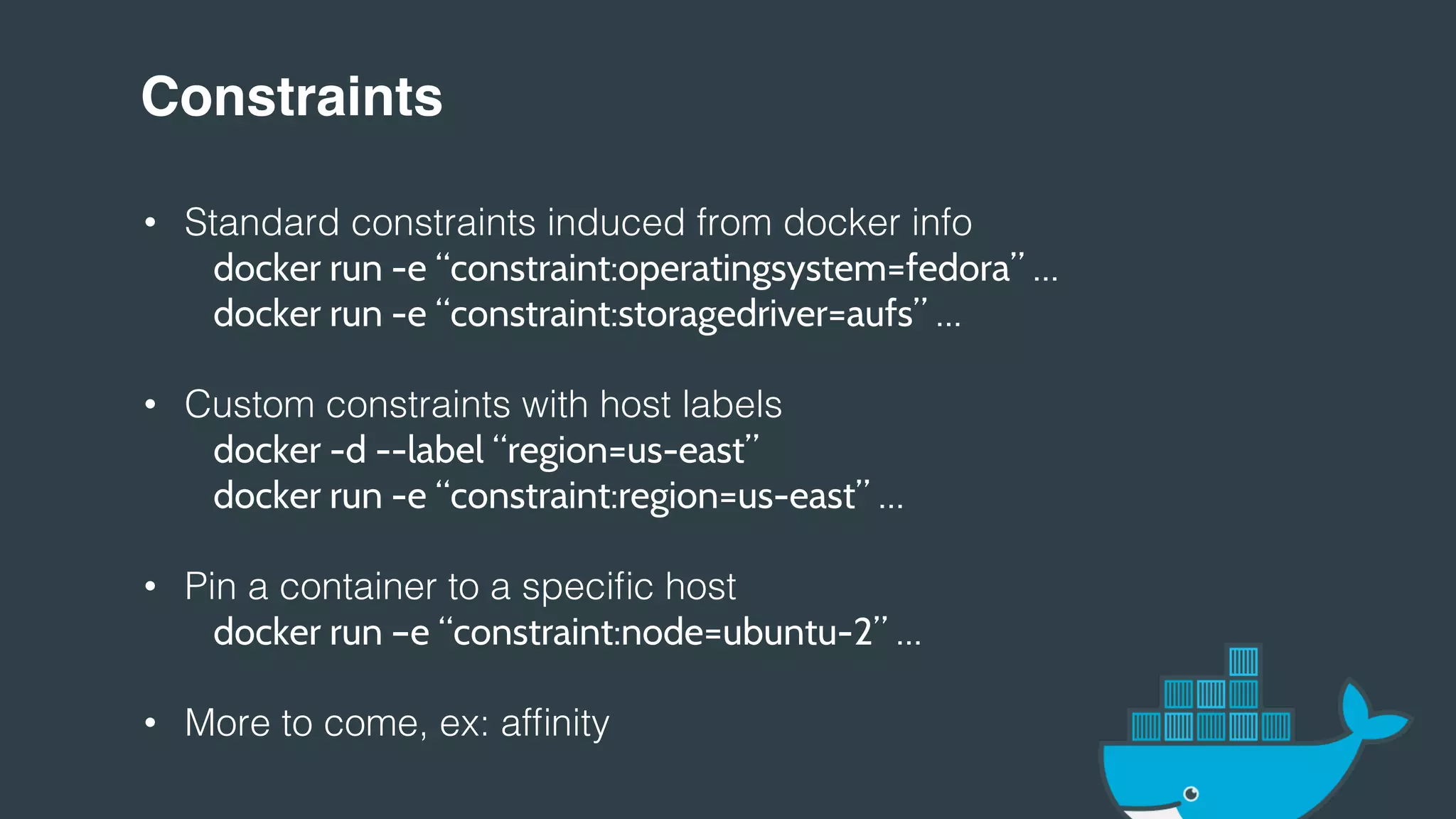
Constraints!
•  Standard constraints induced from docker info!
docker run -e “constraint:operatingsystem=fedora” …
" "docker run -e “constraint:storagedriver=aufs” …
•  Custom constraints with host labels!
" "docker -d --label “region=us-east”
" "docker run -e “constraint:region=us-east” …
•  Pin a container to a specific host!
" "docker run –e “constraint:node=ubuntu-2” …
•  More to come, ex: affinity!
!
Rescheduling!
•  Rescheduling policies; similar to `--restart`!
•  Pending status!
!
!
!
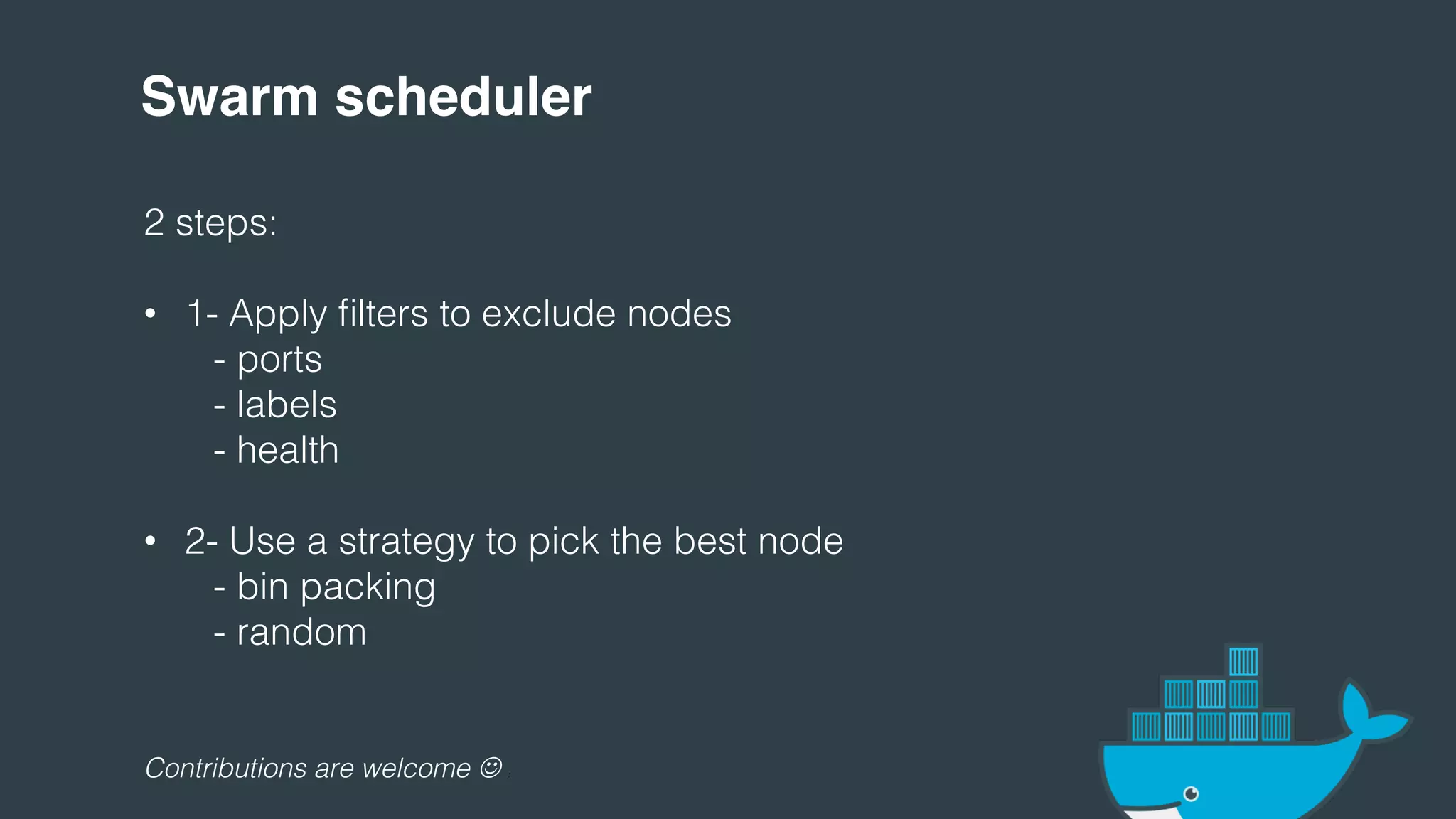
Swarm scheduler!
2 steps:!
!
•  1- Apply filters to exclude nodes!
" "- ports!
" "- labels!
" "- health!
•  2- Use a strategy to pick the best node!
" "- bin packing!
" "- random!
!
!
!
!
Contributions are welcome ☺ :!
http://github.com/docker/swarm!
@aluzzardi - @vieux!
Thank You.!

Dockercon Swarm Updated

  • 1.
  • 2.
  • 3.
    Demo! us-west! us-east! =! RAM:2GB! CPU: 1core! Docker! CLI! Docker! CLI!
  • 4.
    Setup using thehosted discovery service! •  Create a cluster:! $ swarm create •  Add nodes to a cluster:! $ swarm join --discovery=token://<token> --addr=<node_ip> •  List nodes in a cluster! $ swarm list --discovery=token://<token> •  Start Swarm! $ swarm manage --discovery=token://<token> --addr=<swarm_ip> ! !
  • 5.
    Setup using yourown discovery service! •  Add nodes to a cluster:! $ swarm join --discovery=etcd://<etcd_ip>/foobar --addr=<node_ip> •  List nodes in a cluster! $ swarm list --discovery=etcd://<etcd_ip>/foobar •  Start Swarm! $ swarm manage –discovery=etcd://<etcd_ip>/foobar --addr=<swarm_ip> ! Note: consul and etcd can be used, zookeeper support on it’s way.! ! !
  • 6.
    Resource Management! •  Memory! ""$ docker run -m 1g … •  CPU! " "$ docker run -c 1 … •  Ports! " "$ docker run -p 80:80 … •  More to come, ex: network interfaces! ! ! !
  • 7.
    Constraints! •  Standard constraintsinduced from docker info! docker run -e “constraint:operatingsystem=fedora” … " "docker run -e “constraint:storagedriver=aufs” … •  Custom constraints with host labels! " "docker -d --label “region=us-east” " "docker run -e “constraint:region=us-east” … •  Pin a container to a specific host! " "docker run –e “constraint:node=ubuntu-2” … •  More to come, ex: affinity! !
  • 8.
    Rescheduling! •  Rescheduling policies;similar to `--restart`! •  Pending status! ! ! !
  • 9.
    Swarm scheduler! 2 steps:! ! • 1- Apply filters to exclude nodes! " "- ports! " "- labels! " "- health! •  2- Use a strategy to pick the best node! " "- bin packing! " "- random! ! ! ! ! Contributions are welcome ☺ :!
  • 10.