do something useful with 
Apps Script in 5 minutes 
4. Analytics property data to a sheet 
Bruce McPherson 
www.mcpher.com
Snippet objectives 
● Use the lessons learned in ‘using a spreadsheet as a 
database’ 
● Gets the properties information for all your analytics 
profiles 
● Shows how to avoid rate limit exceeded problems 
● Flattens and writes it all to a sheet 
Libraries used 
● database abstraction 
● driver sheet 
● useful stuff
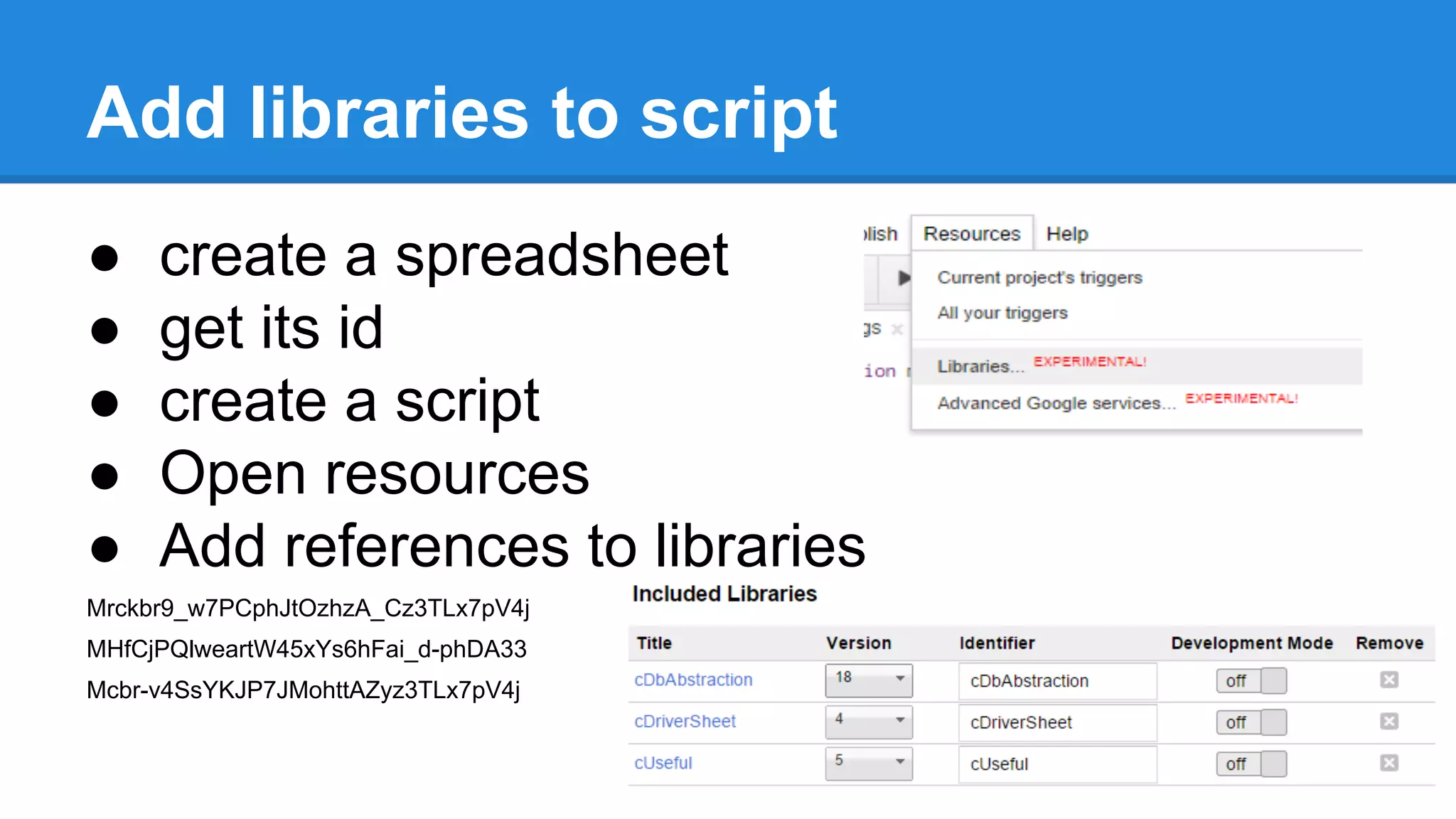
Add libraries to script 
● create a spreadsheet 
● get its id 
● create a script 
● Open resources 
● Add references to libraries 
Mrckbr9_w7PCphJtOzhzA_Cz3TLx7pV4j 
MHfCjPQlweartW45xYs6hFai_d-phDA33 
Mcbr-v4SsYKJP7JMohttAZyz3TLx7pV4j
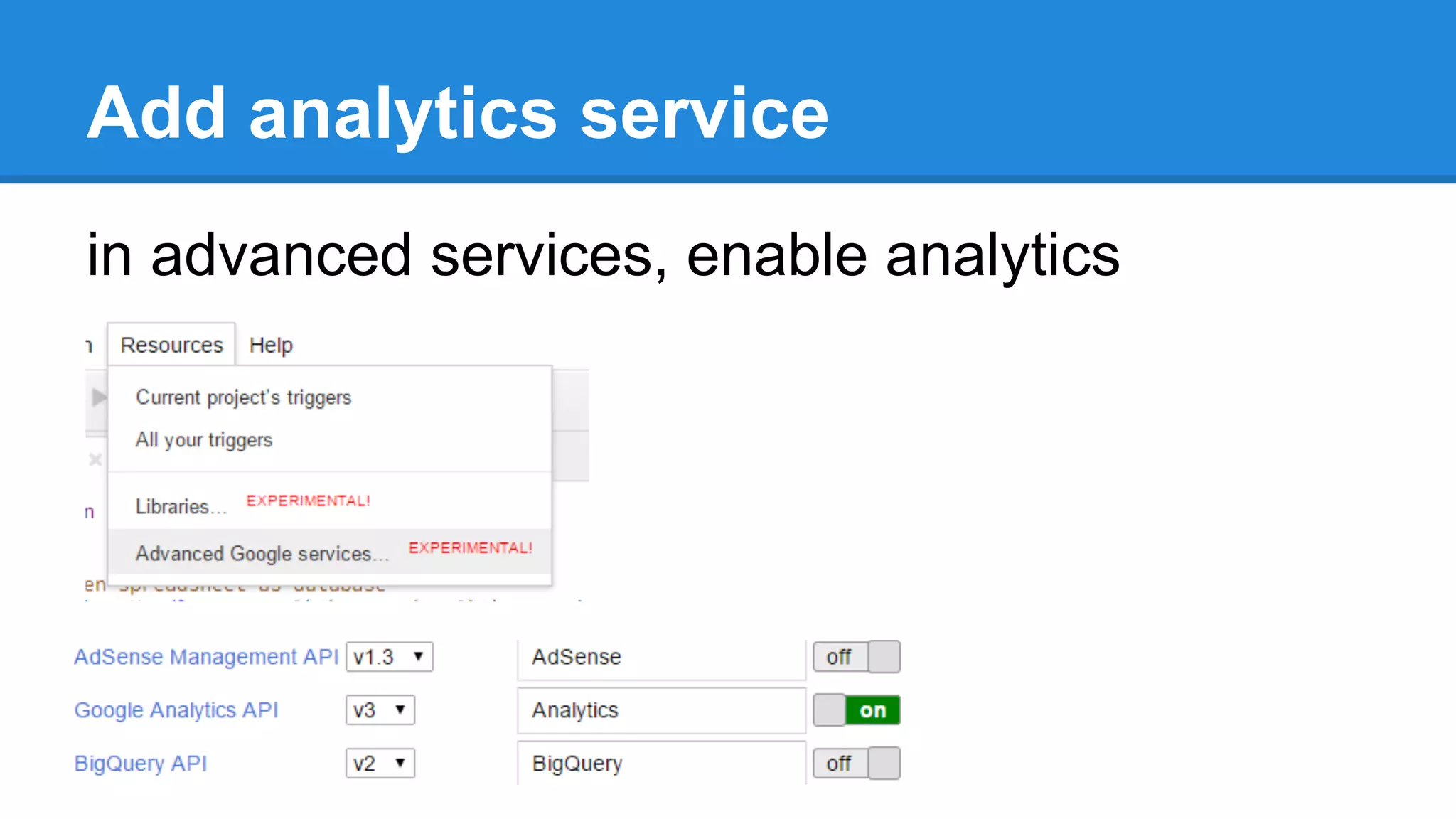
Add analytics service 
in advanced services, enable analytics
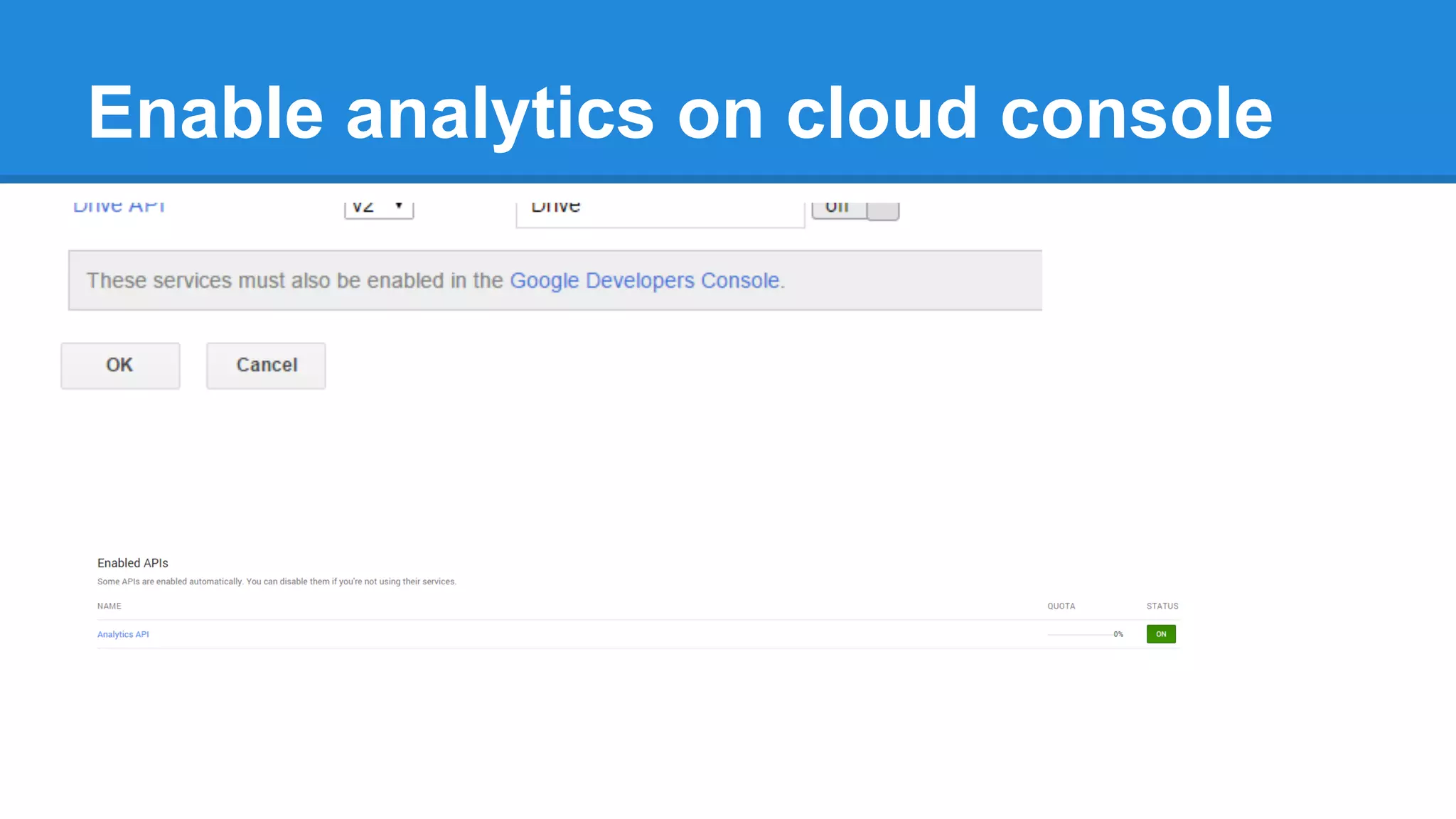
Enable analytics on cloud console
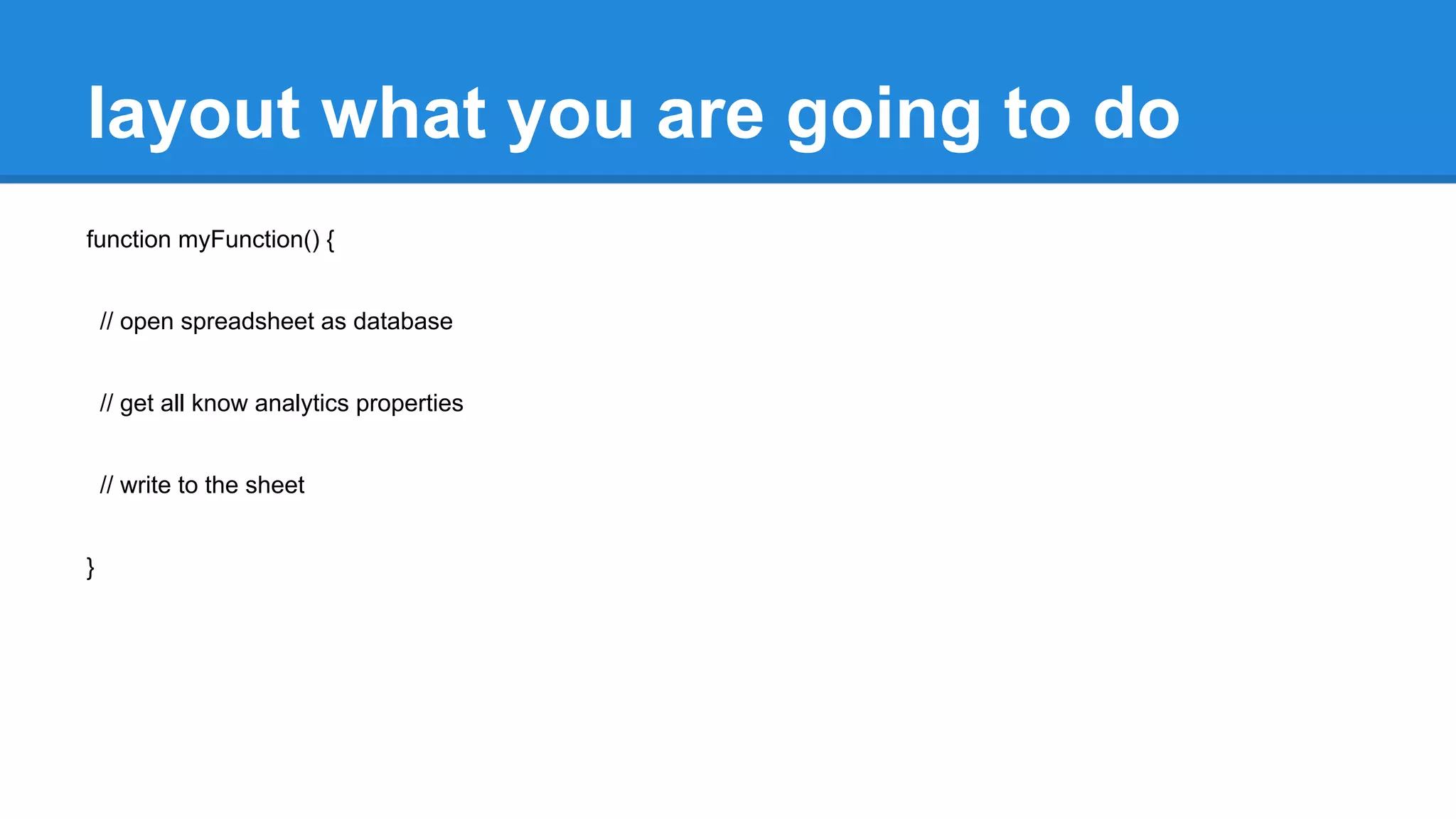
layout what you are going to do 
function myFunction() { 
// open spreadsheet as database 
// get all know analytics properties 
// write to the sheet 
}
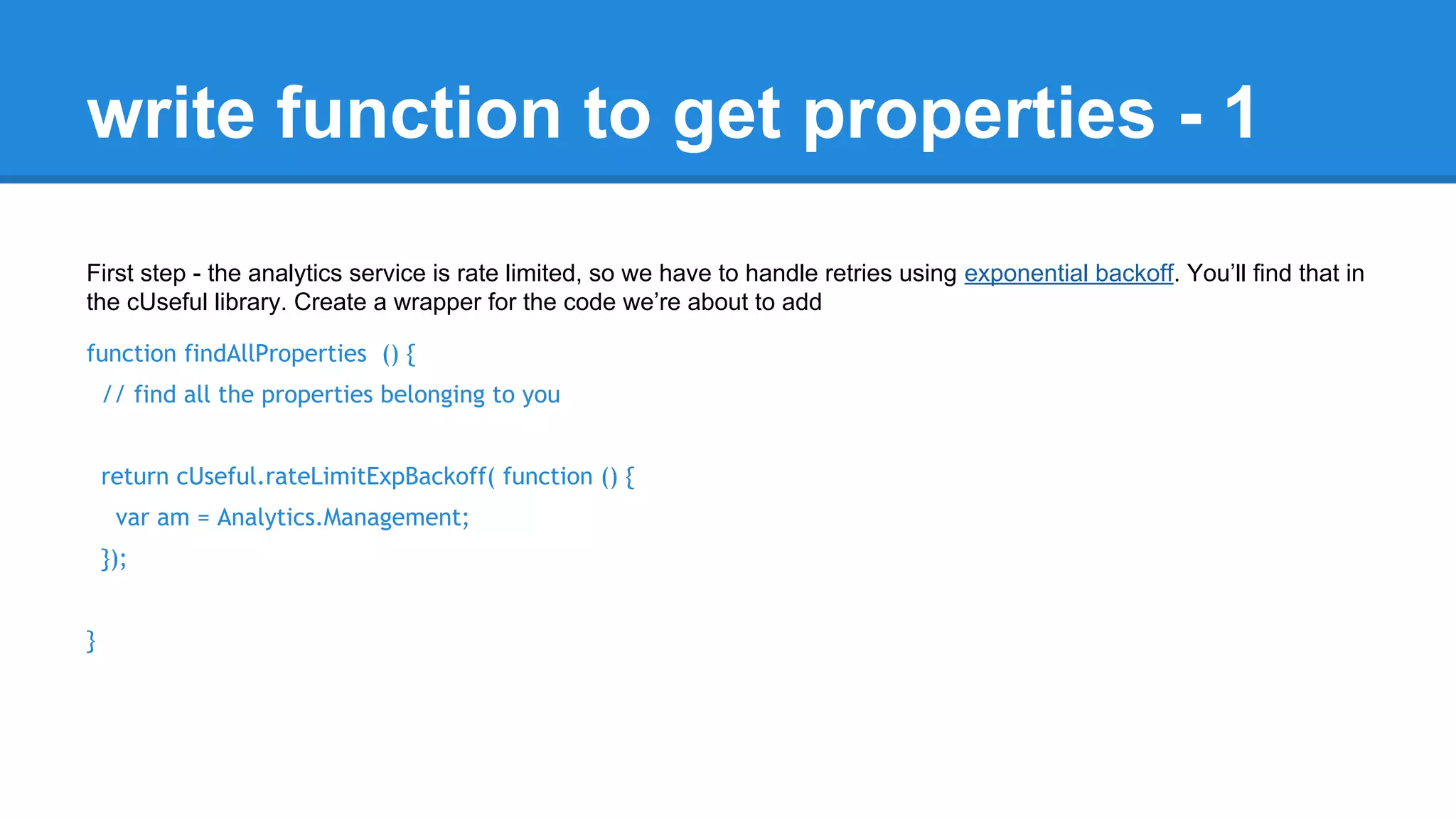
write function to get properties - 1 
First step - the analytics service is rate limited, so we have to handle retries using exponential backoff. You’ll find that in 
the cUseful library. Create a wrapper for the code we’re about to add 
function findAllProperties () { 
// find all the properties belonging to you 
return cUseful.rateLimitExpBackoff( function () { 
var am = Analytics.Management; 
}); 
}
extend function get all accounts 
second step - Loop through all your accounts to get the account records and use the account id to find the 
webproperties 
function findAllProperties () { 
// find all the properties belonging to you 
return cUseful.rateLimitExpBackoff( function () { 
var am = Analytics.Management; 
return (am.Accounts.list().items || []).reduce (function(p,account) { 
p.push(account); 
return p; 
},[]); 
}); 
}
extend function get webproperties 
third step - Loop through all the webproperties for each account id 
function findAllProperties () { 
// find all the properties belonging to you 
return cUseful.rateLimitExpBackoff( function () { 
var am = Analytics.Management; 
return (am.Accounts.list().items || []).reduce (function(p,account) { 
(am.Webproperties.list(account.id).items || []).forEach(function(webProperty) { 
p.push(webProperty); 
}); 
return p; 
},[]); 
}); 
}
extend function get profiles 
finally - Loop through all the profiles for each webproperties.id 
function findAllProperties () { 
// find all the properties belonging to you 
return cUseful.rateLimitExpBackoff( function () { 
var am = Analytics.Management; 
return (am.Accounts.list().items || []).reduce (function(p,account) { 
(am.Webproperties.list(account.id).items || []).forEach(function(webProperty) { 
(am.Profiles.list(account.id,webProperty.id).items || [] ).forEach( function (profile) { 
p.push(profile); 
}); 
}); 
return p; 
},[]); 
}); 
}
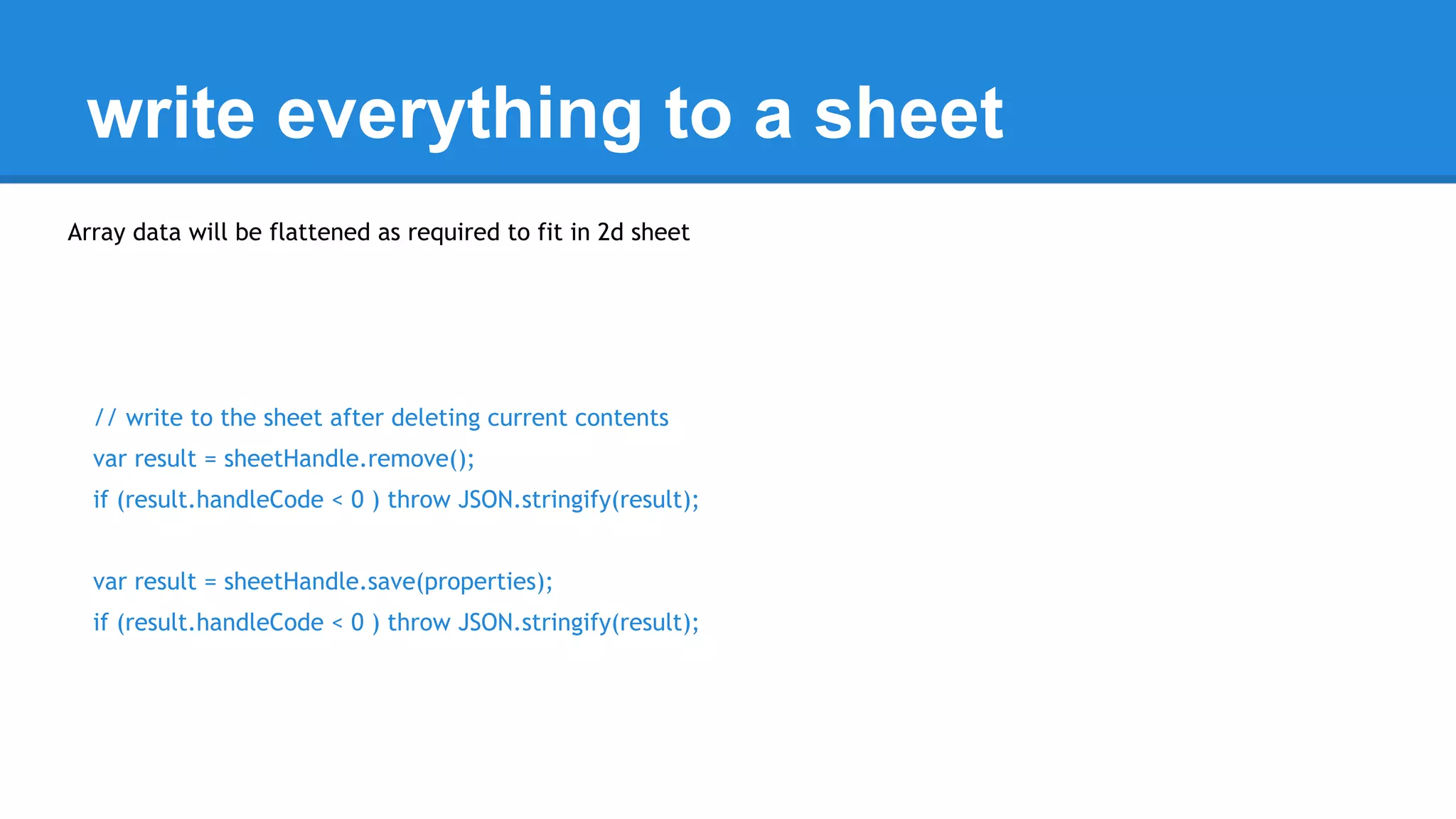
write everything to a sheet 
Array data will be flattened as required to fit in 2d sheet 
// write to the sheet after deleting current contents 
var result = sheetHandle.remove(); 
if (result.handleCode < 0 ) throw JSON.stringify(result); 
var result = sheetHandle.save(properties); 
if (result.handleCode < 0 ) throw JSON.stringify(result);
Here’s the whole thing 
function myFunction() { 
// open spreadsheet as database 
var sheetHandle = new cDbAbstraction.DbAbstraction (cDriverSheet, { 
siloid:'analytics', 
dbid:'19tZRW5CxA4V0kjJX8yAXAGGjzvVZ1433vz-NmBIBt7U' 
}); 
if (!sheetHandle.isHappy()) throw 'unable to open sheet'; 
// get all know analytics properties 
var properties = findAllProperties(); 
// write to the sheet after deleting current contents 
var result = sheetHandle.remove(); 
if (result.handleCode < 0 ) throw JSON.stringify(result); 
var result = sheetHandle.save(properties); 
if (result.handleCode < 0 ) throw JSON.stringify(result); 
}
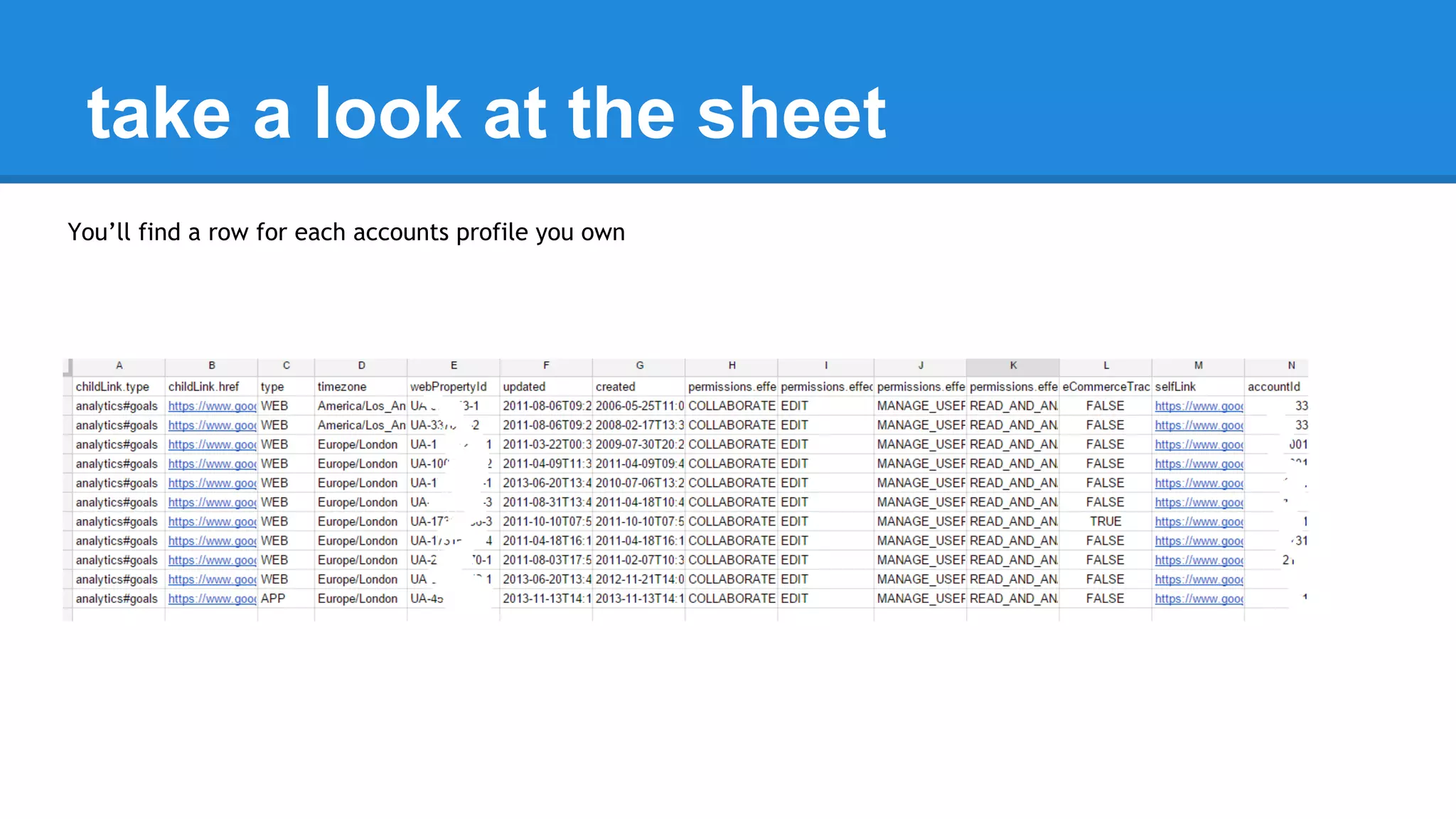
take a look at the sheet 
You’ll find a row for each accounts profile you own
Further homework 
● Now you know how to find your internal 
analytics IDs, try using the Analytics service 
to do some queries
Follow up materials 
Take a copy of this script 
Take a copy of these slides 
Join me on G+, or the G+ community 
More on desktop liberation 
More on database abstraction 
More on Analytics instrumentation 
More 5 minute things

Do something in 5 with gas 4- Get your analytics profiles to a spreadsheet

  • 1.
    do something usefulwith Apps Script in 5 minutes 4. Analytics property data to a sheet Bruce McPherson www.mcpher.com
  • 2.
    Snippet objectives ●Use the lessons learned in ‘using a spreadsheet as a database’ ● Gets the properties information for all your analytics profiles ● Shows how to avoid rate limit exceeded problems ● Flattens and writes it all to a sheet Libraries used ● database abstraction ● driver sheet ● useful stuff
  • 3.
    Add libraries toscript ● create a spreadsheet ● get its id ● create a script ● Open resources ● Add references to libraries Mrckbr9_w7PCphJtOzhzA_Cz3TLx7pV4j MHfCjPQlweartW45xYs6hFai_d-phDA33 Mcbr-v4SsYKJP7JMohttAZyz3TLx7pV4j
  • 4.
    Add analytics service in advanced services, enable analytics
  • 5.
    Enable analytics oncloud console
  • 6.
    layout what youare going to do function myFunction() { // open spreadsheet as database // get all know analytics properties // write to the sheet }
  • 7.
    write function toget properties - 1 First step - the analytics service is rate limited, so we have to handle retries using exponential backoff. You’ll find that in the cUseful library. Create a wrapper for the code we’re about to add function findAllProperties () { // find all the properties belonging to you return cUseful.rateLimitExpBackoff( function () { var am = Analytics.Management; }); }
  • 8.
    extend function getall accounts second step - Loop through all your accounts to get the account records and use the account id to find the webproperties function findAllProperties () { // find all the properties belonging to you return cUseful.rateLimitExpBackoff( function () { var am = Analytics.Management; return (am.Accounts.list().items || []).reduce (function(p,account) { p.push(account); return p; },[]); }); }
  • 9.
    extend function getwebproperties third step - Loop through all the webproperties for each account id function findAllProperties () { // find all the properties belonging to you return cUseful.rateLimitExpBackoff( function () { var am = Analytics.Management; return (am.Accounts.list().items || []).reduce (function(p,account) { (am.Webproperties.list(account.id).items || []).forEach(function(webProperty) { p.push(webProperty); }); return p; },[]); }); }
  • 10.
    extend function getprofiles finally - Loop through all the profiles for each webproperties.id function findAllProperties () { // find all the properties belonging to you return cUseful.rateLimitExpBackoff( function () { var am = Analytics.Management; return (am.Accounts.list().items || []).reduce (function(p,account) { (am.Webproperties.list(account.id).items || []).forEach(function(webProperty) { (am.Profiles.list(account.id,webProperty.id).items || [] ).forEach( function (profile) { p.push(profile); }); }); return p; },[]); }); }
  • 11.
    write everything toa sheet Array data will be flattened as required to fit in 2d sheet // write to the sheet after deleting current contents var result = sheetHandle.remove(); if (result.handleCode < 0 ) throw JSON.stringify(result); var result = sheetHandle.save(properties); if (result.handleCode < 0 ) throw JSON.stringify(result);
  • 12.
    Here’s the wholething function myFunction() { // open spreadsheet as database var sheetHandle = new cDbAbstraction.DbAbstraction (cDriverSheet, { siloid:'analytics', dbid:'19tZRW5CxA4V0kjJX8yAXAGGjzvVZ1433vz-NmBIBt7U' }); if (!sheetHandle.isHappy()) throw 'unable to open sheet'; // get all know analytics properties var properties = findAllProperties(); // write to the sheet after deleting current contents var result = sheetHandle.remove(); if (result.handleCode < 0 ) throw JSON.stringify(result); var result = sheetHandle.save(properties); if (result.handleCode < 0 ) throw JSON.stringify(result); }
  • 13.
    take a lookat the sheet You’ll find a row for each accounts profile you own
  • 14.
    Further homework ●Now you know how to find your internal analytics IDs, try using the Analytics service to do some queries
  • 15.
    Follow up materials Take a copy of this script Take a copy of these slides Join me on G+, or the G+ community More on desktop liberation More on database abstraction More on Analytics instrumentation More 5 minute things