
DIY scanning for 3D printing: an
overview
Sophie Kahn, Natalia Krasnodebska
and Lauren Slowik
Why 3D scan?
3D scanning brings real-world
objects into the digital realm
-Save modeling time
-Scale up or down
-Modify or remix objects
-Output them in different
materials, using different
technologies (3D printing,
CNC milling, etc)
Types of 3D
scanning
-Laser line
-Structured light
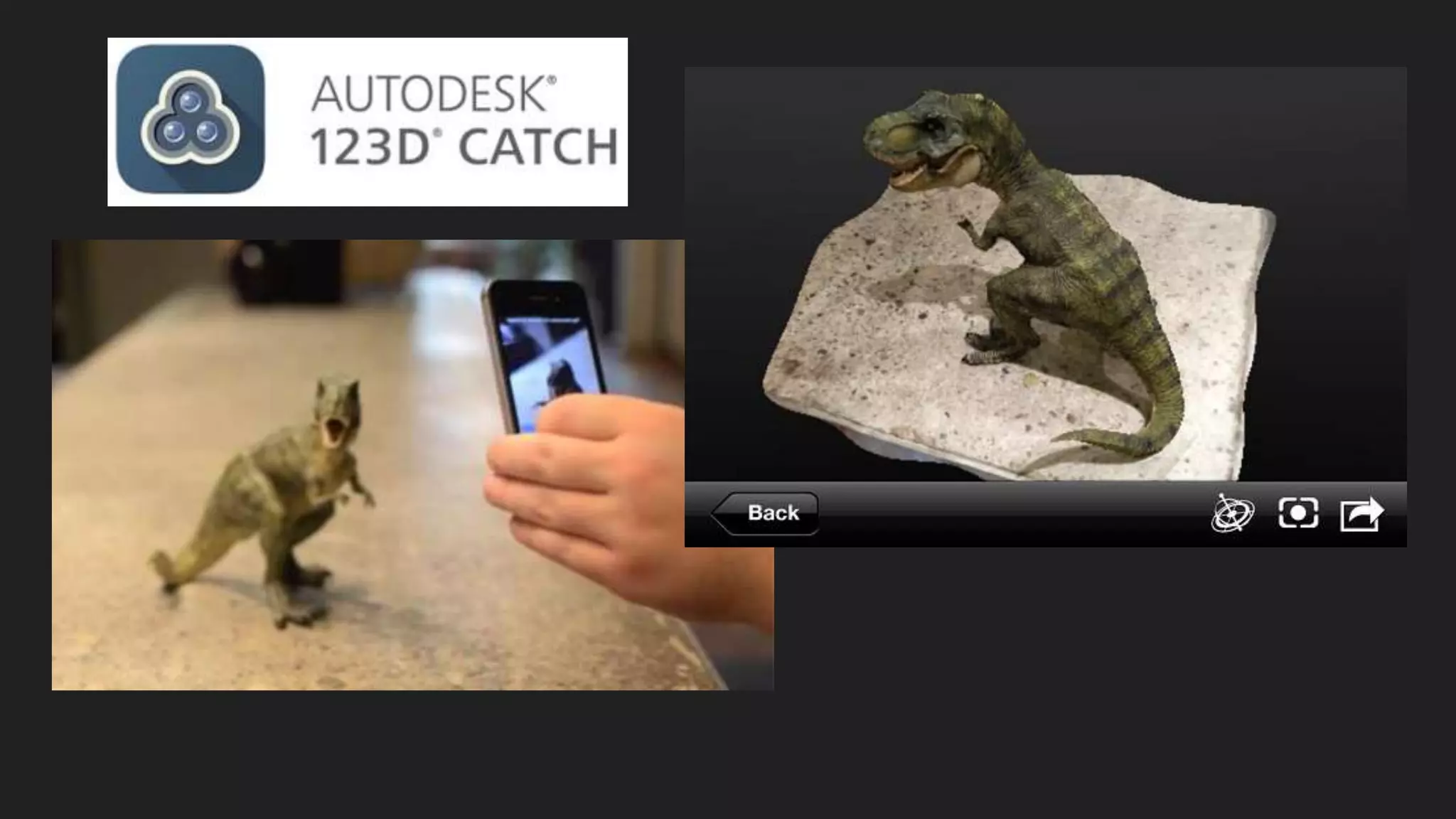
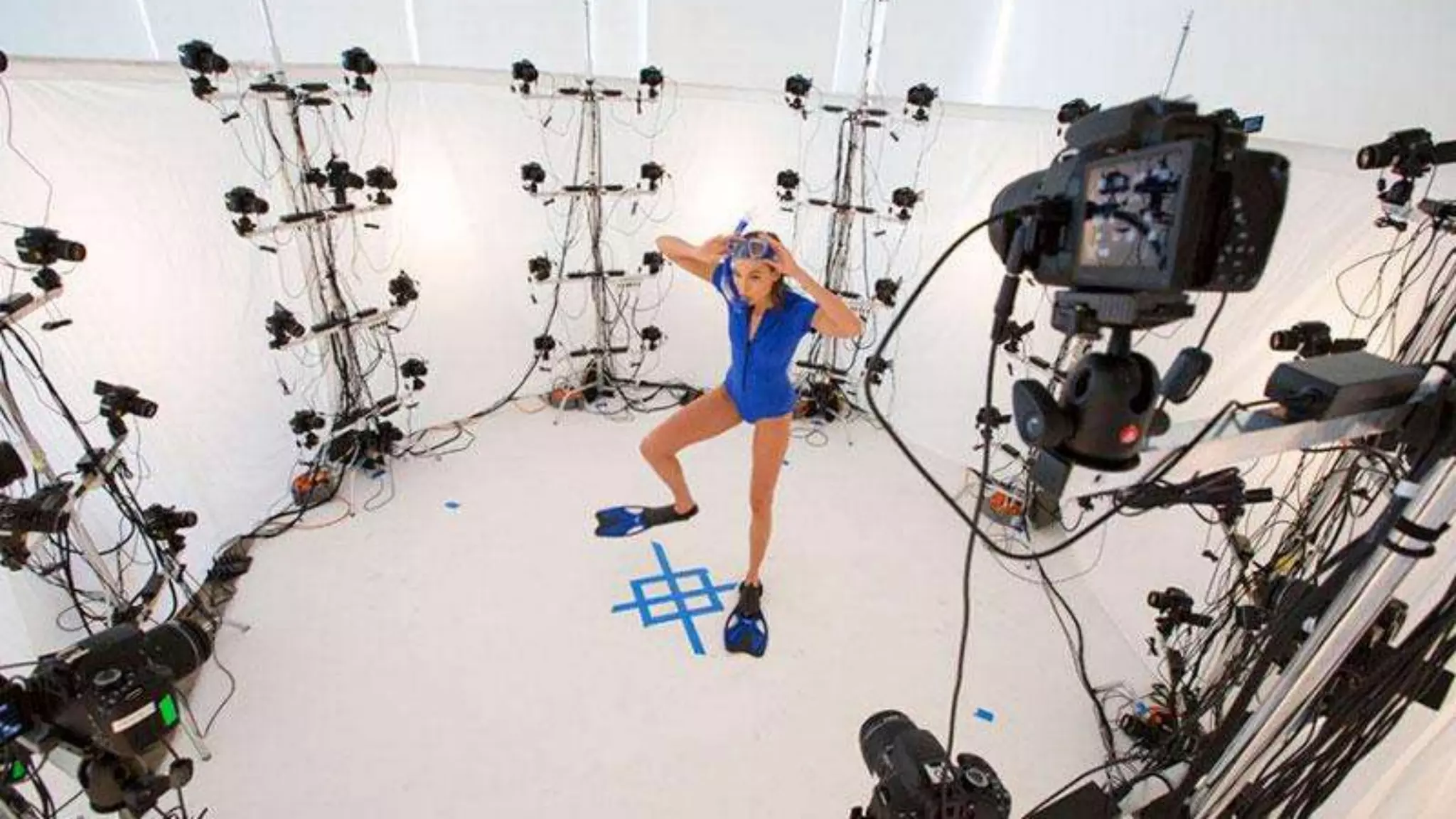
-Photogrammetry
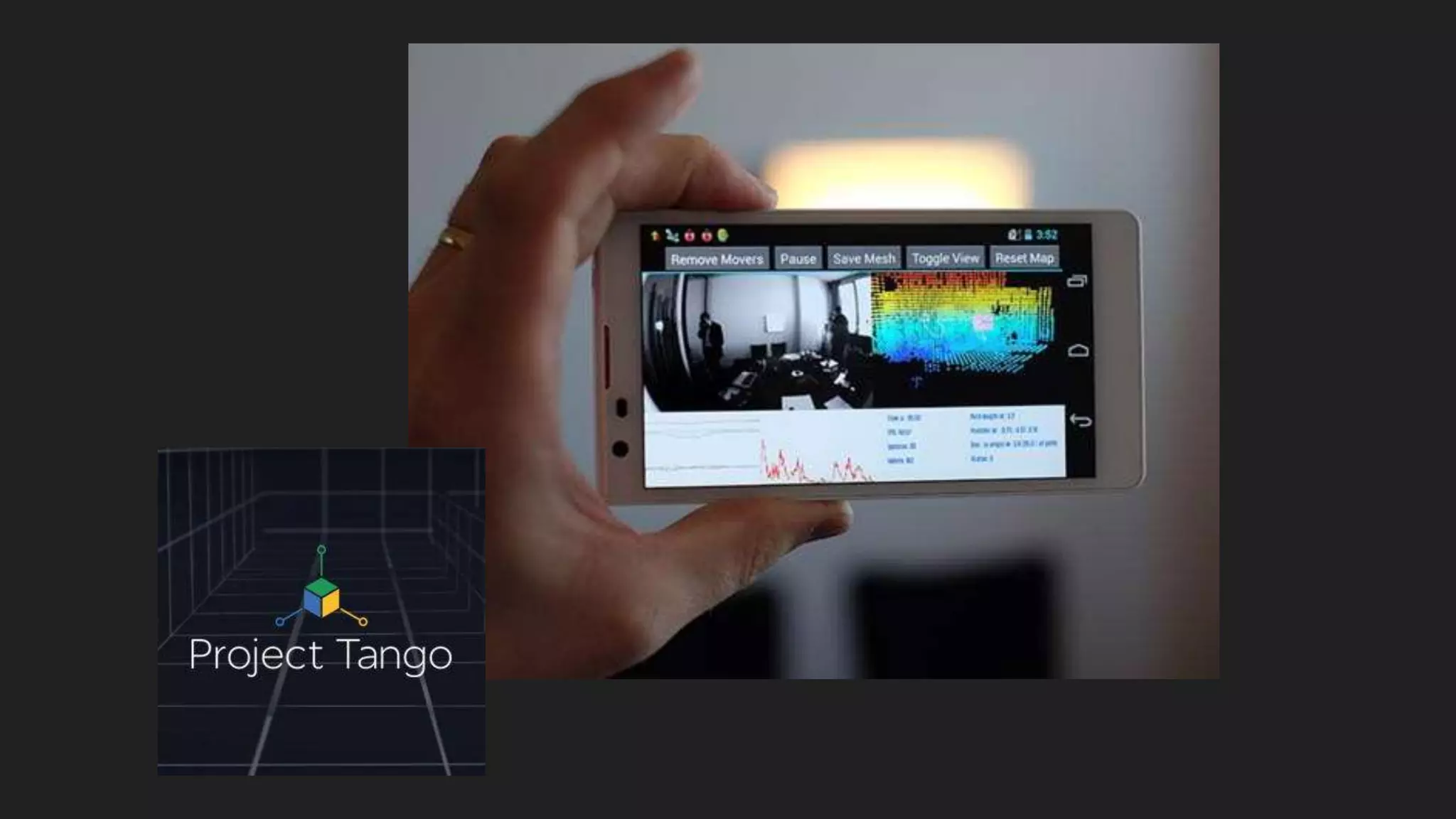
-Time-of-flight
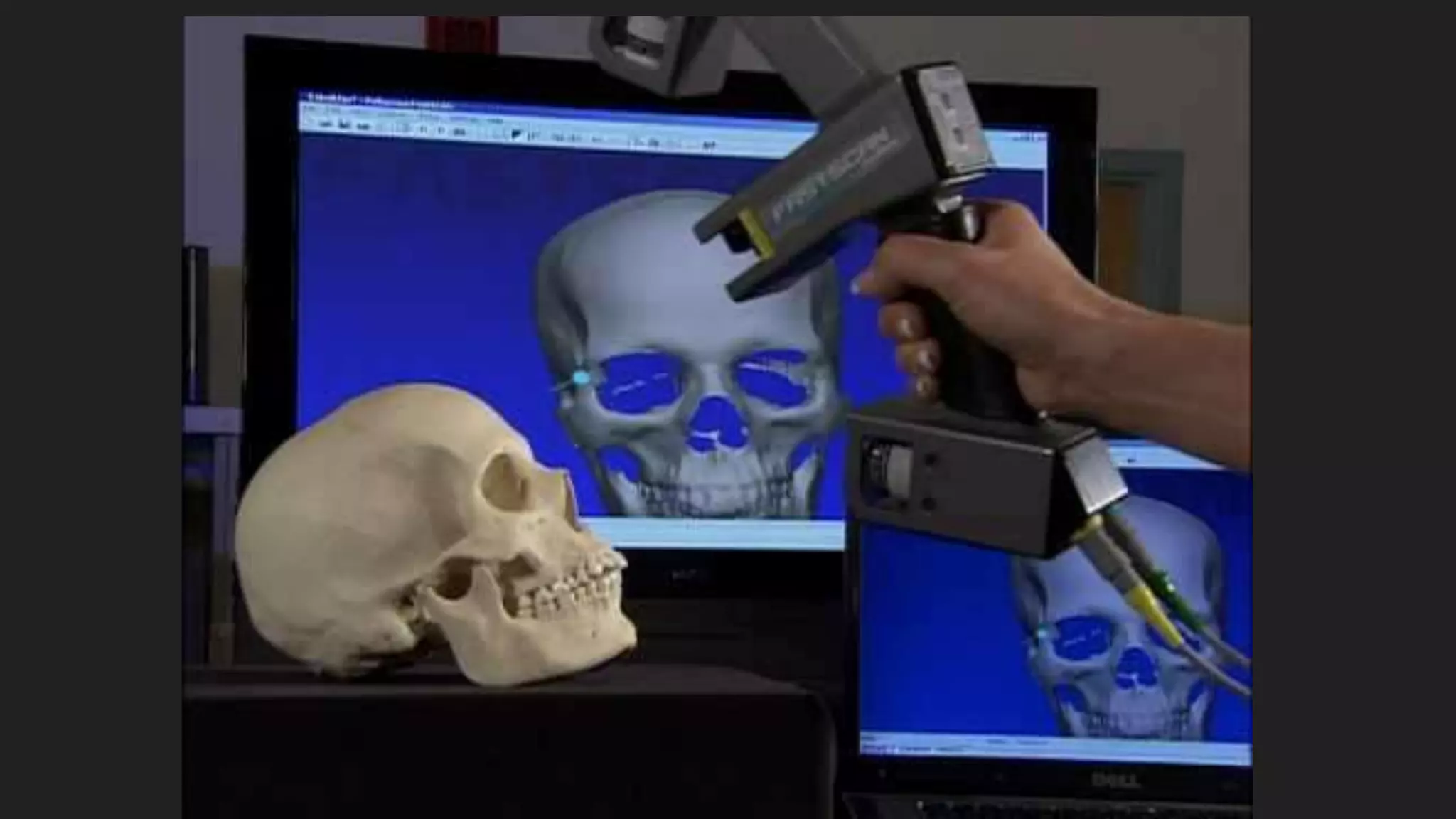
-Contact
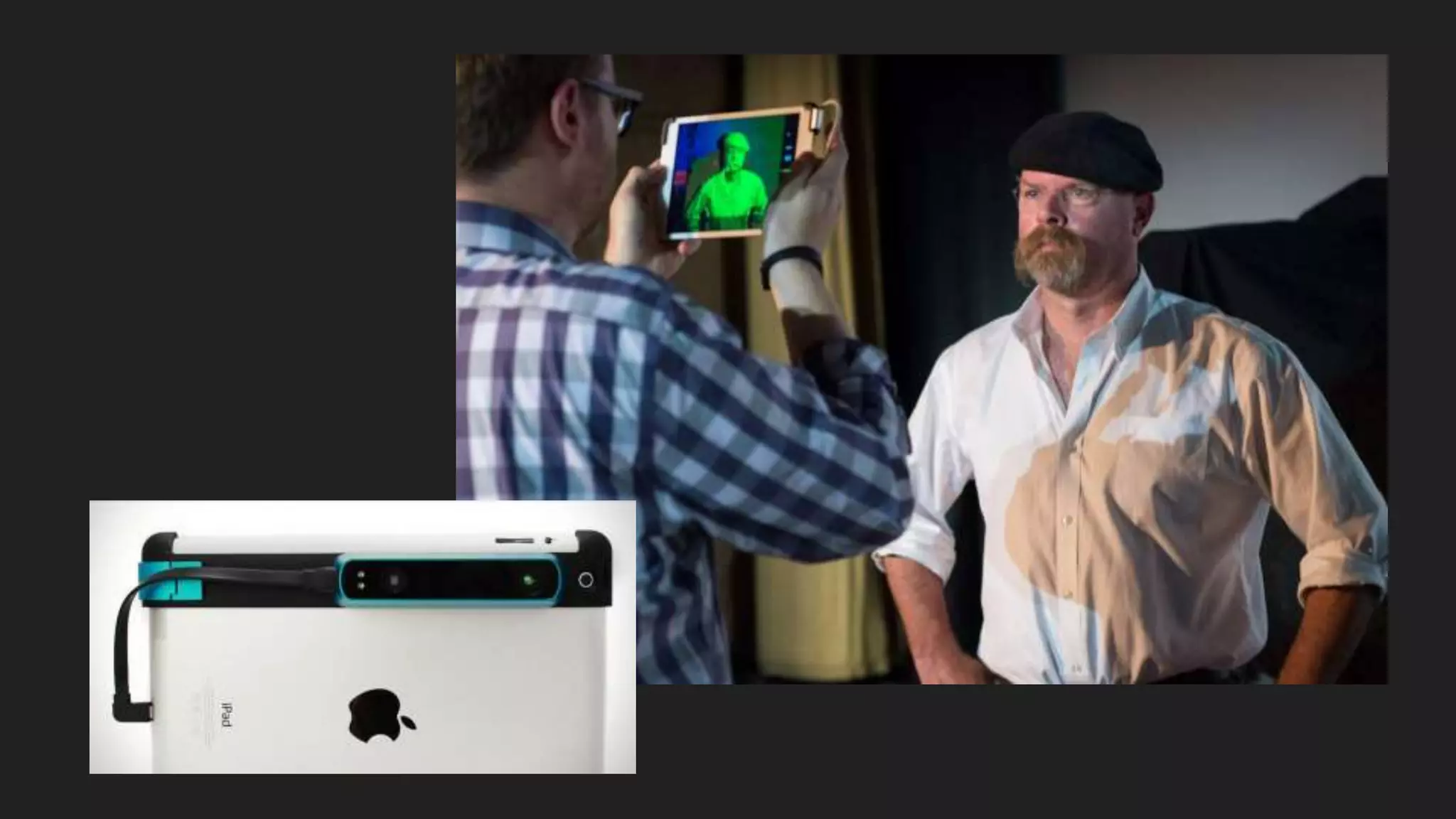
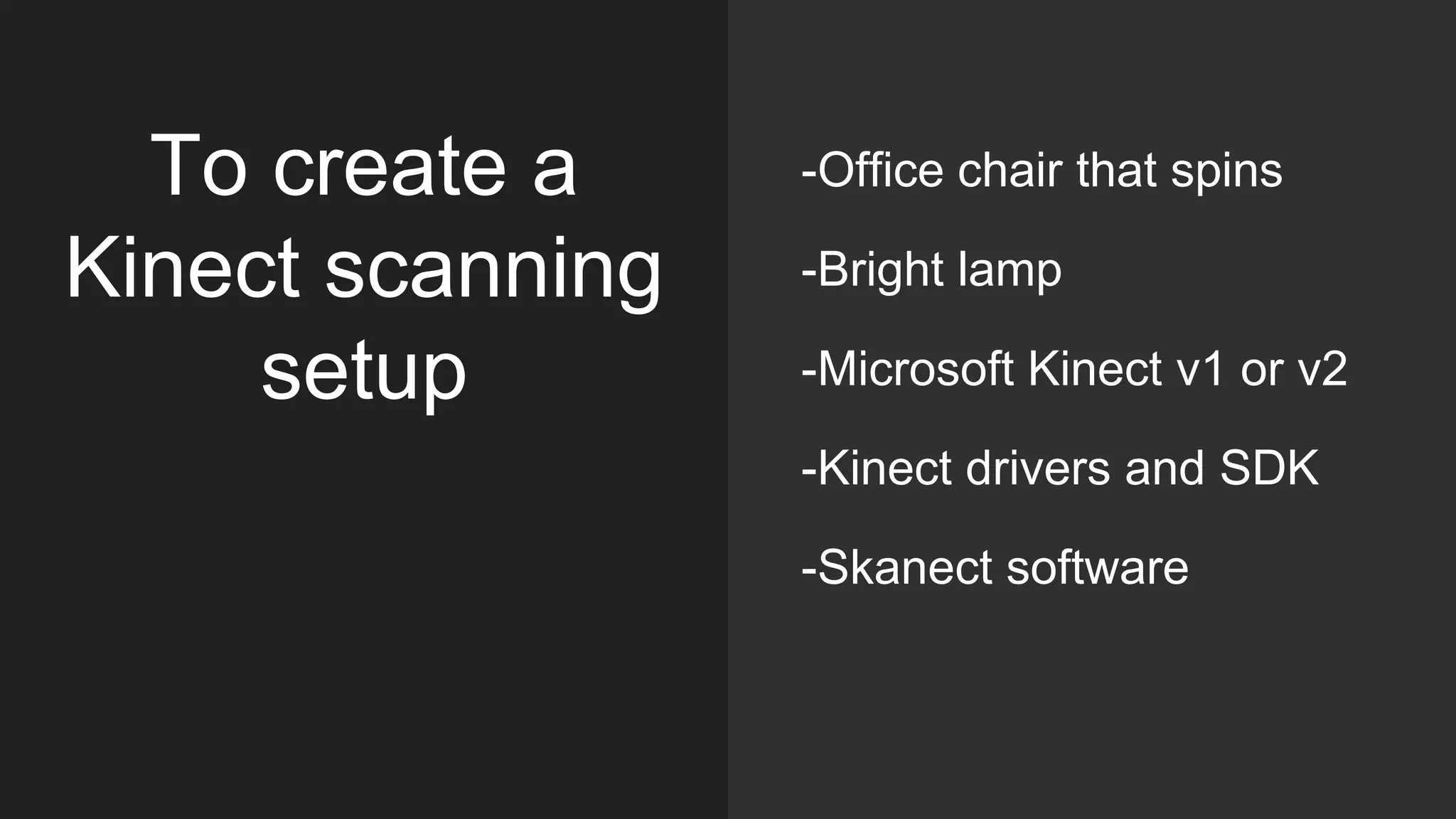
To create a
Kinect scanning
setup
-Office chair that spins
-Bright lamp
-Microsoft Kinect v1 or v2
-Kinect drivers and SDK
-Skanect software
DAVID structured light/laser
scanning
DAVID
laserscanner
You will need:
-Focusable laser diode and battery
pack, or laser level from a hardware
store
-Webcam: the higher res and faster
fps the better (I use The Imaging
Source)
-Printed calibration panels
-Cardboard/plywood
-Set square
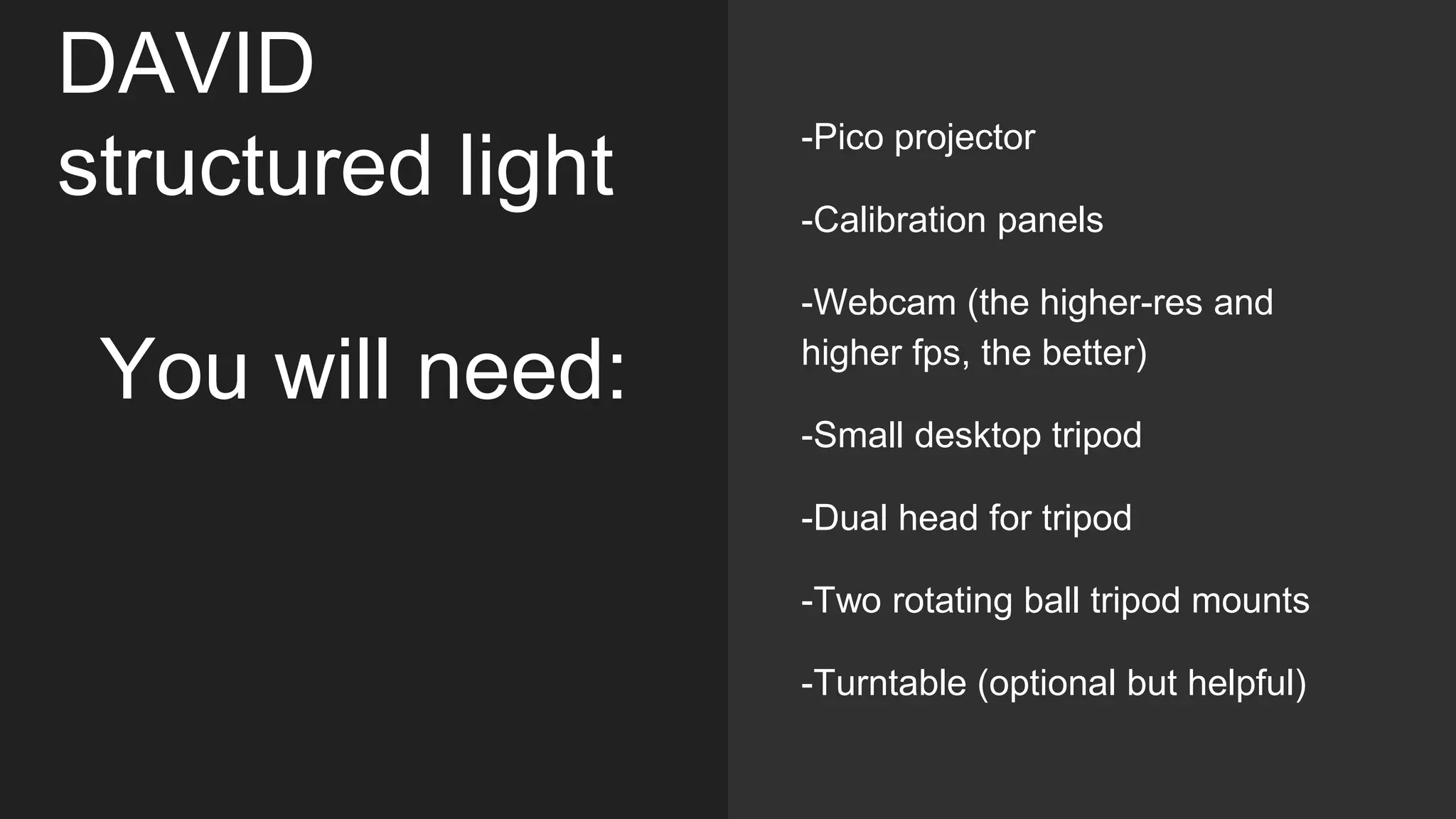
DAVID
structured light
You will need:
-Pico projector
-Calibration panels
-Webcam (the higher-res and
higher fps, the better)
-Small desktop tripod
-Dual head for tripod
-Two rotating ball tripod mounts
-Turntable (optional but helpful)
-White spray paint or removable
spray powder (talc developing
spray, dry shampoo)
-White play-doh for registering
multiple scans
-Black spray paint
-Black painted blocks to serve as
props
-Helping hands tool
-Black velvet to mask out
background
Useful
accessories for
3D scanning
small objects:
Steps to make a
DAVID scan
-Set up calibration panels at 90
degrees, using a set square for
accuracy
-Calibrate camera
-Prepare and stabilize your object
-Scan in sweeps, rotating object
and flipping as needed
-Register scans in DAVID
Shapefusion
-Fuse surface and export
Repairing files for 3D print
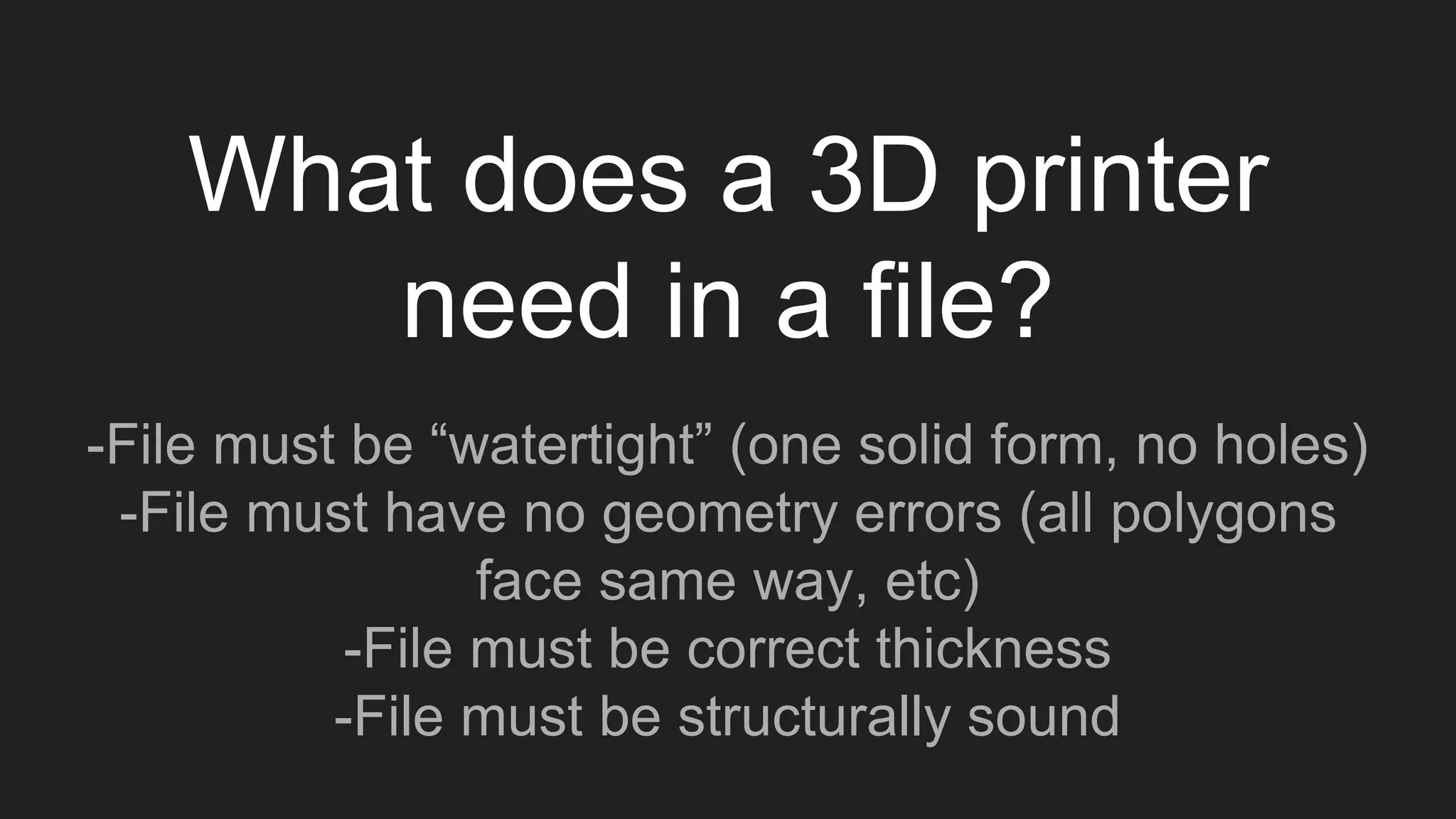
What does a 3D printer
need in a file?
-File must be “watertight” (one solid form, no holes)
-File must have no geometry errors (all polygons
face same way, etc)
-File must be correct thickness
-File must be structurally sound
Workflow to
prep scan for
3D print
-Fill holes in scan file &
make solid (Meshmixer)
-Smooth and sculpt
(Meshmixer)
-Repair geometry
(Netfabb)
-Export .stl for printer
(Netfabb)
Repairing files with
Meshmixer
Fill holes in
Meshmixer:
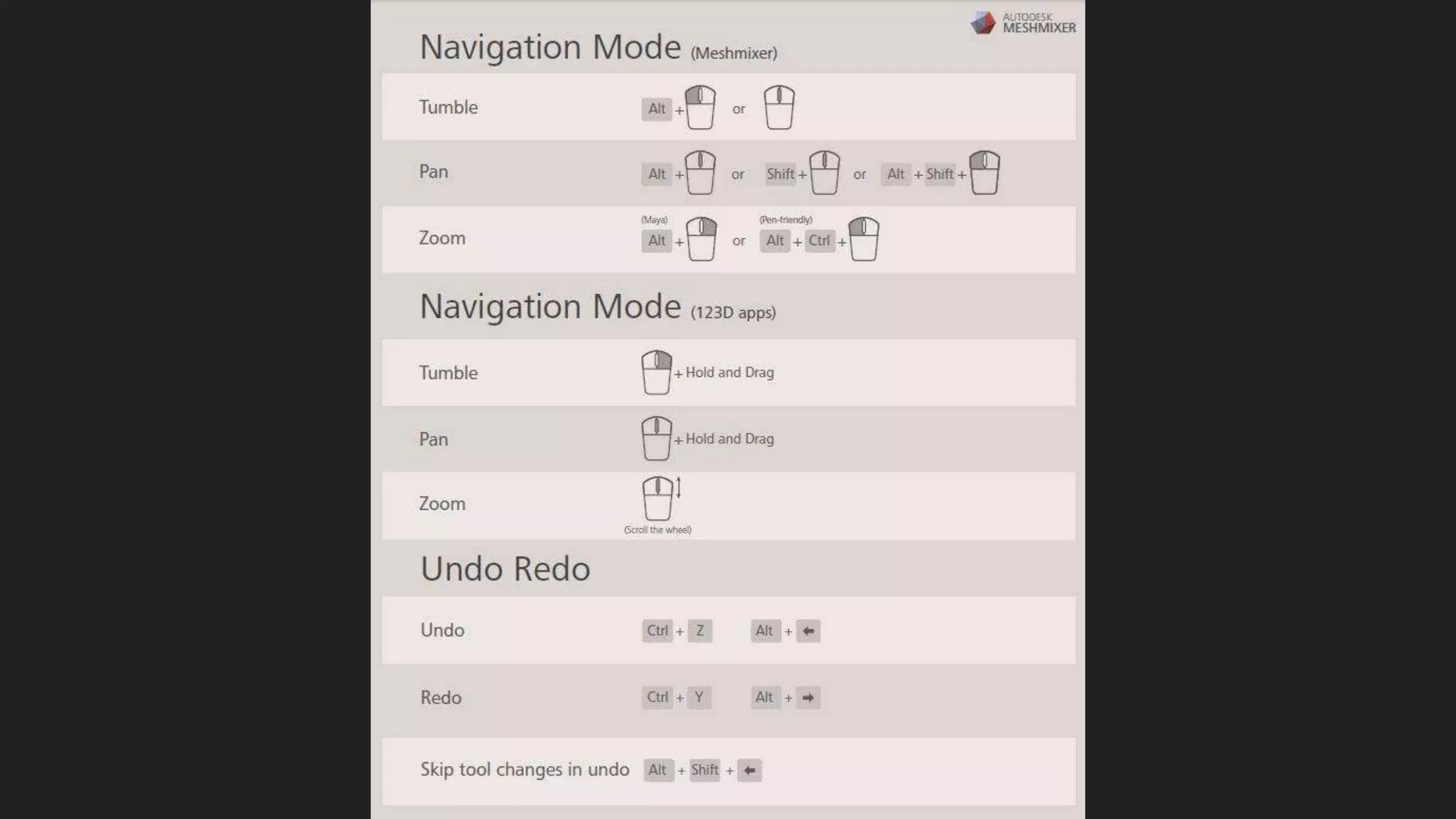
Edit->Close Cracks
Edit->Make Solid
Smooth in
Meshmixer:
Edit->Brushes->Shrink
Smooth/Bubble
Smooth/RobustSmooth
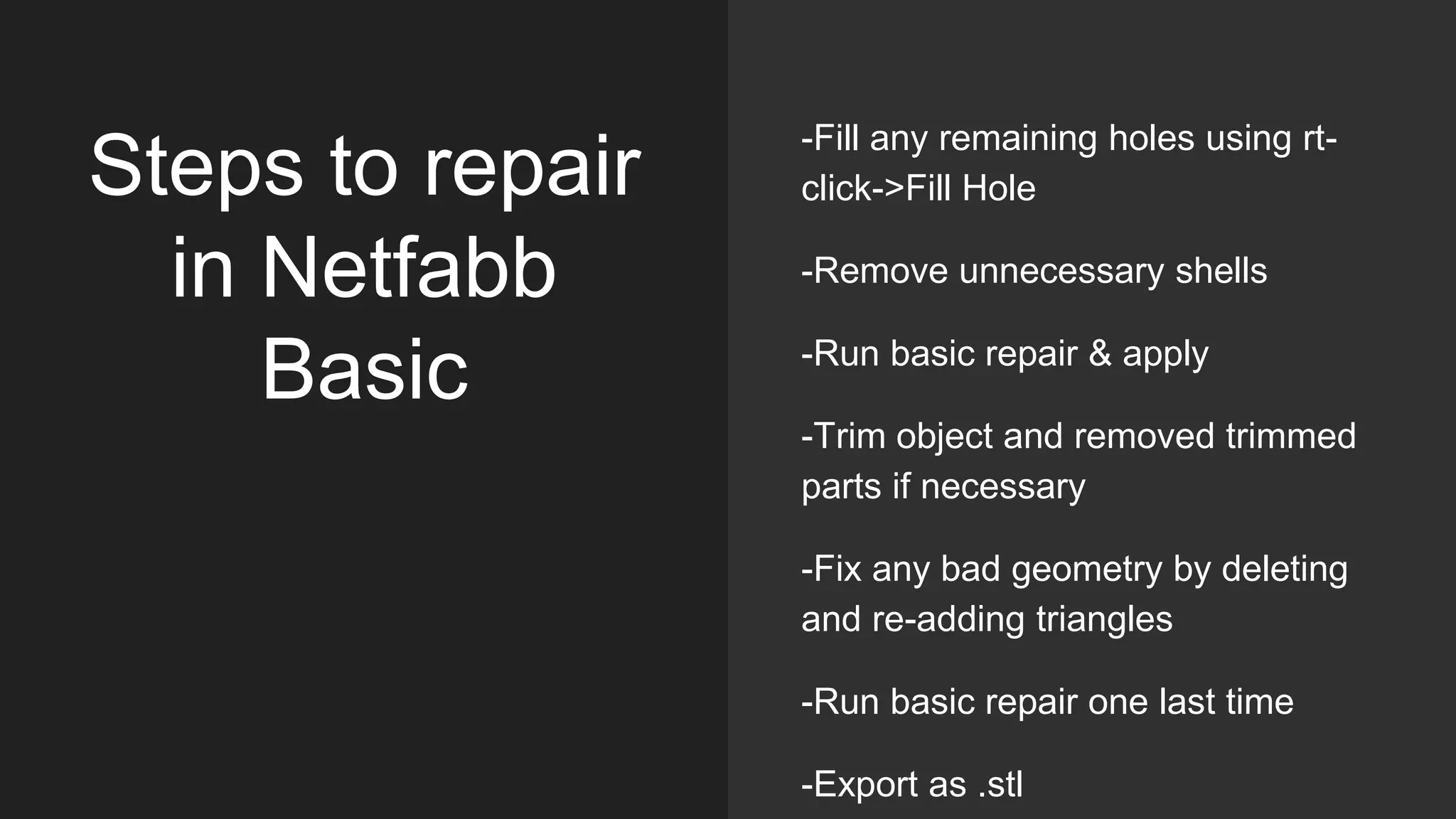
Steps to repair
in Netfabb
Basic
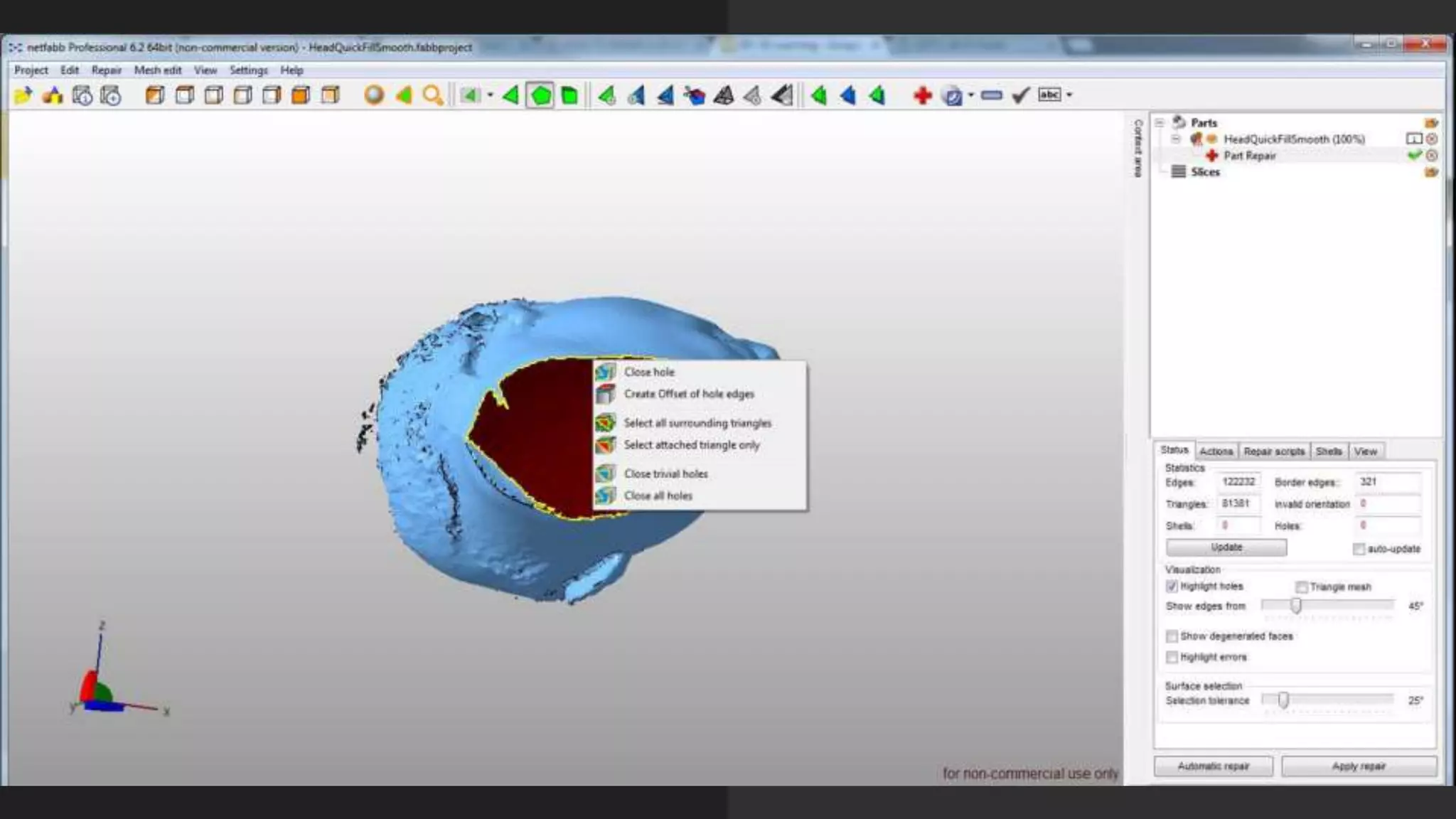
-Fill any remaining holes using rt-
click->Fill Hole
-Remove unnecessary shells
-Run basic repair & apply
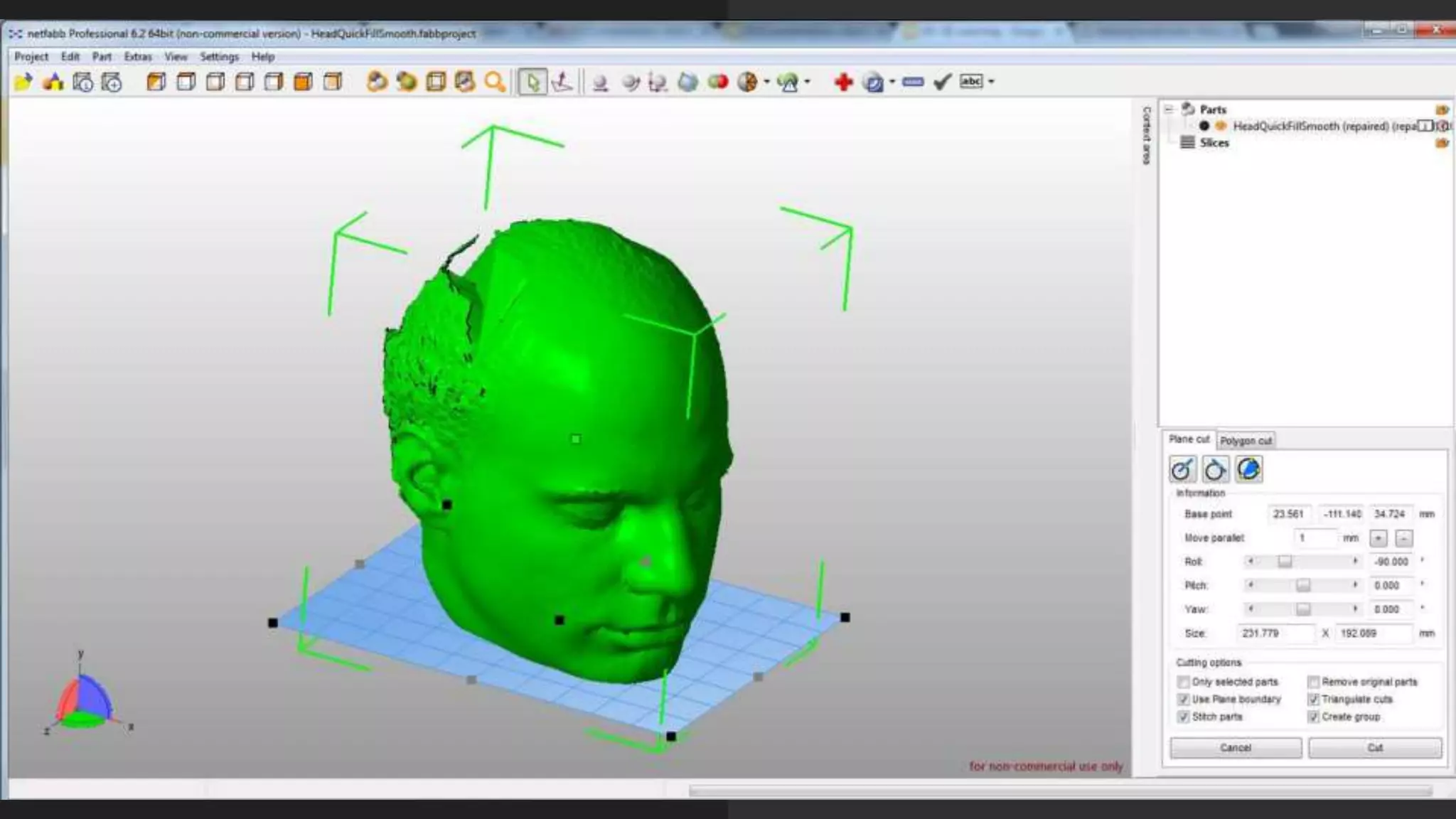
-Trim object and removed trimmed
parts if necessary
-Fix any bad geometry by deleting
and re-adding triangles
-Run basic repair one last time
-Export as .stl
Additional steps
in Netfabb Pro
-Wrap part surface if object is
severely corrupted
-Reduce triangle mesh to
<1,000,000 polygons
-Hollow model to desired wall
thickness
-Add drain holes using Boolean
operations
-Run wall thickness visualization to
check structural integrity
Diy 3d scanning for 3D print - Makerfest India

Diy 3d scanning for 3D print - Makerfest India

  • 1.
    DIY scanning for3D printing: an overview Sophie Kahn, Natalia Krasnodebska and Lauren Slowik
  • 2.
    Why 3D scan? 3Dscanning brings real-world objects into the digital realm -Save modeling time -Scale up or down -Modify or remix objects -Output them in different materials, using different technologies (3D printing, CNC milling, etc)
  • 3.
    Types of 3D scanning -Laserline -Structured light -Photogrammetry -Time-of-flight -Contact
  • 10.
    To create a Kinectscanning setup -Office chair that spins -Bright lamp -Microsoft Kinect v1 or v2 -Kinect drivers and SDK -Skanect software
  • 11.
  • 12.
    DAVID laserscanner You will need: -Focusablelaser diode and battery pack, or laser level from a hardware store -Webcam: the higher res and faster fps the better (I use The Imaging Source) -Printed calibration panels -Cardboard/plywood -Set square
  • 13.
    DAVID structured light You willneed: -Pico projector -Calibration panels -Webcam (the higher-res and higher fps, the better) -Small desktop tripod -Dual head for tripod -Two rotating ball tripod mounts -Turntable (optional but helpful)
  • 14.
    -White spray paintor removable spray powder (talc developing spray, dry shampoo) -White play-doh for registering multiple scans -Black spray paint -Black painted blocks to serve as props -Helping hands tool -Black velvet to mask out background Useful accessories for 3D scanning small objects:
  • 15.
    Steps to makea DAVID scan -Set up calibration panels at 90 degrees, using a set square for accuracy -Calibrate camera -Prepare and stabilize your object -Scan in sweeps, rotating object and flipping as needed -Register scans in DAVID Shapefusion -Fuse surface and export
  • 16.
  • 17.
    What does a3D printer need in a file? -File must be “watertight” (one solid form, no holes) -File must have no geometry errors (all polygons face same way, etc) -File must be correct thickness -File must be structurally sound
  • 18.
    Workflow to prep scanfor 3D print -Fill holes in scan file & make solid (Meshmixer) -Smooth and sculpt (Meshmixer) -Repair geometry (Netfabb) -Export .stl for printer (Netfabb)
  • 19.
  • 21.
    Fill holes in Meshmixer: Edit->CloseCracks Edit->Make Solid
  • 22.
  • 23.
    Steps to repair inNetfabb Basic -Fill any remaining holes using rt- click->Fill Hole -Remove unnecessary shells -Run basic repair & apply -Trim object and removed trimmed parts if necessary -Fix any bad geometry by deleting and re-adding triangles -Run basic repair one last time -Export as .stl
  • 26.
    Additional steps in NetfabbPro -Wrap part surface if object is severely corrupted -Reduce triangle mesh to <1,000,000 polygons -Hollow model to desired wall thickness -Add drain holes using Boolean operations -Run wall thickness visualization to check structural integrity