Keep your data safe with us.
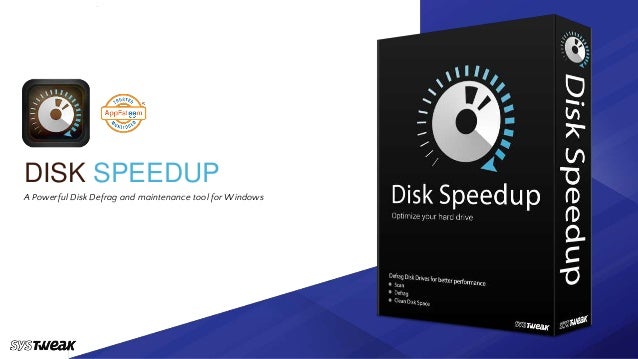
DISK SPEEDUP
A Powerful Disk Defrag and maintenance tool for Windows
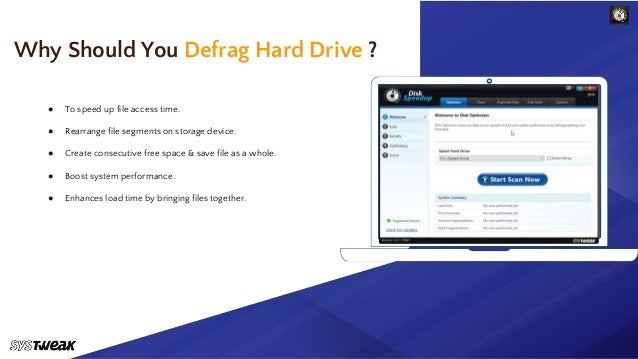
● To speed up file access time.
● Rearrange file segments on storage device.
● Create consecutive free space & save file as a whole.
● Boost system performance.
● Enhances load time by bringing files together.
Why Should You Defrag Hard Drive ?
Keep your data safe with us.
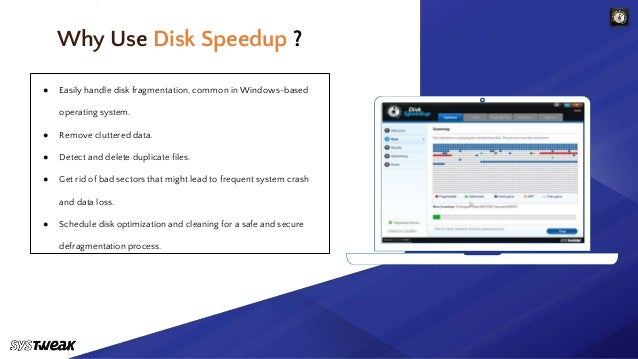
● Easily handle disk fragmentation, common in Windows-based
operating system.
● Remove cluttered data.
● Detect and delete duplicate files.
● Get rid of bad sectors that might lead to frequent system crash
and data loss.
● Schedule disk optimization and cleaning for a safe and secure
defragmentation process.
Why Use Disk Speedup ?
Keep your data safe with us.
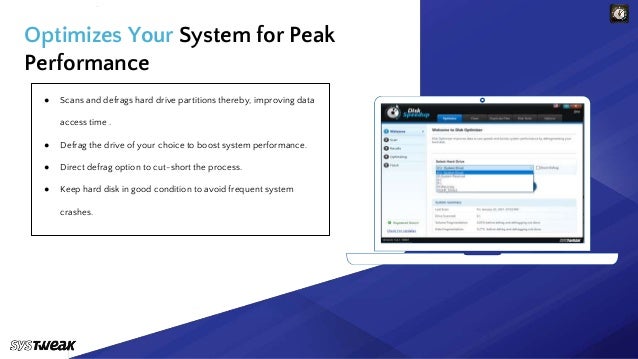
● Scans and defrags hard drive partitions thereby, improving data
access time .
● Defrag the drive of your choice to boost system performance.
● Direct defrag option to cut-short the process.
● Keep hard disk in good condition to avoid frequent system
crashes.
Optimizes Your System for Peak
Performance
Keep your data safe with us.
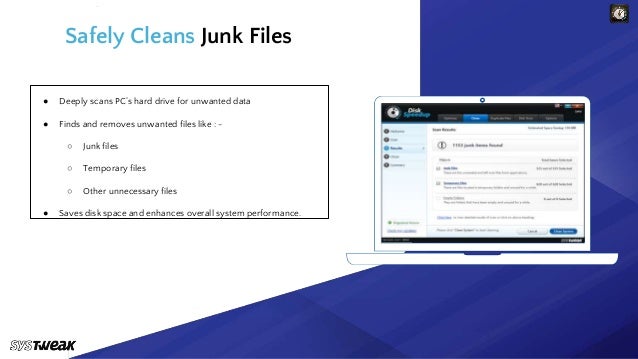
● Deeply scans PC’s hard drive for unwanted data
● Finds and removes unwanted files like : -
○ Junk files
○ Temporary files
○ Other unnecessary files
● Saves disk space and enhances overall system performance.
Safely Cleans Junk Files
Keep your data safe with us.
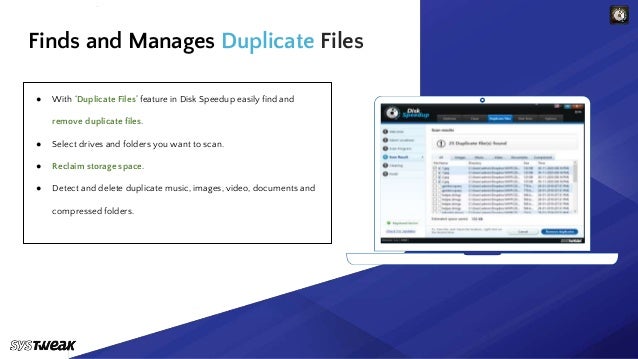
● With ‘Duplicate Files’ feature in Disk Speedup easily find and
remove duplicate files.
● Select drives and folders you want to scan.
● Reclaim storage space.
● Detect and delete duplicate music, images, video, documents and
compressed folders.
Finds and Manages Duplicate Files
Keep your data safe with us.
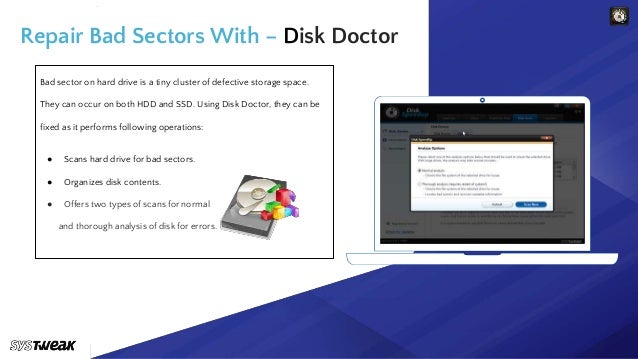
Bad sector on hard drive is a tiny cluster of defective storage space.
They can occur on both HDD and SSD. Using Disk Doctor, they can be
fixed as it performs following operations:
● Scans hard drive for bad sectors.
● Organizes disk contents.
● Offers two types of scans for normal
and thorough analysis of disk for errors.
Repair Bad Sectors With – Disk Doctor
Keep your data safe with us.
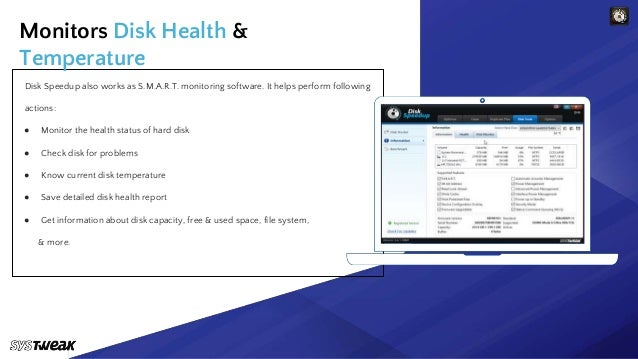
Disk Speedup also works as S.M.A.R.T. monitoring software. It helps perform following
actions:
● Monitor the health status of hard disk
● Check disk for problems
● Know current disk temperature
● Save detailed disk health report
● Get information about disk capacity, free & used space, file system,
& more.
Monitors Disk Health &
Temperature
Keep your data safe with us.
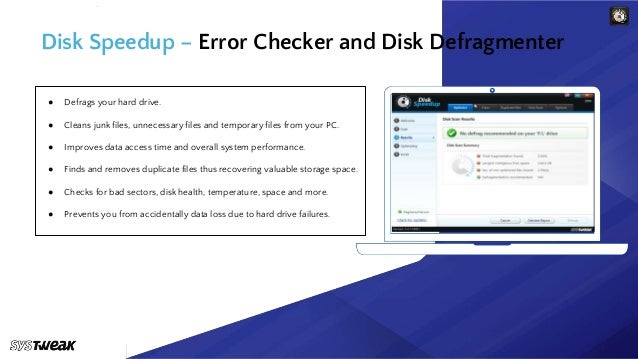
● Defrags your hard drive.
● Cleans junk files, unnecessary files and temporary files from your PC.
● Improves data access time and overall system performance.
● Finds and removes duplicate files thus recovering valuable storage space.
● Checks for bad sectors, disk health, temperature, space and more.
● Prevents you from accidentally data loss due to hard drive failures.
Disk Speedup – Error Checker and Disk Defragmenter
Keep your data safe with us.
Video Tutorial – Disk Speedup
Disk Speedup
www.systweak.com
support@systweak.com
Powerful Disk Defragmentation & S.M.A.R.T.
Tool

Disk Speedup- A Powerful Disk Defrag and Maintenance Tool

  • 1.
    Keep your datasafe with us. DISK SPEEDUP A Powerful Disk Defrag and maintenance tool for Windows
  • 2.
    ● To speedup file access time. ● Rearrange file segments on storage device. ● Create consecutive free space & save file as a whole. ● Boost system performance. ● Enhances load time by bringing files together. Why Should You Defrag Hard Drive ?
  • 3.
    Keep your datasafe with us. ● Easily handle disk fragmentation, common in Windows-based operating system. ● Remove cluttered data. ● Detect and delete duplicate files. ● Get rid of bad sectors that might lead to frequent system crash and data loss. ● Schedule disk optimization and cleaning for a safe and secure defragmentation process. Why Use Disk Speedup ?
  • 4.
    Keep your datasafe with us. ● Scans and defrags hard drive partitions thereby, improving data access time . ● Defrag the drive of your choice to boost system performance. ● Direct defrag option to cut-short the process. ● Keep hard disk in good condition to avoid frequent system crashes. Optimizes Your System for Peak Performance
  • 5.
    Keep your datasafe with us. ● Deeply scans PC’s hard drive for unwanted data ● Finds and removes unwanted files like : - ○ Junk files ○ Temporary files ○ Other unnecessary files ● Saves disk space and enhances overall system performance. Safely Cleans Junk Files
  • 6.
    Keep your datasafe with us. ● With ‘Duplicate Files’ feature in Disk Speedup easily find and remove duplicate files. ● Select drives and folders you want to scan. ● Reclaim storage space. ● Detect and delete duplicate music, images, video, documents and compressed folders. Finds and Manages Duplicate Files
  • 7.
    Keep your datasafe with us. Bad sector on hard drive is a tiny cluster of defective storage space. They can occur on both HDD and SSD. Using Disk Doctor, they can be fixed as it performs following operations: ● Scans hard drive for bad sectors. ● Organizes disk contents. ● Offers two types of scans for normal and thorough analysis of disk for errors. Repair Bad Sectors With – Disk Doctor
  • 8.
    Keep your datasafe with us. Disk Speedup also works as S.M.A.R.T. monitoring software. It helps perform following actions: ● Monitor the health status of hard disk ● Check disk for problems ● Know current disk temperature ● Save detailed disk health report ● Get information about disk capacity, free & used space, file system, & more. Monitors Disk Health & Temperature
  • 9.
    Keep your datasafe with us. ● Defrags your hard drive. ● Cleans junk files, unnecessary files and temporary files from your PC. ● Improves data access time and overall system performance. ● Finds and removes duplicate files thus recovering valuable storage space. ● Checks for bad sectors, disk health, temperature, space and more. ● Prevents you from accidentally data loss due to hard drive failures. Disk Speedup – Error Checker and Disk Defragmenter
  • 10.
    Keep your datasafe with us. Video Tutorial – Disk Speedup
  • 11.