Digital Storytelling for the Development of 21st Century Literacy Skills  Kayleigh Willard
What is Digital Storytelling? Modern approach to storytelling.  A student or group of students tells a story digitally using images, music, voice, and text.  Usually focuses on a specific theme or event.  Does  not  require any experience with movie making.
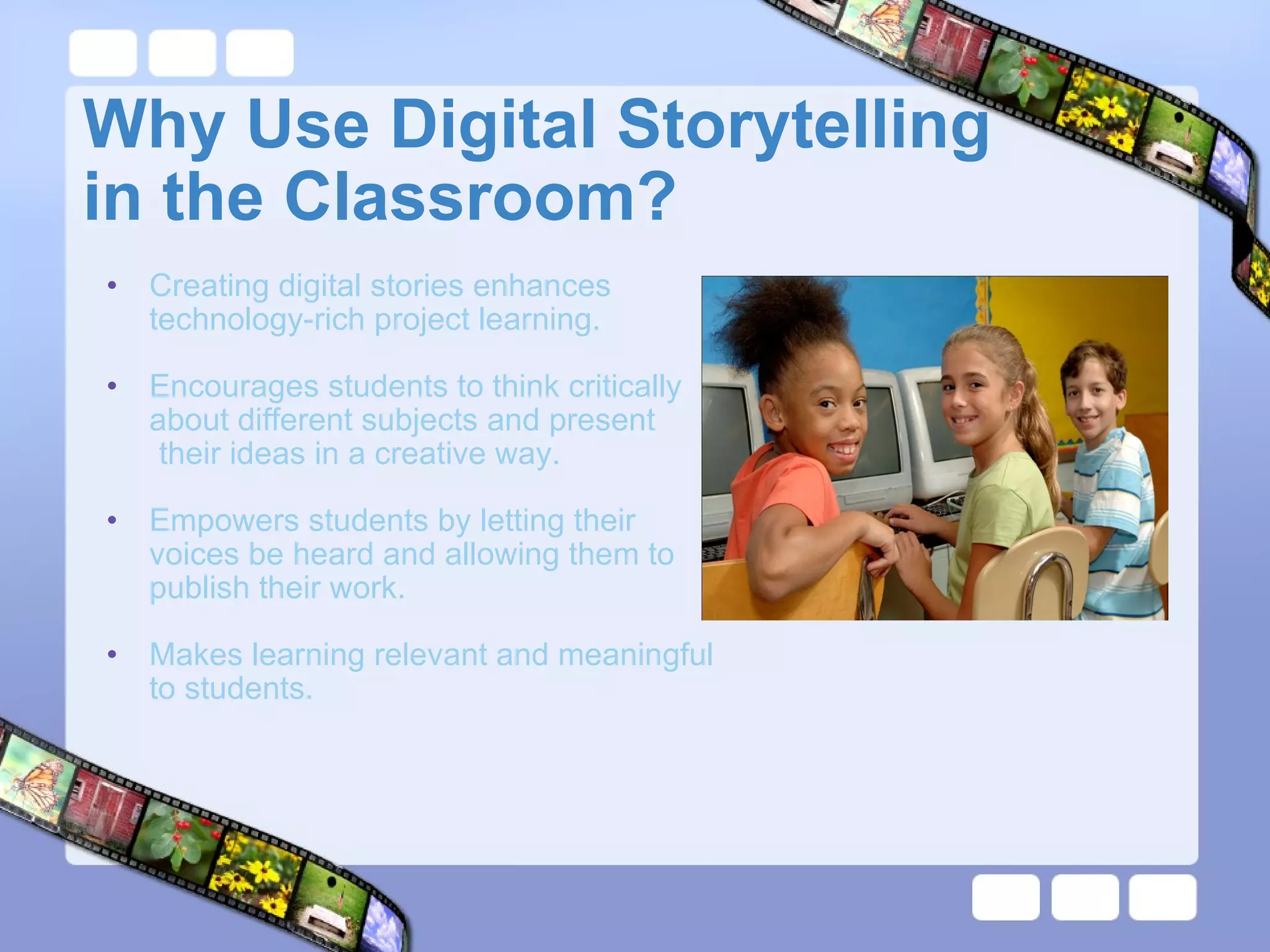
Why Use Digital Storytelling  in the Classroom? Creating digital stories enhances technology-rich project learning.  Encourages students to think critically about different subjects and present  their ideas in a creative way. Empowers students by letting their voices be heard and allowing them to publish their work.   Makes learning relevant and meaningful to students. 
How to Tell a Digital Story 1.  Find Your Story    Decide what kind of story would best fit your topic.  Keep in mind who you are telling the story to.  2.  Map Your Story   Decide how you want to tell         your story. Give your story a beginning,        middle and end.
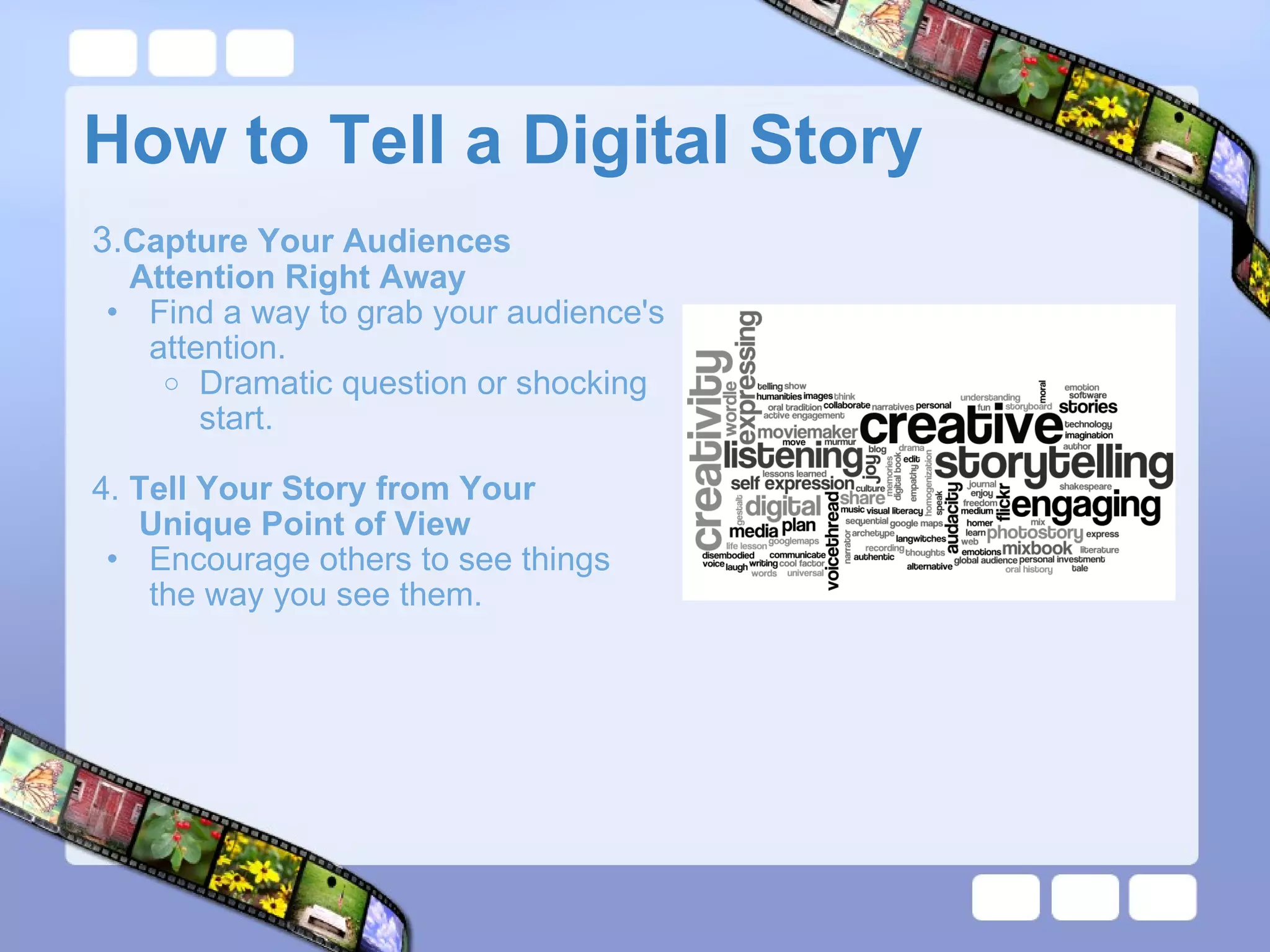
How to Tell a Digital Story 3. Capture Your Audiences         Attention Right Away Find a way to grab your audience's attention. Dramatic question or shocking start.     4.  Tell Your Story from Your           Unique Point of View Encourage others to see things the way you see them.
How to Tell a Digital Story  5.  Use Fresh and Vivid Language Don't let the images overpower the words.  6.  Provoke Emotion Choose an emotion you want your story to provoke and stick with it throughout the presentation.    7.  Use Your Own Voice  Be Yourself.
How to Tell a Digital Story 8.  Choose Your Images and       Sounds Carefully Each addition to the project should have a purpose.  9.  Be as Brief as You Can Be Longer doesn't mean better. 10.  Make Sure Your Story Has         Rhythm  Keep it moving. Different for each genre.  
Digital Storytelling Projects Digistory  about the life and work of an important author.  Autobiography introducing student  to classmates. A "How to" story with step-by-step instructions. Book Report explaining the main elements of a story. Share a traditional meal of the student's culture with pictures/recipes        of the meal. 
Programs for Creating  Digital Stories  Image Blender Microsoft PowerPoint    Microsoft Photo Story 3   Photsynth Windows Movie Maker        
Examples of Digital Stories Other Examples
References Digital Storytelling Digital Storytelling Examples   Digital Storytelling in the Classroom Digital Storytelling: A Tutorial in 10 Easy Steps   Google Images   Youtube

Digital Storytelling by Kayleigh Willard

  • 1.
    Digital Storytelling forthe Development of 21st Century Literacy Skills Kayleigh Willard
  • 2.
    What is DigitalStorytelling? Modern approach to storytelling. A student or group of students tells a story digitally using images, music, voice, and text. Usually focuses on a specific theme or event. Does not require any experience with movie making.
  • 3.
    Why Use DigitalStorytelling  in the Classroom? Creating digital stories enhances technology-rich project learning. Encourages students to think critically about different subjects and present their ideas in a creative way. Empowers students by letting their voices be heard and allowing them to publish their work.  Makes learning relevant and meaningful to students. 
  • 4.
    How to Tella Digital Story 1. Find Your Story   Decide what kind of story would best fit your topic.  Keep in mind who you are telling the story to. 2. Map Your Story Decide how you want to tell        your story. Give your story a beginning,       middle and end.
  • 5.
    How to Tella Digital Story 3. Capture Your Audiences        Attention Right Away Find a way to grab your audience's attention. Dramatic question or shocking start.     4. Tell Your Story from Your          Unique Point of View Encourage others to see things the way you see them.
  • 6.
    How to Tella Digital Story 5. Use Fresh and Vivid Language Don't let the images overpower the words.  6. Provoke Emotion Choose an emotion you want your story to provoke and stick with it throughout the presentation.    7. Use Your Own Voice Be Yourself.
  • 7.
    How to Tella Digital Story 8. Choose Your Images and      Sounds Carefully Each addition to the project should have a purpose.  9. Be as Brief as You Can Be Longer doesn't mean better. 10. Make Sure Your Story Has        Rhythm Keep it moving. Different for each genre.  
  • 8.
    Digital Storytelling ProjectsDigistory about the life and work of an important author.  Autobiography introducing student to classmates. A "How to" story with step-by-step instructions. Book Report explaining the main elements of a story. Share a traditional meal of the student's culture with pictures/recipes       of the meal. 
  • 9.
    Programs for Creating Digital Stories Image Blender Microsoft PowerPoint    Microsoft Photo Story 3 Photsynth Windows Movie Maker        
  • 10.
    Examples of DigitalStories Other Examples
  • 11.
    References Digital StorytellingDigital Storytelling Examples   Digital Storytelling in the Classroom Digital Storytelling: A Tutorial in 10 Easy Steps   Google Images  Youtube