Case File #4: Be a
     Search-Savvy Detective


Investigation Skills for Students
(and Other Interested Learners!)


       #DigiFoot12 July 24, 2012
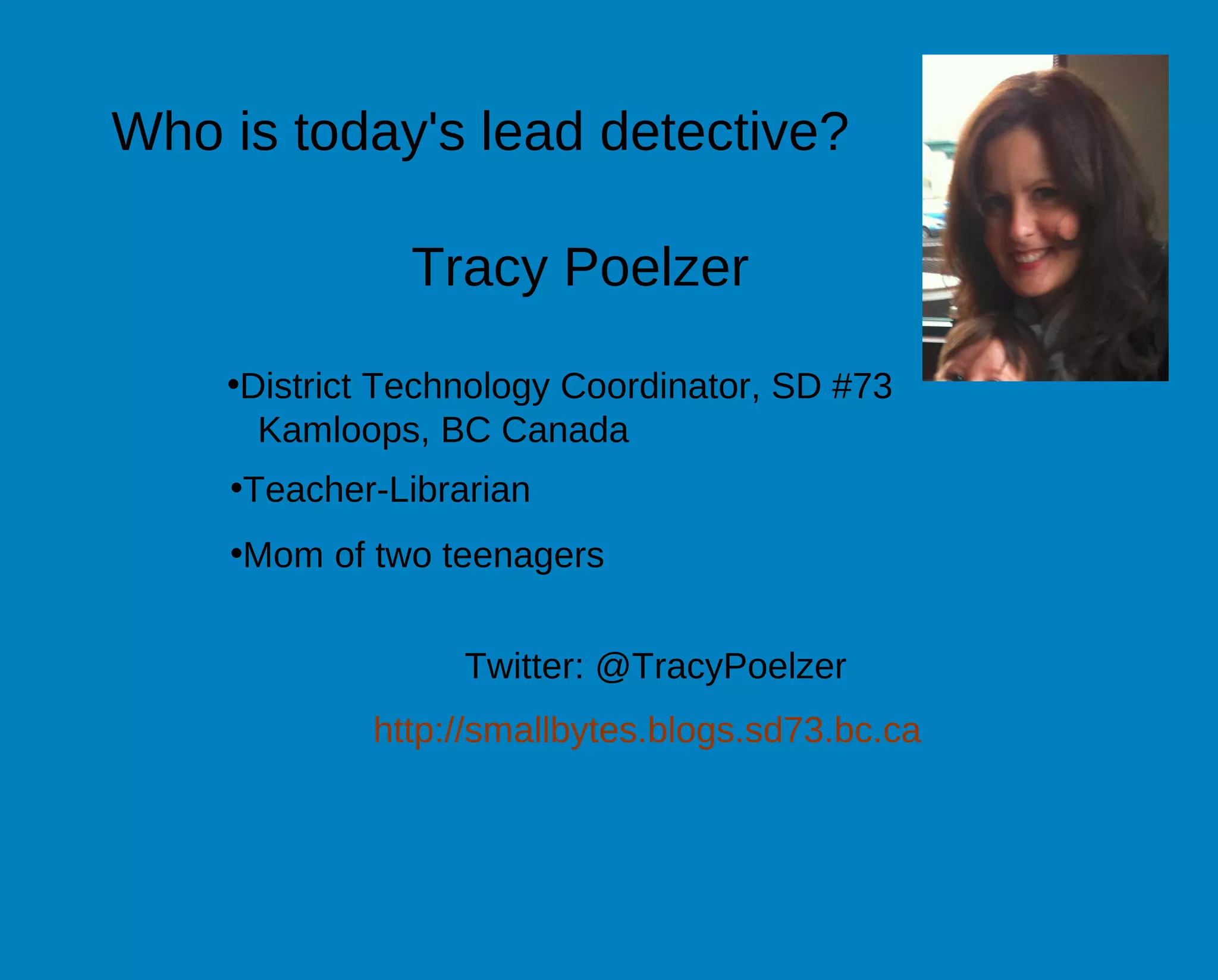
Who is today's lead detective?

               Tracy Poelzer

    •District Technology Coordinator, SD #73
      Kamloops, BC Canada
    •Teacher-Librarian
    •Mom of two teenagers


                  Twitter: @TracyPoelzer
            http://smallbytes.blogs.sd73.bc.ca
•Participate through Blackboard
Collaborate interaction tools (thumbs-
up, applause, happy face, etc.)

•Type questions or comments in the
chat section - The "wing men"
moderators will keep track of
questions so we can answer them at
the end of the session

•Feel free to tweet about what we're
learning in this session by using the
Twitter hashtag: #DigiFoot12
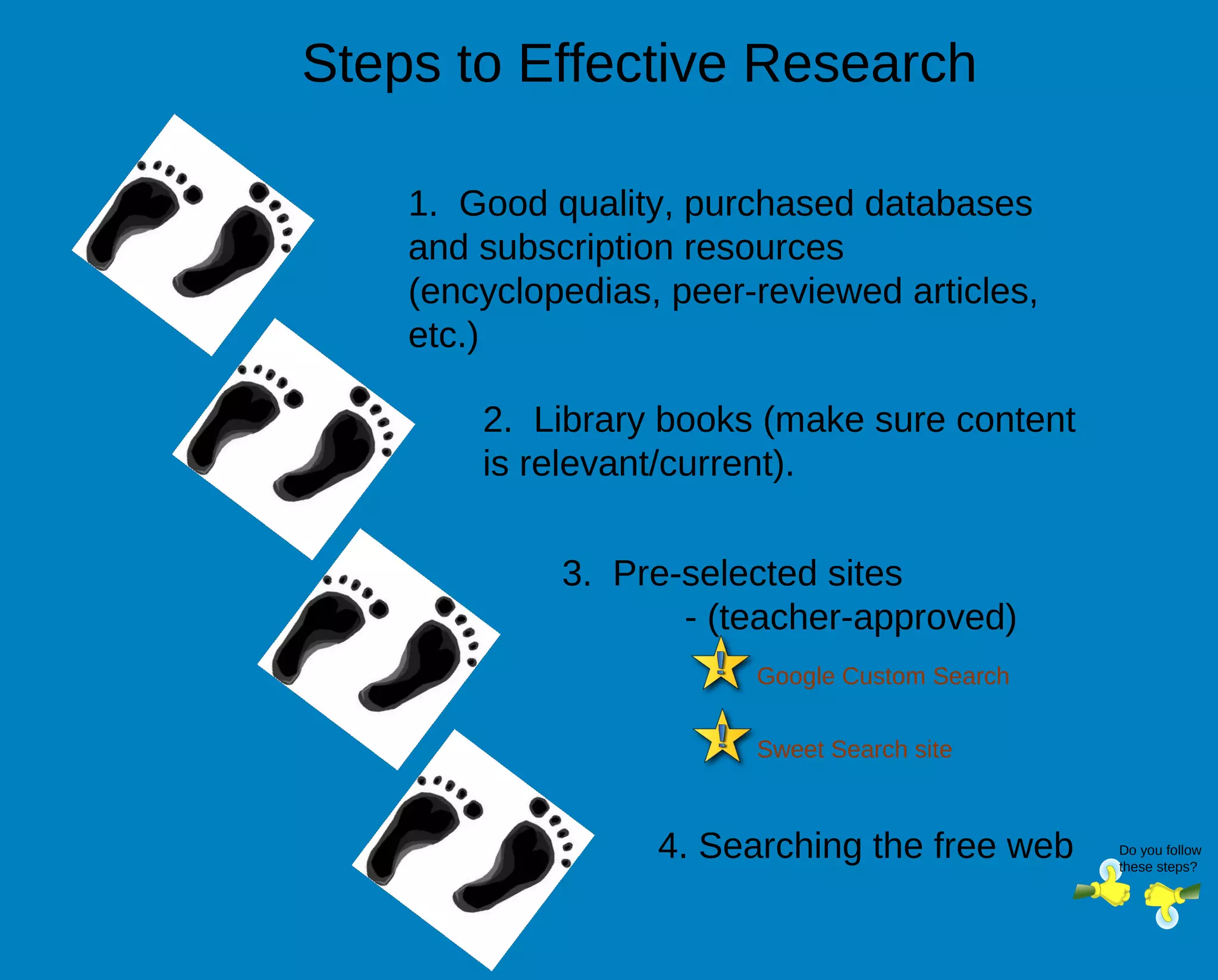
Steps to Effective Research

    1. Good quality, purchased databases
    and subscription resources
    (encyclopedias, peer-reviewed articles,
    etc.)

        2. Library books (make sure content
        is relevant/current).


             3. Pre-selected sites
                    - (teacher-approved)
                         Google Custom Search


                         Sweet Search site


                   4. Searching the free web    Do you follow
                                                these steps?
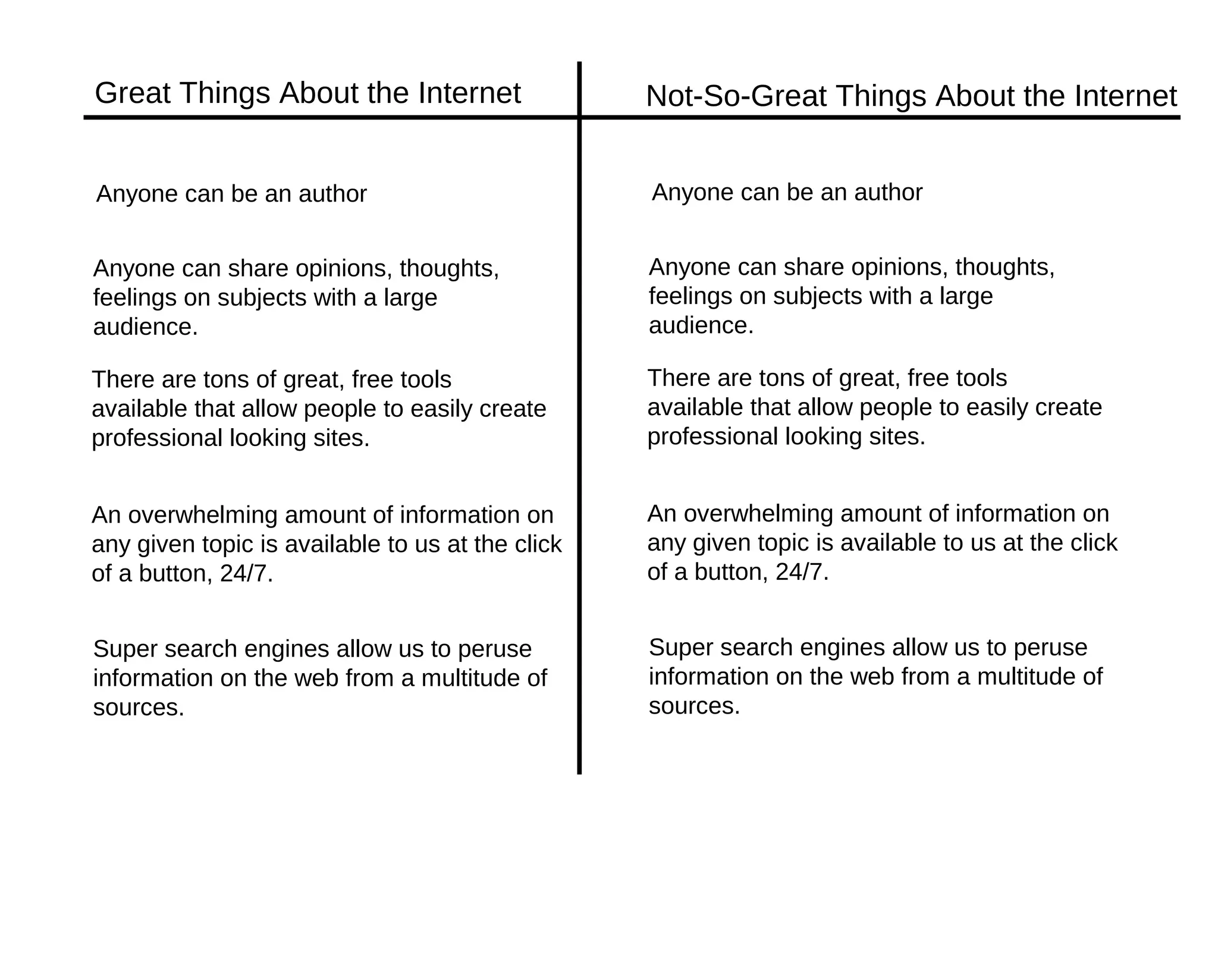
Great Things About the Internet                   Not-So-Great Things About the Internet


Anyone can be an author                           Anyone can be an author


Anyone can share opinions, thoughts,              Anyone can share opinions, thoughts,
feelings on subjects with a large                 feelings on subjects with a large
audience.                                         audience.

There are tons of great, free tools               There are tons of great, free tools
available that allow people to easily create      available that allow people to easily create
professional looking sites.                       professional looking sites.


An overwhelming amount of information on          An overwhelming amount of information on
any given topic is available to us at the click   any given topic is available to us at the click
of a button, 24/7.                                of a button, 24/7.


Super search engines allow us to peruse           Super search engines allow us to peruse
information on the web from a multitude of        information on the web from a multitude of
sources.                                          sources.
Image found at: http://blogs.csm.arts.ac.uk/documentation-2009/serra-tansel/paper/
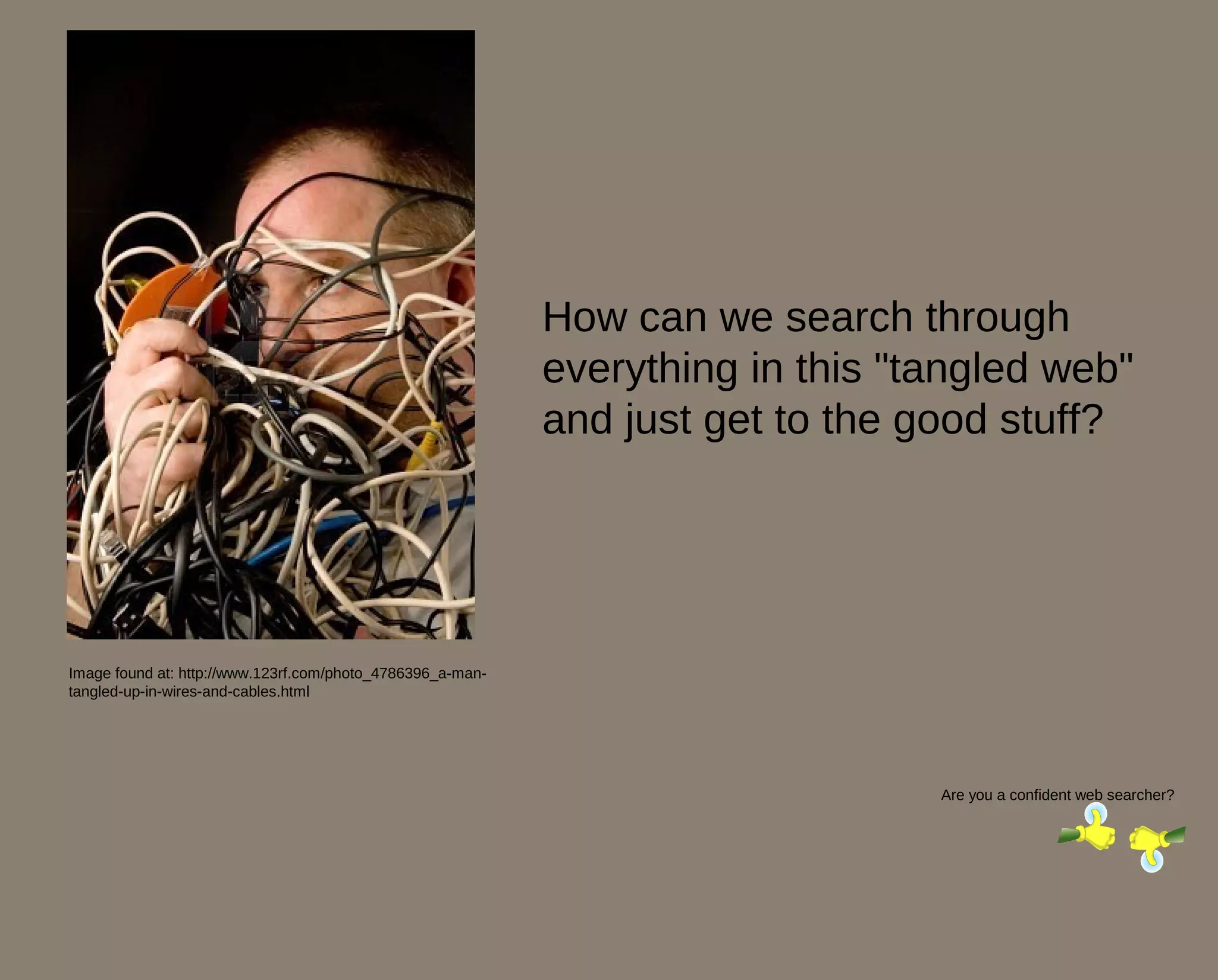
How can we search through
                                                            everything in this "tangled web"
                                                            and just get to the good stuff?


Image found at: http://www.123rf.com/photo_4786396_a-man-
tangled-up-in-wires-and-cables.html


                                                                                 Are you a confident web searcher?
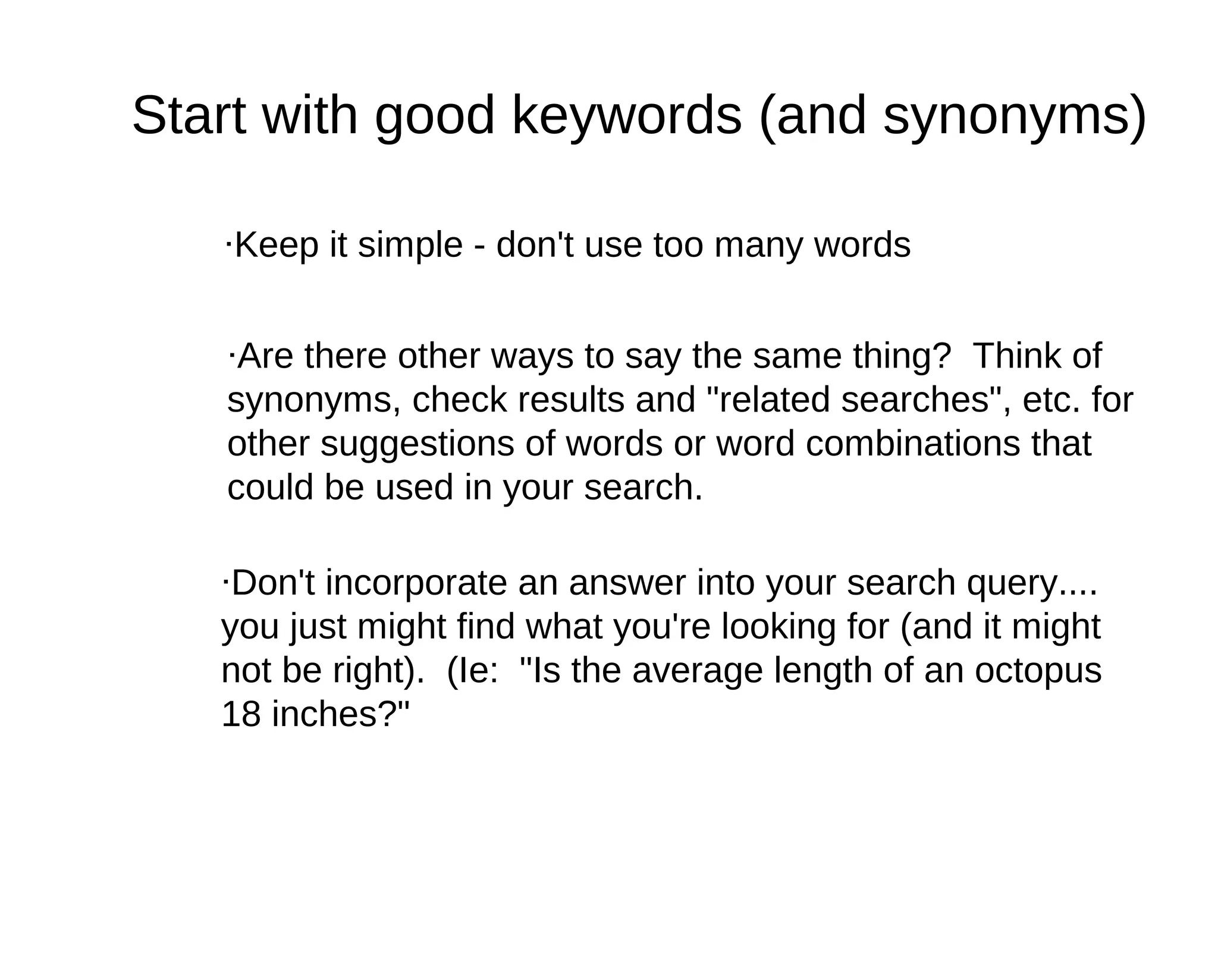
Start with good keywords (and synonyms)

   ·Keep it simple - don't use too many words


   ·Are there other ways to say the same thing? Think of
   synonyms, check results and "related searches", etc. for
   other suggestions of words or word combinations that
   could be used in your search.

   ·Don't incorporate an answer into your search query....
   you just might find what you're looking for (and it might
   not be right). (Ie: "Is the average length of an octopus
   18 inches?"
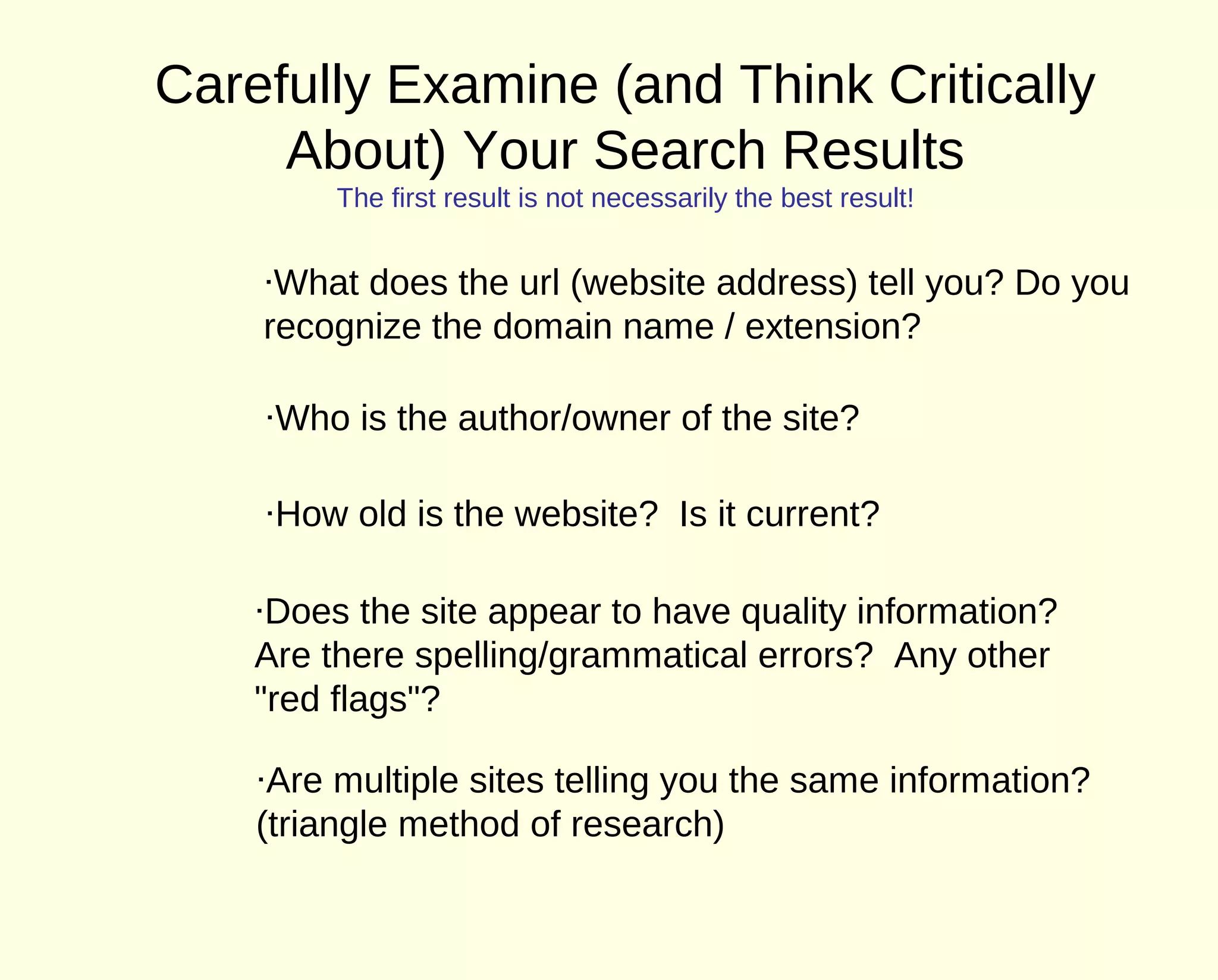
Carefully Examine (and Think Critically
     About) Your Search Results
         The first result is not necessarily the best result!


    ·What does the url (website address) tell you? Do you
    recognize the domain name / extension?

    ·Who is the author/owner of the site?

    ·How old is the website? Is it current?

    ·Does the site appear to have quality information?
    Are there spelling/grammatical errors? Any other
    "red flags"?

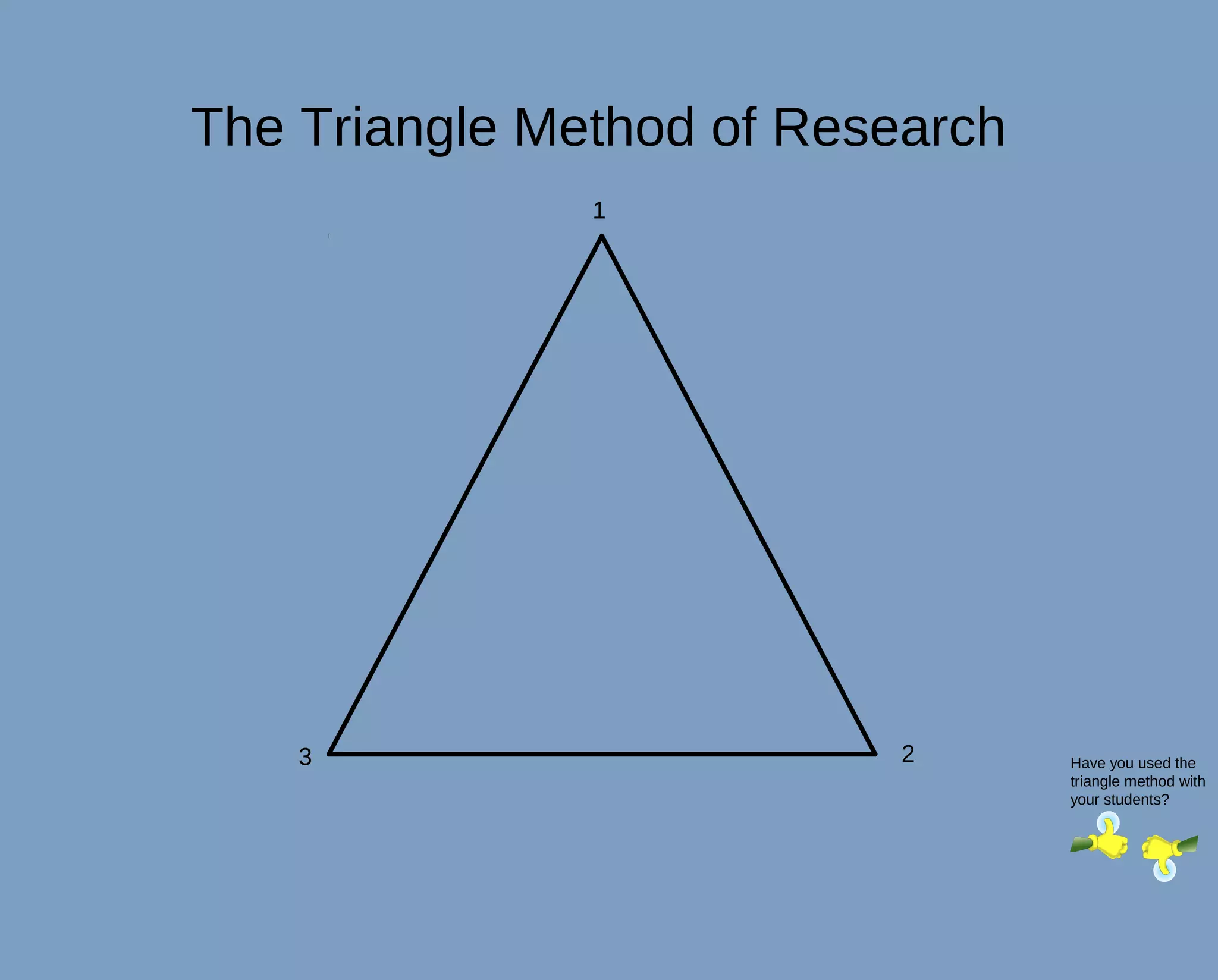
    ·Are multiple sites telling you the same information?
    (triangle method of research)
Domain Extensions

Let's use the Blackboard Collaborate whiteboard to brainstorm some domain
extensions....
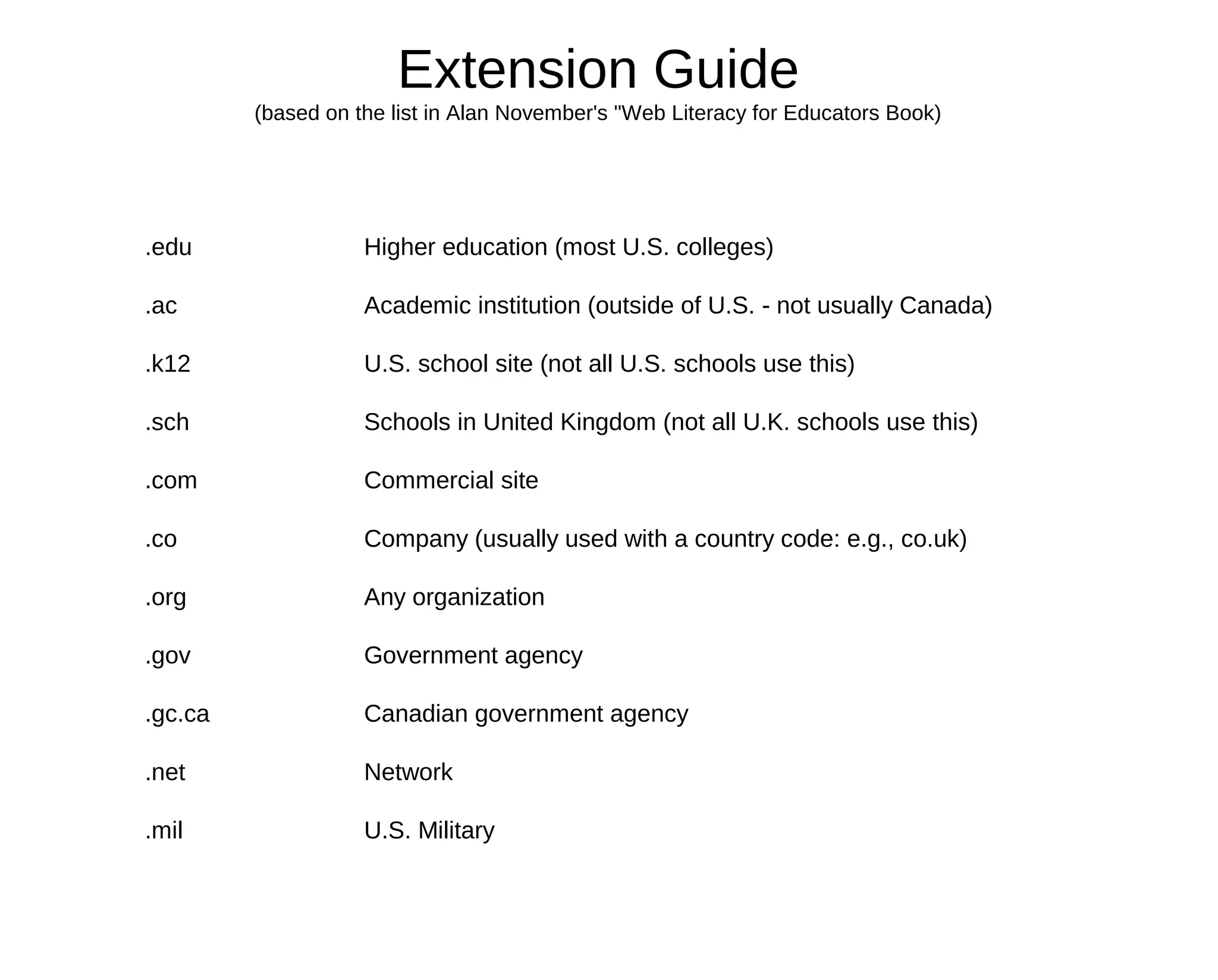
Extension Guide
         (based on the list in Alan November's "Web Literacy for Educators Book)


.edu                Higher education (most U.S. colleges)

.ac                 Academic institution (outside of U.S. - not usually Canada)

.k12                U.S. school site (not all U.S. schools use this)

.sch                Schools in United Kingdom (not all U.K. schools use this)

.com                Commercial site

.co                 Company (usually used with a country code: e.g., co.uk)

.org                Any organization

.gov                Government agency

.gc.ca              Canadian government agency

.net                Network

.mil                U.S. Military
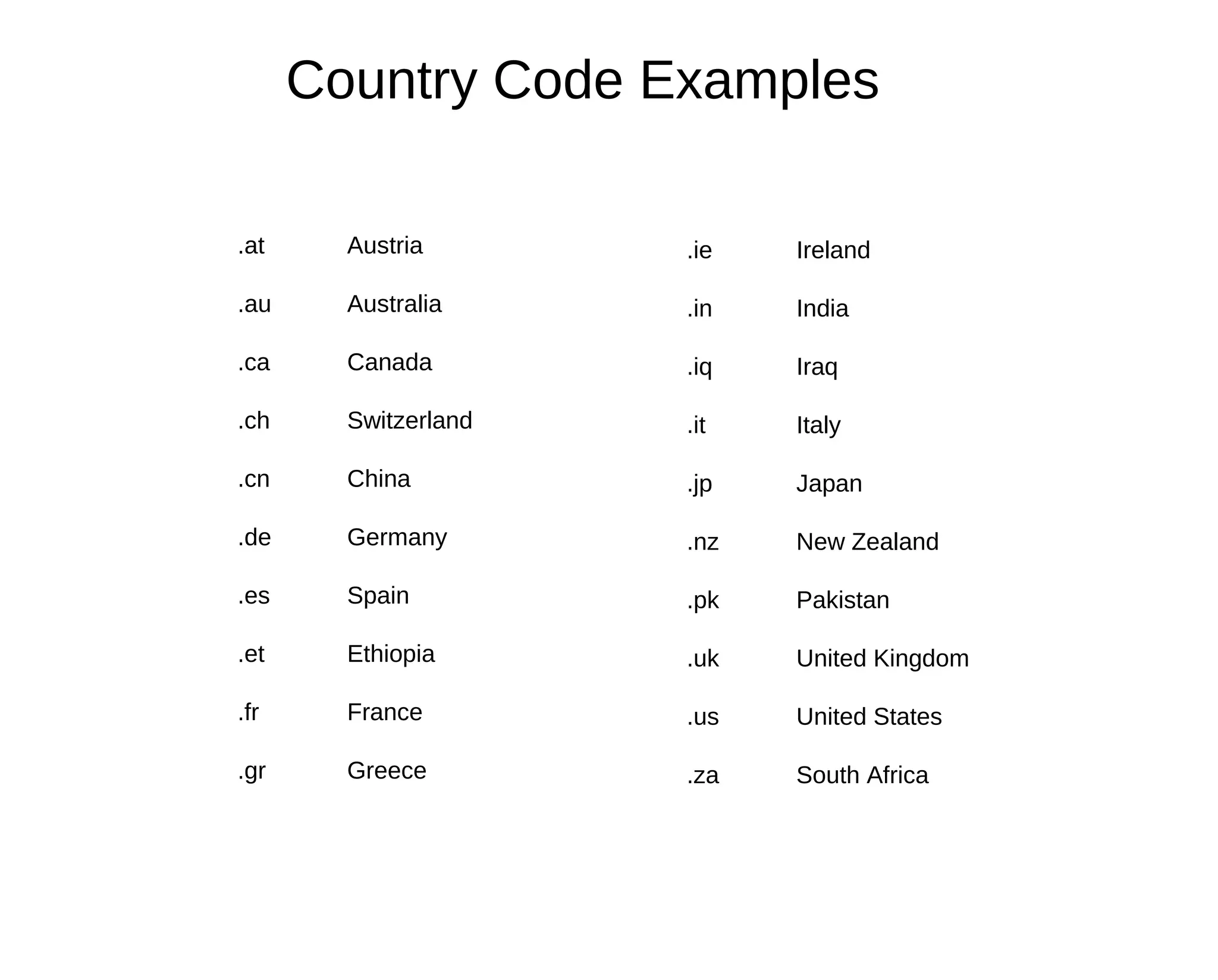
Country Code Examples

.at     Austria       .ie   Ireland

.au     Australia     .in   India

.ca     Canada        .iq   Iraq

.ch     Switzerland   .it   Italy

.cn     China         .jp   Japan

.de     Germany       .nz   New Zealand

.es     Spain         .pk   Pakistan

.et     Ethiopia      .uk   United Kingdom

.fr     France        .us   United States

.gr     Greece        .za   South Africa
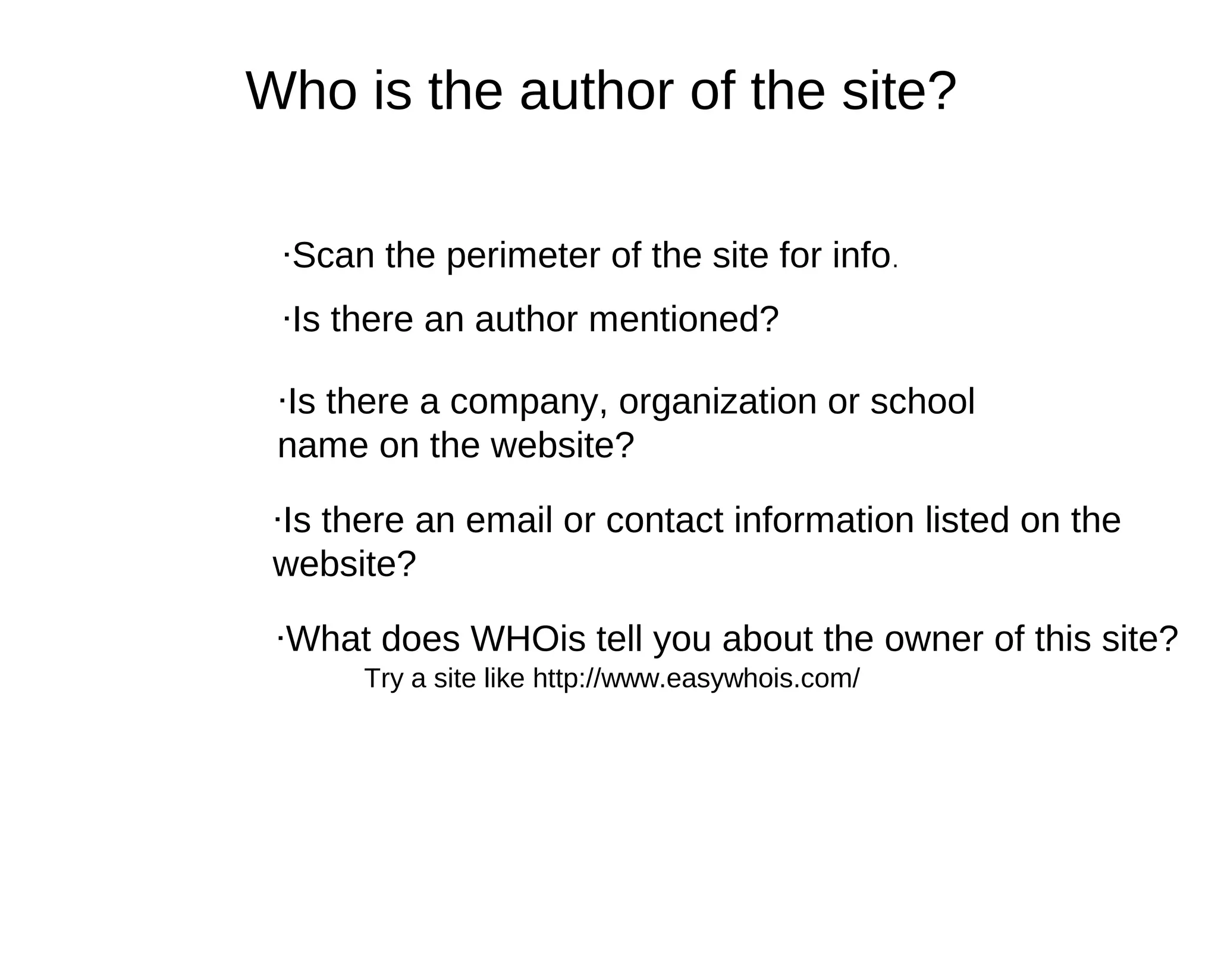
Who is the author of the site?

 ·Scan the perimeter of the site for info.
 ·Is there an author mentioned?

 ·Is there a company, organization or school
 name on the website?

 ·Is there an email or contact information listed on the
 website?

 ·What does WHOis tell you about the owner of this site?
      Try a site like http://www.easywhois.com/
How Old is the Site?
 ·Scan the perimeter and look for "Last update"
 information.
·Examine date/time stamp on blog posts, etc.

·If this site links to other sites, are the links current and
"live"?

Is the Site Well-Written? Are there "Red Flags"?
·Are there spelling/grammatical errors that would
indicate that this might not be a high quality
website?
·Does the information seem realistic?

·Remember: It can be convincing, well-written, and
professional looking, but it still might not be true.
The Triangle Method of Research
               1


    3                      2      Have you used the
                                  triangle method with
                                  your students?
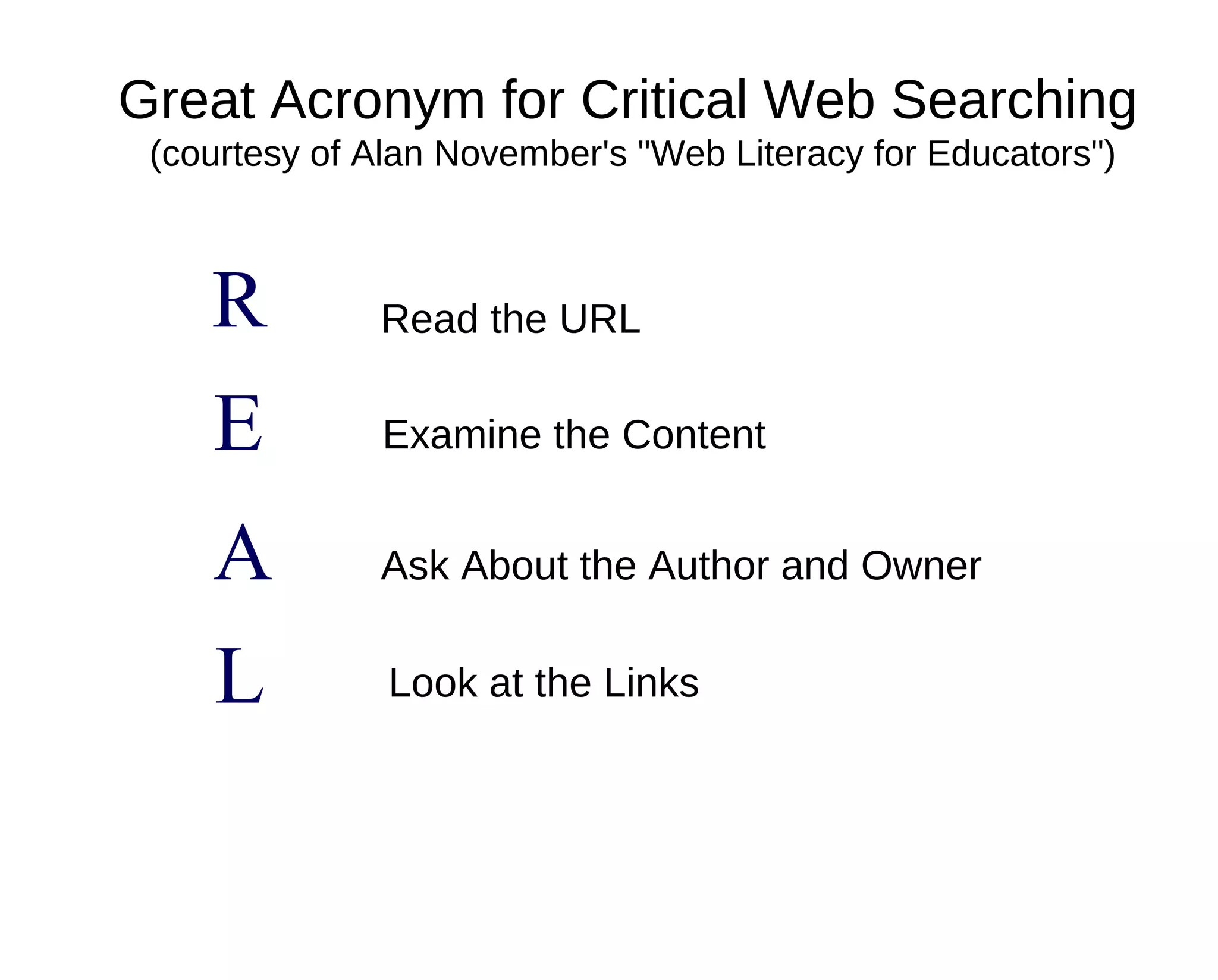
Great Acronym for Critical Web Searching
 (courtesy of Alan November's "Web Literacy for Educators")


    R         Read the URL

    E         Examine the Content


    A         Ask About the Author and Owner


    L          Look at the Links
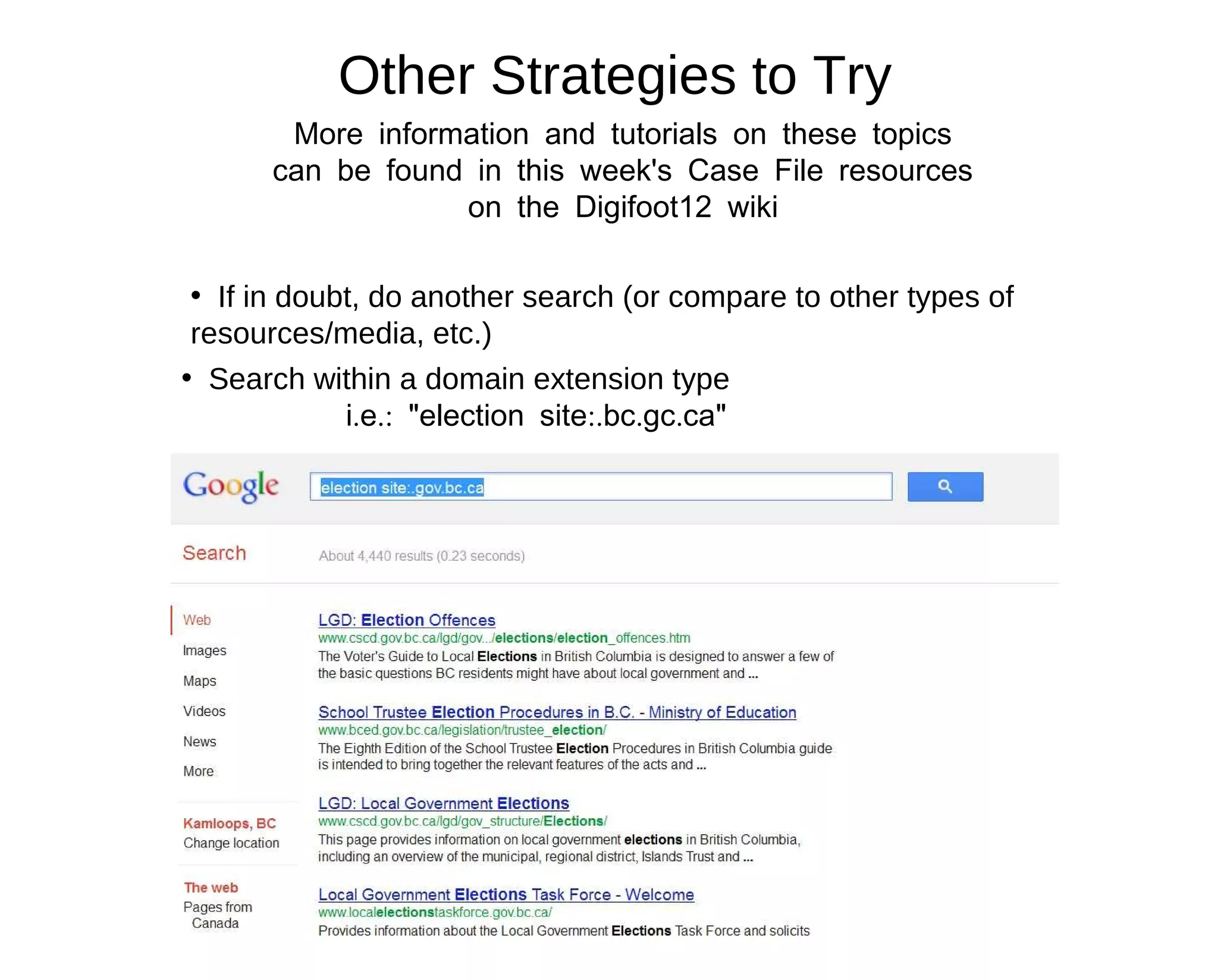
Other Strategies to Try
       More information and tutorials on these topics
      can be found in this week's Case File resources
                  on the Digifoot12 wiki

 • If in doubt, do another search (or compare to other types of
 resources/media, etc.)
• Search within a domain extension type
             i.e.: "election site:.bc.gc.ca"
Other Strategies to Try
  More information and tutorials on these topics
 can be found in this week's Case File resources
             on the Digifoot12 wiki

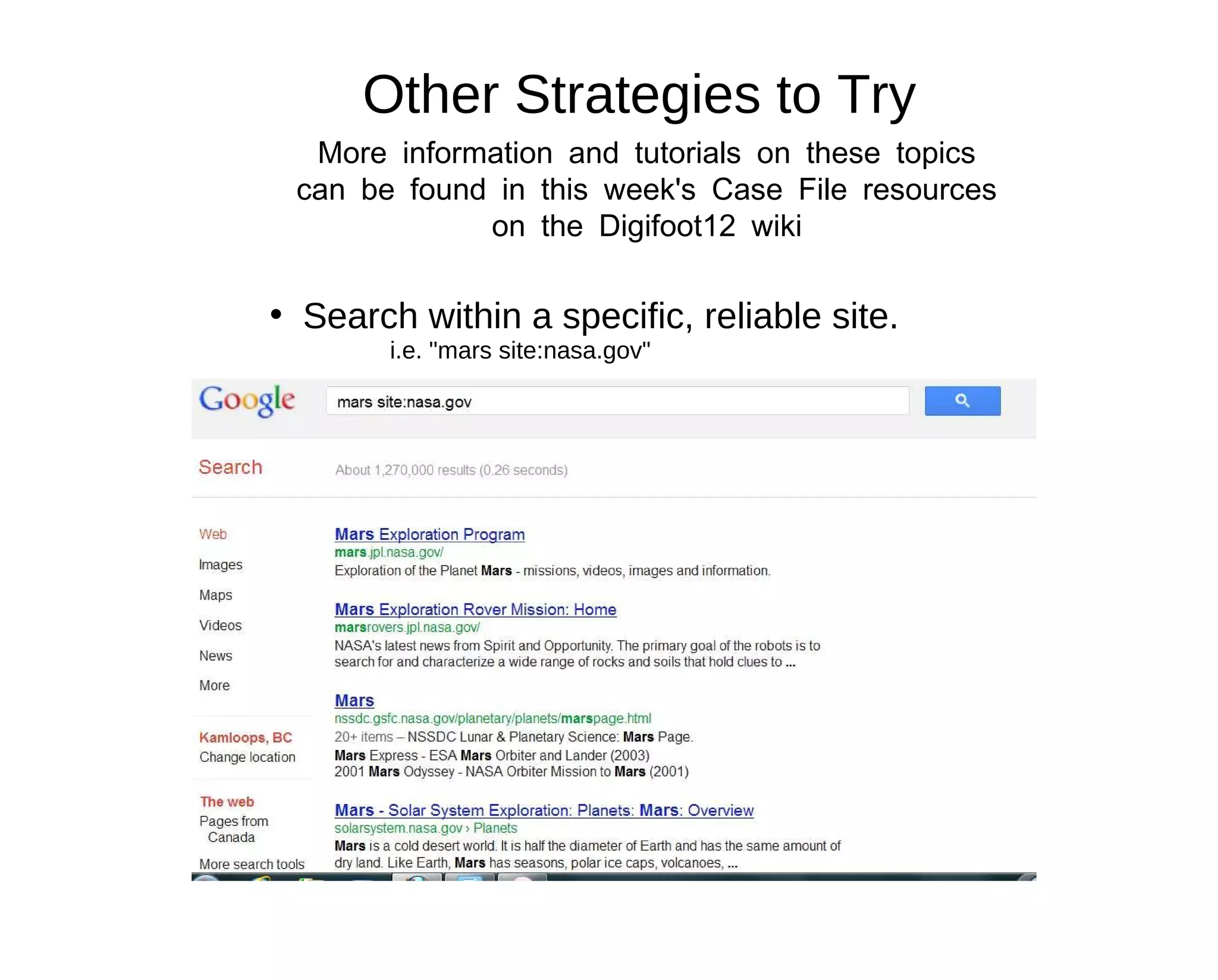
• Search within a specific, reliable site.
        i.e. "mars site:nasa.gov"
Other Strategies to Try
     More information and tutorials on these topics
    can be found in this week's Case File resources
                on the Digifoot12 wiki

    ·Test out different search engines.

         Google is not the only one out there,
         and might not be the best tool for the
         job!


Choose the Best Search for your Information Need
Your Case Assignments!


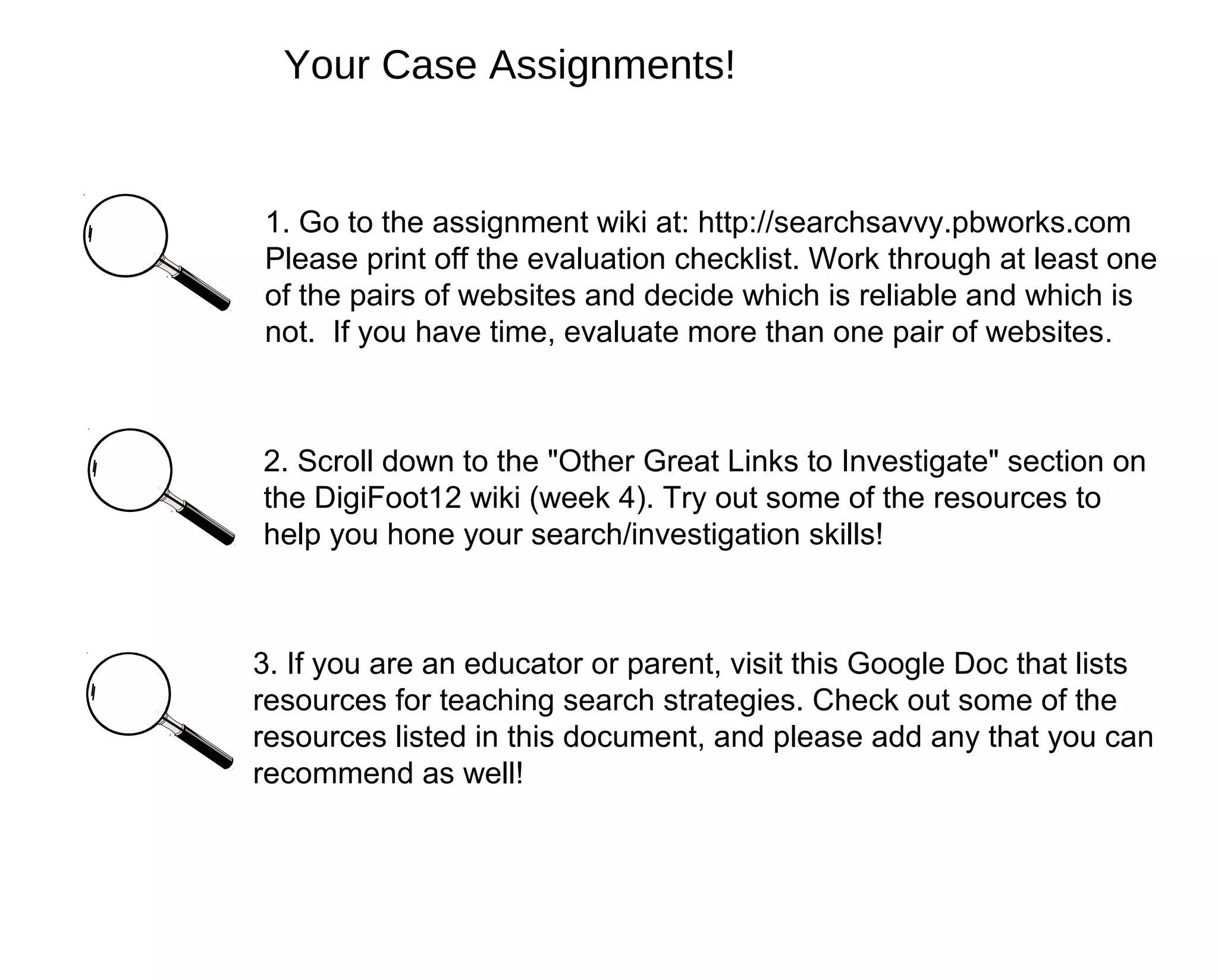
1. Go to the assignment wiki at: http://searchsavvy.pbworks.com
Please print off the evaluation checklist. Work through at least one
of the pairs of websites and decide which is reliable and which is
not. If you have time, evaluate more than one pair of websites .


2. Scroll down to the "Other Great Links to Investigate" section on
the DigiFoot12 wiki (week 4). Try out some of the resources to
help you hone your search/investigation skills!


3. If you are an educator or parent, visit this Google Doc that lists
resources for teaching search strategies. Check out some of the
resources listed in this document, and please add any that you can
recommend as well!
Questions?

Digifoot 2012 ppt

  • 1.
    Case File #4:Be a Search-Savvy Detective Investigation Skills for Students (and Other Interested Learners!) #DigiFoot12 July 24, 2012
  • 2.
    Who is today'slead detective? Tracy Poelzer •District Technology Coordinator, SD #73 Kamloops, BC Canada •Teacher-Librarian •Mom of two teenagers Twitter: @TracyPoelzer http://smallbytes.blogs.sd73.bc.ca
  • 3.
    •Participate through Blackboard Collaborateinteraction tools (thumbs- up, applause, happy face, etc.) •Type questions or comments in the chat section - The "wing men" moderators will keep track of questions so we can answer them at the end of the session •Feel free to tweet about what we're learning in this session by using the Twitter hashtag: #DigiFoot12
  • 4.
    Steps to EffectiveResearch 1. Good quality, purchased databases and subscription resources (encyclopedias, peer-reviewed articles, etc.) 2. Library books (make sure content is relevant/current). 3. Pre-selected sites - (teacher-approved) Google Custom Search Sweet Search site 4. Searching the free web Do you follow these steps?
  • 5.
    Great Things Aboutthe Internet Not-So-Great Things About the Internet Anyone can be an author Anyone can be an author Anyone can share opinions, thoughts, Anyone can share opinions, thoughts, feelings on subjects with a large feelings on subjects with a large audience. audience. There are tons of great, free tools There are tons of great, free tools available that allow people to easily create available that allow people to easily create professional looking sites. professional looking sites. An overwhelming amount of information on An overwhelming amount of information on any given topic is available to us at the click any given topic is available to us at the click of a button, 24/7. of a button, 24/7. Super search engines allow us to peruse Super search engines allow us to peruse information on the web from a multitude of information on the web from a multitude of sources. sources.
  • 6.
    Image found at:http://blogs.csm.arts.ac.uk/documentation-2009/serra-tansel/paper/
  • 7.
    How can wesearch through everything in this "tangled web" and just get to the good stuff? Image found at: http://www.123rf.com/photo_4786396_a-man- tangled-up-in-wires-and-cables.html Are you a confident web searcher?
  • 8.
    Start with goodkeywords (and synonyms) ·Keep it simple - don't use too many words ·Are there other ways to say the same thing? Think of synonyms, check results and "related searches", etc. for other suggestions of words or word combinations that could be used in your search. ·Don't incorporate an answer into your search query.... you just might find what you're looking for (and it might not be right). (Ie: "Is the average length of an octopus 18 inches?"
  • 9.
    Carefully Examine (andThink Critically About) Your Search Results The first result is not necessarily the best result! ·What does the url (website address) tell you? Do you recognize the domain name / extension? ·Who is the author/owner of the site? ·How old is the website? Is it current? ·Does the site appear to have quality information? Are there spelling/grammatical errors? Any other "red flags"? ·Are multiple sites telling you the same information? (triangle method of research)
  • 10.
    Domain Extensions Let's usethe Blackboard Collaborate whiteboard to brainstorm some domain extensions....
  • 11.
    Extension Guide (based on the list in Alan November's "Web Literacy for Educators Book) .edu Higher education (most U.S. colleges) .ac Academic institution (outside of U.S. - not usually Canada) .k12 U.S. school site (not all U.S. schools use this) .sch Schools in United Kingdom (not all U.K. schools use this) .com Commercial site .co Company (usually used with a country code: e.g., co.uk) .org Any organization .gov Government agency .gc.ca Canadian government agency .net Network .mil U.S. Military
  • 12.
    Country Code Examples .at Austria .ie Ireland .au Australia .in India .ca Canada .iq Iraq .ch Switzerland .it Italy .cn China .jp Japan .de Germany .nz New Zealand .es Spain .pk Pakistan .et Ethiopia .uk United Kingdom .fr France .us United States .gr Greece .za South Africa
  • 13.
    Who is theauthor of the site? ·Scan the perimeter of the site for info. ·Is there an author mentioned? ·Is there a company, organization or school name on the website? ·Is there an email or contact information listed on the website? ·What does WHOis tell you about the owner of this site? Try a site like http://www.easywhois.com/
  • 14.
    How Old isthe Site? ·Scan the perimeter and look for "Last update" information. ·Examine date/time stamp on blog posts, etc. ·If this site links to other sites, are the links current and "live"? Is the Site Well-Written? Are there "Red Flags"? ·Are there spelling/grammatical errors that would indicate that this might not be a high quality website? ·Does the information seem realistic? ·Remember: It can be convincing, well-written, and professional looking, but it still might not be true.
  • 15.
    The Triangle Methodof Research 1 3 2 Have you used the triangle method with your students?
  • 16.
    Great Acronym forCritical Web Searching (courtesy of Alan November's "Web Literacy for Educators") R Read the URL E Examine the Content A Ask About the Author and Owner L Look at the Links
  • 17.
    Other Strategies toTry More information and tutorials on these topics can be found in this week's Case File resources on the Digifoot12 wiki • If in doubt, do another search (or compare to other types of resources/media, etc.) • Search within a domain extension type i.e.: "election site:.bc.gc.ca"
  • 18.
    Other Strategies toTry More information and tutorials on these topics can be found in this week's Case File resources on the Digifoot12 wiki • Search within a specific, reliable site. i.e. "mars site:nasa.gov"
  • 19.
    Other Strategies toTry More information and tutorials on these topics can be found in this week's Case File resources on the Digifoot12 wiki ·Test out different search engines. Google is not the only one out there, and might not be the best tool for the job! Choose the Best Search for your Information Need
  • 20.
    Your Case Assignments! 1.Go to the assignment wiki at: http://searchsavvy.pbworks.com Please print off the evaluation checklist. Work through at least one of the pairs of websites and decide which is reliable and which is not. If you have time, evaluate more than one pair of websites . 2. Scroll down to the "Other Great Links to Investigate" section on the DigiFoot12 wiki (week 4). Try out some of the resources to help you hone your search/investigation skills! 3. If you are an educator or parent, visit this Google Doc that lists resources for teaching search strategies. Check out some of the resources listed in this document, and please add any that you can recommend as well!
  • 21.