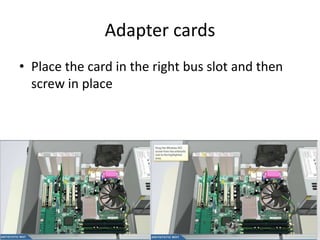
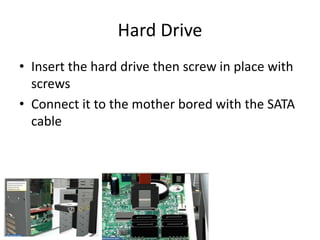
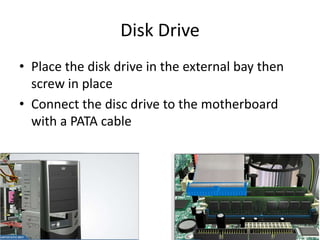
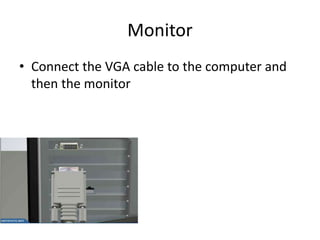
Virtual desktop assembly involves securing the power supply and connecting it to other components like the motherboard, hard drive, and disk drive. RAM slots into place and clips in, while the CPU places into position and has the heat sink screwed on top with thermal compound applied. The motherboard screws into place and adapter cards slot in and screw into the correct bus slots. The hard drive and disk drive insert and screw in, connecting to the motherboard via SATA or PATA cables. Finally, the monitor connects via VGA cable and peripherals like keyboard, mouse, and network card antenna plug in.