Design for Easy Use
S.Gopinath
Department of Physical Science
Vavuniya Campus,
University of Jaffna,
Sri Lanka
Three Categories
• Colour
• Space
• Typography
S.Gopinath 2
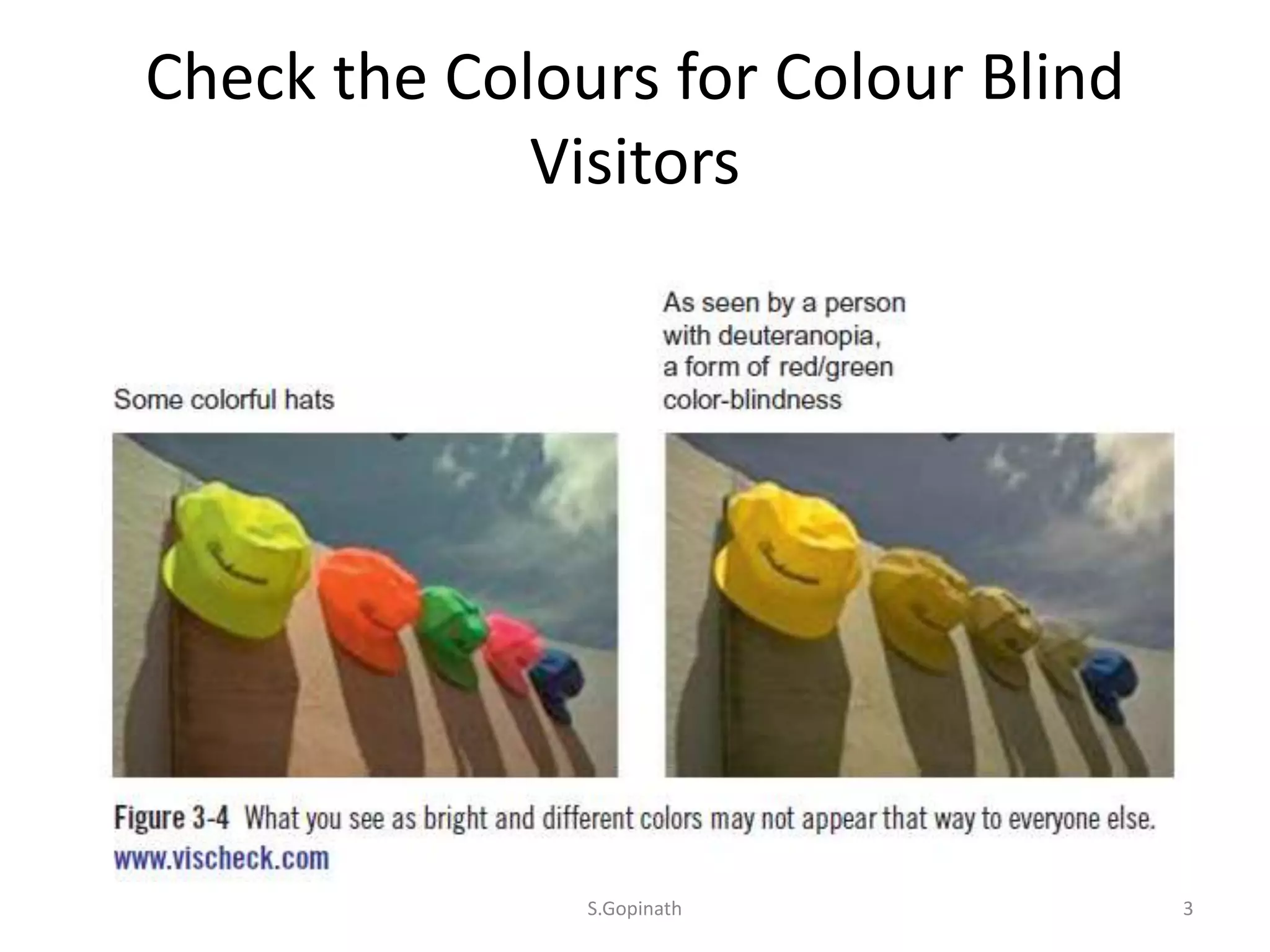
Check the Colours for Colour Blind
Visitors
S.Gopinath 3
Colours
• Work with your brand colours.
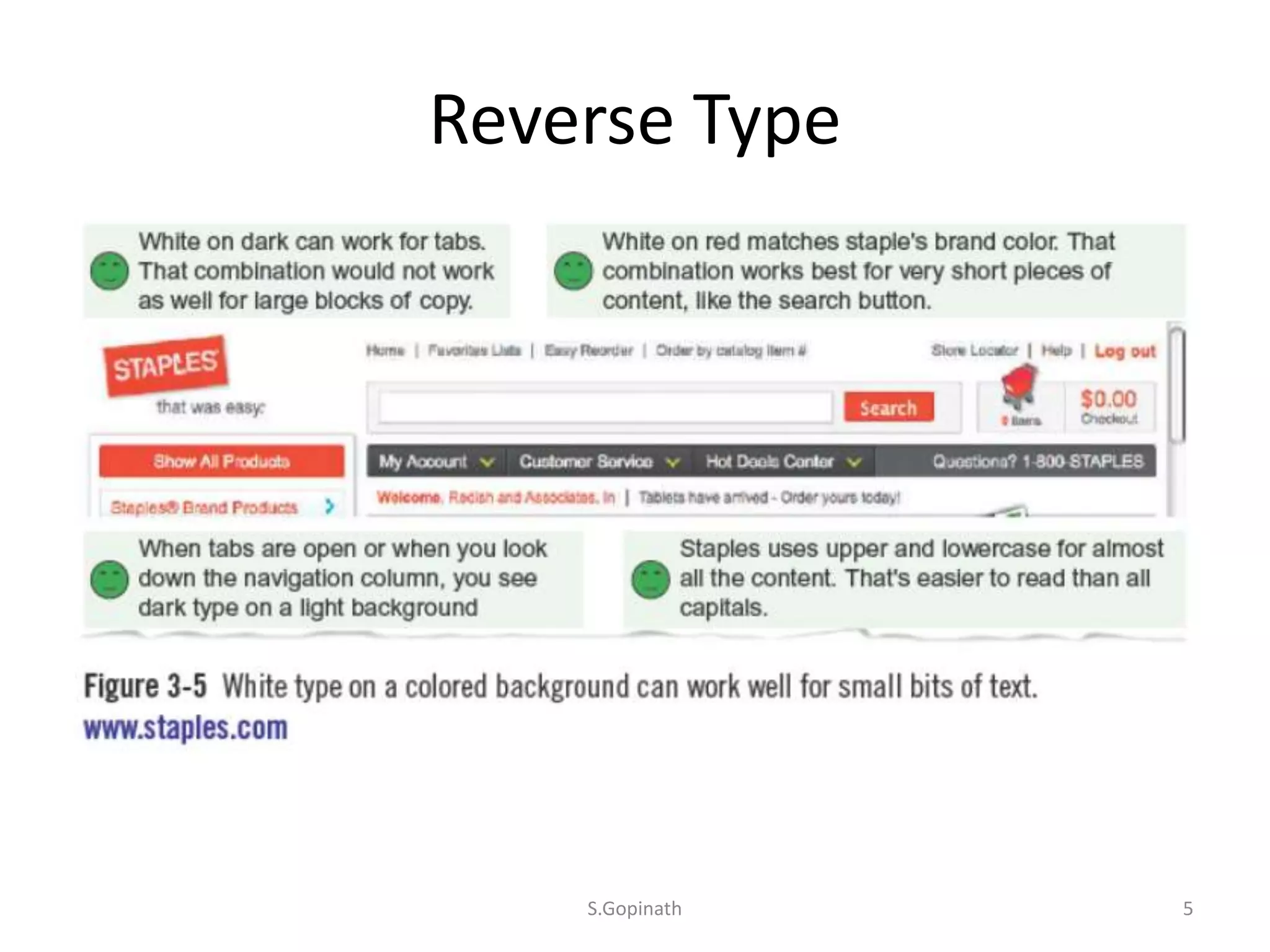
• Use light on dark sparingly.(reverse Type)
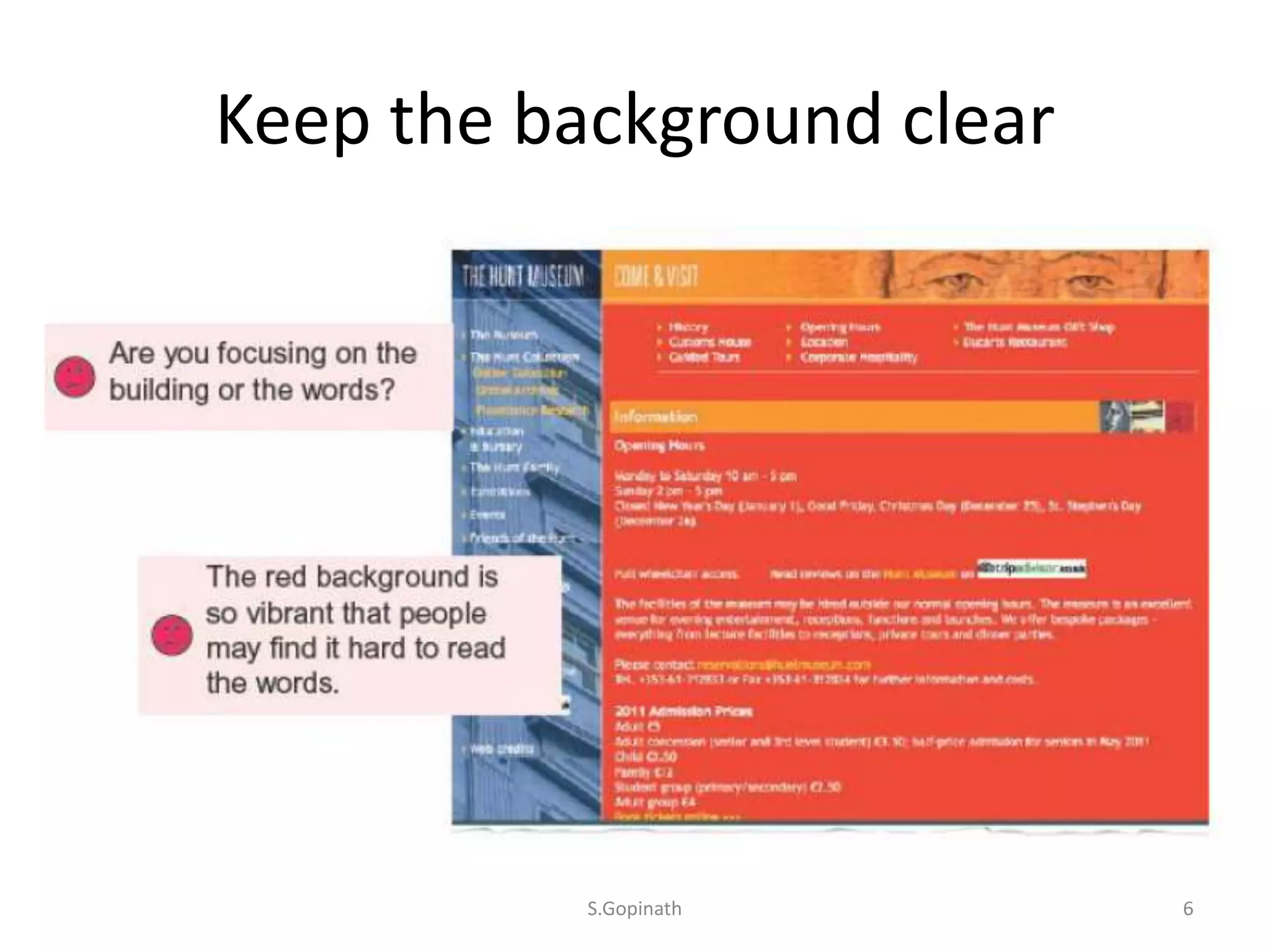
• Keep the background clear.
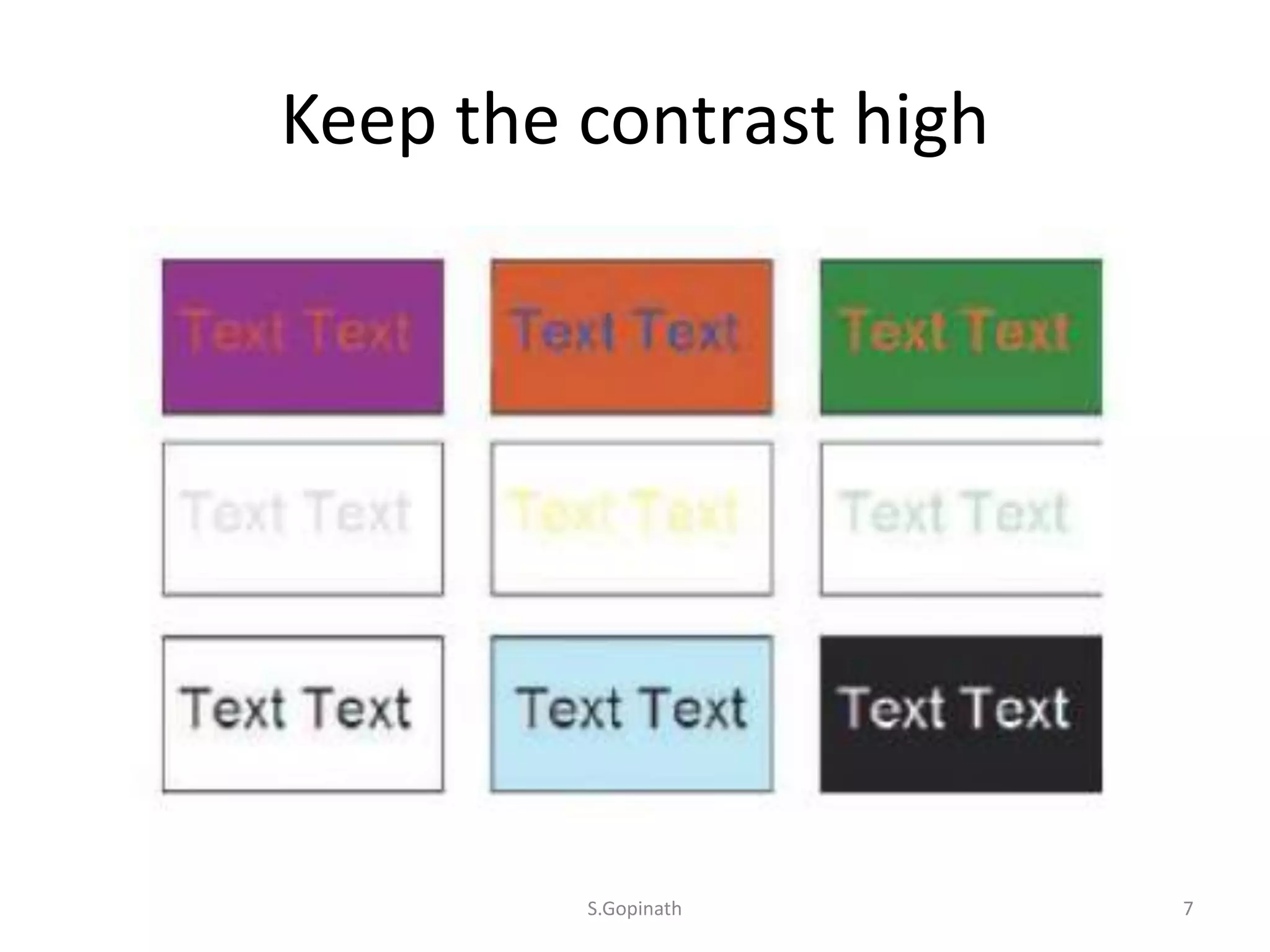
• Keep the contrast high
S.Gopinath 4
Reverse Type
S.Gopinath 5
Keep the background clear
S.Gopinath 6
Keep the contrast high
S.Gopinath 7
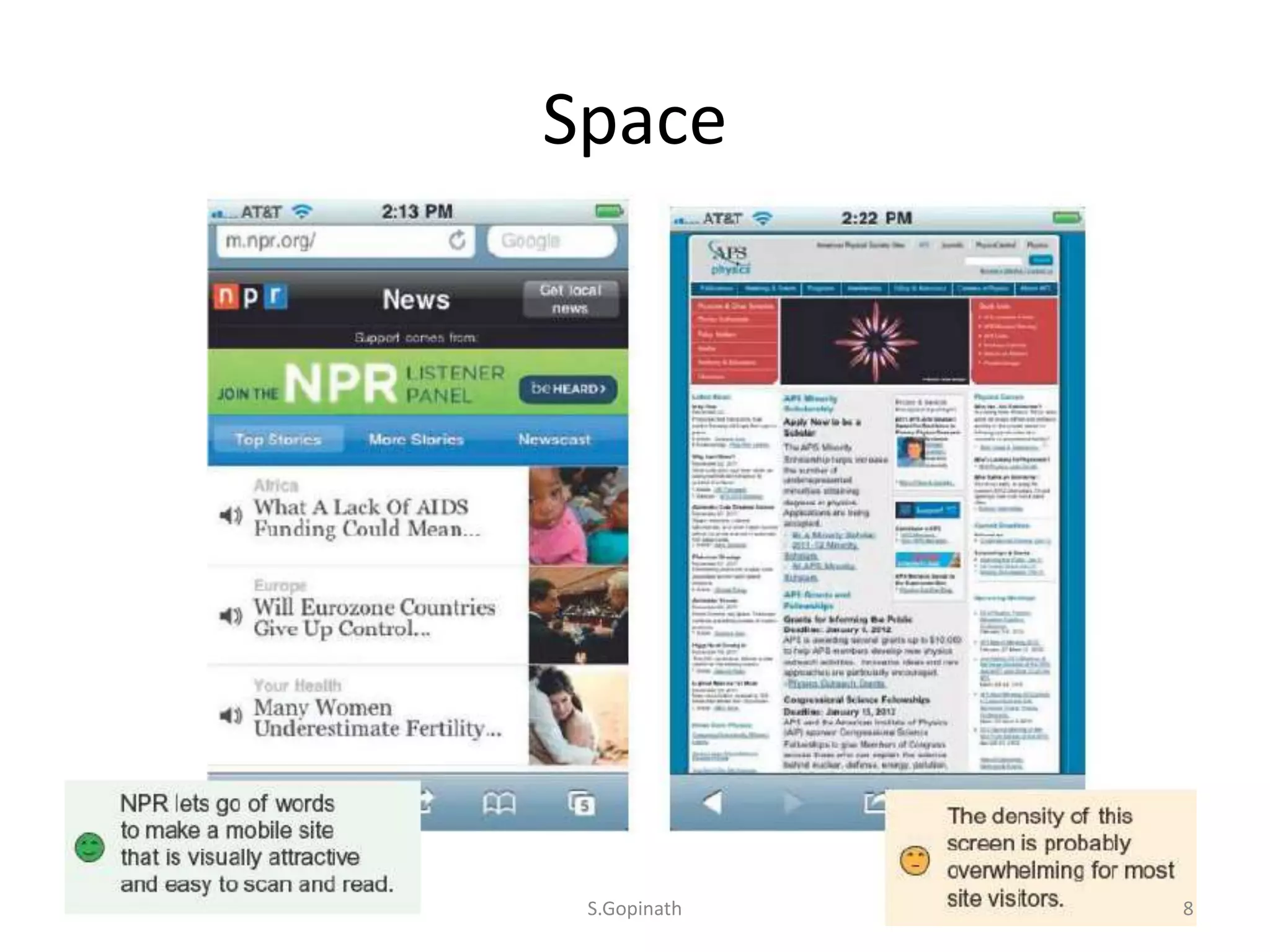
Space
S.Gopinath 8
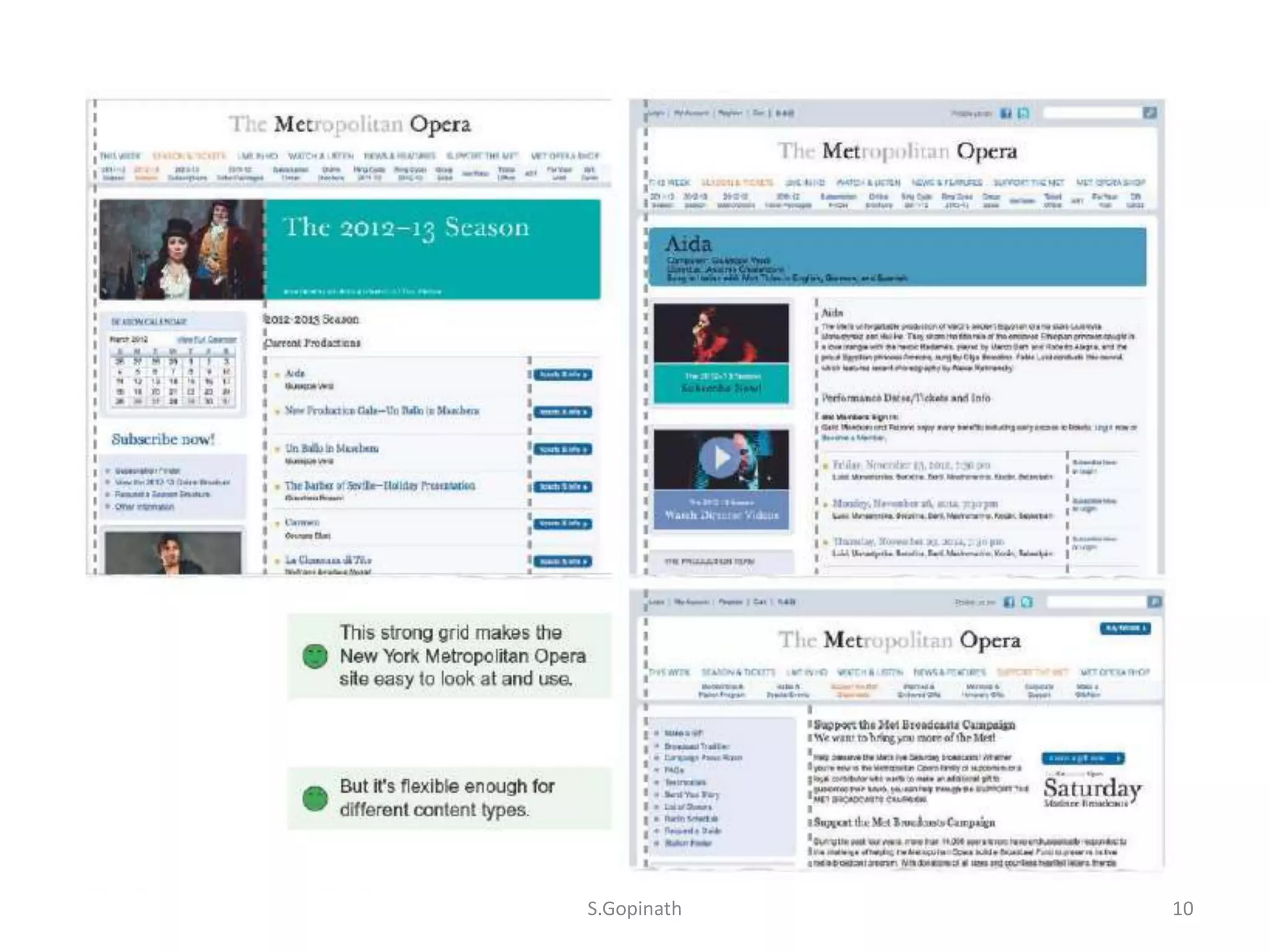
Six Guidelines
• Create consistent patterns.
• Alignment on a grid.
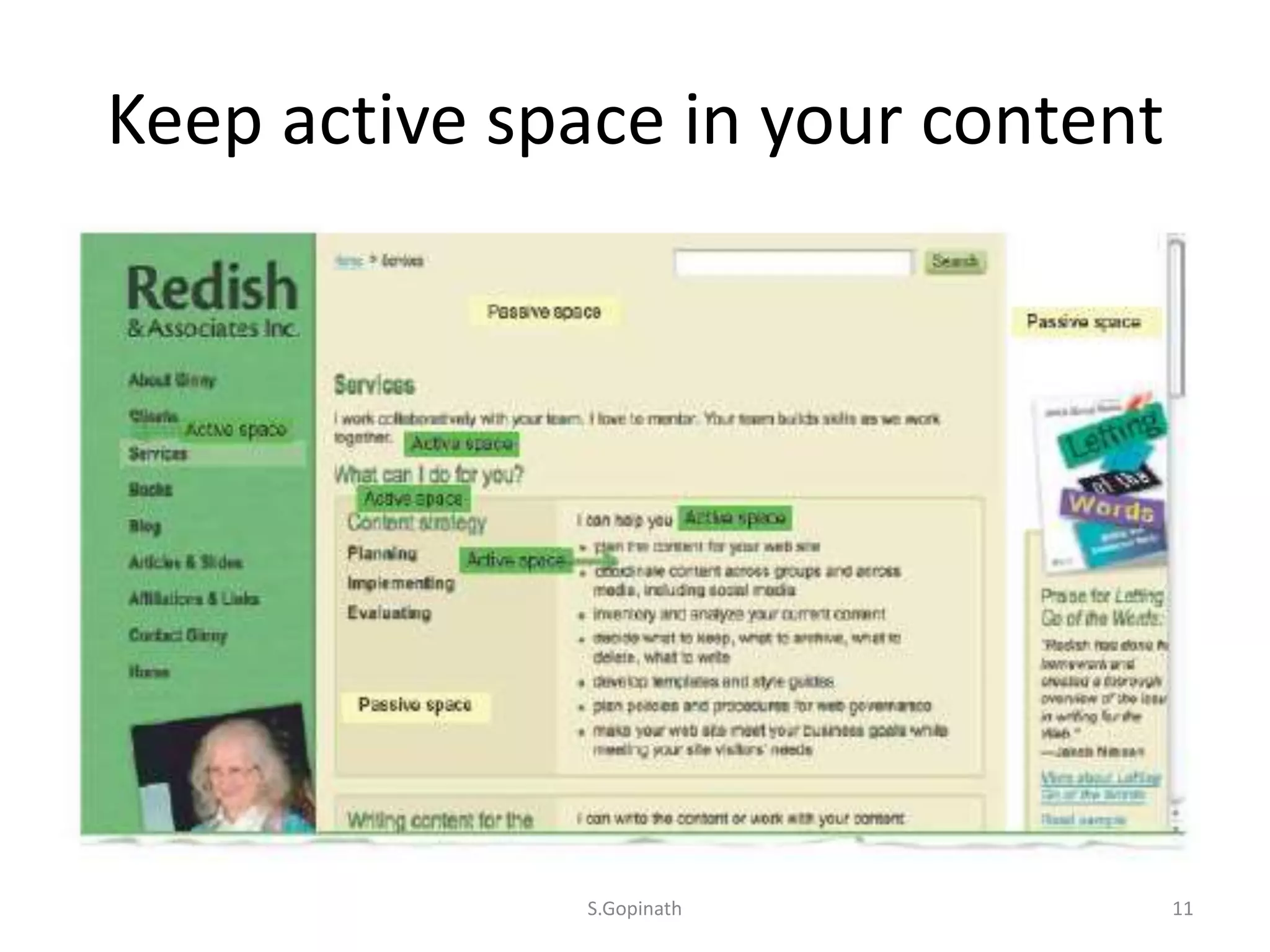
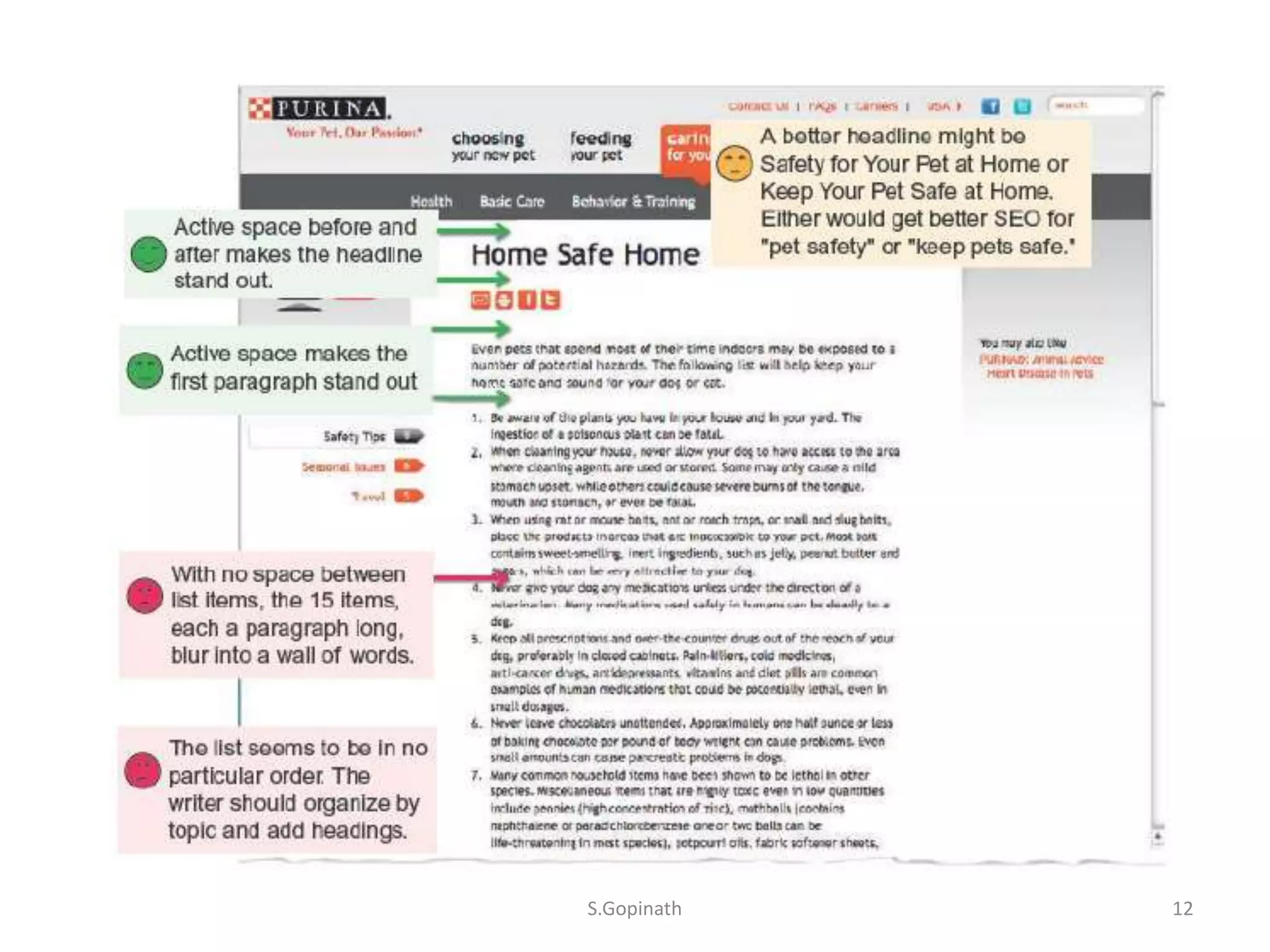
• Keep active space in your content.
• Beware of false bottom.
• Don’t let headings float.
• Don’t center text.
S.Gopinath 9
S.Gopinath 10
Keep active space in your content
S.Gopinath 11
S.Gopinath 12
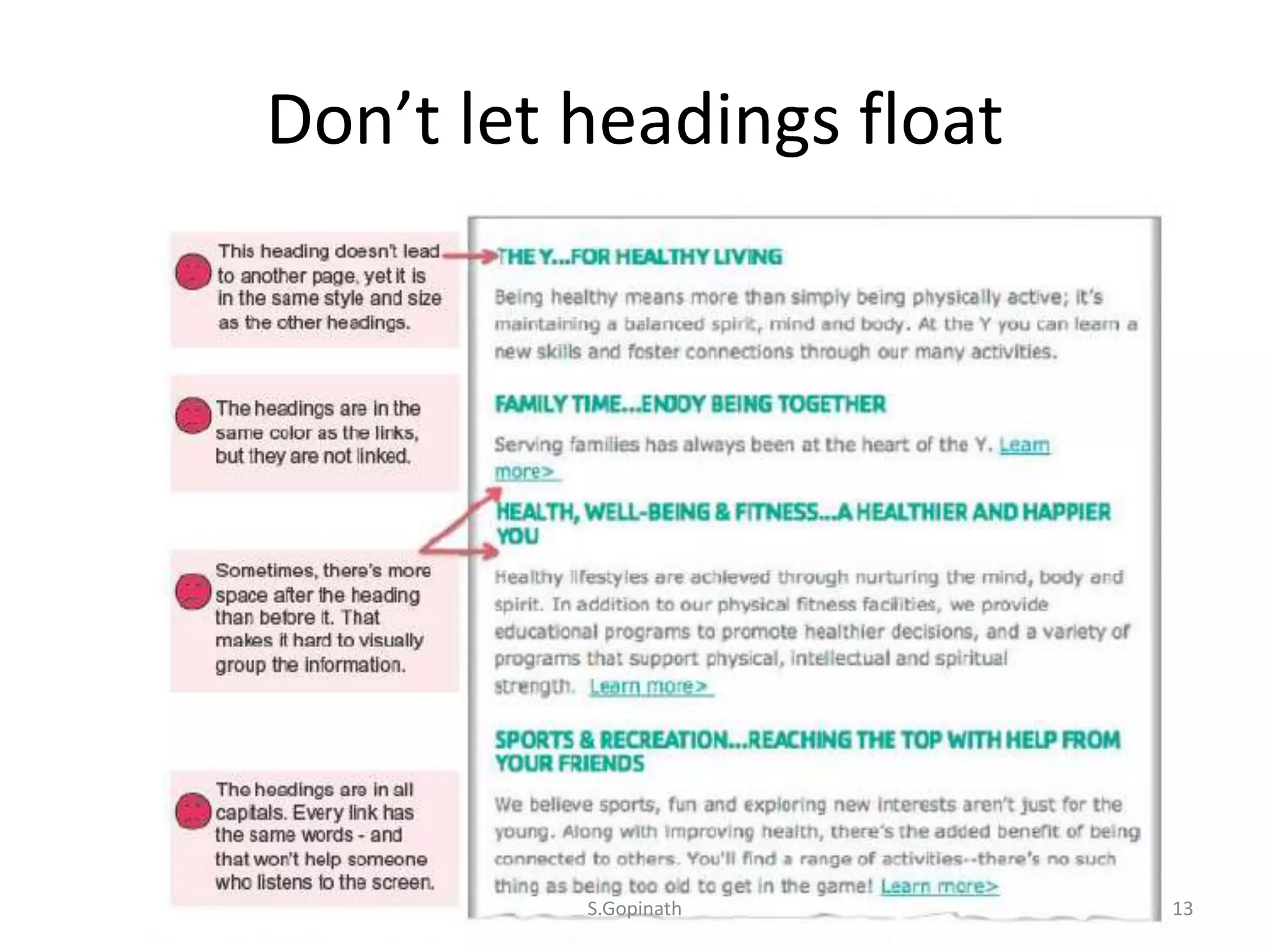
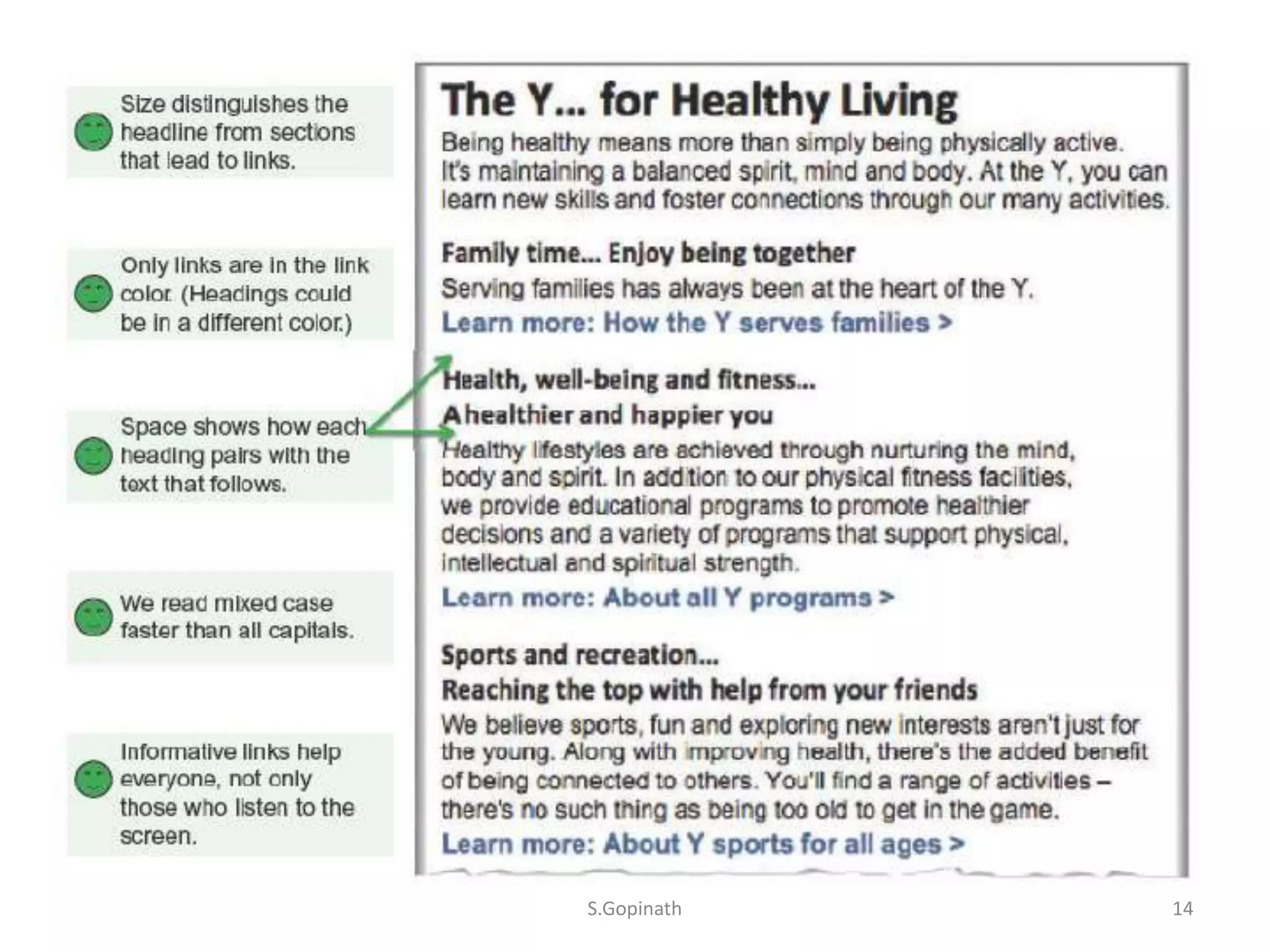
Don’t let headings float
S.Gopinath 13
S.Gopinath 14
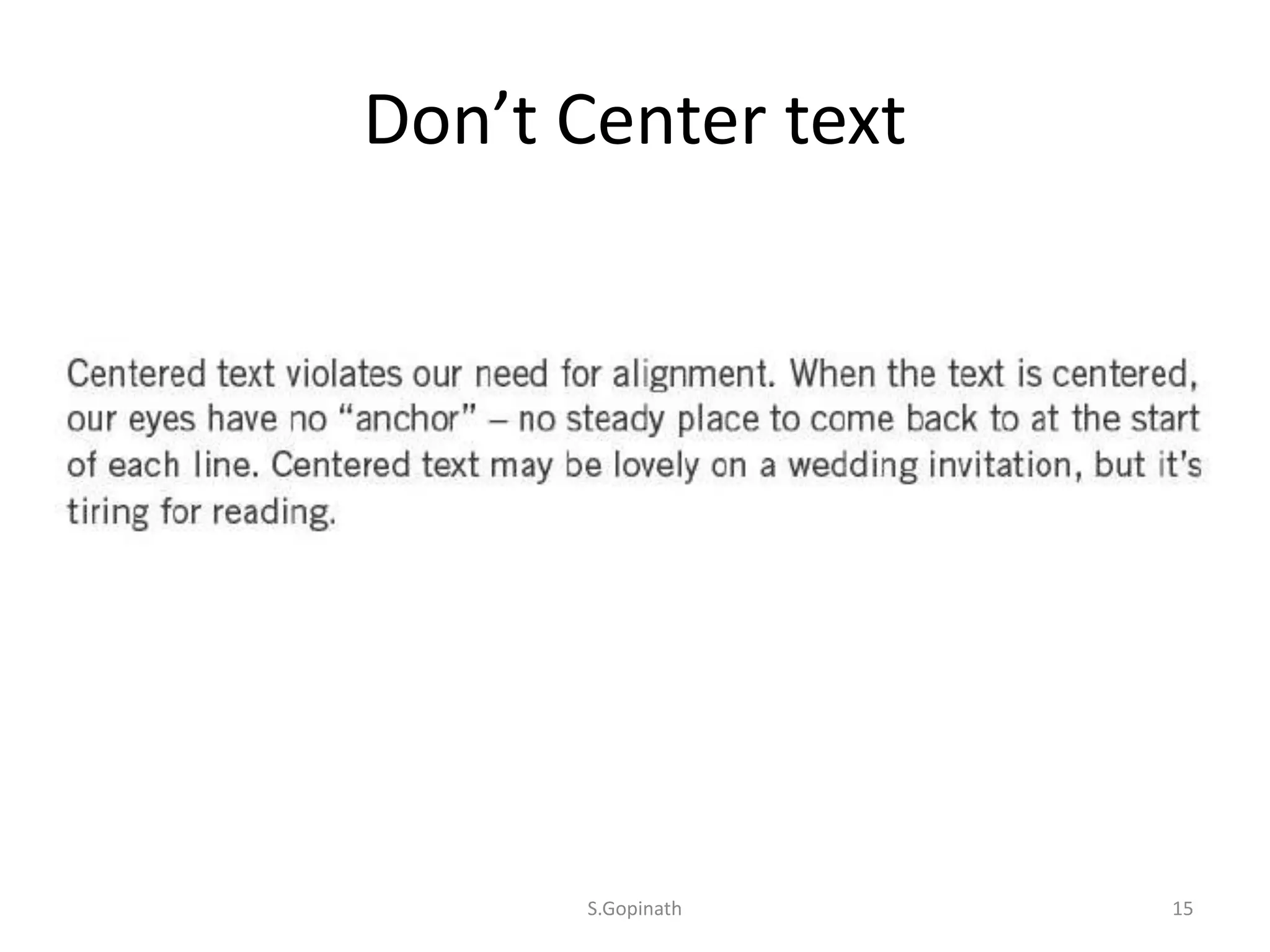
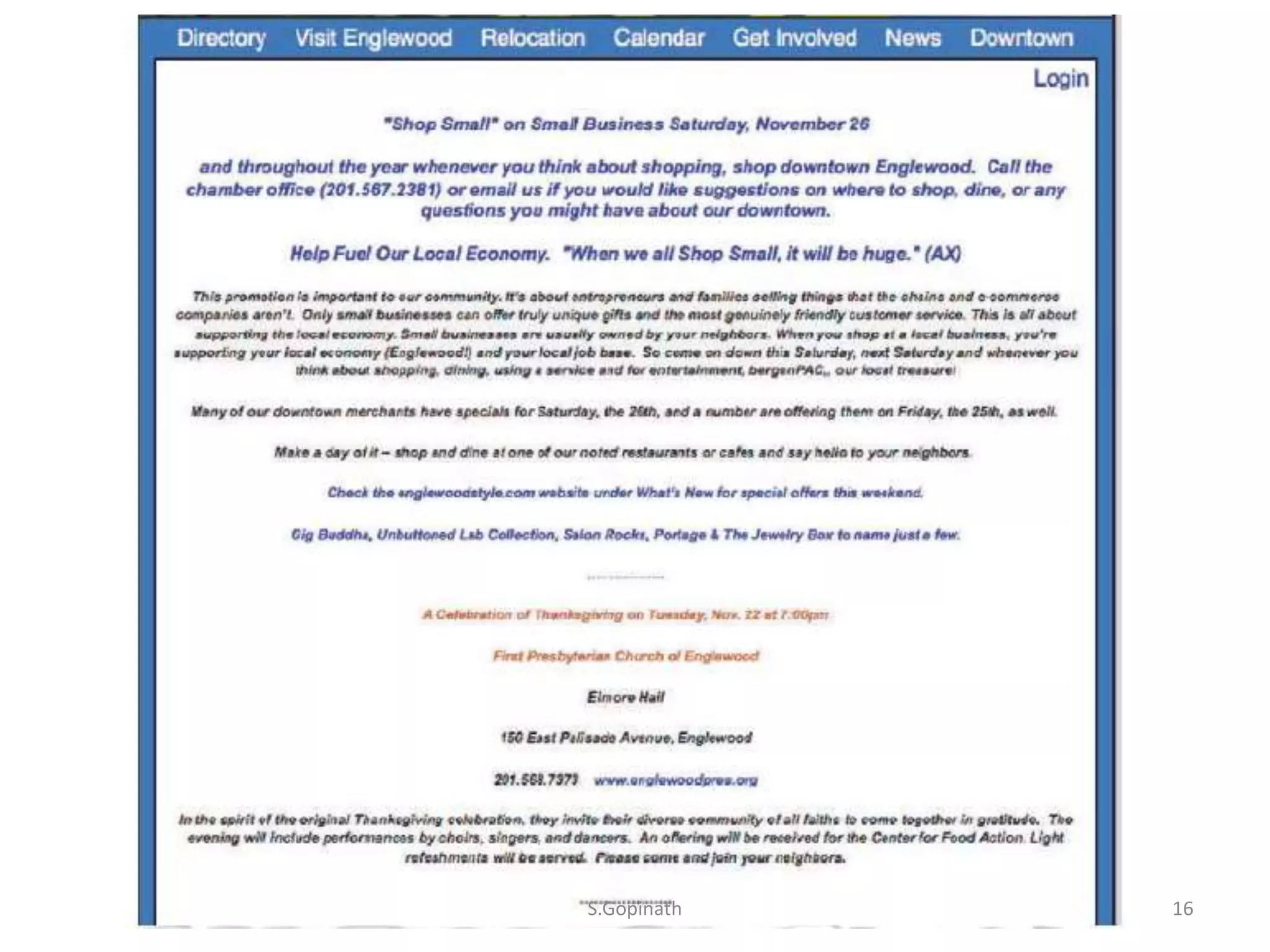
Don’t Center text
S.Gopinath 15
S.Gopinath 16
Typography
• Set a legible sans serif font as the default
• Make the default text size legible for your
visitors
• Set a medium line length as the default
• Don’t write all capitals
• Underline only links
• Use italics sparingly
S.Gopinath 17
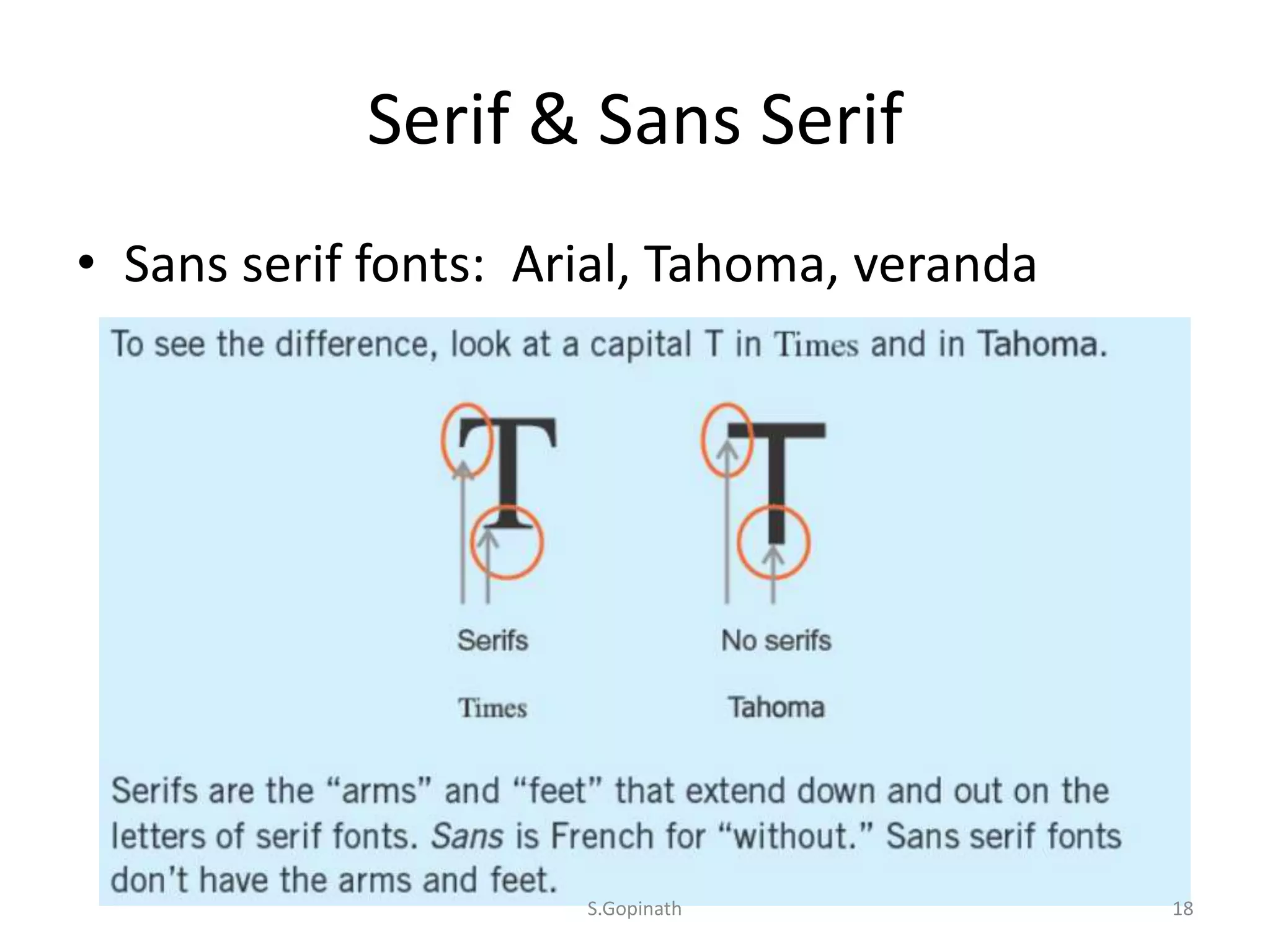
Serif & Sans Serif
• Sans serif fonts: Arial, Tahoma, veranda
S.Gopinath 18
• Researchers who work with low-vision readers
recommend familiar sans serif fonts for both
paper and web.
S.Gopinath 19
Make the default text size legible for
your visitors
• you have to write fewer words or make the
type smaller.
• good reason to let go of words and focus on
your key messages.
• If the type is too small, people won’t read
what you wrote.
• Write less. Use type large enough for your site
visitors to read easily.
S.Gopinath 20
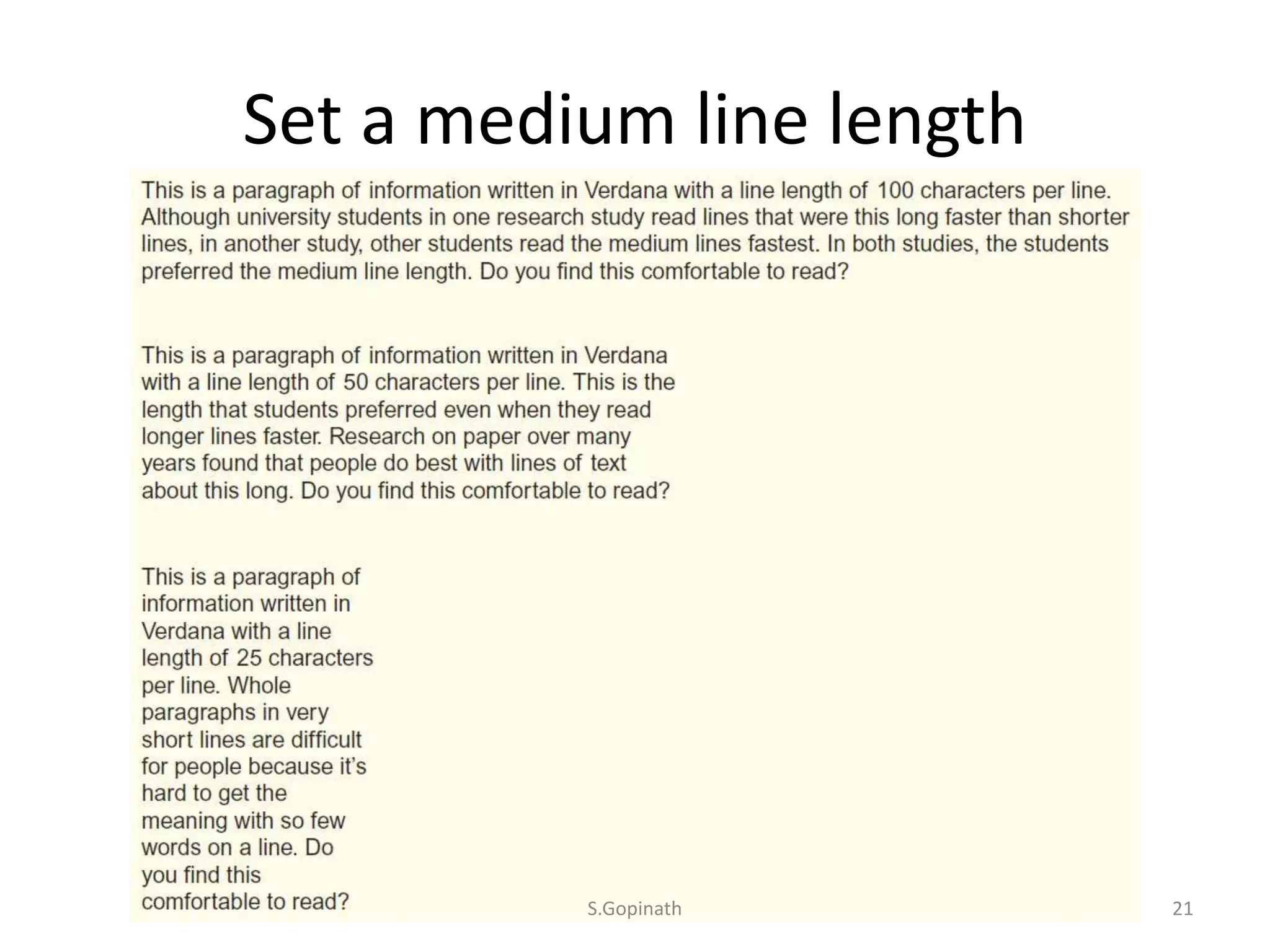
Set a medium line length
S.Gopinath 21
• Long lines are tiring to read.
• Lines are too short, people don’t get whole
phrase.
• Medium line length 50 to 70 characters or 8 to
10 words.
• Set your text to be fluid (liquid layout)
S.Gopinath 22
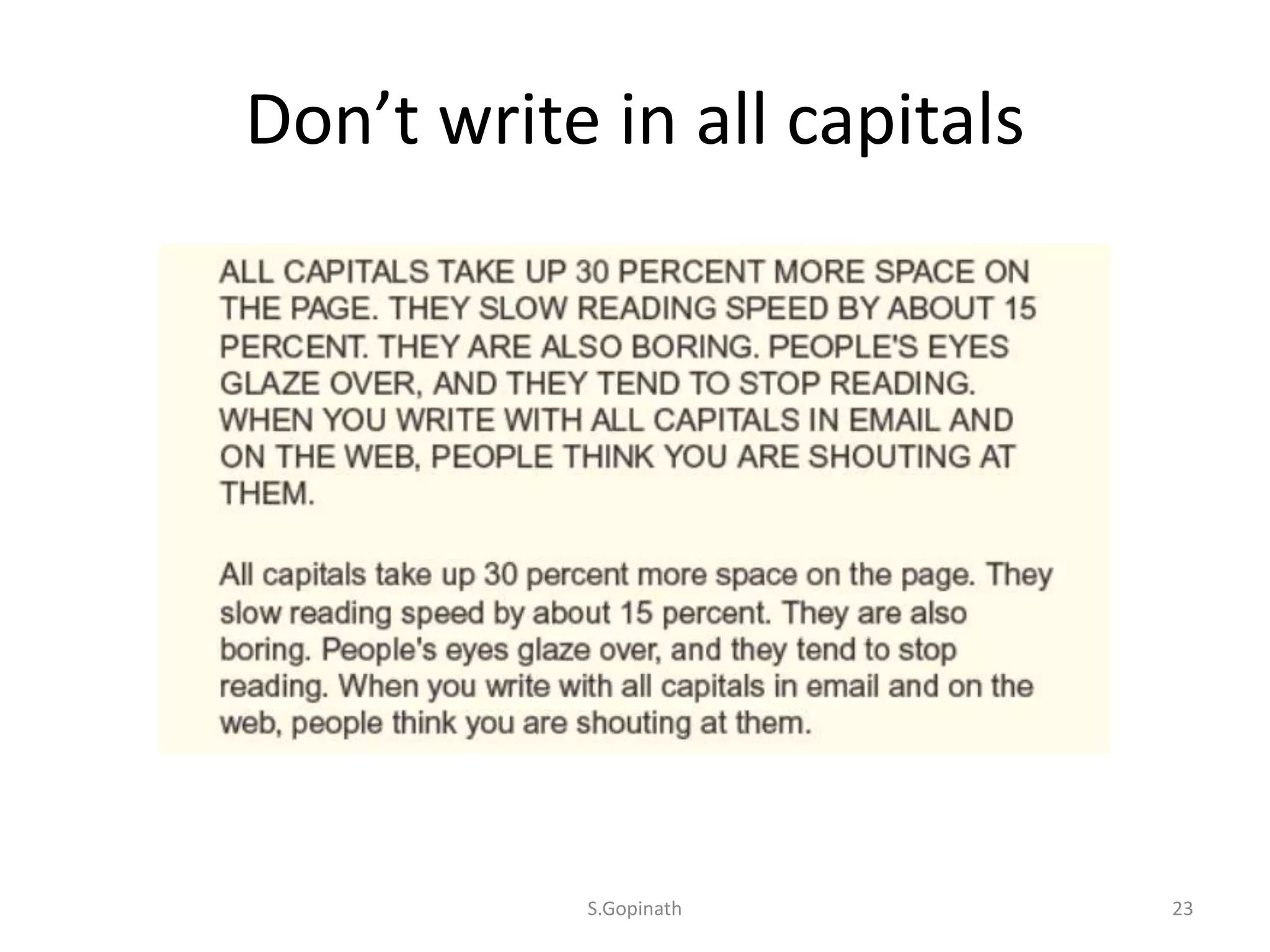
Don’t write in all capitals
S.Gopinath 23
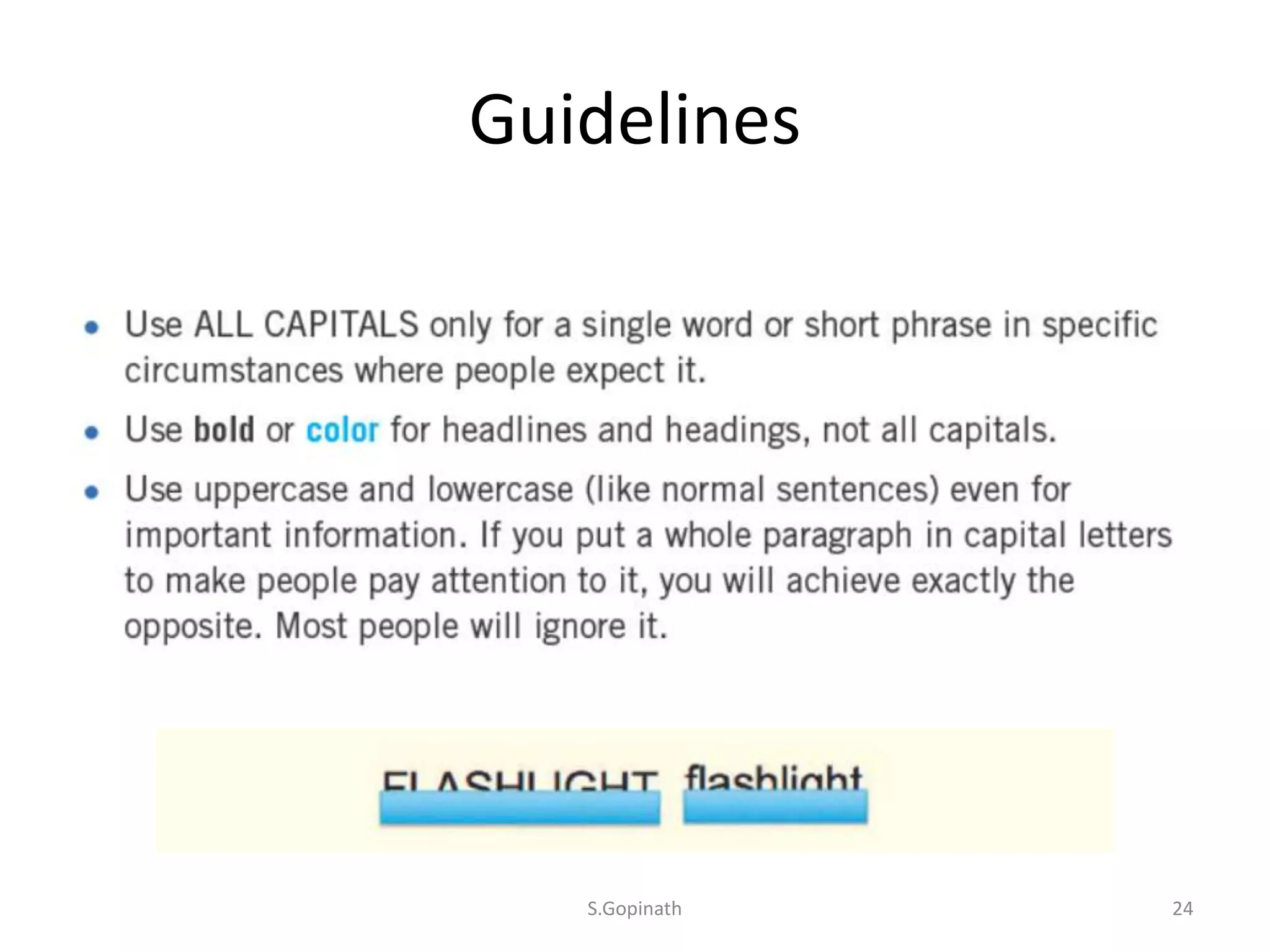
Guidelines
S.Gopinath 24
Underline only links
S.Gopinath 25
Use italic sparingly
S.Gopinath 26

Design for easy use