Demystifying microservices inside Azure AKS
@RaduVunvulea
Playing with technology until it breaks
What about you?
Foundation, core concepts and values
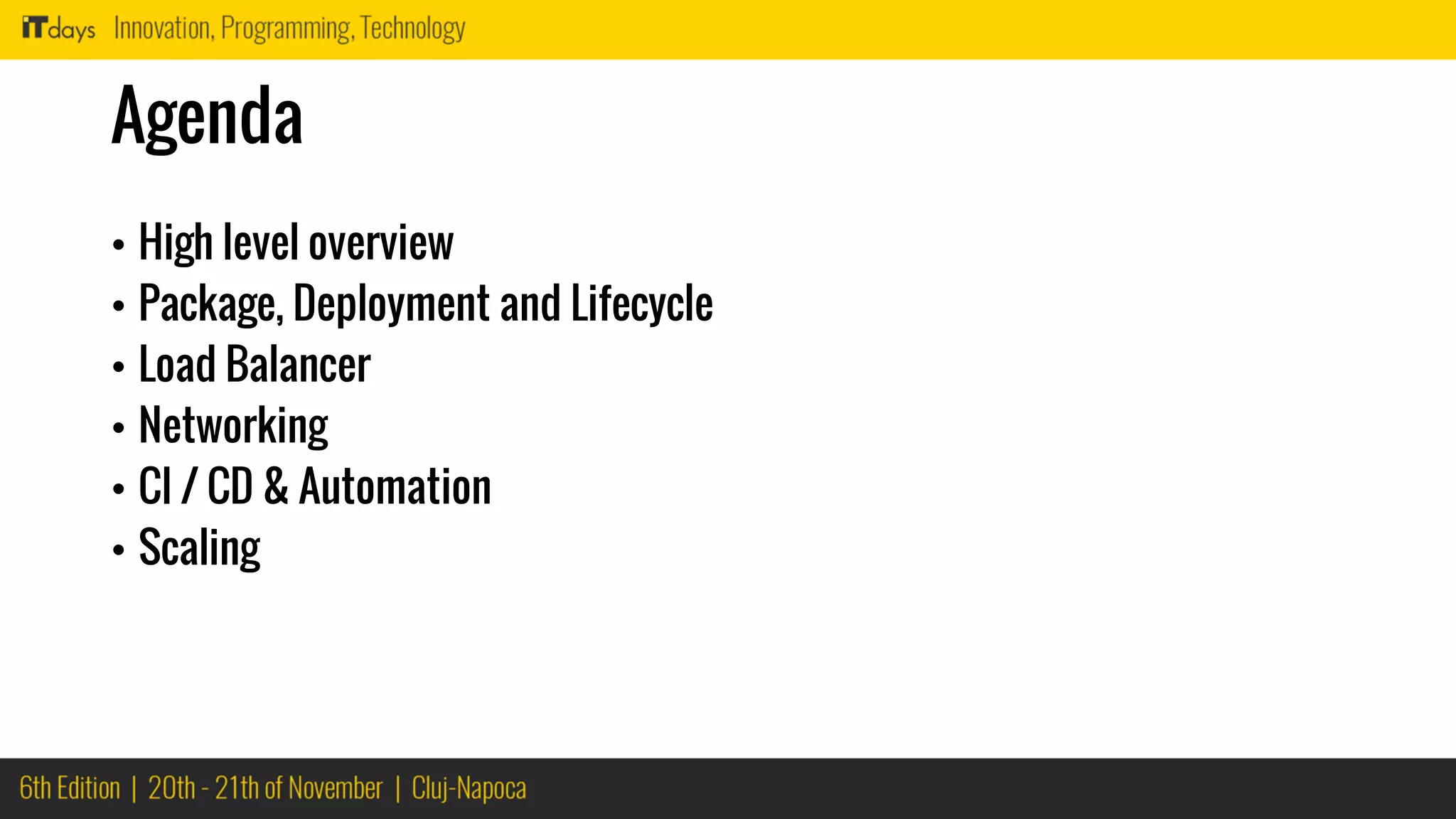
Agenda
• High level overview
• Package, Deployment and Lifecycle
• Load Balancer
• Networking
• CI / CD & Automation
• Scaling
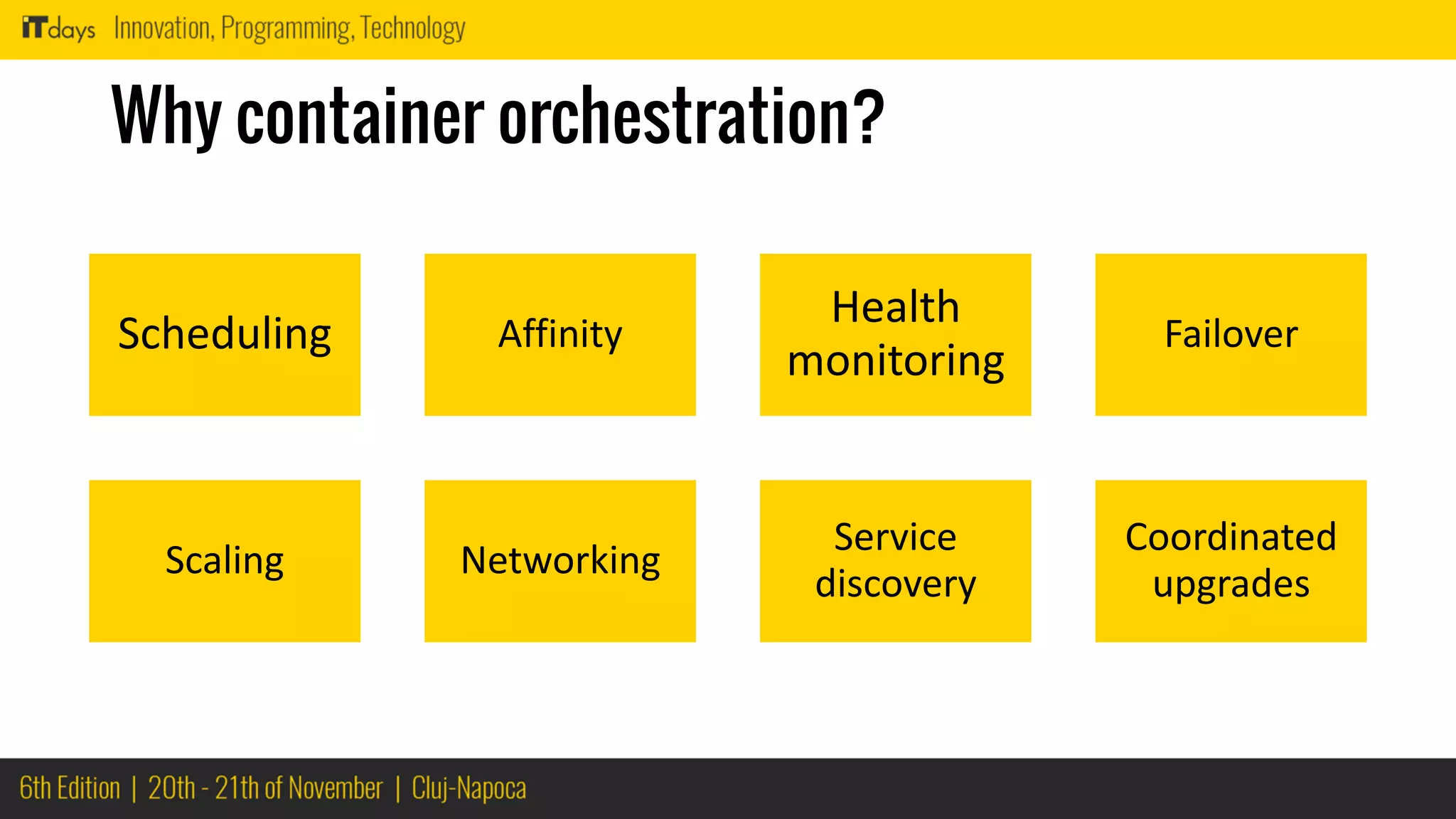
Why container orchestration?
Scheduling Affinity
Health
monitoring
Failover
Scaling Networking
Service
discovery
Coordinated
upgrades
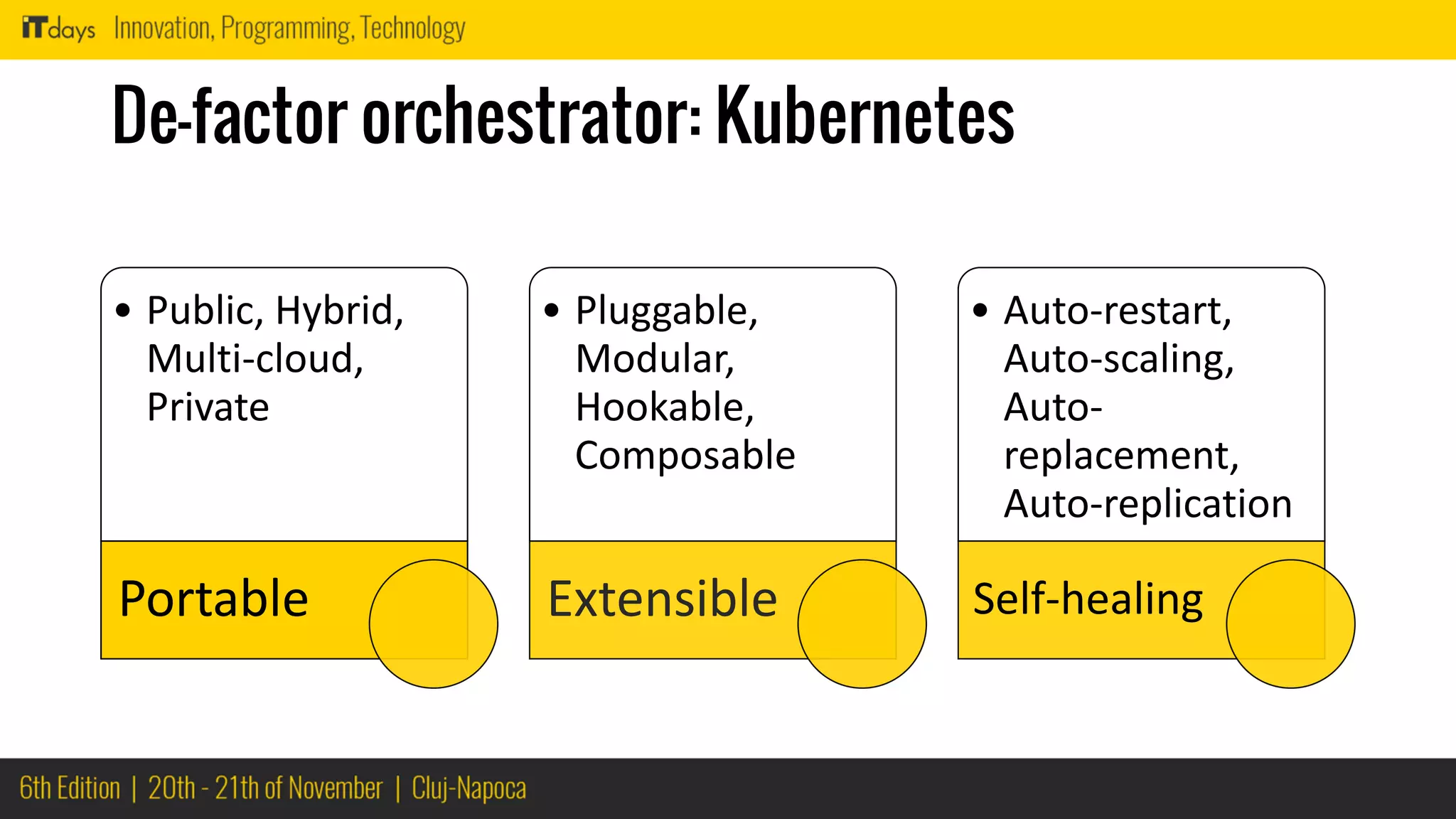
De-factor orchestrator: Kubernetes
• Public, Hybrid,
Multi-cloud,
Private
Portable
• Pluggable,
Modular,
Hookable,
Composable
Extensible
• Auto-restart,
Auto-scaling,
Auto-
replacement,
Auto-replication
Self-healing
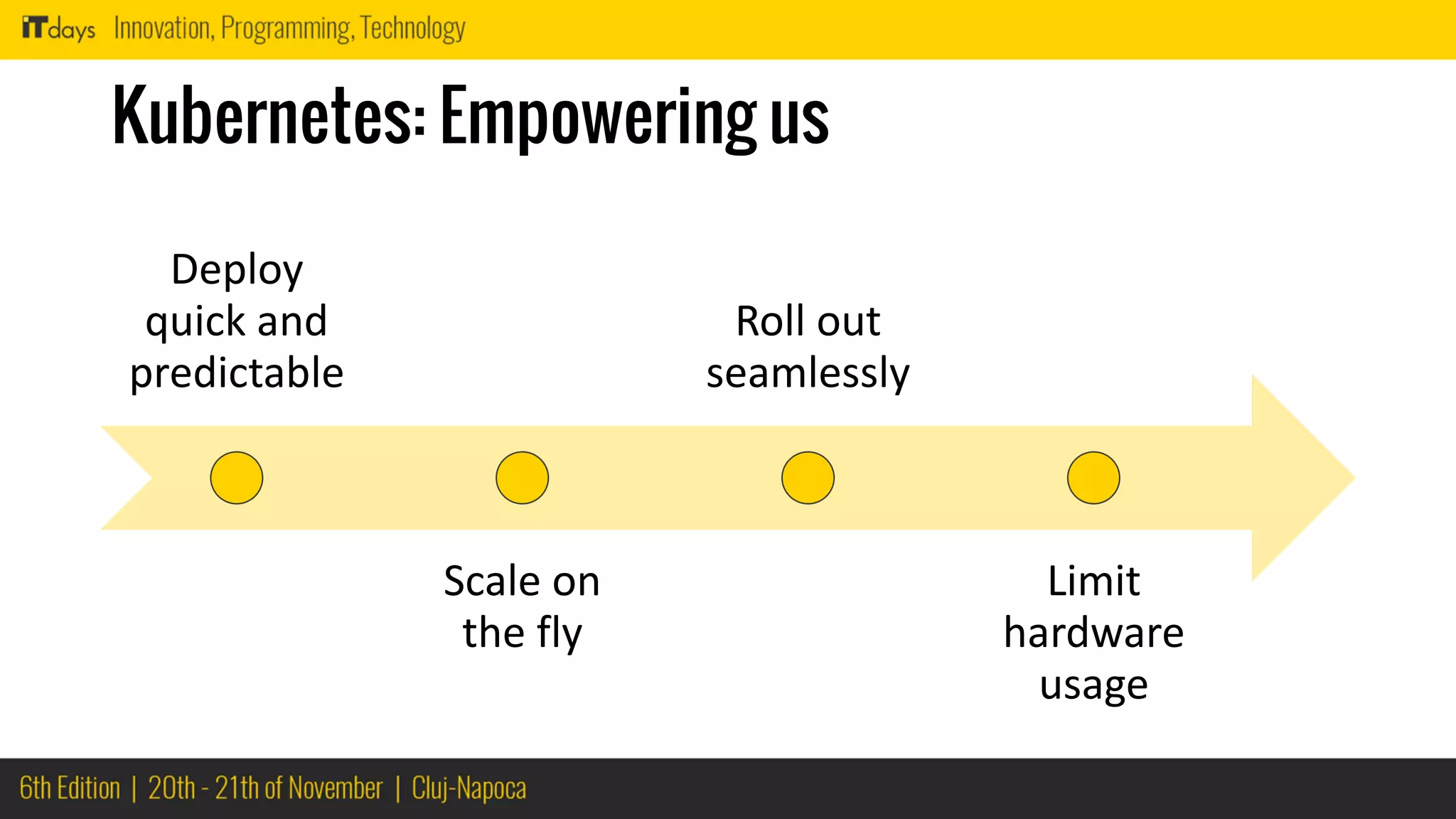
Kubernetes: Empowering us
Deploy
quick and
predictable
Scale on
the fly
Roll out
seamlessly
Limit
hardware
usage
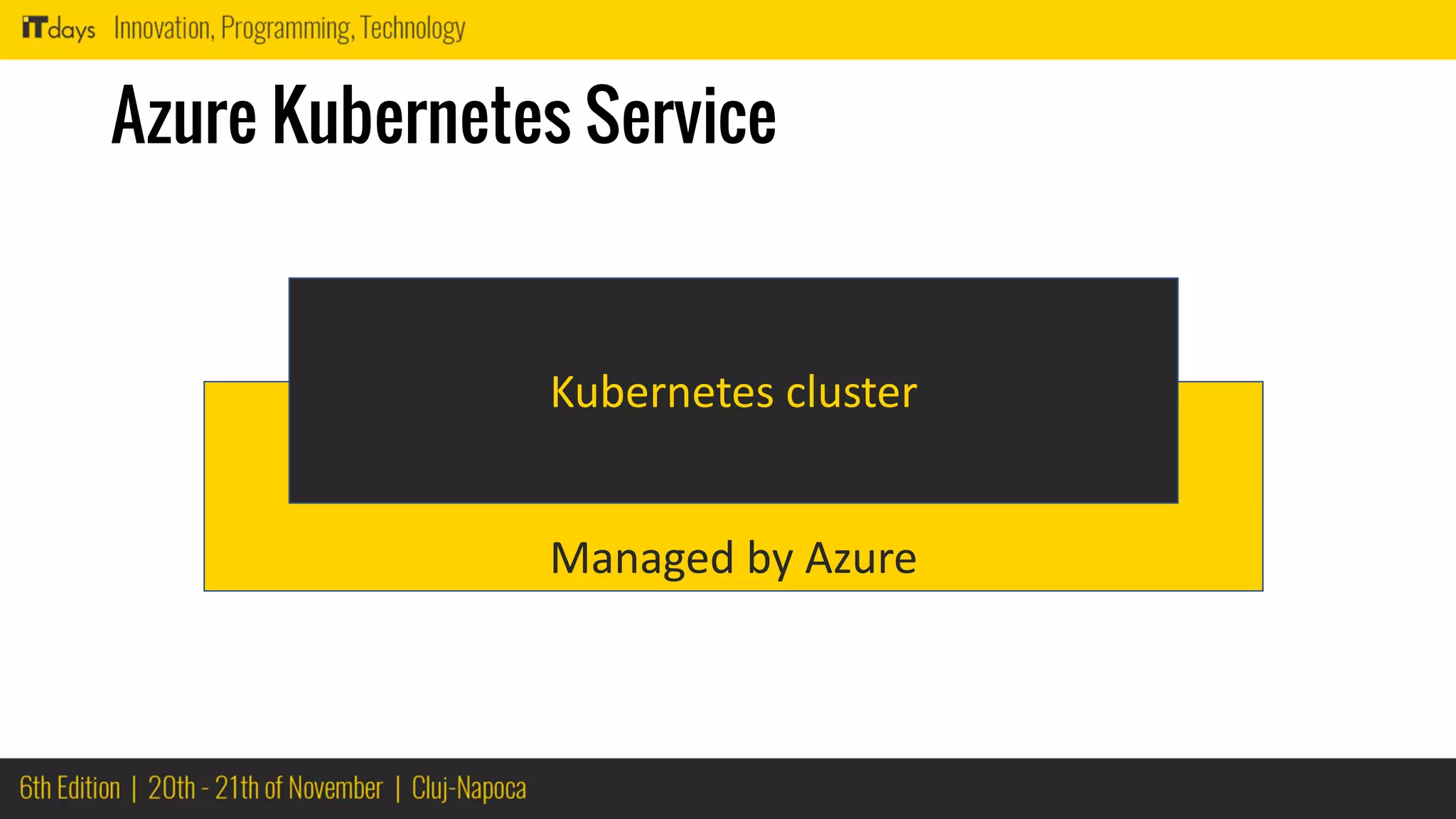
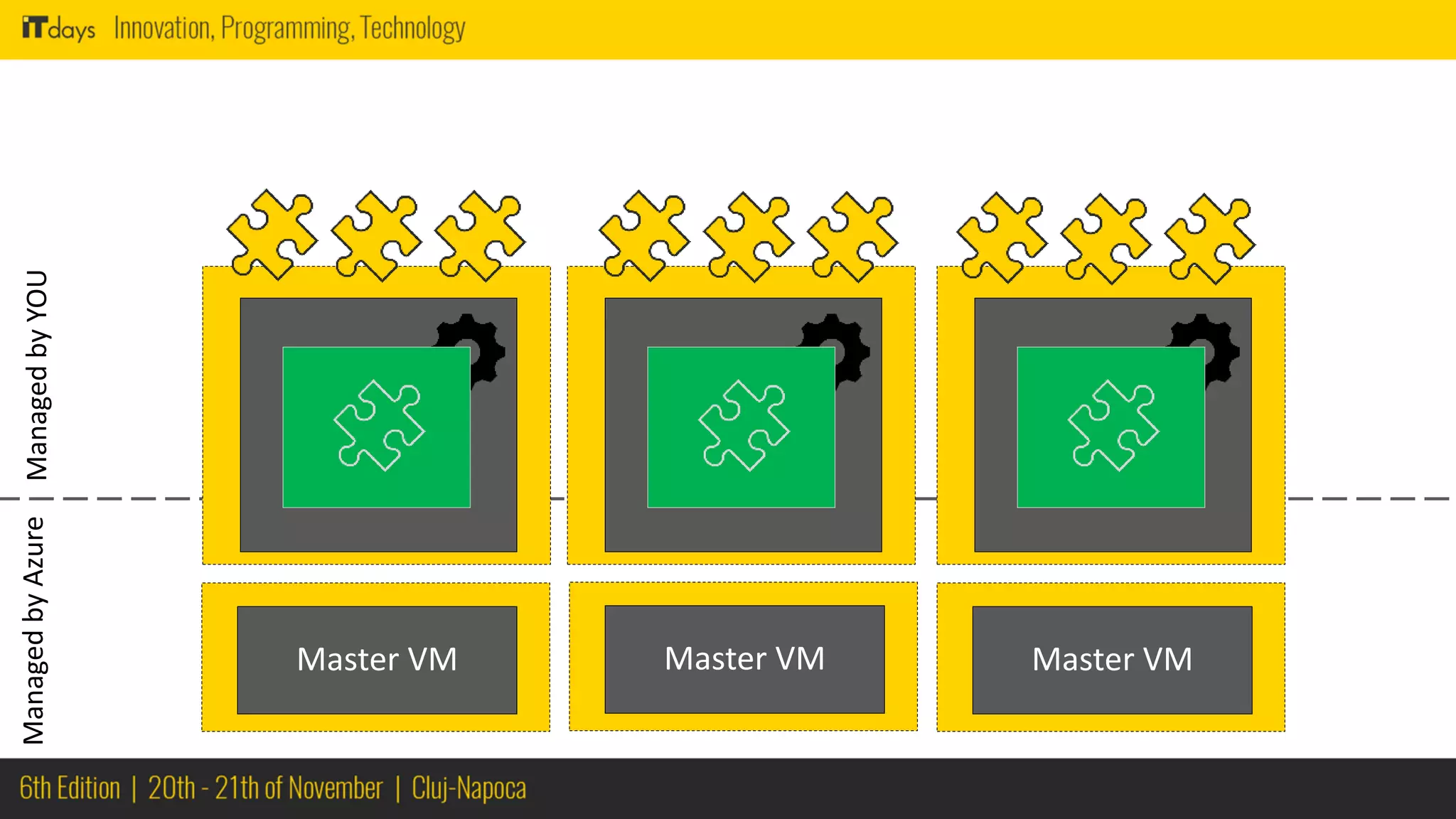
Managed by Azure
Azure Kubernetes Service
Kubernetes cluster
Microservice
Image
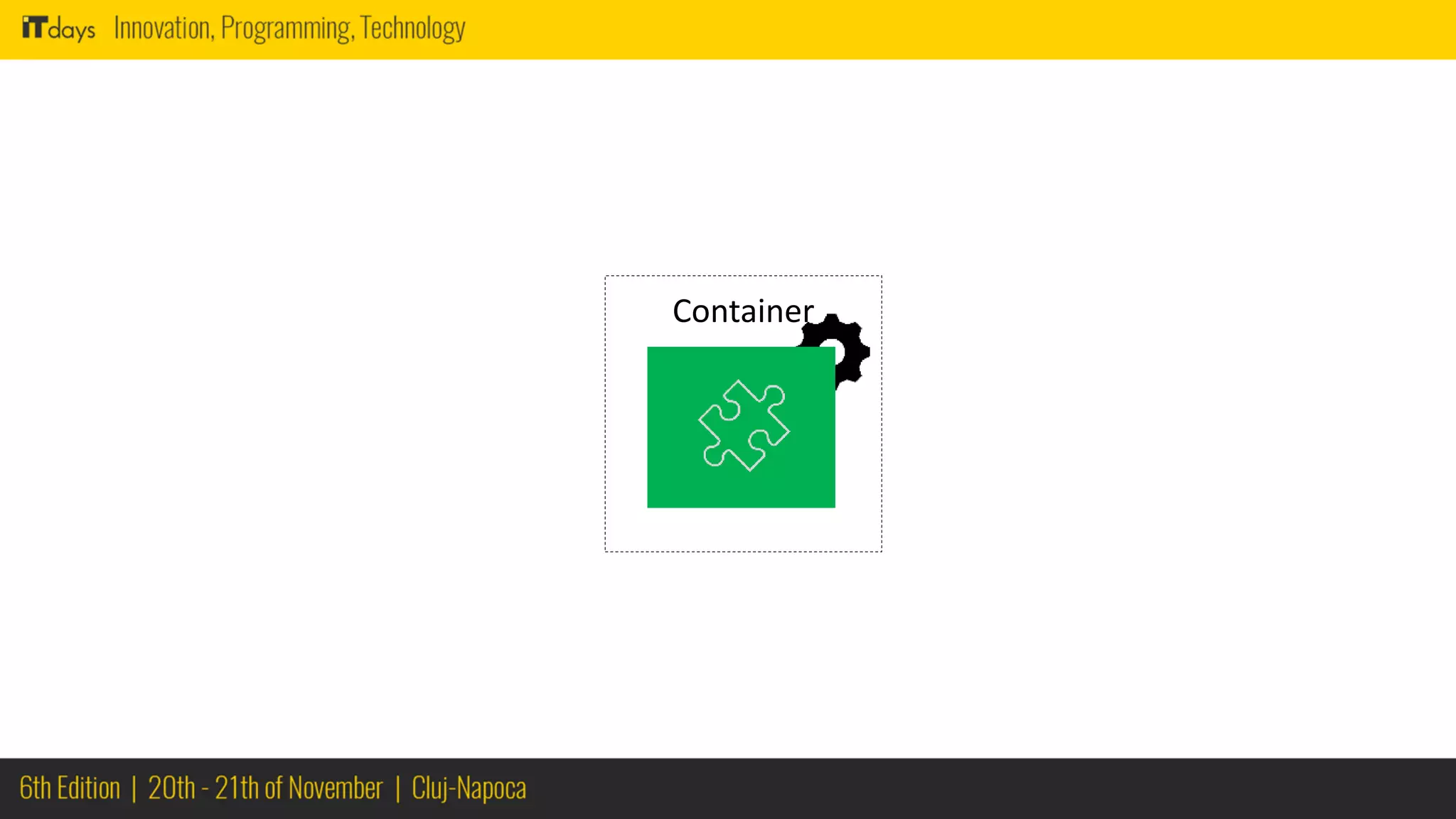
Container
Docker
Docker
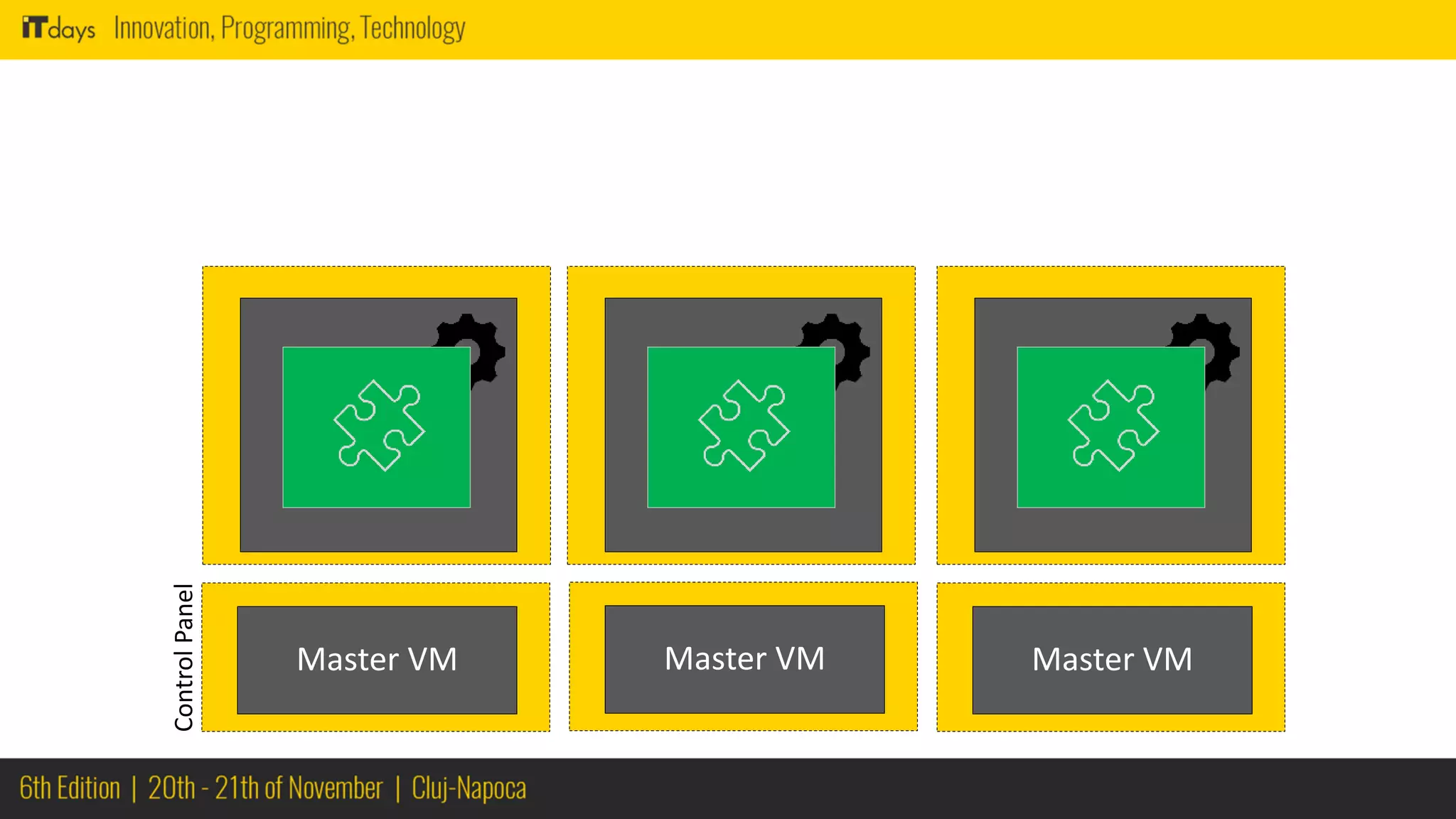
Master VMMaster VM Master VM
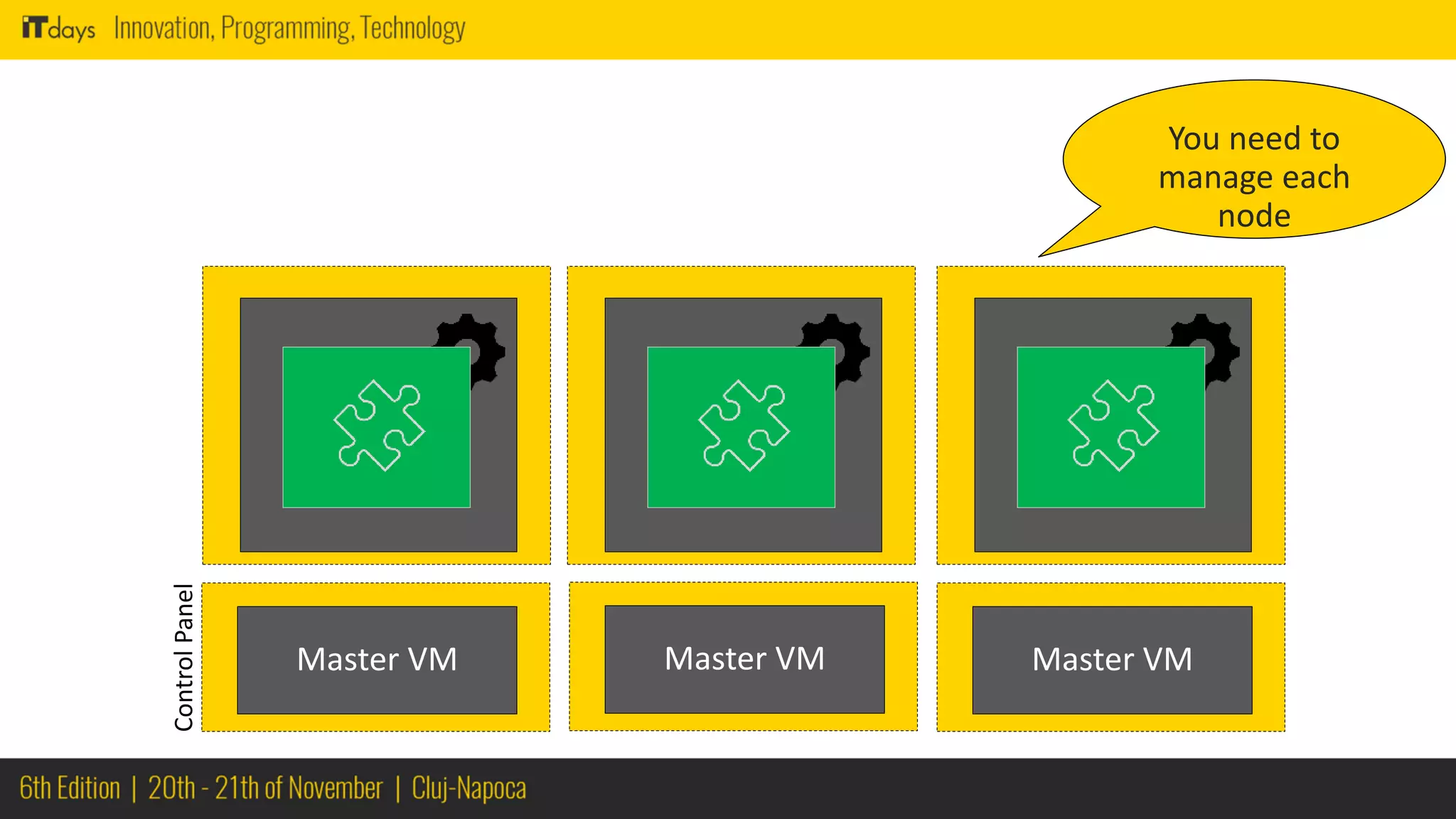
You need to
manage each
node
Master VMMaster VM Master VM
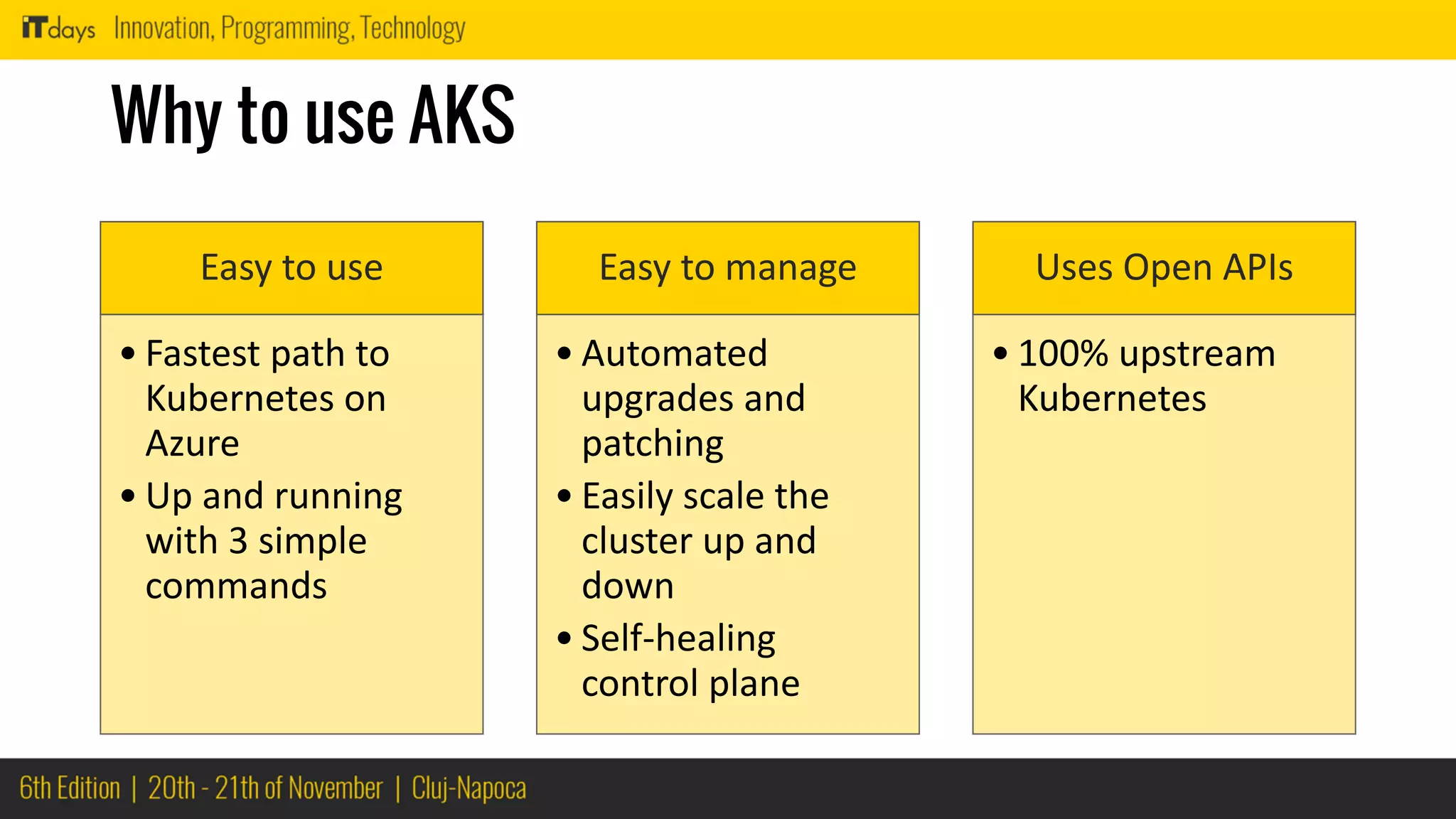
Why to use AKS
Easy to use
• Fastest path to
Kubernetes on
Azure
• Up and running
with 3 simple
commands
Easy to manage
• Automated
upgrades and
patching
• Easily scale the
cluster up and
down
• Self-healing
control plane
Uses Open APIs
• 100% upstream
Kubernetes
Package and
Deploy
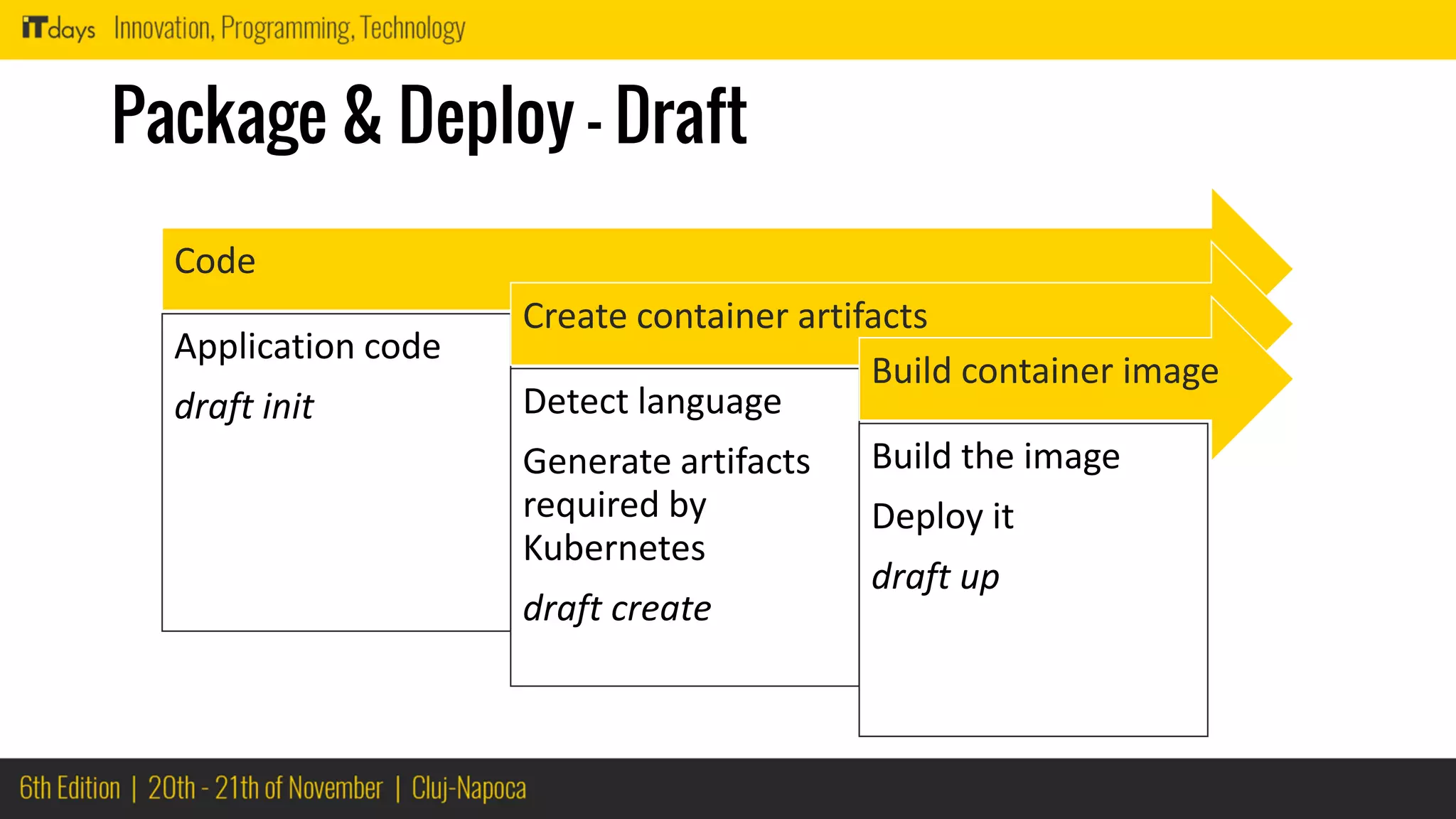
Package & Deploy - Draft
Code
Application code
draft init
Create container artifacts
Detect language
Generate artifacts
required by
Kubernetes
draft create
Build container image
Build the image
Deploy it
draft up
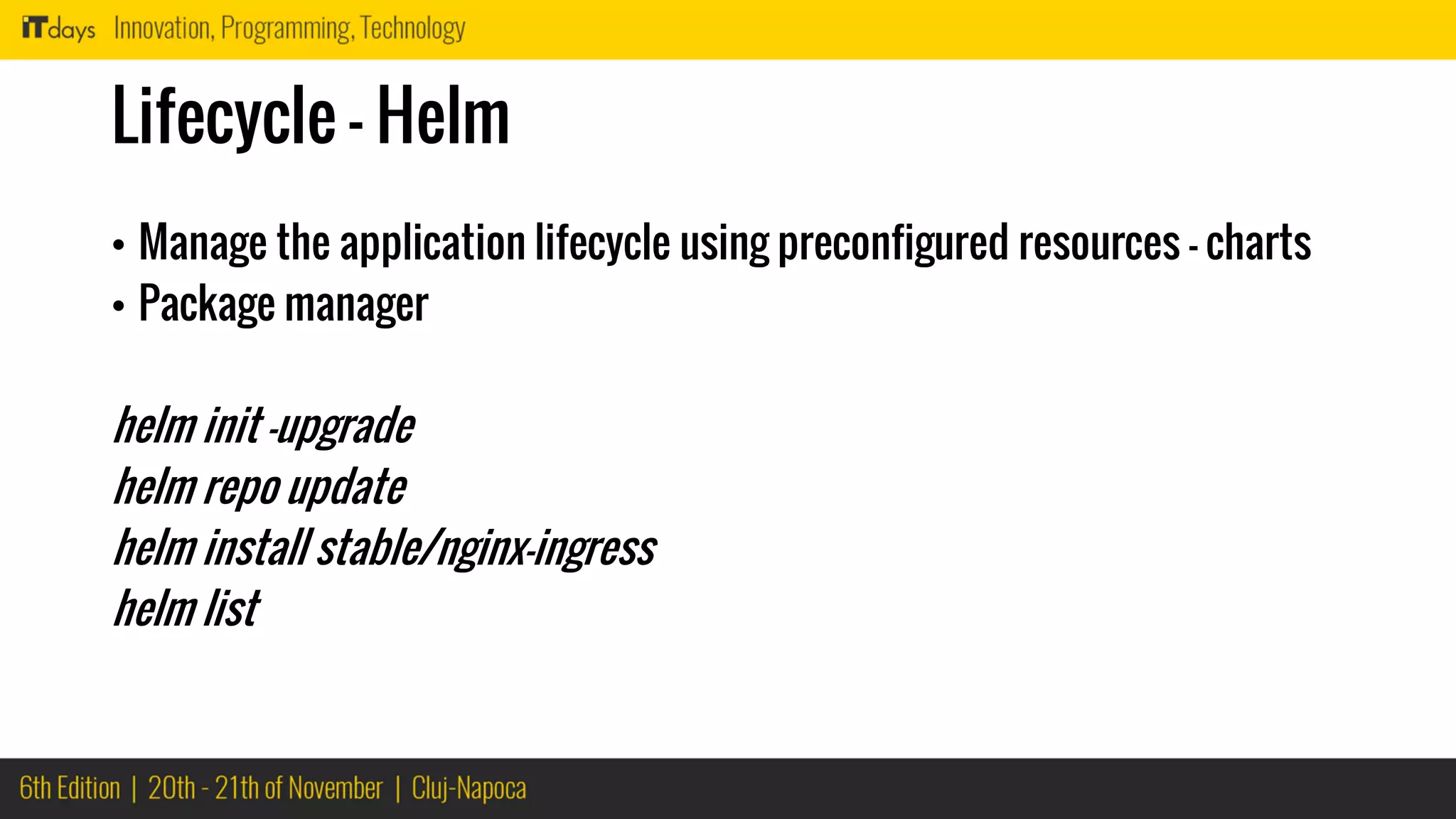
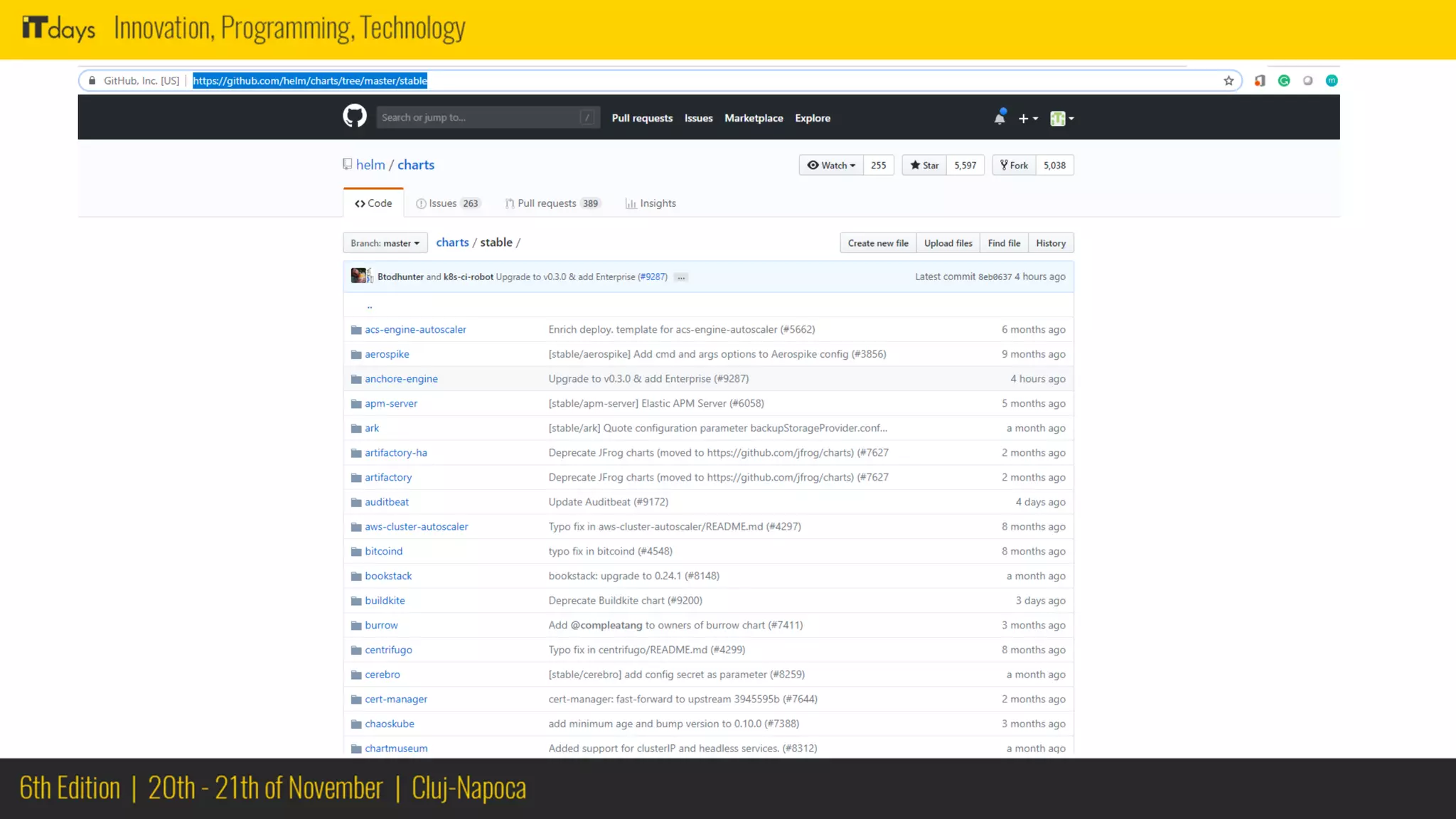
Lifecycle - Helm
• Manage the application lifecycle using preconfigured resources – charts
• Package manager
helm init –upgrade
helm repo update
helm install stable/nginx-ingress
helm list
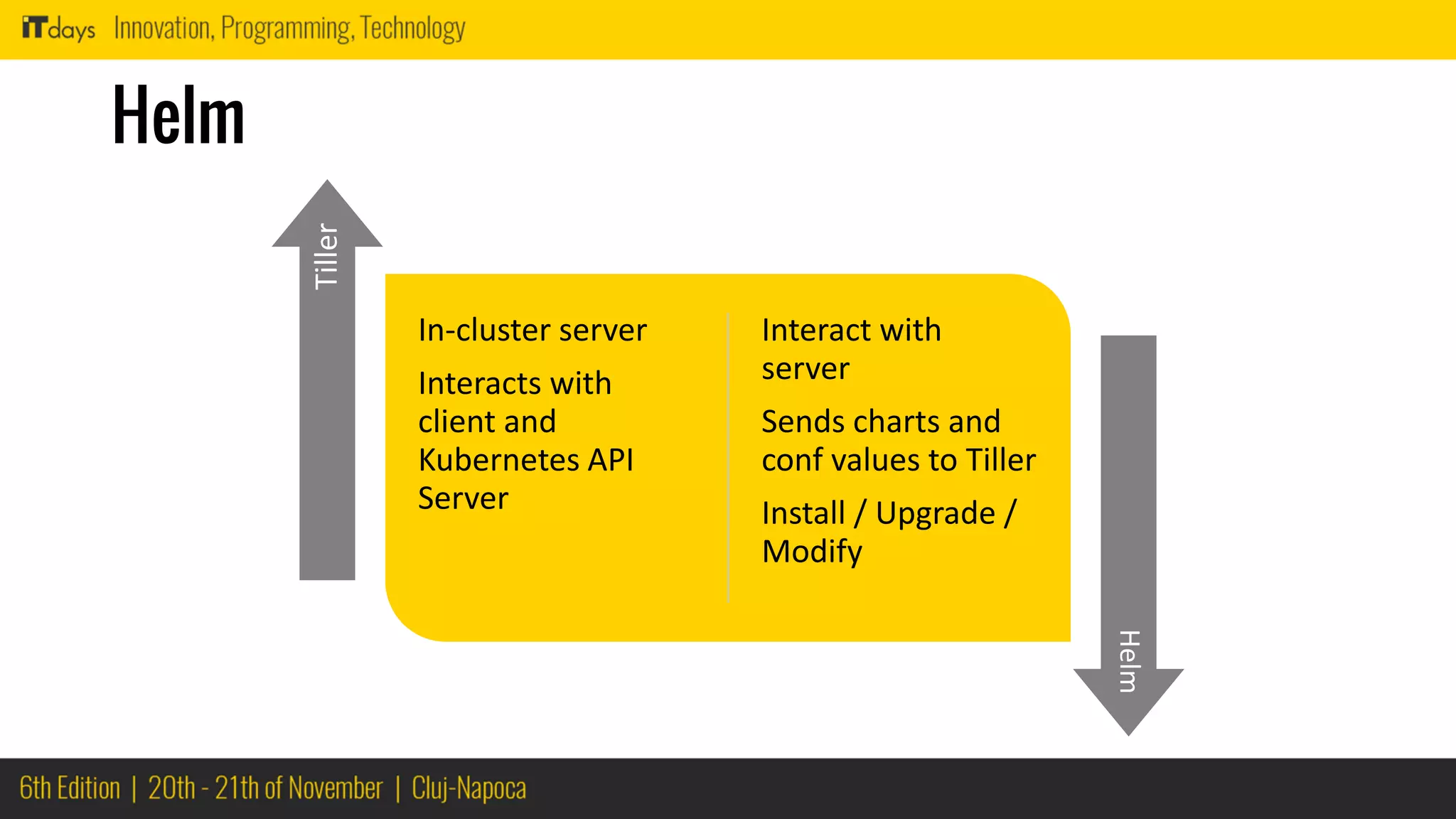
Helm
In-cluster server
Interacts with
client and
Kubernetes API
Server
Interact with
server
Sends charts and
conf values to Tiller
Install / Upgrade /
Modify
Tiller
Helm
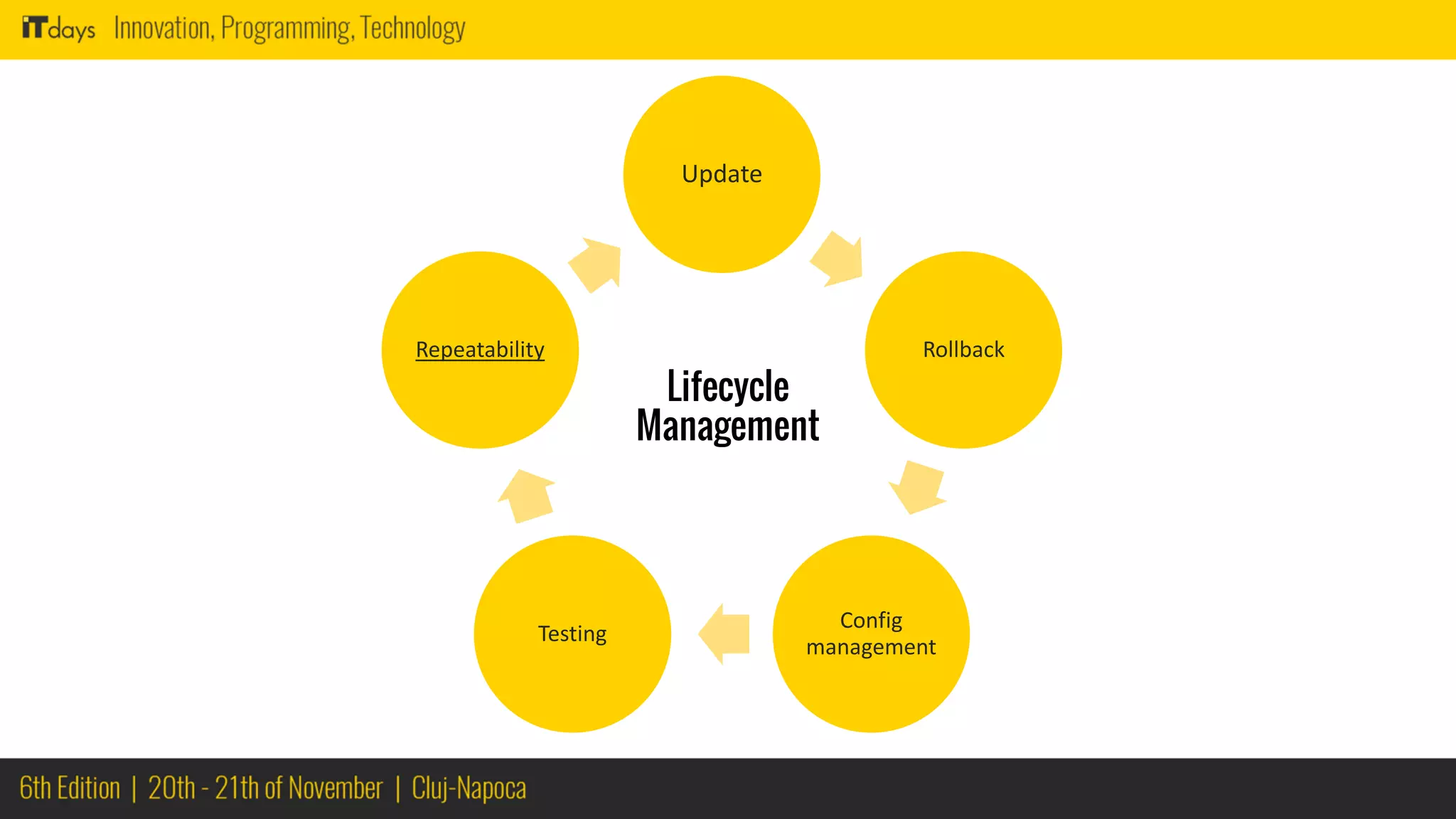
Update
Rollback
Config
management
Testing
Repeatability
Lifecycle
Management
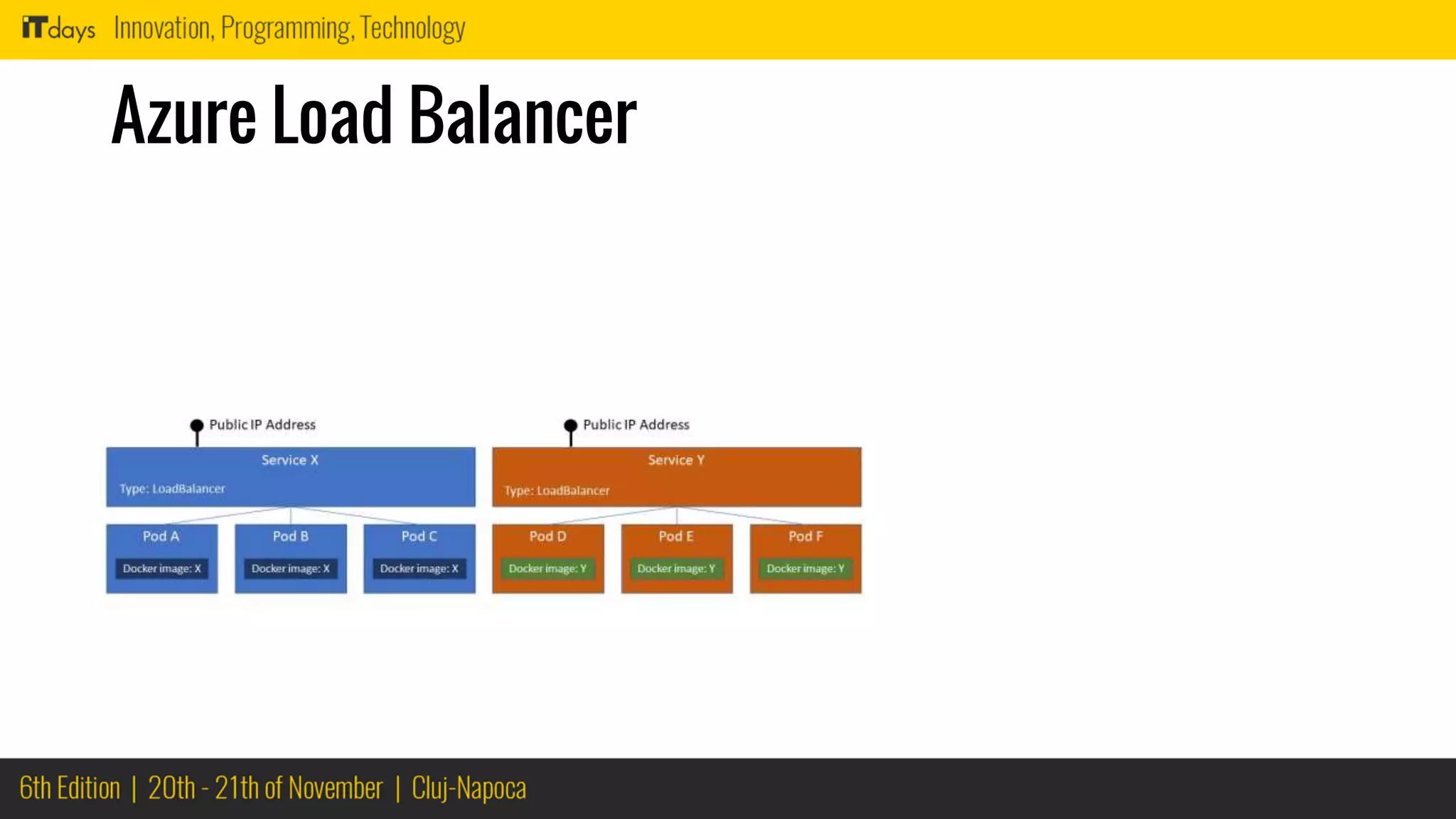
Load Balancer
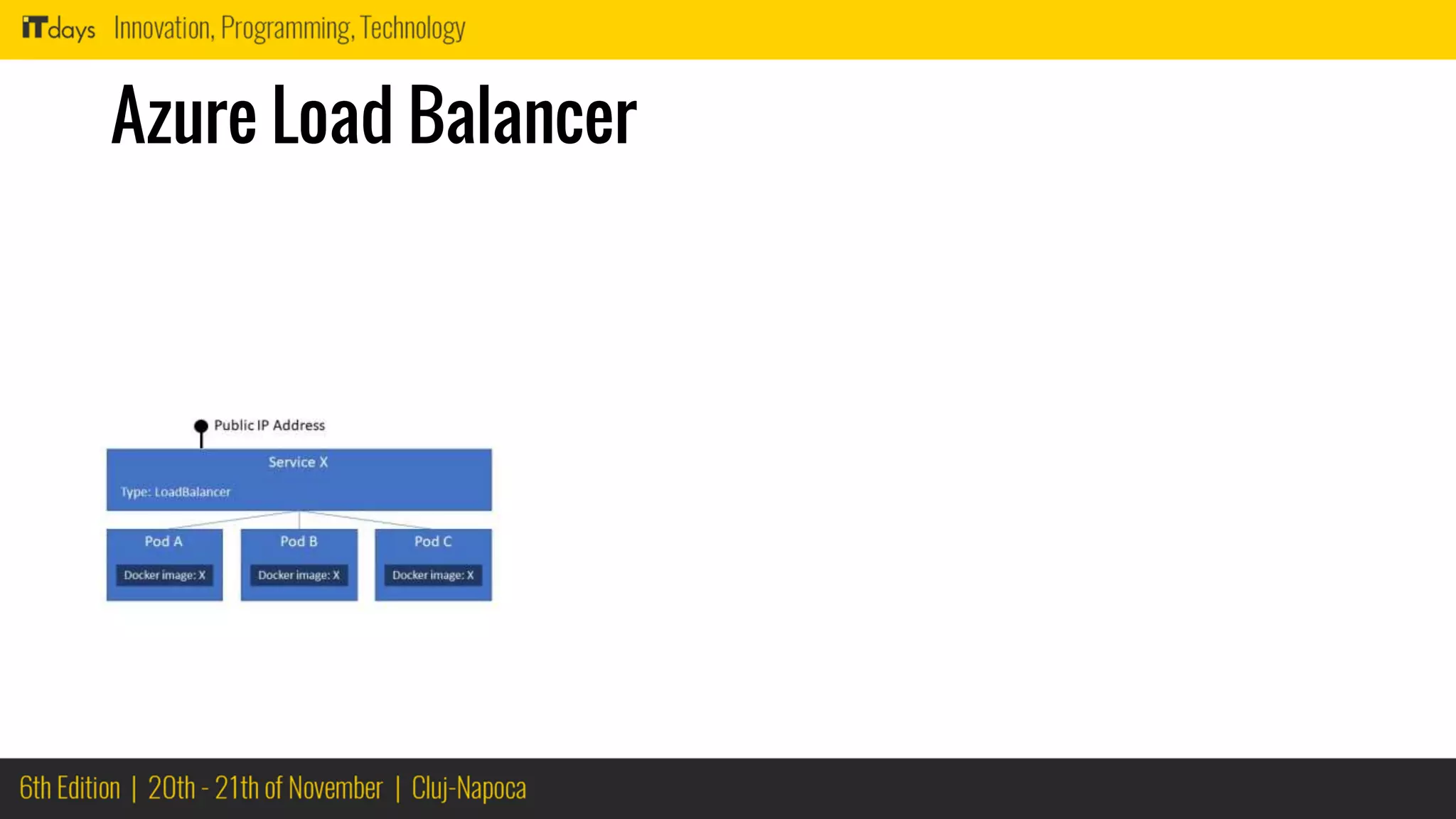
Azure Load Balancer
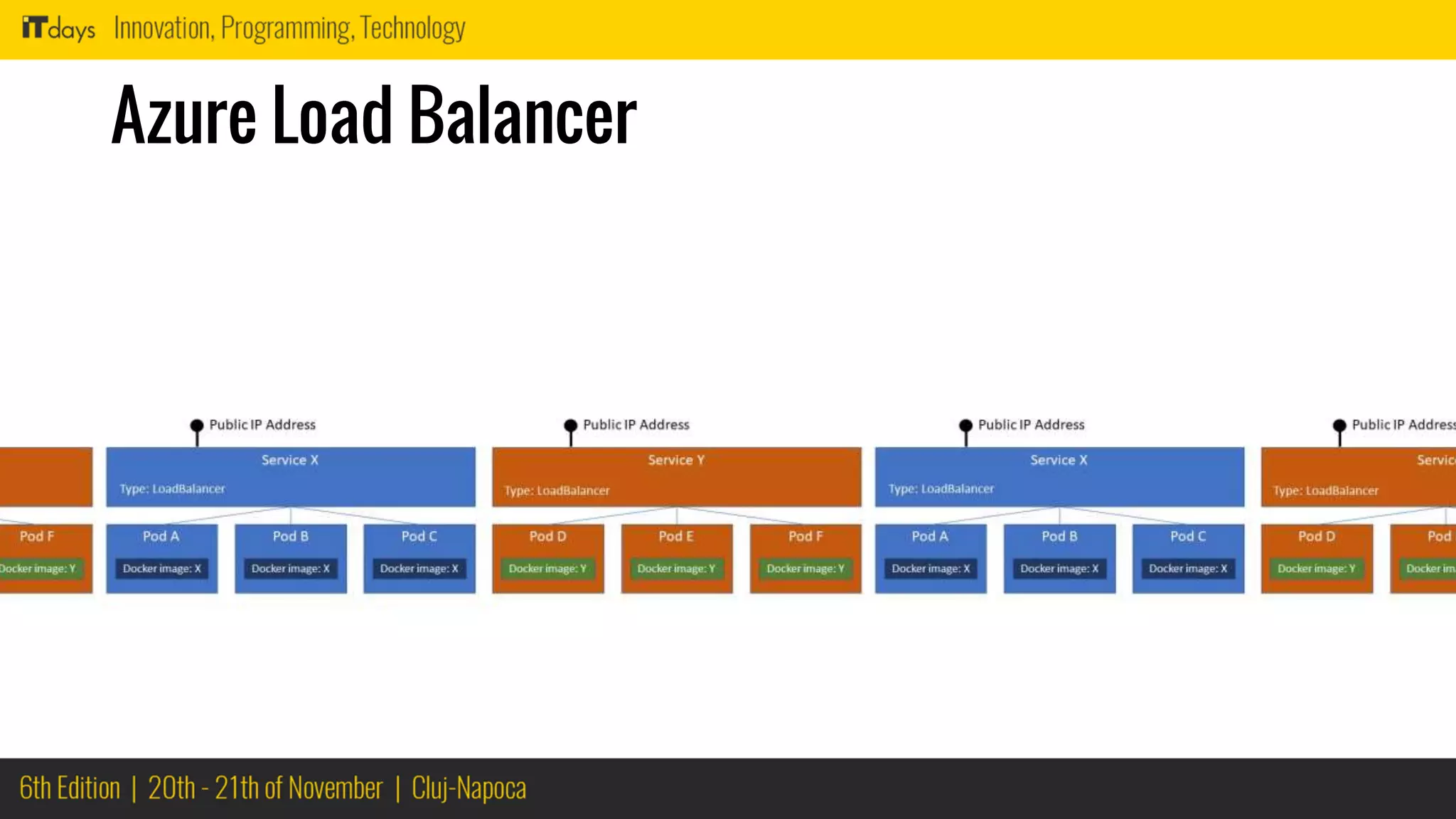
Azure Load Balancer
Azure Load Balancer
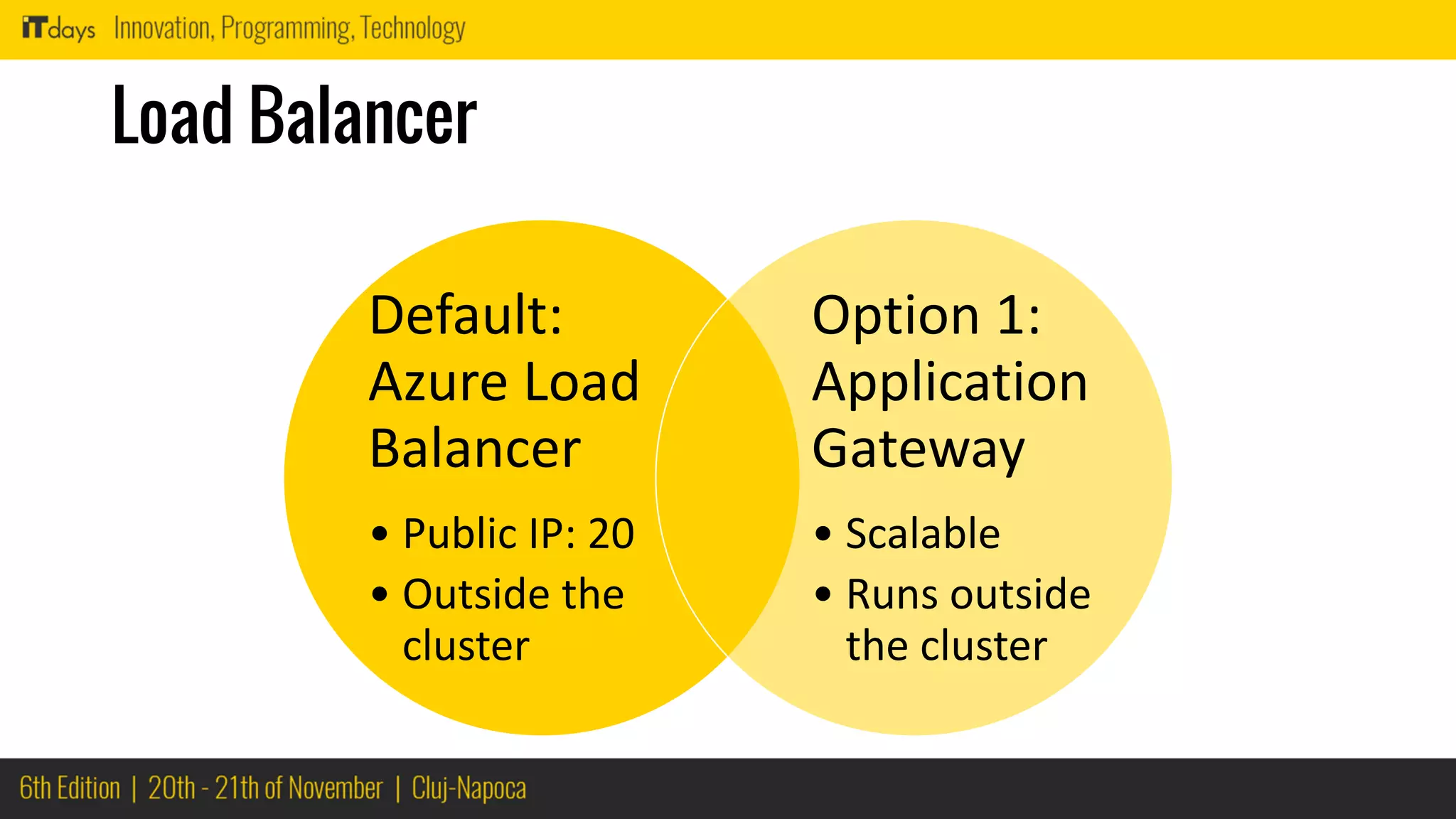
Load Balancer
Default:
Azure Load
Balancer
• Public IP: 20
• Outside the
cluster
Option 1:
Application
Gateway
• Scalable
• Runs outside
the cluster
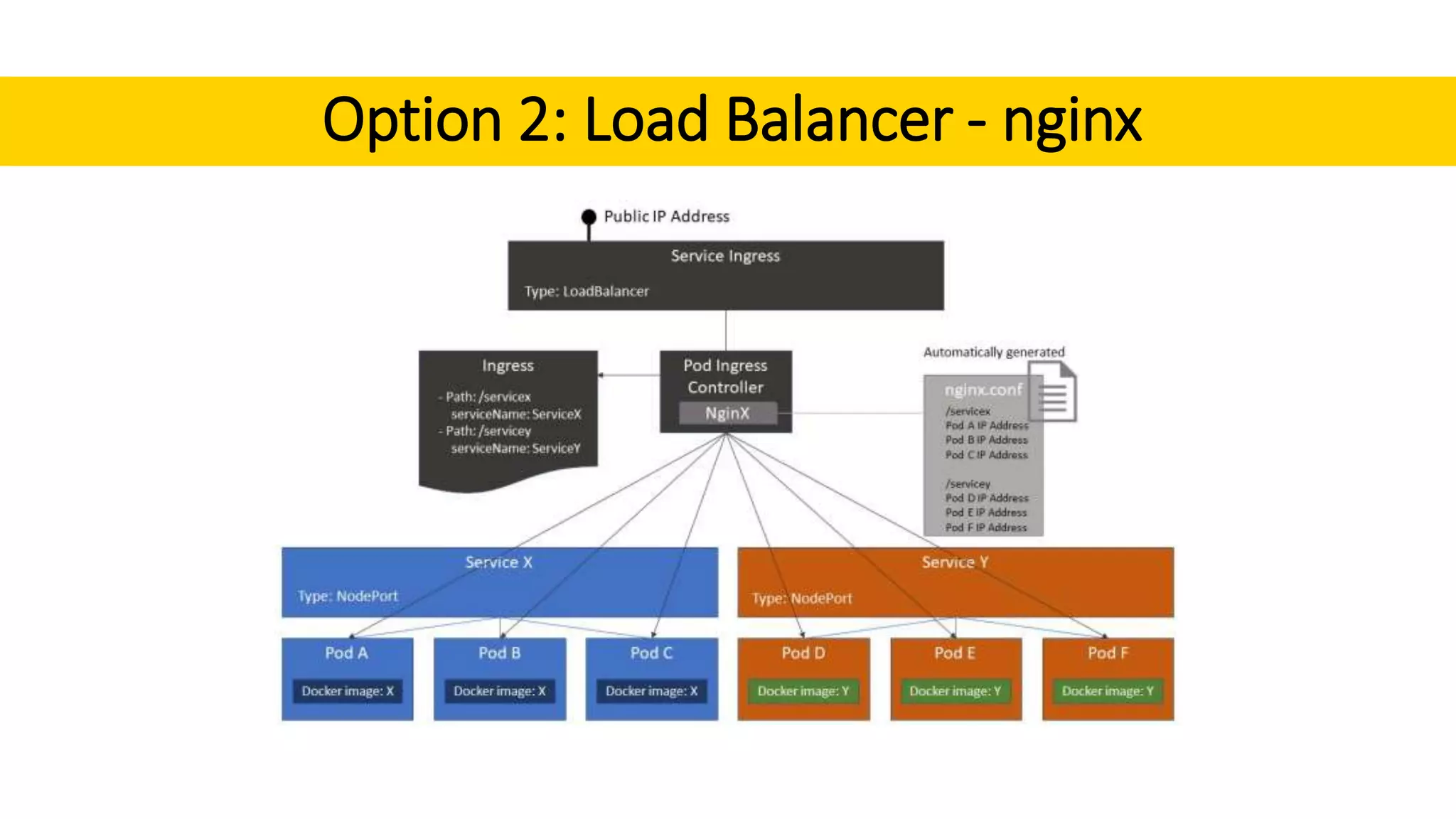
Option 2: Load Balancer - nginx
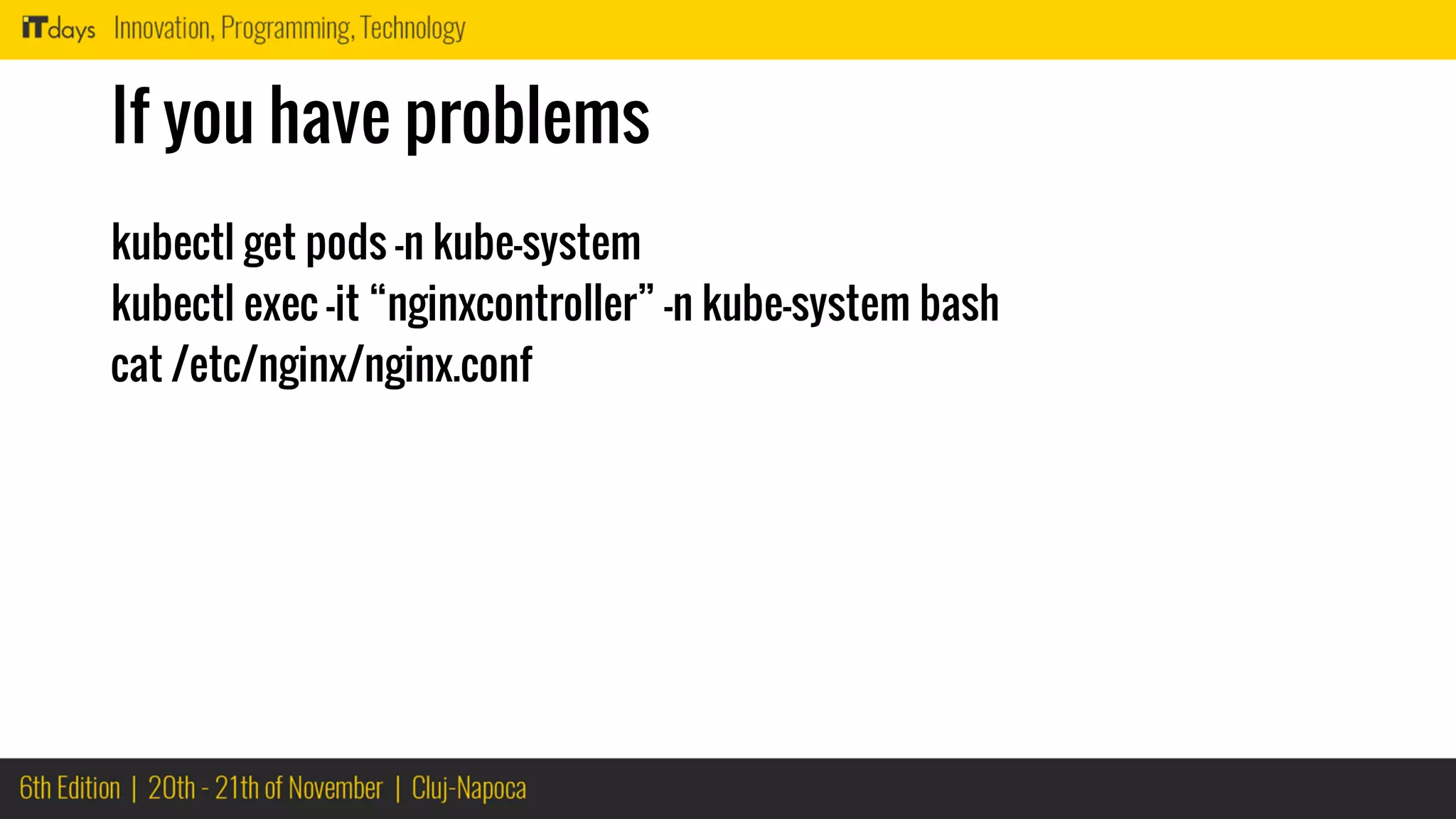
If you have problems
kubectl get pods -n kube-system
kubectl exec -it “nginxcontroller” -n kube-system bash
cat /etc/nginx/nginx.conf
Deployment
issues
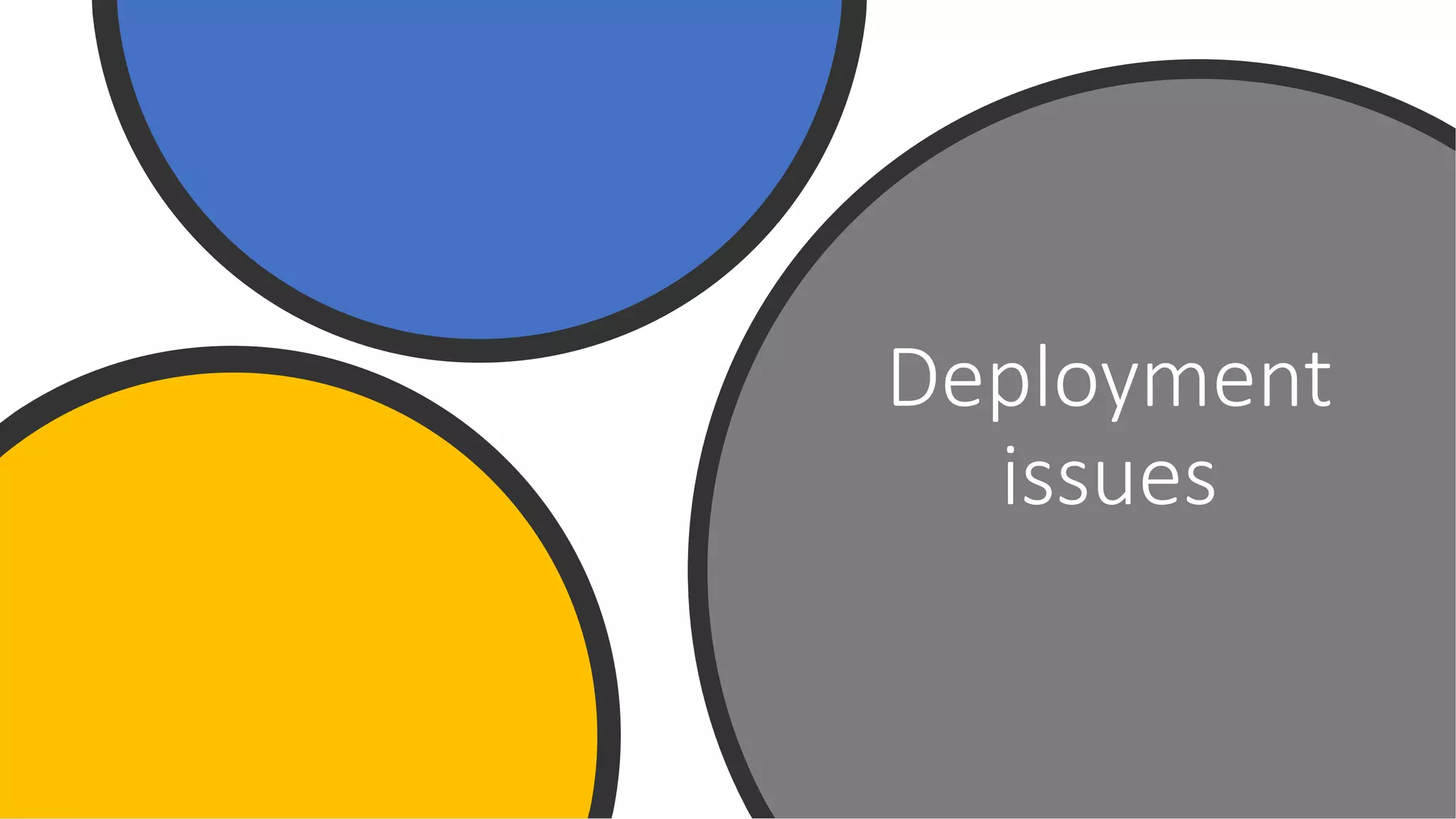
Don’t panic when you get…
2018-11-01T09:47:00.6770427Z There were errors in your deployment. Error code:
DeploymentFailed.
2018-11-01T09:47:00.6831885Z ##[error]At least one resource deployment operation failed.
Please list deployment operations for details. Please see https://aka.ms/arm-debug for usage
details.
2018-11-01T09:47:00.6841477Z ##[error]Details:
2018-11-01T09:47:00.6842318Z ##[error]Conflict: {
"error": {
"code": "MissingSubscriptionRegistration",
"message": "The subscription is not registered to use namespace 'Microsoft.ContainerRegistry'.
See https://aka.ms/rps-not-found for how to register subscriptions.",
Don’t panic when you get…
2018-11-01T09:47:00.6770427Z There were errors in your deployment. Error code:
DeploymentFailed.
2018-11-01T09:47:00.6831885Z ##[error]At least one resource deployment operation failed.
Please list deployment operations for details. Please see https://aka.ms/arm-debug for usage
details.
2018-11-01T09:47:00.6841477Z ##[error]Details:
2018-11-01T09:47:00.6842318Z ##[error]Conflict: {
"error": {
"code": "MissingSubscriptionRegistration",
"message": "The subscription is not registered to use namespace 'Microsoft.ContainerRegistry'.
See https://aka.ms/rps-not-found for how to register subscriptions.",
Connectivity
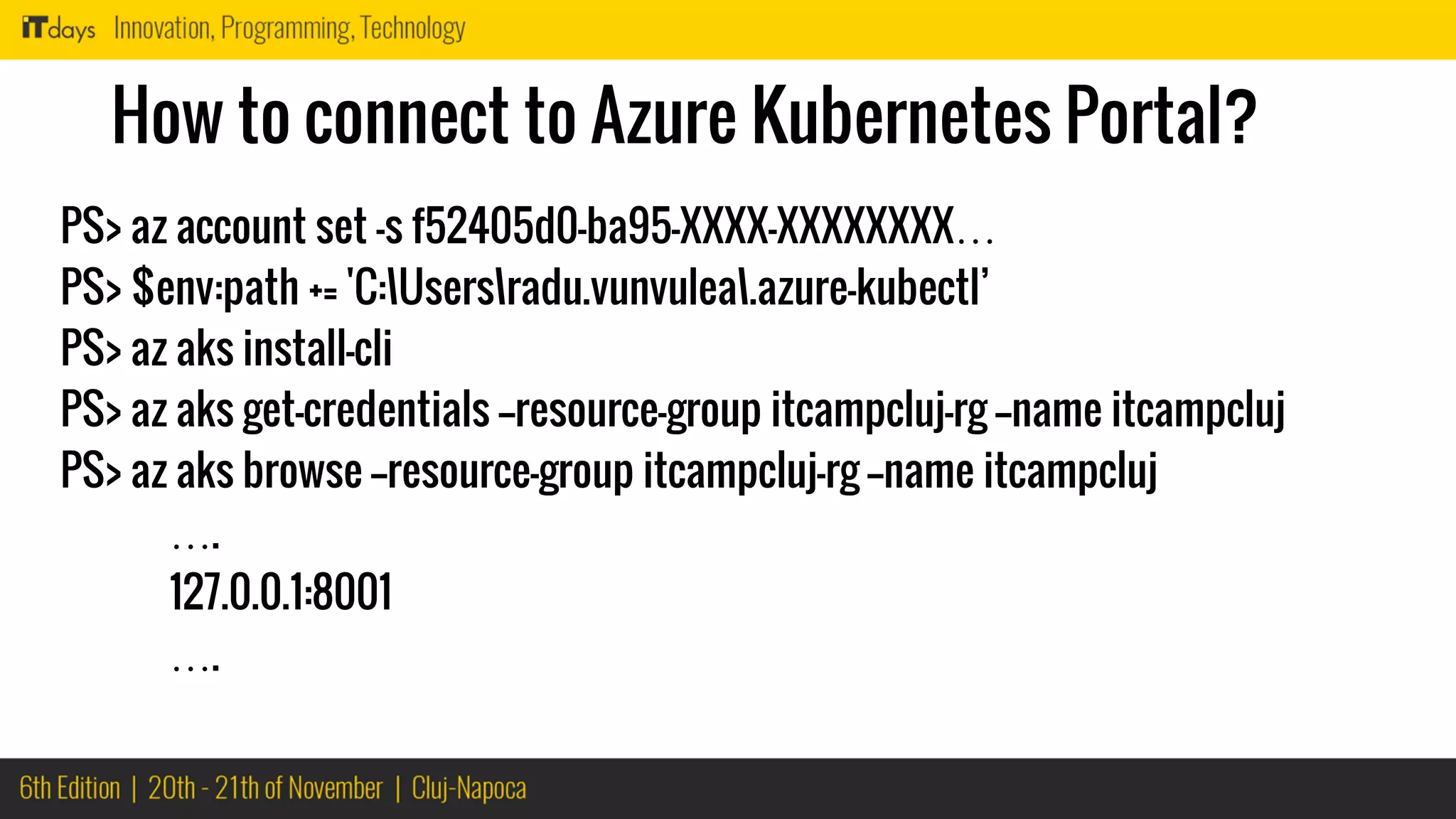
How to connect to Azure Kubernetes Portal?
PS> az account set -s f52405d0-ba95-XXXX-XXXXXXXX…
PS> $env:path += 'C:Usersradu.vunvulea.azure-kubectl’
PS> az aks install-cli
PS> az aks get-credentials --resource-group itcampcluj-rg --name itcampcluj
PS> az aks browse --resource-group itcampcluj-rg --name itcampcluj
….
127.0.0.1:8001
….
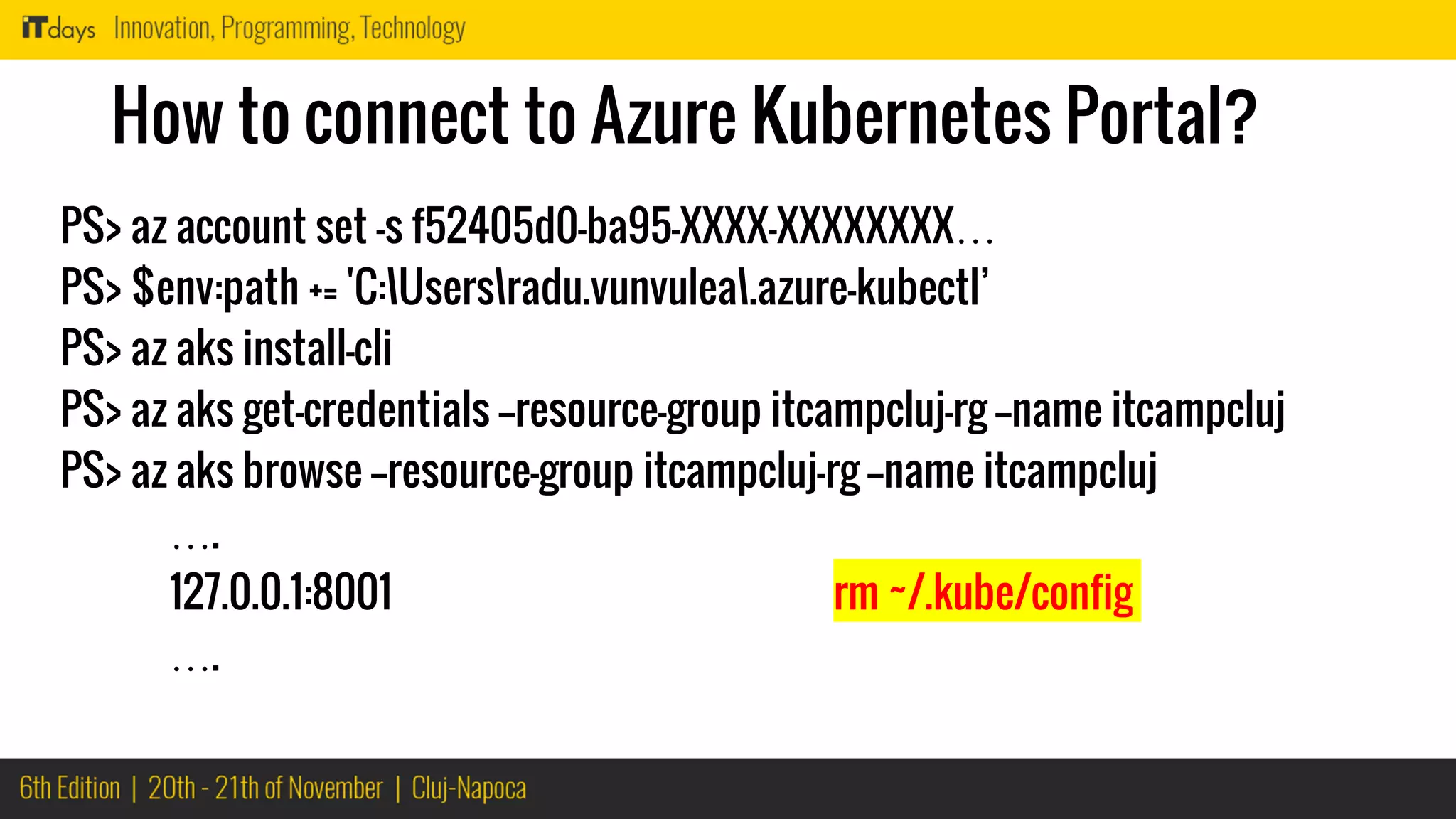
How to connect to Azure Kubernetes Portal?
PS> az account set -s f52405d0-ba95-XXXX-XXXXXXXX…
PS> $env:path += 'C:Usersradu.vunvulea.azure-kubectl’
PS> az aks install-cli
PS> az aks get-credentials --resource-group itcampcluj-rg --name itcampcluj
PS> az aks browse --resource-group itcampcluj-rg --name itcampcluj
….
127.0.0.1:8001 rm ~/.kube/config
….
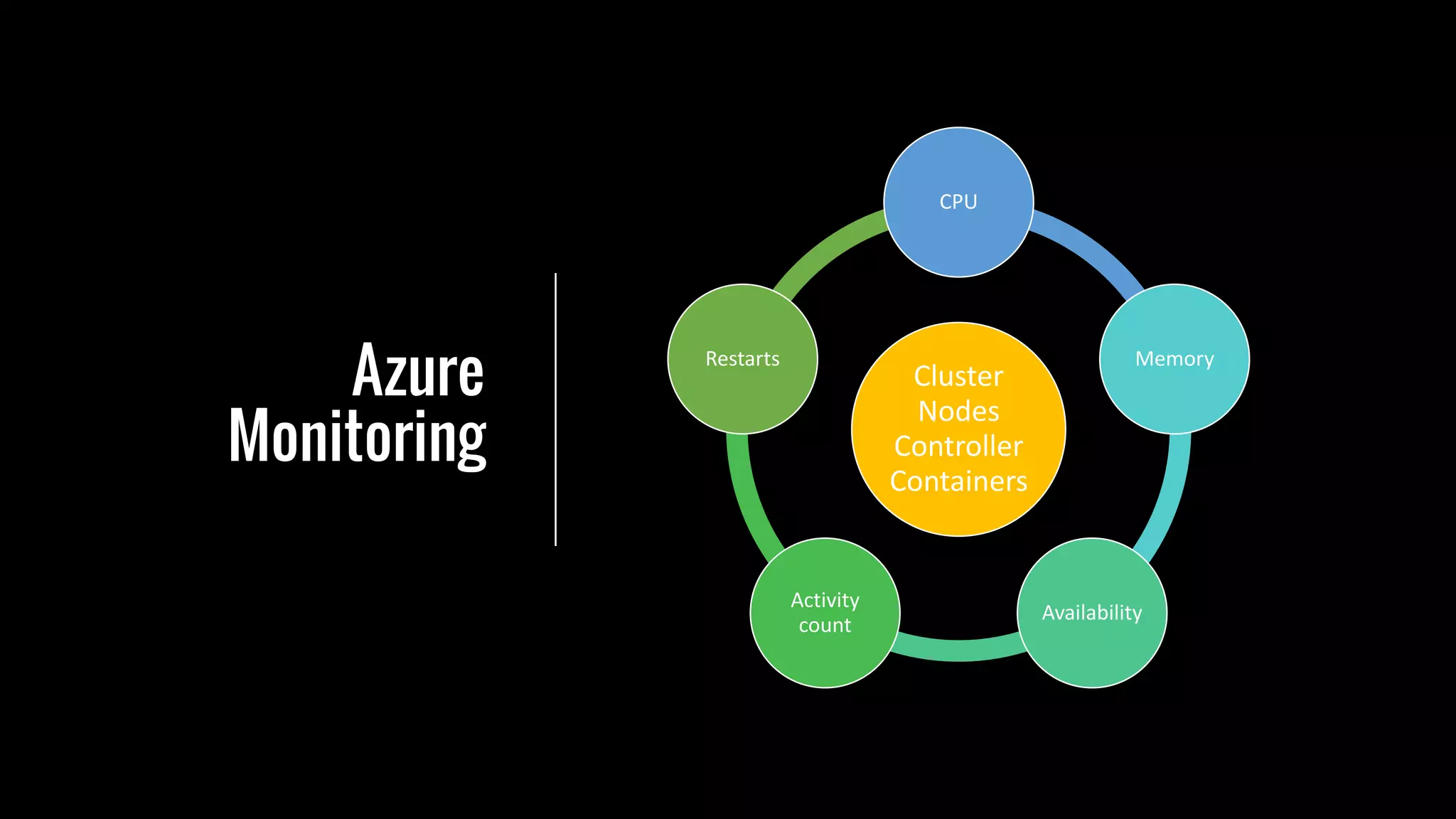
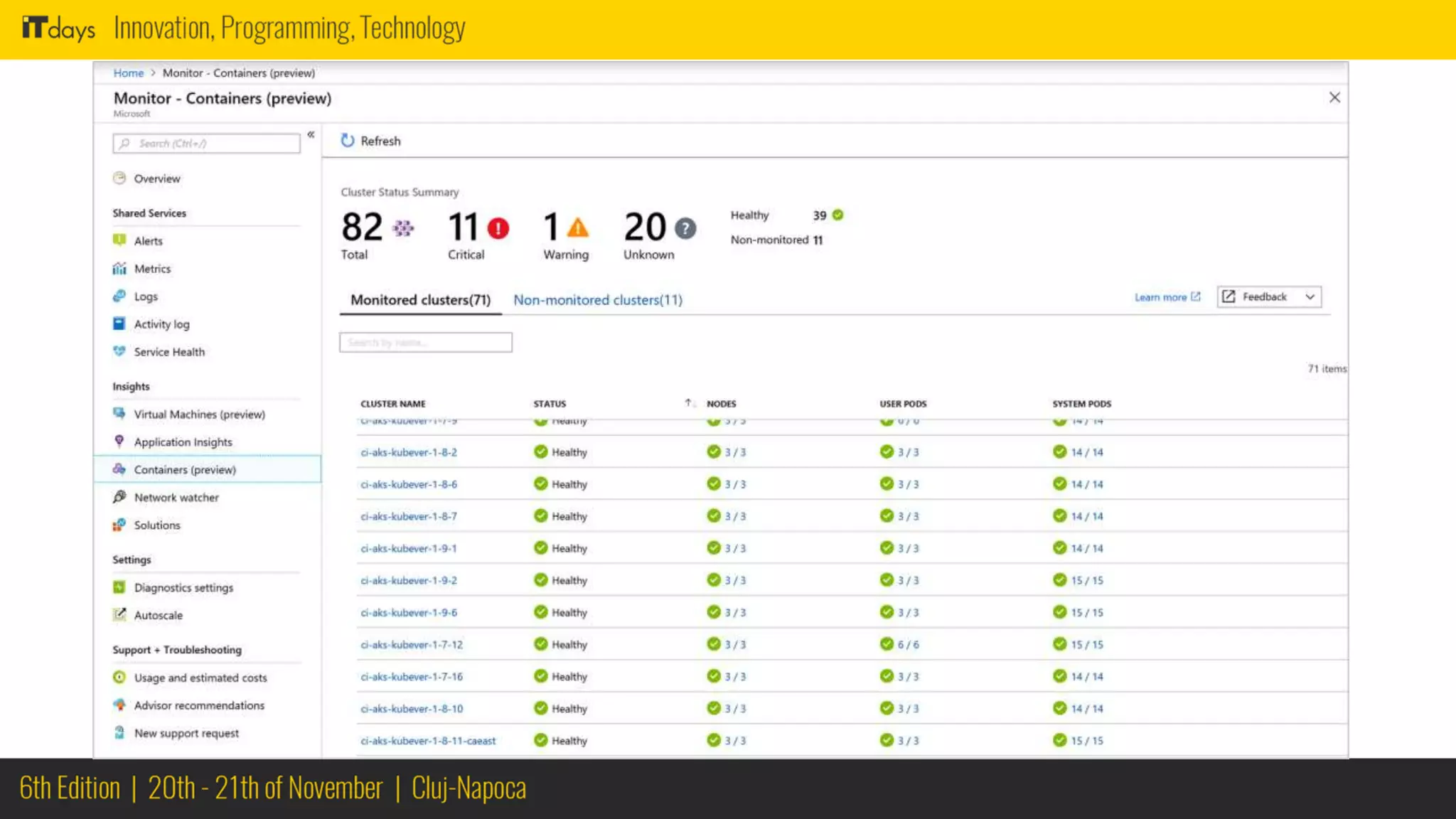
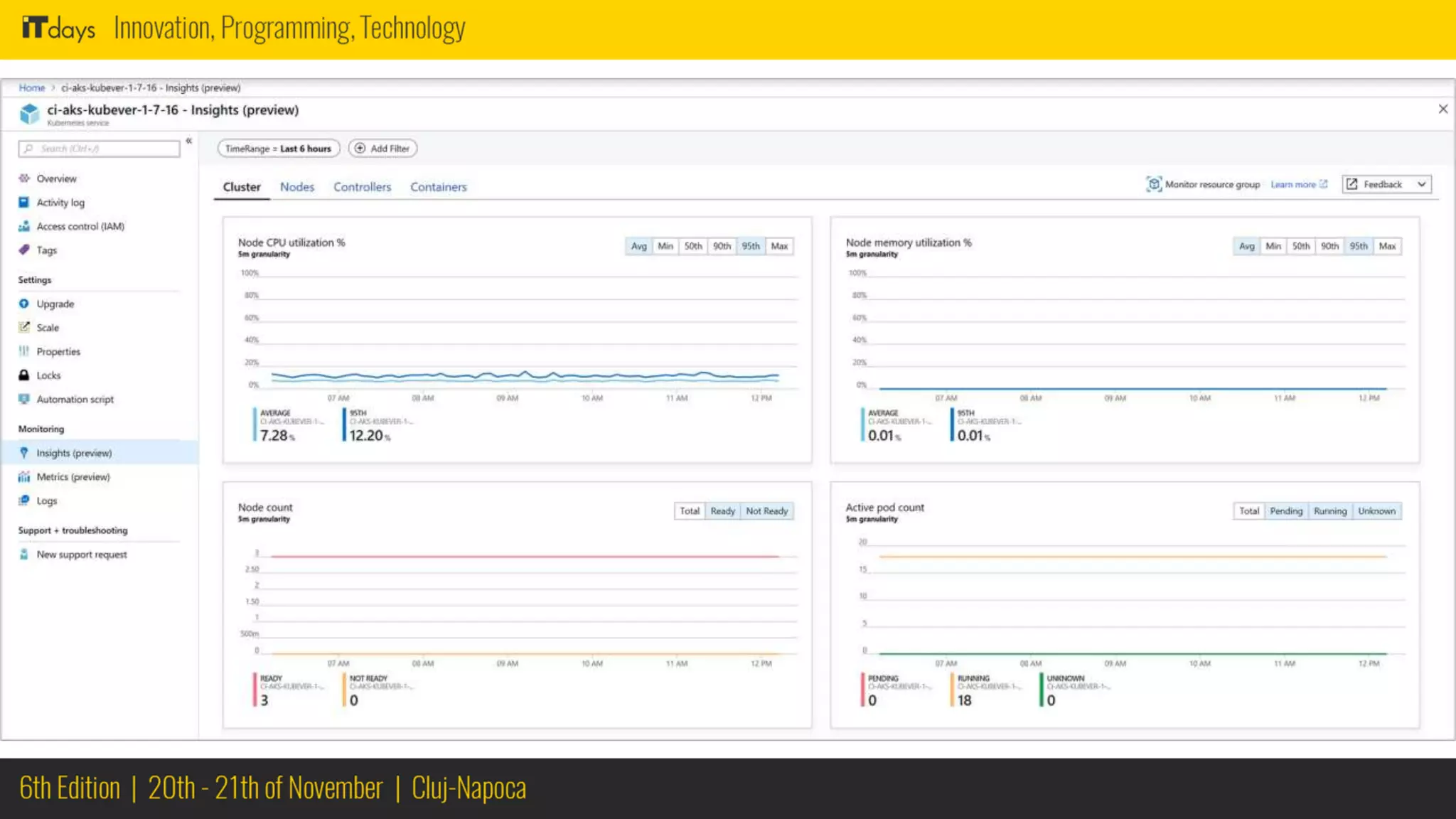
Monitoring
Azure
Monitoring
Cluster
Nodes
Controller
Containers
CPU
Memory
Availability
Activity
count
Restarts
Networking
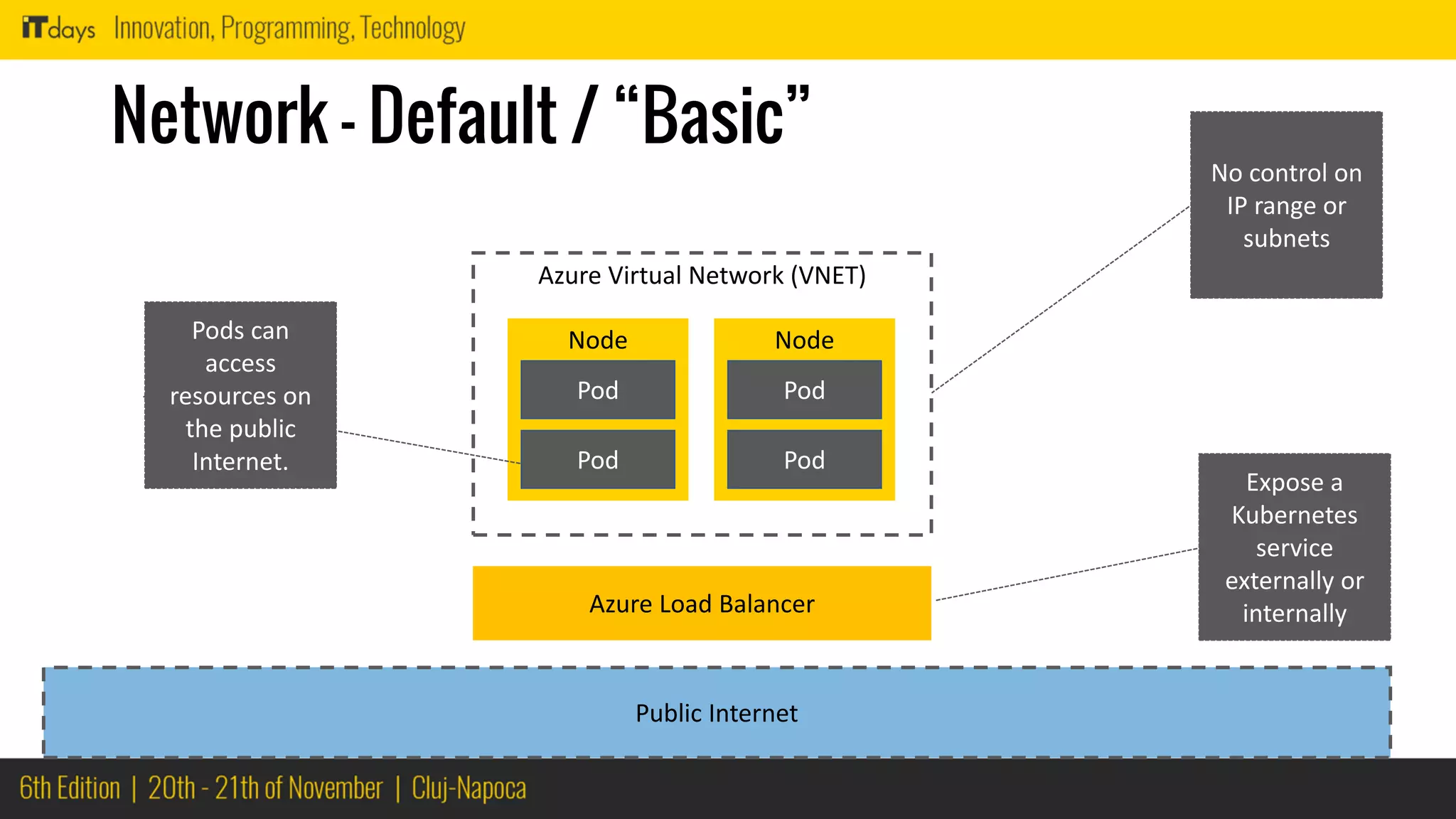
Network – Default / “Basic”
Node
Pod
Pod
Node
Pod
Pod
Azure Virtual Network (VNET)
Public Internet
Azure Load Balancer
Expose a
Kubernetes
service
externally or
internally
Pods can
access
resources on
the public
Internet.
No control on
IP range or
subnets
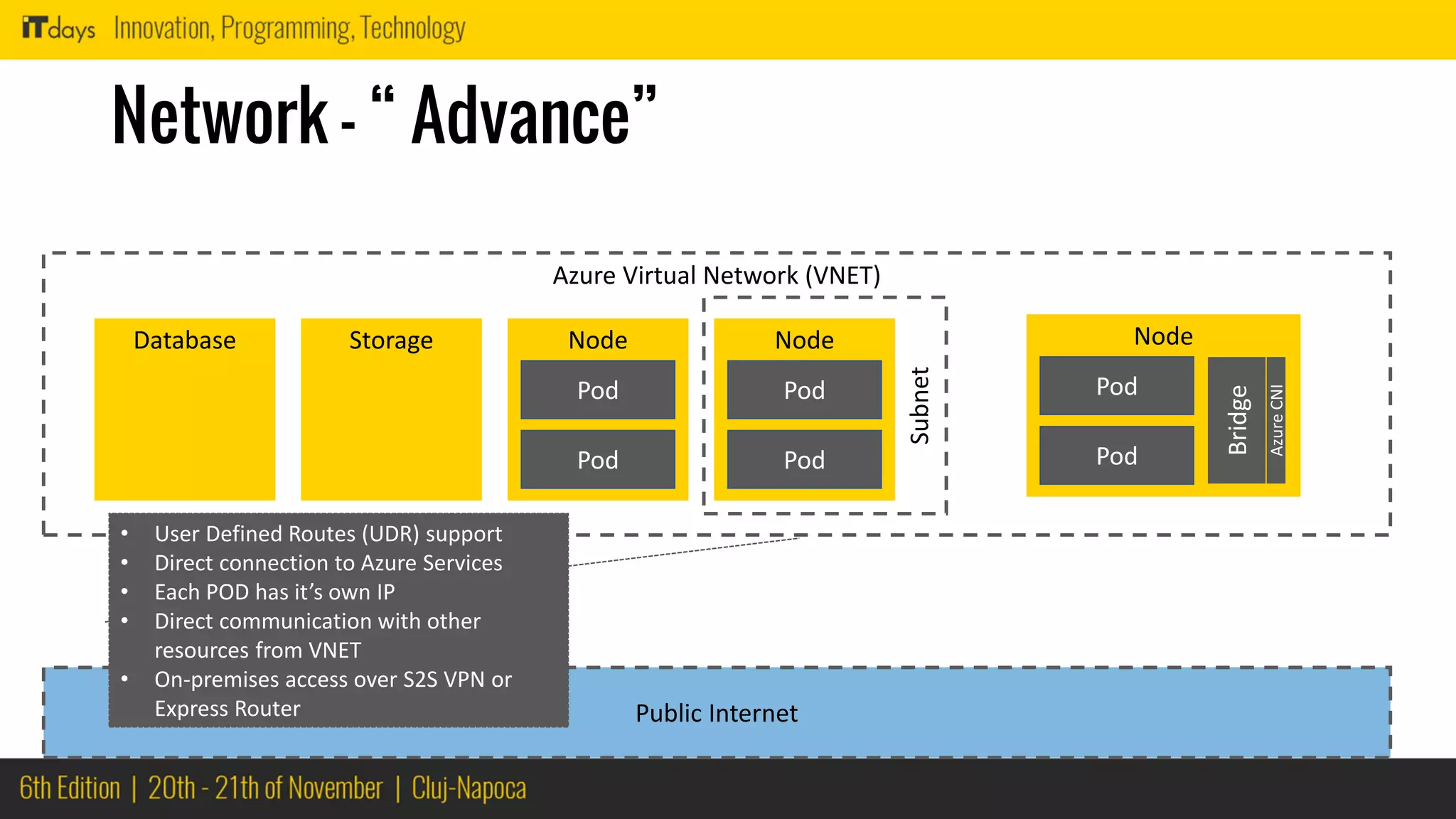
Network – “ Advance”
Node
Pod
Pod
Node
Pod
Pod
Azure Virtual Network (VNET)
Public Internet
StorageDatabase
Subnet
Node
Pod
Pod
Bridge
AzureCNI
• User Defined Routes (UDR) support
• Direct connection to Azure Services
• Each POD has it’s own IP
• Direct communication with other
resources from VNET
• On-premises access over S2S VPN or
Express Router
CI / CD &
Automation
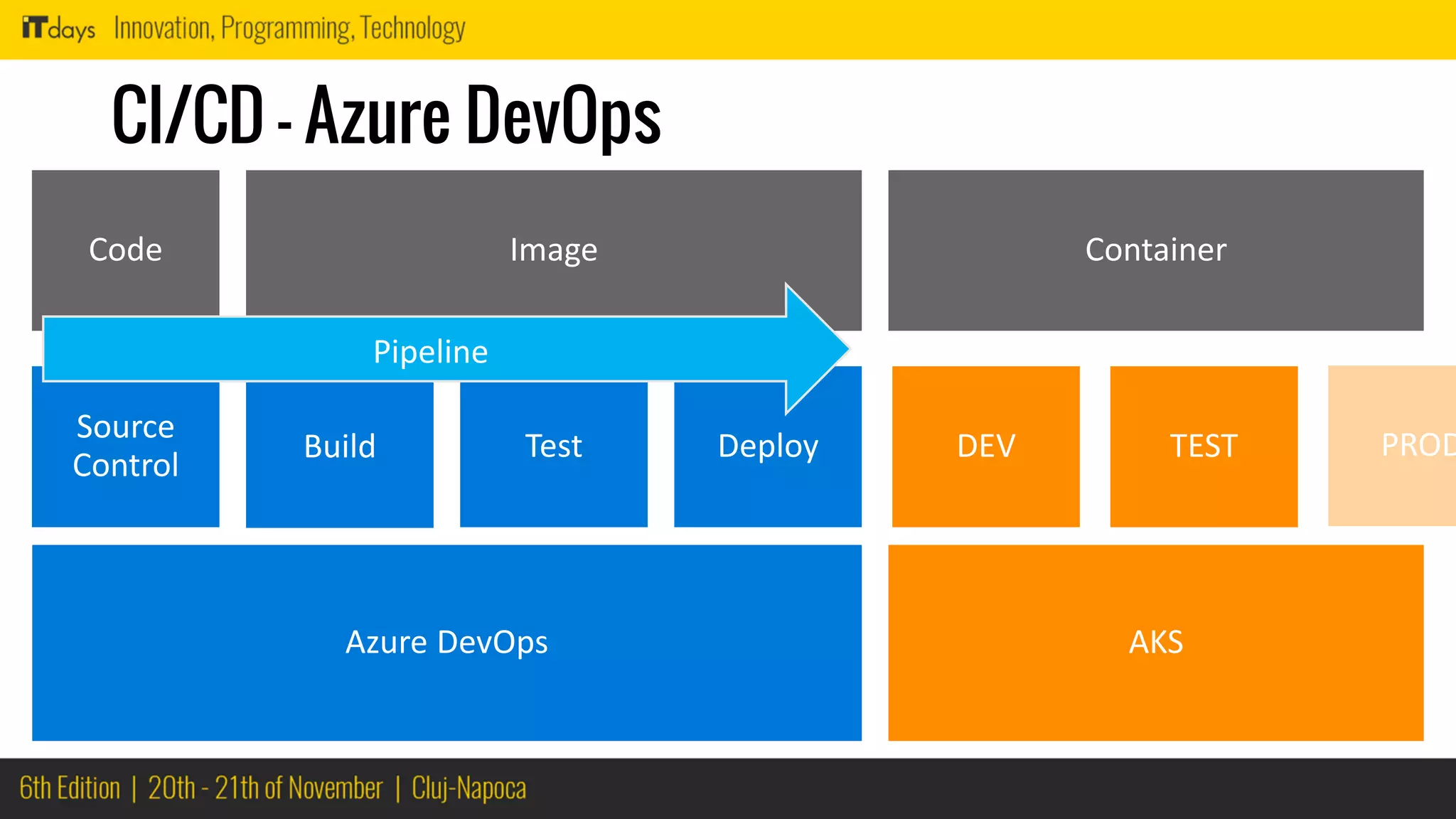
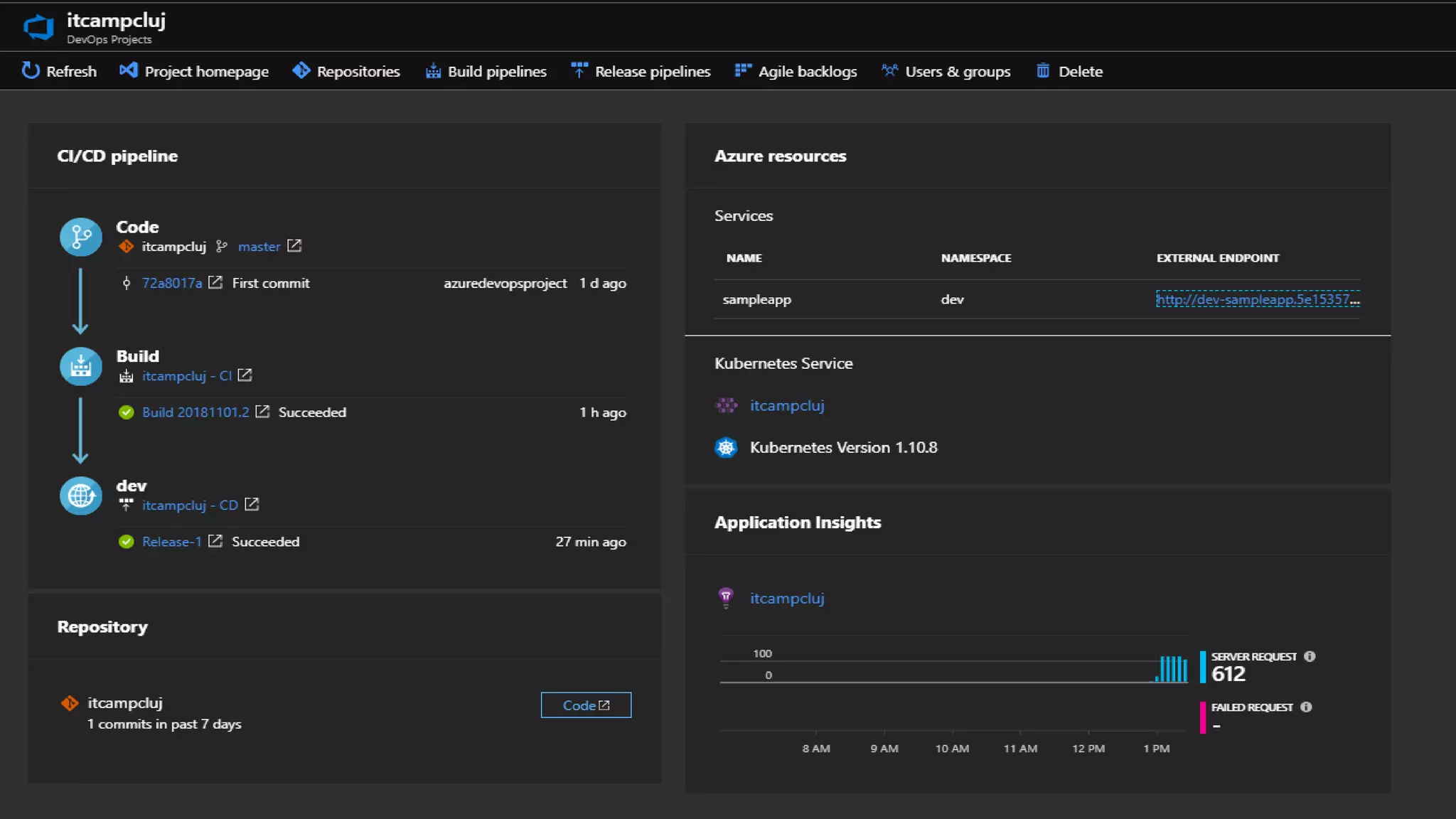
CI/CD – Azure DevOps
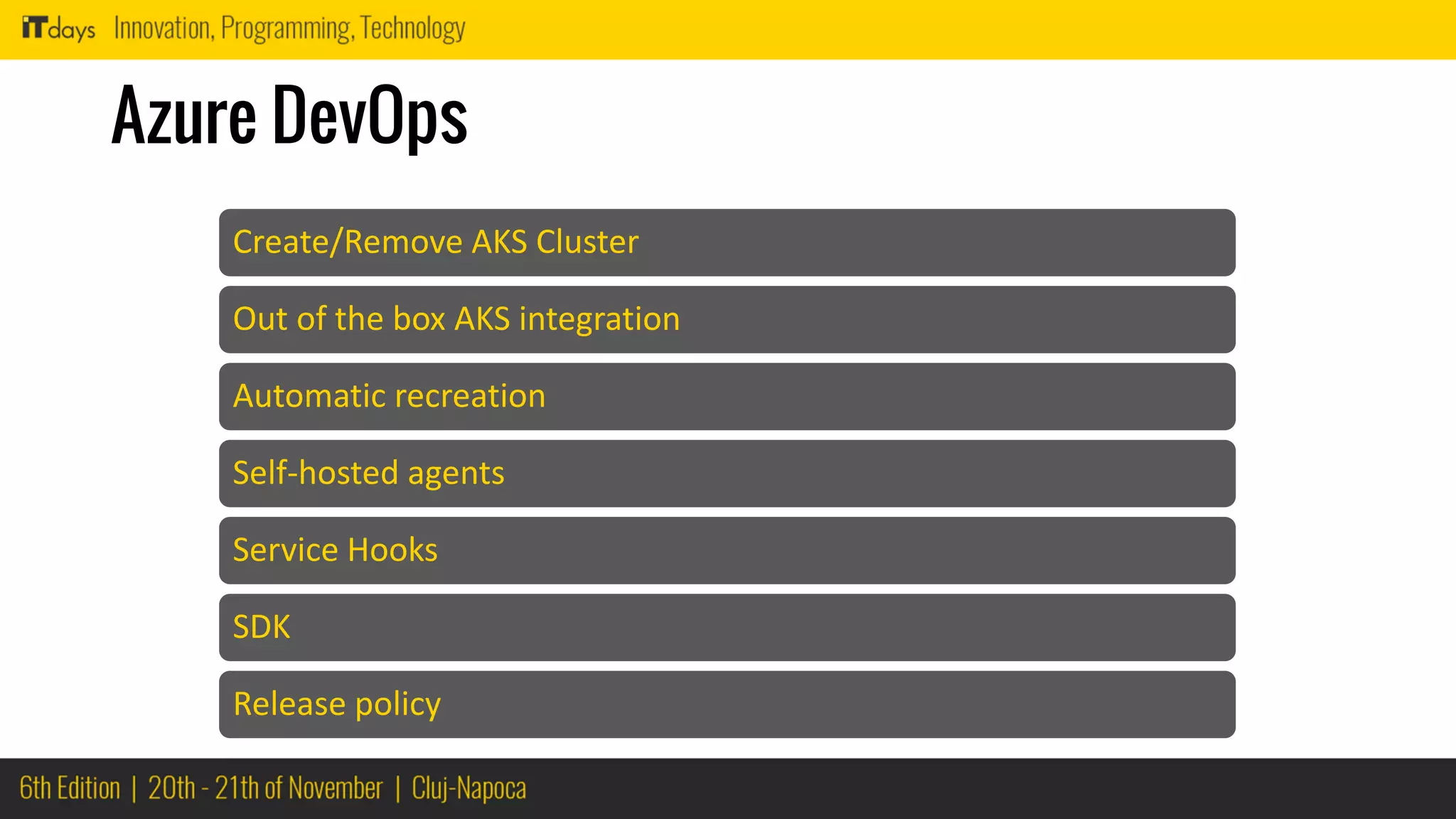
Azure DevOps
Create/Remove AKS Cluster
Out of the box AKS integration
Automatic recreation
Self-hosted agents
Service Hooks
SDK
Release policy
Scaling
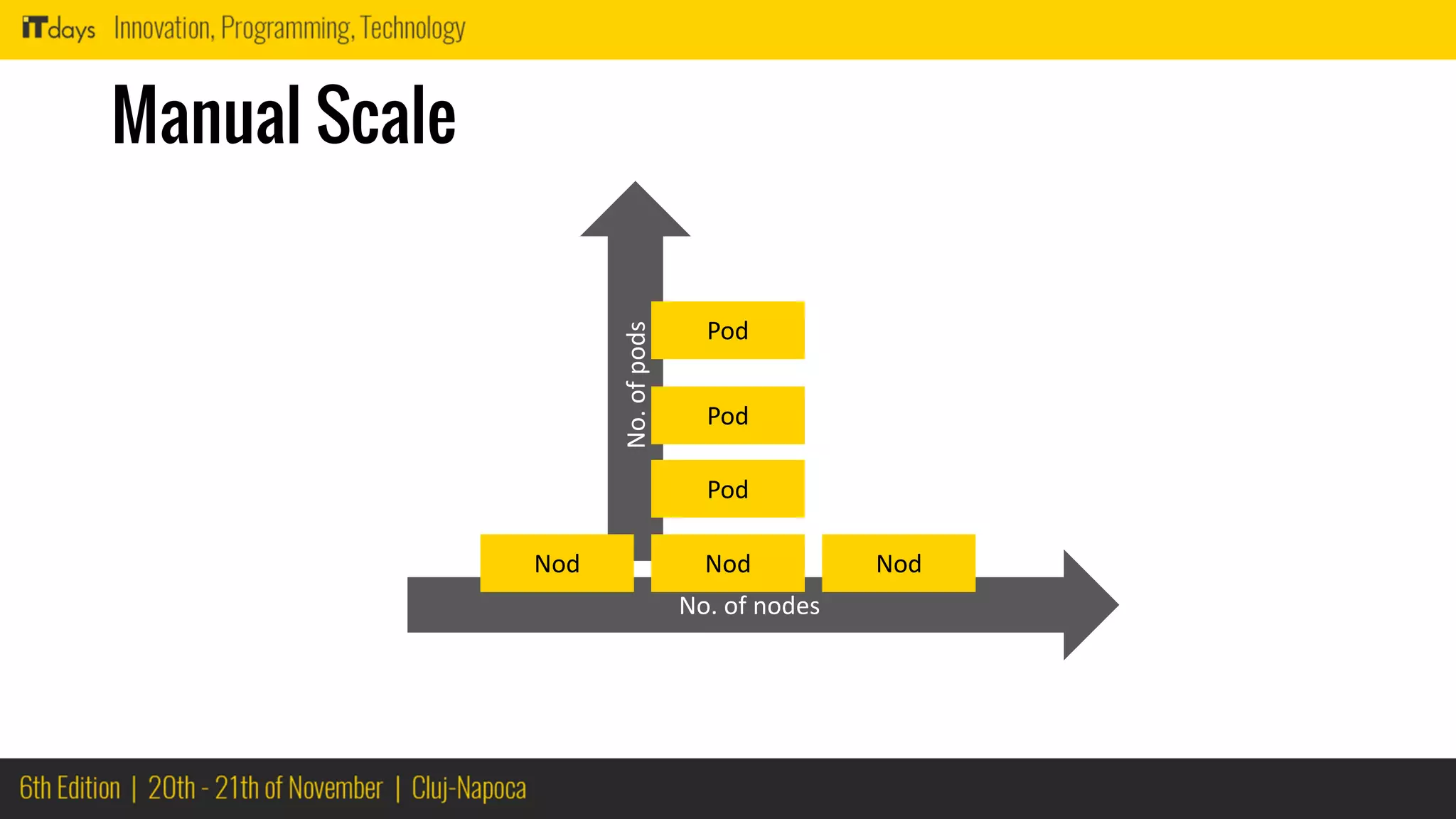
No.ofpods
Manual Scale
Pod
Pod
Pod
No. of nodes
Nod NodNod
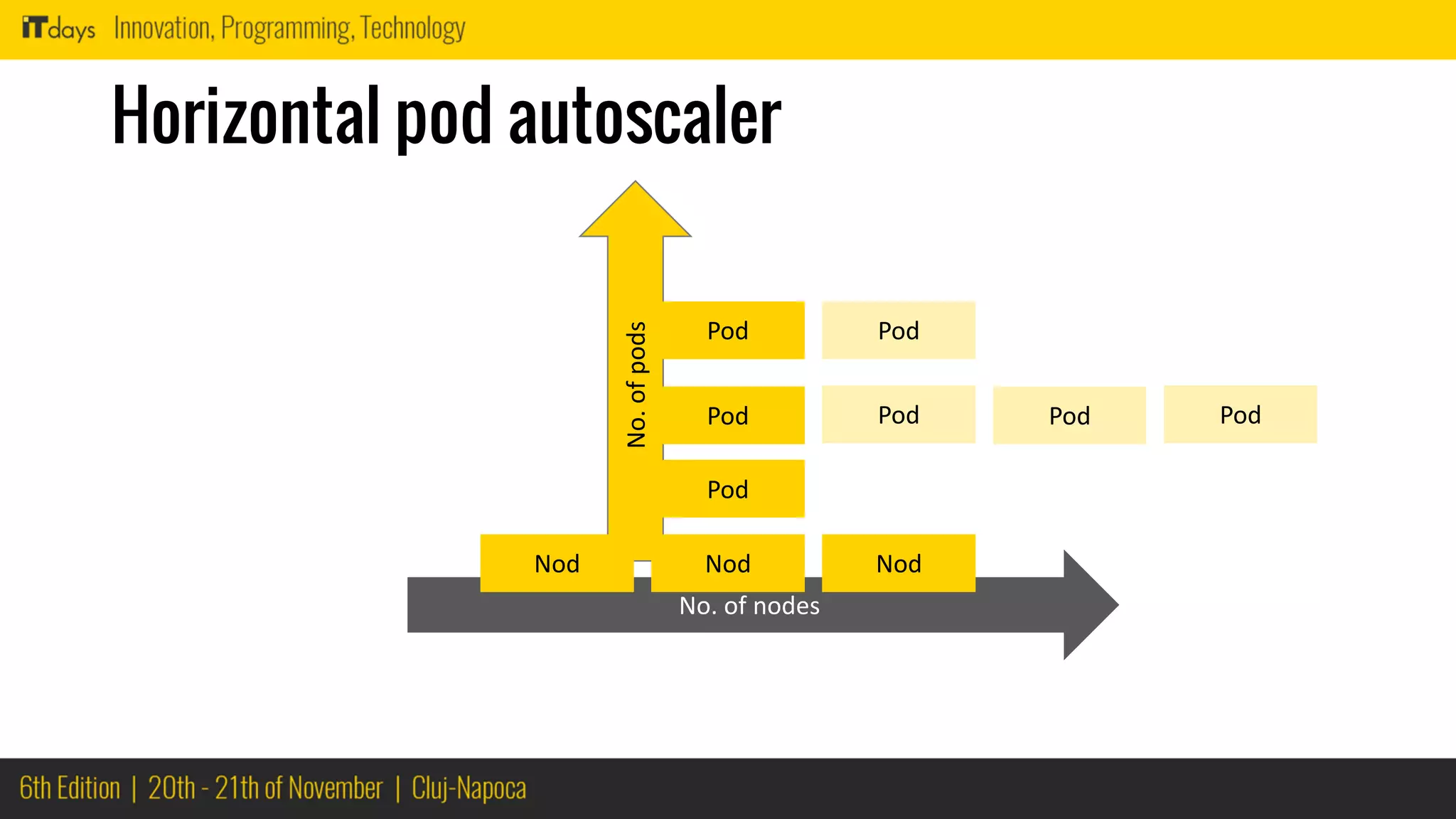
No.ofpods
Horizontal pod autoscaler
Pod
Pod
Pod
No. of nodes
Nod NodNod
Pod Pod Pod
Pod
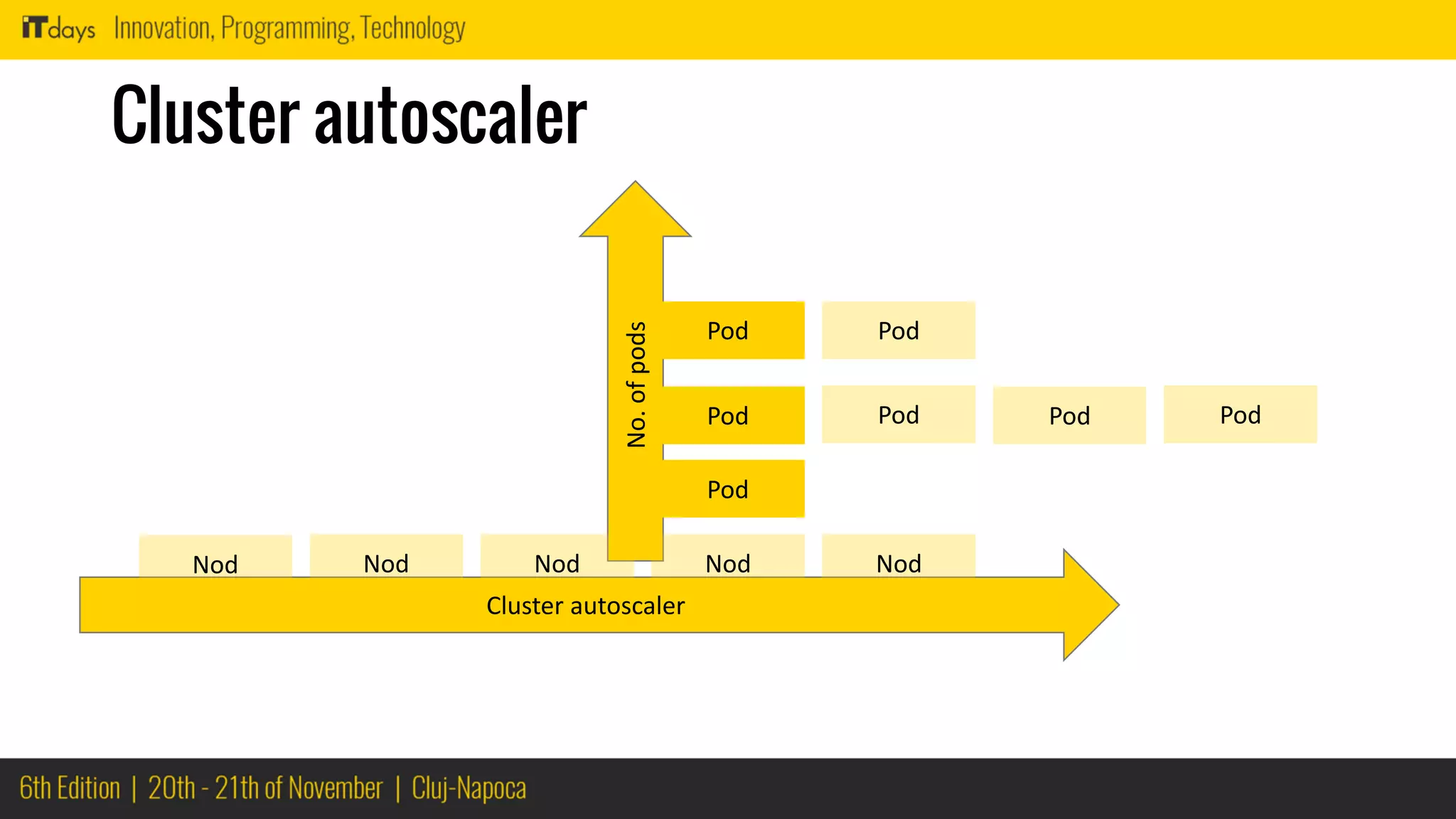
No.ofpods
Cluster autoscaler
Pod
Pod
Pod
Cluster autoscaler
NodNodNod
Pod Pod Pod
Pod
NodNod
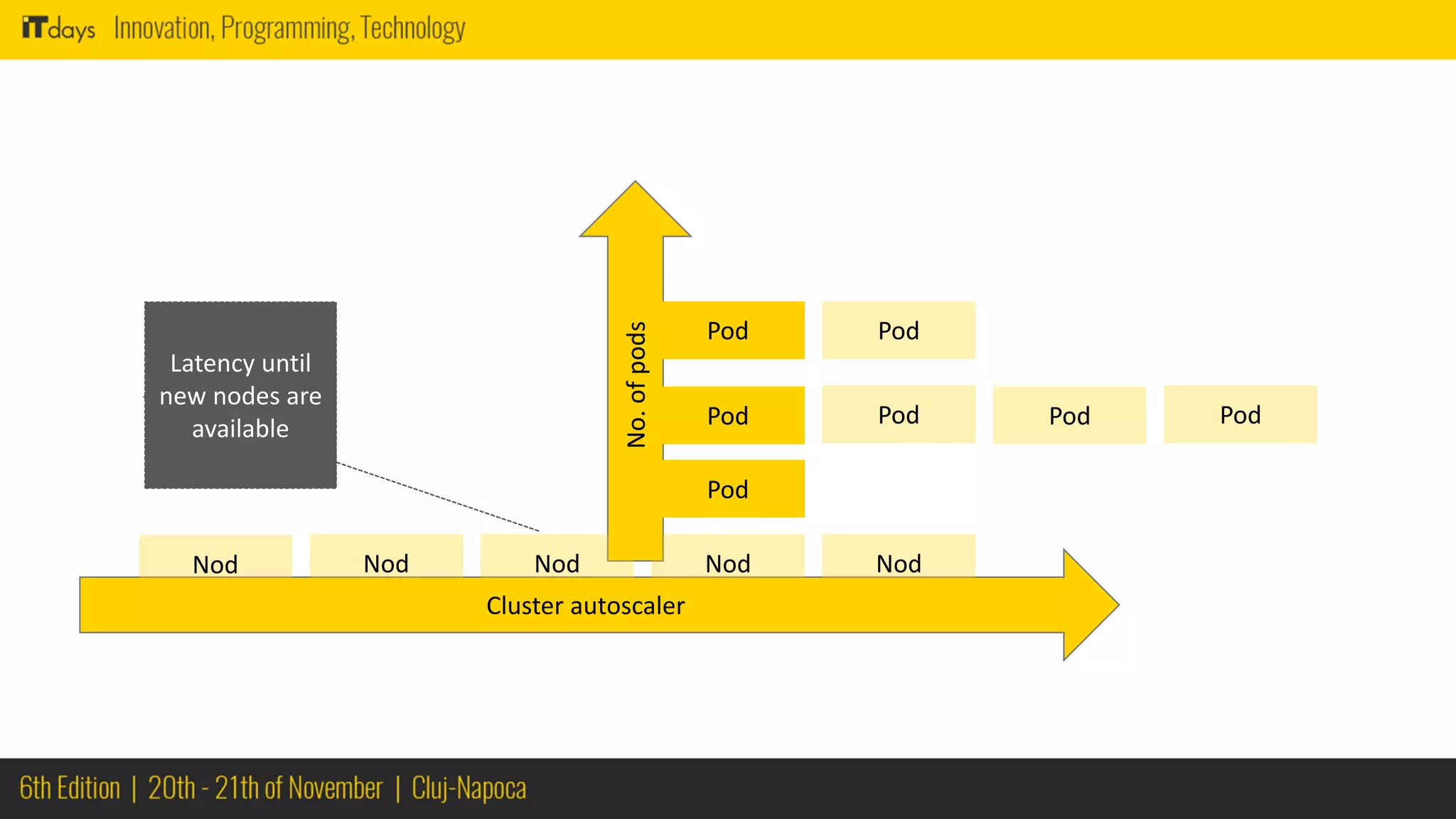
No.ofpods
Pod
Pod
Pod
Cluster autoscaler
NodNodNod
Pod Pod Pod
Pod
NodNod
Latency until
new nodes are
available
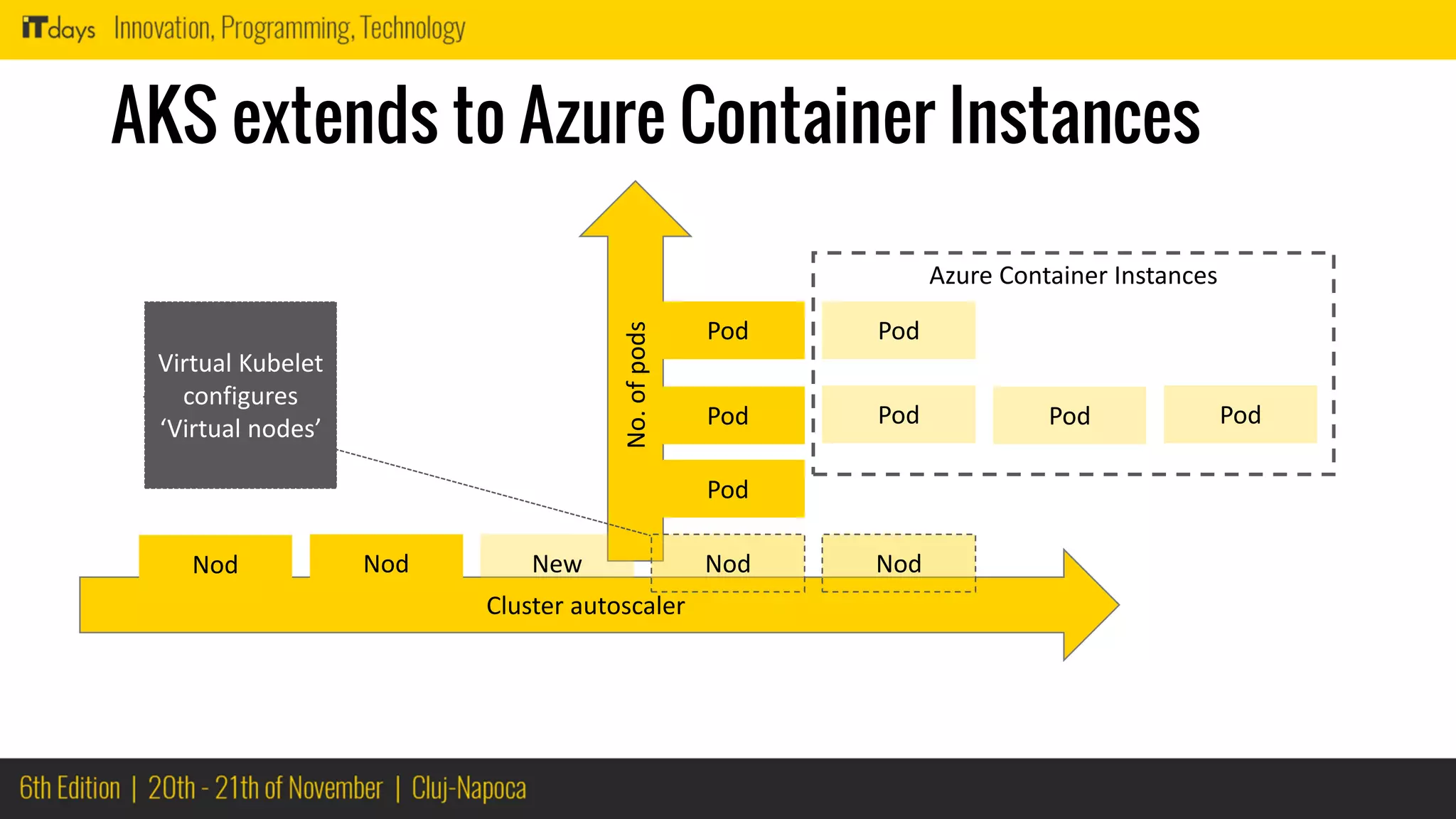
No.ofpods
AKS extends to Azure Container Instances
Pod
Pod
Pod
Cluster autoscaler
NodNodNew
Pod Pod Pod
Pod
NodNod
Virtual Kubelet
configures
‘Virtual nodes’
Azure Container Instances
Time is up…
but ... this is just the beginning of a
long journey
Things to
remember
Helm
Draft
Templates
nginx
Azure Load Balancer
Azure DevOps
Azure Container Instances
Cluster autoscaling
Horizontal pod scaler
VNET Support
Azure Monitoring
 Demystifying microservices inside Azure AKS ITDays Radu Vunvulea 2018

Demystifying microservices inside Azure AKS ITDays Radu Vunvulea 2018