+
Democratizing IoT
Internet of Things Development for Every Developer
+
Historical Perspective
How I came up with the hair-brained idea that everyone could do IoT development
+
NoDEbotS Day
Put on by Suz Hinton and Pawel Szymczykowski
+
The Lexicutioner
Designed a built using SumoBot Jr. (Pawelbot) by
Adam Englander and Lexi Glazer
+
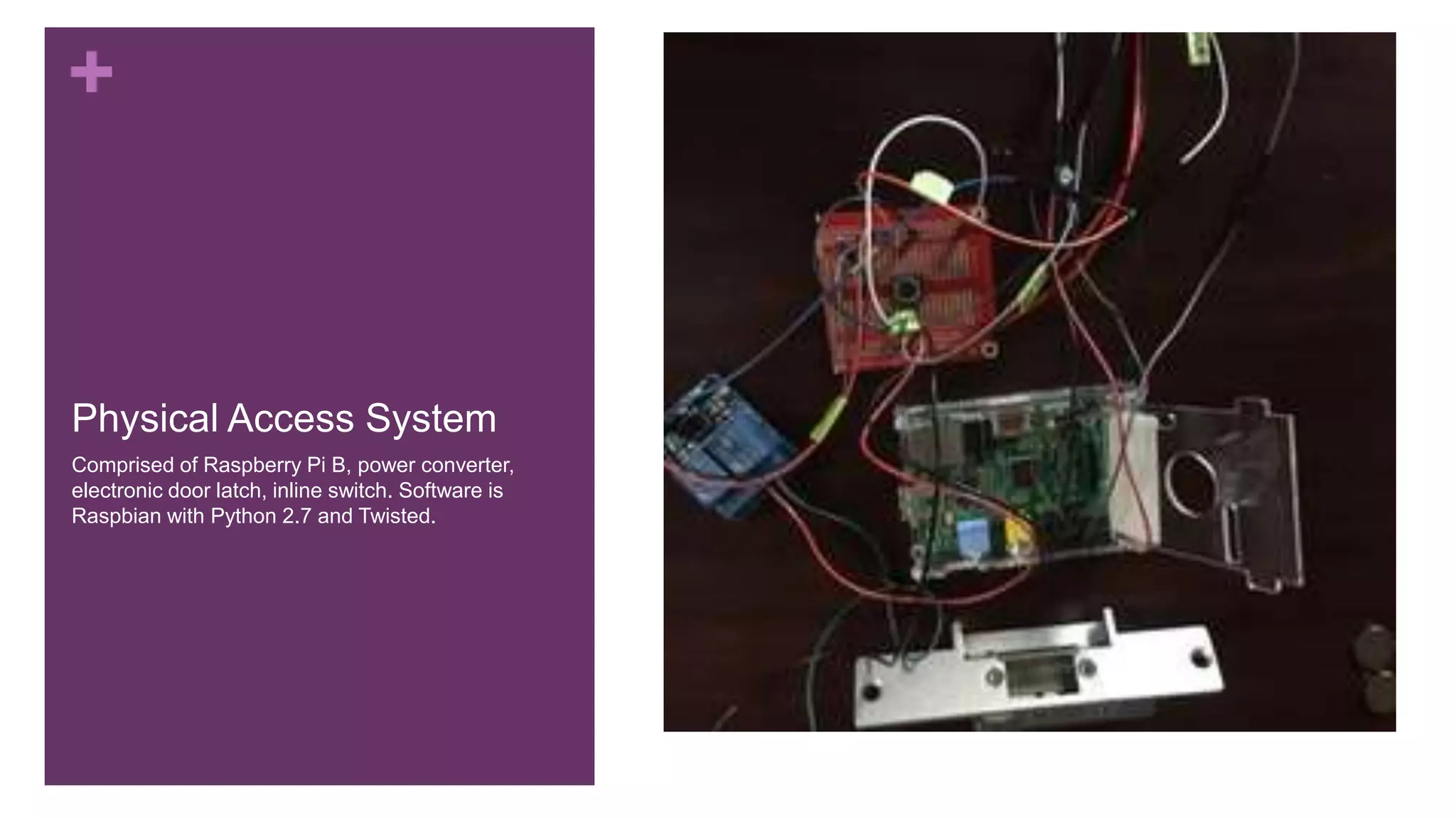
Physical Access System
Comprised of Raspberry Pi B, power converter,
electronic door latch, inline switch. Software is
Raspbian with Python 2.7 and Twisted.
+
IoT Starter Kit
Raspberry Pi for the Win
+
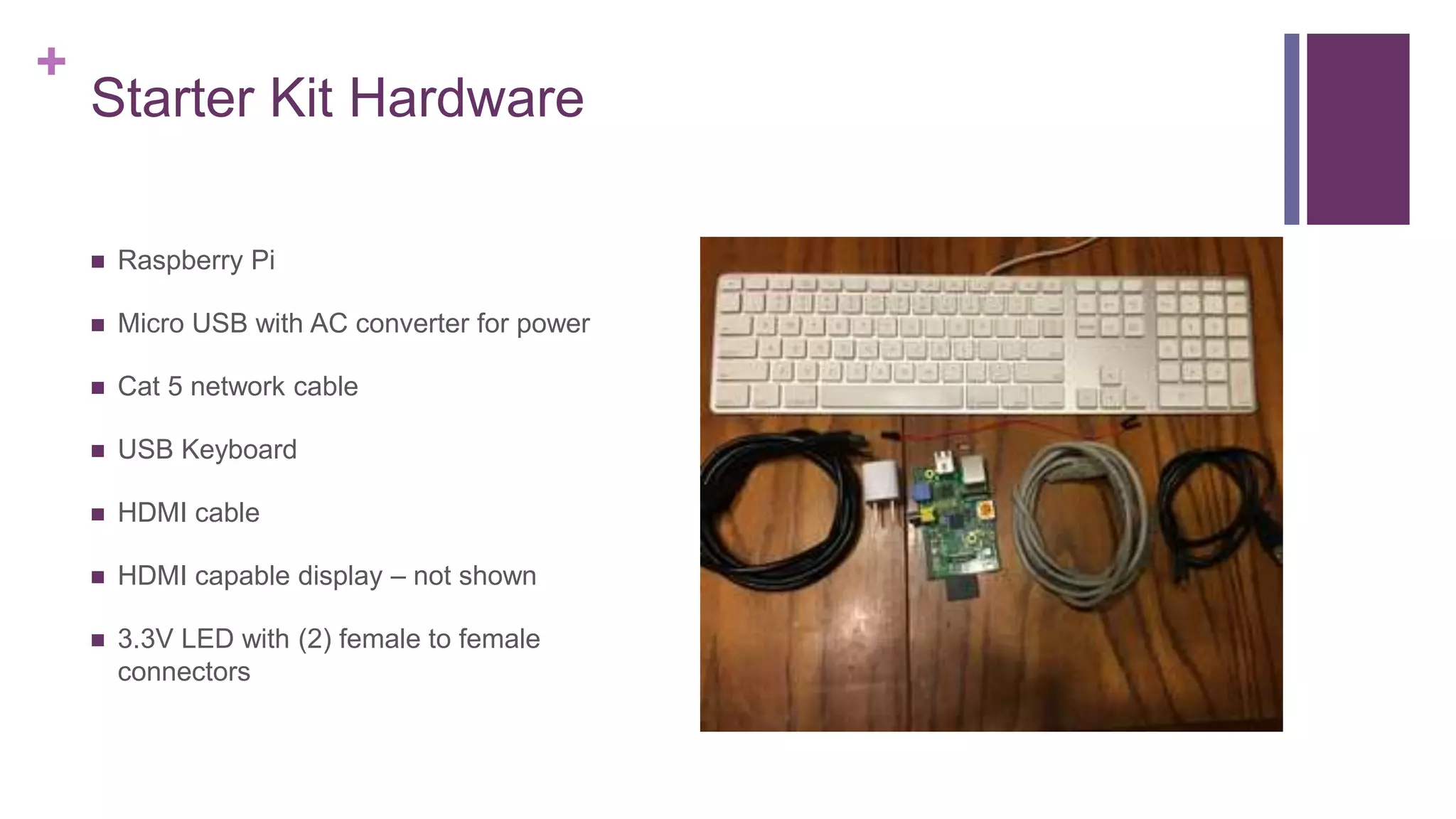
Starter Kit Hardware
 Raspberry Pi
 Micro USB with AC converter for power
 Cat 5 network cable
 USB Keyboard
 HDMI cable
 HDMI capable display – not shown
 3.3V LED with (2) female to female
connectors
+
Starter Kit Software
 Raspbian
 Pre-installed on SD card
 Download installer (requires SD card
reader):
https://www.raspberrypi.org/downloads/
+
Accessing GPIO From Linux Based
Systems
It’s so easy you won’t believe it
+
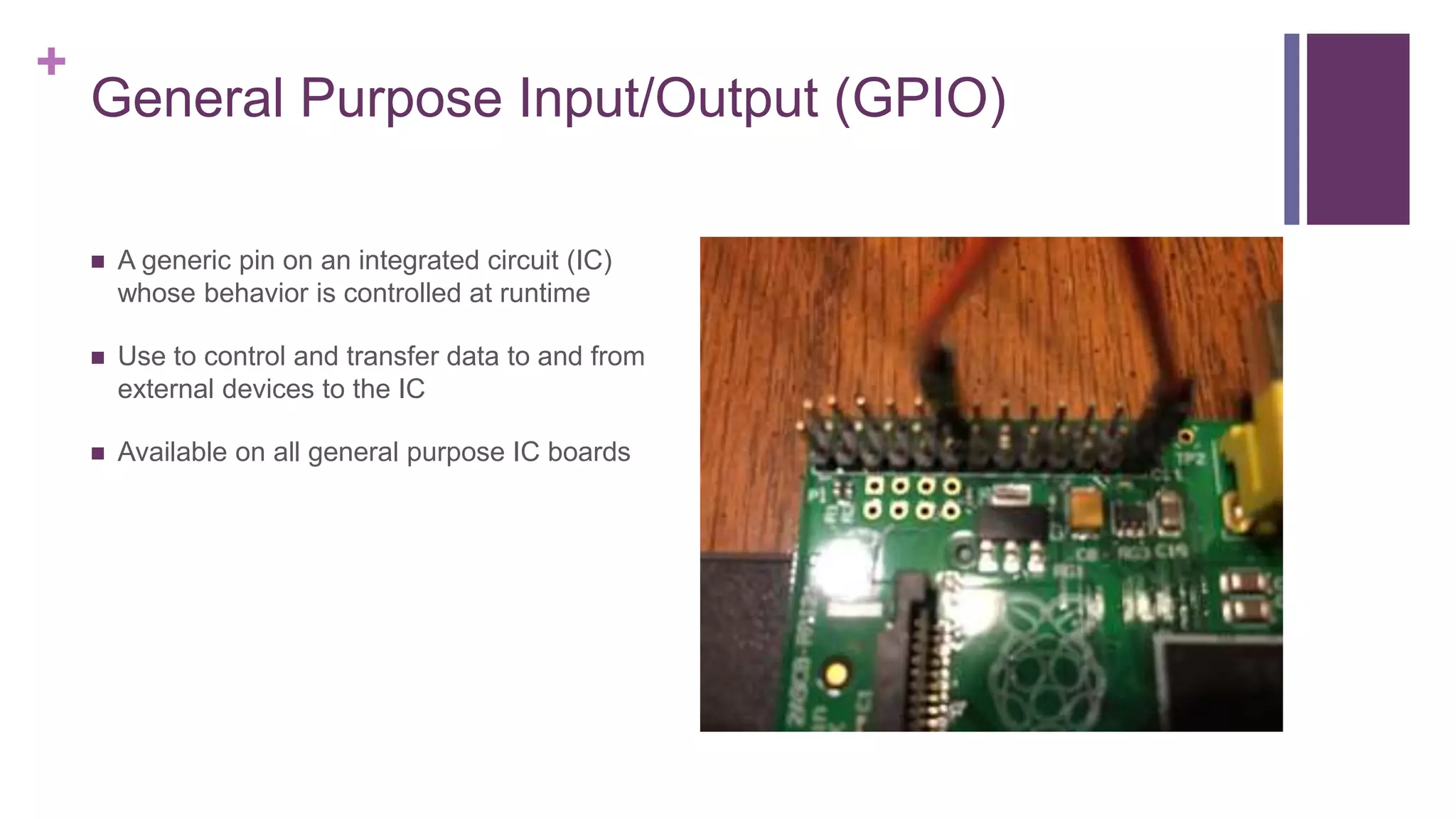
General Purpose Input/Output (GPIO)
 A generic pin on an integrated circuit (IC)
whose behavior is controlled at runtime
 Use to control and transfer data to and from
external devices to the IC
 Available on all general purpose IC boards
+
It’s All In The File System
 Linux GPIO Sysfs Interface for Userspace
 Root directory is at /sys/class/gpio
 Control Interfaces
 Pin Interfaces
+
Control Interface
 “export” creates a node to expose a GPIO
port to the user space
 “echo 18 > /sys/class/gpio/export” will
create a gpio18 node at
“/sys/class/gpio/gpio18”
 “unexport” removes the node for a GPIO
port from the user space
 “echo 18 > /sys/class/gpio/unexport”
removes the gpio18 node
+
GPIO Signals
 “direction” determines the direction of a pin.
Valid values are “in” and “out”. “in” is used for
interrupts
 “echo out > /sys/class/gpio/gpio18/direction”
will set GPIO pin 18 ’s direction as out
 “value” is the value of a pin. It reads a “0” or
“1”. Any on-zero value written will be
interpreted as “1”. When reading the value
”high” evaluates to ”1” and “low” evaluates to
“0” unless overridden by “active_low”
 “echo 1 > /sys/class/gpio/gpio18/value” sets
the value of GPIO 18 to “1” and closes the
circuit
 “cat /sys/class/gpio/gpio18/value” would
return “1” after the statement above
+
GPIO Signals Continued
 “edge” is used to tell the GPIO when to
write to ”value” when “direction” is “in”. Valid
values are “none”, “rising”, ”falling”, and
“both”.
 “echo both > sys/class/gpio/gpio18/edge”
will trigger an interrupt when voltage
increases or decreases
 “active_low” is used to invert the effect of
“edge” of “value”. Valid values are “1`” and
“0”. “1” inverts and “0” sets standard.
 “echo 1>
sys/class/gpio/gpio18/active_low” will
invert the values of high and low
+
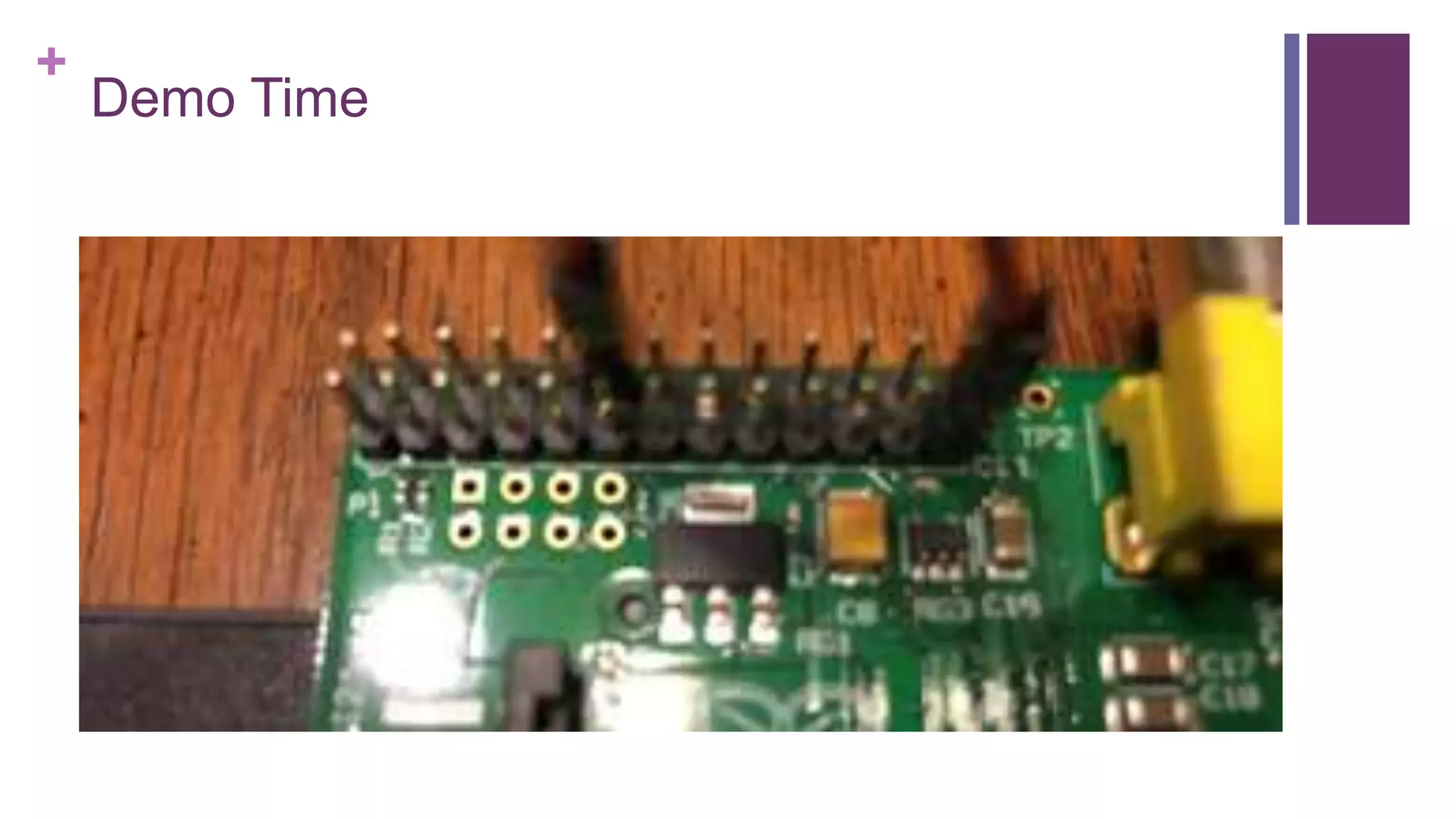
Demo Time
+
Further Reading
 Raspberry Pi: https://www.raspberrypi.org/
 Intel Edison:
http://www.intel.com/content/www/us/en/do-
it-yourself/edison.html
 CHIP: https://getchip.com/pages/chip
 Tessel: https://tessel.io/
 Linux Kernel GPIO Sysfs:
https://www.kernel.org/doc/Documentation/
gpio/sysfs.txt
+
Contact Info
 @adam_englander on Twitter
 adam@launchkey.com
 aenglander on Freenode
 aenglander on GitHub
 adamenglander on Linkedn

Democratizing the Internet of Things

  • 1.
    + Democratizing IoT Internet ofThings Development for Every Developer
  • 2.
    + Historical Perspective How Icame up with the hair-brained idea that everyone could do IoT development
  • 3.
    + NoDEbotS Day Put onby Suz Hinton and Pawel Szymczykowski
  • 4.
    + The Lexicutioner Designed abuilt using SumoBot Jr. (Pawelbot) by Adam Englander and Lexi Glazer
  • 5.
    + Physical Access System Comprisedof Raspberry Pi B, power converter, electronic door latch, inline switch. Software is Raspbian with Python 2.7 and Twisted.
  • 6.
  • 7.
    + Starter Kit Hardware Raspberry Pi  Micro USB with AC converter for power  Cat 5 network cable  USB Keyboard  HDMI cable  HDMI capable display – not shown  3.3V LED with (2) female to female connectors
  • 8.
    + Starter Kit Software Raspbian  Pre-installed on SD card  Download installer (requires SD card reader): https://www.raspberrypi.org/downloads/
  • 9.
    + Accessing GPIO FromLinux Based Systems It’s so easy you won’t believe it
  • 10.
    + General Purpose Input/Output(GPIO)  A generic pin on an integrated circuit (IC) whose behavior is controlled at runtime  Use to control and transfer data to and from external devices to the IC  Available on all general purpose IC boards
  • 11.
    + It’s All InThe File System  Linux GPIO Sysfs Interface for Userspace  Root directory is at /sys/class/gpio  Control Interfaces  Pin Interfaces
  • 12.
    + Control Interface  “export”creates a node to expose a GPIO port to the user space  “echo 18 > /sys/class/gpio/export” will create a gpio18 node at “/sys/class/gpio/gpio18”  “unexport” removes the node for a GPIO port from the user space  “echo 18 > /sys/class/gpio/unexport” removes the gpio18 node
  • 13.
    + GPIO Signals  “direction”determines the direction of a pin. Valid values are “in” and “out”. “in” is used for interrupts  “echo out > /sys/class/gpio/gpio18/direction” will set GPIO pin 18 ’s direction as out  “value” is the value of a pin. It reads a “0” or “1”. Any on-zero value written will be interpreted as “1”. When reading the value ”high” evaluates to ”1” and “low” evaluates to “0” unless overridden by “active_low”  “echo 1 > /sys/class/gpio/gpio18/value” sets the value of GPIO 18 to “1” and closes the circuit  “cat /sys/class/gpio/gpio18/value” would return “1” after the statement above
  • 14.
    + GPIO Signals Continued “edge” is used to tell the GPIO when to write to ”value” when “direction” is “in”. Valid values are “none”, “rising”, ”falling”, and “both”.  “echo both > sys/class/gpio/gpio18/edge” will trigger an interrupt when voltage increases or decreases  “active_low” is used to invert the effect of “edge” of “value”. Valid values are “1`” and “0”. “1” inverts and “0” sets standard.  “echo 1> sys/class/gpio/gpio18/active_low” will invert the values of high and low
  • 15.
  • 16.
    + Further Reading  RaspberryPi: https://www.raspberrypi.org/  Intel Edison: http://www.intel.com/content/www/us/en/do- it-yourself/edison.html  CHIP: https://getchip.com/pages/chip  Tessel: https://tessel.io/  Linux Kernel GPIO Sysfs: https://www.kernel.org/doc/Documentation/ gpio/sysfs.txt
  • 17.
    + Contact Info  @adam_englanderon Twitter  adam@launchkey.com  aenglander on Freenode  aenglander on GitHub  adamenglander on Linkedn

Editor's Notes

  • #16 curl -i -H "content-typeson" --data '{"value": 1}' localhost:8080/gpio/18