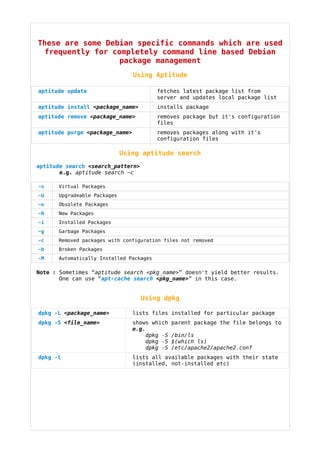
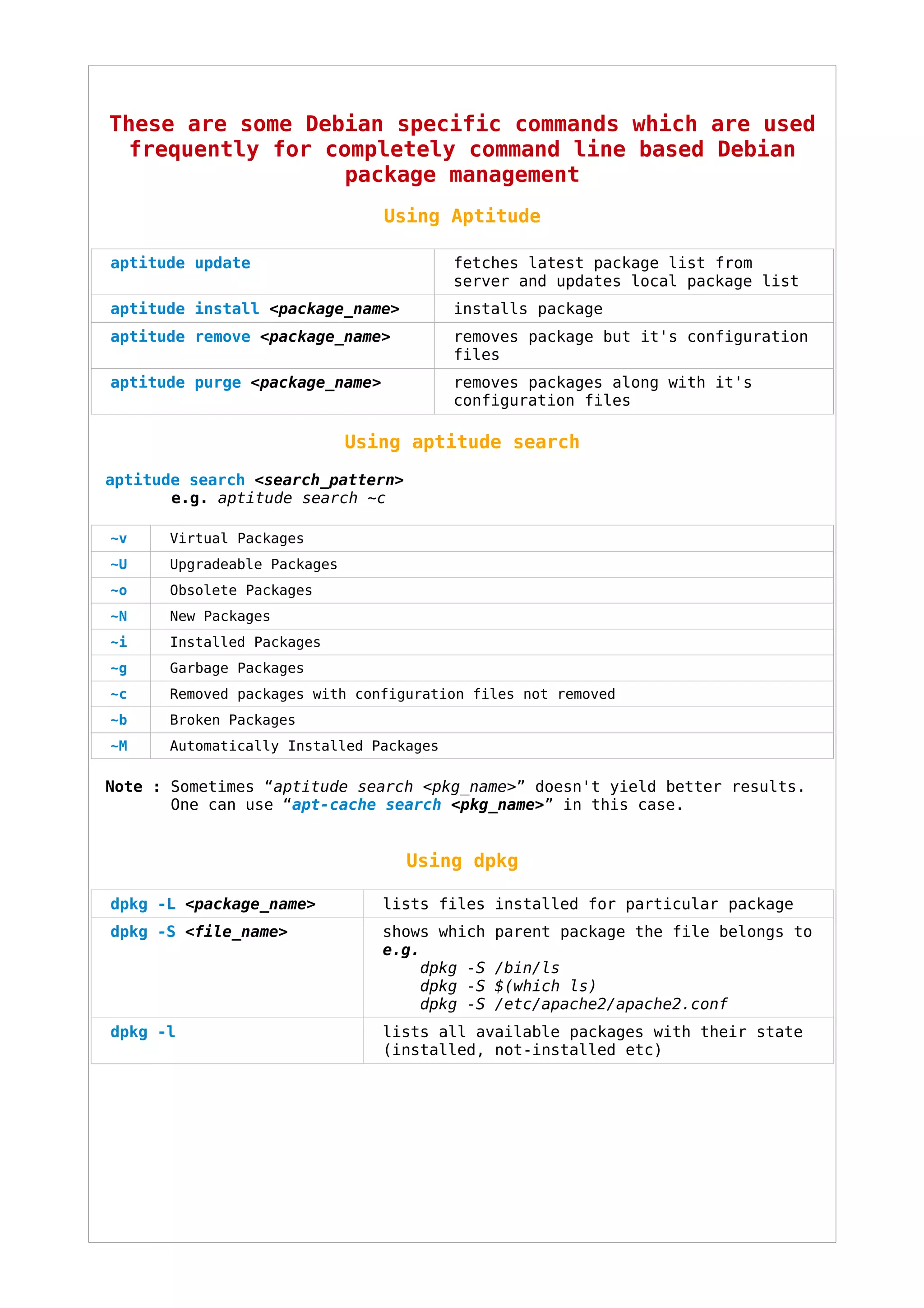
These are some Debian specific commands which are used
  frequently for completely command line based Debian
                   package management
                                Using Aptitude

aptitude update                          fetches latest package list from
                                         server and updates local package list
aptitude install <package_name>          installs package
aptitude remove <package_name>           removes package but it's configuration
                                         files
aptitude purge <package_name>            removes packages along with it's
                                         configuration files

                             Using aptitude search
aptitude search <search_pattern>
       e.g. aptitude search ~c

~v    Virtual Packages
~U    Upgradeable Packages
~o    Obsolete Packages
~N    New Packages
~i    Installed Packages
~g    Garbage Packages
~c    Removed packages with configuration files not removed
~b    Broken Packages
~M    Automatically Installed Packages

Note : Sometimes “aptitude search <pkg_name>” doesn't yield better results.
       One can use “apt-cache search <pkg_name>” in this case.


                                   Using dpkg

dpkg -L <package_name>          lists files installed for particular package
dpkg -S <file_name>             shows which   parent package the file belongs to
                                e.g.
                                    dpkg -S   /bin/ls
                                    dpkg -S   $(which ls)
                                    dpkg -S   /etc/apache2/apache2.conf
dpkg -l                         lists all available packages with their state
                                (installed, not-installed etc)
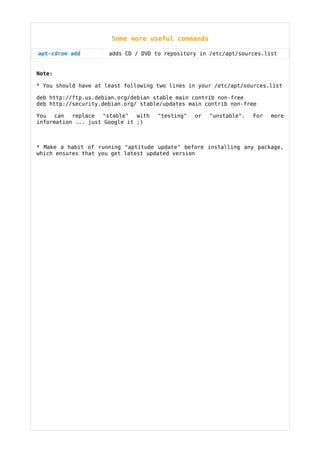
Some more useful commands

apt-cdrom add         adds CD / DVD to repository in /etc/apt/sources.list


Note:

* You should have at least following two lines in your /etc/apt/sources.list

deb http://ftp.us.debian.org/debian stable main contrib non-free
deb http://security.debian.org/ stable/updates main contrib non-free

You can    replace  "stable"   with   "testing"   or   "unstable".   For   more
information ... just Google it ;)


* Make a habit of running "aptitude update" before installing any package,
which ensures that you get latest updated version

Debian Package Management Simplified

  • 1.
    These are someDebian specific commands which are used frequently for completely command line based Debian package management Using Aptitude aptitude update fetches latest package list from server and updates local package list aptitude install <package_name> installs package aptitude remove <package_name> removes package but it's configuration files aptitude purge <package_name> removes packages along with it's configuration files Using aptitude search aptitude search <search_pattern> e.g. aptitude search ~c ~v Virtual Packages ~U Upgradeable Packages ~o Obsolete Packages ~N New Packages ~i Installed Packages ~g Garbage Packages ~c Removed packages with configuration files not removed ~b Broken Packages ~M Automatically Installed Packages Note : Sometimes “aptitude search <pkg_name>” doesn't yield better results. One can use “apt-cache search <pkg_name>” in this case. Using dpkg dpkg -L <package_name> lists files installed for particular package dpkg -S <file_name> shows which parent package the file belongs to e.g. dpkg -S /bin/ls dpkg -S $(which ls) dpkg -S /etc/apache2/apache2.conf dpkg -l lists all available packages with their state (installed, not-installed etc)
  • 2.
    Some more usefulcommands apt-cdrom add adds CD / DVD to repository in /etc/apt/sources.list Note: * You should have at least following two lines in your /etc/apt/sources.list deb http://ftp.us.debian.org/debian stable main contrib non-free deb http://security.debian.org/ stable/updates main contrib non-free You can replace "stable" with "testing" or "unstable". For more information ... just Google it ;) * Make a habit of running "aptitude update" before installing any package, which ensures that you get latest updated version