TABLE OF CONTENTS
1.Introduction
2. Basic Definitions and Concepts
3. Advantages of Database Approach
4. Real-life Application of Database System
5. What is DBMS?
6. What is RDBMS?
7. DBMS vs RDBMS
8. Conclusion
3.
INTRODUCTION
• An organizationmust have accurate and reliable data (information) for effective decision making.
Data (information) is the backbone and most critical resource of an organization that enables managers
and organizations to gain a competitive edge. In this age of information explosion, where people are
bombarded with data, getting the right information, in the right amount, at the right time is not an easy
task.
So, only those organizations will survive that successfully manage information.
• A database system simplifies the tasks of managing the data and extracting useful information in a timely
fashion. A database system is an integrated collection of related files, along with the details of the
interpretation of the data. A Data Base Management System is a software system or program that allows
access to data contained in a database. The objective of the DBMS is to provide a convenient and effective
method of defining, storing, and retrieving the information stored in the database.
• The database and database management systems have become essential for managing business,
governments, schools, universities, banks etc.
4.
BASIC DEFINITIONS ANDCONCEPTS
In an organization, the data is the most basic resource. To run the organization efficiently, the
proper organization and management of data is essential. The formal definition of the major
terms used in databases and database systems is defined in this section.
Data
* The term data may be defined as known facts that could be recorded and stored on
Computer Media.
* It is also defined as raw facts from which the required information is produced.
Information
* Data and information are closely related and are often used interchangeably.
* Information is nothing but refined data.
* In other way, we can say, information is processed, organized or summarized data.
* Information consists of data, images, text, documents and voice, but always in a meaningful
content.
5.
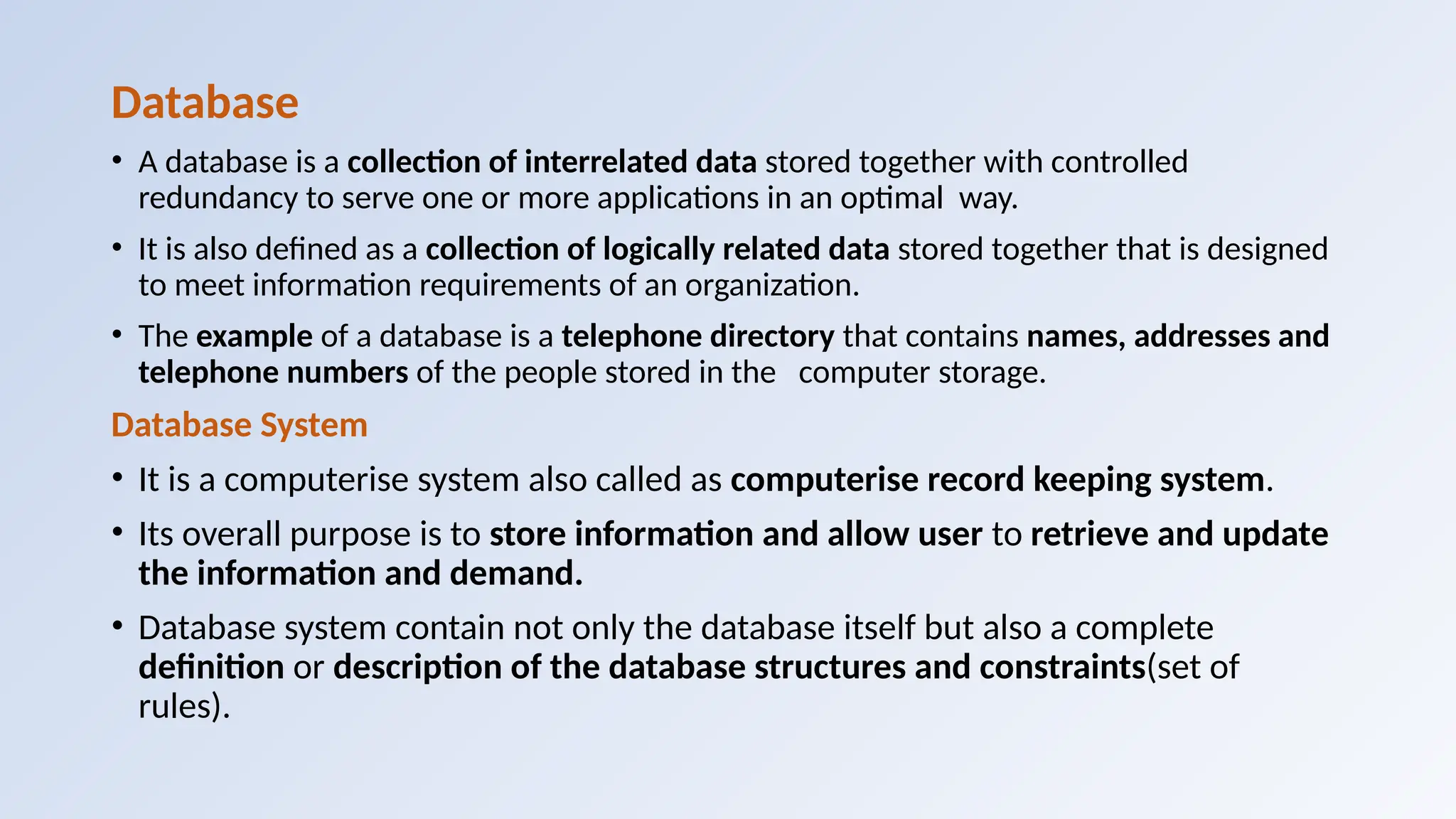
Database
• A databaseis a collection of interrelated data stored together with controlled
redundancy to serve one or more applications in an optimal way.
• It is also defined as a collection of logically related data stored together that is designed
to meet information requirements of an organization.
• The example of a database is a telephone directory that contains names, addresses and
telephone numbers of the people stored in the computer storage.
Database System
• It is a computerise system also called as computerise record keeping system.
• Its overall purpose is to store information and allow user to retrieve and update
the information and demand.
• Database system contain not only the database itself but also a complete
definition or description of the database structures and constraints(set of
rules).
6.
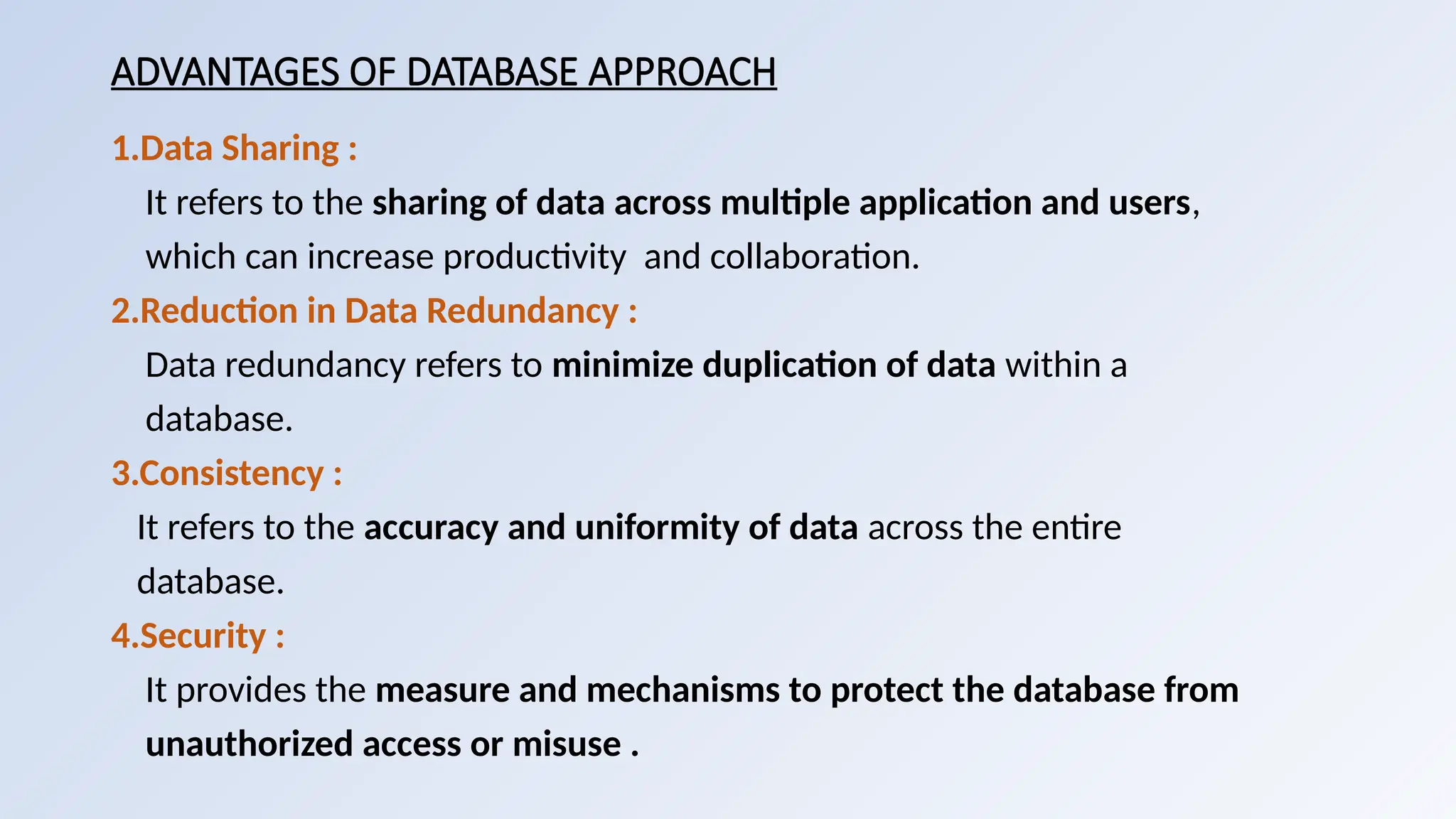
ADVANTAGES OF DATABASEAPPROACH
1.Data Sharing :
It refers to the sharing of data across multiple application and users,
which can increase productivity and collaboration.
2.Reduction in Data Redundancy :
Data redundancy refers to minimize duplication of data within a
database.
3.Consistency :
It refers to the accuracy and uniformity of data across the entire
database.
4.Security :
It provides the measure and mechanisms to protect the database from
unauthorized access or misuse .
7.
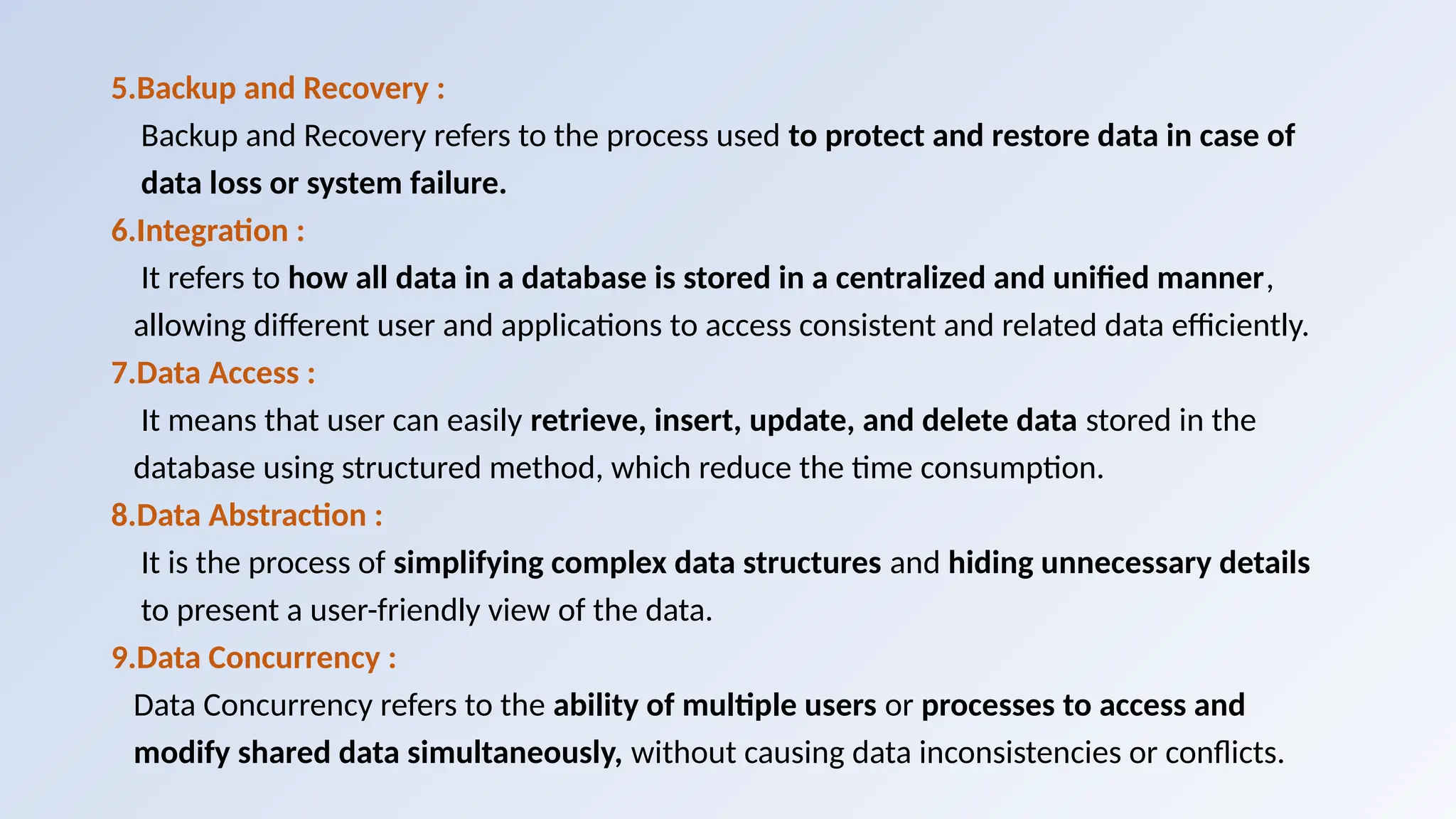
5.Backup and Recovery:
Backup and Recovery refers to the process used to protect and restore data in case of
data loss or system failure.
6.Integration :
It refers to how all data in a database is stored in a centralized and unified manner,
allowing different user and applications to access consistent and related data efficiently.
7.Data Access :
It means that user can easily retrieve, insert, update, and delete data stored in the
database using structured method, which reduce the time consumption.
8.Data Abstraction :
It is the process of simplifying complex data structures and hiding unnecessary details
to present a user-friendly view of the data.
9.Data Concurrency :
Data Concurrency refers to the ability of multiple users or processes to access and
modify shared data simultaneously, without causing data inconsistencies or conflicts.
8.
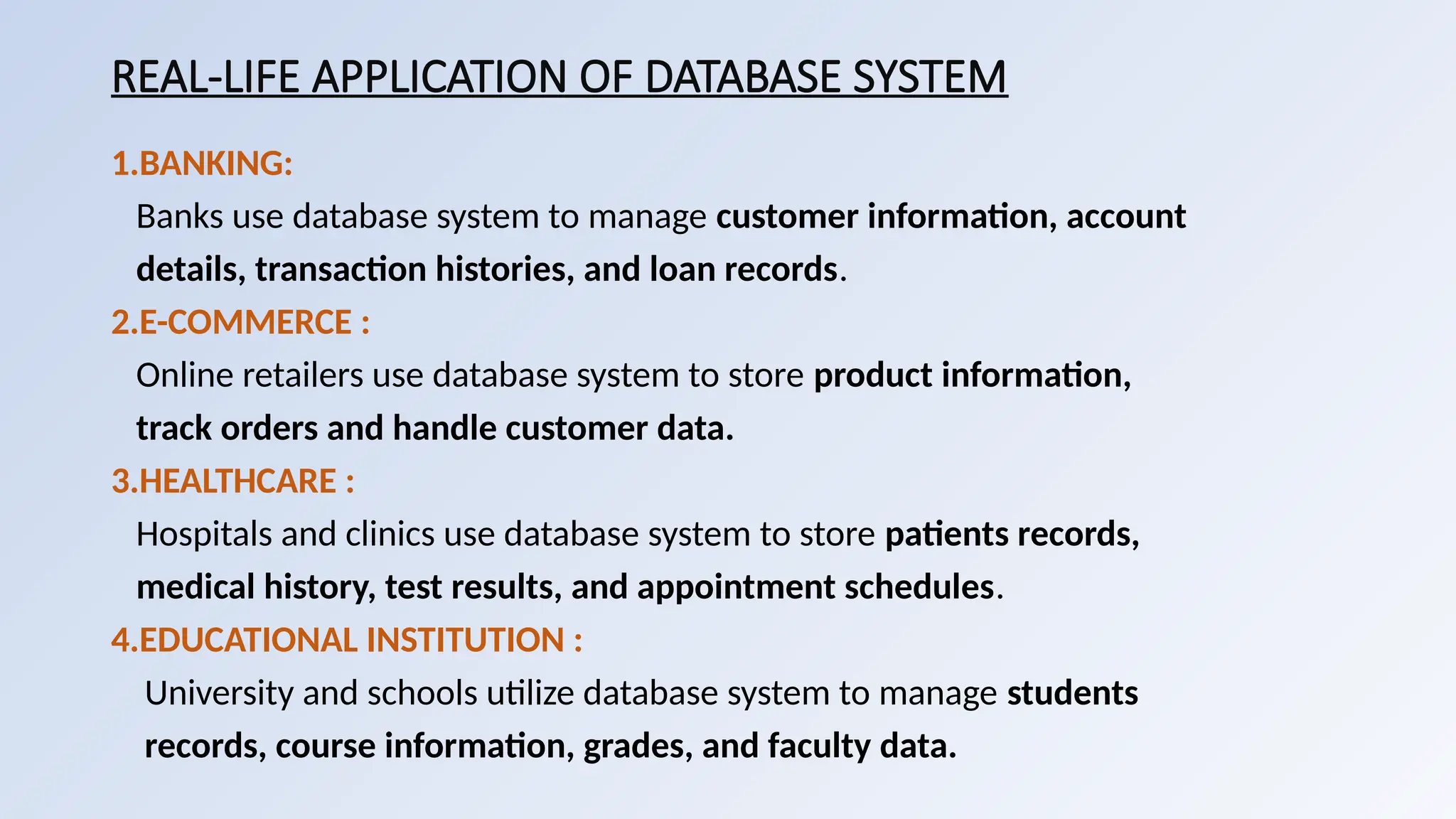
REAL-LIFE APPLICATION OFDATABASE SYSTEM
1.BANKING:
Banks use database system to manage customer information, account
details, transaction histories, and loan records.
2.E-COMMERCE :
Online retailers use database system to store product information,
track orders and handle customer data.
3.HEALTHCARE :
Hospitals and clinics use database system to store patients records,
medical history, test results, and appointment schedules.
4.EDUCATIONAL INSTITUTION :
University and schools utilize database system to manage students
records, course information, grades, and faculty data.
9.
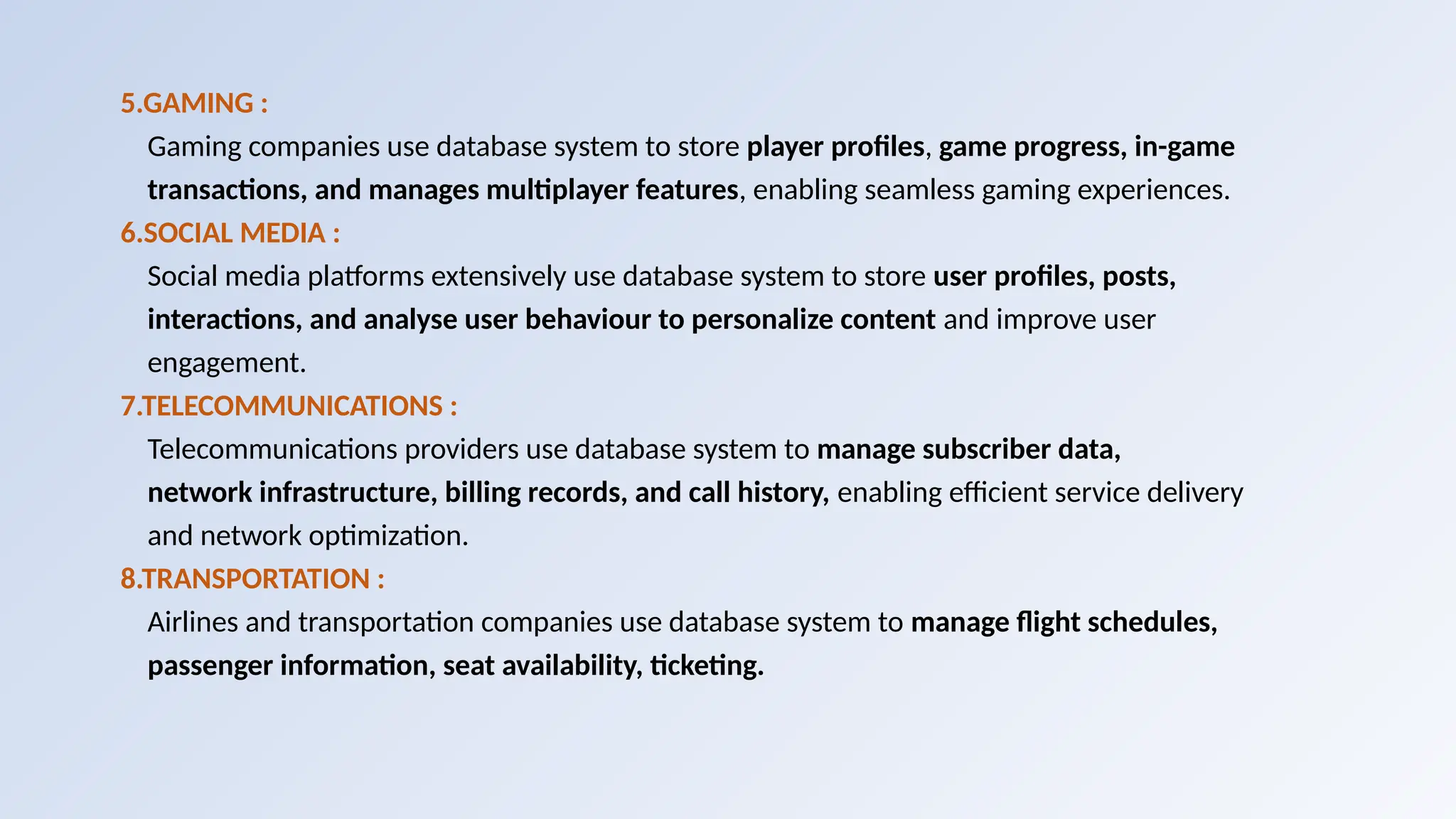
5.GAMING :
Gaming companiesuse database system to store player profiles, game progress, in-game
transactions, and manages multiplayer features, enabling seamless gaming experiences.
6.SOCIAL MEDIA :
Social media platforms extensively use database system to store user profiles, posts,
interactions, and analyse user behaviour to personalize content and improve user
engagement.
7.TELECOMMUNICATIONS :
Telecommunications providers use database system to manage subscriber data,
network infrastructure, billing records, and call history, enabling efficient service delivery
and network optimization.
8.TRANSPORTATION :
Airlines and transportation companies use database system to manage flight schedules,
passenger information, seat availability, ticketing.
10.
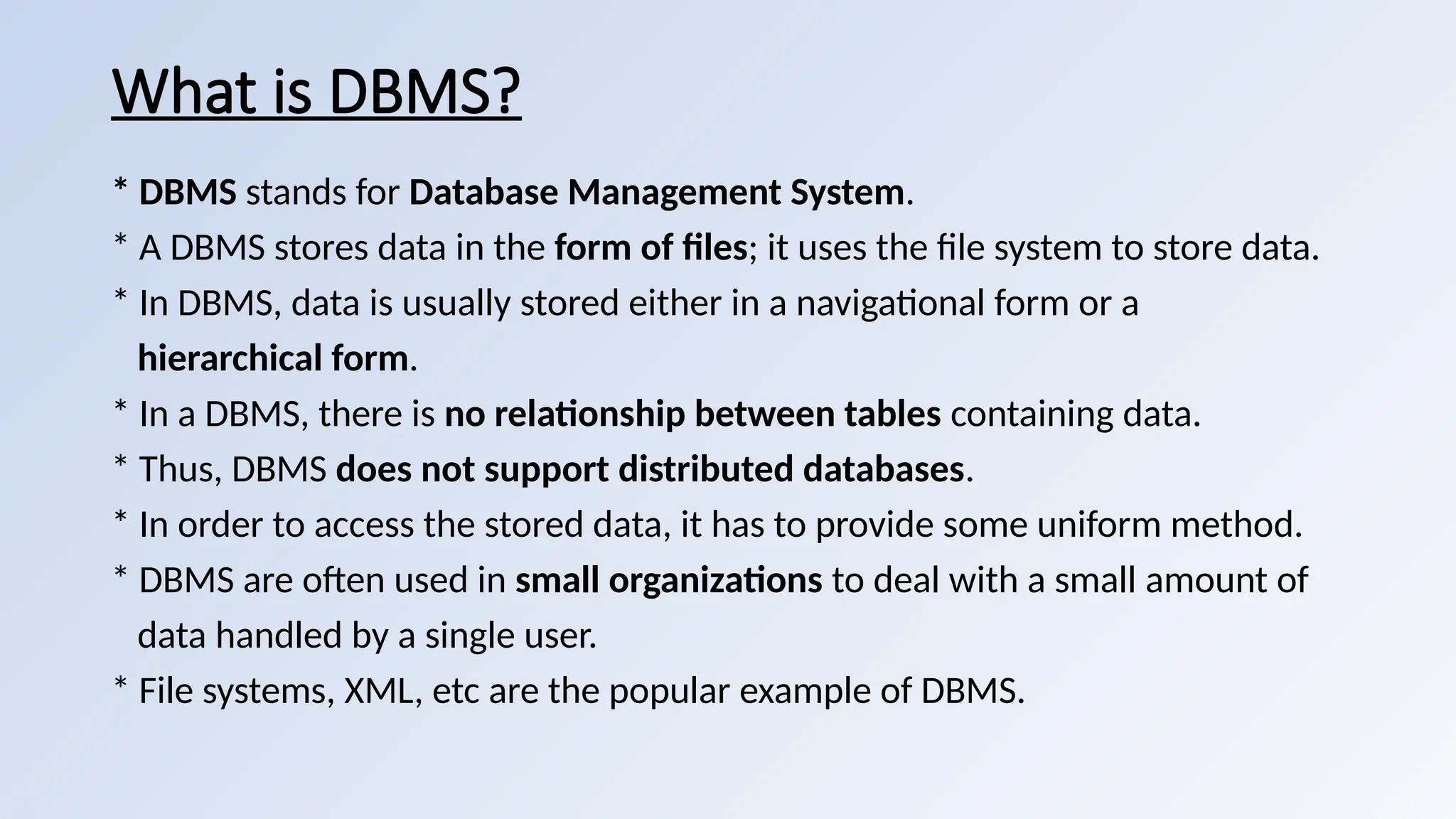
What is DBMS?
*DBMS stands for Database Management System.
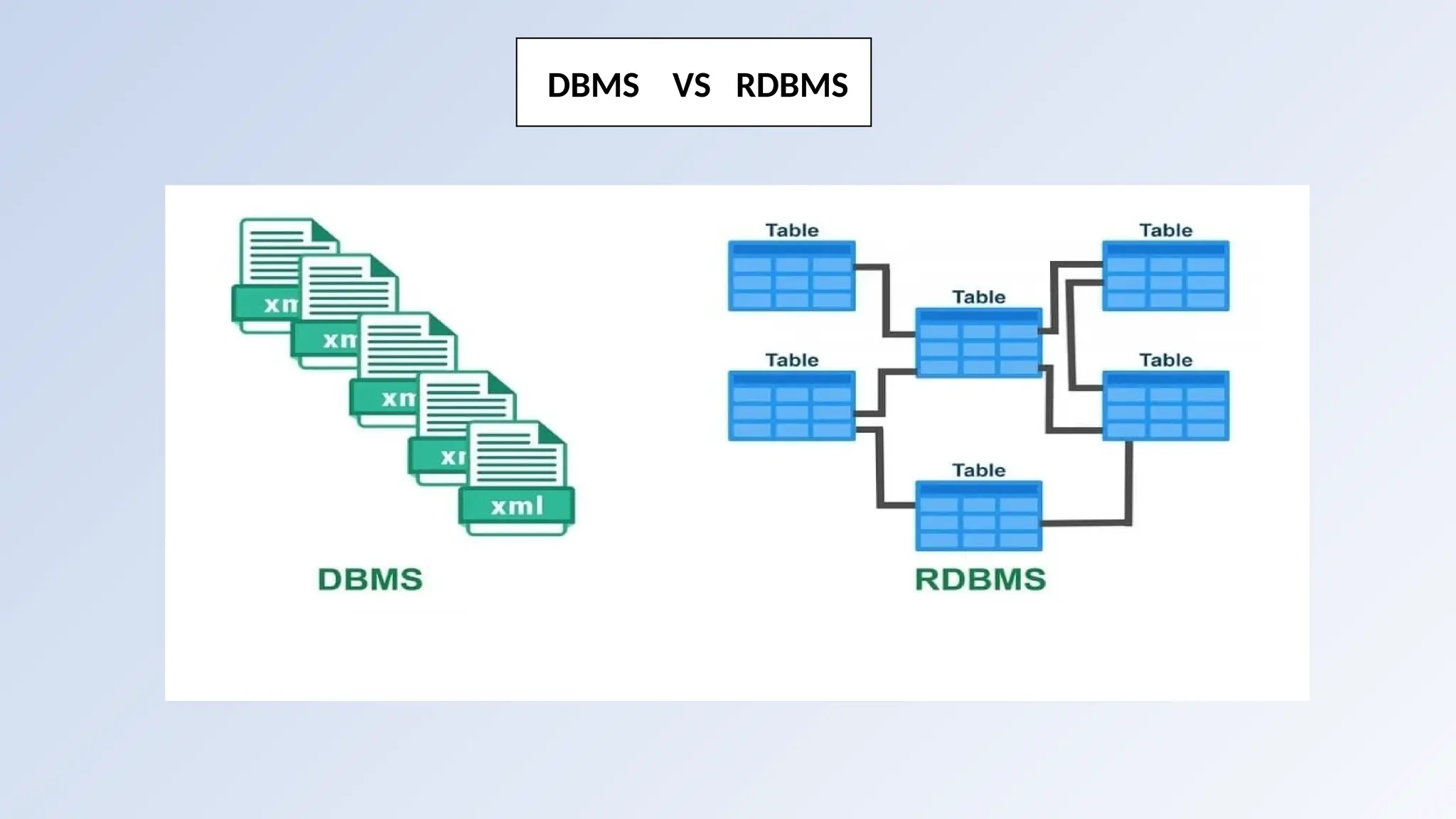
* A DBMS stores data in the form of files; it uses the file system to store data.
* In DBMS, data is usually stored either in a navigational form or a
hierarchical form.
* In a DBMS, there is no relationship between tables containing data.
* Thus, DBMS does not support distributed databases.
* In order to access the stored data, it has to provide some uniform method.
* DBMS are often used in small organizations to deal with a small amount of
data handled by a single user.
* File systems, XML, etc are the popular example of DBMS.
11.
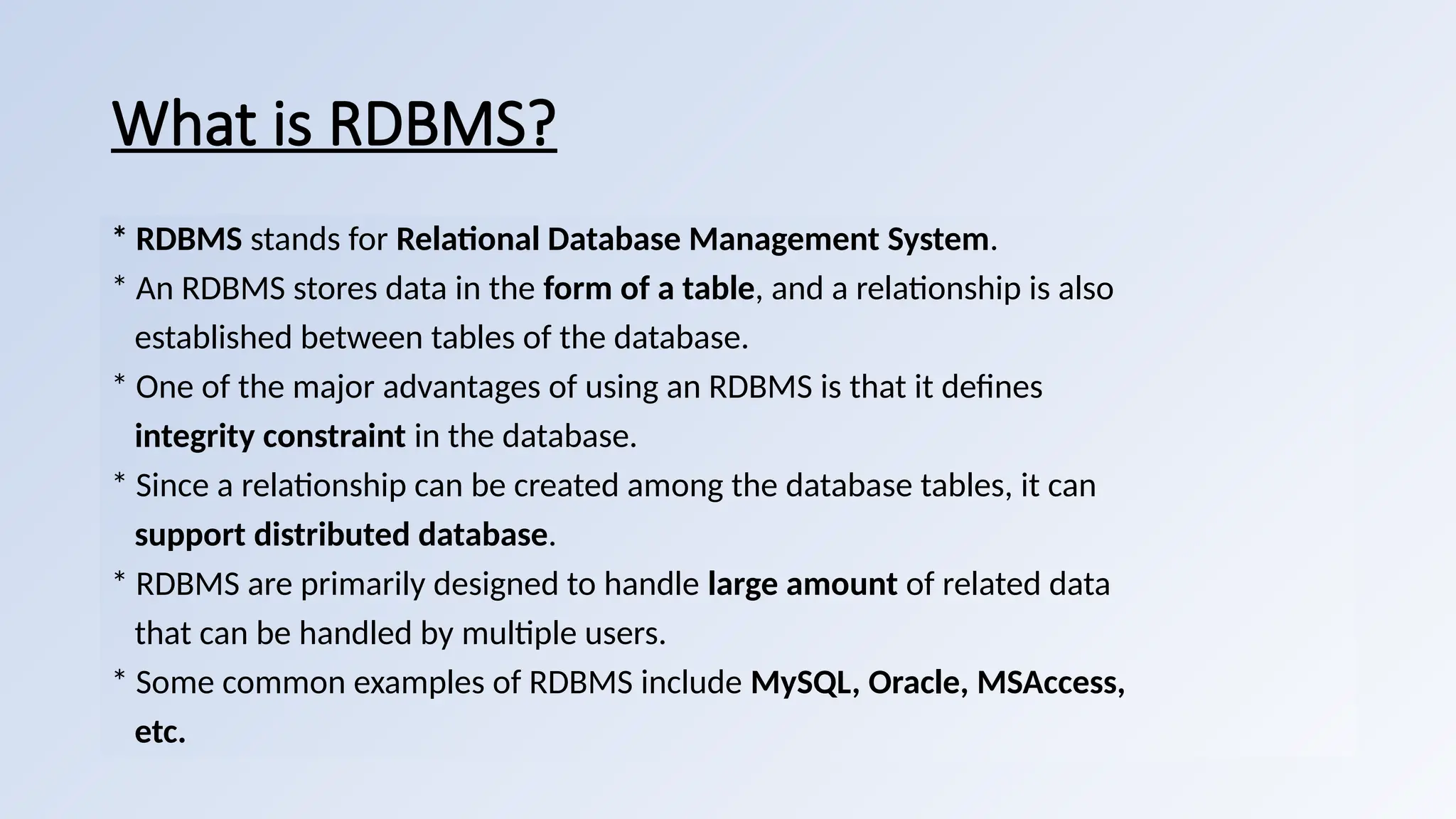
What is RDBMS?
*RDBMS stands for Relational Database Management System.
* An RDBMS stores data in the form of a table, and a relationship is also
established between tables of the database.
* One of the major advantages of using an RDBMS is that it defines
integrity constraint in the database.
* Since a relationship can be created among the database tables, it can
support distributed database.
* RDBMS are primarily designed to handle large amount of related data
that can be handled by multiple users.
* Some common examples of RDBMS include MySQL, Oracle, MSAccess,
etc.
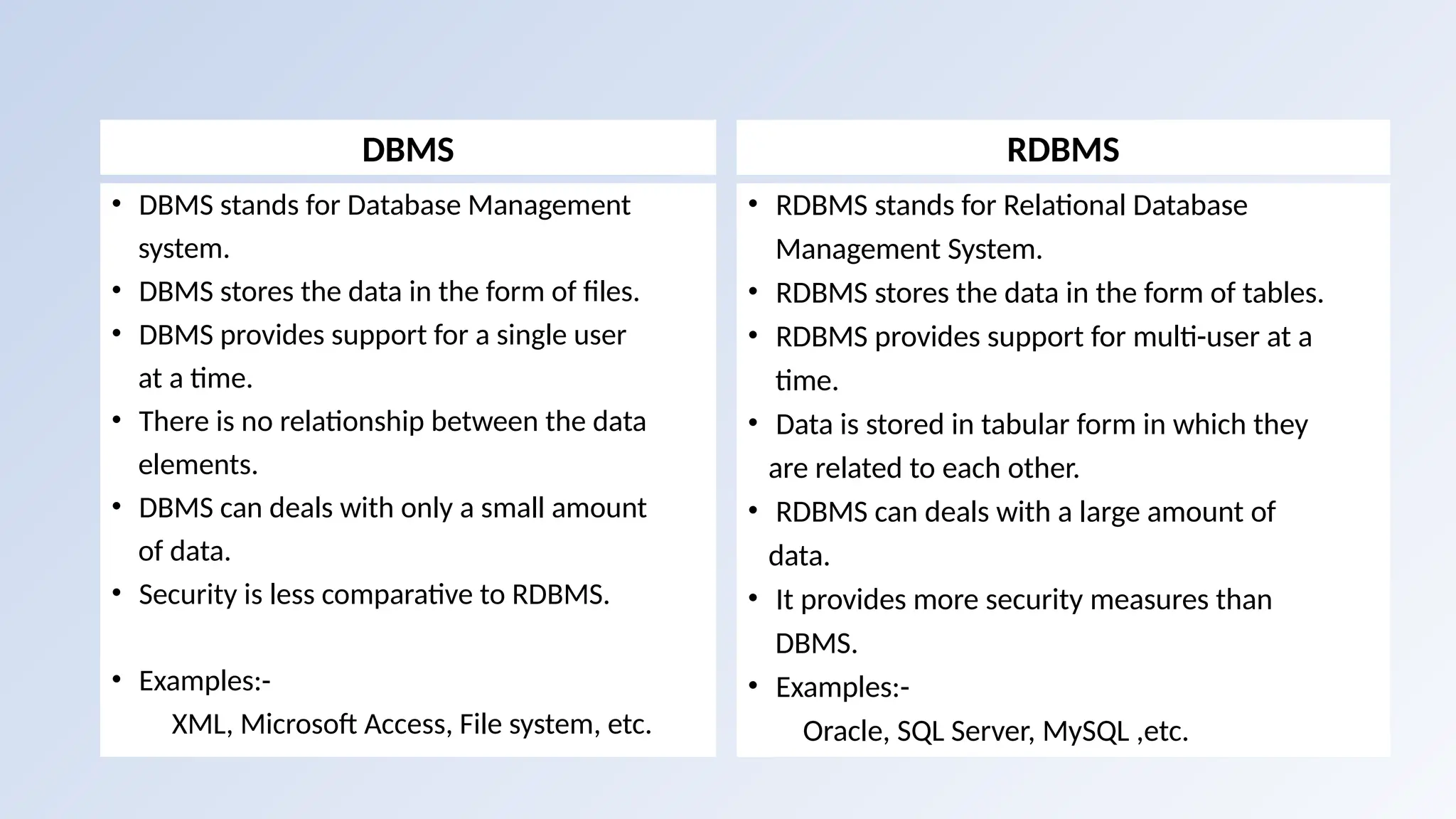
DBMS
• DBMS standsfor Database Management
system.
• DBMS stores the data in the form of files.
• DBMS provides support for a single user
at a time.
• There is no relationship between the data
elements.
• DBMS can deals with only a small amount
of data.
• Security is less comparative to RDBMS.
• Examples:-
XML, Microsoft Access, File system, etc.
RDBMS
• RDBMS stands for Relational Database
Management System.
• RDBMS stores the data in the form of tables.
• RDBMS provides support for multi-user at a
time.
• Data is stored in tabular form in which they
are related to each other.
• RDBMS can deals with a large amount of
data.
• It provides more security measures than
DBMS.
• Examples:-
Oracle, SQL Server, MySQL ,etc.
14.
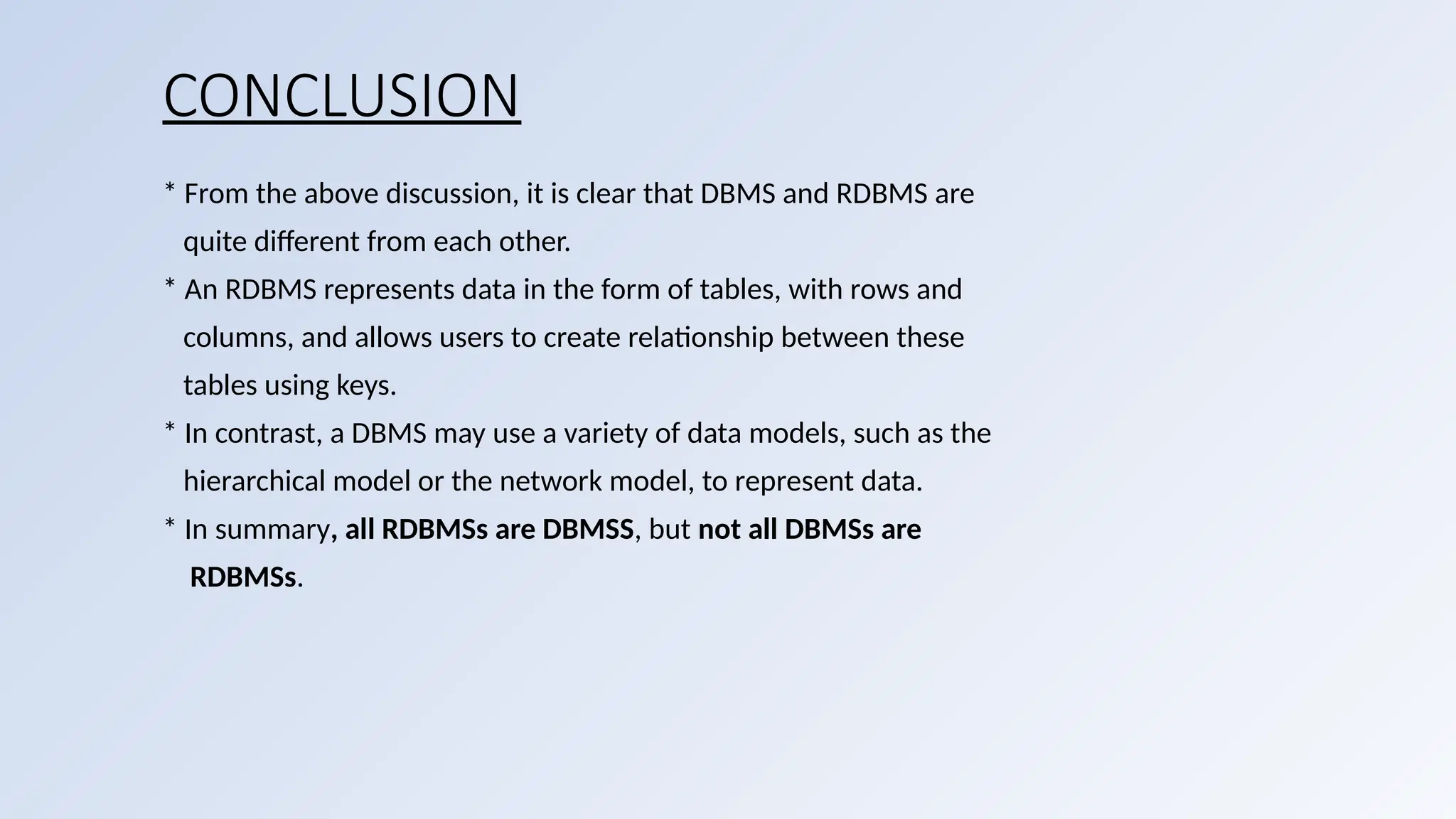
CONCLUSION
* From theabove discussion, it is clear that DBMS and RDBMS are
quite different from each other.
* An RDBMS represents data in the form of tables, with rows and
columns, and allows users to create relationship between these
tables using keys.
* In contrast, a DBMS may use a variety of data models, such as the
hierarchical model or the network model, to represent data.
* In summary, all RDBMSs are DBMSS, but not all DBMSs are
RDBMSs.


![unit 1 introduction to dbms [1-1.2].pptx](https://cdn.slidesharecdn.com/ss_thumbnails/unit11-1-240826101701-c858199a-thumbnail.jpg?width=640&height=640&fit=bounds)


![[DSC Europe 25] Marija Vlajkovic & Andrea Radonjanin - Integration of AI tool...](https://cdn.slidesharecdn.com/ss_thumbnails/qf1jrglttoc3bm8s3aop-final-integration-of-ai-tools-251208151905-394f3a6a-thumbnail.jpg?width=640&height=640&fit=bounds)
![[DSC Europe 25] Dragan Vucic - Building the Learning Organization - How AI Tr...](https://cdn.slidesharecdn.com/ss_thumbnails/8brigo2sbu6qur6gxrra-7-251205085715-6ae07d24-thumbnail.jpg?width=640&height=640&fit=bounds)
![[DSC Europe 25] Jim Sterne - Adopting Generative AI Capabilities Into the Ent...](https://cdn.slidesharecdn.com/ss_thumbnails/sxhpofuorcagxsaulkmt-3-251204082258-7e66bc48-thumbnail.jpg?width=640&height=640&fit=bounds)


![[DSC Europe 25] Bogdan Daniel Maruneac - AI - It starts with you.pptx](https://cdn.slidesharecdn.com/ss_thumbnails/odov3snhrcqs9hx5ny2n-4-251205085715-f1daacfe-thumbnail.jpg?width=640&height=640&fit=bounds)

![[DSC Europe 25] Max Talanov - Non digital NNs.pptx](https://cdn.slidesharecdn.com/ss_thumbnails/wif8tr3gtua74qvtopke-non-digital-nns-251205090438-26b0eea6-thumbnail.jpg?width=640&height=640&fit=bounds)

