DATA &
information
Data israw, unorganized facts that need to be processed. Eg: Each
student’s exam score is one piece of data.
When data is processed, organized, structured or presented in
a given context so as to make it useful, it is called
information. Eg:- performance of a class or of the average
entire school is information that can be derived from the given
data.
Data >> Information >> Knowledge
3.
Database
Databases arecomposed of computer hardware and software for
data management.
The chief objective of the development of a database is to organize
data in a set of structured records to enable easy retrieval of
information.
Each record, also called an entry, should contain a number of fields
that hold the actual data items, for example, fields for names, phone
numbers, addresses, dates.
4.
Database
Biological databasesserve a critical purpose in the collection and
organization of data related to biological systems.
They provide computational support and a user-friendly interface
to a researcher for a meaningful analysis of biological data.
Computerized archive used to store and organize data in such a
way that information can be retrieved easily via a variety of search
criteria.
5.
NEED FOR
Biological
databases
Needfor storing and communicating large datasets has grown
Make biological data available to scientists.
To make biological data available in computer-readable form.
6.
Features of
biological
databases
Heterogeneity:presence of diverse data types, structures, formats,
or sources within a database system
High volume data: datasets that are extremely large and may
contain millions or even billions of records
Data curation: process aimed at managing, organizing, and
enhancing the quality of biological data to ensure its accuracy,
usability, and long-term value. Biological databases contain vast
amounts of information related to genomics, proteomics,
metabolomics, taxonomy, and other aspects of biology
7.
Features of
biological
databases
Dataintegration: process of combining data from different sources and
formats into a unified and cohesive view within a single database or data
repository. Cross-reference and link related data to enhance its utility for
researchers.
Data sharing: critical for advancing scientific research, promoting
collaboration, and facilitating discoveries in the field of biology.
Dynamics: Dynamics in biological databases refer to the continuous
changes and updates that occur in the content and structure of these
databases over time.
8.
Different
classifications of
databases
Typesof Data
Nucleotide sequences
Protein sequences
Proteins sequence patterns or motifs
Macromolecular 3D structure
Gene expression data
Metabolic pathways
9.
Different
classifications of
databases Availability
Publicly available, no restrictions
Available, but with copyright
Accessible, but not downloadable
Academic, but not freely available
Proprietary, commercial; possibly free for academics
10.
Different
classifications of
databases
Primarydatabases: experimental results directly
into database
Secondary databases: results of analysis of
primary databases
Composite databases: Collection of various
primary database sequences
11.
Primary Databases
Containsbio-molecular data in its original form.
Experimental results are submitted directly into the database
by researchers, and the data are essentially archival in nature.
Eg: GenBank, EMBL and DDBJ for DNA/RNA sequences,
SWISS-PROT and PIR for protein sequences and PDB for
molecular structures.
12.
Nucleotide
sequence
databases
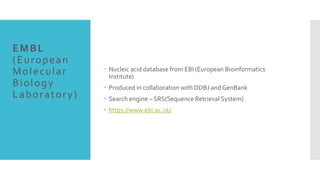
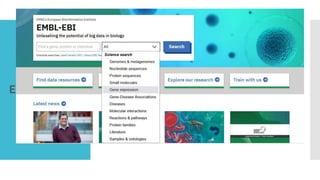
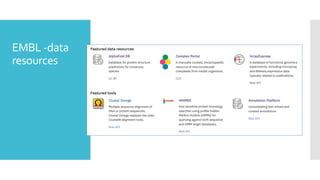
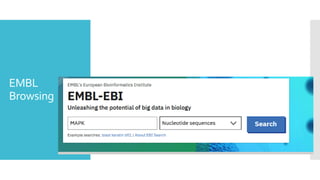
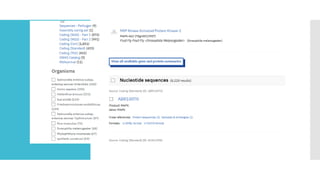
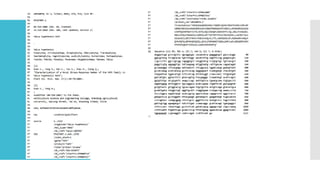
EMBL,GenBank, andDDBJ are the three primary nucleotide
sequence databases which are part of INSDC (International
Nucleotide Sequence DatabaseCollaboration).
EMBL (European Molecular Biology Laboratory)
www.ebi.ac.uk/embl/ EMBL-EBI (European Bioinformatics
Institute))
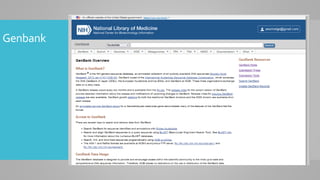
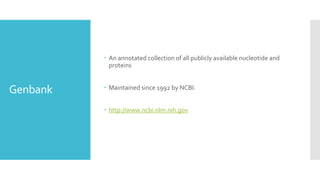
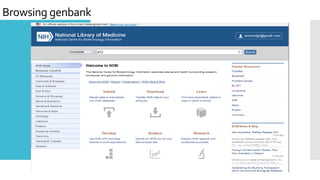
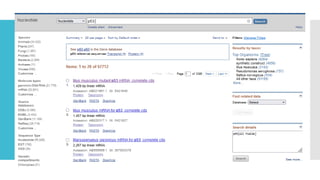
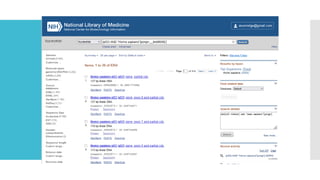
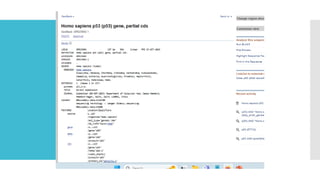
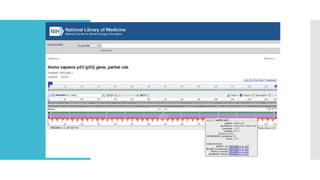
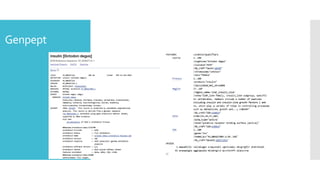
GenBank www.ncbi.nlm.nih.gov/Genbank/
DDBJ (DNA DataBank of Japan) www.ddbj.nig.ac.jp (DNA
DataBank of Japan)
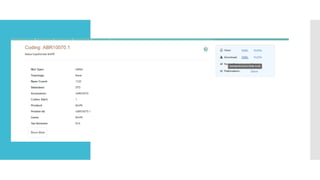
GENBANK
SUBMISSION
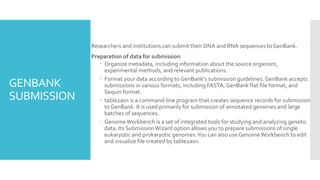
Researchers andinstitutions can submit their DNA and RNA sequences to GenBank.
Preparation of data for submission
Organize metadata, including information about the source organism,
experimental methods, and relevant publications.
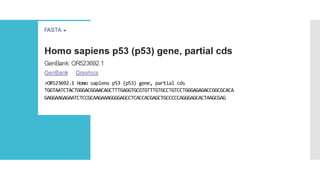
Format your data according to GenBank's submission guidelines. GenBank accepts
submissions in various formats, including FASTA, GenBank flat file format, and
Sequin format.
table2asn is a command-line program that creates sequence records for submission
to GenBank. It is used primarily for submission of annotated genomes and large
batches of sequences.
GenomeWorkbench is a set of integrated tools for studying and analyzing genetic
data. Its SubmissionWizard option allows you to prepare submissions of single
eukaryotic and prokaryotic genomes.You can also use Genome Workbench to edit
and visualize file created by table2asn.
23.
GENBANK
SUBMISSION
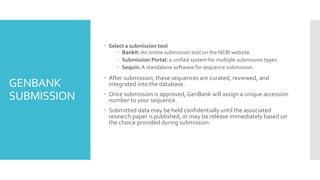
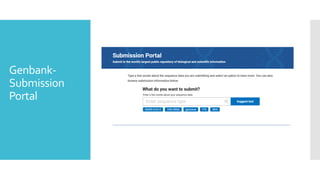
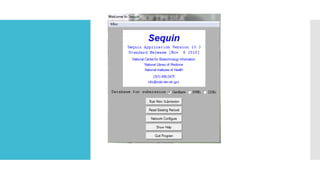
Select asubmission tool
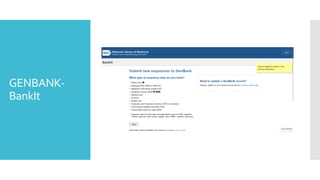
BankIt: An online submission tool on the NCBI website.
Submission Portal: a unified system for multiple submission types.
Sequin:A standalone software for sequence submission.
After submission, these sequences are curated, reviewed, and
integrated into the database.
Once submission is approved, GenBank will assign a unique accession
number to your sequence.
Submitted data may be held confidentially until the associated
research paper is published, or may be release immediately based on
the choice provided during submission.
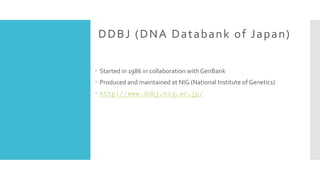
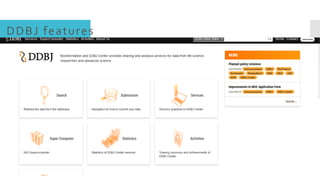
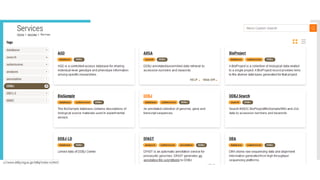
DDBJ (DNA Databankof Japan)
Started in 1986 in collaboration with GenBank
Produced and maintained at NIG (National Institute of Genetics)
http://www.ddbj.nig.ac.jp/
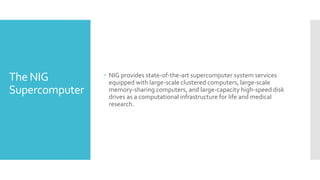
The NIG
Supercomputer
NIGprovides state-of-the-art supercomputer system services
equipped with large-scale clustered computers, large-scale
memory-sharing computers, and large-capacity high-speed disk
drives as a computational infrastructure for life and medical
research.
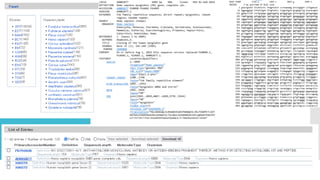
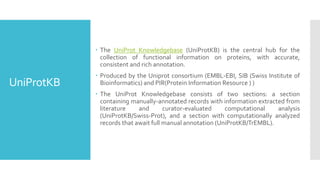
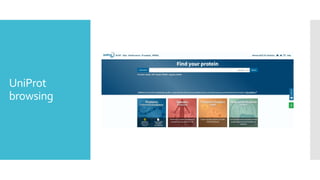
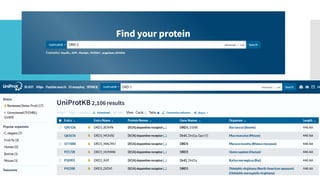
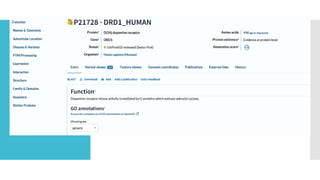
UniProtKB
The UniProtKnowledgebase (UniProtKB) is the central hub for the
collection of functional information on proteins, with accurate,
consistent and rich annotation.
Produced by the Uniprot consortium (EMBL-EBI, SIB (Swiss Institute of
Bioinformatics) and PIR(Protein Information Resource ) )
The UniProt Knowledgebase consists of two sections: a section
containing manually-annotated records with information extracted from
literature and curator-evaluated computational analysis
(UniProtKB/Swiss-Prot), and a section with computationally analyzed
records that await full manual annotation (UniProtKB/TrEMBL).
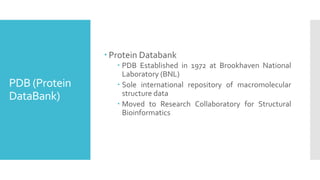
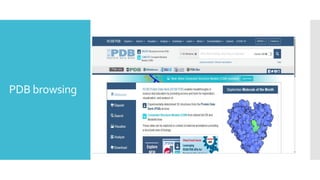
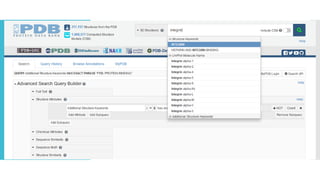
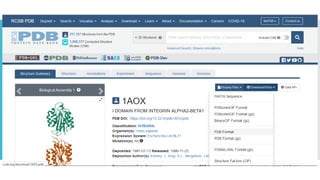
PDB (Protein
DataBank)
ProteinDatabank
PDB Established in 1972 at Brookhaven National
Laboratory (BNL)
Sole international repository of macromolecular
structure data
Moved to Research Collaboratory for Structural
Bioinformatics
SECONDARY
DATABASES
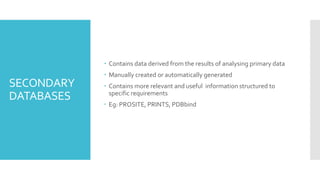
Contains dataderived from the results of analysing primary data
Manually created or automatically generated
Contains more relevant and useful information structured to
specific requirements
Eg: PROSITE, PRINTS, PDBbind
51.
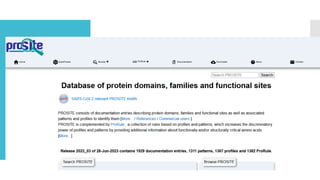
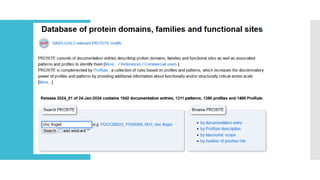
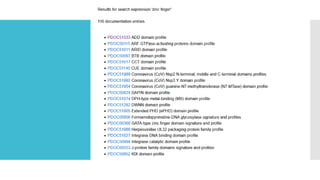
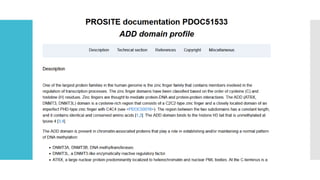
PROSITE
Families ofproteins
Can search using regular expressions
Families exhibit these patterns so we can efficiently search over
families
C-G-G-x(4,7)-G-x(3)-C-x(5)-C-x(3,5)-[NHG]-x-[FYWM]-x(2)-Q-C
PRIMARYVS
SECONDARY
DATABASES
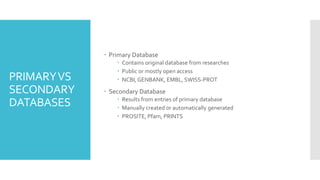
Primary Database
Contains original database from researches
Public or mostly open access
NCBI, GENBANK, EMBL, SWISS-PROT
Secondary Database
Results from entries of primary database
Manually created or automatically generated
PROSITE, Pfam, PRINTS
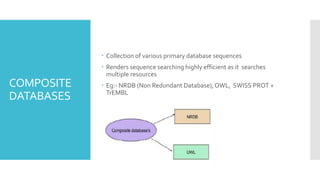
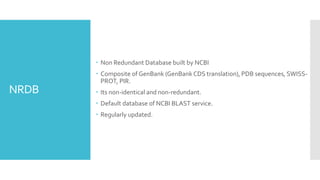
NRDB
Non RedundantDatabase built by NCBI
Composite of GenBank (GenBank CDS translation), PDB sequences, SWISS-
PROT, PIR.
Its non-identical and non-redundant.
Default database of NCBI BLAST service.
Regularly updated.
59.
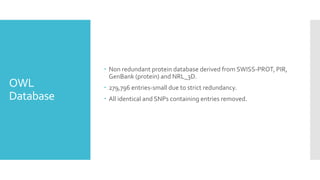
OWL
Database
Non redundantprotein database derived from SWISS-PROT, PIR,
GenBank (protein) and NRL_3D.
279,796 entries-small due to strict redundancy.
All identical and SNPs containing entries removed.
60.
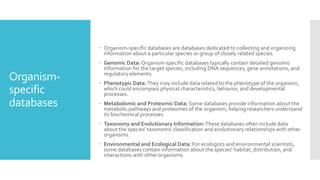
Organism-
specific
databases
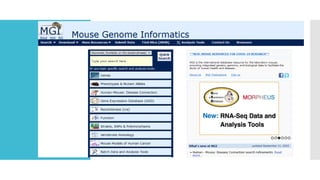
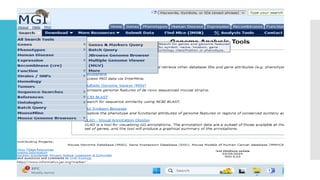
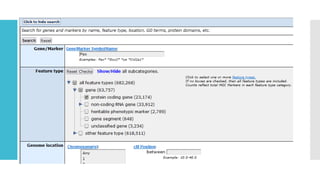
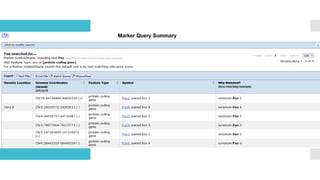
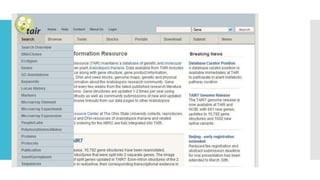
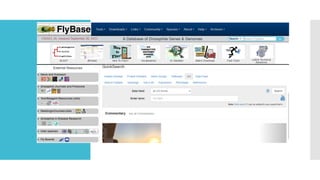
Organism-specific databasesare databases dedicated to collecting and organizing
information about a particular species or group of closely related species.
Genomic Data: Organism-specific databases typically contain detailed genomic
information for the target species, including DNA sequences, gene annotations, and
regulatory elements.
Phenotypic Data:They may include data related to the phenotype of the organism,
which could encompass physical characteristics, behavior, and developmental
processes.
Metabolomic and Proteomic Data: Some databases provide information about the
metabolic pathways and proteomes of the organism, helping researchers understand
its biochemical processes.
Taxonomy and Evolutionary Information:These databases often include data
about the species' taxonomic classification and evolutionary relationships with other
organisms.
Environmental and Ecological Data: For ecologists and environmental scientists,
some databases contain information about the species' habitat, distribution, and
interactions with other organisms.
![PROSITE
Families of proteins
Can search using regular expressions
Families exhibit these patterns so we can efficiently search over
families
C-G-G-x(4,7)-G-x(3)-C-x(5)-C-x(3,5)-[NHG]-x-[FYWM]-x(2)-Q-C](https://image.slidesharecdn.com/databases1-260107161732-def68db3/85/DATABASES-1-pdf-bio-informatics-for-colleges-51-320.jpg)


![[DSC Europe 25] Andrzej Kowalczyk - AI - how to start small and grow in the f...](https://cdn.slidesharecdn.com/ss_thumbnails/oy1zmo94qv6vpcqjvno2-andrzej-kowalczyk-ai-how-to-start-small-and-grow-in-the-future-1-260119121559-cf093b23-thumbnail.jpg?width=640&height=640&fit=bounds)


![[DSC Europe 25] Ivan Lukovic & Marija Djukic - From Data to Value: Why Maturi...](https://cdn.slidesharecdn.com/ss_thumbnails/ahrfps8xr6knowwhacxh-1-ivan-marija-dsc-2025-ld-v1-presentation-260115093812-be21adfc-thumbnail.jpg?width=640&height=640&fit=bounds)


