Alexandre Pluvinage – 29-04-2015
Who am I ?
 Master in Law (European Law)
 Master in Communication and
Multimedia
 7 years in the field of security as:
 Project manager on security projects (ING)
 Spokeperson for security and online banking
questions (ING)
 Cybercrime Coordination Manager (ING)
 Head of the Cybercrime Awareness Team
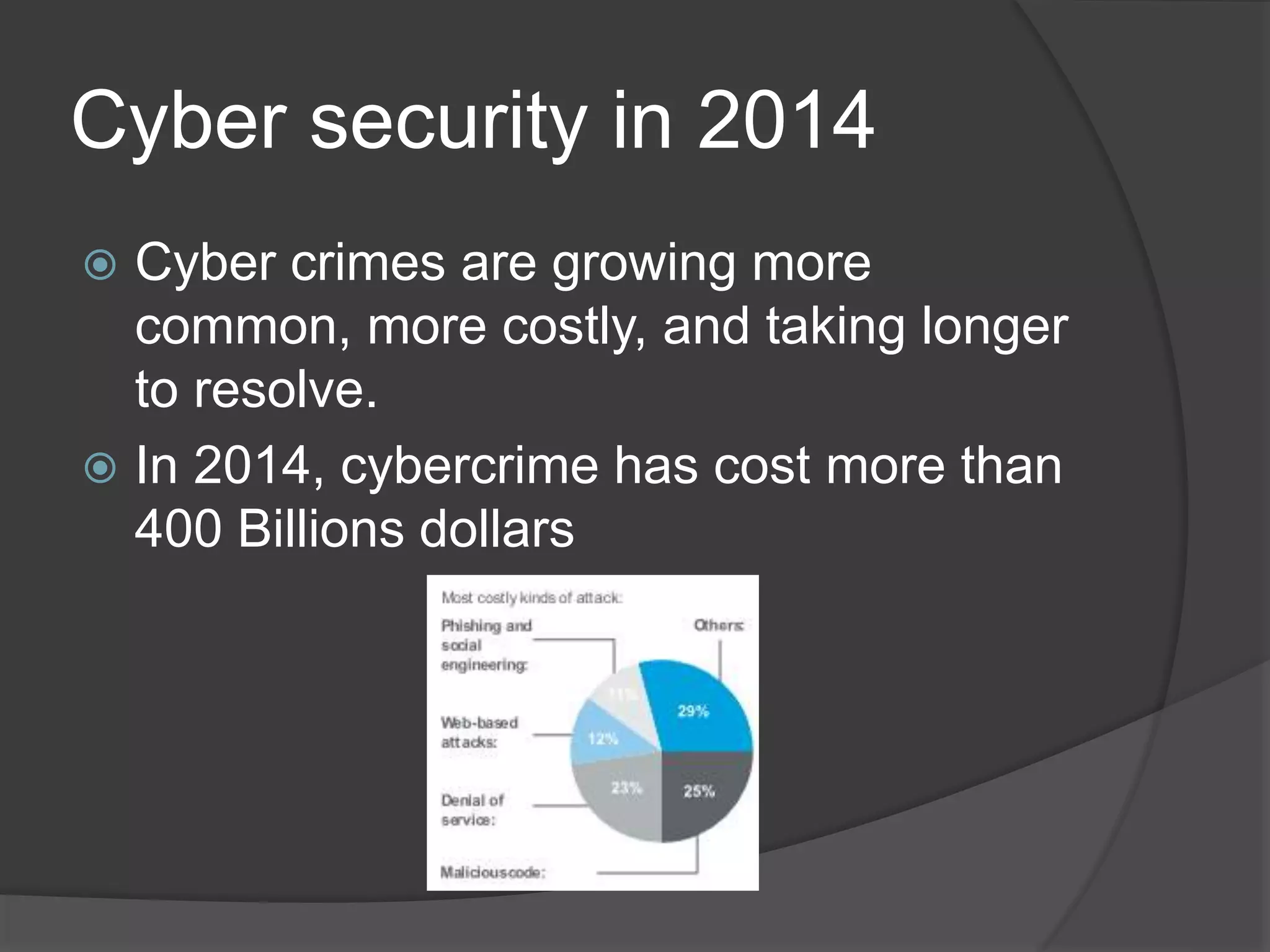
Cyber security in 2014
 Cyber crimes are growing more
common, more costly, and taking longer
to resolve.
 In 2014, cybercrime has cost more than
400 Billions dollars
Why me ? I’m just a marketeer
!!
 I’m also a target for cybercriminals
 My communications can create cyber risks
 I have a responsibility in educating my customers/targets
Topics:
 You as a target
 Monitor social media
 Emails
 Links (hyperlinks)
 Websites hosting
 Password management
 Code review and security checks
 Get help from the experts
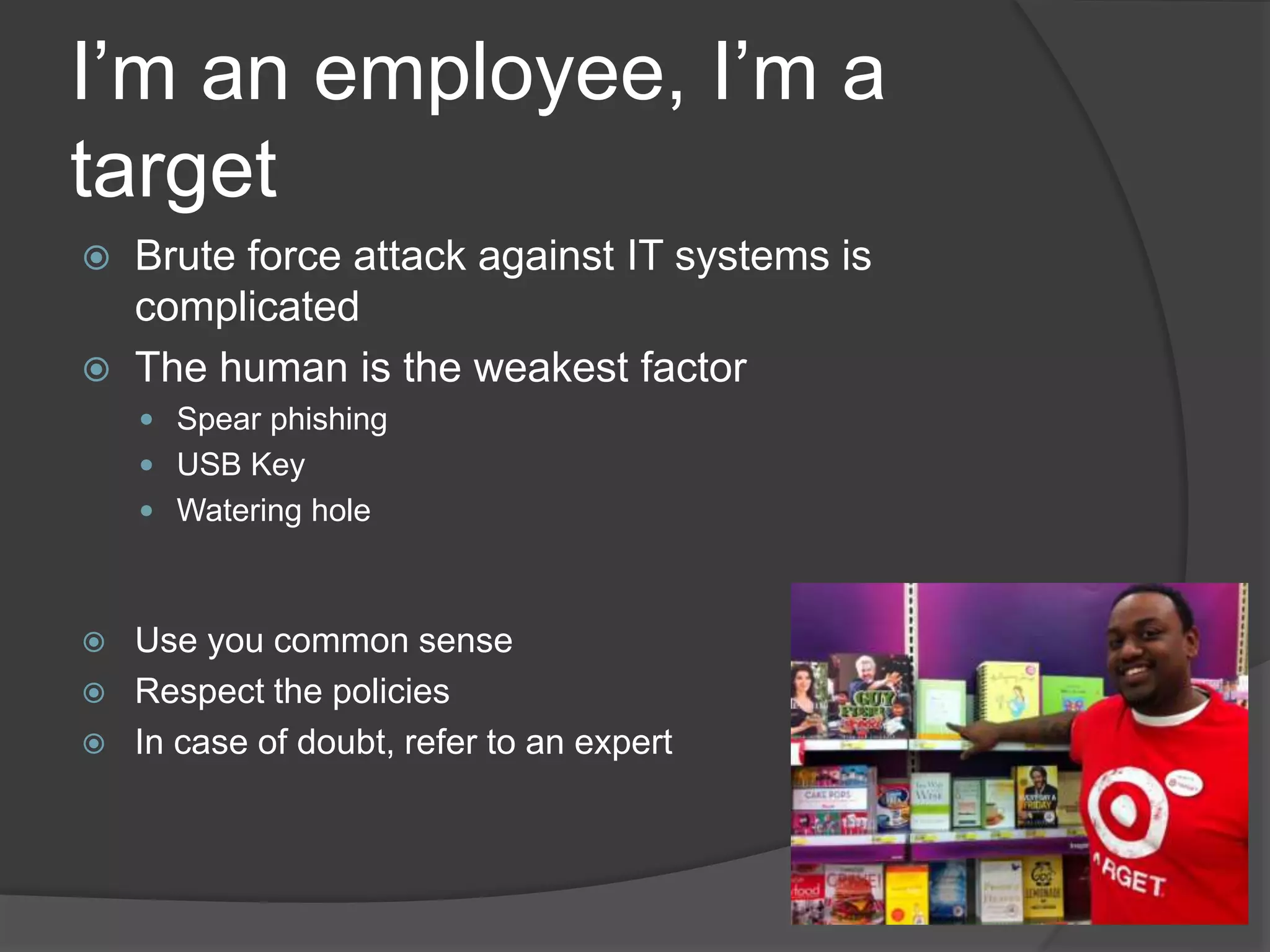
I’m an employee, I’m a
target
 Brute force attack against IT systems is
complicated
 The human is the weakest factor
 Spear phishing
 USB Key
 Watering hole
 Use you common sense
 Respect the policies
 In case of doubt, refer to an expert
Monitoring my social media
?
 Hackers are on Twitter …
 … and sometimes, they are on yours too !
How to make it secured ?
 Monitor what happens on your SM
 Use tools to look after fake accounts
 Change password regularly
 Train you webcare teams
 Have a recover procedure
Of course, I’m using emails in my
campaigns !!
 Emails are a high risk factor for cybersecurity (links or attachments
could lead to phishing or system infection)
How to make it secured ?
 Always use the same sender address for a specific topic. If the
sender changes, it’s a sign for the recipient that there might be a
security issue
 Always send email from @mycompany.be email addresses (never
from an external address) even if the mail is signed by a board
member
 Do not send attached files (put the file on your site Internet and link
it)
 Secure your links (see next slide)
 Have an email policy for your customers/prospects
And what about the links ?
 Links can lead the clicker to a security issue
 All links are concerned (in emails, website, Intranet, social media)
How to make it secured ?
 Never use short links (bitly or other)
 Always use a link that can be recognized (https://www.mycompany.be/XYZ,
or an Intranet link)
 If you lead the user to an external site or source, mention it
(e.g. Click here (External site))
 Explain where the link should lead so the user can recognize a fake link as he
goes to an unknown page
 Always link to your own website (and add links to other websites from there)
Website hosting and technology
 If you decide to create a website to promote an idea or get information from employees there
are some rules to follow aiming to cyber security
How to make it secured ?
 Ask advice to an IT security expert
 External sites have to be created and hosted by a qualified partner
 Use https and not http
 Always say to the user that he/she is going to an external platform
 If you really need a new external partner, he needs to be qualified by ING (refer to existing
security and procurement processes)
 Always secure sensible content by a password
 Use a www.mycompany.be/mylastcampaign URL
 Connected platform are a risk of intrusion in your IT systems
Can you give me you password
? I need to login
 Passwords are too often shared, unsecured and re-
used
 People are not happy with password, they will use
automatisms
How to make it secured ?
 Force capital letters, signs, figures in the password
 Use a password policy
 Promote ways to create secured and easy to
remember passwords
Educate your customers
 It’s your responsability
 Create safe habbits
How to make it secured ?
 Inform
 Respect the rules
 Ask yourself is the information you ask is
really necessary
 Be careful with links and attachments
Please ask an expert
 Communication teams and IT security
expert have to work together
 Train your team about security best
practices
 Update this knowledge
Thank you for your attention

Cybersecurity in communication

  • 1.
  • 2.
    Who am I?  Master in Law (European Law)  Master in Communication and Multimedia  7 years in the field of security as:  Project manager on security projects (ING)  Spokeperson for security and online banking questions (ING)  Cybercrime Coordination Manager (ING)  Head of the Cybercrime Awareness Team
  • 3.
    Cyber security in2014  Cyber crimes are growing more common, more costly, and taking longer to resolve.  In 2014, cybercrime has cost more than 400 Billions dollars
  • 4.
    Why me ?I’m just a marketeer !!  I’m also a target for cybercriminals  My communications can create cyber risks  I have a responsibility in educating my customers/targets Topics:  You as a target  Monitor social media  Emails  Links (hyperlinks)  Websites hosting  Password management  Code review and security checks  Get help from the experts
  • 5.
    I’m an employee,I’m a target  Brute force attack against IT systems is complicated  The human is the weakest factor  Spear phishing  USB Key  Watering hole  Use you common sense  Respect the policies  In case of doubt, refer to an expert
  • 6.
    Monitoring my socialmedia ?  Hackers are on Twitter …  … and sometimes, they are on yours too ! How to make it secured ?  Monitor what happens on your SM  Use tools to look after fake accounts  Change password regularly  Train you webcare teams  Have a recover procedure
  • 7.
    Of course, I’musing emails in my campaigns !!  Emails are a high risk factor for cybersecurity (links or attachments could lead to phishing or system infection) How to make it secured ?  Always use the same sender address for a specific topic. If the sender changes, it’s a sign for the recipient that there might be a security issue  Always send email from @mycompany.be email addresses (never from an external address) even if the mail is signed by a board member  Do not send attached files (put the file on your site Internet and link it)  Secure your links (see next slide)  Have an email policy for your customers/prospects
  • 8.
    And what aboutthe links ?  Links can lead the clicker to a security issue  All links are concerned (in emails, website, Intranet, social media) How to make it secured ?  Never use short links (bitly or other)  Always use a link that can be recognized (https://www.mycompany.be/XYZ, or an Intranet link)  If you lead the user to an external site or source, mention it (e.g. Click here (External site))  Explain where the link should lead so the user can recognize a fake link as he goes to an unknown page  Always link to your own website (and add links to other websites from there)
  • 9.
    Website hosting andtechnology  If you decide to create a website to promote an idea or get information from employees there are some rules to follow aiming to cyber security How to make it secured ?  Ask advice to an IT security expert  External sites have to be created and hosted by a qualified partner  Use https and not http  Always say to the user that he/she is going to an external platform  If you really need a new external partner, he needs to be qualified by ING (refer to existing security and procurement processes)  Always secure sensible content by a password  Use a www.mycompany.be/mylastcampaign URL  Connected platform are a risk of intrusion in your IT systems
  • 10.
    Can you giveme you password ? I need to login  Passwords are too often shared, unsecured and re- used  People are not happy with password, they will use automatisms How to make it secured ?  Force capital letters, signs, figures in the password  Use a password policy  Promote ways to create secured and easy to remember passwords
  • 11.
    Educate your customers It’s your responsability  Create safe habbits How to make it secured ?  Inform  Respect the rules  Ask yourself is the information you ask is really necessary  Be careful with links and attachments
  • 12.
    Please ask anexpert  Communication teams and IT security expert have to work together  Train your team about security best practices  Update this knowledge
  • 13.
    Thank you foryour attention