Creating New Pages
in
Google Sites
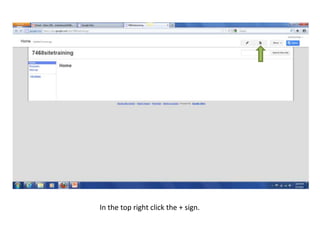
In the top right click the + sign.
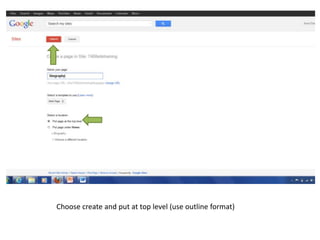
Choose create and put at top level (use outline format)
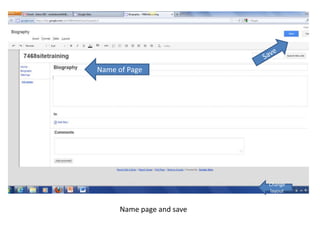
Name of Page


                           Change
                           layout


      Name page and save
Edit
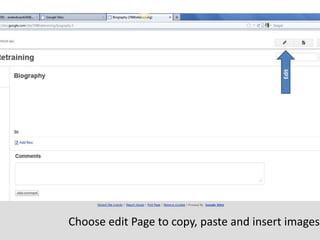
Choose edit Page to copy, paste and insert images
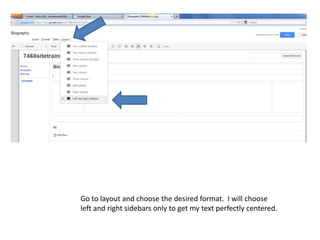
Go to layout and choose the desired format. I will choose
left and right sidebars only to get my text perfectly centered.
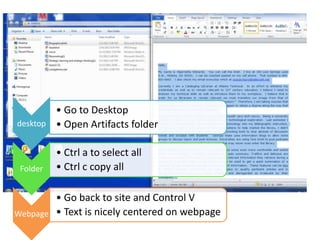
• Go to Desktop
desktop • Open Artifacts folder


          • Ctrl a to select all
 Folder   • Ctrl c copy all

        • Go back to site and Control V
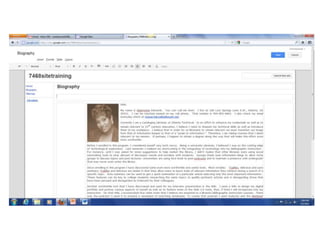
Webpage • Text is nicely centered on webpage
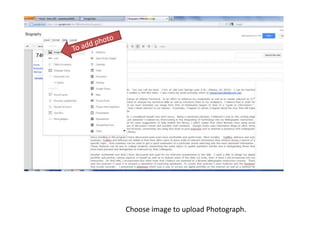
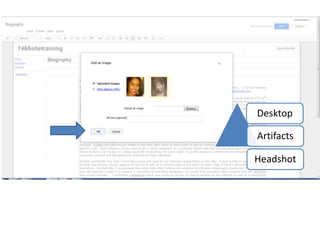
Choose image to upload Photograph.
Desktop

Artifacts

Headshot
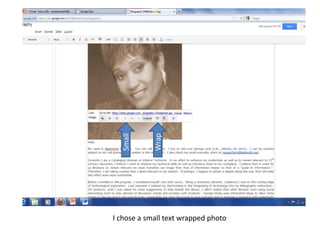
Small


            Wrap


I chose a small text wrapped photo
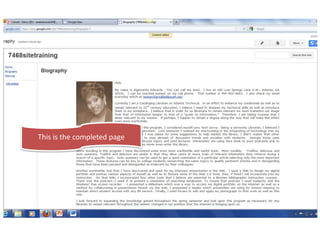
This is the completed page

Creating new pages