Interactive Whiteboards in the Classroom Kathy Counterman Applications of Technology Spring 2012
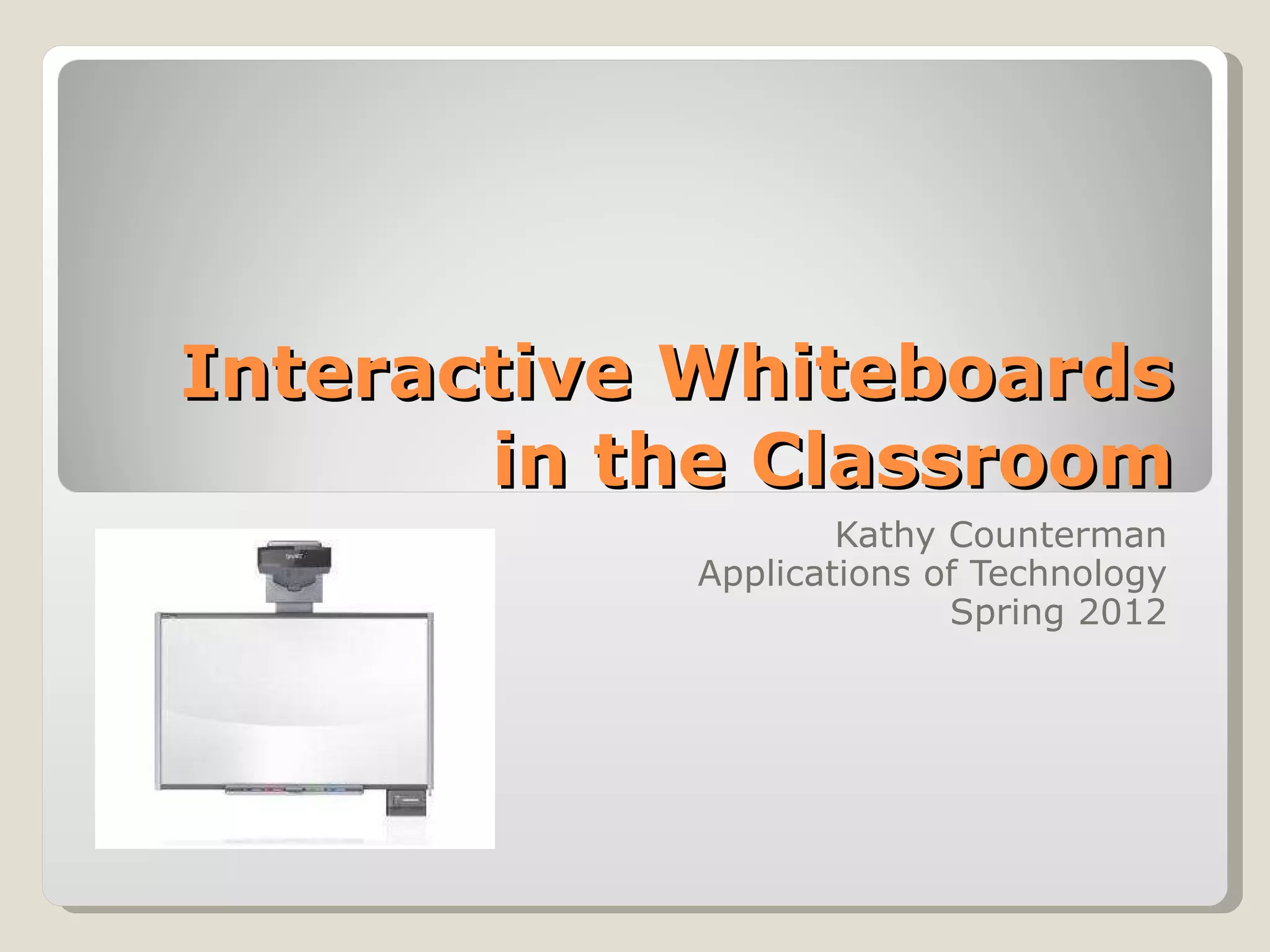
Definition An interactive whiteboard is large, touch sensitive board that is connected to a projector and a computer. The user can manipulate the image projected onto the screen.
Interactive Whiteboard Uses Reinforcement of previously learned concepts through games Emphasizing important information in presentations Replacement of flip charts Take notes directly onto presentations Use in conjunction with Kidspiration Electronic word wall Projection of e-books
Benefits Student engagement Interactivity Learning games mimic video games Easy to use Supports different learning styles
Drawbacks Cost Technology just for its own sake Teacher training Whiteboard to student ratio Free standing boards need to be realigned each move Front projection can be obscured by users
References Cruickshank, D. (2007).  A clean slate: Interactive whiteboard makes lessons snazzy . Retrieved from  http://www.edutopia.org/whiteboard-classroom Bell, M. A. (2002).  Why use an interactive whiteboard? A baker’s dozen reasons!  Retrieved from  http://teachers.net/gazette/JAN02/mabell.html Walsh, K. (2009).  Learning about interactive whiteboards in the classroom . Retrieved from  http://www.emergingedtech.com/2009/11/learning-about-interactive-whiteboards-for-the-classroom/

Counterman interactive whiteboard pwpt

  • 1.
    Interactive Whiteboards inthe Classroom Kathy Counterman Applications of Technology Spring 2012
  • 2.
    Definition An interactivewhiteboard is large, touch sensitive board that is connected to a projector and a computer. The user can manipulate the image projected onto the screen.
  • 3.
    Interactive Whiteboard UsesReinforcement of previously learned concepts through games Emphasizing important information in presentations Replacement of flip charts Take notes directly onto presentations Use in conjunction with Kidspiration Electronic word wall Projection of e-books
  • 4.
    Benefits Student engagementInteractivity Learning games mimic video games Easy to use Supports different learning styles
  • 5.
    Drawbacks Cost Technologyjust for its own sake Teacher training Whiteboard to student ratio Free standing boards need to be realigned each move Front projection can be obscured by users
  • 6.
    References Cruickshank, D.(2007). A clean slate: Interactive whiteboard makes lessons snazzy . Retrieved from http://www.edutopia.org/whiteboard-classroom Bell, M. A. (2002). Why use an interactive whiteboard? A baker’s dozen reasons! Retrieved from http://teachers.net/gazette/JAN02/mabell.html Walsh, K. (2009). Learning about interactive whiteboards in the classroom . Retrieved from http://www.emergingedtech.com/2009/11/learning-about-interactive-whiteboards-for-the-classroom/