www.A6training.co.uk
Countdown Timers
• Thefollowing slides contain a series of ‘timers’ that can be used in PowerPoint 2003, they may
also work in earlier versions of PowerPoint.
• To see the timers in action, click the mouse to move forward a slide, then click again to start
timer. Clicking again will forward the timer to the end of its sequence.
• The idea behind this, is one way to make a PowerPoint presentation to a large audience, slightly
more interactive, is to set the students a question, activity, calculation etc. If appropriate a timer
can be introduced, to ‘time’ how long is available for them to complete the activity.
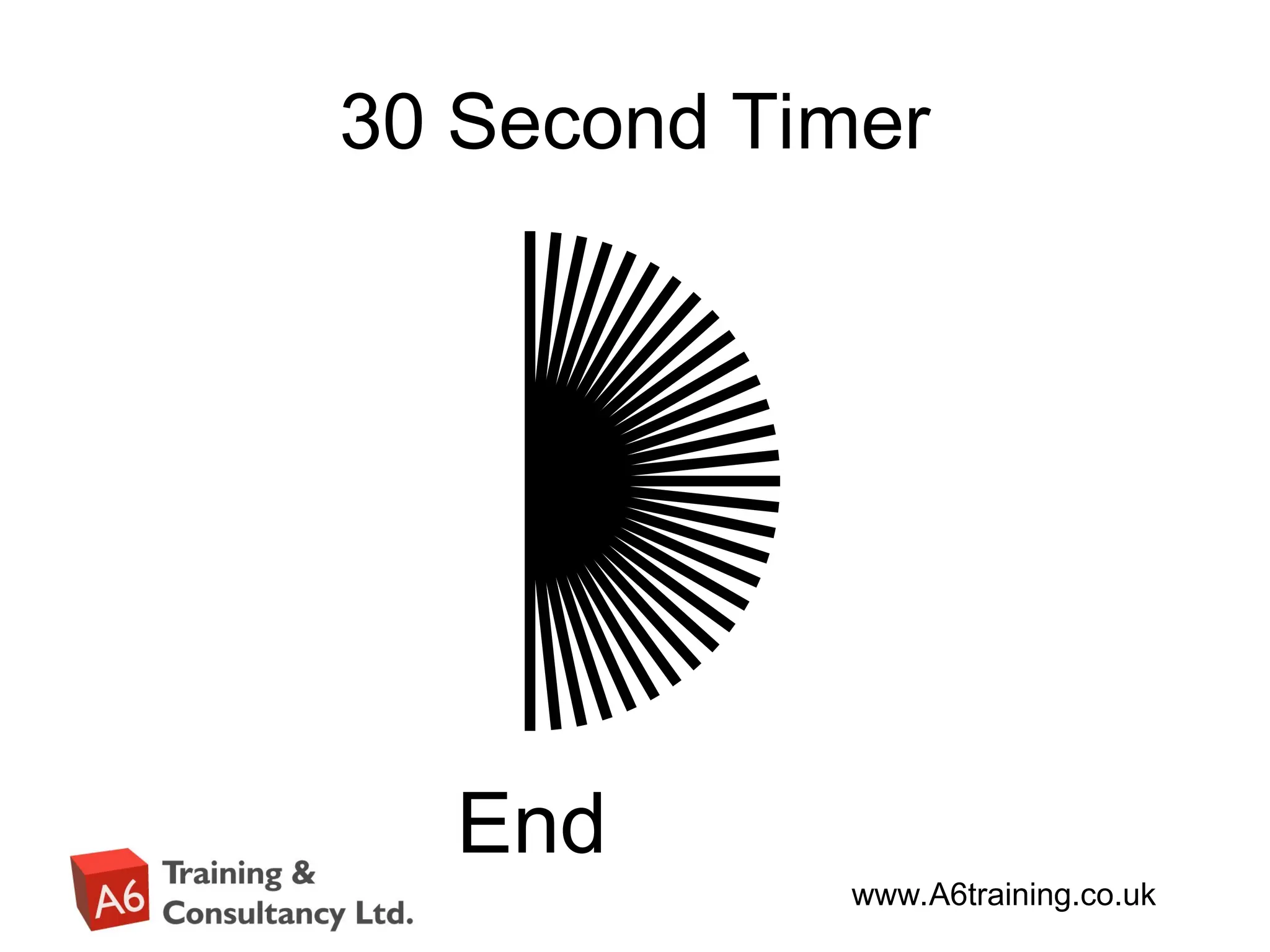
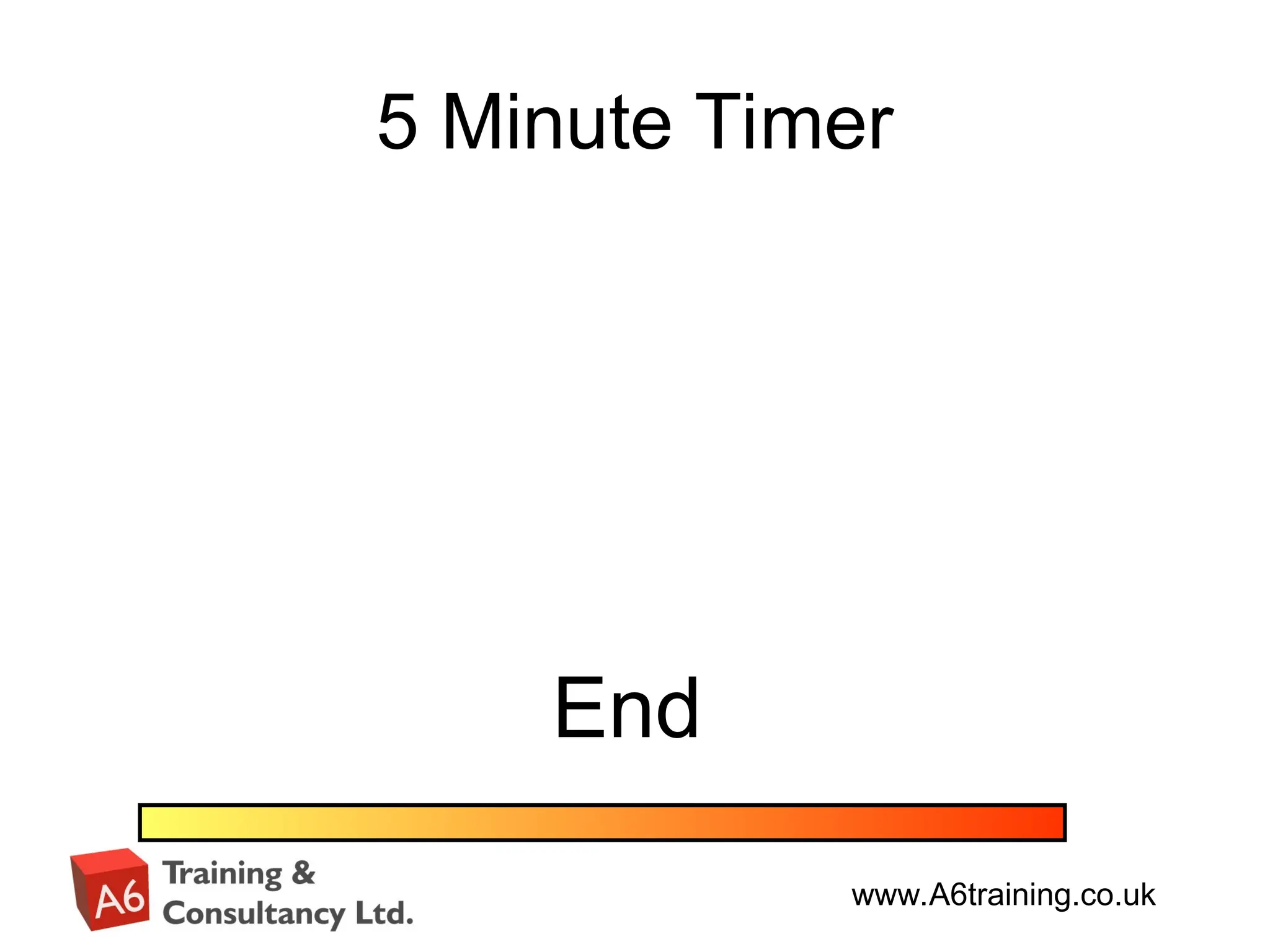
• There are timers for 5 seconds, 10 seconds, 30 seconds, 2 minutes, 5 minutes, 10 minutes and
20 minutes.
• To use a timer, all you need to do is enter the editing mode of PowerPoint - copy desired timer
into your presentation, each timer is made up of many components, so when copying – you need
to use the mouse to select all the components to do this – click and hold the mouse, top left of
the timer, then whilst holding mouse button down, drag the mouse to bottom right of timer and
release – everything within the region should be selected. You can now ‘copy’ – go into your
presentation and paste.
• Timers can be resized, or formatted – just make sure you highlight all of the items at the same
time (by using same method as above).
• The timers are preset to start on the click of the mouse, this could be changed to start
automatically on going to that slide, or on the click of a button. You would need to change the
custom animation settings for this.
• There is a sound effect at the end of each timer – this is the ‘Laser’ sound effect within
PowerPoint – this could easily be removed or replaced with your own sound effect.






![Countdown timers for_power_point[1]](https://cdn.slidesharecdn.com/ss_thumbnails/countdowntimersforpowerpoint1-120704142918-phpapp01-thumbnail.jpg?width=640&height=640&fit=bounds)

![Countdown timers for_power_point[1]](https://cdn.slidesharecdn.com/ss_thumbnails/countdowntimersforpowerpoint1-120704142100-phpapp01-thumbnail.jpg?width=640&height=640&fit=bounds)


