Control file management
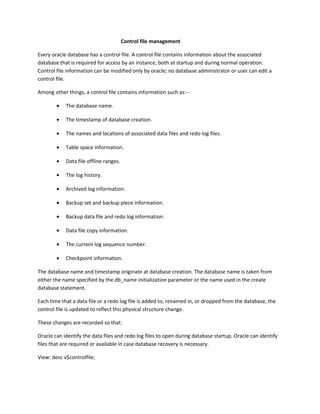
Every oracle database has a control file. A control file contains information about the associated
database that is required for access by an instance, both at startup and during normal operation.
Control file information can be modified only by oracle; no database administrator or user can edit a
control file.
Among other things, a control file contains information such as:--
• The database name.
• The timestamp of database creation.
• The names and locations of associated data files and redo log files.
• Table space information.
• Data file offline ranges.
• The log history.
• Archived log information.
• Backup set and backup piece information.
• Backup data file and redo log information.
• Data file copy information.
• The current log sequence number.
• Checkpoint information.
The database name and timestamp originate at database creation. The database name is taken from
either the name specified by the db_name initialization parameter or the name used in the create
database statement.
Each time that a data file or a redo log file is added to, renamed in, or dropped from the database, the
control file is updated to reflect this physical structure change.
These changes are recorded so that:
Oracle can identify the data files and redo log files to open during database startup. Oracle can identify
files that are required or available in case database recovery is necessary.
View: desc v$controlfile;
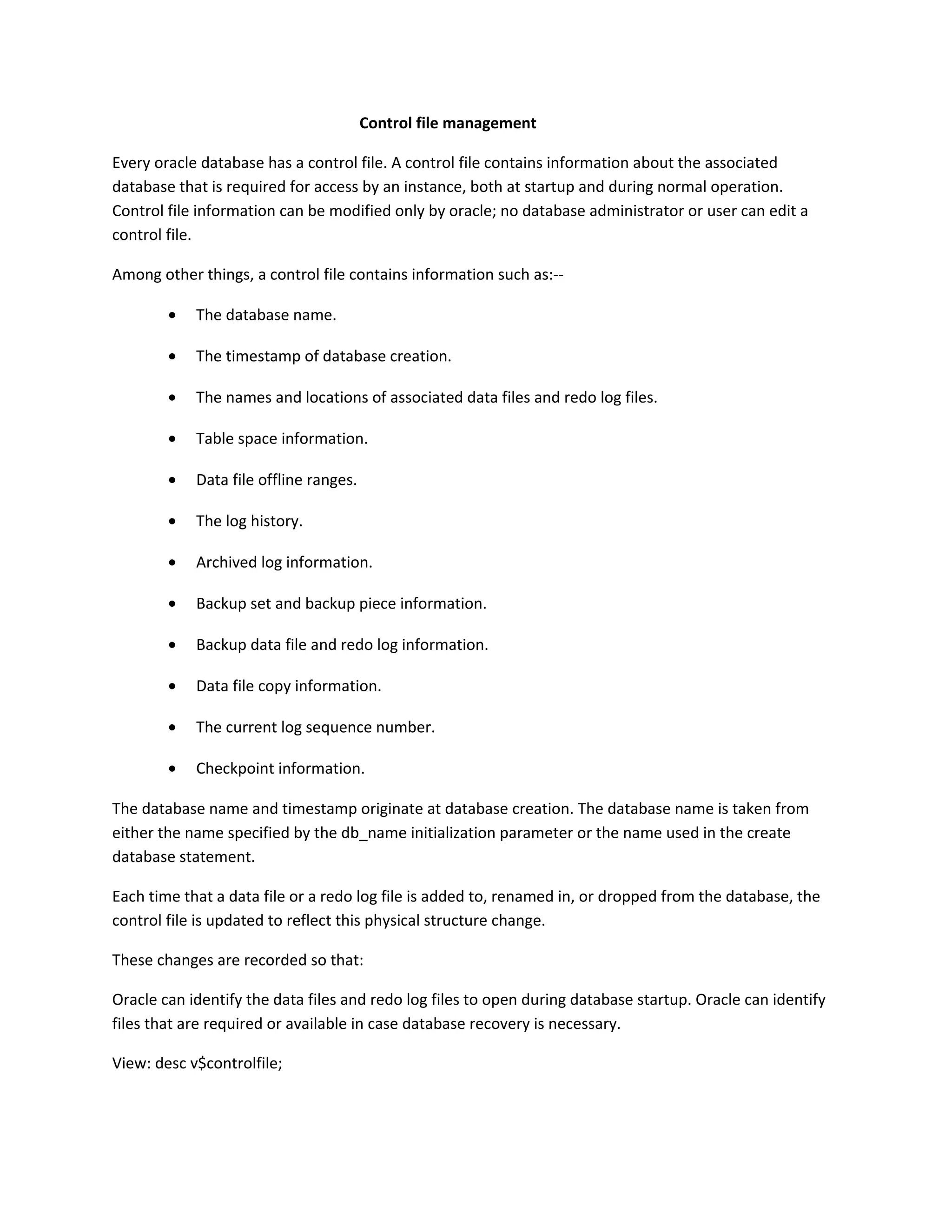
To see the location of control files:
Select name from v$controlfile;
To add a control file:
Sql>create pfile from spfile;
1. Shutdown the database gracefully.
2. Edit the init<sid>.ora file
3 Modify the control file parameter and add the location of the new file.
4. Copy the control file physically using ‘cp’ command.
$cd dev/control/
$cp control.ctl control2.ctl
Sql>create spfile from pfile;
Sql>startup
Cloning:
To backup control file:
Sql>Alter database backup controlfile to trace;
Sql>show parameter user_dump_dest
Sql>shutdown immediate
Sql>exit
$cd prod/udump
$ls –ltr
$vi “latest updated file.trc” #here file name is not latest updated file.
Copy the create controlfile script up to character set.
:q
$mkdir clone
$cd clone
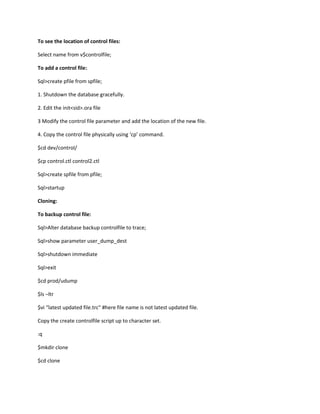
$mkdir data log control udump cdump bdump adump arch
$cd
$vi createcontrol.ctl
Click on I to enter INSERT mode and then write click on your mouse.
Change the directory path from prod to clone.
Create controlfile set database “newsid” resetlogs archivelog
Logfile
Group 1’/data/oracle/clone/redolog01.log’ size 50M;
Group 2’/path’ size 50M;
Datafile
‘/data/oracle/clone/system.dbf’
‘/path/sysaux.dbf’
‘/path/undotbs.dbf’
‘/path/users.dbf’
:1,$s/prod/clone/gc
:wq
$cd
Copy the datafiles from prod/data to /home/oracle/clone/data
$cd prod/data
$cp -v *.dbf /home/oracle/clone/data/
Go to parameters file location $ORACLE_HOME/dbs
$cd $ORACLE_HOME/dbs
Copy the init parameter file to clone.
$cp initprod.ora initclone.ora
$vi initclone.ora
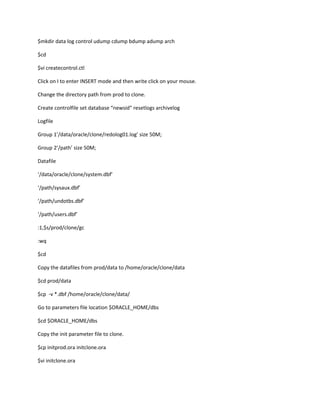
:1,$s/prod/clone/gc
:wq
$env |grep ORA
$export ORACLE_SID=clone
$env |grep ORA
$cd
$sqlplus / as sysdba
Sql>startup nomount;
Sql>@createcontrol.ctl
Sql>alter database open resetlogs;
Sql>recover database using backup controlfile; (online)

Controlfilemanagement

  • 1.
    Control file management Everyoracle database has a control file. A control file contains information about the associated database that is required for access by an instance, both at startup and during normal operation. Control file information can be modified only by oracle; no database administrator or user can edit a control file. Among other things, a control file contains information such as:-- • The database name. • The timestamp of database creation. • The names and locations of associated data files and redo log files. • Table space information. • Data file offline ranges. • The log history. • Archived log information. • Backup set and backup piece information. • Backup data file and redo log information. • Data file copy information. • The current log sequence number. • Checkpoint information. The database name and timestamp originate at database creation. The database name is taken from either the name specified by the db_name initialization parameter or the name used in the create database statement. Each time that a data file or a redo log file is added to, renamed in, or dropped from the database, the control file is updated to reflect this physical structure change. These changes are recorded so that: Oracle can identify the data files and redo log files to open during database startup. Oracle can identify files that are required or available in case database recovery is necessary. View: desc v$controlfile;
  • 2.
    To see thelocation of control files: Select name from v$controlfile; To add a control file: Sql>create pfile from spfile; 1. Shutdown the database gracefully. 2. Edit the init<sid>.ora file 3 Modify the control file parameter and add the location of the new file. 4. Copy the control file physically using ‘cp’ command. $cd dev/control/ $cp control.ctl control2.ctl Sql>create spfile from pfile; Sql>startup Cloning: To backup control file: Sql>Alter database backup controlfile to trace; Sql>show parameter user_dump_dest Sql>shutdown immediate Sql>exit $cd prod/udump $ls –ltr $vi “latest updated file.trc” #here file name is not latest updated file. Copy the create controlfile script up to character set. :q $mkdir clone $cd clone
  • 3.
    $mkdir data logcontrol udump cdump bdump adump arch $cd $vi createcontrol.ctl Click on I to enter INSERT mode and then write click on your mouse. Change the directory path from prod to clone. Create controlfile set database “newsid” resetlogs archivelog Logfile Group 1’/data/oracle/clone/redolog01.log’ size 50M; Group 2’/path’ size 50M; Datafile ‘/data/oracle/clone/system.dbf’ ‘/path/sysaux.dbf’ ‘/path/undotbs.dbf’ ‘/path/users.dbf’ :1,$s/prod/clone/gc :wq $cd Copy the datafiles from prod/data to /home/oracle/clone/data $cd prod/data $cp -v *.dbf /home/oracle/clone/data/ Go to parameters file location $ORACLE_HOME/dbs $cd $ORACLE_HOME/dbs Copy the init parameter file to clone. $cp initprod.ora initclone.ora $vi initclone.ora
  • 4.
    :1,$s/prod/clone/gc :wq $env |grep ORA $exportORACLE_SID=clone $env |grep ORA $cd $sqlplus / as sysdba Sql>startup nomount; Sql>@createcontrol.ctl Sql>alter database open resetlogs; Sql>recover database using backup controlfile; (online)