Git in one Evening
● Who am I, and what is my context?
● Why use version control at all?
● What are the options?
● Why choose git?
● Git basics
● Github goodies
● Git as part of your workflow
● Questions and discussion
Who am I, anyway?
● Long time developer (perl, php)
● Primarily work in Drupal
● I work with a small team – I'm the primary
back-end dev, we have one themer
● I do sometimes contribute to the Drupal
project.
Why use version control?
● Also called “revision control” or “source
control”
● Use cases (code == text files)
– Solo, CMS site building, no custom code
(useful at times)
– Solo, CMS site building, custom code (theme
files, etc.) (very useful)
– Solo or Team, custom code (essential)
– Team, CMS site building, custom code
(essential)
Version Control Options
● Old skool: CVS/SVN (client/server)
● New skool: Git, Bazaar, Mercurial (distributed)
● Git is by far the most popular, and has
become the industry standard for version
control. Used for the Linux kernel
● Mercurial is used by Python, and others
● Bazaar is used by Ubuntu, and supported by
Canonical
Distributed Version Control
● SVN (and its predecessor, CVS) had only
one repository, and it was central. You
committed code to that repository. Your
working copy is only a copy of the code, with
metadata (in the form of .svn directories).
● With distributed version control, everyone has
a repository – so every version is basically a
fork.
Distributed Version Control, cont.
● Synchronization can happen by peers
exchanging patches
● Commits, reverts, etc. are fast, because they
happen locally.
● You can work productively (like on a plane)
without having to connect to a server
● Branching and forking are a lot easier
● It is easier to contribute to open source
projects
Why Learn Git?
● It is distributed version control
● It is the most popular
● It is used for the drupal project (I notice
wordpress is still using SVN.)
● It is in increasing use in PaaS systems
(Heroku, etc.)
● You'll improve your chances of getting a job
(git knowledge is increasingly asked for.)
How to get git
● Linux
– apt-get install git (Ubuntu/Debian)
– yum install git-core (Fedora/CentOS)
– Download from http://git-scm.com/
● Mac OS X
– Graphical Git
installer:http://code.google.com/p/git-osx-
installer
– MacPorts
● Windows
– http://msysgit.github.io/
Git Tools
● IDEs/Editors that integrate with git
– Eclipse
– Netbeans
– TextMate
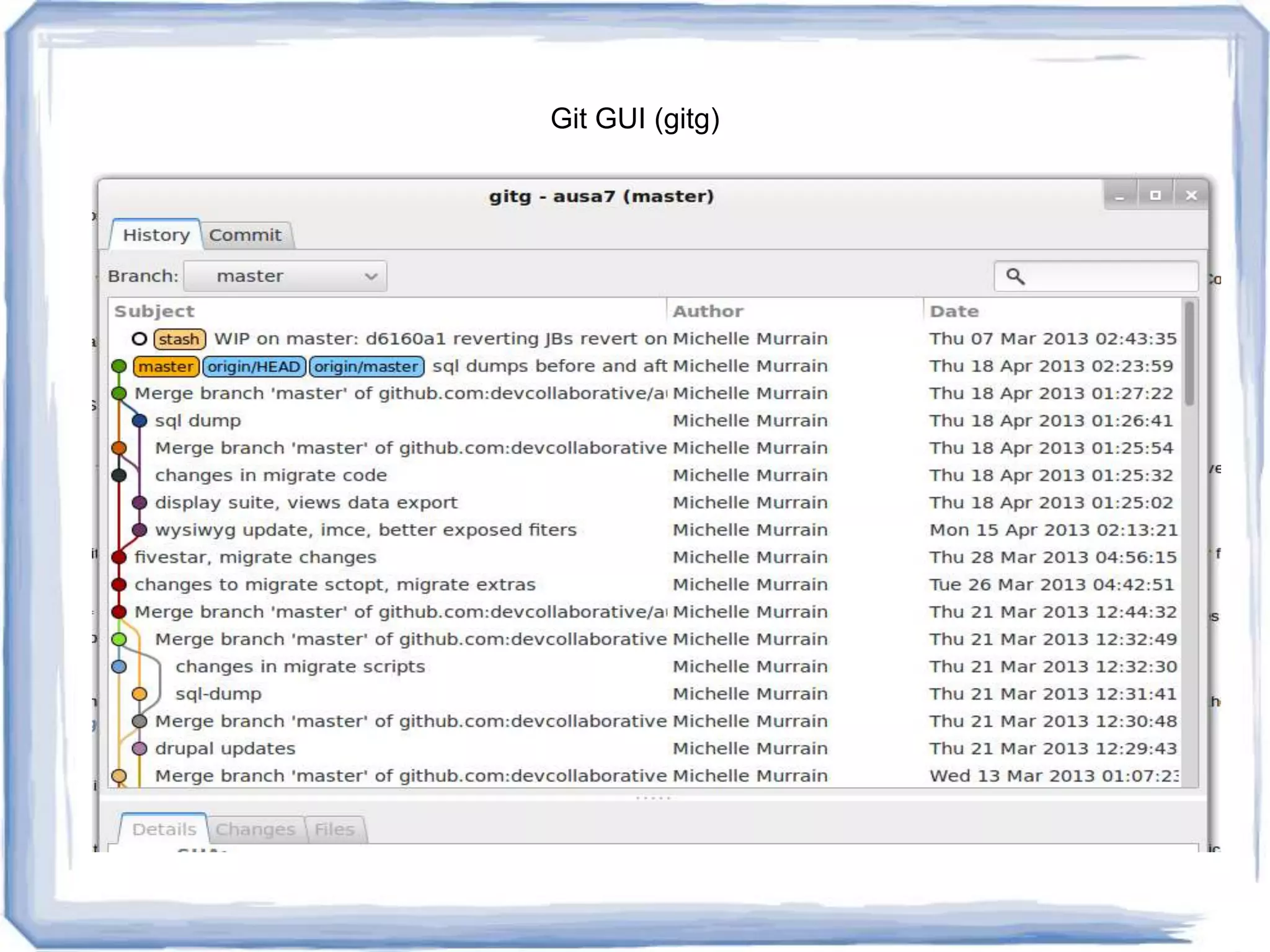
● Git GUIs
– Gitg
– Katana
– Others
● https://git.wiki.kernel.org/index.php/InterfacesF
rontendsAndTools
Git GUI (gitg)
Basic Git
● Creating a git repository
● Cloning a git repository
● Making changes
● Viewing status
● Staging changes
● Committing changes
● Pushing and Pulling
● Undoing mistakes
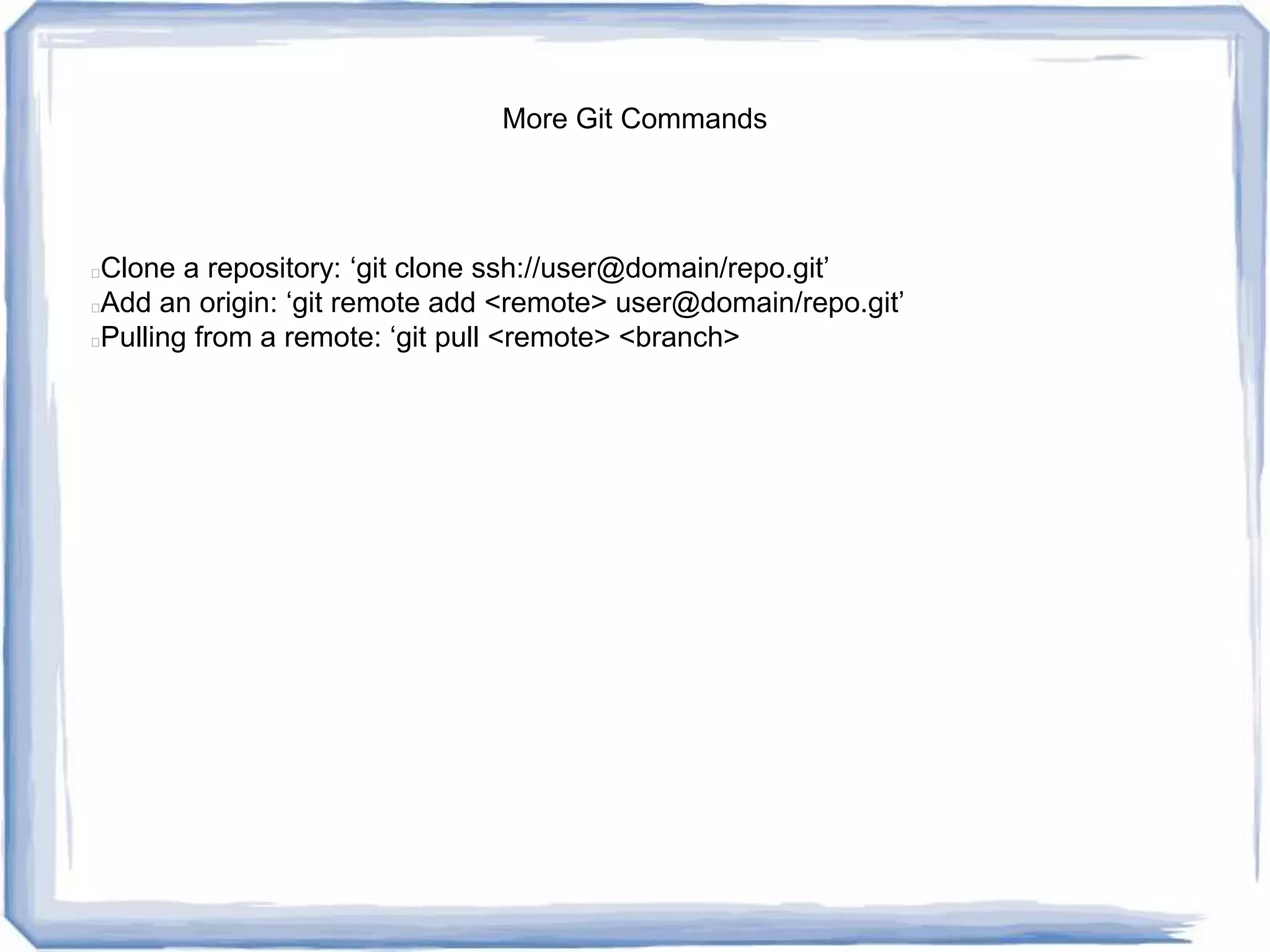
More Git Commands
● Clone a repository: ‘git clone
ssh://user@domain/repo.git’
● Add an origin: ‘git remote add <remote>
user@domain/repo.git’
● Pulling from a remote: ‘git pull <remote>
<branch>
Let’s Do It!
Git Repository Hosting
● You could theoretically do peer-to-peer, but
the standard is to have a “bare” repository
hosted somewhere
● You can easily host it yourself on a VPS
● Commercial hosting options provide goodies
– GitHub
– Bitbucket
– Others
GitHub
● github.com
● Free for open source/public projects
● Modest cost for private repository hosting
● Lots of nice goodies, including issue tracking
Git Workflow
● Depends on use case
● Teams
● Branches
● Remotes as “servers” a la cvs/svn
● Challenges integrating with DB based CMS
config changes
Got Questions?
● I might have answers
Michelle Murrain
● michelle@murrain.net
● @pearlbear on twitter
● pearlbear on d.o.

Git In One Evening

  • 1.
    Git in oneEvening ● Who am I, and what is my context? ● Why use version control at all? ● What are the options? ● Why choose git? ● Git basics ● Github goodies ● Git as part of your workflow ● Questions and discussion
  • 2.
    Who am I,anyway? ● Long time developer (perl, php) ● Primarily work in Drupal ● I work with a small team – I'm the primary back-end dev, we have one themer ● I do sometimes contribute to the Drupal project.
  • 3.
    Why use versioncontrol? ● Also called “revision control” or “source control” ● Use cases (code == text files) – Solo, CMS site building, no custom code (useful at times) – Solo, CMS site building, custom code (theme files, etc.) (very useful) – Solo or Team, custom code (essential) – Team, CMS site building, custom code (essential)
  • 4.
    Version Control Options ●Old skool: CVS/SVN (client/server) ● New skool: Git, Bazaar, Mercurial (distributed) ● Git is by far the most popular, and has become the industry standard for version control. Used for the Linux kernel ● Mercurial is used by Python, and others ● Bazaar is used by Ubuntu, and supported by Canonical
  • 5.
    Distributed Version Control ●SVN (and its predecessor, CVS) had only one repository, and it was central. You committed code to that repository. Your working copy is only a copy of the code, with metadata (in the form of .svn directories). ● With distributed version control, everyone has a repository – so every version is basically a fork.
  • 6.
    Distributed Version Control,cont. ● Synchronization can happen by peers exchanging patches ● Commits, reverts, etc. are fast, because they happen locally. ● You can work productively (like on a plane) without having to connect to a server ● Branching and forking are a lot easier ● It is easier to contribute to open source projects
  • 7.
    Why Learn Git? ●It is distributed version control ● It is the most popular ● It is used for the drupal project (I notice wordpress is still using SVN.) ● It is in increasing use in PaaS systems (Heroku, etc.) ● You'll improve your chances of getting a job (git knowledge is increasingly asked for.)
  • 8.
    How to getgit ● Linux – apt-get install git (Ubuntu/Debian) – yum install git-core (Fedora/CentOS) – Download from http://git-scm.com/ ● Mac OS X – Graphical Git installer:http://code.google.com/p/git-osx- installer – MacPorts ● Windows – http://msysgit.github.io/
  • 9.
    Git Tools ● IDEs/Editorsthat integrate with git – Eclipse – Netbeans – TextMate ● Git GUIs – Gitg – Katana – Others ● https://git.wiki.kernel.org/index.php/InterfacesF rontendsAndTools
  • 10.
  • 11.
    Basic Git ● Creatinga git repository ● Cloning a git repository ● Making changes ● Viewing status ● Staging changes ● Committing changes ● Pushing and Pulling ● Undoing mistakes
  • 12.
    More Git Commands ●Clone a repository: ‘git clone ssh://user@domain/repo.git’ ● Add an origin: ‘git remote add <remote> user@domain/repo.git’ ● Pulling from a remote: ‘git pull <remote> <branch>
  • 13.
  • 14.
    Git Repository Hosting ●You could theoretically do peer-to-peer, but the standard is to have a “bare” repository hosted somewhere ● You can easily host it yourself on a VPS ● Commercial hosting options provide goodies – GitHub – Bitbucket – Others
  • 15.
    GitHub ● github.com ● Freefor open source/public projects ● Modest cost for private repository hosting ● Lots of nice goodies, including issue tracking
  • 16.
    Git Workflow ● Dependson use case ● Teams ● Branches ● Remotes as “servers” a la cvs/svn ● Challenges integrating with DB based CMS config changes
  • 17.
    Got Questions? ● Imight have answers
  • 18.
    Michelle Murrain ● michelle@murrain.net ●@pearlbear on twitter ● pearlbear on d.o.