




Contribute 101:
Kitematic/Compose/Machine
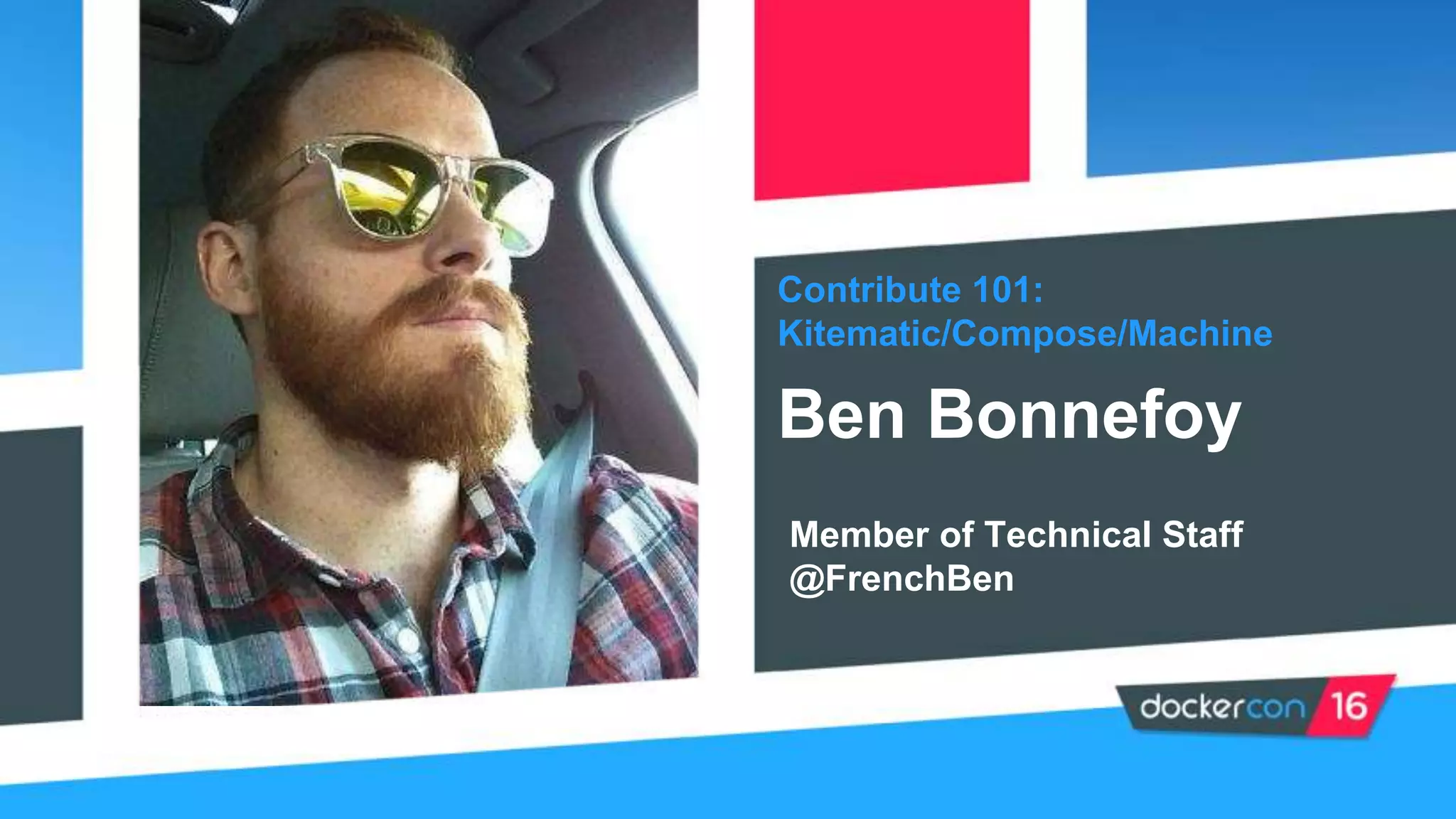
Ben Bonnefoy
Member of Technical Staff
@FrenchBen
“How to make crepes”
The Docker Project
Overview
Structure
Kitematic, Compose,
Machine
Agenda
Contributing
How to contribute
Issues, Features
Learn More
Docker Project
Quick summary about the Docker project
• Helps developers build, ship and run applications faster
• Written in Go
• Open source!
• Under an Apache 2.0 License
• Most starred Go Project on Github
Fun fact: In the past year, 58% of pull requests submitted to the Docker Engine
were authored by people who are neither maintainers nor Docker employees,
12% by maintainers working for other companies, and 30% by Docker
employees themselves.
Introduction to the Docker Project
• Each subproject, or repo, has its own set of maintainers
• Want to find them? Open the MAINTAINERS file in the docker/xyz repo
• Maintainers are responsible for:
Reviewing/Approving PRs & making design decisions
Doing day-today work of running project operations
• Not all Maintainers work at Docker
• New Maintainers are added from the community by existing Maintainers
Maintainers spend their time doing whatever needs to be done, not necessarily
what is the most interesting or fun
The project structure
Kitematic, Compose & Machine
• Is the fastest and easiest way to start using Docker on your laptop
• Build and run containers through a simple, yet powerful graphical
user interface (GUI)
• Mount volumes easily via file browsing
Kitematic
Docker Compose
• Is a tool for defining and running multi-container Docker
applications.
• Uses a Compose file (YAML) to configure your application’s
services
• With a single command, creates and starts all the services from
your configuration.
Docker Machine
• Automatically sets up Docker on your cloud providers and inside
your data center
• Provisions the hosts, installs Docker Engine on them and
configures the Docker client to talk to the Docker Engines.
• Allows you to setup separate environments with a few single
commands
Grumpy cat is unimpressed
Contributing
How you can contribute (yeah you!!)
Yes, there are many ways to contribute, not just with code!
• Write documentation
• Review PRs or Triage issues
• Report bugs
• Mentor other users or contributors
• Make tutorials
• Write tests
• Organize a meetup
• Answer support questions on IRC, Docker’s forums or stackoverflow
Ways to Contribute
Step 1: Install the software you need (Docker, git, etc.)
Step 2: Fork the repo
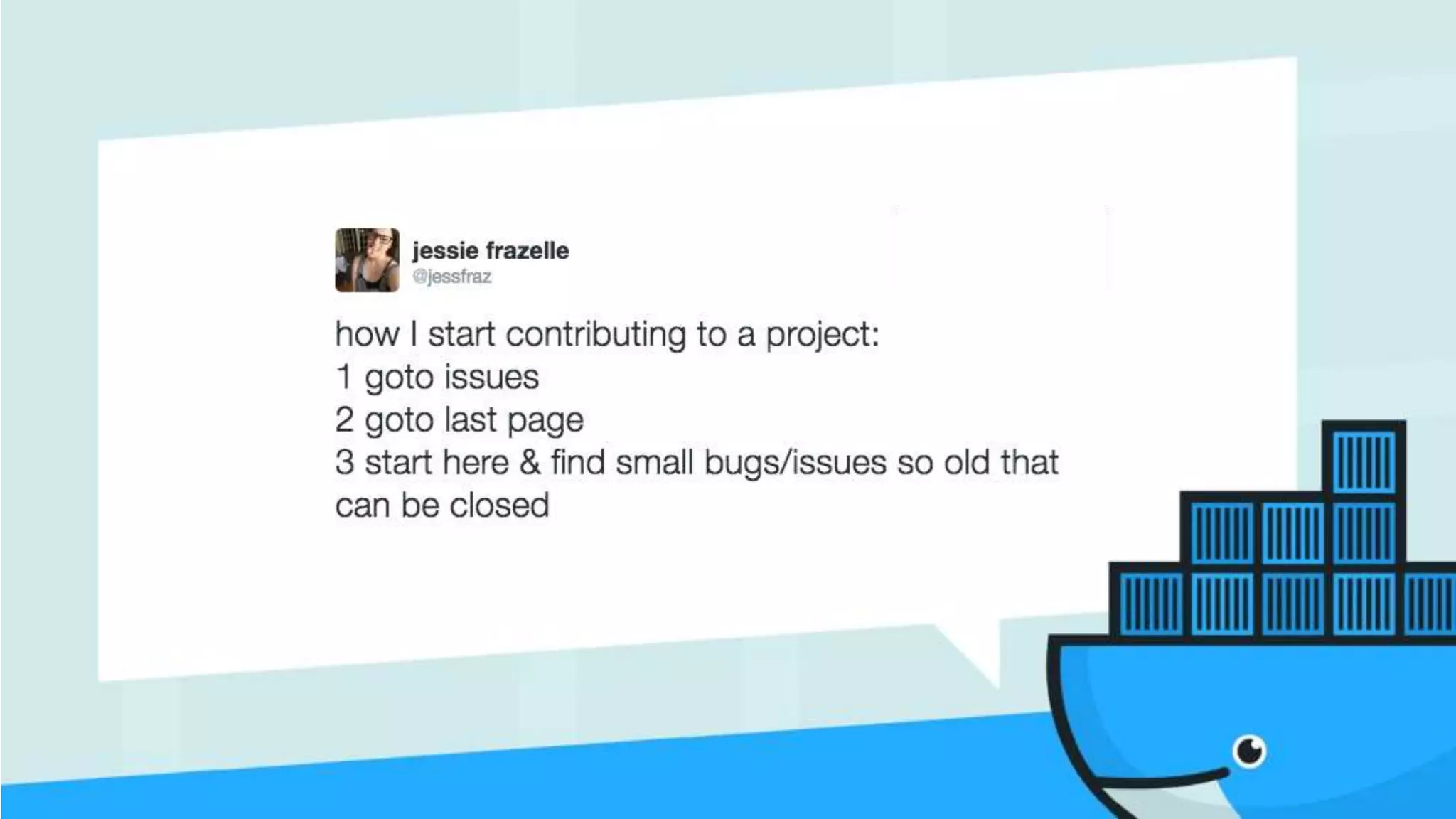
Step 3: Find an issue to work on
Step 4: Work on that issue
Step 5: Create a pull request
Step 6: Participate in your PR review until a successful merge
Full guide here: https://docs.docker.com/opensource/code/
How you contribute to code
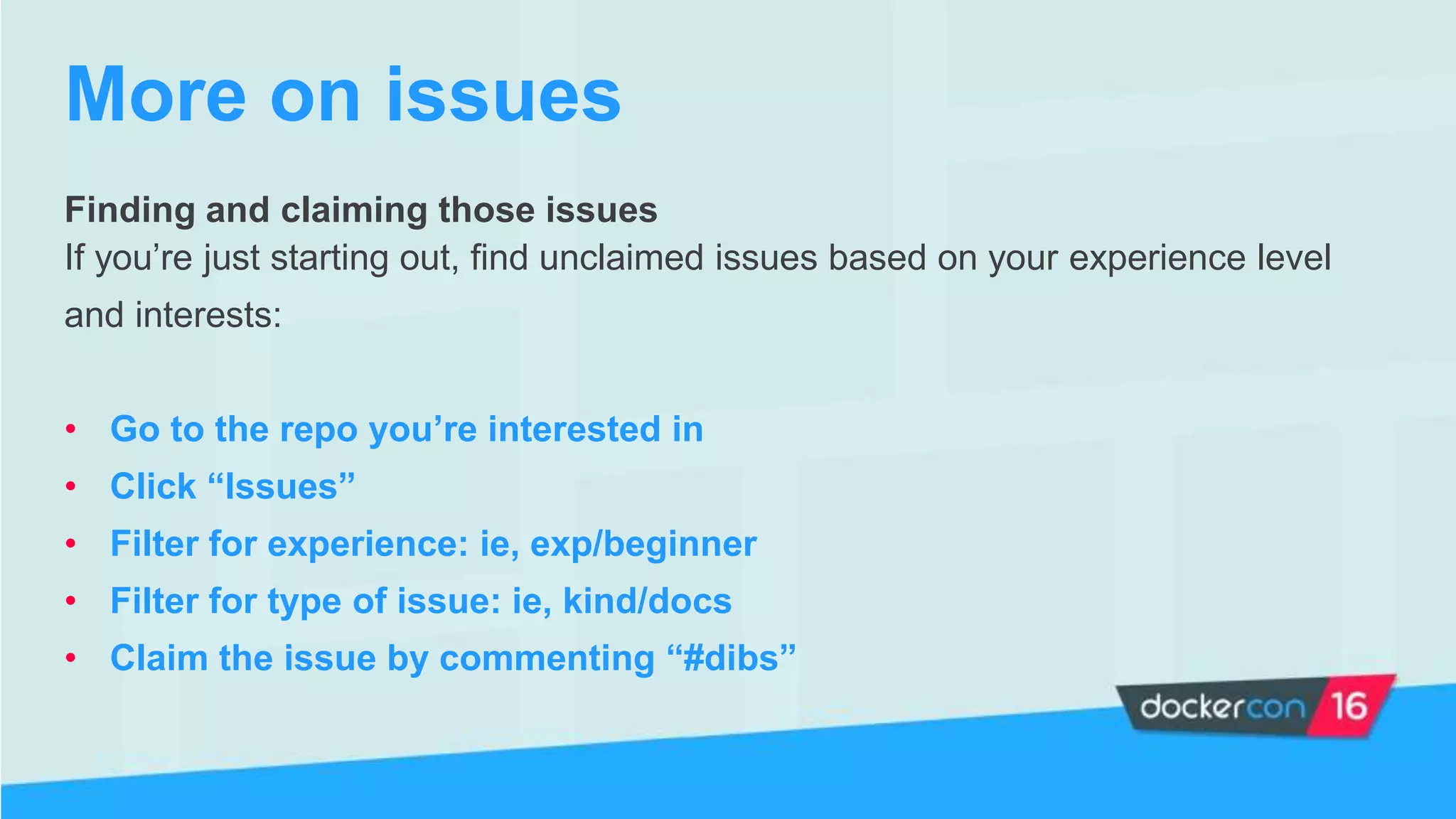
Finding and claiming those issues
If you’re just starting out, find unclaimed issues based on your experience level
and interests:
• Go to the repo you’re interested in
• Click “Issues”
• Filter for experience: ie, exp/beginner
• Filter for type of issue: ie, kind/docs
• Claim the issue by commenting “#dibs”
More on issues
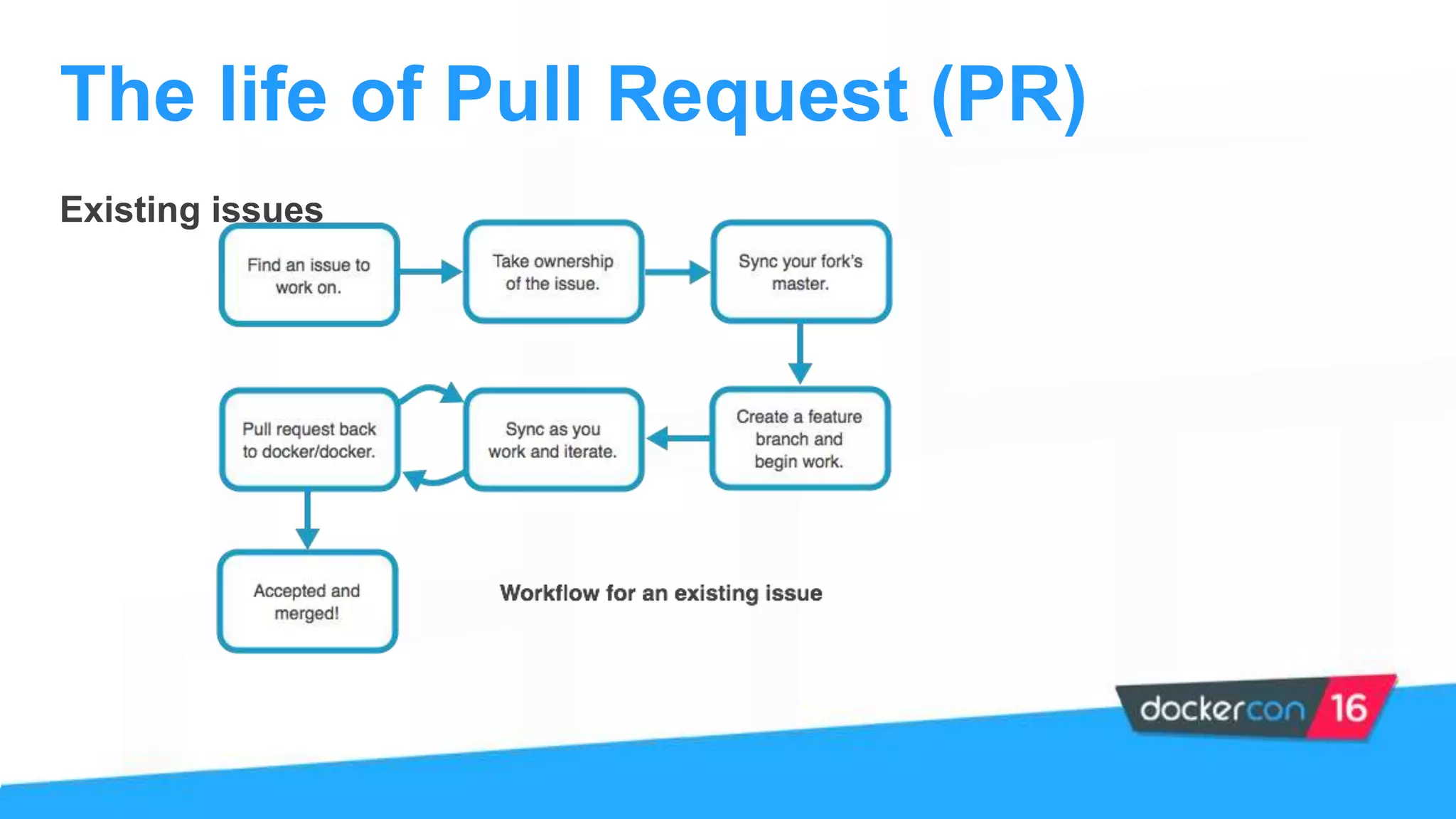
Existing issues
The life of Pull Request (PR)
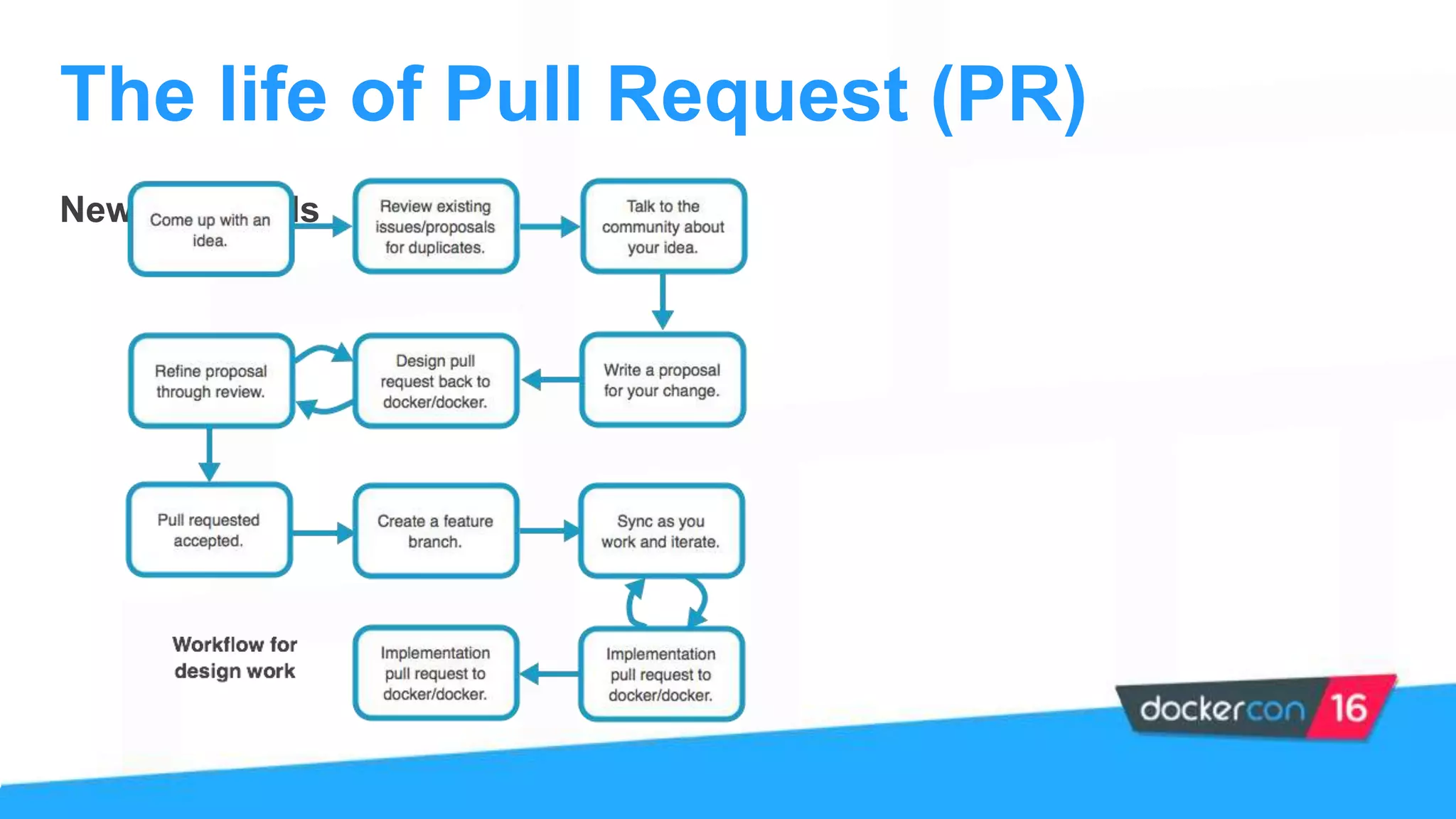
New Proposals
The life of Pull Request (PR)
• Hangout on IRC and take a look at comments on GitHub
• Check out our Open Source documentation at:
https://docs.docker.com/opensource
• Attend one of the Meet the Maintainers sessions
• Follow the discussion in our Docker Forums
How to learn more
Well almost...
• French Ben @FrenchBen - Maintainer Kitematic
• David Gageot @dgageot - Maintainer Machine
• Aanand Prasad @AanandPrasad - Maintainer Compose
Ask us anything
Thank you!

Contribute 101: Compose/Kitematic/Machine by Ben Bonnefoy

  • 1.
  • 2.
    “How to makecrepes”
  • 3.
    The Docker Project Overview Structure Kitematic,Compose, Machine Agenda Contributing How to contribute Issues, Features Learn More
  • 4.
    Docker Project Quick summaryabout the Docker project
  • 5.
    • Helps developersbuild, ship and run applications faster • Written in Go • Open source! • Under an Apache 2.0 License • Most starred Go Project on Github Fun fact: In the past year, 58% of pull requests submitted to the Docker Engine were authored by people who are neither maintainers nor Docker employees, 12% by maintainers working for other companies, and 30% by Docker employees themselves. Introduction to the Docker Project
  • 6.
    • Each subproject,or repo, has its own set of maintainers • Want to find them? Open the MAINTAINERS file in the docker/xyz repo • Maintainers are responsible for: Reviewing/Approving PRs & making design decisions Doing day-today work of running project operations • Not all Maintainers work at Docker • New Maintainers are added from the community by existing Maintainers Maintainers spend their time doing whatever needs to be done, not necessarily what is the most interesting or fun The project structure
  • 7.
  • 8.
    • Is thefastest and easiest way to start using Docker on your laptop • Build and run containers through a simple, yet powerful graphical user interface (GUI) • Mount volumes easily via file browsing Kitematic
  • 9.
    Docker Compose • Isa tool for defining and running multi-container Docker applications. • Uses a Compose file (YAML) to configure your application’s services • With a single command, creates and starts all the services from your configuration.
  • 10.
    Docker Machine • Automaticallysets up Docker on your cloud providers and inside your data center • Provisions the hosts, installs Docker Engine on them and configures the Docker client to talk to the Docker Engines. • Allows you to setup separate environments with a few single commands
  • 11.
    Grumpy cat isunimpressed
  • 12.
    Contributing How you cancontribute (yeah you!!)
  • 13.
    Yes, there aremany ways to contribute, not just with code! • Write documentation • Review PRs or Triage issues • Report bugs • Mentor other users or contributors • Make tutorials • Write tests • Organize a meetup • Answer support questions on IRC, Docker’s forums or stackoverflow Ways to Contribute
  • 14.
    Step 1: Installthe software you need (Docker, git, etc.) Step 2: Fork the repo Step 3: Find an issue to work on Step 4: Work on that issue Step 5: Create a pull request Step 6: Participate in your PR review until a successful merge Full guide here: https://docs.docker.com/opensource/code/ How you contribute to code
  • 15.
    Finding and claimingthose issues If you’re just starting out, find unclaimed issues based on your experience level and interests: • Go to the repo you’re interested in • Click “Issues” • Filter for experience: ie, exp/beginner • Filter for type of issue: ie, kind/docs • Claim the issue by commenting “#dibs” More on issues
  • 17.
    Existing issues The lifeof Pull Request (PR)
  • 18.
    New Proposals The lifeof Pull Request (PR)
  • 20.
    • Hangout onIRC and take a look at comments on GitHub • Check out our Open Source documentation at: https://docs.docker.com/opensource • Attend one of the Meet the Maintainers sessions • Follow the discussion in our Docker Forums How to learn more
  • 22.
    Well almost... • FrenchBen @FrenchBen - Maintainer Kitematic • David Gageot @dgageot - Maintainer Machine • Aanand Prasad @AanandPrasad - Maintainer Compose Ask us anything
  • 23.