Content Management 101 J. Todd Bennett Managing Partner decimal152
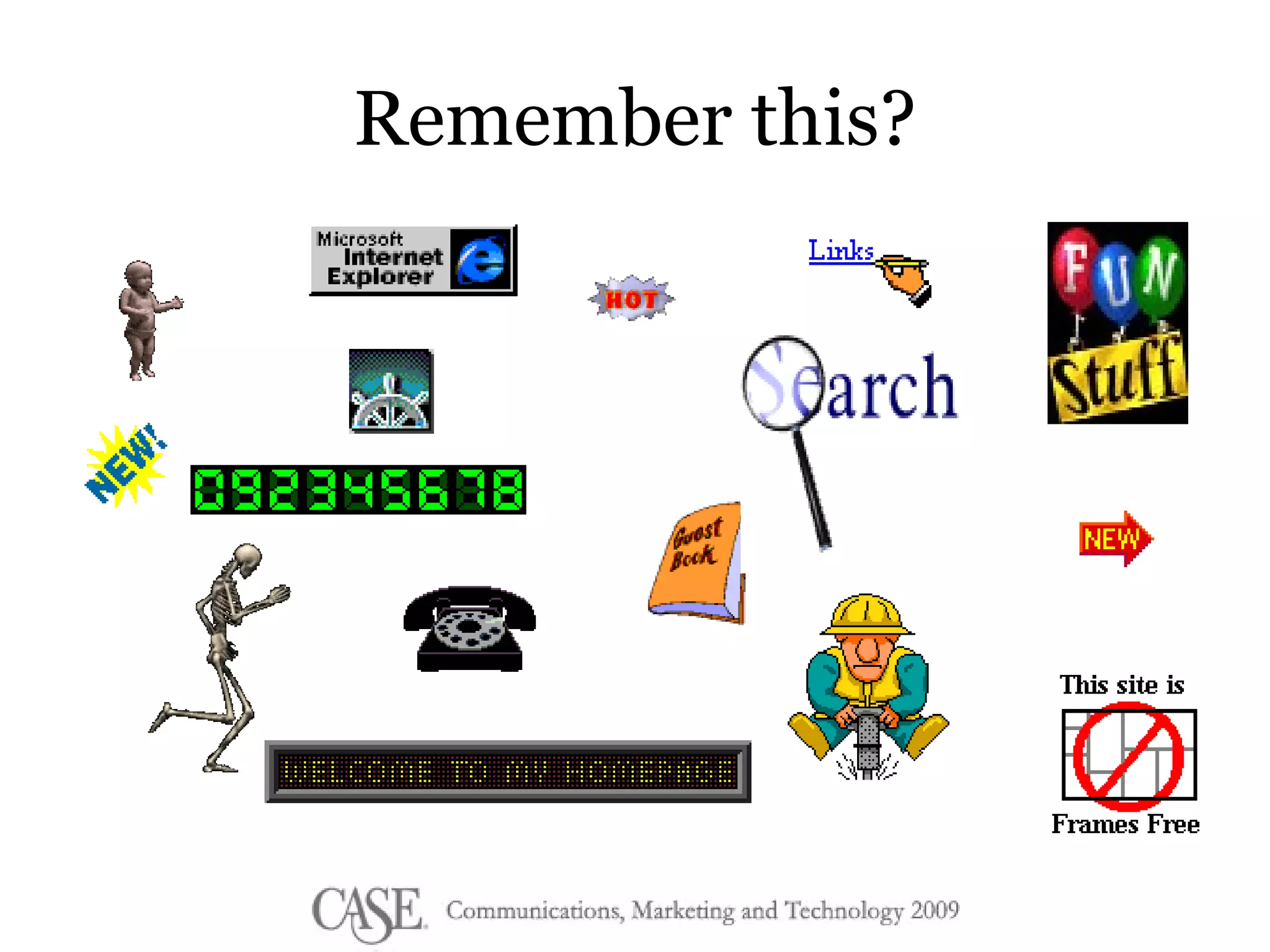
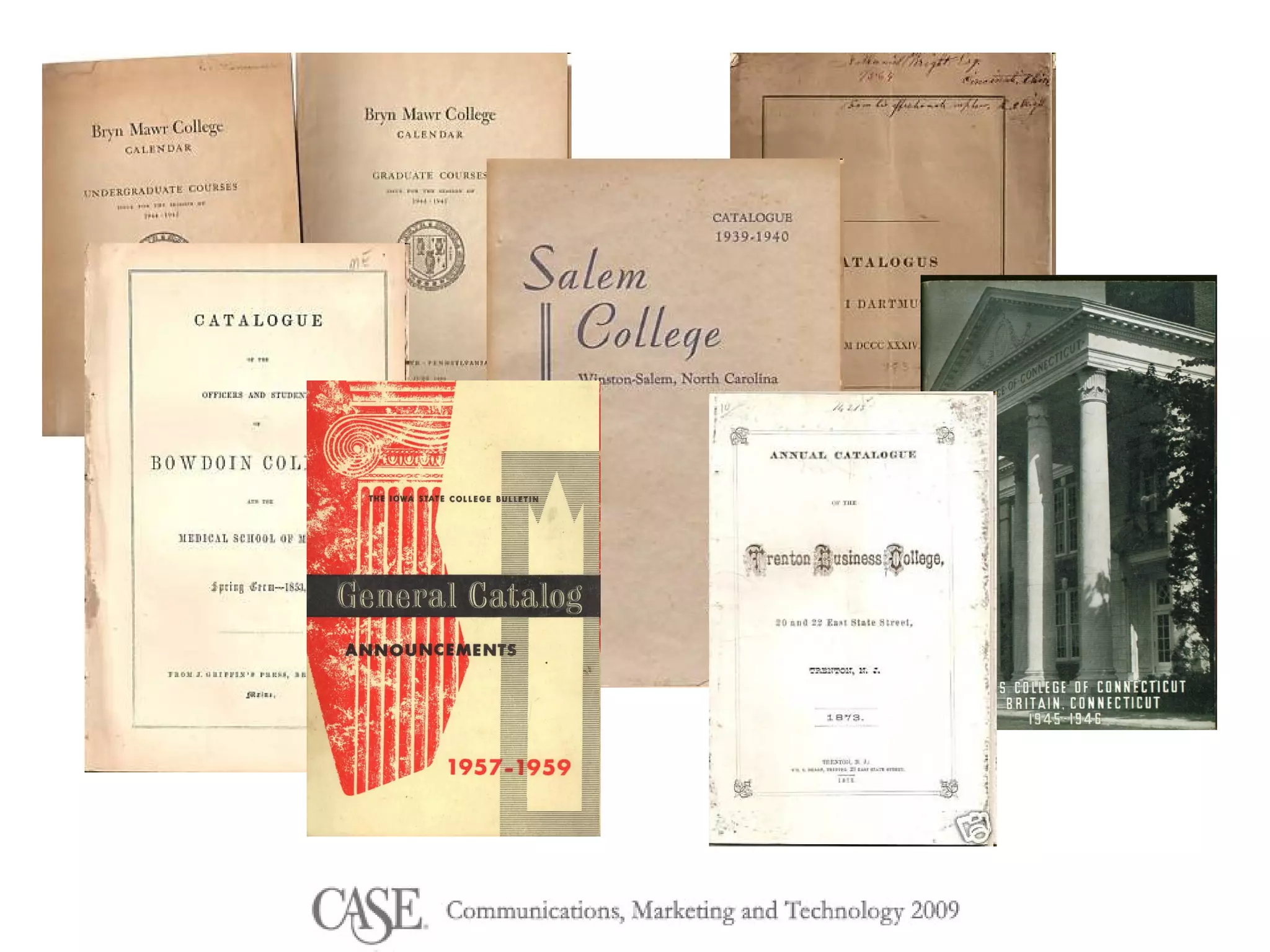
Remember this?
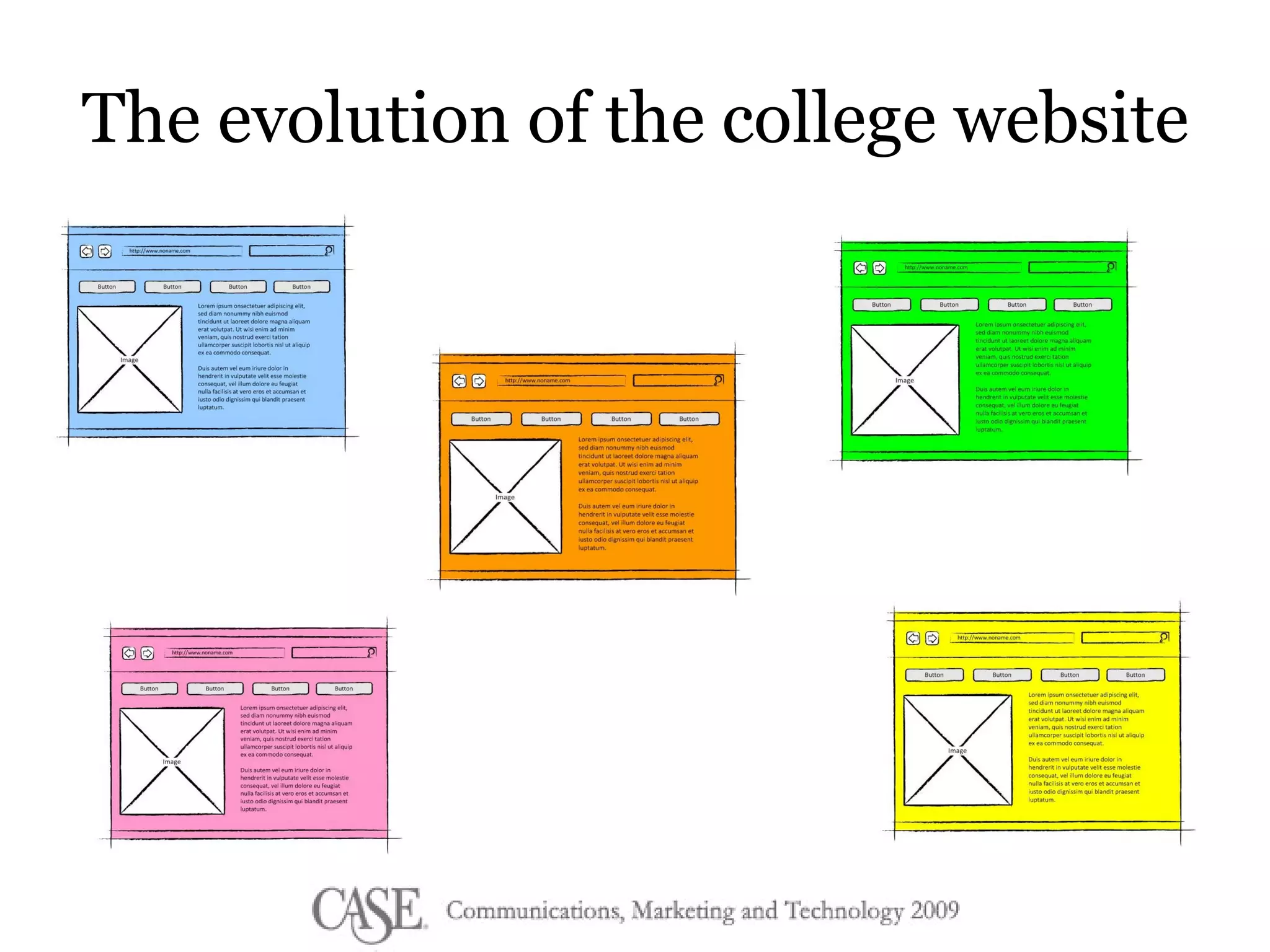
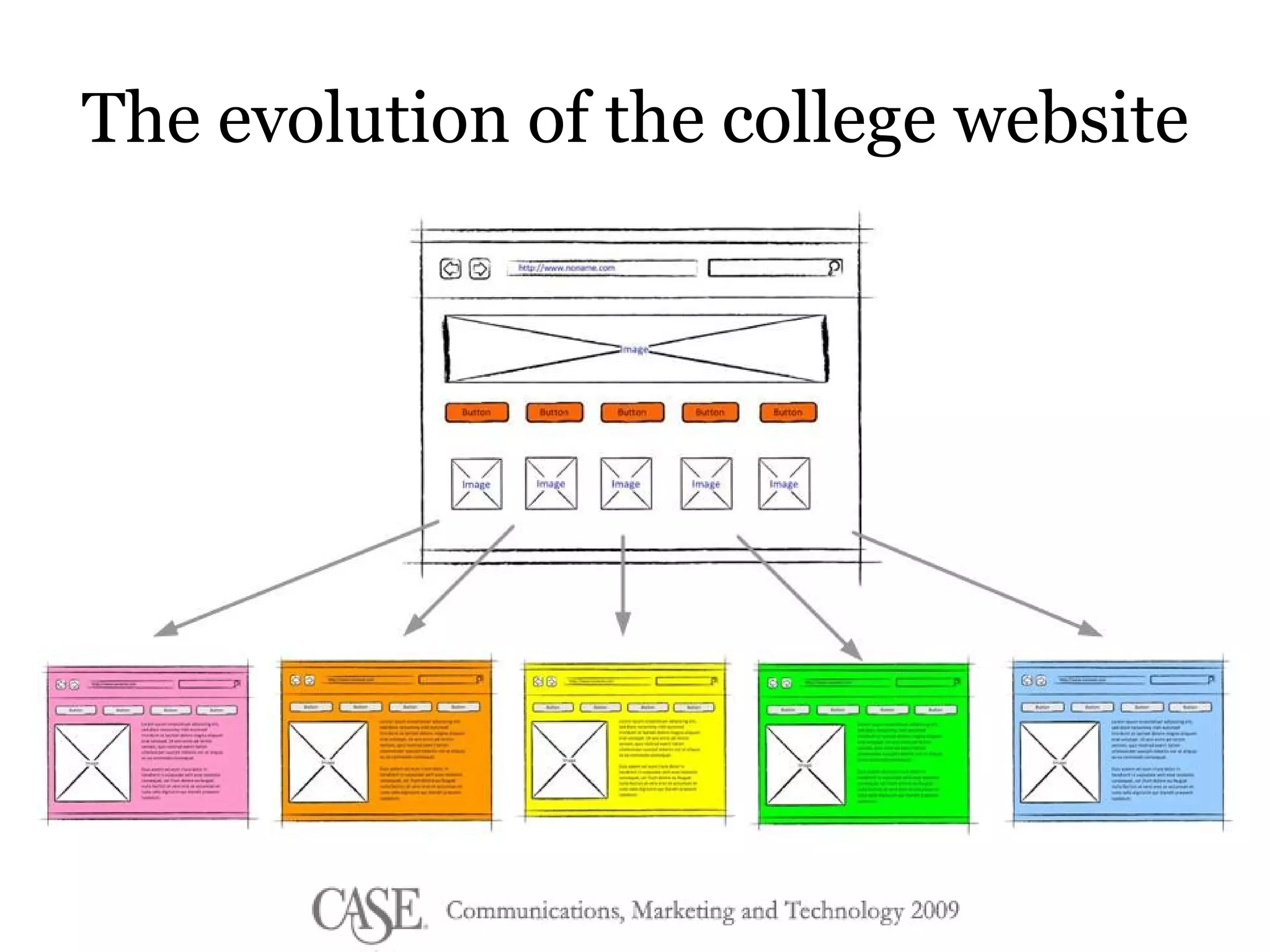
The evolution of the college website
 
How do we try to fix it? GET A CMS!
Reasons you get a CMS Ease the burden- more people lending a hand! WYSIWYG Easier updates, design changes More consistency and control  Do cool stuff without knowing what you’re doing
Beware of  features Be careful with  change
No CMS will fix problems with  your people or process
 
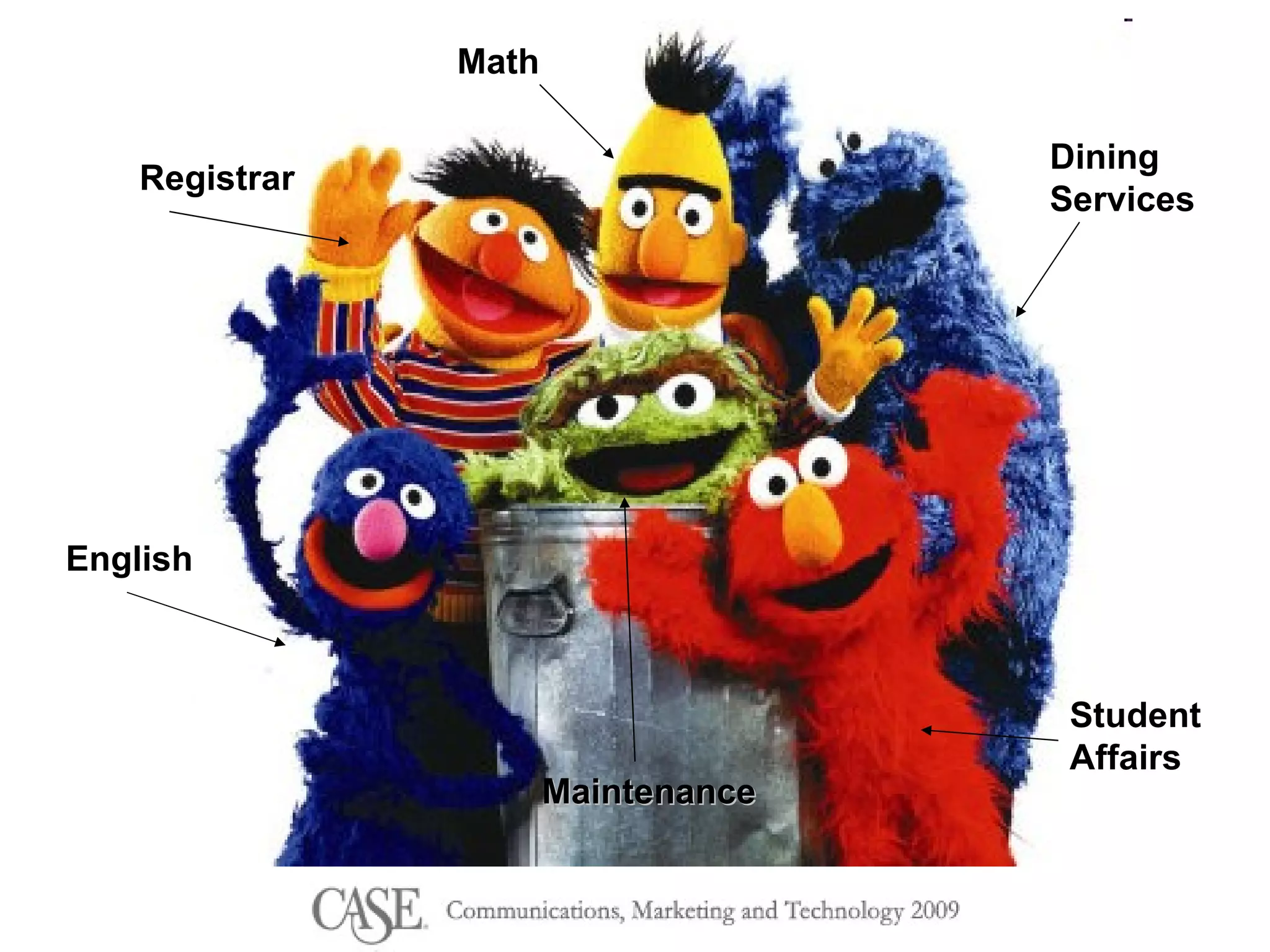
Dining  Services Student Affairs Math Registrar English Maintenance
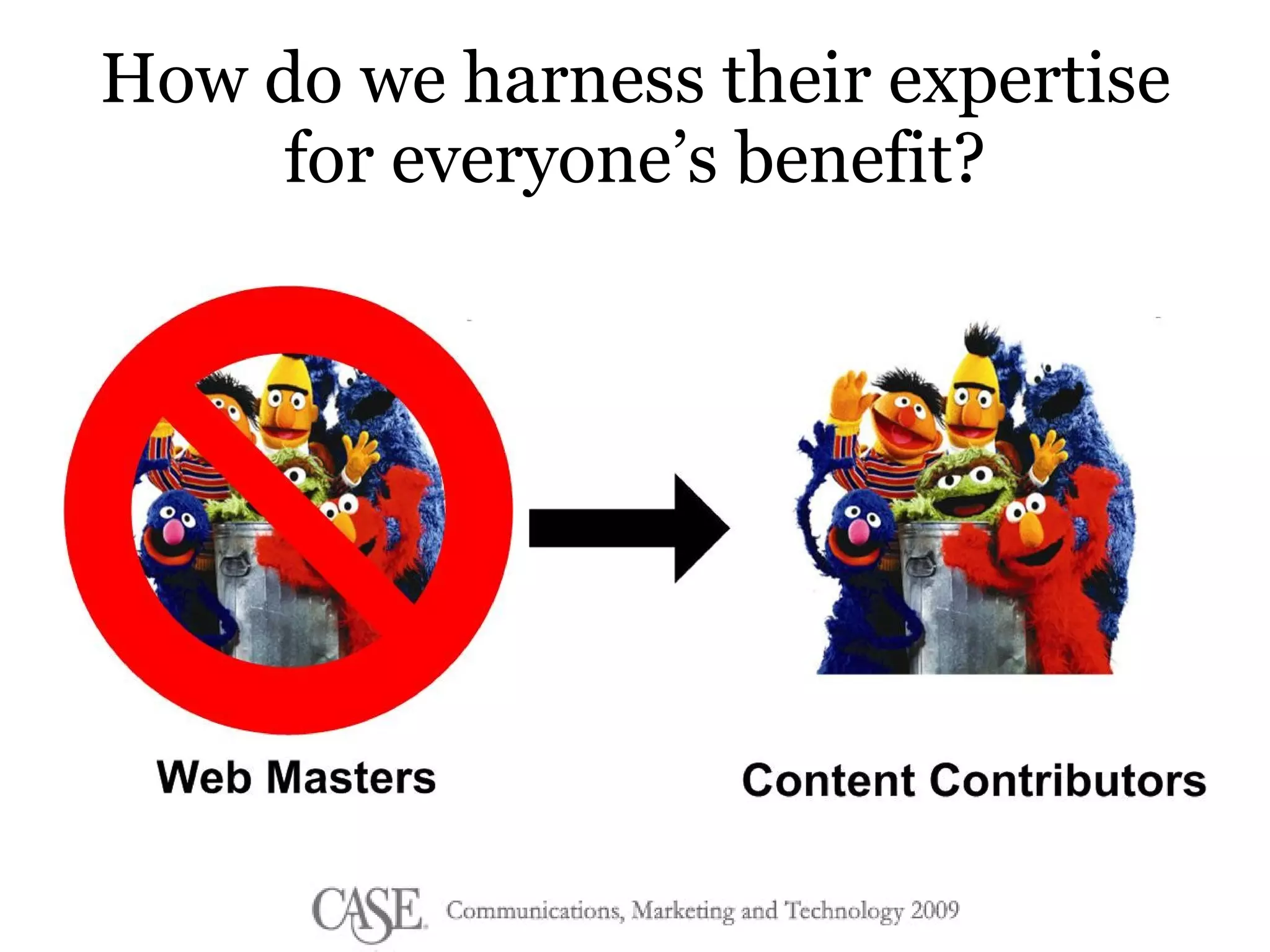
How do we harness their expertise for everyone’s benefit?
It’s time to rethink how we create and publish content.
www.flickr.com/photos/austin2179/
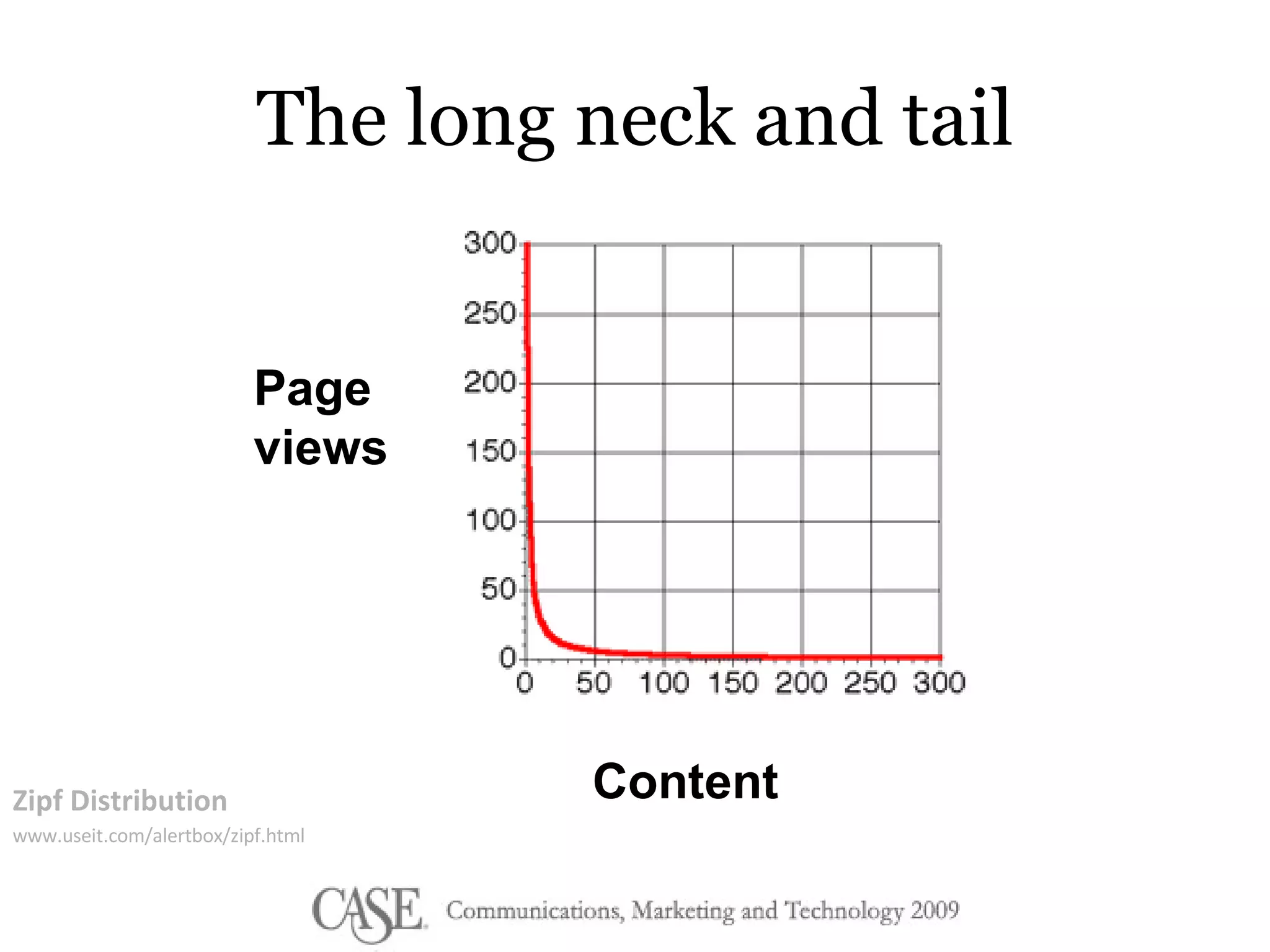
The long neck and tail Zipf Distribution www.useit.com/alertbox/zipf.html Page views Content
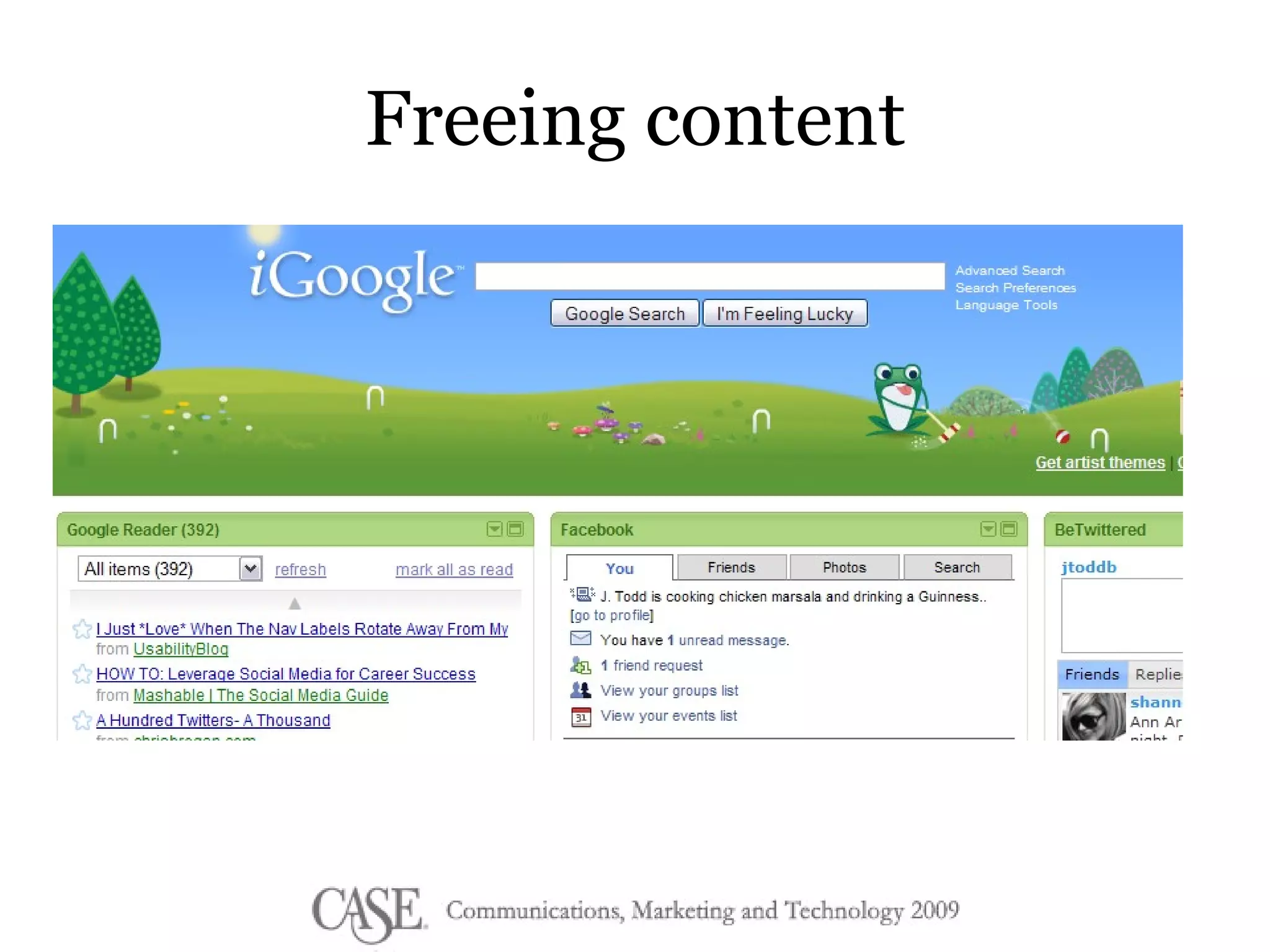
Freeing content
 
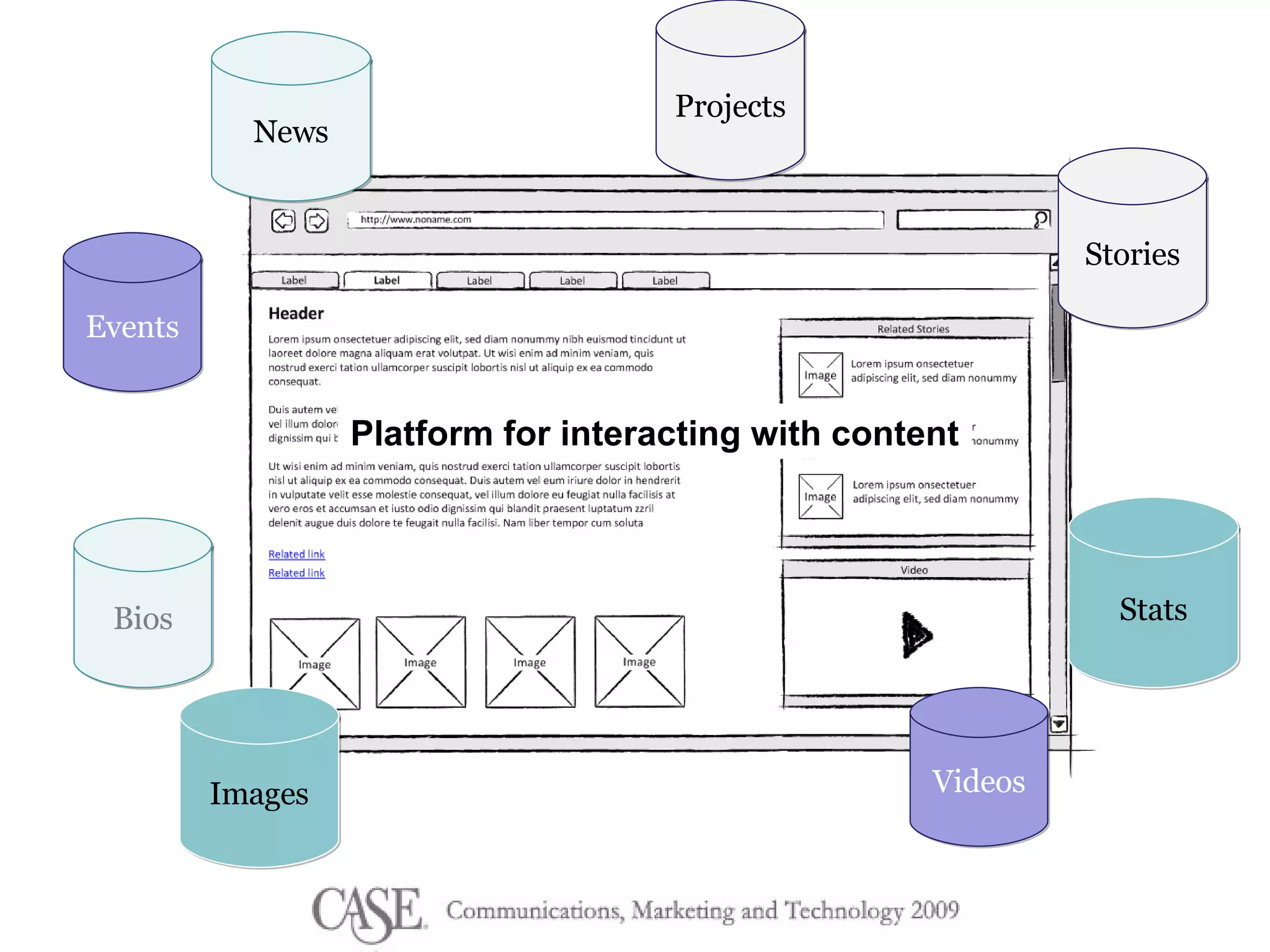
Bios Videos Images Stories Stats News Events Projects Platform for interacting with content
 
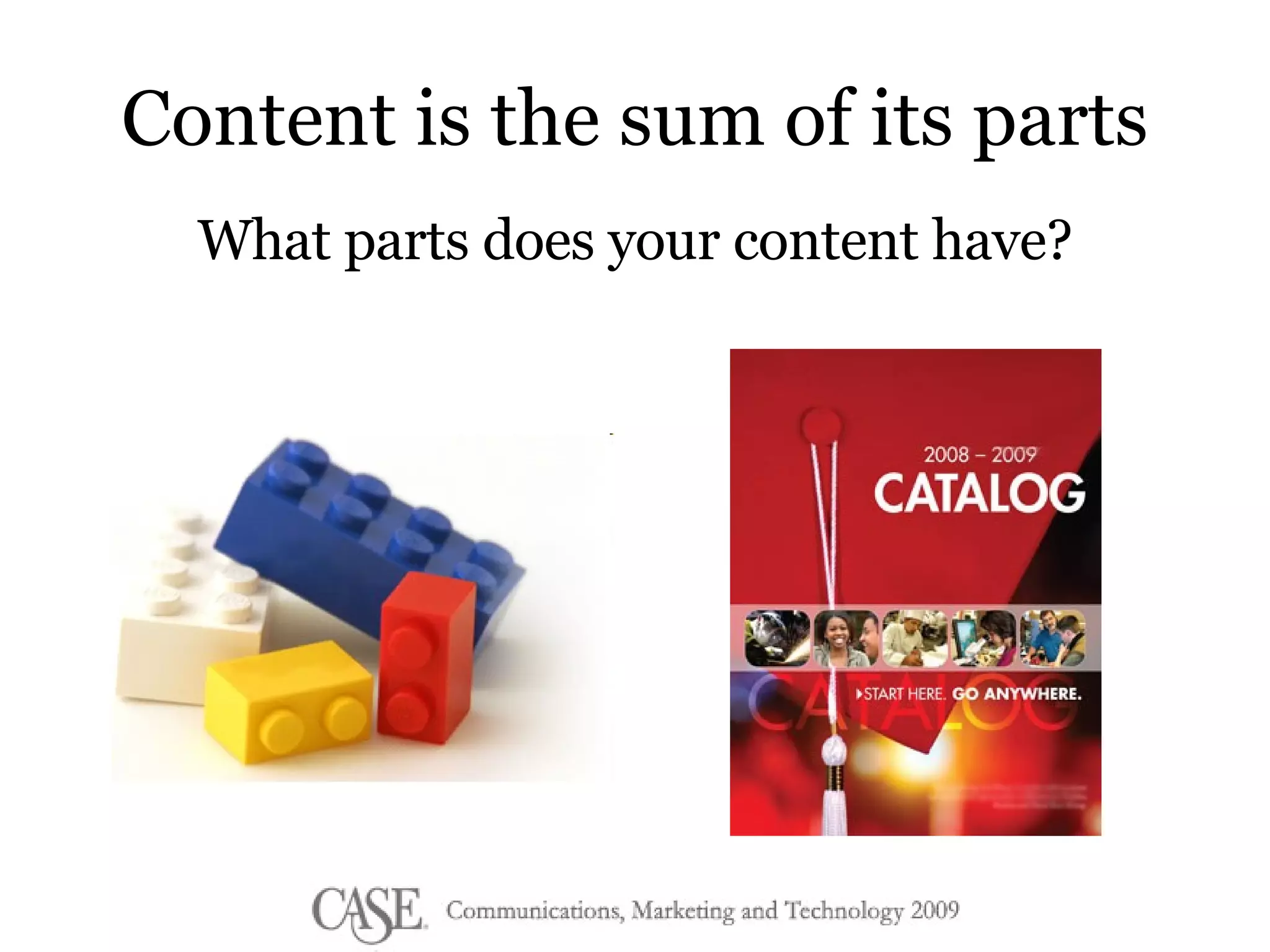
Content Reuse: the possibilities There are over  2000 different  Lego parts in  55 colors and over  20 materials
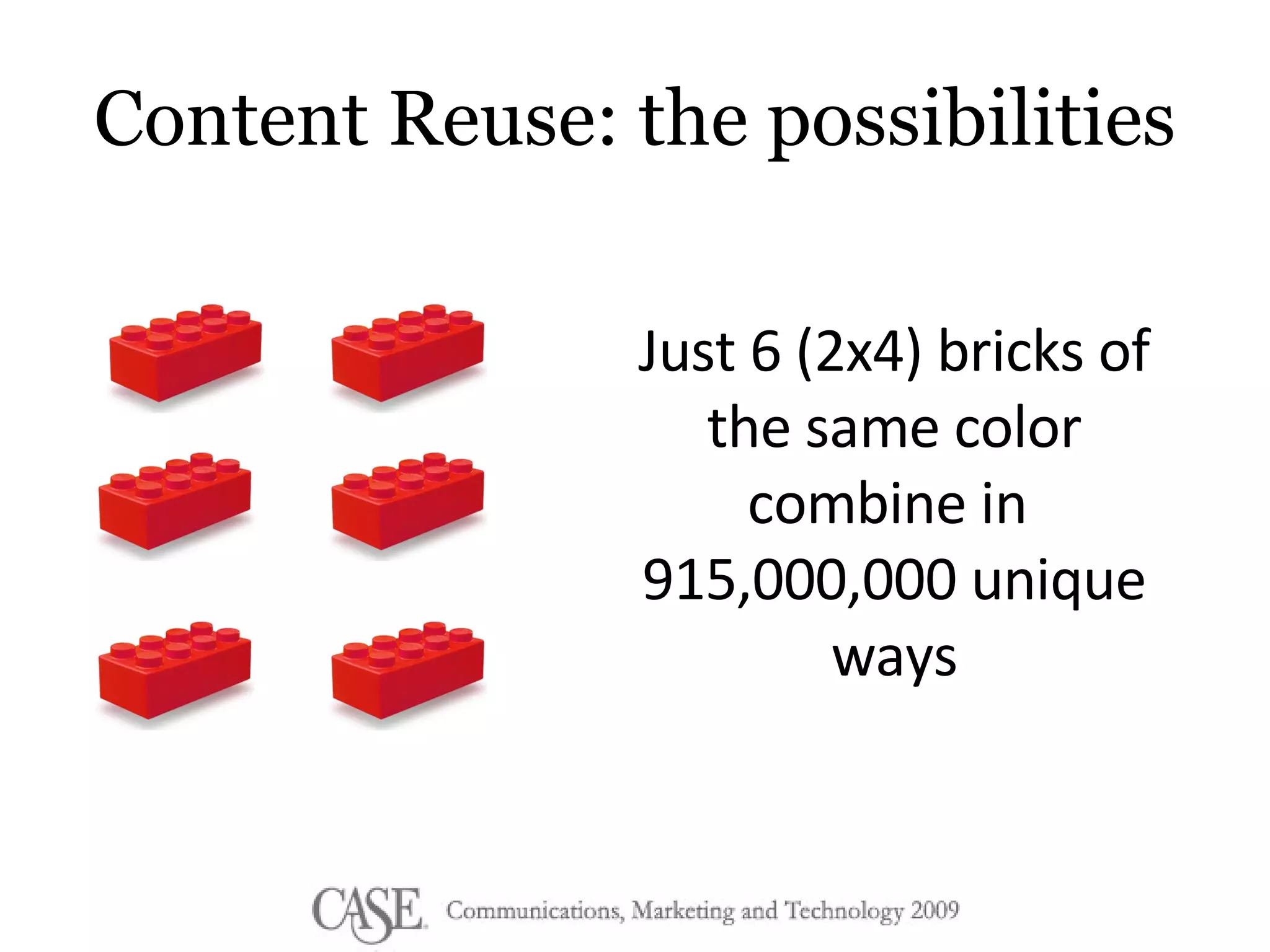
Content Reuse: the possibilities Just 6 (2x4) bricks of the same color combine in  915,000,000 unique ways
Content Reuse A single piece of content is created once and used in multiple formats and contexts
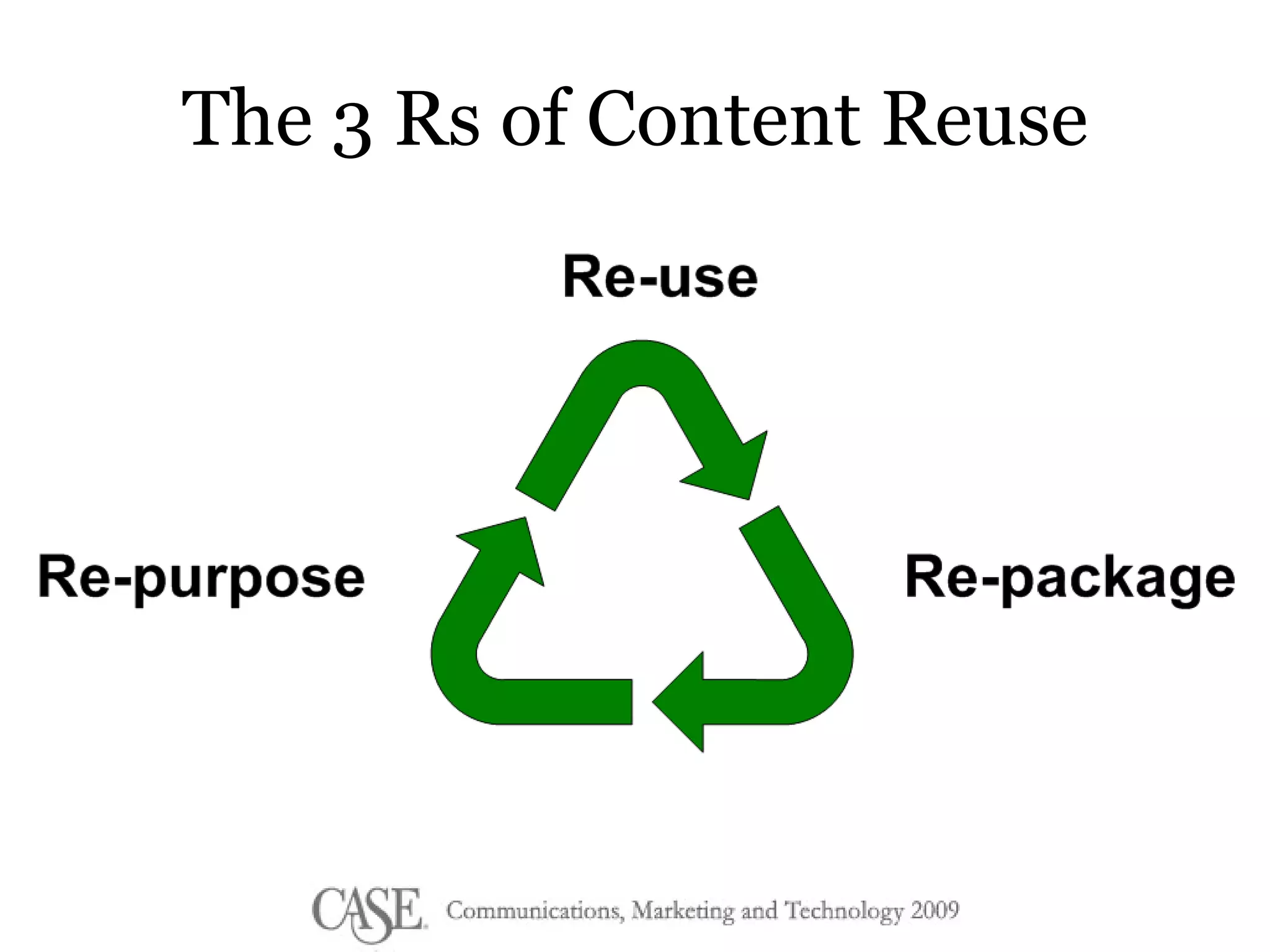
The 3 Rs of Content Reuse
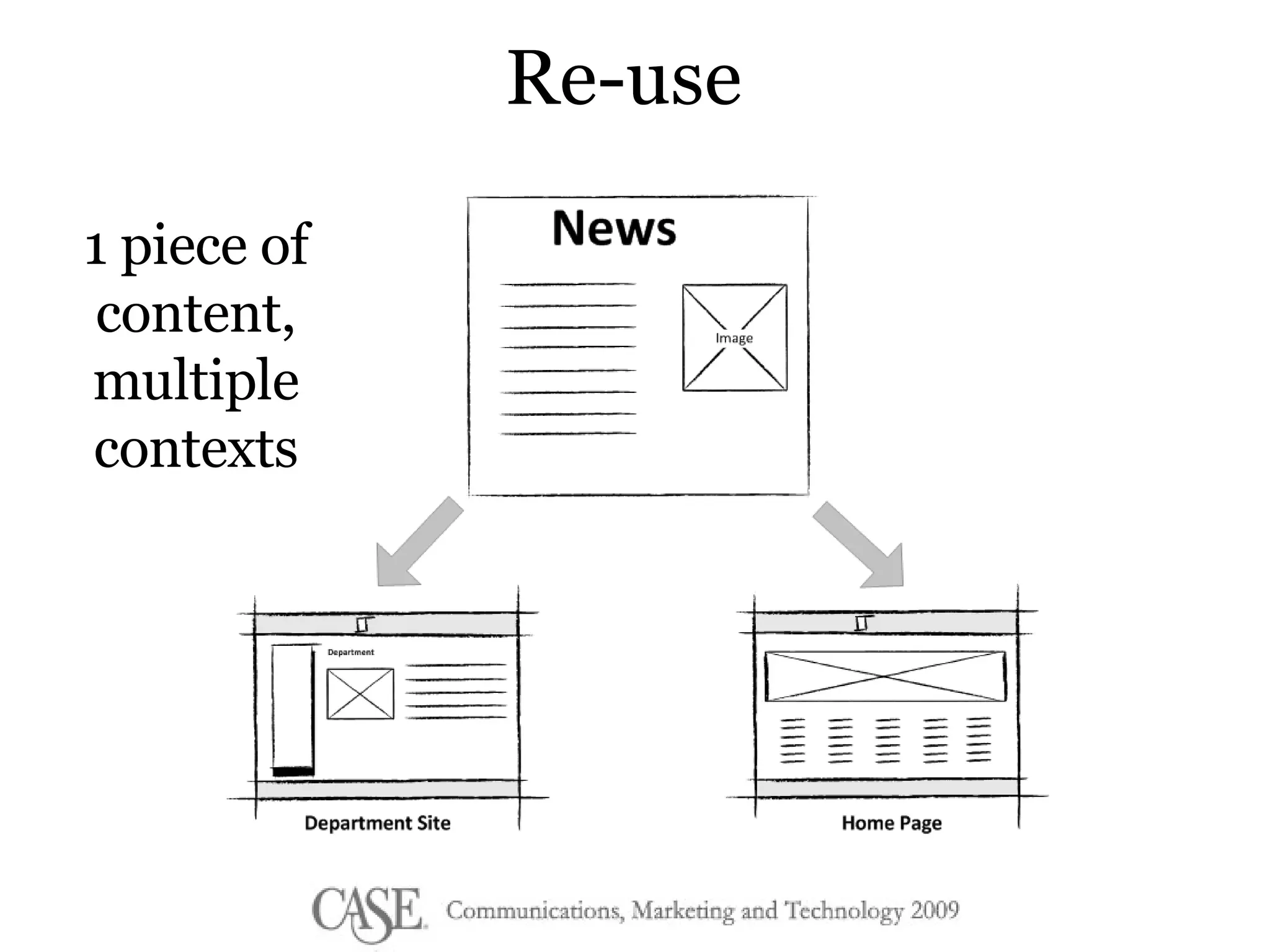
Re-use 1 piece of content, multiple contexts
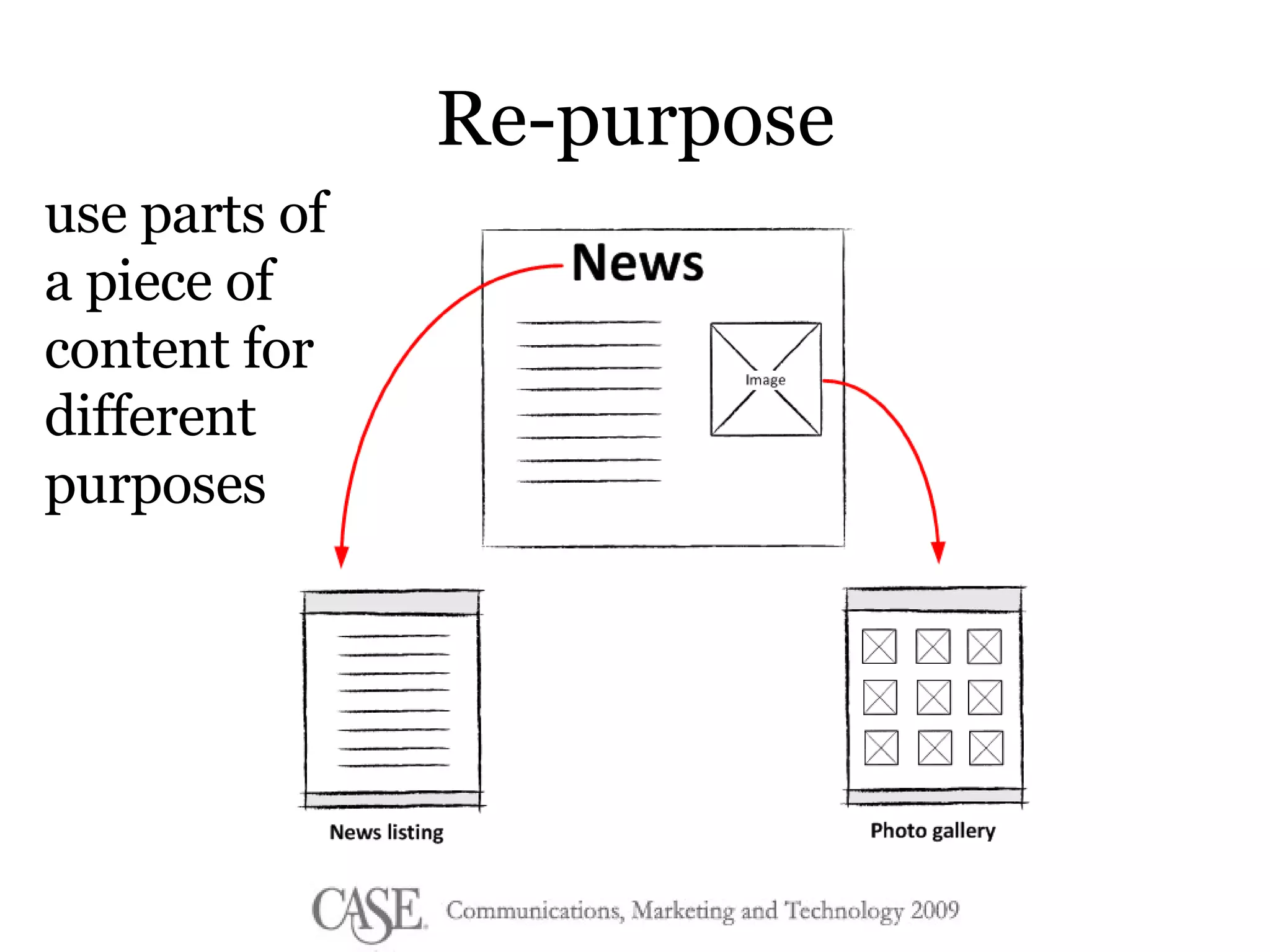
Re-purpose use parts of a piece of content for different purposes
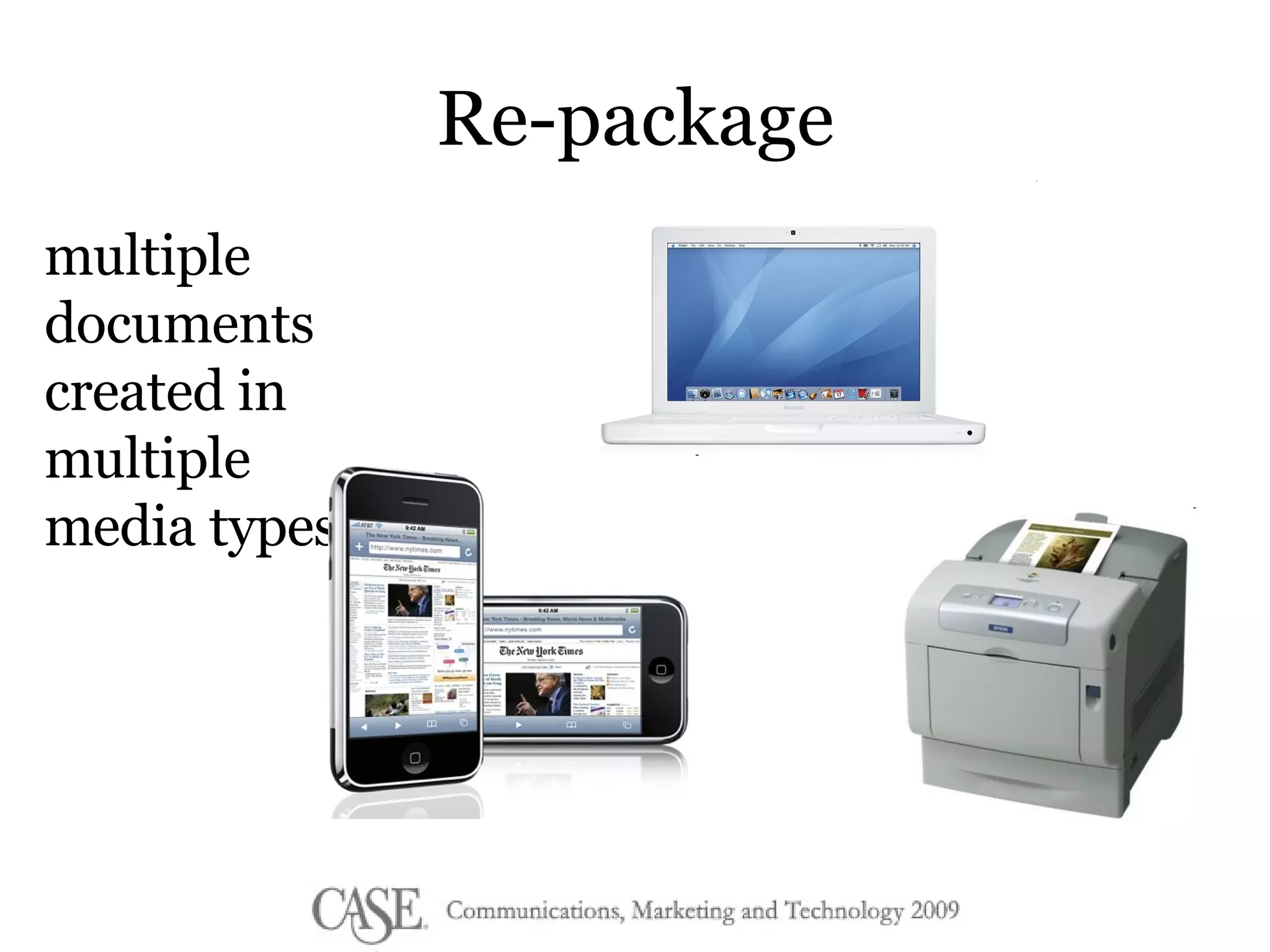
Re-package multiple documents created in multiple media types
Benefits of Reuse Quick and Easy Updates Consistency Knowledge Repository Extended Reach Do more with less (personalization)
Content Reuse: Cautions Context reduces re-usability Lack of context requires branding of the content itself Decentralization requires consistency in structure, taxonomy, and tagging
What is Structured Content? A way of separating content from presentation A way of creating & storing information based on a predefined set of rules Content that can be parsed and formatted into just about any other structured (or unstructured) format
What is the alternative?  Unstructured  Content Traditional HTML Static, freeform WYSIWYG
Unstructured content is usually the result of an unstructured production process
Problems with unstructured content Difficult to make site-wide changes to content or layout Redundancies, inconsistencies, erroneous info Presentation often coupled with content Difficult to re-use content
Content is the sum of its parts What parts does your content have?
When structuring your content Remember the 3 Rs Think beyond your singular purpose  How granular should your content be? How will others find this content?
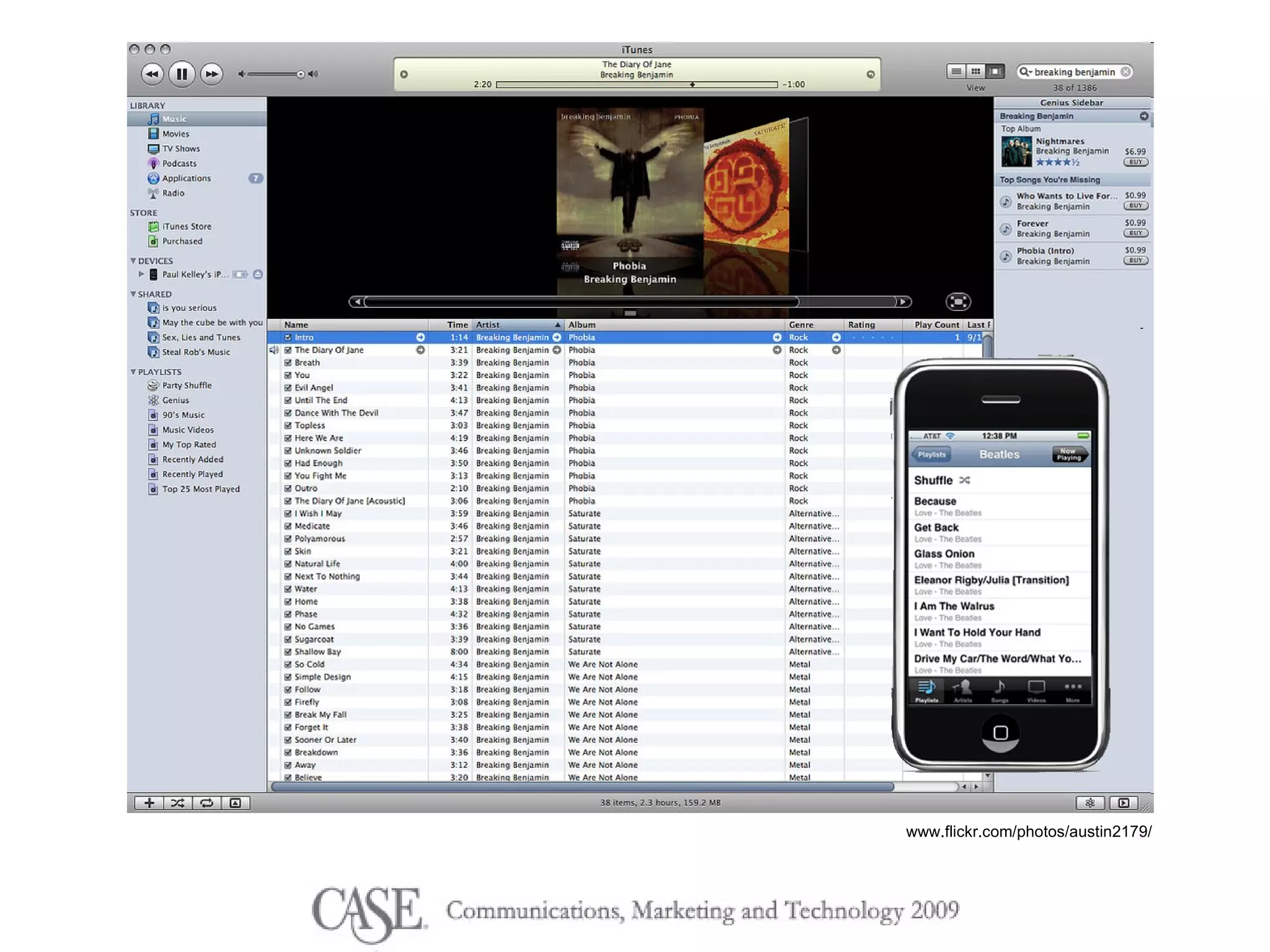
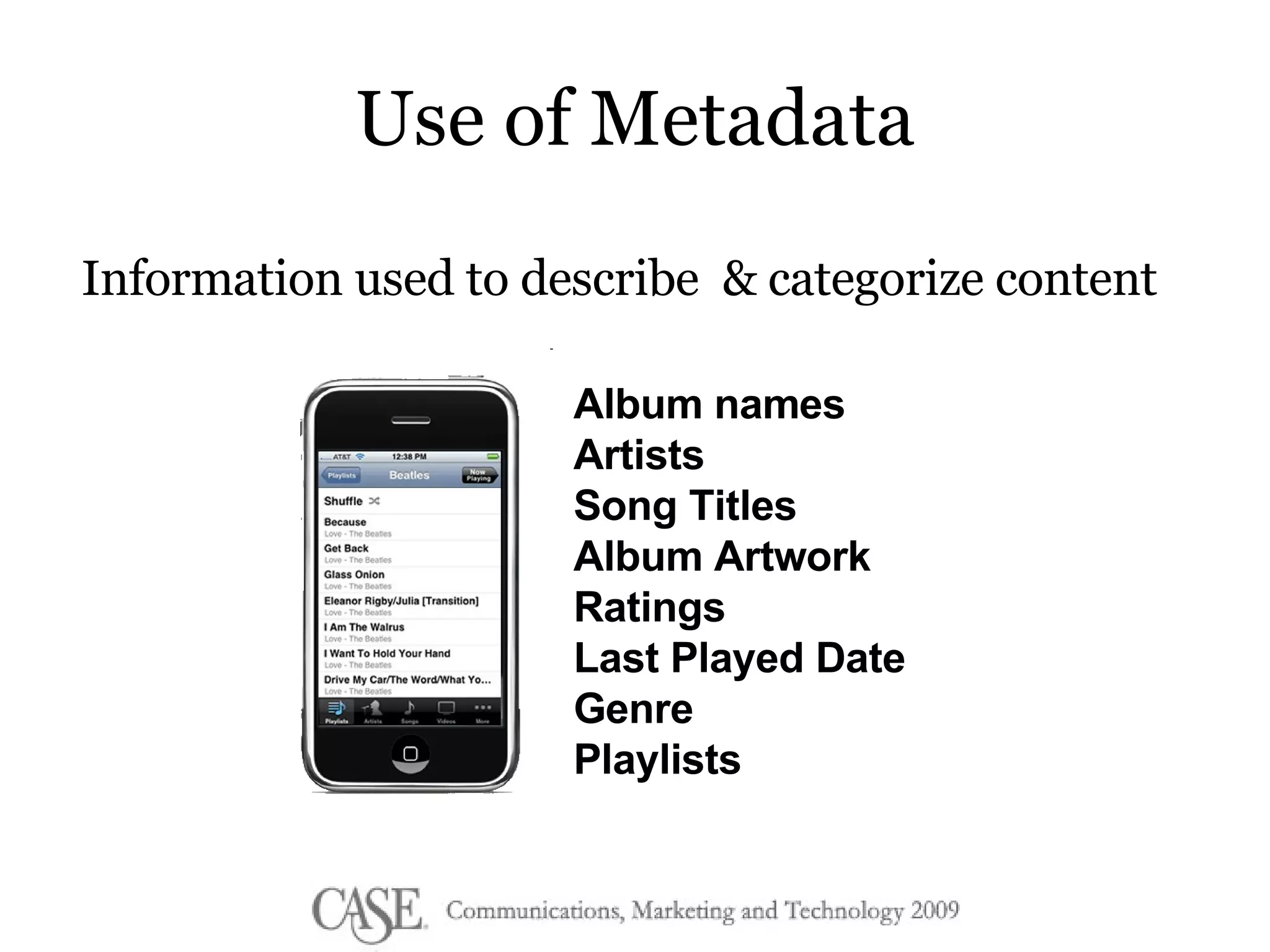
Use of Metadata Information used to describe  & categorize content Album names Artists Song Titles Album Artwork Ratings Last Played Date Genre Playlists
Metadata Structured/controlled metadata Categories & Relationships Content Fields in the Structure Unstructured/ free form metadata Tags Ratings Usage Data
Making it happen Start  small Eliminate the fear of the  technology Introduce new tools only after you have developed a  culture  of content contribution
Questions? Contact me: [email_address] www.twitter.com/jtoddb 404-551-3915

Content Management 101

  • 1.
    Content Management 101J. Todd Bennett Managing Partner decimal152
  • 2.
  • 3.
    The evolution ofthe college website
  • 4.
    The evolution ofthe college website
  • 5.
  • 6.
    How do wetry to fix it? GET A CMS!
  • 7.
    Reasons you geta CMS Ease the burden- more people lending a hand! WYSIWYG Easier updates, design changes More consistency and control Do cool stuff without knowing what you’re doing
  • 8.
    Beware of features Be careful with change
  • 9.
    No CMS willfix problems with your people or process
  • 10.
  • 11.
    Dining ServicesStudent Affairs Math Registrar English Maintenance
  • 12.
    How do weharness their expertise for everyone’s benefit?
  • 13.
    It’s time torethink how we create and publish content.
  • 14.
  • 15.
    The long neckand tail Zipf Distribution www.useit.com/alertbox/zipf.html Page views Content
  • 16.
  • 17.
  • 18.
    Bios Videos ImagesStories Stats News Events Projects Platform for interacting with content
  • 19.
  • 20.
    Content Reuse: thepossibilities There are over 2000 different Lego parts in 55 colors and over 20 materials
  • 21.
    Content Reuse: thepossibilities Just 6 (2x4) bricks of the same color combine in 915,000,000 unique ways
  • 22.
    Content Reuse Asingle piece of content is created once and used in multiple formats and contexts
  • 23.
    The 3 Rsof Content Reuse
  • 24.
    Re-use 1 pieceof content, multiple contexts
  • 25.
    Re-purpose use partsof a piece of content for different purposes
  • 26.
    Re-package multiple documentscreated in multiple media types
  • 27.
    Benefits of ReuseQuick and Easy Updates Consistency Knowledge Repository Extended Reach Do more with less (personalization)
  • 28.
    Content Reuse: CautionsContext reduces re-usability Lack of context requires branding of the content itself Decentralization requires consistency in structure, taxonomy, and tagging
  • 29.
    What is StructuredContent? A way of separating content from presentation A way of creating & storing information based on a predefined set of rules Content that can be parsed and formatted into just about any other structured (or unstructured) format
  • 30.
    What is thealternative? Unstructured Content Traditional HTML Static, freeform WYSIWYG
  • 31.
    Unstructured content isusually the result of an unstructured production process
  • 32.
    Problems with unstructuredcontent Difficult to make site-wide changes to content or layout Redundancies, inconsistencies, erroneous info Presentation often coupled with content Difficult to re-use content
  • 33.
    Content is thesum of its parts What parts does your content have?
  • 34.
    When structuring yourcontent Remember the 3 Rs Think beyond your singular purpose How granular should your content be? How will others find this content?
  • 35.
    Use of MetadataInformation used to describe & categorize content Album names Artists Song Titles Album Artwork Ratings Last Played Date Genre Playlists
  • 36.
    Metadata Structured/controlled metadataCategories & Relationships Content Fields in the Structure Unstructured/ free form metadata Tags Ratings Usage Data
  • 37.
    Making it happenStart small Eliminate the fear of the technology Introduce new tools only after you have developed a culture of content contribution
  • 38.
    Questions? Contact me:[email_address] www.twitter.com/jtoddb 404-551-3915