Microsoft SharePoint 2010
1
    • What is Content Query Web Part?
2
    • Properties of CQWP
3
    • Imtech CQWP
4
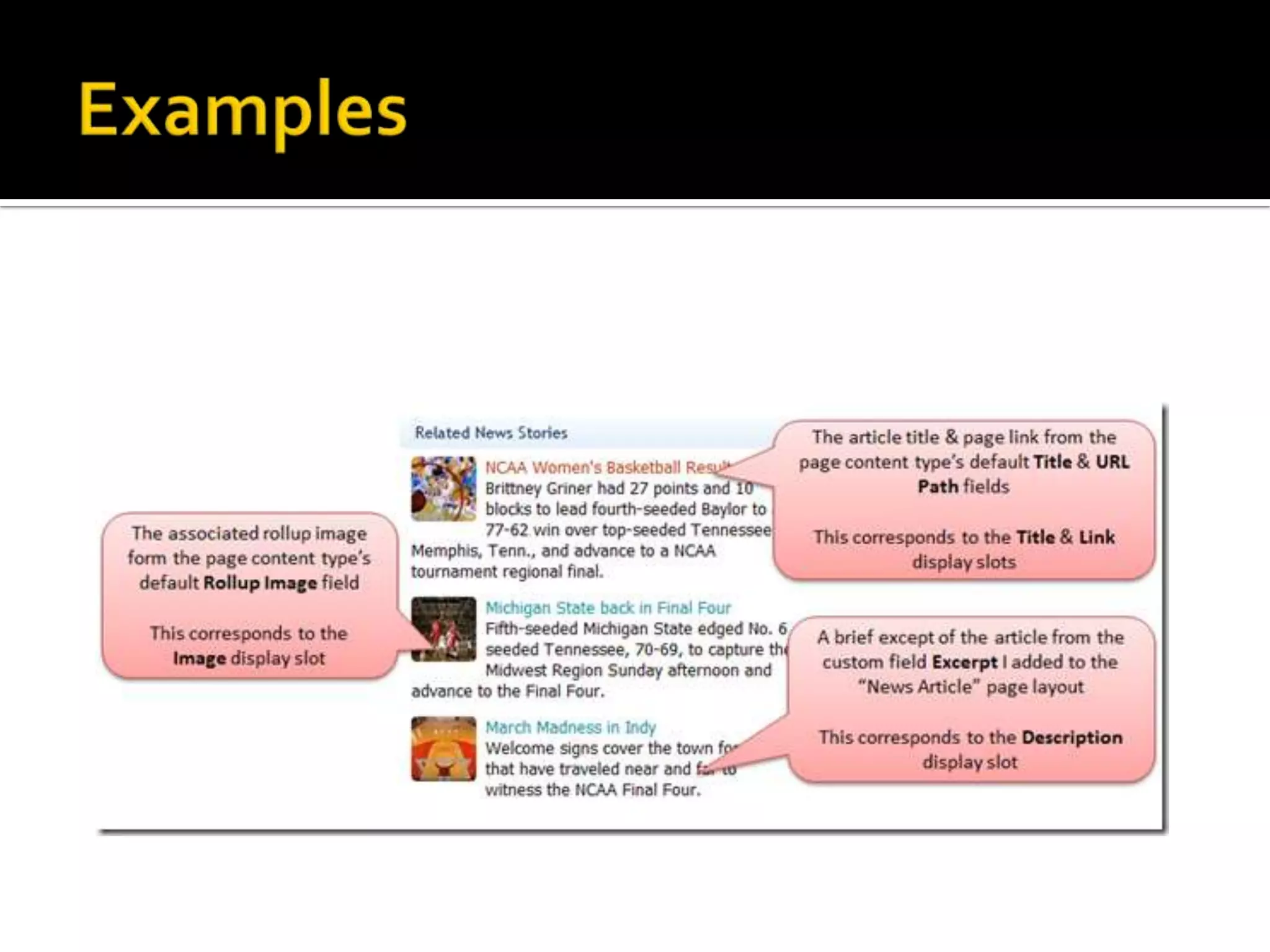
    • Examples
5
    • Demo
6
    • References
7
    • Questions
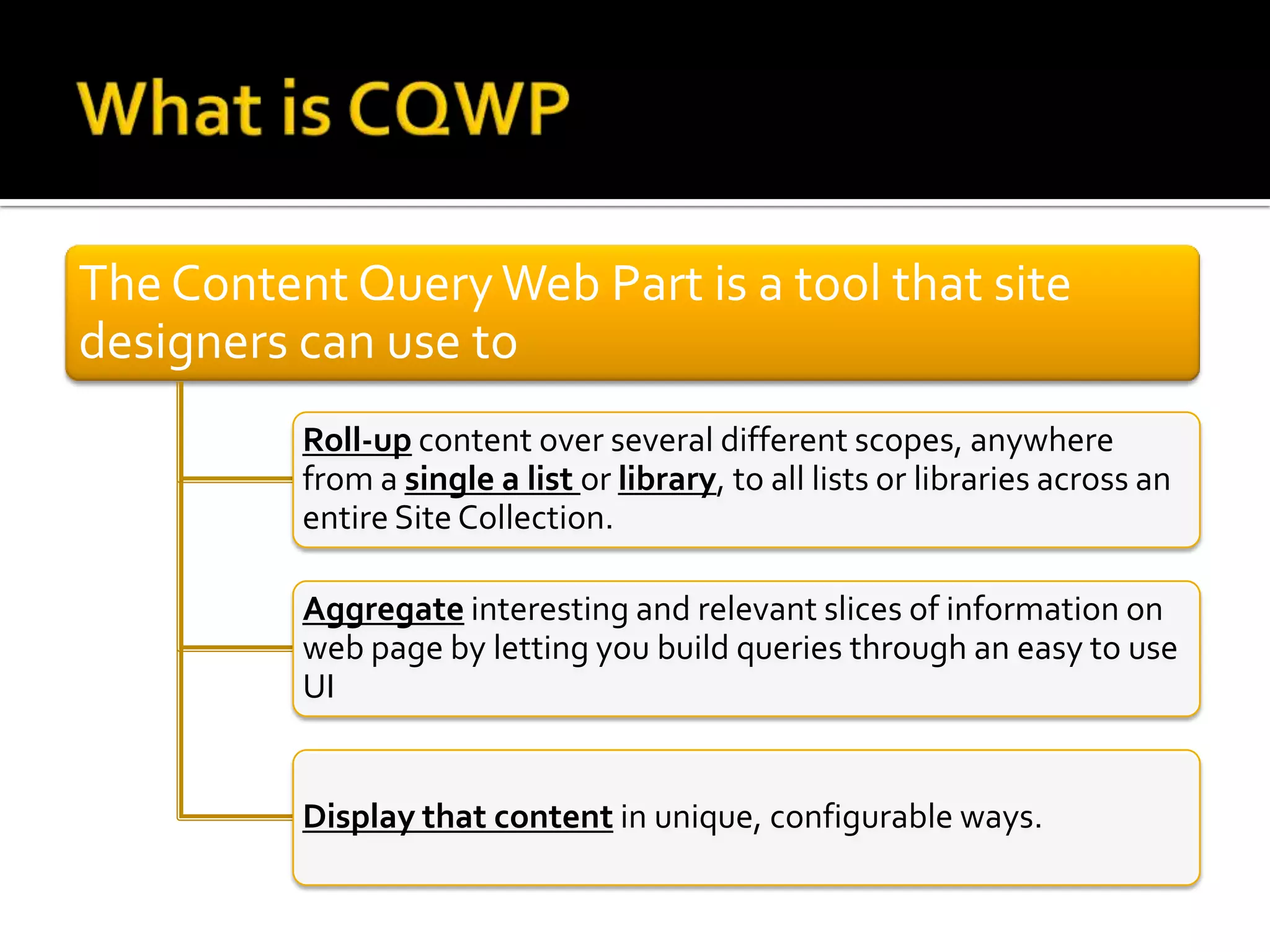
The Content Query Web Part is a tool that site
designers can use to
          Roll-up content over several different scopes, anywhere
          from a single a list or library, to all lists or libraries across an
          entire Site Collection.

          Aggregate interesting and relevant slices of information on
          web page by letting you build queries through an easy to use
          UI


          Display that content in unique, configurable ways.
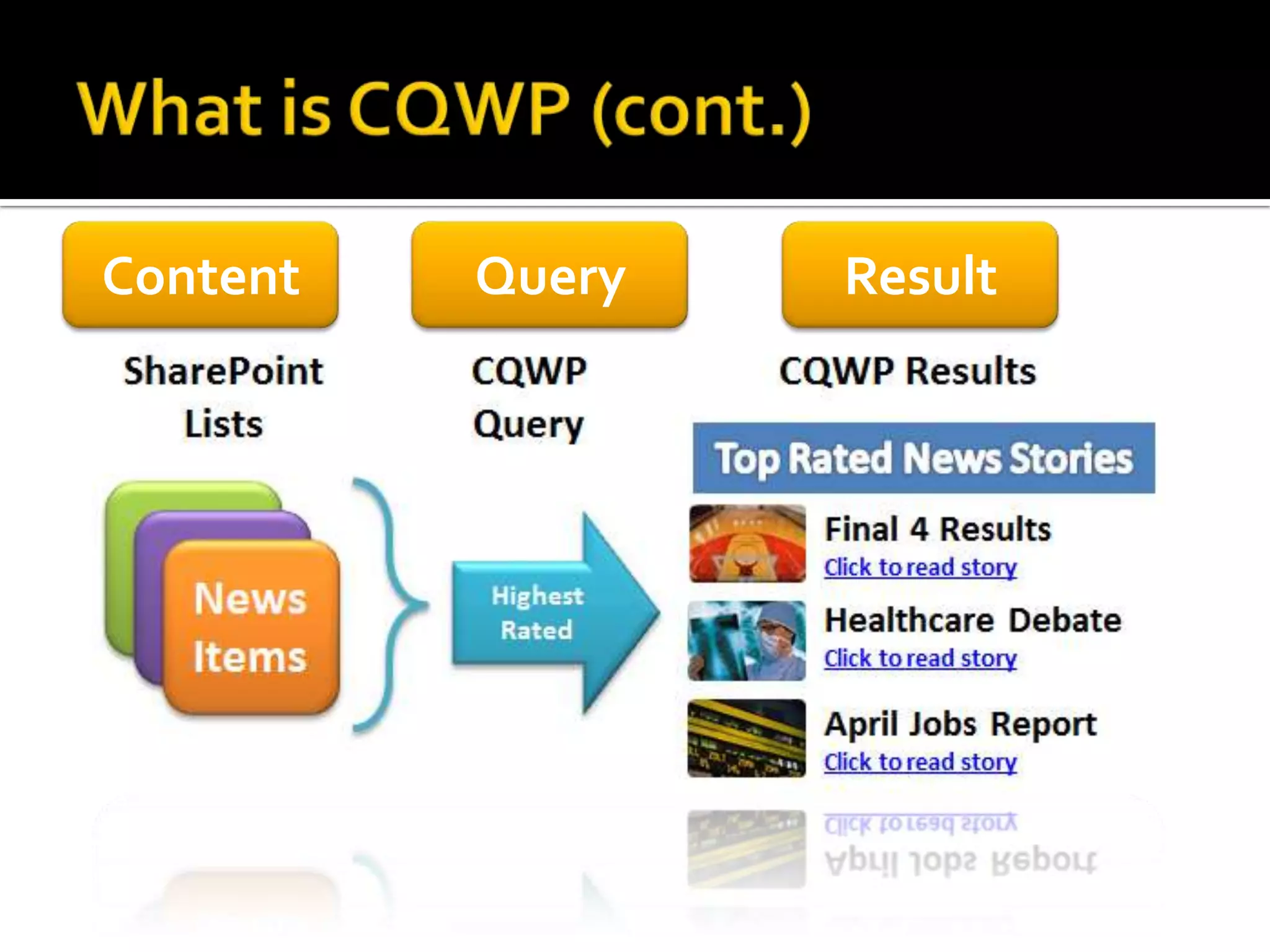
Content   Query   Result
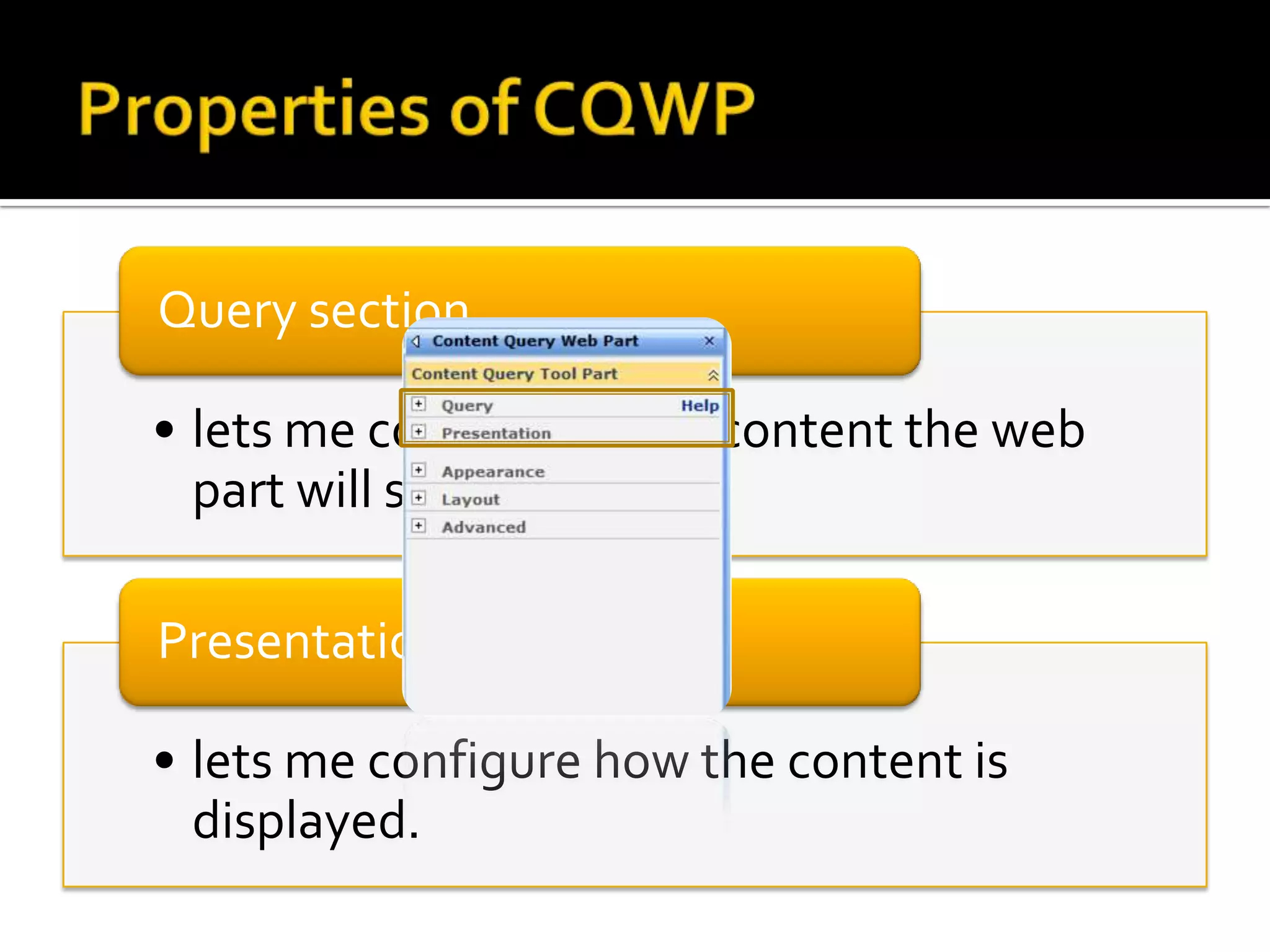
Query section

• lets me configure what content the web
  part will show

Presentation Section

• lets me configure how the content is
  displayed.
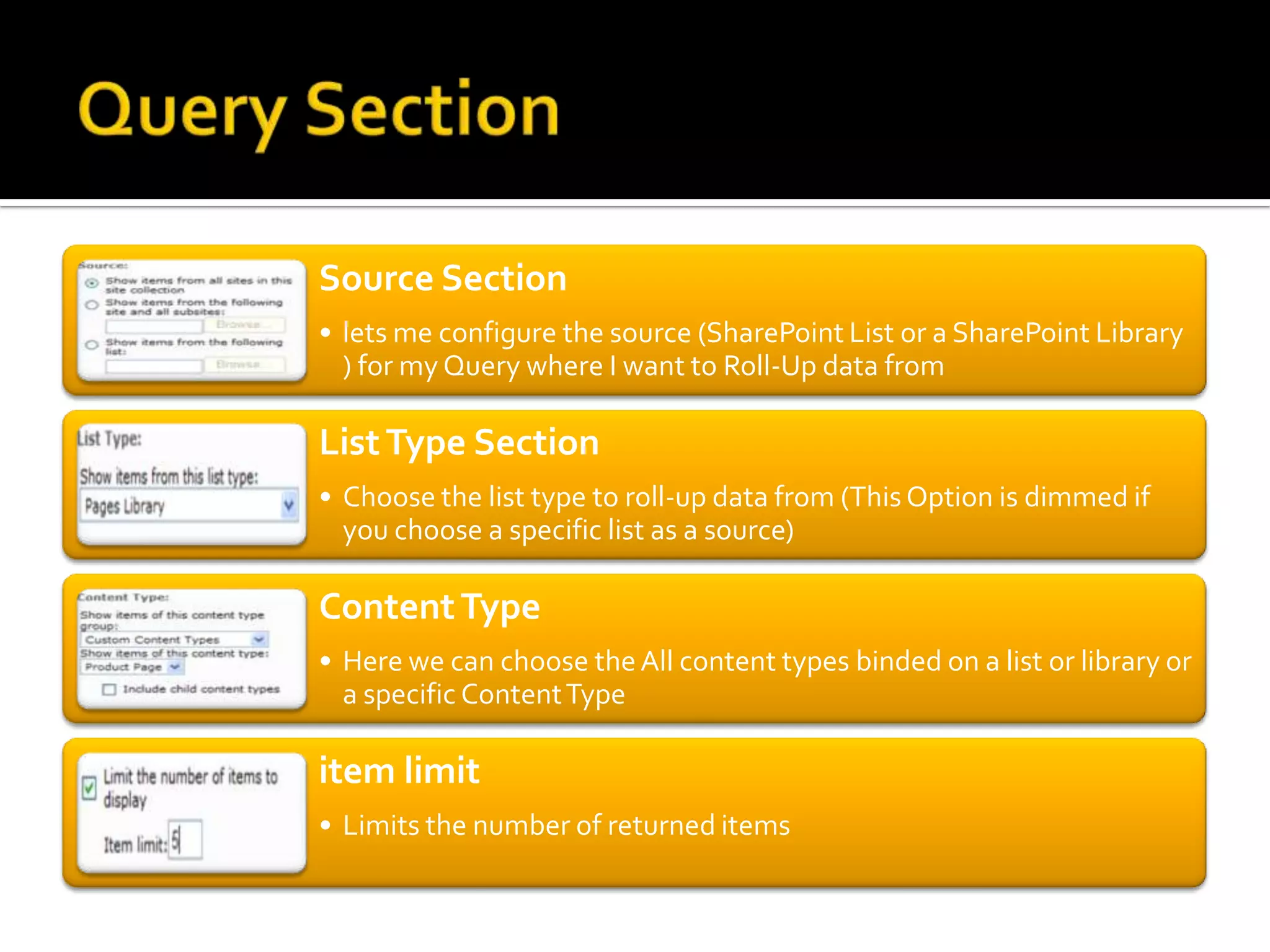
Source Section
• lets me configure the source (SharePoint List or a SharePoint Library
  ) for my Query where I want to Roll-Up data from

List Type Section
• Choose the list type to roll-up data from (This Option is dimmed if
  you choose a specific list as a source)

Content Type
• Here we can choose the All content types binded on a list or library or
  a specific Content Type

item limit
• Limits the number of returned items
Additional Filters
• Here you can see the properties that are defined for the Items in the List/Library
  content type. So you can select the fields you want to filter by and set the value
  • Static Value
  • Value from Page Query String “[PageQueryString: XYZ]”
  • Page Field value Page Field Value “[PageFieldValue: XYZ]”.
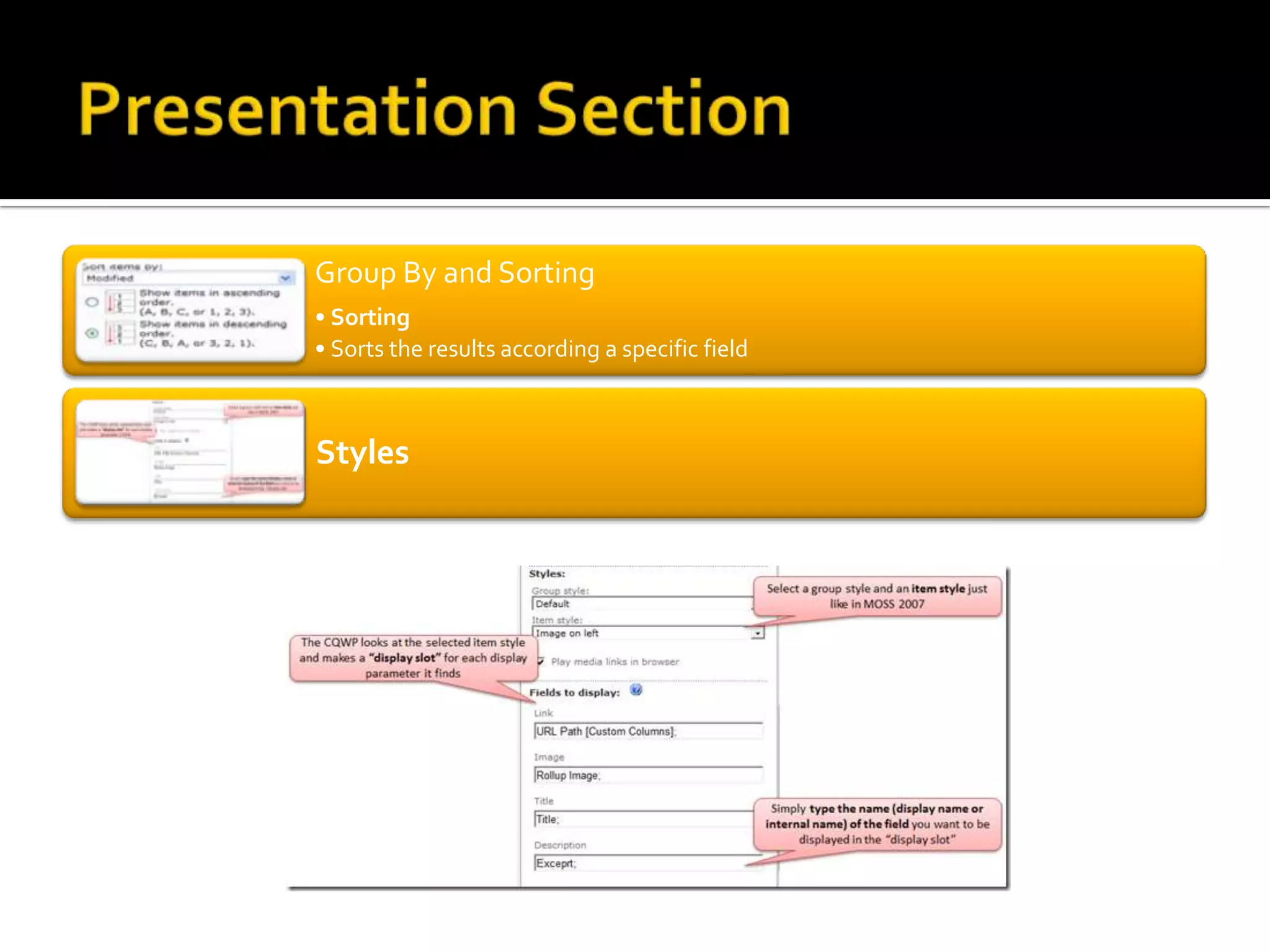
Group By and Sorting
• Sorting
• Sorts the results according a specific field


Styles
Imtech Content Query Web Part

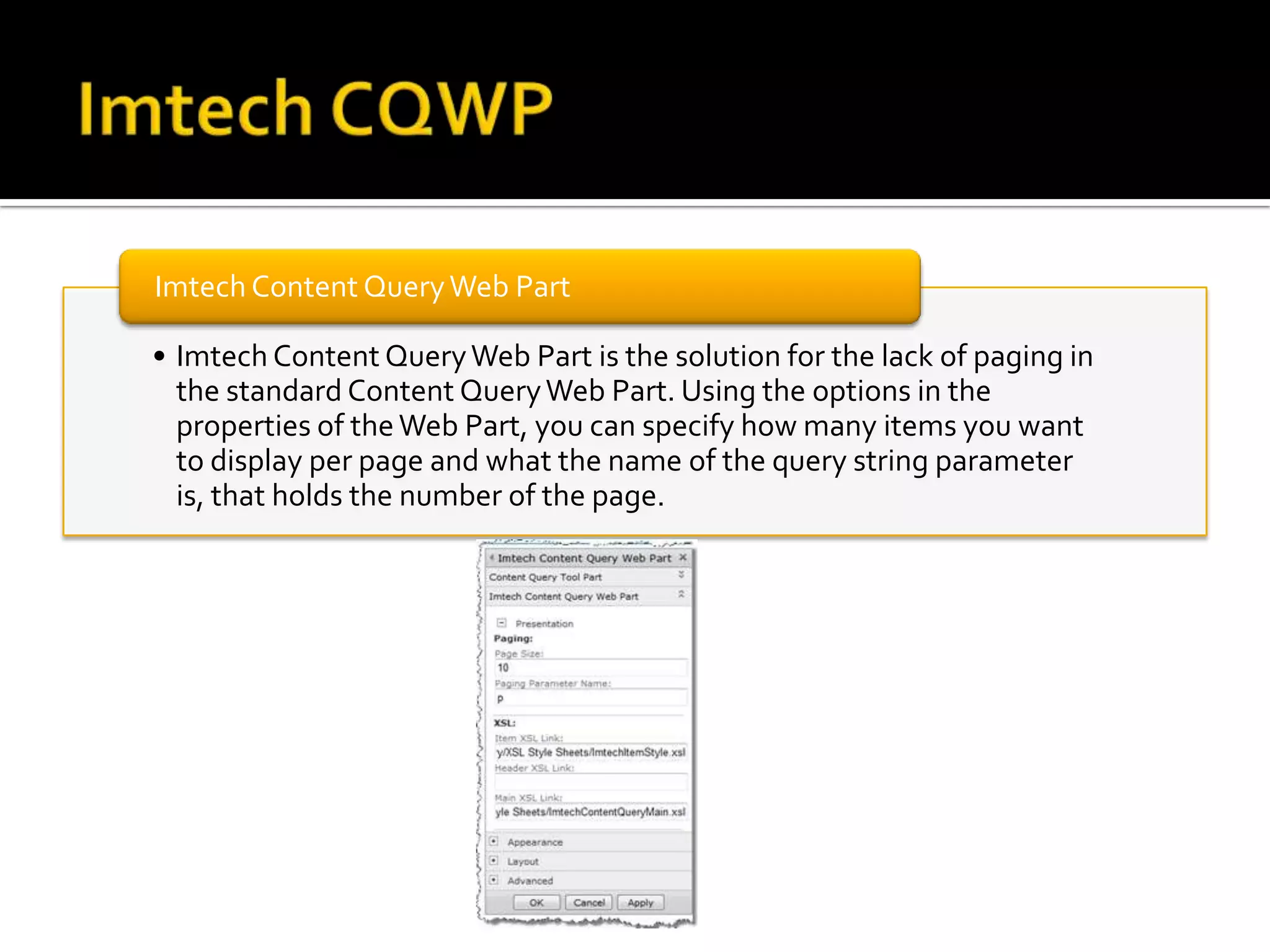
• Imtech Content Query Web Part is the solution for the lack of paging in
  the standard Content Query Web Part. Using the options in the
  properties of the Web Part, you can specify how many items you want
  to display per page and what the name of the query string parameter
  is, that holds the number of the page.
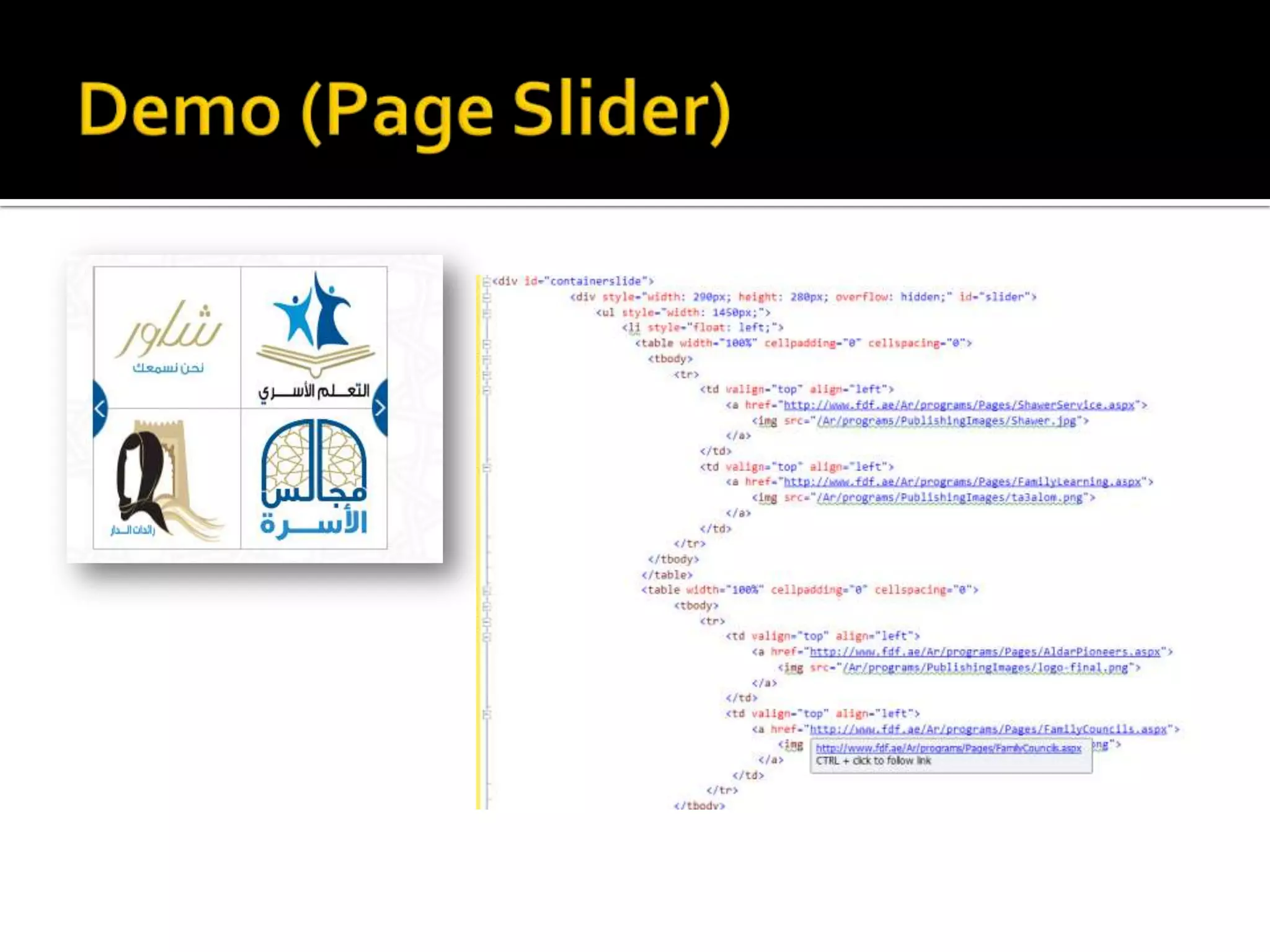
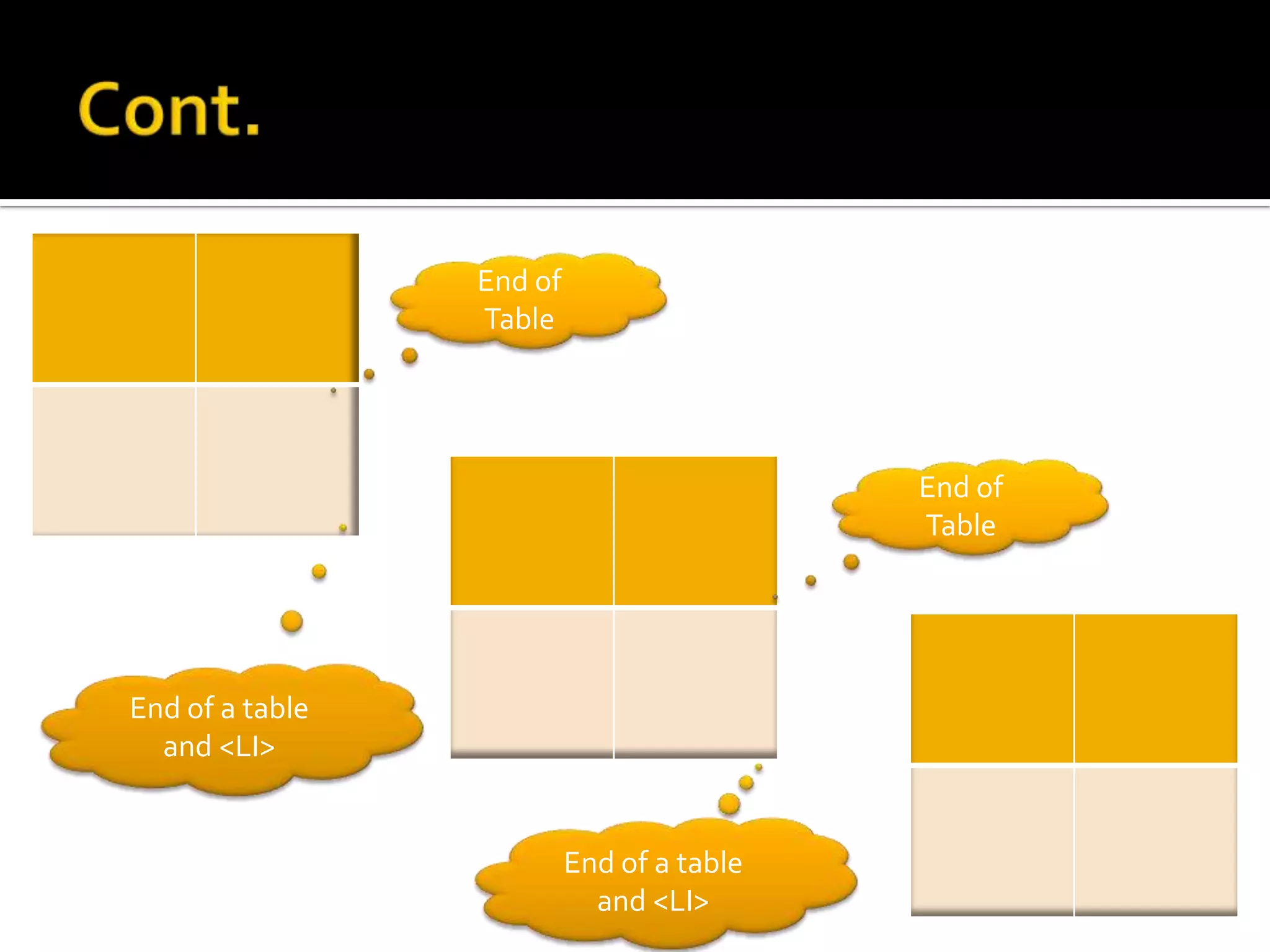
End of
                 Table


                                           End of
                                           Table


End of a table
  and <LI>


                          End of a table
                            and <LI>
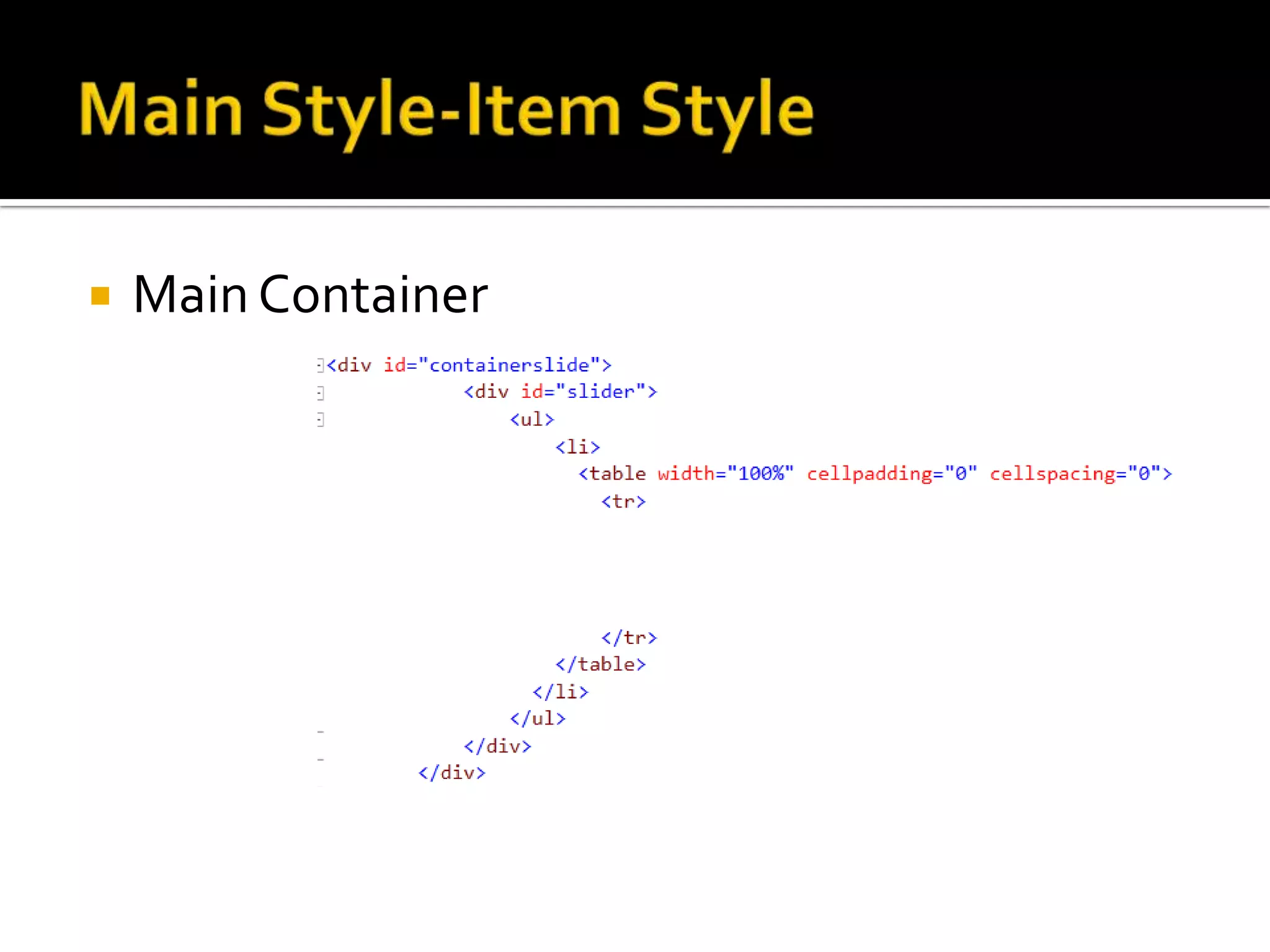
   Main Container
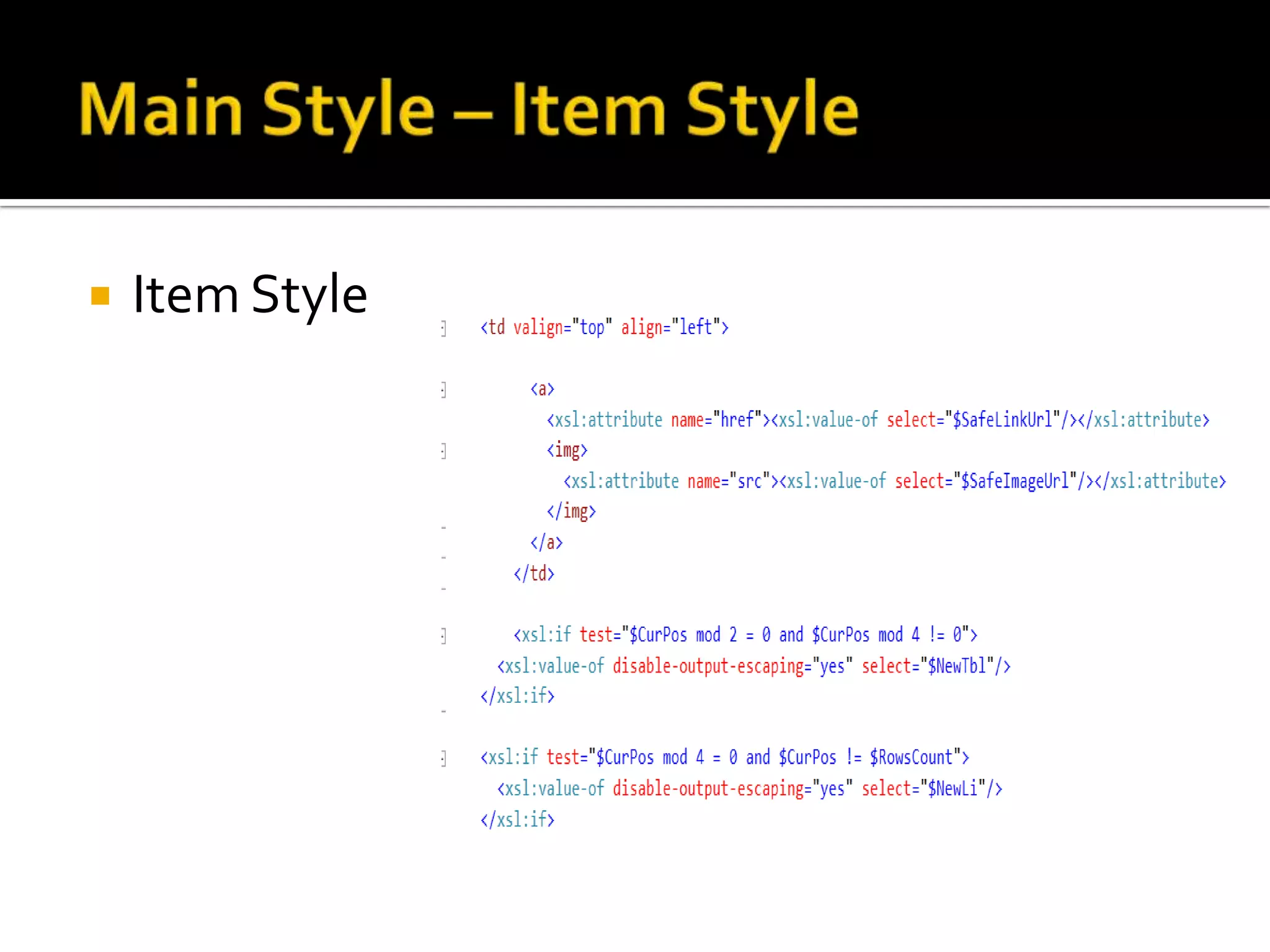
   Item Style
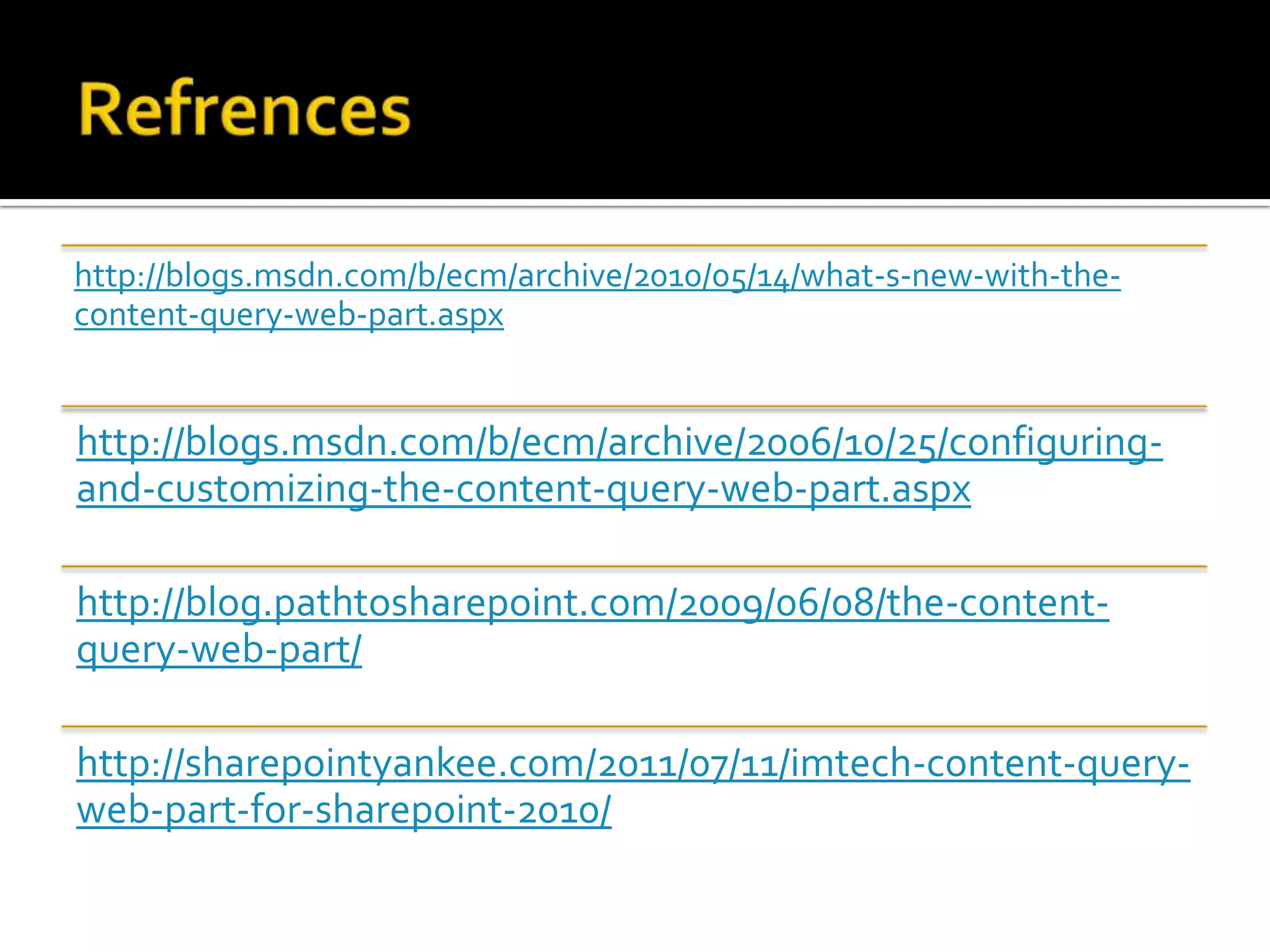
http://blogs.msdn.com/b/ecm/archive/2010/05/14/what-s-new-with-the-
content-query-web-part.aspx


http://blogs.msdn.com/b/ecm/archive/2006/10/25/configuring-
and-customizing-the-content-query-web-part.aspx

http://blog.pathtosharepoint.com/2009/06/08/the-content-
query-web-part/

http://sharepointyankee.com/2011/07/11/imtech-content-query-
web-part-for-sharepoint-2010/
Content by query web part

Content by query web part