Configuration
Config/BuildConfig
Configuration
Basic Configuration
Environments
DataSource
Externalized Configuration
Versioning
Project Documentation
Dependency Resolution
Basic Configuration
grails-app/conf/BuildConfig.groovy
grails-app/conf/Config.groovy
BuildConfig.groovy, is for settings that are used when running
Grails commands, such as compile, doc, etc.
Config.groovy, is for settings that are used when your application
is running.
This means that Config.groovy is packaged with your application, but
BuildConfig.groovy is not.
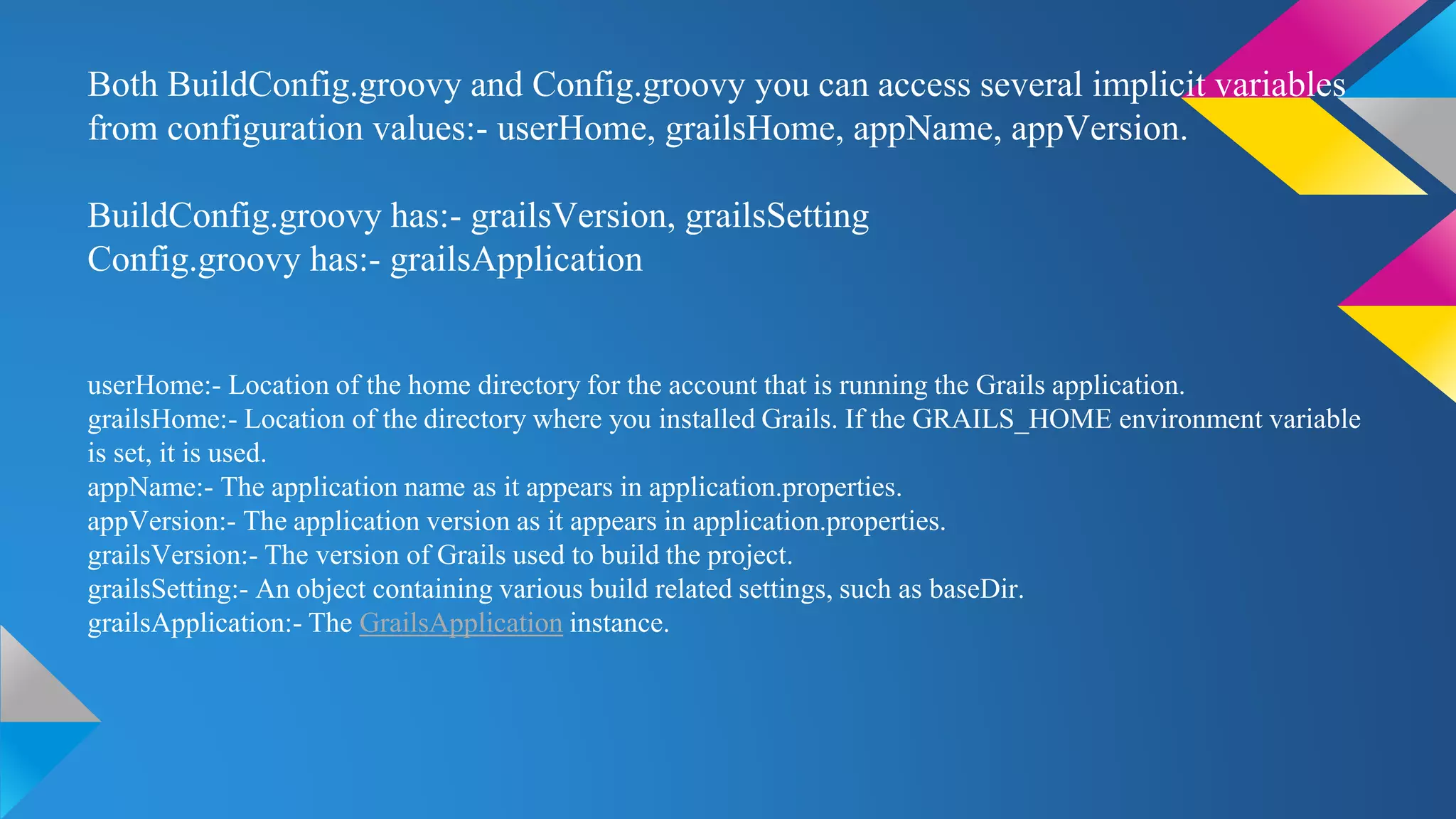
Both BuildConfig.groovy and Config.groovy you can access several implicit variables
from configuration values:- userHome, grailsHome, appName, appVersion.
BuildConfig.groovy has:- grailsVersion, grailsSetting
Config.groovy has:- grailsApplication
userHome:- Location of the home directory for the account that is running the Grails application.
grailsHome:- Location of the directory where you installed Grails. If the GRAILS_HOME environment variable
is set, it is used.
appName:- The application name as it appears in application.properties.
appVersion:- The application version as it appears in application.properties.
grailsVersion:- The version of Grails used to build the project.
grailsSetting:- An object containing various build related settings, such as baseDir.
grailsApplication:- The GrailsApplication instance.
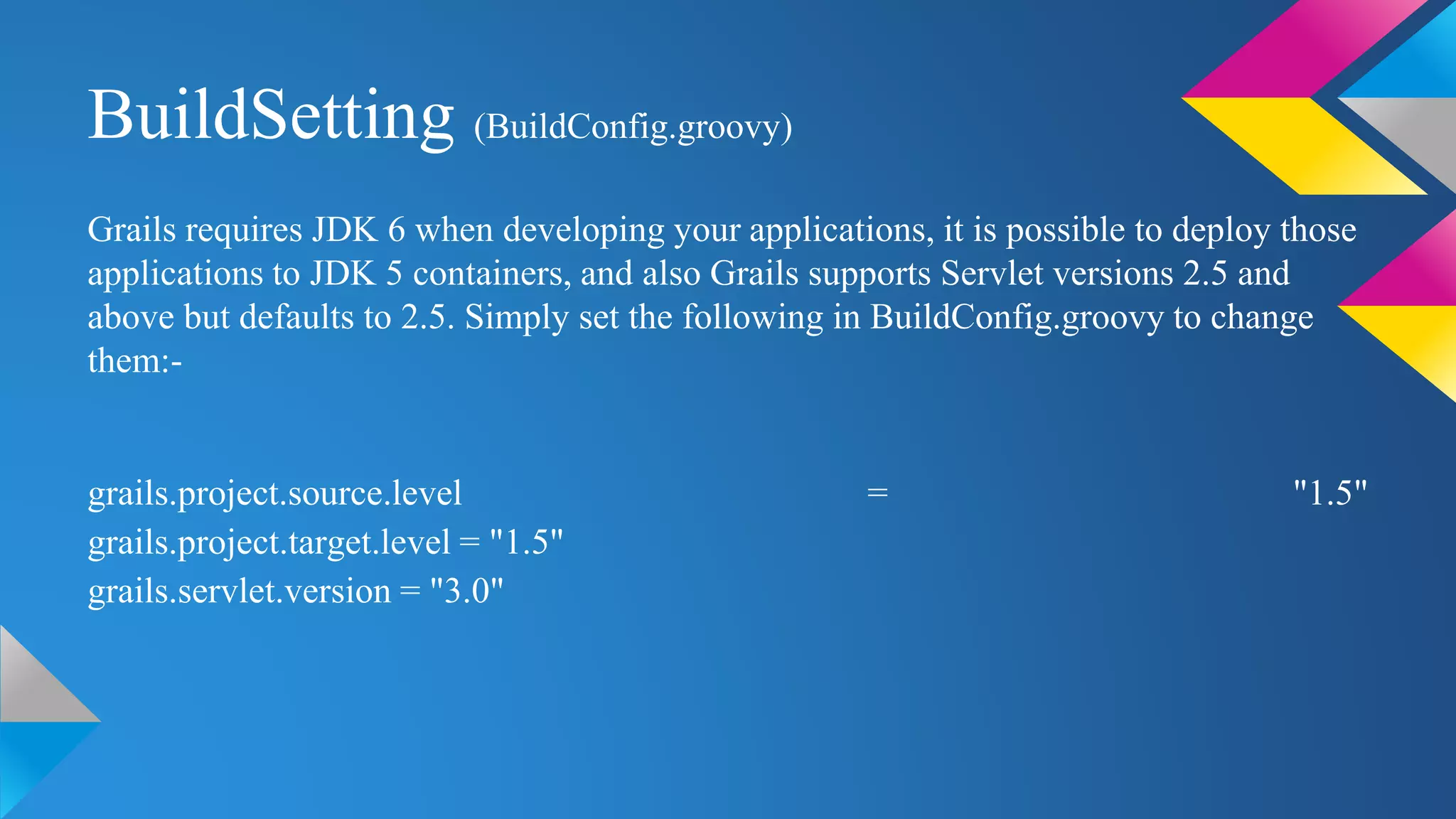
BuildSetting (BuildConfig.groovy)
Grails requires JDK 6 when developing your applications, it is possible to deploy those
applications to JDK 5 containers, and also Grails supports Servlet versions 2.5 and
above but defaults to 2.5. Simply set the following in BuildConfig.groovy to change
them:-
grails.project.source.level = "1.5"
grails.project.target.level = "1.5"
grails.servlet.version = "3.0"
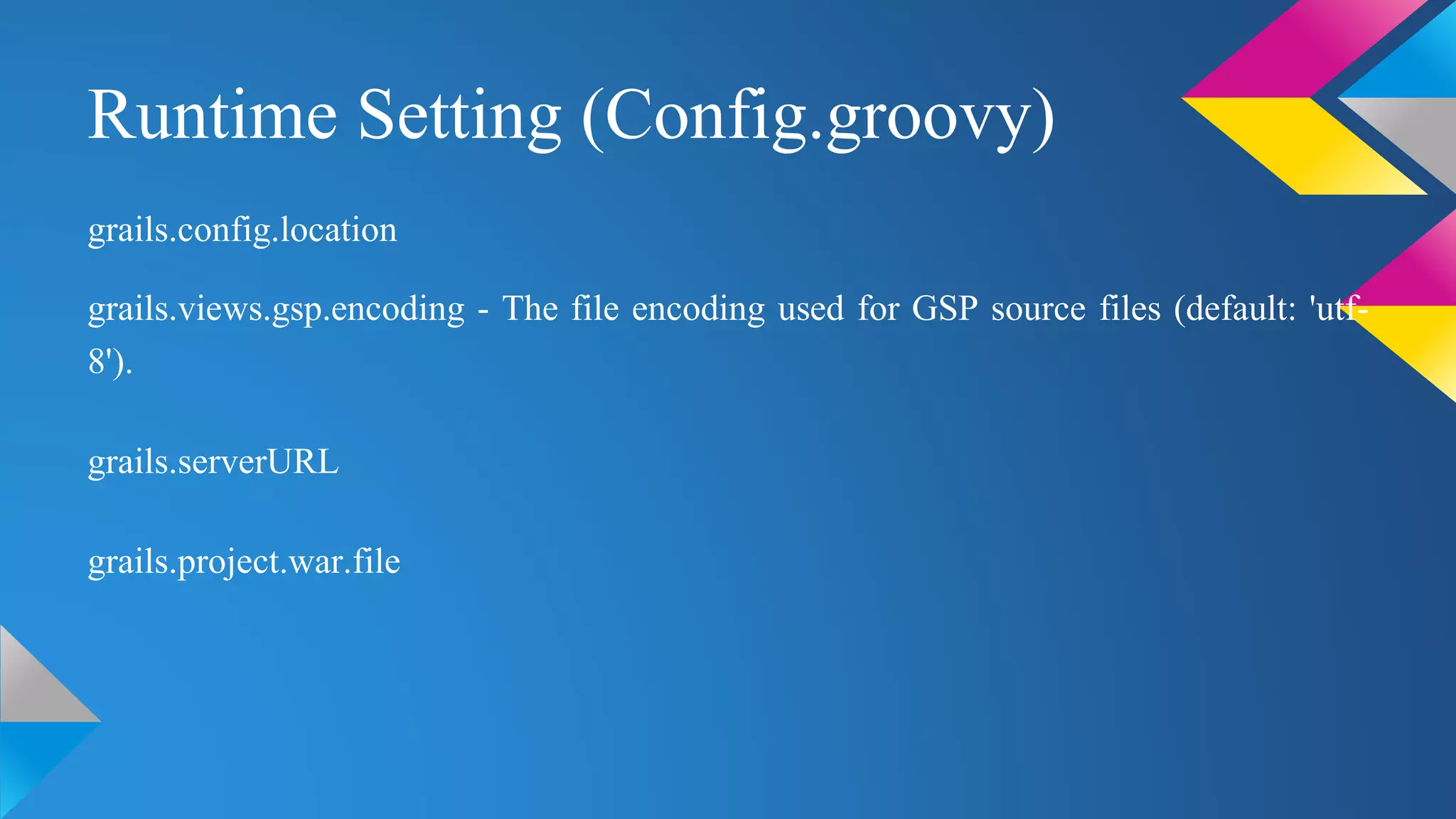
Runtime Setting (Config.groovy)
grails.config.location
grails.views.gsp.encoding - The file encoding used for GSP source files (default: 'utf-
8').
grails.serverURL
grails.project.war.file
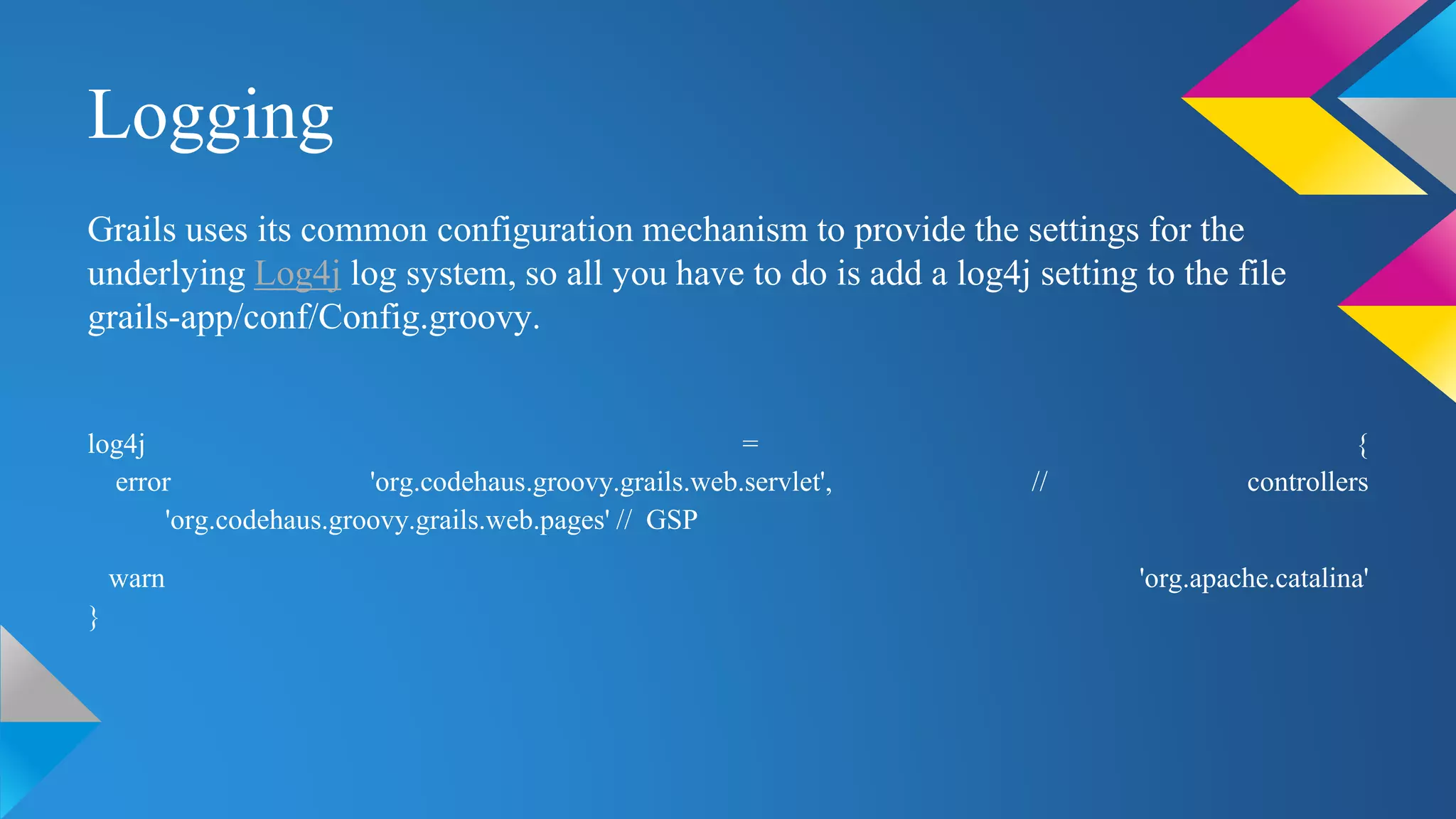
Logging
Grails uses its common configuration mechanism to provide the settings for the
underlying Log4j log system, so all you have to do is add a log4j setting to the file
grails-app/conf/Config.groovy.
log4j = {
error 'org.codehaus.groovy.grails.web.servlet', // controllers
'org.codehaus.groovy.grails.web.pages' // GSP
warn 'org.apache.catalina'
}
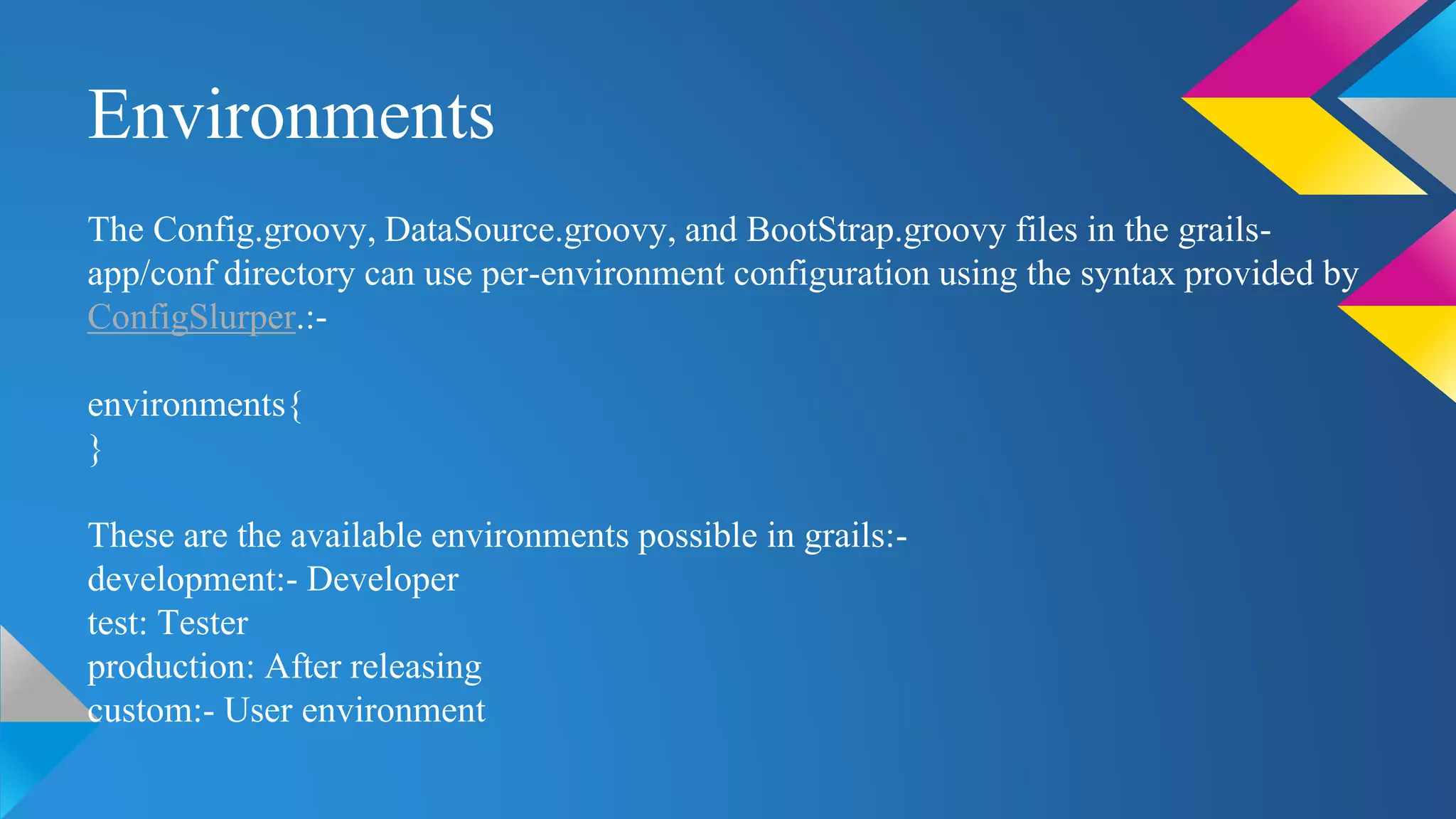
Environments
The Config.groovy, DataSource.groovy, and BootStrap.groovy files in the grails-
app/conf directory can use per-environment configuration using the syntax provided by
ConfigSlurper.:-
environments{
}
These are the available environments possible in grails:-
development:- Developer
test: Tester
production: After releasing
custom:- User environment
Packaging and Running for Different Environments
grails [environment] [command name]
grails test war
To target other environments you can pass a grails.env variable to any command:-
grails -Dgrails.env=UAT run-app
To run the project on different port
grails -Dgrails.port=port_no run-app
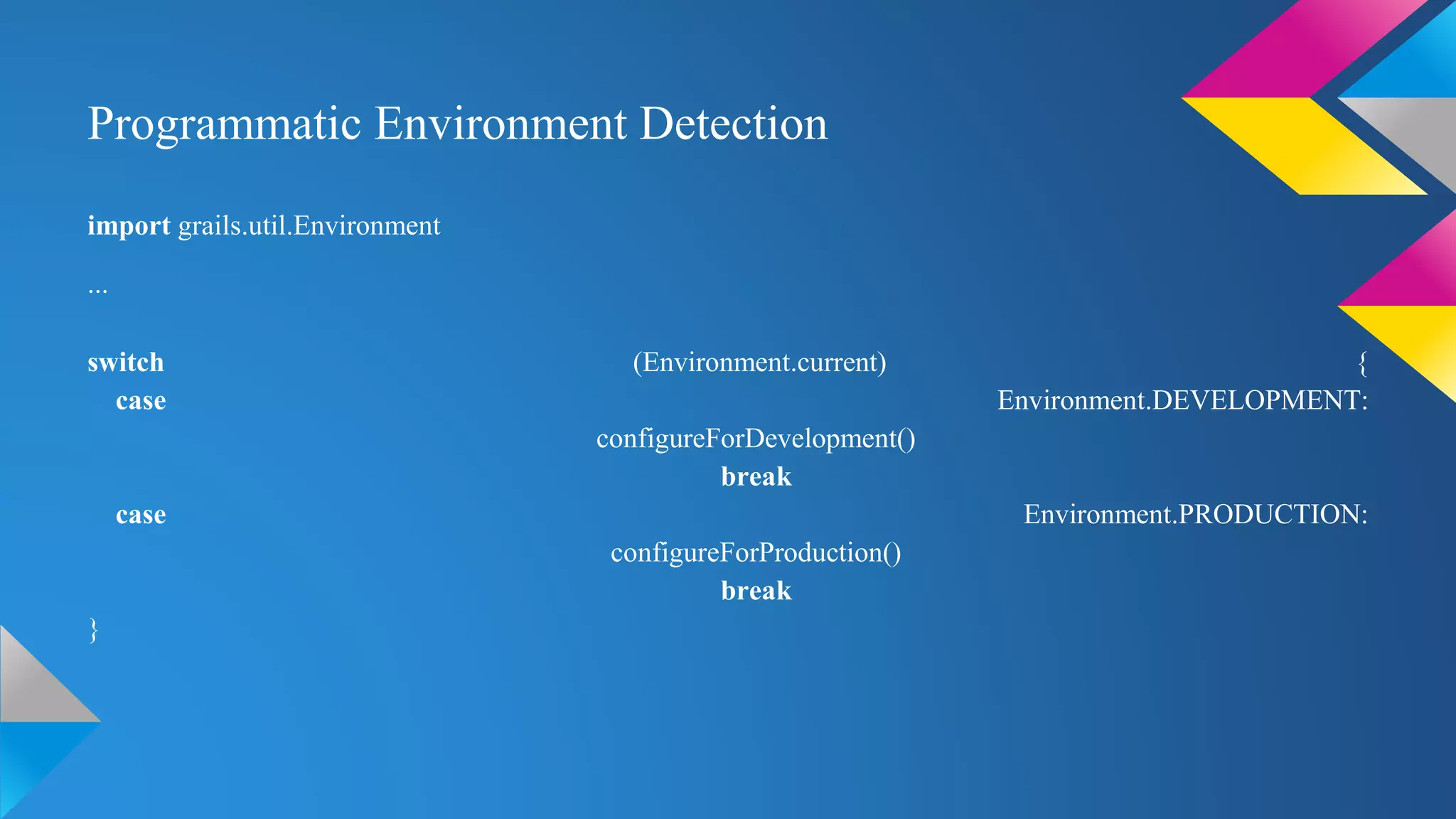
Programmatic Environment Detection
import grails.util.Environment
...
switch (Environment.current) {
case Environment.DEVELOPMENT:
configureForDevelopment()
break
case Environment.PRODUCTION:
configureForProduction()
break
}
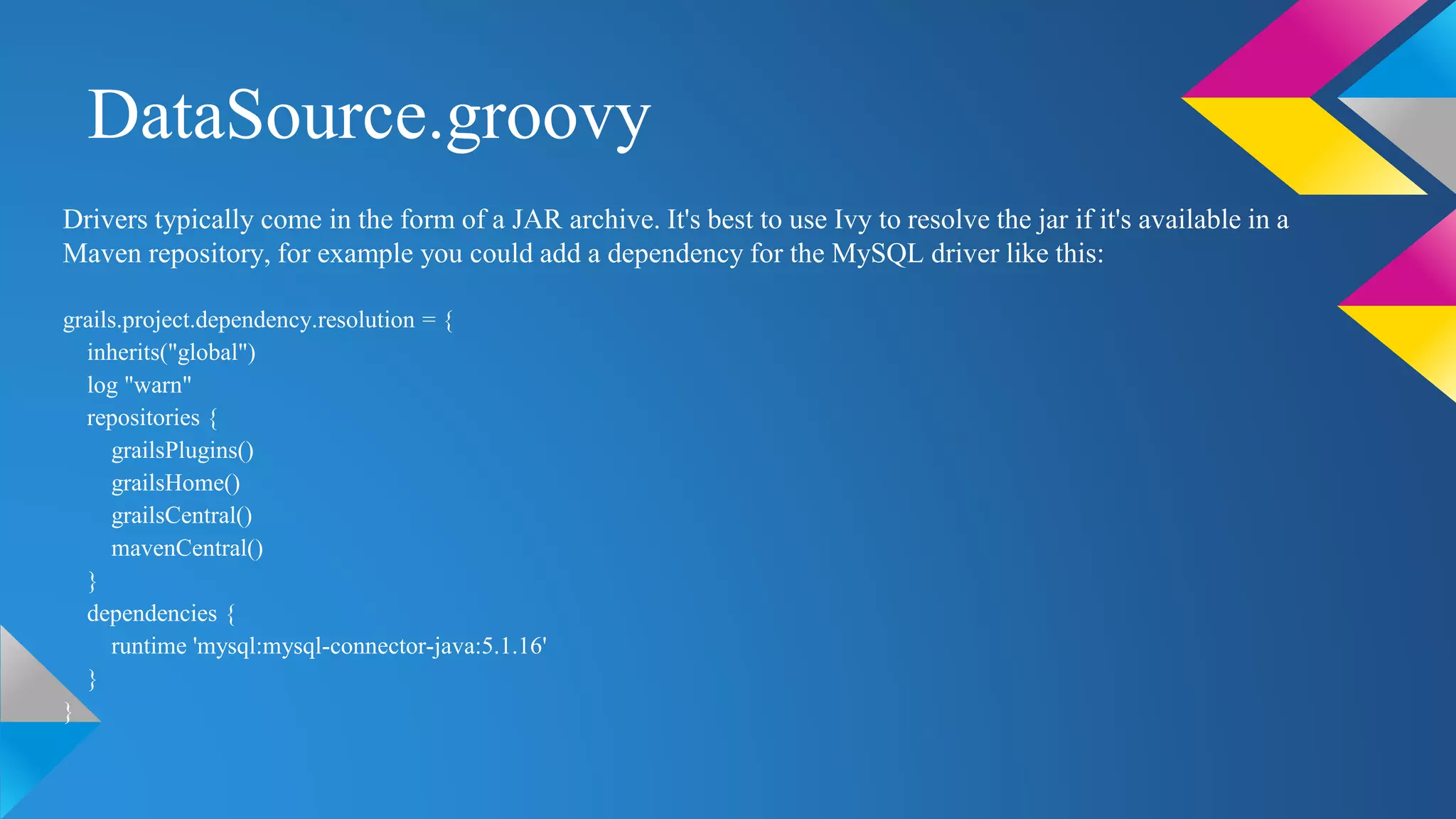
DataSource.groovy
Drivers typically come in the form of a JAR archive. It's best to use Ivy to resolve the jar if it's available in a
Maven repository, for example you could add a dependency for the MySQL driver like this:
grails.project.dependency.resolution = {
inherits("global")
log "warn"
repositories {
grailsPlugins()
grailsHome()
grailsCentral()
mavenCentral()
}
dependencies {
runtime 'mysql:mysql-connector-java:5.1.16'
}
}
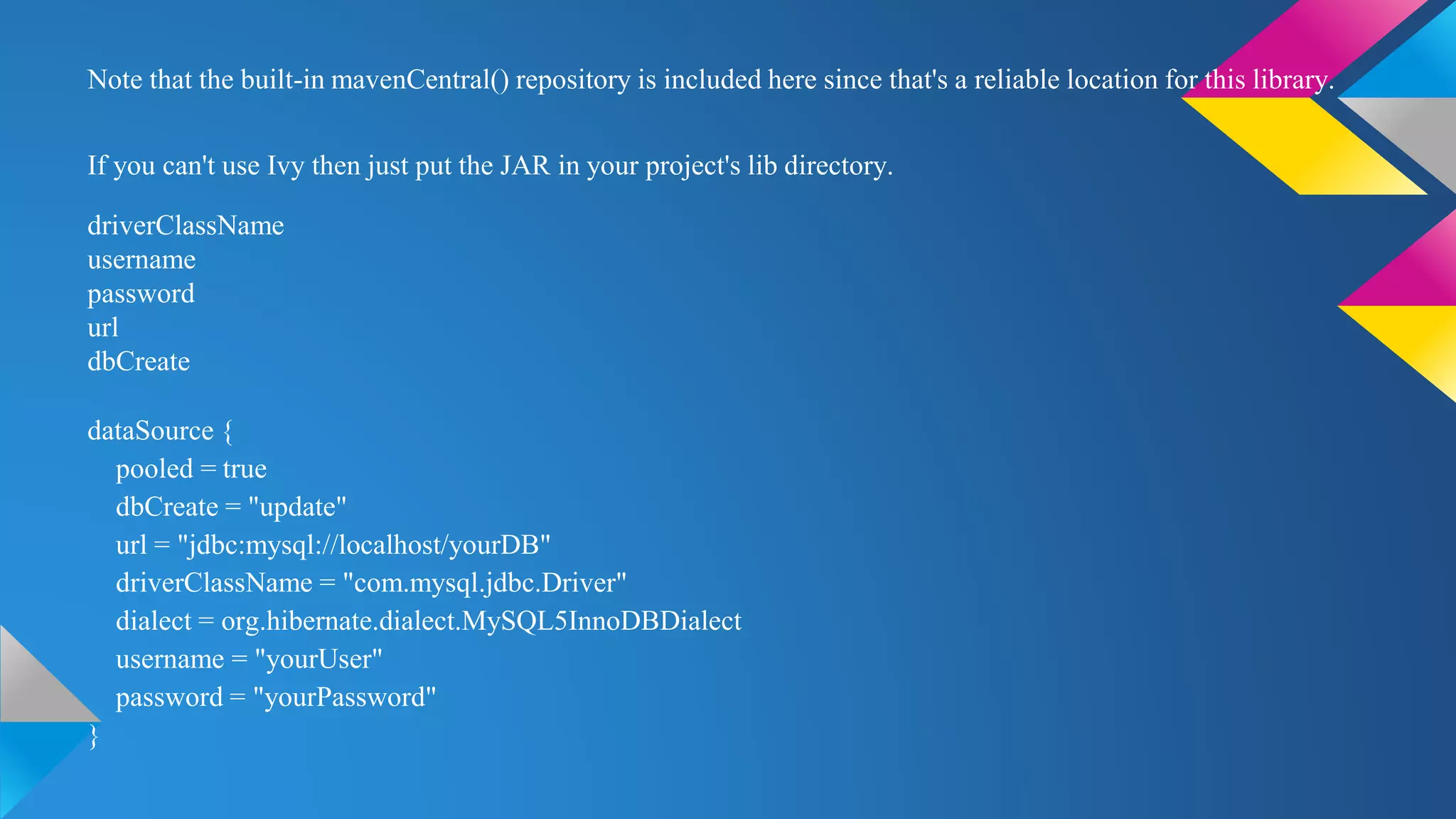
Note that the built-in mavenCentral() repository is included here since that's a reliable location for this library.
If you can't use Ivy then just put the JAR in your project's lib directory.
driverClassName
username
password
url
dbCreate
dataSource {
pooled = true
dbCreate = "update"
url = "jdbc:mysql://localhost/yourDB"
driverClassName = "com.mysql.jdbc.Driver"
dialect = org.hibernate.dialect.MySQL5InnoDBDialect
username = "yourUser"
password = "yourPassword"
}
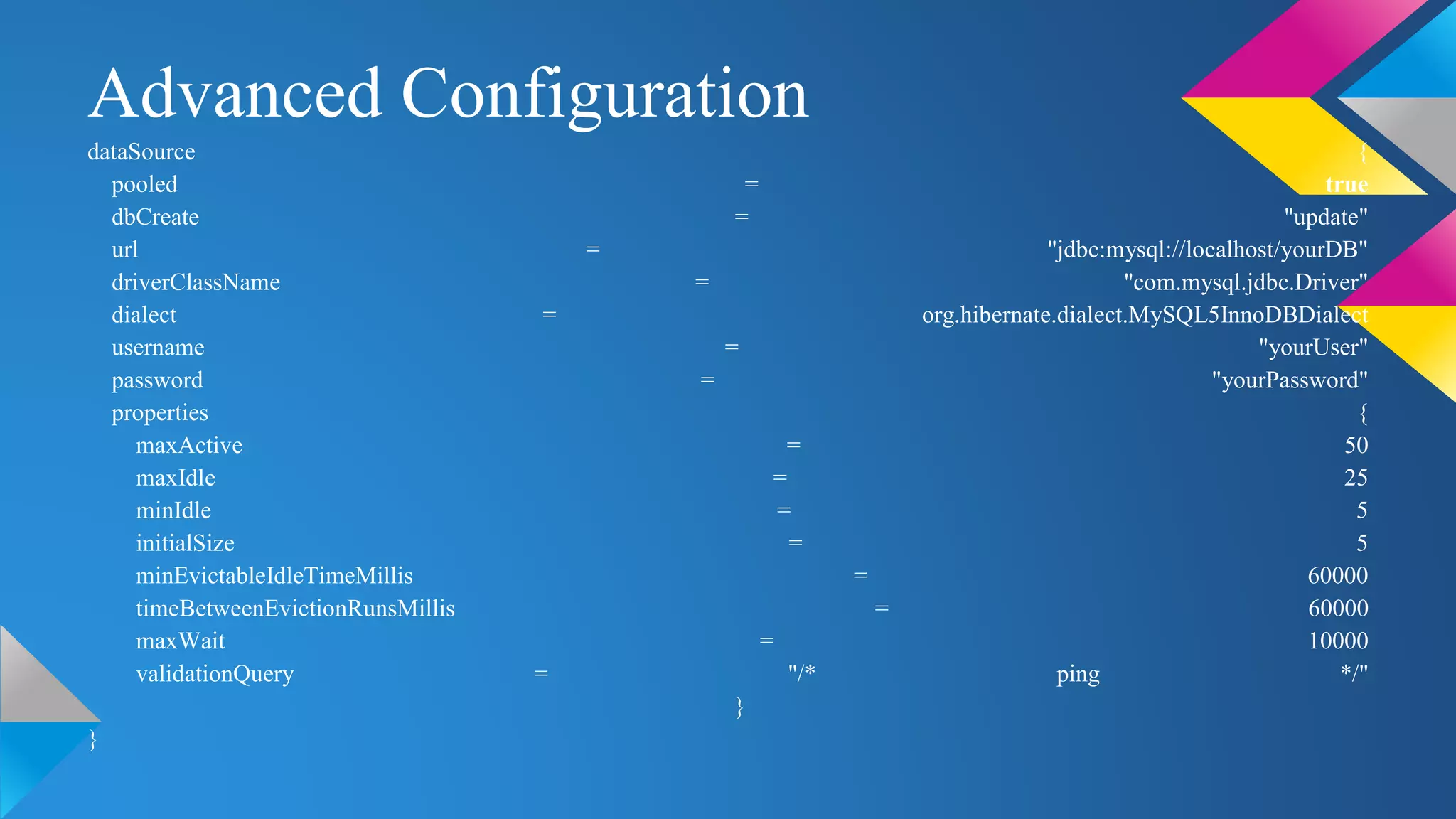
Advanced Configuration
dataSource {
pooled = true
dbCreate = "update"
url = "jdbc:mysql://localhost/yourDB"
driverClassName = "com.mysql.jdbc.Driver"
dialect = org.hibernate.dialect.MySQL5InnoDBDialect
username = "yourUser"
password = "yourPassword"
properties {
maxActive = 50
maxIdle = 25
minIdle = 5
initialSize = 5
minEvictableIdleTimeMillis = 60000
timeBetweenEvictionRunsMillis = 60000
maxWait = 10000
validationQuery = "/* ping */"
}
}
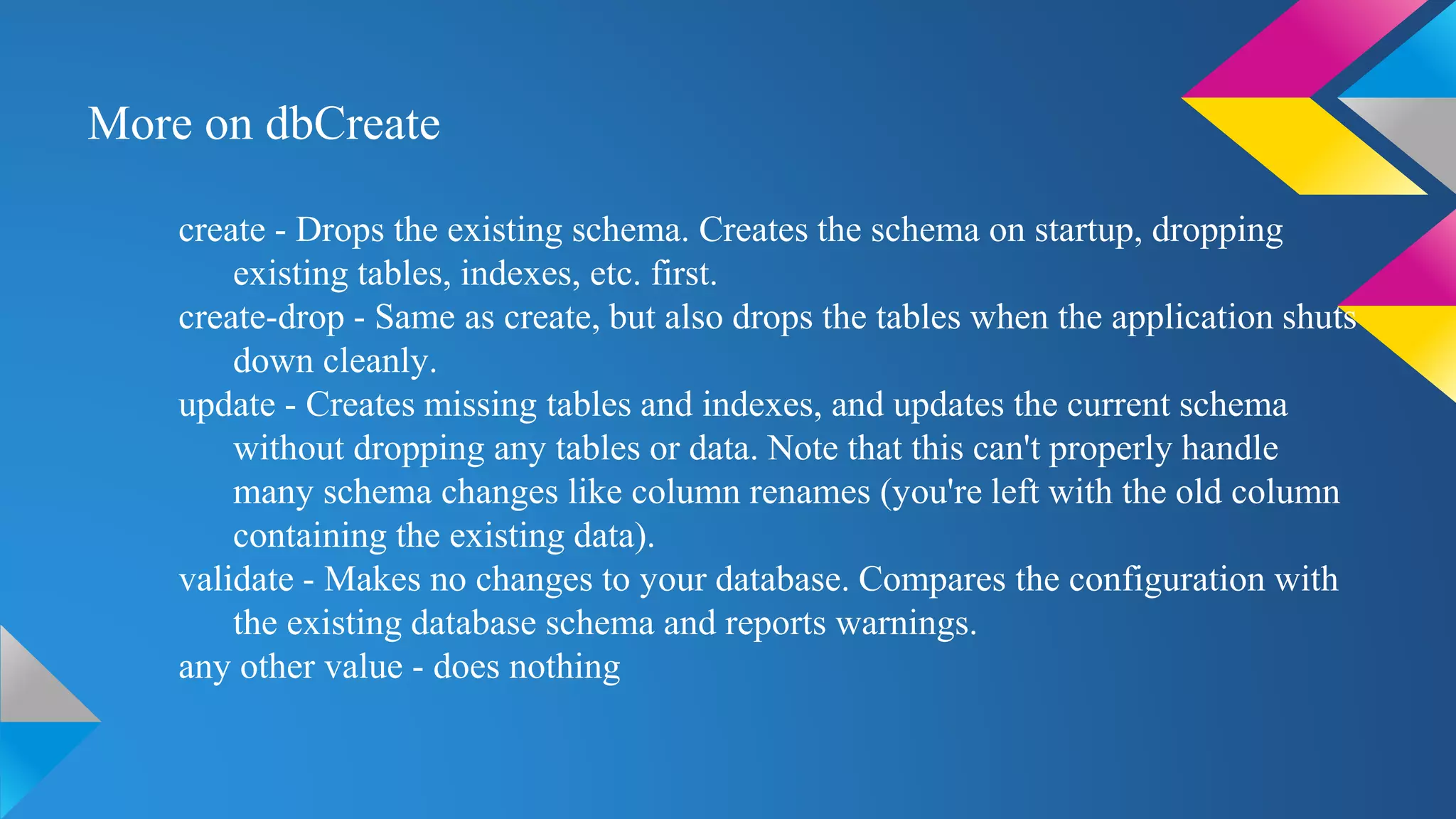
More on dbCreate
create - Drops the existing schema. Creates the schema on startup, dropping
existing tables, indexes, etc. first.
create-drop - Same as create, but also drops the tables when the application shuts
down cleanly.
update - Creates missing tables and indexes, and updates the current schema
without dropping any tables or data. Note that this can't properly handle
many schema changes like column renames (you're left with the old column
containing the existing data).
validate - Makes no changes to your database. Compares the configuration with
the existing database schema and reports warnings.
any other value - does nothing
dataSource {
pooled = true
driverClassName = "org.h2.Driver"
username = "sa"
password = ""
}
hibernate {
cache.use_second_level_cache = true
cache.use_query_cache = true
cache.provider_class = 'net.sf.ehcache.hibernate.EhCacheProvider'
}
environments {
development {
dataSource {
dbCreate = "create-drop"
url = "jdbc:h2:mem:devDb"
}
}
test {
dataSource {
dbCreate = "update"
url = "jdbc:h2:mem:testDb"
}
}
production {
dataSource {
dbCreate = "update"
url = "jdbc:h2:prodDb"
}
}
}
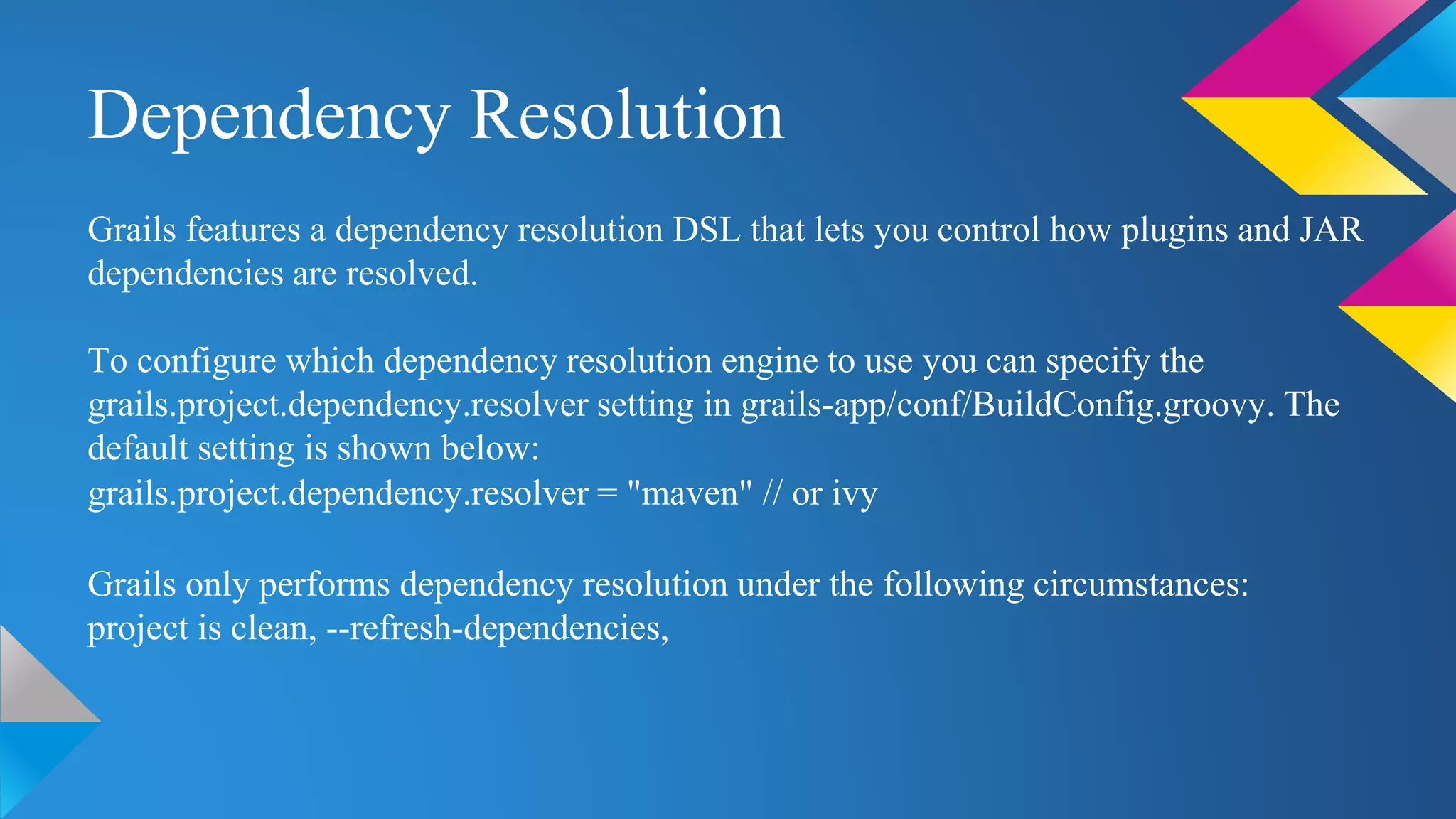
Dependency Resolution
Grails features a dependency resolution DSL that lets you control how plugins and JAR
dependencies are resolved.
To configure which dependency resolution engine to use you can specify the
grails.project.dependency.resolver setting in grails-app/conf/BuildConfig.groovy. The
default setting is shown below:
grails.project.dependency.resolver = "maven" // or ivy
Grails only performs dependency resolution under the following circumstances:
project is clean, --refresh-dependencies,
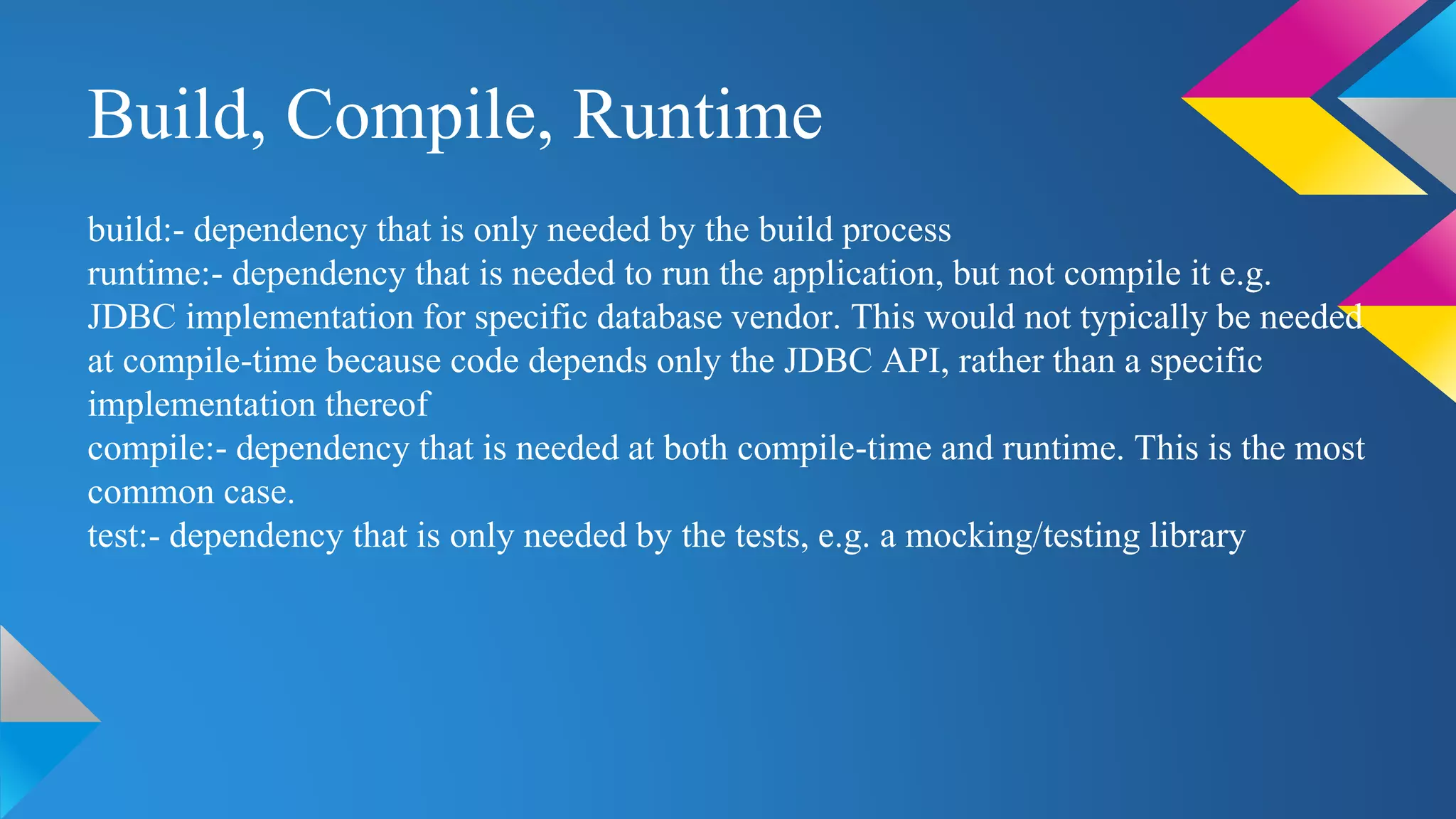
Build, Compile, Runtime
build:- dependency that is only needed by the build process
runtime:- dependency that is needed to run the application, but not compile it e.g.
JDBC implementation for specific database vendor. This would not typically be needed
at compile-time because code depends only the JDBC API, rather than a specific
implementation thereof
compile:- dependency that is needed at both compile-time and runtime. This is the most
common case.
test:- dependency that is only needed by the tests, e.g. a mocking/testing library
Any Questions???

Config BuildConfig

  • 1.
  • 2.
  • 3.
  • 4.
    BuildConfig.groovy, is forsettings that are used when running Grails commands, such as compile, doc, etc. Config.groovy, is for settings that are used when your application is running. This means that Config.groovy is packaged with your application, but BuildConfig.groovy is not.
  • 5.
    Both BuildConfig.groovy andConfig.groovy you can access several implicit variables from configuration values:- userHome, grailsHome, appName, appVersion. BuildConfig.groovy has:- grailsVersion, grailsSetting Config.groovy has:- grailsApplication userHome:- Location of the home directory for the account that is running the Grails application. grailsHome:- Location of the directory where you installed Grails. If the GRAILS_HOME environment variable is set, it is used. appName:- The application name as it appears in application.properties. appVersion:- The application version as it appears in application.properties. grailsVersion:- The version of Grails used to build the project. grailsSetting:- An object containing various build related settings, such as baseDir. grailsApplication:- The GrailsApplication instance.
  • 6.
    BuildSetting (BuildConfig.groovy) Grails requiresJDK 6 when developing your applications, it is possible to deploy those applications to JDK 5 containers, and also Grails supports Servlet versions 2.5 and above but defaults to 2.5. Simply set the following in BuildConfig.groovy to change them:- grails.project.source.level = "1.5" grails.project.target.level = "1.5" grails.servlet.version = "3.0"
  • 7.
    Runtime Setting (Config.groovy) grails.config.location grails.views.gsp.encoding- The file encoding used for GSP source files (default: 'utf- 8'). grails.serverURL grails.project.war.file
  • 8.
    Logging Grails uses itscommon configuration mechanism to provide the settings for the underlying Log4j log system, so all you have to do is add a log4j setting to the file grails-app/conf/Config.groovy. log4j = { error 'org.codehaus.groovy.grails.web.servlet', // controllers 'org.codehaus.groovy.grails.web.pages' // GSP warn 'org.apache.catalina' }
  • 9.
    Environments The Config.groovy, DataSource.groovy,and BootStrap.groovy files in the grails- app/conf directory can use per-environment configuration using the syntax provided by ConfigSlurper.:- environments{ } These are the available environments possible in grails:- development:- Developer test: Tester production: After releasing custom:- User environment
  • 10.
    Packaging and Runningfor Different Environments grails [environment] [command name] grails test war To target other environments you can pass a grails.env variable to any command:- grails -Dgrails.env=UAT run-app To run the project on different port grails -Dgrails.port=port_no run-app
  • 11.
    Programmatic Environment Detection importgrails.util.Environment ... switch (Environment.current) { case Environment.DEVELOPMENT: configureForDevelopment() break case Environment.PRODUCTION: configureForProduction() break }
  • 12.
    DataSource.groovy Drivers typically comein the form of a JAR archive. It's best to use Ivy to resolve the jar if it's available in a Maven repository, for example you could add a dependency for the MySQL driver like this: grails.project.dependency.resolution = { inherits("global") log "warn" repositories { grailsPlugins() grailsHome() grailsCentral() mavenCentral() } dependencies { runtime 'mysql:mysql-connector-java:5.1.16' } }
  • 13.
    Note that thebuilt-in mavenCentral() repository is included here since that's a reliable location for this library. If you can't use Ivy then just put the JAR in your project's lib directory. driverClassName username password url dbCreate dataSource { pooled = true dbCreate = "update" url = "jdbc:mysql://localhost/yourDB" driverClassName = "com.mysql.jdbc.Driver" dialect = org.hibernate.dialect.MySQL5InnoDBDialect username = "yourUser" password = "yourPassword" }
  • 14.
    Advanced Configuration dataSource { pooled= true dbCreate = "update" url = "jdbc:mysql://localhost/yourDB" driverClassName = "com.mysql.jdbc.Driver" dialect = org.hibernate.dialect.MySQL5InnoDBDialect username = "yourUser" password = "yourPassword" properties { maxActive = 50 maxIdle = 25 minIdle = 5 initialSize = 5 minEvictableIdleTimeMillis = 60000 timeBetweenEvictionRunsMillis = 60000 maxWait = 10000 validationQuery = "/* ping */" } }
  • 15.
    More on dbCreate create- Drops the existing schema. Creates the schema on startup, dropping existing tables, indexes, etc. first. create-drop - Same as create, but also drops the tables when the application shuts down cleanly. update - Creates missing tables and indexes, and updates the current schema without dropping any tables or data. Note that this can't properly handle many schema changes like column renames (you're left with the old column containing the existing data). validate - Makes no changes to your database. Compares the configuration with the existing database schema and reports warnings. any other value - does nothing
  • 16.
    dataSource { pooled =true driverClassName = "org.h2.Driver" username = "sa" password = "" } hibernate { cache.use_second_level_cache = true cache.use_query_cache = true cache.provider_class = 'net.sf.ehcache.hibernate.EhCacheProvider' } environments { development { dataSource { dbCreate = "create-drop" url = "jdbc:h2:mem:devDb" } } test { dataSource { dbCreate = "update" url = "jdbc:h2:mem:testDb" } } production { dataSource { dbCreate = "update" url = "jdbc:h2:prodDb" } } }
  • 17.
    Dependency Resolution Grails featuresa dependency resolution DSL that lets you control how plugins and JAR dependencies are resolved. To configure which dependency resolution engine to use you can specify the grails.project.dependency.resolver setting in grails-app/conf/BuildConfig.groovy. The default setting is shown below: grails.project.dependency.resolver = "maven" // or ivy Grails only performs dependency resolution under the following circumstances: project is clean, --refresh-dependencies,
  • 18.
    Build, Compile, Runtime build:-dependency that is only needed by the build process runtime:- dependency that is needed to run the application, but not compile it e.g. JDBC implementation for specific database vendor. This would not typically be needed at compile-time because code depends only the JDBC API, rather than a specific implementation thereof compile:- dependency that is needed at both compile-time and runtime. This is the most common case. test:- dependency that is only needed by the tests, e.g. a mocking/testing library
  • 19.