Groovy Introducation
Agenda
● What is Groovy?
● History of Groovy.
● Why Groovy?
● Setup Groovy
● What do we mean by Dynamic typing in Groovy?
● Closure in Groovy.
● Comparison between Java and Groovy with examples.
● What is GDK?
● Strings in Groovy:
● Multiline Strings.
● GString.
● Operator overloading in Groovy.
● What is Groovy Truth?
● Groovy Classes
● Working with files.
What is Groovy
Groovy is an object-oriented programming language for
the Java platform. It is a dynamic language with features
similar to those of Python, Ruby, Perl, and Smalltalk. It
can be used as a scripting language for the Java Platform
which provides Dynamic, Easy-to-use and Integration
capabilities to the Java Virutual Machine. It absorbs most
of the syntax from Java and it is much powerful in terms
of funtionalities which is manifiested in the form Closures,
Dynamic Typing etc.
History
●Started by James Strachan and Bob McWhirter in 2003.
●Guillaume Laforge and Jeremy Rainer took it forward.
●Groovy 1.0 release in 2007.
●Now in version 2.4
Why Groovy
● Feels like Java, with no boilerplate code.
● Dynamic.
● Extends JDK.
Setup
● Download the binary from http://groovy.codehaus.org
● Install JDK > 1.5
● Set GROOVY_HOME to point to the installation.
● Add GROOVY_HOME/bin to the path variable.
SDKMAN! (The Software Development Kit
Manager)
● curl -s get.sdkman.io | bash
● source "$HOME/.sdkman/bin/sdkman-init.sh"
● sdk install groovy
● groovy -version
Groovy Shell
Open a terminal window and type “groovysh”.
It allows easy access to evaluate Groovy expressions, and run simple
experiments.
Dynamic Typing Vs Static Typing
First, dynamically-typed languages perform type checking
at runtime, while statically typed languages perform type
checking at compile time.
This means that scripts written in dynamically-typed
languages (like Groovy) can compile even if they contain
errors that will prevent the script from running properly (if
at all). If a script written in a statically-typed language
(such as Java) contains errors, it will fail to compile until
the errors have been fixed.
// Java example
int num;
num = 5;
// Groovy example
num = 5
Groovy is dynamically-typed and determines its variables'
data types based on their values, so this line is not
required.
Closures
● A Closure is a block of code given a name.
● Groovy has support for closures, which work much like Java 8 lambdas. A
closure is an anonymous block of executable code
● Methods can accept closure as parameters.
def helloWorld = {
println "Hello World"
}
Helloworld()
With Parameters
def power = { int x, int y ->
return Math.pow(x, y)
}
println power(2, 3)
Type definition of parameters is the same like variables. If
you define a type you can only use this type, but you can
also skip the type of parameters and pass in anything you
want
def say = { what ->
println what
}
say "Hello World"
Passing Closure
The power of being able to assign closures to variable is
that you can also pass them around to methods.
def transform = { str, transformation ->
transformation(str)
}
println transform("Hello World", { it.toUpperCase() })
Java to Groovy
public class Demo
{
public static void main(String[] args)
{
for(int i = 0; i < 3; i++)
{
System.out.print("shipra" );
}
}
}
Java to Groovy
3.times { print 'Nexthoughts' }
GDK
● Enhancement over JDK.
● The GDK sits on top of the JDK
● Provides new Libraries and APIs to Groovy Developer.
Strings
In groovy , a string can be defined three different ways :
using double quotes, single quotes, or slashes (called
“slashy strings”).
def helloChris = "Hello"
def helloJoseph = 'Hello, World'
def helloJim = /Hello, World/
MultiLine String
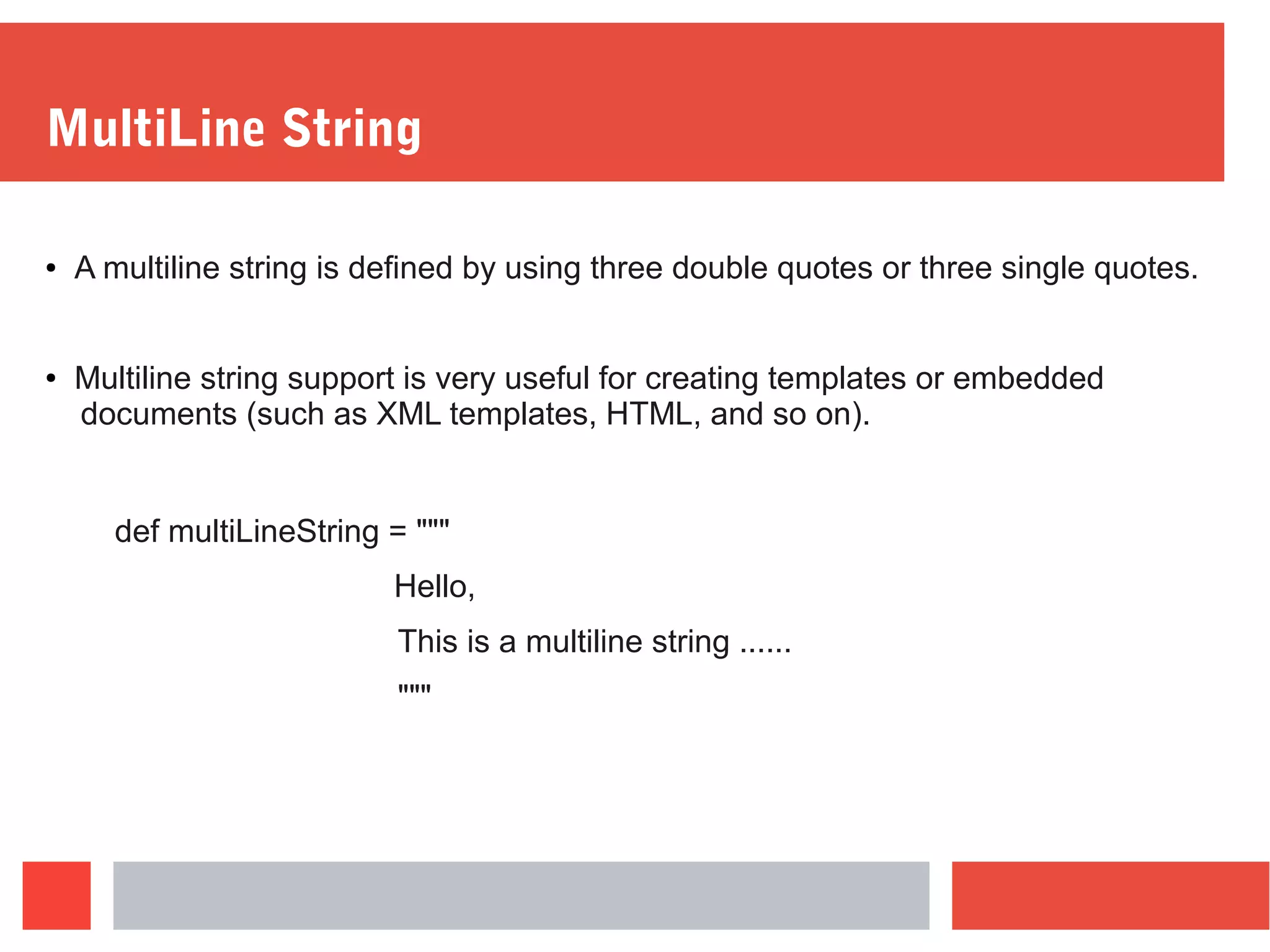
● A multiline string is defined by using three double quotes or three single quotes.
● Multiline string support is very useful for creating templates or embedded
documents (such as XML templates, HTML, and so on).
def multiLineString = """
Hello,
This is a multiline string ......
"""
GString
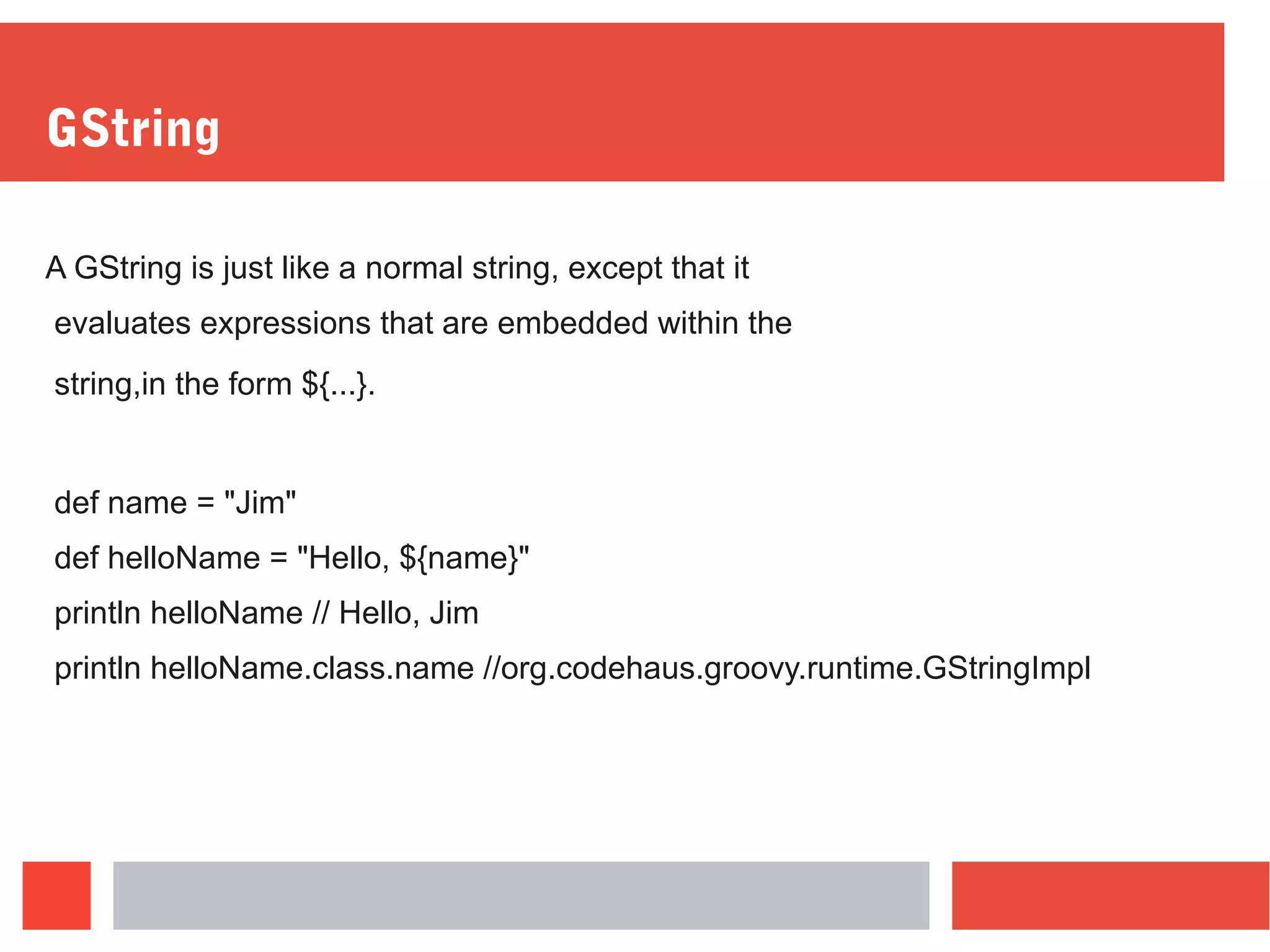
A GString is just like a normal string, except that it
evaluates expressions that are embedded within the
string,in the form ${...}.
def name = "Jim"
def helloName = "Hello, ${name}"
println helloName // Hello, Jim
println helloName.class.name //org.codehaus.groovy.runtime.GStringImpl
Operator Overloading
Groovy supports operator overloading which makes working with Numbers,
Collections, Maps and various other data structures easier to use.
def date = new Date()
date++
println date
All operators in Groovy are method calls.
The following few of the operators supported in Groovy and the
methods they map to
a + b a.plus(b)
a - b a.minus(b)
a * b a.multiply(b)
a ** b a.power(b)
a / b a.div(b)
a % b a.mod(b)
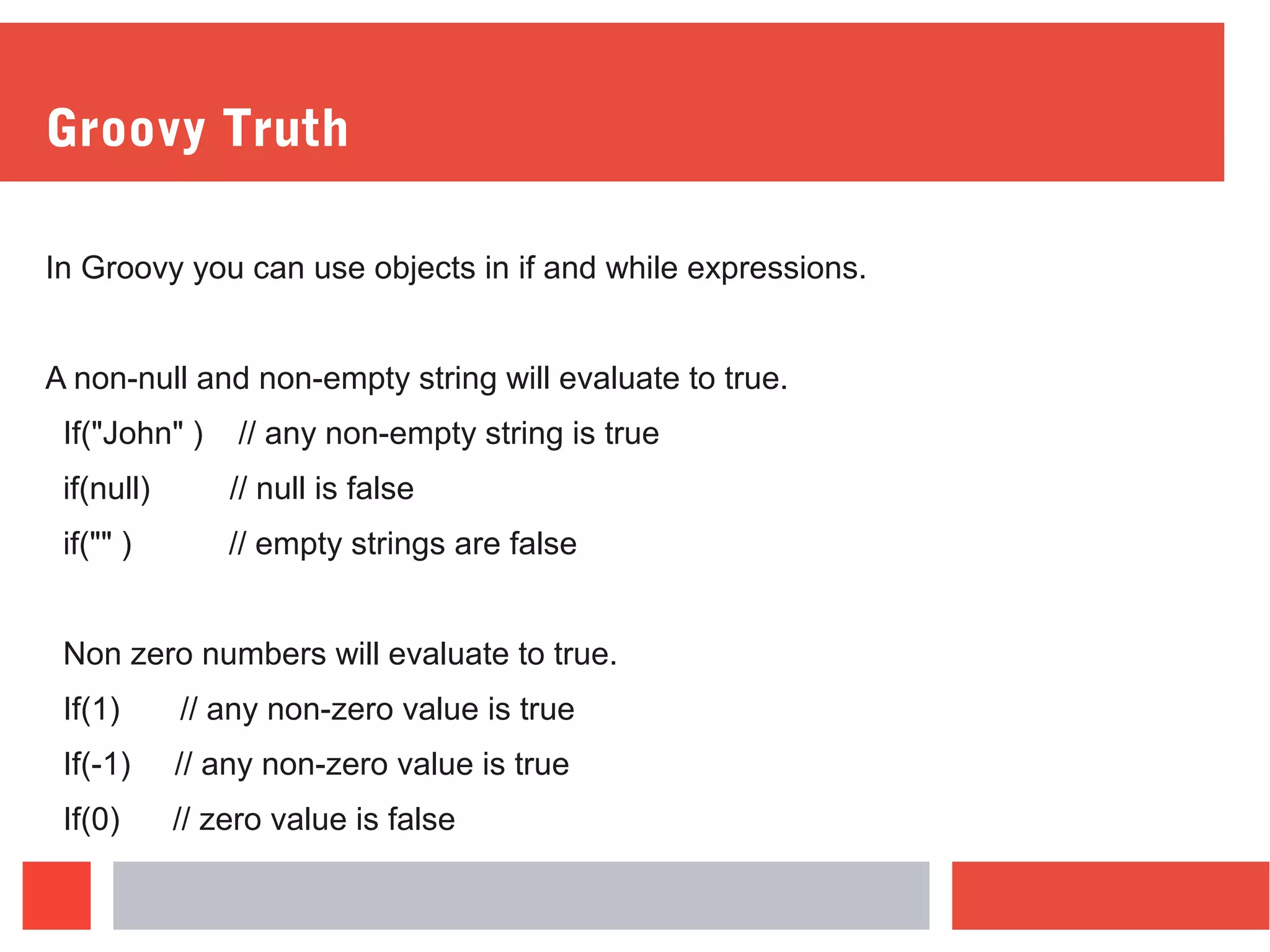
Groovy Truth
In Groovy you can use objects in if and while expressions.
A non-null and non-empty string will evaluate to true.
If("John" ) // any non-empty string is true
if(null) // null is false
if("" ) // empty strings are false
Non zero numbers will evaluate to true.
If(1) // any non-zero value is true
If(-1) // any non-zero value is true
If(0) // zero value is false
Groovy Truth For Collection
A non-empty collection will evaluate to true.
List family = ["John" , "Jane" ]
if(family) // true since the list is populated.
And Empty Collection will evaluate to false
List family = [ ]
if(family) // false since the map is not populated.
Groovy Classes
In Groovy Classes by default things are public unless you specify otherwise.
Class Person {
String name
Integer age
}
Person person = new Person()
person.name = “Per
person.age =30
If you call person.name=”Groovy”
Then behind the scene
person.setName(“Groovy”)
If you want accidental modification in Groovy, you can add a pair of getters and
setters.
Constructors
Person person = new Person(name:”Groovy”, age:20)
Person x = new Person()
Working with Files
new File("foo.txt").bytes
new File("foo.txt").readLines()
new File("foo.txt").eachLine { line -> println(line) }
Thank You
More information please contact at shipra@nexthoughts.com

Groovy intro

  • 1.
  • 2.
    Agenda ● What isGroovy? ● History of Groovy. ● Why Groovy? ● Setup Groovy ● What do we mean by Dynamic typing in Groovy? ● Closure in Groovy. ● Comparison between Java and Groovy with examples. ● What is GDK?
  • 3.
    ● Strings inGroovy: ● Multiline Strings. ● GString. ● Operator overloading in Groovy. ● What is Groovy Truth? ● Groovy Classes ● Working with files.
  • 4.
    What is Groovy Groovyis an object-oriented programming language for the Java platform. It is a dynamic language with features similar to those of Python, Ruby, Perl, and Smalltalk. It can be used as a scripting language for the Java Platform which provides Dynamic, Easy-to-use and Integration capabilities to the Java Virutual Machine. It absorbs most of the syntax from Java and it is much powerful in terms of funtionalities which is manifiested in the form Closures, Dynamic Typing etc.
  • 5.
    History ●Started by JamesStrachan and Bob McWhirter in 2003. ●Guillaume Laforge and Jeremy Rainer took it forward. ●Groovy 1.0 release in 2007. ●Now in version 2.4
  • 6.
    Why Groovy ● Feelslike Java, with no boilerplate code. ● Dynamic. ● Extends JDK.
  • 7.
    Setup ● Download thebinary from http://groovy.codehaus.org ● Install JDK > 1.5 ● Set GROOVY_HOME to point to the installation. ● Add GROOVY_HOME/bin to the path variable.
  • 8.
    SDKMAN! (The SoftwareDevelopment Kit Manager) ● curl -s get.sdkman.io | bash ● source "$HOME/.sdkman/bin/sdkman-init.sh" ● sdk install groovy ● groovy -version
  • 9.
    Groovy Shell Open aterminal window and type “groovysh”. It allows easy access to evaluate Groovy expressions, and run simple experiments.
  • 10.
    Dynamic Typing VsStatic Typing First, dynamically-typed languages perform type checking at runtime, while statically typed languages perform type checking at compile time. This means that scripts written in dynamically-typed languages (like Groovy) can compile even if they contain errors that will prevent the script from running properly (if at all). If a script written in a statically-typed language (such as Java) contains errors, it will fail to compile until the errors have been fixed.
  • 11.
    // Java example intnum; num = 5; // Groovy example num = 5 Groovy is dynamically-typed and determines its variables' data types based on their values, so this line is not required.
  • 12.
    Closures ● A Closureis a block of code given a name. ● Groovy has support for closures, which work much like Java 8 lambdas. A closure is an anonymous block of executable code ● Methods can accept closure as parameters.
  • 13.
    def helloWorld ={ println "Hello World" } Helloworld() With Parameters def power = { int x, int y -> return Math.pow(x, y) } println power(2, 3)
  • 14.
    Type definition ofparameters is the same like variables. If you define a type you can only use this type, but you can also skip the type of parameters and pass in anything you want def say = { what -> println what } say "Hello World"
  • 15.
    Passing Closure The powerof being able to assign closures to variable is that you can also pass them around to methods. def transform = { str, transformation -> transformation(str) } println transform("Hello World", { it.toUpperCase() })
  • 16.
    Java to Groovy publicclass Demo { public static void main(String[] args) { for(int i = 0; i < 3; i++) { System.out.print("shipra" ); } } }
  • 17.
    Java to Groovy 3.times{ print 'Nexthoughts' }
  • 18.
    GDK ● Enhancement overJDK. ● The GDK sits on top of the JDK ● Provides new Libraries and APIs to Groovy Developer.
  • 19.
    Strings In groovy ,a string can be defined three different ways : using double quotes, single quotes, or slashes (called “slashy strings”). def helloChris = "Hello" def helloJoseph = 'Hello, World' def helloJim = /Hello, World/
  • 20.
    MultiLine String ● Amultiline string is defined by using three double quotes or three single quotes. ● Multiline string support is very useful for creating templates or embedded documents (such as XML templates, HTML, and so on). def multiLineString = """ Hello, This is a multiline string ...... """
  • 21.
    GString A GString isjust like a normal string, except that it evaluates expressions that are embedded within the string,in the form ${...}. def name = "Jim" def helloName = "Hello, ${name}" println helloName // Hello, Jim println helloName.class.name //org.codehaus.groovy.runtime.GStringImpl
  • 22.
    Operator Overloading Groovy supportsoperator overloading which makes working with Numbers, Collections, Maps and various other data structures easier to use. def date = new Date() date++ println date All operators in Groovy are method calls.
  • 23.
    The following fewof the operators supported in Groovy and the methods they map to a + b a.plus(b) a - b a.minus(b) a * b a.multiply(b) a ** b a.power(b) a / b a.div(b) a % b a.mod(b)
  • 24.
    Groovy Truth In Groovyyou can use objects in if and while expressions. A non-null and non-empty string will evaluate to true. If("John" ) // any non-empty string is true if(null) // null is false if("" ) // empty strings are false Non zero numbers will evaluate to true. If(1) // any non-zero value is true If(-1) // any non-zero value is true If(0) // zero value is false
  • 25.
    Groovy Truth ForCollection A non-empty collection will evaluate to true. List family = ["John" , "Jane" ] if(family) // true since the list is populated. And Empty Collection will evaluate to false List family = [ ] if(family) // false since the map is not populated.
  • 26.
    Groovy Classes In GroovyClasses by default things are public unless you specify otherwise. Class Person { String name Integer age } Person person = new Person() person.name = “Per person.age =30
  • 27.
    If you callperson.name=”Groovy” Then behind the scene person.setName(“Groovy”) If you want accidental modification in Groovy, you can add a pair of getters and setters.
  • 28.
    Constructors Person person =new Person(name:”Groovy”, age:20) Person x = new Person()
  • 29.
    Working with Files newFile("foo.txt").bytes new File("foo.txt").readLines() new File("foo.txt").eachLine { line -> println(line) }
  • 30.
    Thank You More informationplease contact at shipra@nexthoughts.com