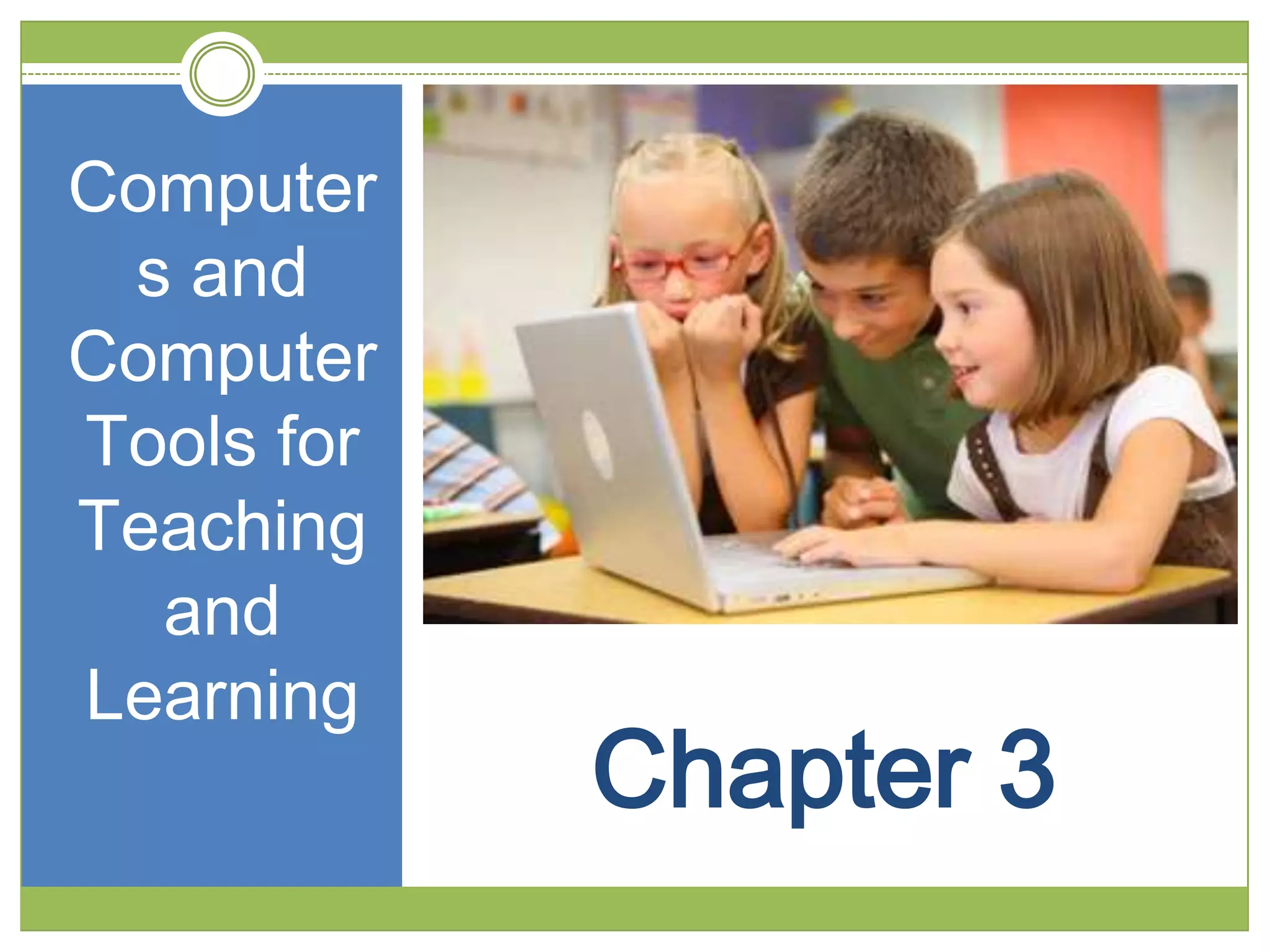
Computer
 s and
Computer
Tools for
Teaching
  and
Learning
            Chapter 3
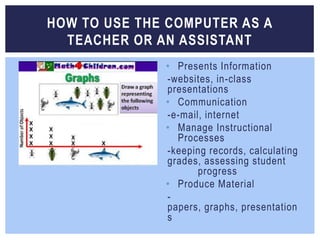
HOW TO USE THE COMPUTER AS A
  TEACHER OR AN ASSISTANT
              • Presents Information
              -websites, in-class
              presentations
              • Communication
              -e-mail, internet
              • Manage Instructional
                Processes
              -keeping records, calculating
              grades, assessing student
                     progress
              • Produce Material
              -
              papers, graphs, presentation
              s
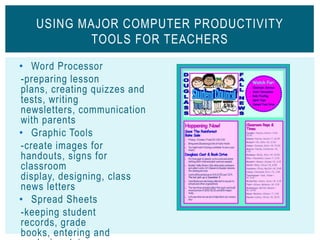
USING MAJOR COMPUTER PRODUCTIVITY
          TOOLS FOR TEACHERS

• Word Processor
-preparing lesson
plans, creating quizzes and
tests, writing
newsletters, communication
with parents
• Graphic Tools
-create images for
handouts, signs for
classroom
display, designing, class
news letters
• Spread Sheets
-keeping student
records, grade
books, entering and
USING MAJOR COMPUTER PRODUCTIVIT Y TOOLS FOR TEACHERS


                           • Databases
                            -tracking student
                            performance, building a collection of
                            tests and quiz     questions over
                            material
                           • Presentation Software
                            -lectures, presentations, preparing
                            notes or materials that need to be
                                     printed
                           • Authoring Software
                            -interactive materials, compiling a
                            teaching portfolio
                           • Telecommunication
                            -obtaining up-to-date content on
                            various subjects, communicating with
                            other teachers, students, and
                            parents
USING MAJOR COMPUTER PRODUCTIVIT Y TOOLS FOR STUDENTS


• Word Processor
 -writing papers and other written
 work, performing pre -writing
 activities, typing notes
• Graphic Tools
 -creating a graph of data, editing
 photos for presentations or
 reports, making drawings for
 illustrated material
• Spread Sheets
 -entering and analyzing
 data, creating charts for visual
 representations
• Databases
 -finding information for assignments
USING MAJOR COMPUTER PRODUCTIVIT Y
       TOOLS FOR STUDENTS

                 • Presentation Sof tware
                  -making in-class
                  presentations, creating
                  multimedia repor ts or
                  projects, compiling multimedia
                  por tfolios
                 • Authoring Sof tware
                  -developing multimedia repor ts
                  or projects, creating interactive
                  materials, creating multimedia
                  por tfolios
                 • Telecommunication
                  -accessing up-to-date
                  information for researching
                  assignments, using e-mail
ASSISTIVE TECHNOLOGY

• Refers to any item, piece of equipment, or product system
   that is used to increase, maintain, or improve the functional
   capabilities of an individual with a disability
• 5 Types of Assistive Technology:
       -Computer Access
       - Augmentative Communication
       -Visual Aids
       - Auditory Aids
       -Cognitive Aids
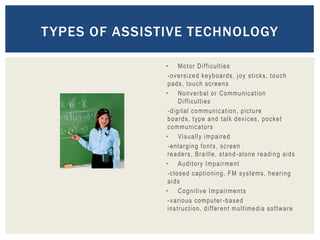
T YPES OF ASSISTIVE TECHNOLOGY

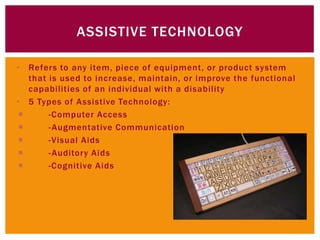
               • Mo t o r D i ff ic u ltie s
                -oversized keyboards, joy sticks, touch
                pads, touch screens
               • N o n v e r b a l o r C o mmu n i c a t i on
                       D i ffi cu lti es
                - d i g i t a l c o mmu n i c a t io n , p i c t u r e
                boards, type and talk devices, pocket
                c o mmu n i c a to r s
               • Vi s u a l l y i mp a i r e d
                -enlarging fonts, screen
                r e a d e r s , Br a i l l e , s t a n d - a l o n e r e a d i n g a i d s
               • Au d i t o r y I mp a i r me n t
                - c l o s e d c a p t i o n i n g , F M s y s t e ms , h e a r i n g
                aids
               • C o g n i t iv e I mp a i r me n t s
                - v a r i o u s c o mp u t e r - b a s e d
                i n s t r u cti on , d i ff e r e n t mu l t i me d i a s o f t w a r e
sources

• http://atto.buffalo.edu/registered/ATBasics/Found
  ation/intro/index.php
• http://www.proprofs.com
• http://www.slideshare.net
• Newby, Timothy J. Educational Technology for
  Teaching and Learning

Chapter 3 Presentation (updated)

  • 1.
    Computer s and Computer Toolsfor Teaching and Learning Chapter 3
  • 2.
    HOW TO USETHE COMPUTER AS A TEACHER OR AN ASSISTANT • Presents Information -websites, in-class presentations • Communication -e-mail, internet • Manage Instructional Processes -keeping records, calculating grades, assessing student progress • Produce Material - papers, graphs, presentation s
  • 3.
    USING MAJOR COMPUTERPRODUCTIVITY TOOLS FOR TEACHERS • Word Processor -preparing lesson plans, creating quizzes and tests, writing newsletters, communication with parents • Graphic Tools -create images for handouts, signs for classroom display, designing, class news letters • Spread Sheets -keeping student records, grade books, entering and
  • 4.
    USING MAJOR COMPUTERPRODUCTIVIT Y TOOLS FOR TEACHERS • Databases -tracking student performance, building a collection of tests and quiz questions over material • Presentation Software -lectures, presentations, preparing notes or materials that need to be printed • Authoring Software -interactive materials, compiling a teaching portfolio • Telecommunication -obtaining up-to-date content on various subjects, communicating with other teachers, students, and parents
  • 5.
    USING MAJOR COMPUTERPRODUCTIVIT Y TOOLS FOR STUDENTS • Word Processor -writing papers and other written work, performing pre -writing activities, typing notes • Graphic Tools -creating a graph of data, editing photos for presentations or reports, making drawings for illustrated material • Spread Sheets -entering and analyzing data, creating charts for visual representations • Databases -finding information for assignments
  • 6.
    USING MAJOR COMPUTERPRODUCTIVIT Y TOOLS FOR STUDENTS • Presentation Sof tware -making in-class presentations, creating multimedia repor ts or projects, compiling multimedia por tfolios • Authoring Sof tware -developing multimedia repor ts or projects, creating interactive materials, creating multimedia por tfolios • Telecommunication -accessing up-to-date information for researching assignments, using e-mail
  • 7.
    ASSISTIVE TECHNOLOGY • Refersto any item, piece of equipment, or product system that is used to increase, maintain, or improve the functional capabilities of an individual with a disability • 5 Types of Assistive Technology:  -Computer Access  - Augmentative Communication  -Visual Aids  - Auditory Aids  -Cognitive Aids
  • 8.
    T YPES OFASSISTIVE TECHNOLOGY • Mo t o r D i ff ic u ltie s -oversized keyboards, joy sticks, touch pads, touch screens • N o n v e r b a l o r C o mmu n i c a t i on D i ffi cu lti es - d i g i t a l c o mmu n i c a t io n , p i c t u r e boards, type and talk devices, pocket c o mmu n i c a to r s • Vi s u a l l y i mp a i r e d -enlarging fonts, screen r e a d e r s , Br a i l l e , s t a n d - a l o n e r e a d i n g a i d s • Au d i t o r y I mp a i r me n t - c l o s e d c a p t i o n i n g , F M s y s t e ms , h e a r i n g aids • C o g n i t iv e I mp a i r me n t s - v a r i o u s c o mp u t e r - b a s e d i n s t r u cti on , d i ff e r e n t mu l t i me d i a s o f t w a r e
  • 9.
    sources • http://atto.buffalo.edu/registered/ATBasics/Found ation/intro/index.php • http://www.proprofs.com • http://www.slideshare.net • Newby, Timothy J. Educational Technology for Teaching and Learning