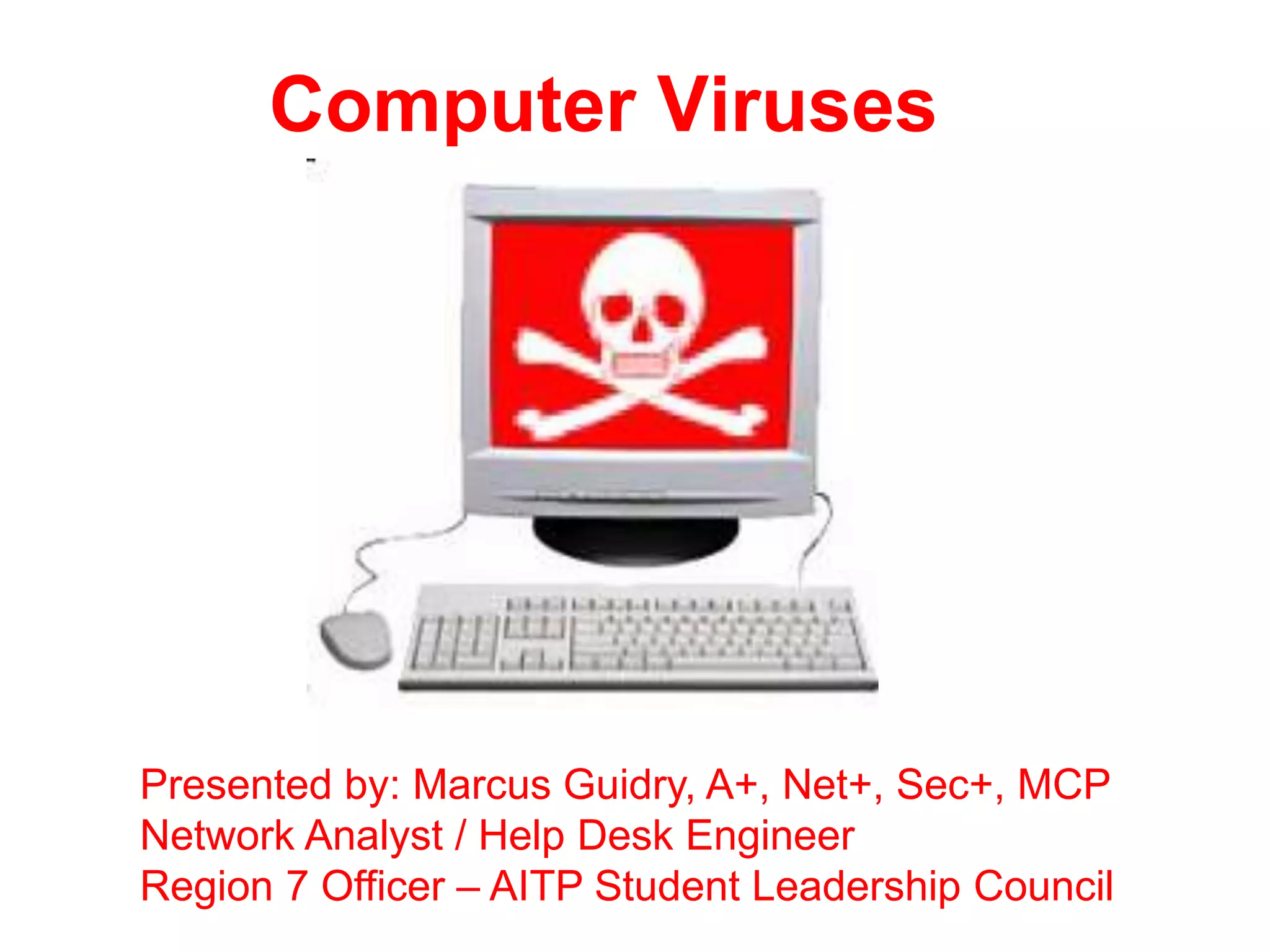
Computer Viruses


Presented by: Marcus Guidry, A+, Net+, Sec+, MCP
Network Analyst / Help Desk Engineer
Region 7 Officer – AITP Student Leadership Council
Table Of Contents

•   Introduction – What is a Virus?
•   History of the Virus
•   Variants and Forms of Malware
•   How to Defend Yourself
Intro – What is a Computer Virus?
• A computer virus is a small software
  program that spreads from one computer
  to another computer and that interferes
  with computer operation.
• A computer virus may corrupt or delete
  data on a computer, use an e-mail
  program to spread the virus to other
  computers, or even delete everything on
  the hard disk.
Some Examples of Viruses
• Melissa – considered the first email virus;
  released in 1999
• ILOVEU – sent passwords back over the
  network and infected machines; written by
  a Filipino student in 2000.
• Boot Sector – spread by floppy disks in the
  80s and 90s
• Klez – used emails and email address
  books to replicate and spread; released in
  2001
History of the Virus
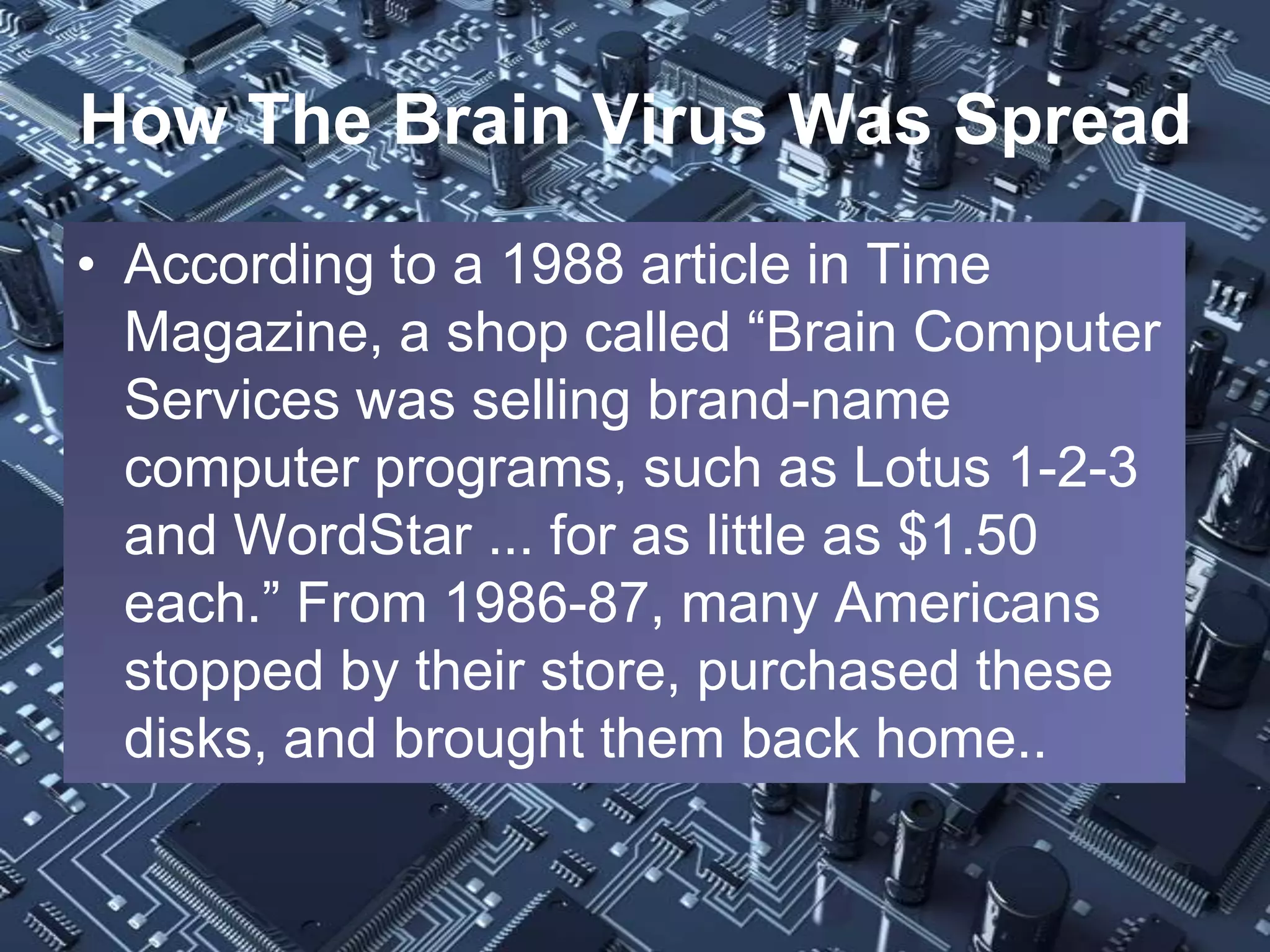
• First Virus Created? – The
  Brain Virus
• The Brain Virus was:
   • created in 1986 by two
     Pakistani brothers, Amjad
     and Basit Farooq Alvi.
   • Was spread around by
     floppy disks
   • Infected boot records
     only (not the HDD)
   • Cluttered free space on a
     floppy making it unusable.
How The Brain Virus Was Spread
• According to a 1988 article in Time
  Magazine, a shop called “Brain Computer
  Services was selling brand-name
  computer programs, such as Lotus 1-2-3
  and WordStar ... for as little as $1.50
  each.” From 1986-87, many Americans
  stopped by their store, purchased these
  disks, and brought them back home..
More On “The Brain” Virus
• As Americans loaded these boot-legs programs
  from their floppy disk to their computers, “a
  snippet of computer code many consider to be
  the world's most sophisticated computer virus“
  was spread rapidly and infected over 100,000
  disks.

• Source: Time Magazine (1988) By Philip Elmer-
  DeWitt and Ross H. Munro/Lahore Monday,
  Sep. 26, 1988 “You Must Be Punished”
More About the “Melissa” Virus
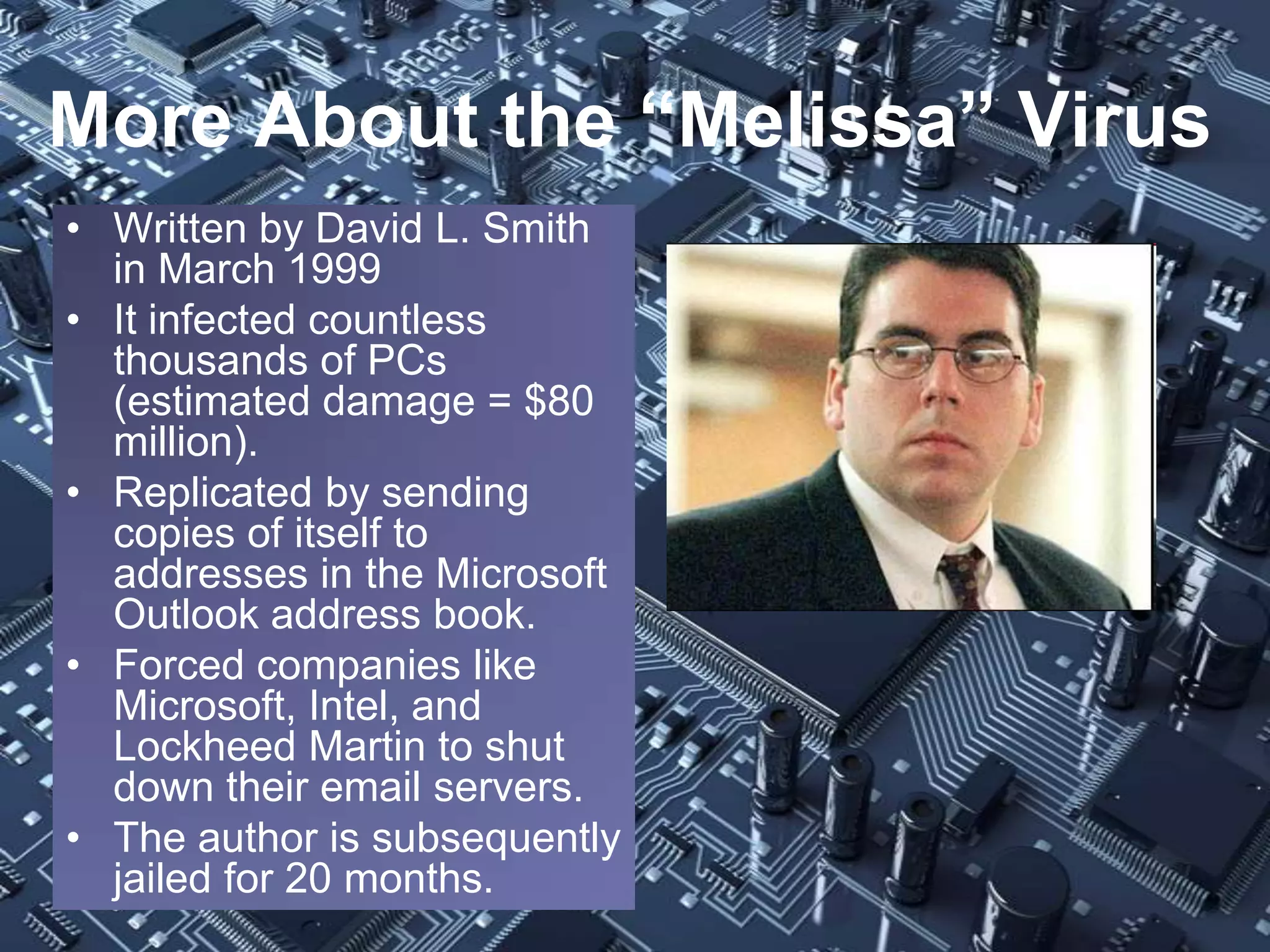
• Written by David L. Smith
  in March 1999
• It infected countless
  thousands of PCs
  (estimated damage = $80
  million).
• Replicated by sending
  copies of itself to
  addresses in the Microsoft
  Outlook address book.
• Forced companies like
  Microsoft, Intel, and
  Lockheed Martin to shut
  down their email servers.
• The author is subsequently
  jailed for 20 months.
Many Variants of Malware
• Worms – malicious software programs designed
  to replicate themselves, find open ports on your
  computer, and bottleneck your computer.
• Trojan Horse – malicious software that is
  disguised as another application but causes
  harm to your computer. It hides itself and then
  add a backdoor which can be opened later to
  run denial of service (DoS) attacks.
• AdWare – spy programs installed that allows
  companies to track your activities on visited
  websites (usually without your consent).
Variants of Malware (Cont’d)
• Rootkits – malicious programs that are installed
  below the operating system (OS) level. These
  programs usually load up during the boot
  process (the kernel or “root” level), just before
  the OS is fully loaded.
• The “kits” part refers to the different tools
  hackers can use to maintain secret access to
  your machine once the rootkit is installed.
  • NOTE: Not all rootkits are detectable by antivirus or
    anti-rootkit programs. If you discover a rootkit on your
    machine, experts recommend reinstalling the OS!!
The First Worm?
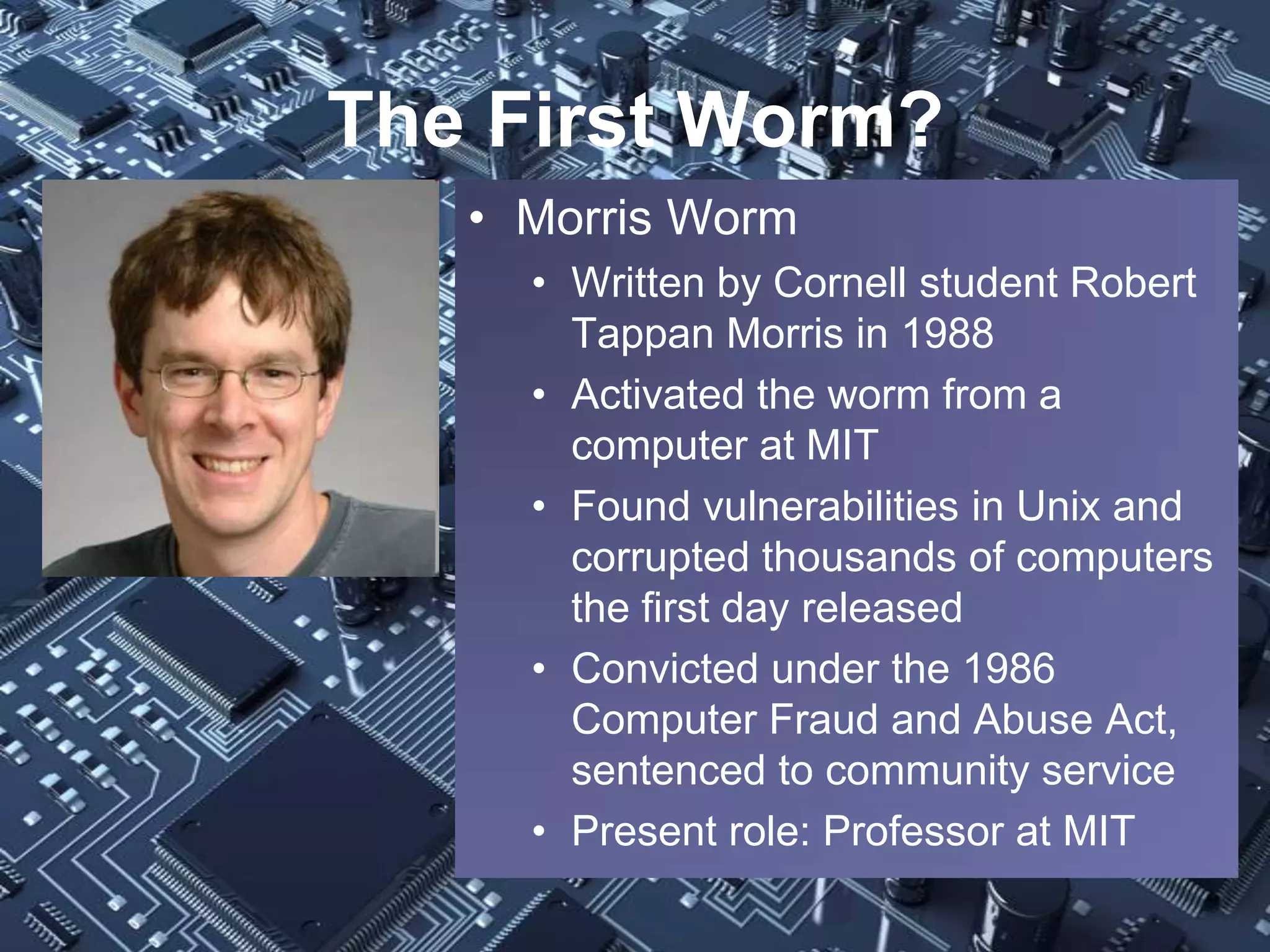
   • Morris Worm
     • Written by Cornell student Robert
       Tappan Morris in 1988
     • Activated the worm from a
       computer at MIT
     • Found vulnerabilities in Unix and
       corrupted thousands of computers
       the first day released
     • Convicted under the 1986
       Computer Fraud and Abuse Act,
       sentenced to community service
     • Present role: Professor at MIT
Some Well-Known Worms
• Nimda - infected machines via email, web, IIS,
  network shares and backdoors; released in 2001
• MyDoom – massive email worm (created 2004)
• SoBig – email worm (variants A – F)
• Code Red and Code Red II – infected thousands
  of Windows NT/2000 servers, over $2 billion in
  damages
• SQL Slammer – shut down Microsoft’s Outlook
  and stopped databases nationwide (Bank of
  America to name one) in 2003
• Blaster Worm – a worm that generated buffer
  overflow attacks, causing havoc in 2003.
Are Viruses and Worms the Same?
• Viruses are dependent on other programs
  to help them spread. They “piggyback” off
  existing programs and then execute when
  opened by a user.
• Worms can replicate themselves and do
  not need to “piggyback” in order to
  execute.
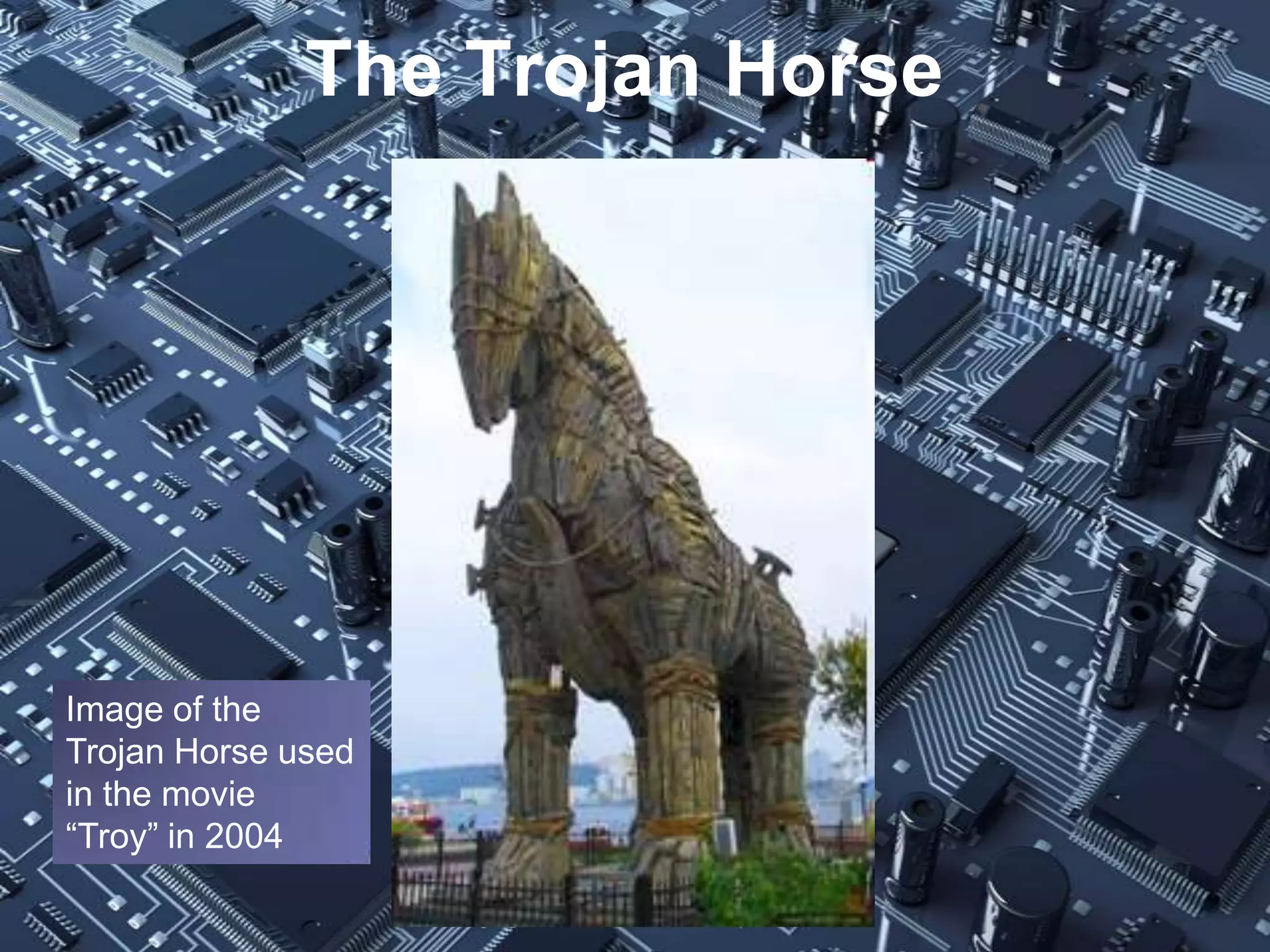
The Trojan Horse


Image of the
Trojan Horse used
in the movie
“Troy” in 2004
The First Trojan Horse?
• PC-Write Trojan. According to Kylee Dickey of
  Smart Computing Magazine, the first Trojan
  horse, PC-Write Trojan, appeared back in 1986.
• It pretended to be version 2.72 of the shareware
  word processor, PC-Write. (Quicksoft, the
  company that made PC-Write, never released a
  version 2.72.)
• It performed two actions:
  1. It wiped out the FAT (file allocation table; system a
     PC uses to organize contents on the hard drive)
  2. It formatted the hard drive, deleting all saved data.
Some Other Well Known Trojans
• BackOfrice
• NetBus
• Sub Seven
• Liberty Trojan – In 2000, people thought
  that this program was a patch that allowed
  PDA users to play Nintendo Game Boy
  games on the Palm OS. Instead, it deleted
  personal files when opened.
• Storm – This nasty 2006 Trojan program
  infected millions, allowing hackers to turn
  infected machines into bots.
Adware and Rootkits
• Adware and rootkits can also cause major
  problems for computer users in different
  ways!!
AdWare Is A Big Problem
• Every day, thousands of advertisers track
  you on every website you visit (via cookies
  and other tools) and collect your personal
  data without your knowledge.
• Examples of Companies Tracking You:
  •   Google Analytics
  •   Omniture
  •   AddThis
  •   Quantcast
The First Rootkits?
• SunOS rootkit by Lane Davis and Steven
  Dake in 1990
• NTRootkit created by Greg Hoglund in
  1999
• Sony BMG’s Extended Rights Protection
  in 2005 – rootkit from CDs that limited
  users’ ability to access their music CDs
• Mebromi – considered the first BIOS
  rootkit in the wild
Dealing With Rootkits
• Here are some recommended anti-rootkit tools:
  •   RootkitRevealer
  •   Kaspersky TDSS Killer
  •   GMER
  •   Hitman Pro
  •   VICE
  •   Rkhunter (Linux based)
  •   Unhide and unhide.rb (Linux based)
• Recommended Rootkit Removal Guide:
  • See Computer Weekly’s Rootkit and Malware Guide:
    http://www.computerweekly.com/feature/Rootkit-and-
    malware-detection-and-removal-guide
• Again, if the rootkit can’t be completely
  removed, reinstall your OS
How to Defend Yourself?
• Use A Firewall – There are two types:
  1. Hardware – some examples are:
     • Cisco PIX
     • CheckPoint
  2. Software – some examples are:
     • Comodo
     • Zone Alarm
     • Windows Firewall
Using Antivirus Software
• Use Antivirus Software to protect your computer.
  • According to Microsoft, less than 30 percent
    of all users have up-to-date software on their
    machines (including security patches).
  • Some Recommended Antivirus Programs
     • AVG (by Grisoft)
     • Bitdefender
     • Avira
     • Norton
     • McAfee
     • TrendMicro
Use AntiSpyware Programs!
• Spyware is usually hidden in cookies and
  in the Windows registry. Some are
  dangerous and can hinder performance.
  Protect your OS against spyware.
• Some popular AntiSpyware Programs:
  •   Windows Defender
  •   Ad-Aware
  •   Spybot Search & Destroy
  •   Spyware Blaster
Use Ad Blockers!!
• Take control of your privacy. You can stop
  ad networks from snooping on you.
• Here are some adware blockers that are
  highly recommended.
   • DoNotTrackPlus by Abine
   • Adware Blocker
   • Ghostery
• Most web browsers also have a built-in anti-
  phishing tool that should be turned on.
Other Virus Prevention Tips
• Educate Yourselves!! – This sounds simple, but
  nothing is more important than educating people
  on the fundamentals of computer malware
  prevention!
• Update patches for third-party Applications
   • Third party apps like Adobe must be updated
     regularly to stop newly discovered exploits
• Update patches for the OS (MS and Linux)
   • Microsoft Security Updates (available on Patch
     Tuesday – second Tuesday each month)
Questions or Comments?

Computer Viruses

  • 1.
    Computer Viruses Presented by:Marcus Guidry, A+, Net+, Sec+, MCP Network Analyst / Help Desk Engineer Region 7 Officer – AITP Student Leadership Council
  • 2.
    Table Of Contents • Introduction – What is a Virus? • History of the Virus • Variants and Forms of Malware • How to Defend Yourself
  • 3.
    Intro – Whatis a Computer Virus? • A computer virus is a small software program that spreads from one computer to another computer and that interferes with computer operation. • A computer virus may corrupt or delete data on a computer, use an e-mail program to spread the virus to other computers, or even delete everything on the hard disk.
  • 4.
    Some Examples ofViruses • Melissa – considered the first email virus; released in 1999 • ILOVEU – sent passwords back over the network and infected machines; written by a Filipino student in 2000. • Boot Sector – spread by floppy disks in the 80s and 90s • Klez – used emails and email address books to replicate and spread; released in 2001
  • 5.
    History of theVirus • First Virus Created? – The Brain Virus • The Brain Virus was: • created in 1986 by two Pakistani brothers, Amjad and Basit Farooq Alvi. • Was spread around by floppy disks • Infected boot records only (not the HDD) • Cluttered free space on a floppy making it unusable.
  • 6.
    How The BrainVirus Was Spread • According to a 1988 article in Time Magazine, a shop called “Brain Computer Services was selling brand-name computer programs, such as Lotus 1-2-3 and WordStar ... for as little as $1.50 each.” From 1986-87, many Americans stopped by their store, purchased these disks, and brought them back home..
  • 7.
    More On “TheBrain” Virus • As Americans loaded these boot-legs programs from their floppy disk to their computers, “a snippet of computer code many consider to be the world's most sophisticated computer virus“ was spread rapidly and infected over 100,000 disks. • Source: Time Magazine (1988) By Philip Elmer- DeWitt and Ross H. Munro/Lahore Monday, Sep. 26, 1988 “You Must Be Punished”
  • 8.
    More About the“Melissa” Virus • Written by David L. Smith in March 1999 • It infected countless thousands of PCs (estimated damage = $80 million). • Replicated by sending copies of itself to addresses in the Microsoft Outlook address book. • Forced companies like Microsoft, Intel, and Lockheed Martin to shut down their email servers. • The author is subsequently jailed for 20 months.
  • 9.
    Many Variants ofMalware • Worms – malicious software programs designed to replicate themselves, find open ports on your computer, and bottleneck your computer. • Trojan Horse – malicious software that is disguised as another application but causes harm to your computer. It hides itself and then add a backdoor which can be opened later to run denial of service (DoS) attacks. • AdWare – spy programs installed that allows companies to track your activities on visited websites (usually without your consent).
  • 10.
    Variants of Malware(Cont’d) • Rootkits – malicious programs that are installed below the operating system (OS) level. These programs usually load up during the boot process (the kernel or “root” level), just before the OS is fully loaded. • The “kits” part refers to the different tools hackers can use to maintain secret access to your machine once the rootkit is installed. • NOTE: Not all rootkits are detectable by antivirus or anti-rootkit programs. If you discover a rootkit on your machine, experts recommend reinstalling the OS!!
  • 11.
    The First Worm? • Morris Worm • Written by Cornell student Robert Tappan Morris in 1988 • Activated the worm from a computer at MIT • Found vulnerabilities in Unix and corrupted thousands of computers the first day released • Convicted under the 1986 Computer Fraud and Abuse Act, sentenced to community service • Present role: Professor at MIT
  • 12.
    Some Well-Known Worms •Nimda - infected machines via email, web, IIS, network shares and backdoors; released in 2001 • MyDoom – massive email worm (created 2004) • SoBig – email worm (variants A – F) • Code Red and Code Red II – infected thousands of Windows NT/2000 servers, over $2 billion in damages • SQL Slammer – shut down Microsoft’s Outlook and stopped databases nationwide (Bank of America to name one) in 2003 • Blaster Worm – a worm that generated buffer overflow attacks, causing havoc in 2003.
  • 13.
    Are Viruses andWorms the Same? • Viruses are dependent on other programs to help them spread. They “piggyback” off existing programs and then execute when opened by a user. • Worms can replicate themselves and do not need to “piggyback” in order to execute.
  • 14.
    The Trojan Horse Imageof the Trojan Horse used in the movie “Troy” in 2004
  • 15.
    The First TrojanHorse? • PC-Write Trojan. According to Kylee Dickey of Smart Computing Magazine, the first Trojan horse, PC-Write Trojan, appeared back in 1986. • It pretended to be version 2.72 of the shareware word processor, PC-Write. (Quicksoft, the company that made PC-Write, never released a version 2.72.) • It performed two actions: 1. It wiped out the FAT (file allocation table; system a PC uses to organize contents on the hard drive) 2. It formatted the hard drive, deleting all saved data.
  • 16.
    Some Other WellKnown Trojans • BackOfrice • NetBus • Sub Seven • Liberty Trojan – In 2000, people thought that this program was a patch that allowed PDA users to play Nintendo Game Boy games on the Palm OS. Instead, it deleted personal files when opened. • Storm – This nasty 2006 Trojan program infected millions, allowing hackers to turn infected machines into bots.
  • 17.
    Adware and Rootkits •Adware and rootkits can also cause major problems for computer users in different ways!!
  • 18.
    AdWare Is ABig Problem • Every day, thousands of advertisers track you on every website you visit (via cookies and other tools) and collect your personal data without your knowledge. • Examples of Companies Tracking You: • Google Analytics • Omniture • AddThis • Quantcast
  • 19.
    The First Rootkits? •SunOS rootkit by Lane Davis and Steven Dake in 1990 • NTRootkit created by Greg Hoglund in 1999 • Sony BMG’s Extended Rights Protection in 2005 – rootkit from CDs that limited users’ ability to access their music CDs • Mebromi – considered the first BIOS rootkit in the wild
  • 20.
    Dealing With Rootkits •Here are some recommended anti-rootkit tools: • RootkitRevealer • Kaspersky TDSS Killer • GMER • Hitman Pro • VICE • Rkhunter (Linux based) • Unhide and unhide.rb (Linux based) • Recommended Rootkit Removal Guide: • See Computer Weekly’s Rootkit and Malware Guide: http://www.computerweekly.com/feature/Rootkit-and- malware-detection-and-removal-guide • Again, if the rootkit can’t be completely removed, reinstall your OS
  • 21.
    How to DefendYourself? • Use A Firewall – There are two types: 1. Hardware – some examples are: • Cisco PIX • CheckPoint 2. Software – some examples are: • Comodo • Zone Alarm • Windows Firewall
  • 22.
    Using Antivirus Software •Use Antivirus Software to protect your computer. • According to Microsoft, less than 30 percent of all users have up-to-date software on their machines (including security patches). • Some Recommended Antivirus Programs • AVG (by Grisoft) • Bitdefender • Avira • Norton • McAfee • TrendMicro
  • 23.
    Use AntiSpyware Programs! •Spyware is usually hidden in cookies and in the Windows registry. Some are dangerous and can hinder performance. Protect your OS against spyware. • Some popular AntiSpyware Programs: • Windows Defender • Ad-Aware • Spybot Search & Destroy • Spyware Blaster
  • 24.
    Use Ad Blockers!! •Take control of your privacy. You can stop ad networks from snooping on you. • Here are some adware blockers that are highly recommended. • DoNotTrackPlus by Abine • Adware Blocker • Ghostery • Most web browsers also have a built-in anti- phishing tool that should be turned on.
  • 25.
    Other Virus PreventionTips • Educate Yourselves!! – This sounds simple, but nothing is more important than educating people on the fundamentals of computer malware prevention! • Update patches for third-party Applications • Third party apps like Adobe must be updated regularly to stop newly discovered exploits • Update patches for the OS (MS and Linux) • Microsoft Security Updates (available on Patch Tuesday – second Tuesday each month)
  • 26.