What is Computer
Software?
• aka application - perform
tasks, step by step
• instructions that tells the
computer precisely what
actions to perform.
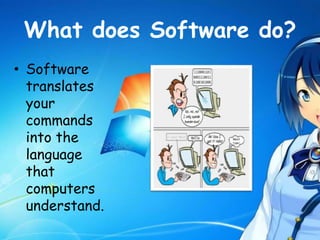
What does Software do?
• Software
translates
your
commands
into the
language
that
computers
understand.
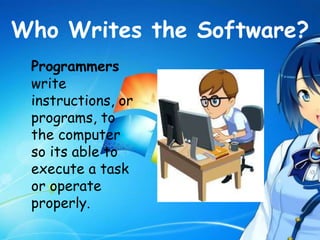
Who Writes the Software?
Programmers
write
instructions, or
programs, to
the computer
so its able to
execute a task
or operate
properly.
Categories of Software
1. Operating System (OS)
software
2. Application Software
3. Utility Software
1. Operating System
(OS) Software
• Operating System (OS) Software
controls all the other software
programs
• Every computerized device needs an
Operating System to perform basic
tasks. operating system (OS) in order to
work.
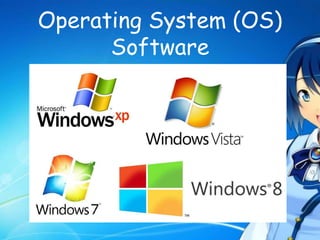
Operating System (OS)
Software
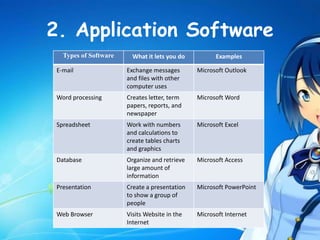
2. Application Software
Types of Software What it lets you do Examples
E-mail Exchange messages
and files with other
computer uses
Microsoft Outlook
Word processing Creates letter, term
papers, reports, and
newspaper
Microsoft Word
Spreadsheet Work with numbers
and calculations to
create tables charts
and graphics
Microsoft Excel
Database Organize and retrieve
large amount of
information
Microsoft Access
Presentation Create a presentation
to show a group of
people
Microsoft PowerPoint
Web Browser Visits Website in the
Internet
Microsoft Internet
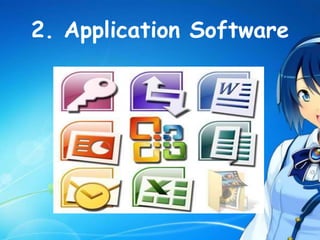
2. Application Software
3. Utility Software
• helps you control your
computer
• sending email keep it in good
running condition
• It help analyze, configure,
optimize or maintain a
computer.
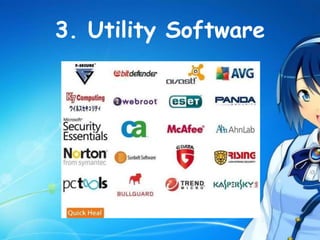
3. Utility Software
THANK YOU 
Prepared by: May-Den B. Gutierrez

Computer software

  • 2.
    What is Computer Software? •aka application - perform tasks, step by step • instructions that tells the computer precisely what actions to perform.
  • 3.
    What does Softwaredo? • Software translates your commands into the language that computers understand.
  • 4.
    Who Writes theSoftware? Programmers write instructions, or programs, to the computer so its able to execute a task or operate properly.
  • 5.
    Categories of Software 1.Operating System (OS) software 2. Application Software 3. Utility Software
  • 6.
    1. Operating System (OS)Software • Operating System (OS) Software controls all the other software programs • Every computerized device needs an Operating System to perform basic tasks. operating system (OS) in order to work.
  • 7.
  • 8.
    2. Application Software Typesof Software What it lets you do Examples E-mail Exchange messages and files with other computer uses Microsoft Outlook Word processing Creates letter, term papers, reports, and newspaper Microsoft Word Spreadsheet Work with numbers and calculations to create tables charts and graphics Microsoft Excel Database Organize and retrieve large amount of information Microsoft Access Presentation Create a presentation to show a group of people Microsoft PowerPoint Web Browser Visits Website in the Internet Microsoft Internet
  • 9.
  • 10.
    3. Utility Software •helps you control your computer • sending email keep it in good running condition • It help analyze, configure, optimize or maintain a computer.
  • 11.
  • 12.
    THANK YOU  Preparedby: May-Den B. Gutierrez