http://online-dit.blogspot.com/
________________________________________________________________________
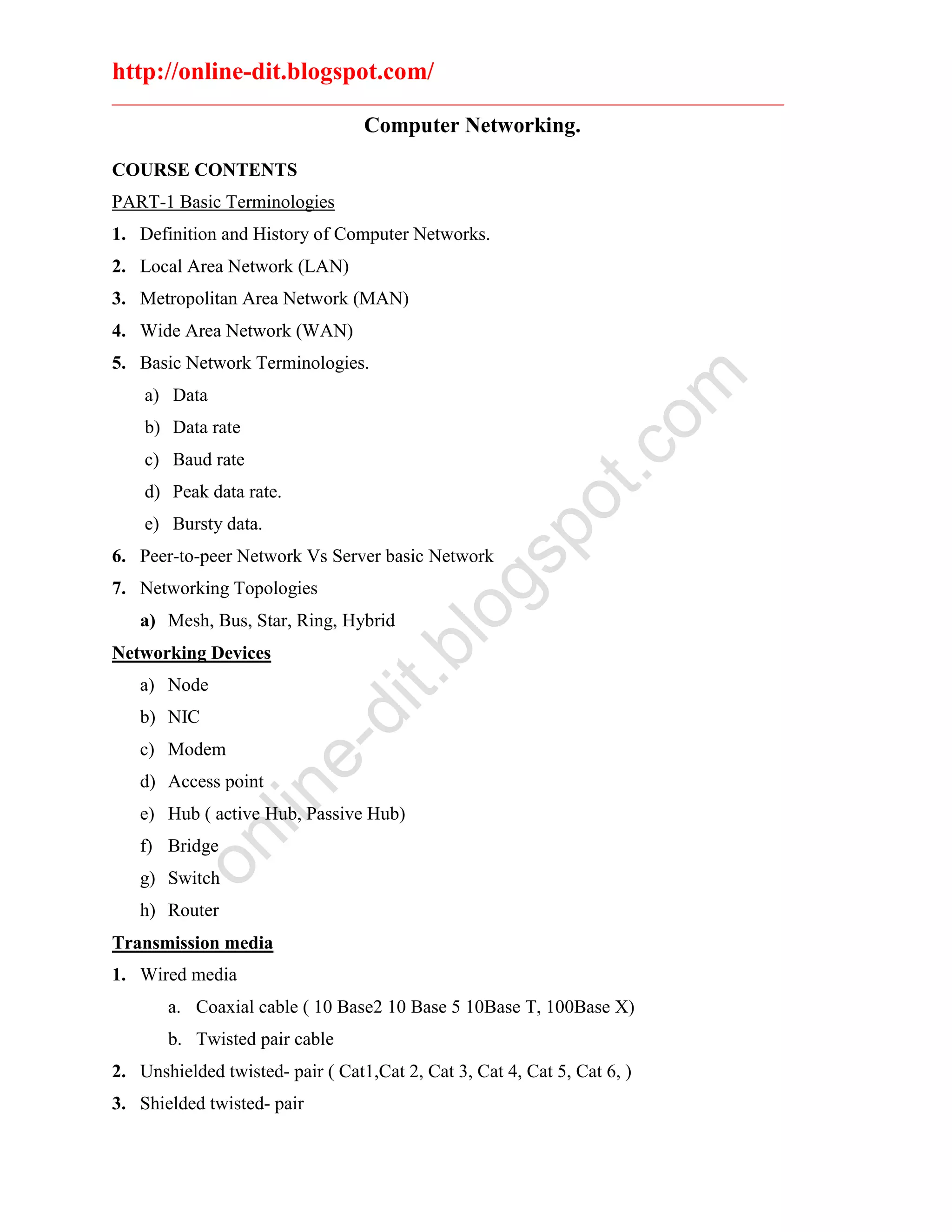
Computer Networking.
COURSE CONTENTS
PART-1 Basic Terminologies
1. Definition and History of Computer Networks.
2. Local Area Network (LAN)
3. Metropolitan Area Network (MAN)
4. Wide Area Network (WAN)
5. Basic Network Terminologies.
a) Data
b) Data rate
c) Baud rate
d) Peak data rate.
e) Bursty data.
6. Peer-to-peer Network Vs Server basic Network
7. Networking Topologies
a) Mesh, Bus, Star, Ring, Hybrid
Networking Devices
a) Node
b) NIC
c) Modem
d) Access point
e) Hub ( active Hub, Passive Hub)
f) Bridge
g) Switch
h) Router
Transmission media
1. Wired media
a. Coaxial cable ( 10 Base2 10 Base 5 10Base T, 100Base X)
b. Twisted pair cable
2. Unshielded twisted- pair ( Cat1,Cat 2, Cat 3, Cat 4, Cat 5, Cat 6, )
3. Shielded twisted- pair
online-dit.blogspot.com
http://online-dit.blogspot.com/
________________________________________________________________________
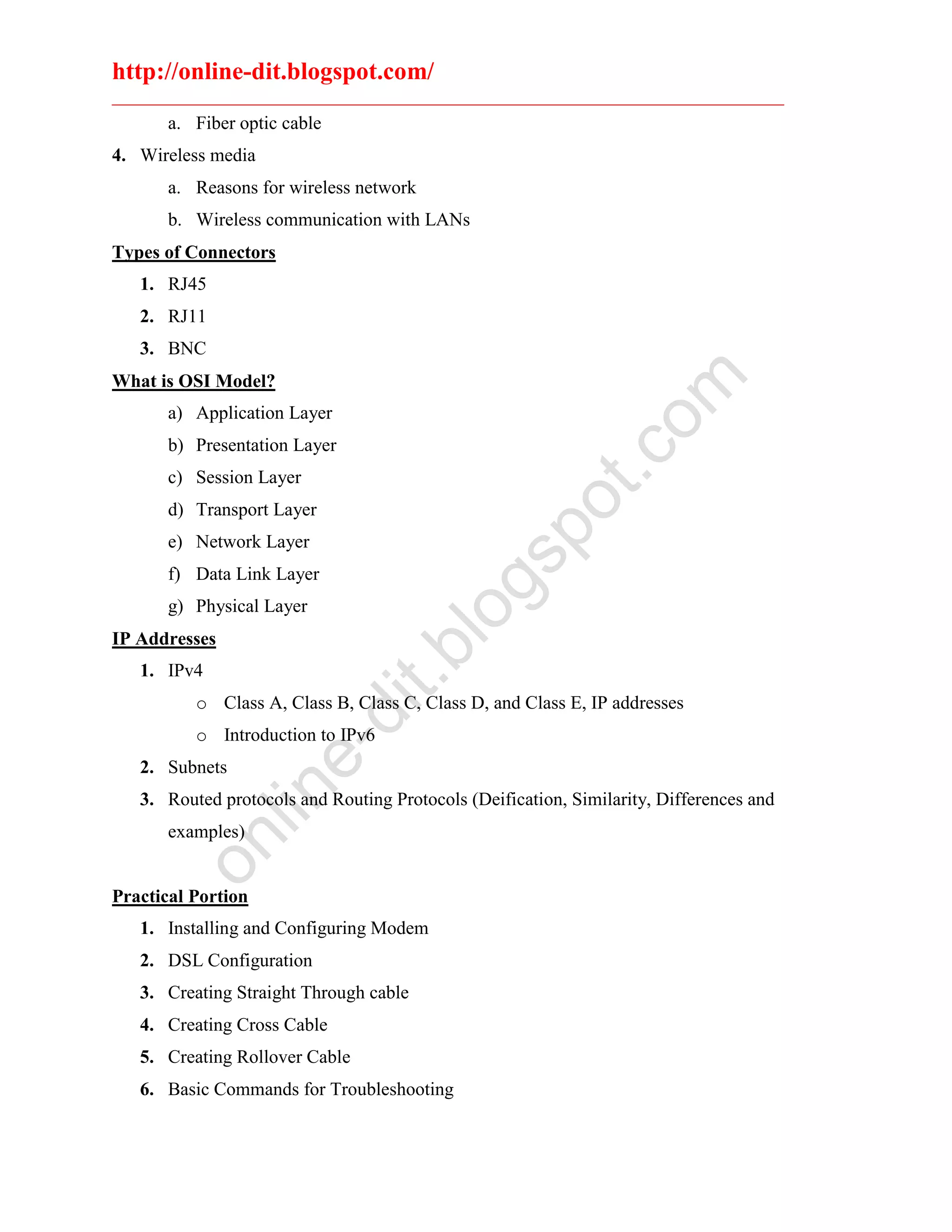
a. Fiber optic cable
4. Wireless media
a. Reasons for wireless network
b. Wireless communication with LANs
Types of Connectors
1. RJ45
2. RJ11
3. BNC
What is OSI Model?
a) Application Layer
b) Presentation Layer
c) Session Layer
d) Transport Layer
e) Network Layer
f) Data Link Layer
g) Physical Layer
IP Addresses
1. IPv4
o Class A, Class B, Class C, Class D, and Class E, IP addresses
o Introduction to IPv6
2. Subnets
3. Routed protocols and Routing Protocols (Deification, Similarity, Differences and
examples)
Practical Portion
1. Installing and Configuring Modem
2. DSL Configuration
3. Creating Straight Through cable
4. Creating Cross Cable
5. Creating Rollover Cable
6. Basic Commands for Troubleshooting
online-dit.blogspot.com
http://online-dit.blogspot.com/
________________________________________________________________________
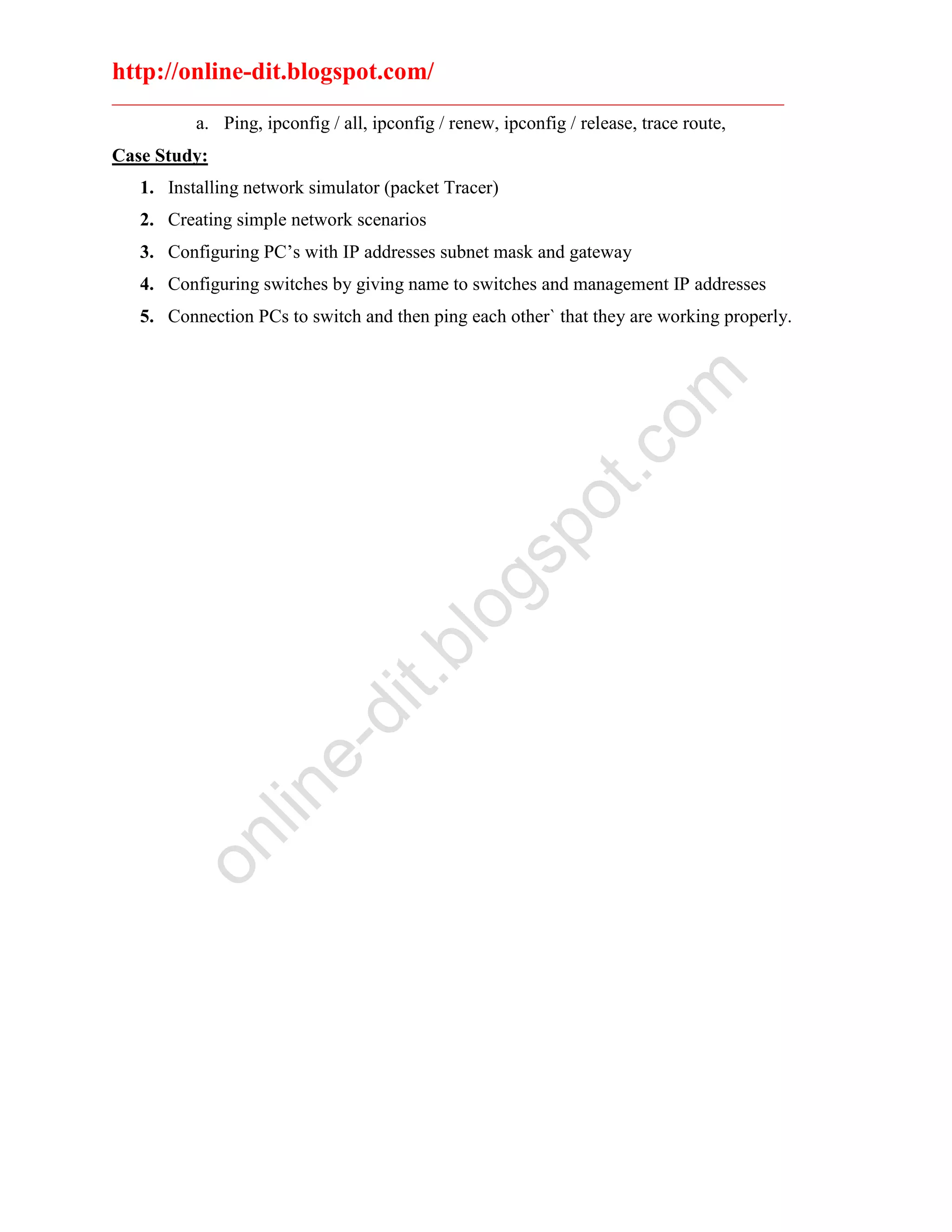
a. Ping, ipconfig / all, ipconfig / renew, ipconfig / release, trace route,
Case Study:
1. Installing network simulator (packet Tracer)
2. Creating simple network scenarios
3. Configuring PC’s with IP addresses subnet mask and gateway
4. Configuring switches by giving name to switches and management IP addresses
5. Connection PCs to switch and then ping each other` that they are working properly.
online-dit.blogspot.com

Computer networking

  • 1.
    http://online-dit.blogspot.com/ ________________________________________________________________________ Computer Networking. COURSE CONTENTS PART-1Basic Terminologies 1. Definition and History of Computer Networks. 2. Local Area Network (LAN) 3. Metropolitan Area Network (MAN) 4. Wide Area Network (WAN) 5. Basic Network Terminologies. a) Data b) Data rate c) Baud rate d) Peak data rate. e) Bursty data. 6. Peer-to-peer Network Vs Server basic Network 7. Networking Topologies a) Mesh, Bus, Star, Ring, Hybrid Networking Devices a) Node b) NIC c) Modem d) Access point e) Hub ( active Hub, Passive Hub) f) Bridge g) Switch h) Router Transmission media 1. Wired media a. Coaxial cable ( 10 Base2 10 Base 5 10Base T, 100Base X) b. Twisted pair cable 2. Unshielded twisted- pair ( Cat1,Cat 2, Cat 3, Cat 4, Cat 5, Cat 6, ) 3. Shielded twisted- pair online-dit.blogspot.com
  • 2.
    http://online-dit.blogspot.com/ ________________________________________________________________________ a. Fiber opticcable 4. Wireless media a. Reasons for wireless network b. Wireless communication with LANs Types of Connectors 1. RJ45 2. RJ11 3. BNC What is OSI Model? a) Application Layer b) Presentation Layer c) Session Layer d) Transport Layer e) Network Layer f) Data Link Layer g) Physical Layer IP Addresses 1. IPv4 o Class A, Class B, Class C, Class D, and Class E, IP addresses o Introduction to IPv6 2. Subnets 3. Routed protocols and Routing Protocols (Deification, Similarity, Differences and examples) Practical Portion 1. Installing and Configuring Modem 2. DSL Configuration 3. Creating Straight Through cable 4. Creating Cross Cable 5. Creating Rollover Cable 6. Basic Commands for Troubleshooting online-dit.blogspot.com
  • 3.
    http://online-dit.blogspot.com/ ________________________________________________________________________ a. Ping, ipconfig/ all, ipconfig / renew, ipconfig / release, trace route, Case Study: 1. Installing network simulator (packet Tracer) 2. Creating simple network scenarios 3. Configuring PC’s with IP addresses subnet mask and gateway 4. Configuring switches by giving name to switches and management IP addresses 5. Connection PCs to switch and then ping each other` that they are working properly. online-dit.blogspot.com