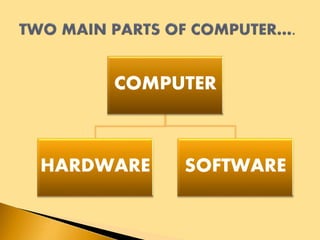
COMPUTER
HARDWARE SOFTWARE
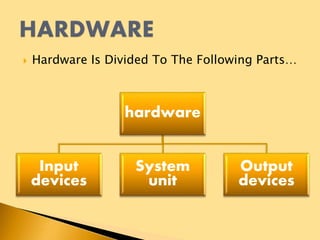
 Hardware Is Divided To The Following Parts…
hardware
Input
devices
System
unit
Output
devices
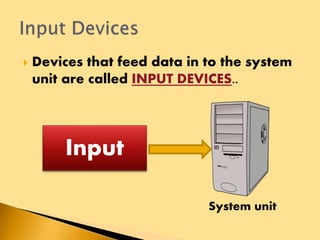
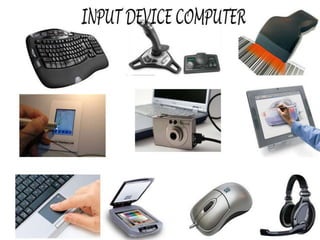
 Devices that feed data in to the system
unit are called INPUT DEVICES..
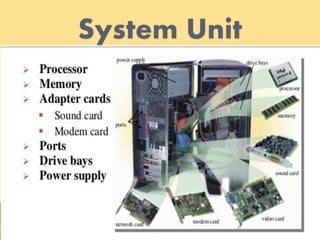
System unit
Input
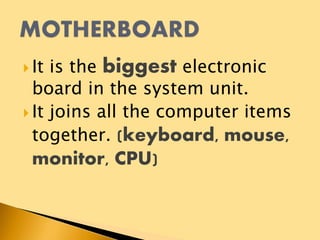
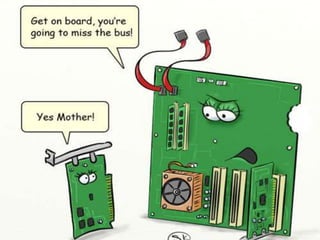
 It is the biggest electronic
board in the system unit.
 It joins all the computer items
together. (keyboard, mouse,
monitor, CPU)
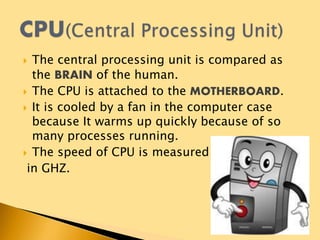
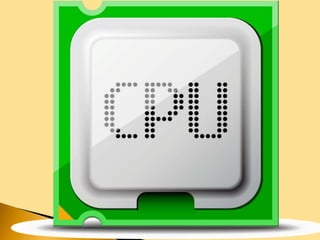
 The central processing unit is compared as
the BRAIN of the human.
 The CPU is attached to the MOTHERBOARD.
 It is cooled by a fan in the computer case
because It warms up quickly because of so
many processes running.
 The speed of CPU is measured
in GHZ.
 Computer system contains different kind of memories to store/save
documents we prepare.
2 types of memories are:
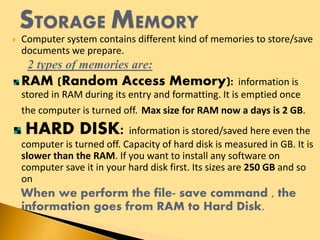
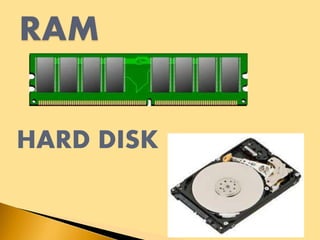
RAM (Random Access Memory): information is
stored in RAM during its entry and formatting. It is emptied once
the computer is turned off. Max size for RAM now a days is 2 GB.
HARD DISK: information is stored/saved here even the
computer is turned off. Capacity of hard disk is measured in GB. It is
slower than the RAM. If you want to install any software on
computer save it in your hard disk first. Its sizes are 250 GB and so
on
When we perform the file- save command , the
information goes from RAM to Hard Disk.
HARD DISK
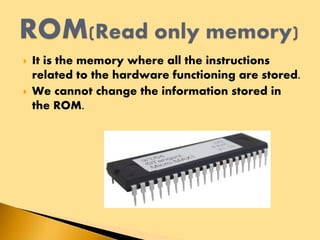
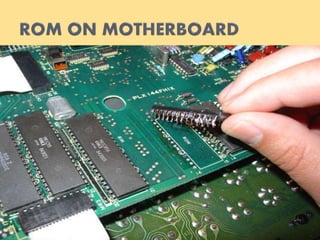
 It is the memory where all the instructions
related to the hardware functioning are stored.
 We cannot change the information stored in
the ROM.
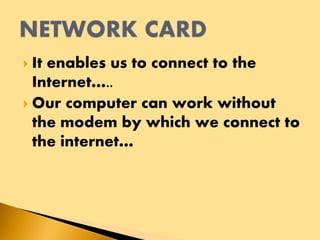
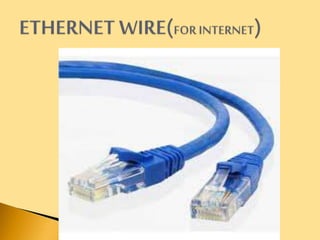
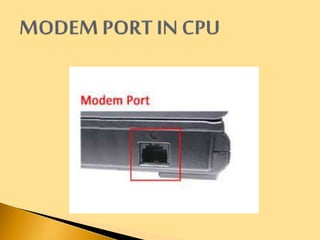
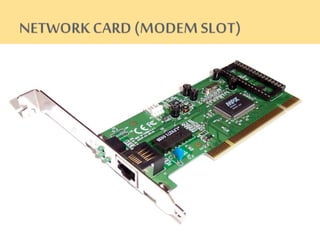
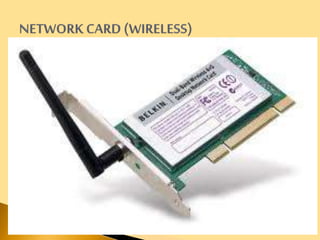
 It enables us to connect to the
Internet…..
 Our computer can work without
the modem by which we connect to
the internet…
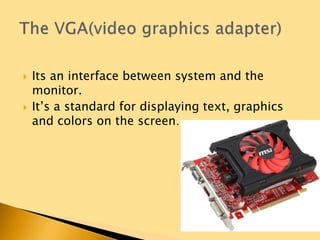
 Its an interface between system and the
monitor.
 It’s a standard for displaying text, graphics
and colors on the screen…
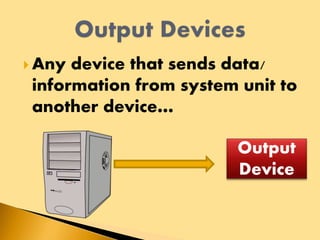
 Any device that sends data/
information from system unit to
another device…
Output
Device
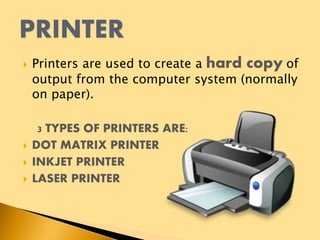
 Printers are used to create a hard copy of
output from the computer system (normally
on paper).
3 TYPES OF PRINTERS ARE:
 DOT MATRIX PRINTER
 INKJET PRINTER
 LASER PRINTER
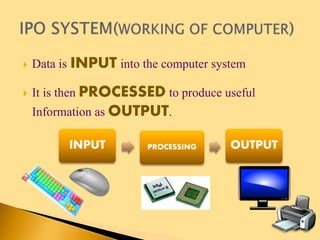
 Data is INPUT into the computer system
 It is then PROCESSED to produce useful
Information as OUTPUT.
INPUT PROCESSING OUTPUT
 Data loss can occur because of the following
reasons:
HARDWARE PROBLEM: my computer is
subjected to any hardware problem at any time. We
may lose data if my hard disk is not working
properly. If any other part is not working properly
its ok our data is safe.
VIRUS PROBLEM : The main sources of virus are
internet and E-mail. Other sources can be USB, CD or
pirated software.
Create a backup of your files.
Install an Antivirus program
and keep it up to date on
regular basis.
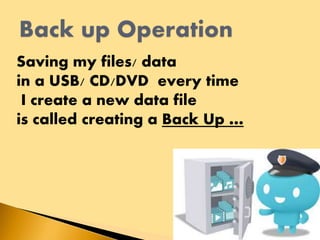
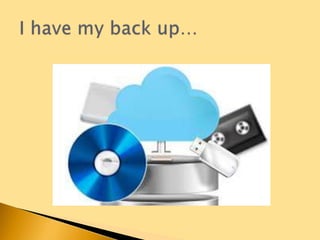
Saving my files/ data
in a USB/ CD/DVD every time
I create a new data file
is called creating a Back Up …
 Which printer is economical????
 Where do I use touch screen???
 The computer cannot work without a printer??
 The biggest item in system unit is
MOTHERBOARD??
 Name 3 types of printers…
 Command for print is??
Computer components

Computer components

  • 2.
  • 3.
     Hardware IsDivided To The Following Parts… hardware Input devices System unit Output devices
  • 4.
     Devices thatfeed data in to the system unit are called INPUT DEVICES.. System unit Input
  • 7.
     It isthe biggest electronic board in the system unit.  It joins all the computer items together. (keyboard, mouse, monitor, CPU)
  • 9.
     The centralprocessing unit is compared as the BRAIN of the human.  The CPU is attached to the MOTHERBOARD.  It is cooled by a fan in the computer case because It warms up quickly because of so many processes running.  The speed of CPU is measured in GHZ.
  • 11.
     Computer systemcontains different kind of memories to store/save documents we prepare. 2 types of memories are: RAM (Random Access Memory): information is stored in RAM during its entry and formatting. It is emptied once the computer is turned off. Max size for RAM now a days is 2 GB. HARD DISK: information is stored/saved here even the computer is turned off. Capacity of hard disk is measured in GB. It is slower than the RAM. If you want to install any software on computer save it in your hard disk first. Its sizes are 250 GB and so on When we perform the file- save command , the information goes from RAM to Hard Disk.
  • 12.
  • 13.
     It isthe memory where all the instructions related to the hardware functioning are stored.  We cannot change the information stored in the ROM.
  • 15.
     It enablesus to connect to the Internet…..  Our computer can work without the modem by which we connect to the internet…
  • 20.
     Its aninterface between system and the monitor.  It’s a standard for displaying text, graphics and colors on the screen…
  • 22.
     Any devicethat sends data/ information from system unit to another device… Output Device
  • 24.
     Printers areused to create a hard copy of output from the computer system (normally on paper). 3 TYPES OF PRINTERS ARE:  DOT MATRIX PRINTER  INKJET PRINTER  LASER PRINTER
  • 25.
     Data isINPUT into the computer system  It is then PROCESSED to produce useful Information as OUTPUT. INPUT PROCESSING OUTPUT
  • 26.
     Data losscan occur because of the following reasons: HARDWARE PROBLEM: my computer is subjected to any hardware problem at any time. We may lose data if my hard disk is not working properly. If any other part is not working properly its ok our data is safe. VIRUS PROBLEM : The main sources of virus are internet and E-mail. Other sources can be USB, CD or pirated software.
  • 27.
    Create a backupof your files. Install an Antivirus program and keep it up to date on regular basis.
  • 28.
    Saving my files/data in a USB/ CD/DVD every time I create a new data file is called creating a Back Up …
  • 35.
     Which printeris economical????  Where do I use touch screen???  The computer cannot work without a printer??  The biggest item in system unit is MOTHERBOARD??  Name 3 types of printers…  Command for print is??