Computer
Graphics
Created by : Veenchhee teena
Computer Graphics
Introduction
Advantages
Areas of Application
Introduction
 Computer graphics involves display,
manipulation data for proper visualization
using computer.
 Generate 2D images of a 3D world
represented in a computer.
 Main tasks:
Modeling: creating and representing
the geometry of objects in the 3D world
Rendering: generating 2D images of the
objects
Animation: describing how objects
change in time
 Typical graphical system consists of
host computer with support of fast
processor , large memory ,frame
buffer and
Display devices(Monitors)
Input devices(keyboards, mouse ,
joysticks)
Output devices(printers, plotters,
LCD panel)
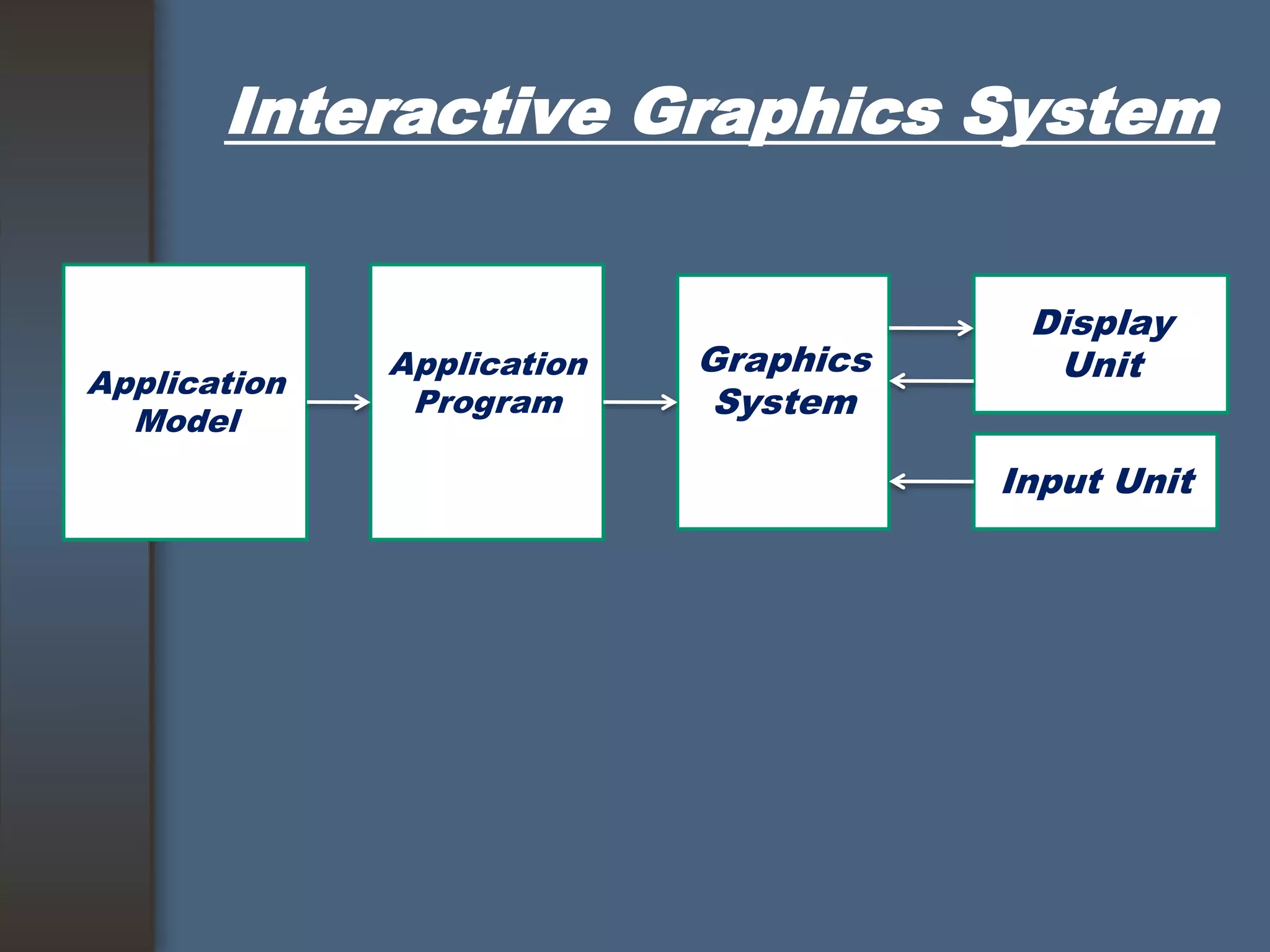
Interactive Graphics System
Application
Model
Application
Program
Graphics
System
Display
Unit
Input Unit
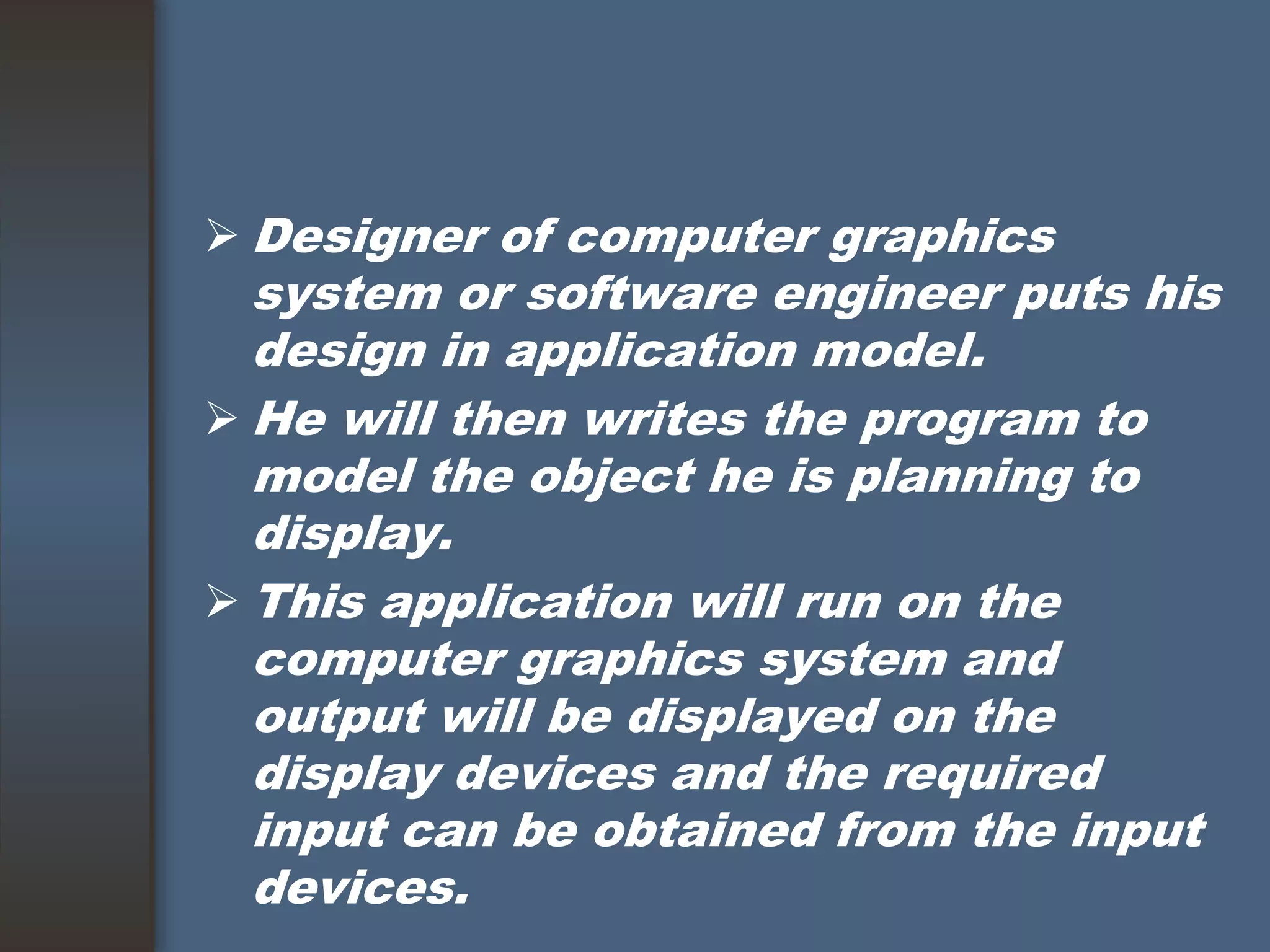
 Designer of computer graphics
system or software engineer puts his
design in application model.
 He will then writes the program to
model the object he is planning to
display.
 This application will run on the
computer graphics system and
output will be displayed on the
display devices and the required
input can be obtained from the input
devices.
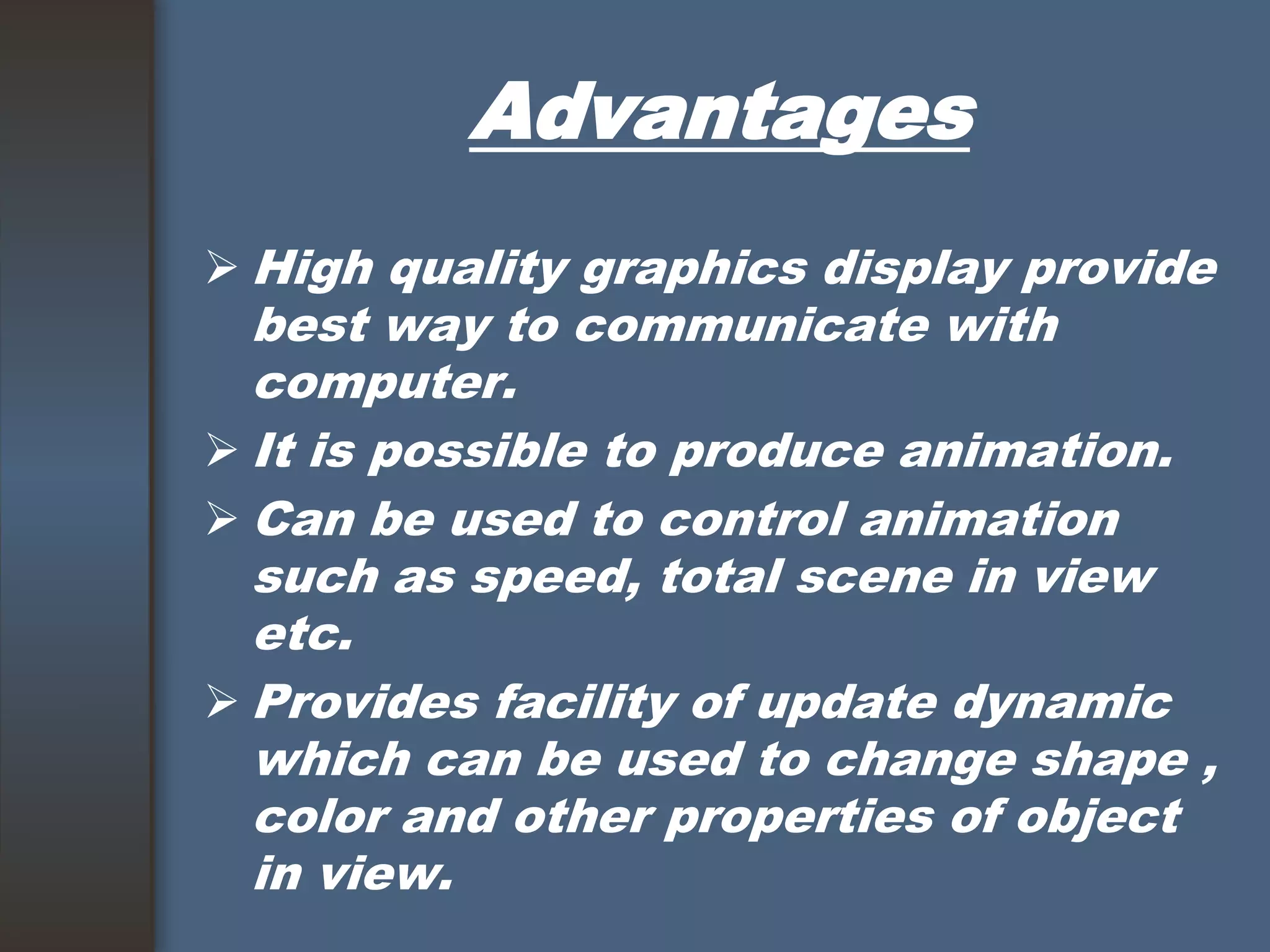
Advantages
 High quality graphics display provide
best way to communicate with
computer.
 It is possible to produce animation.
 Can be used to control animation
such as speed, total scene in view
etc.
 Provides facility of update dynamic
which can be used to change shape ,
color and other properties of object
in view.
Advantages
 With the development in DSP it can
provide audio feedback along with
the video.
Application Areas
 Computer Aided Design(CAD).
 Presentation Graphics.
 Computer Art.
 Education and training.
 Visualization.
 Image processing.
 Entertainment
Movies Industry.
Gaming Industry.
 Medical field.
 Graphical User Interface(GUI).
CAD
 Major use of computer graphics is
in design process, particularly for
engineering and architectural
systems.
 This include design of buildings,
automobiles, aircraft etc.
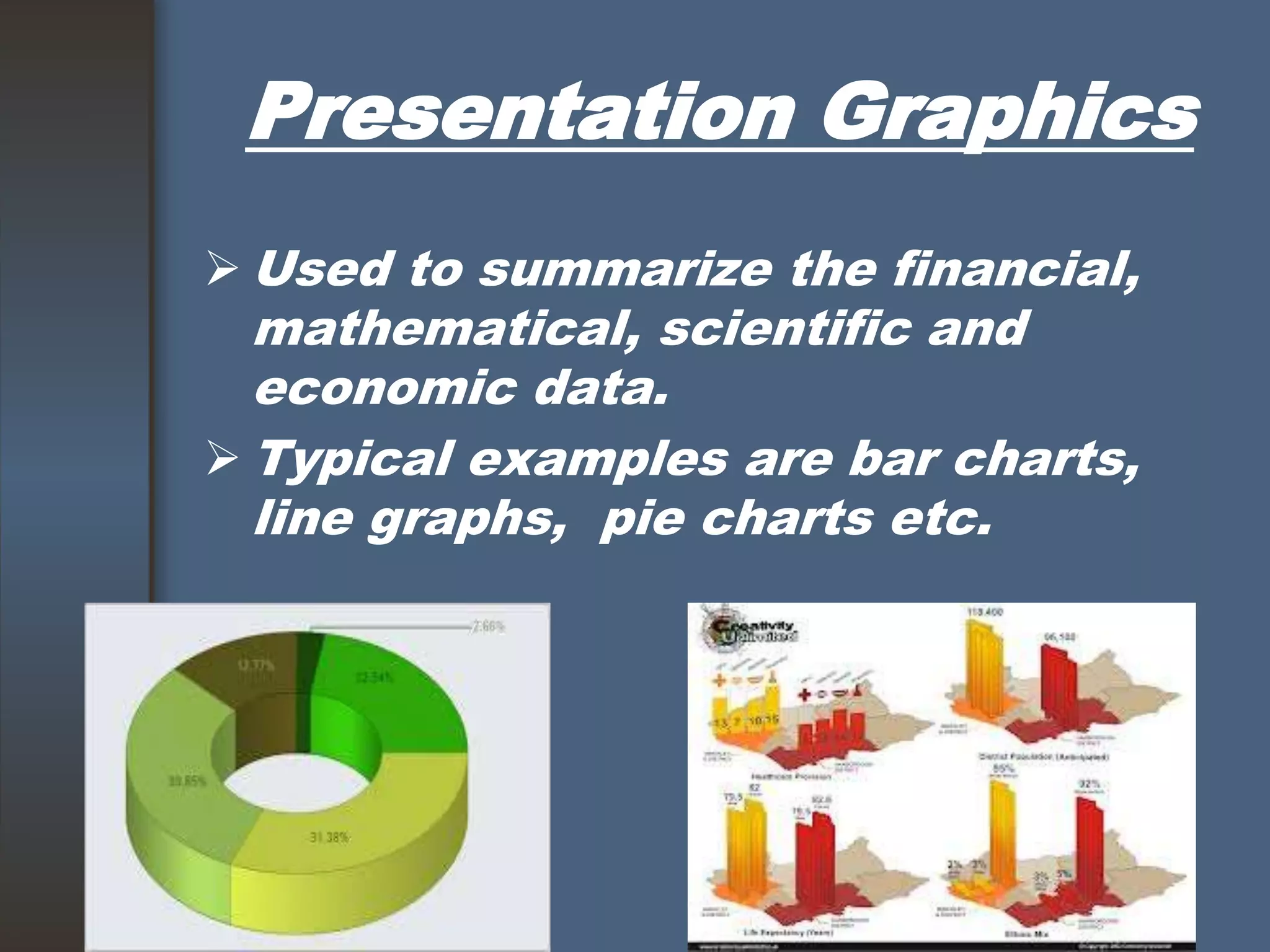
Presentation Graphics
 Used to summarize the financial,
mathematical, scientific and
economic data.
 Typical examples are bar charts,
line graphs, pie charts etc.
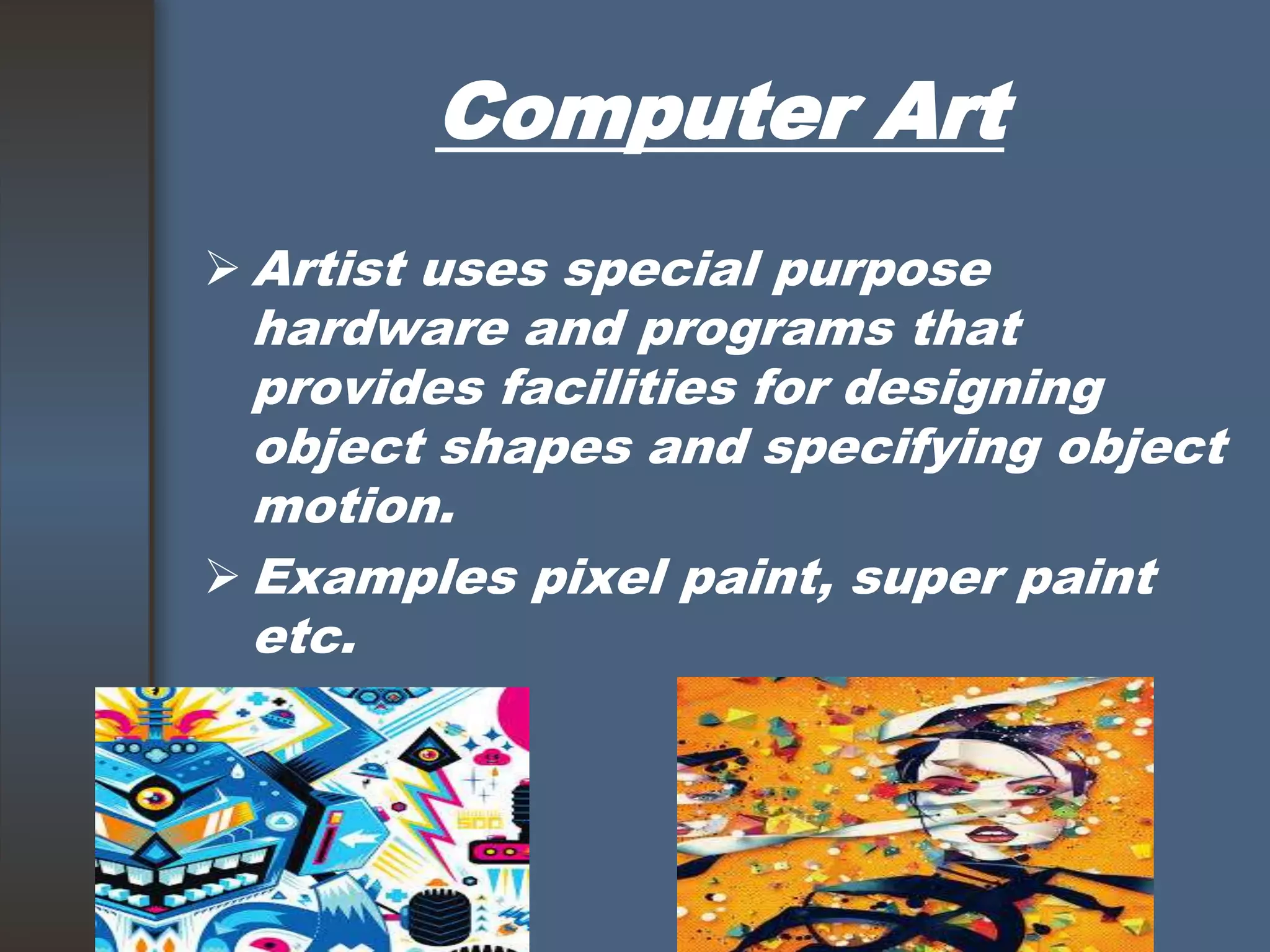
Computer Art
 Artist uses special purpose
hardware and programs that
provides facilities for designing
object shapes and specifying object
motion.
 Examples pixel paint, super paint
etc.
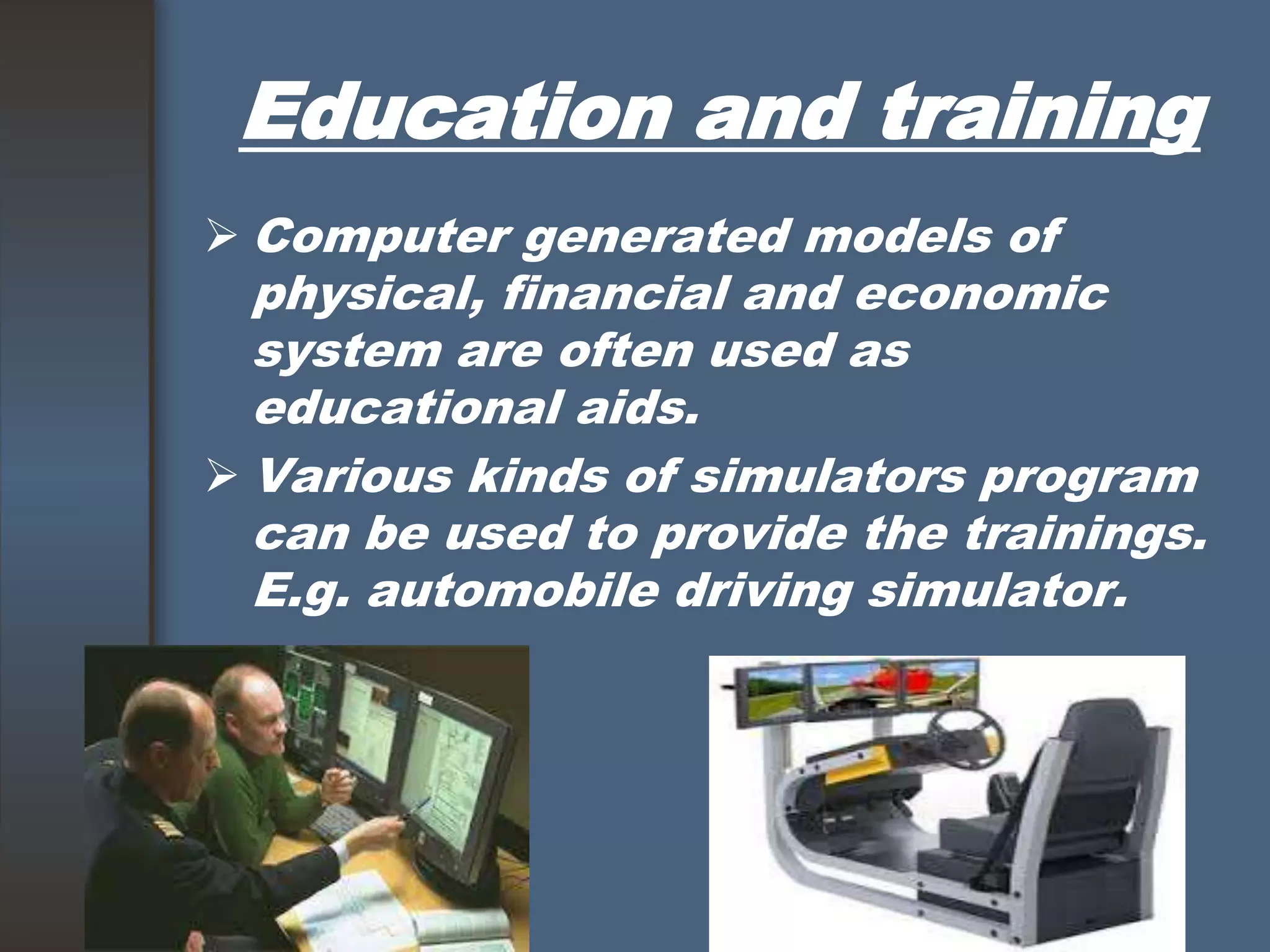
Education and training
 Computer generated models of
physical, financial and economic
system are often used as
educational aids.
 Various kinds of simulators program
can be used to provide the trainings.
E.g. automobile driving simulator.
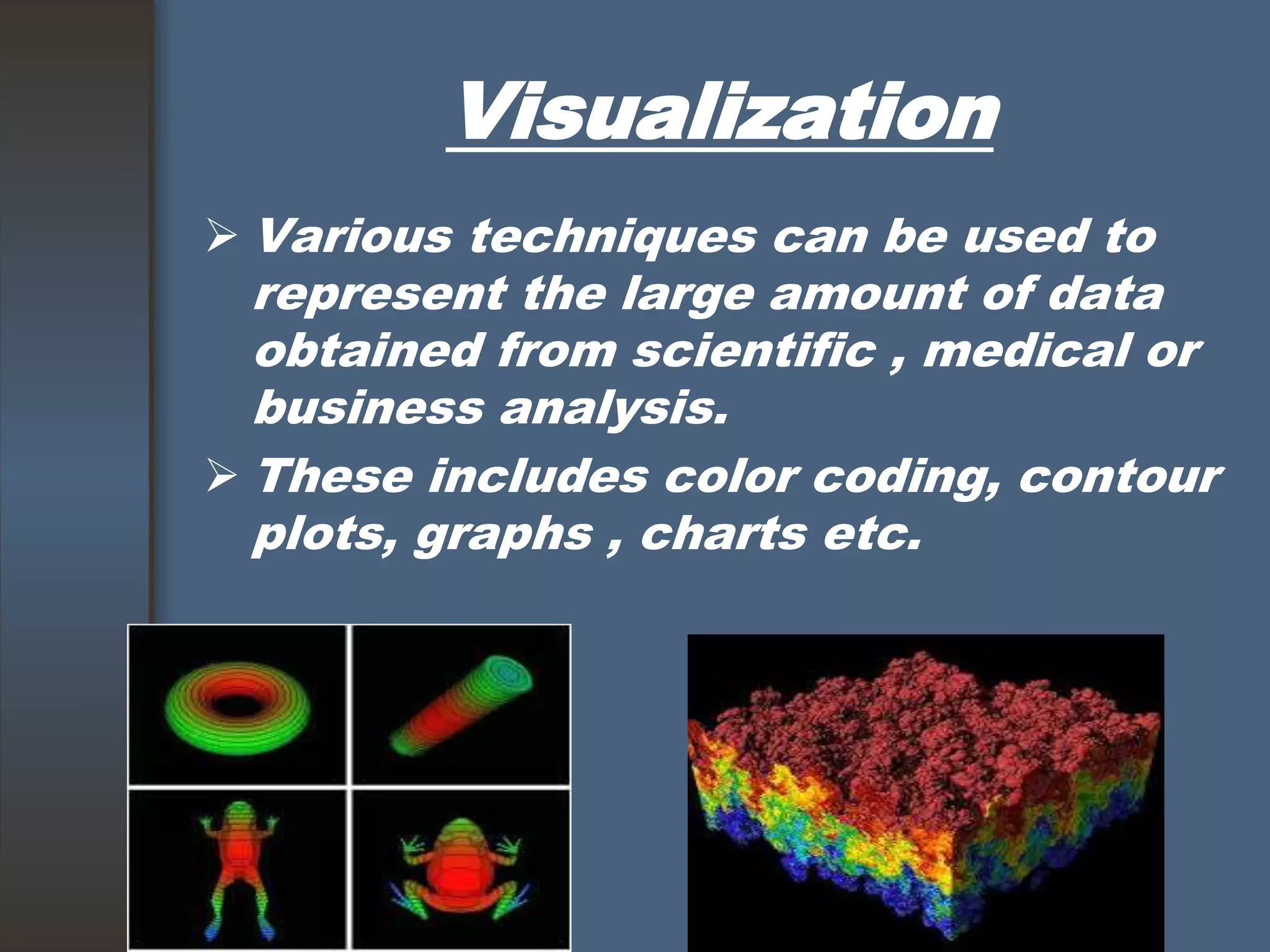
Visualization
 Various techniques can be used to
represent the large amount of data
obtained from scientific , medical or
business analysis.
 These includes color coding, contour
plots, graphs , charts etc.
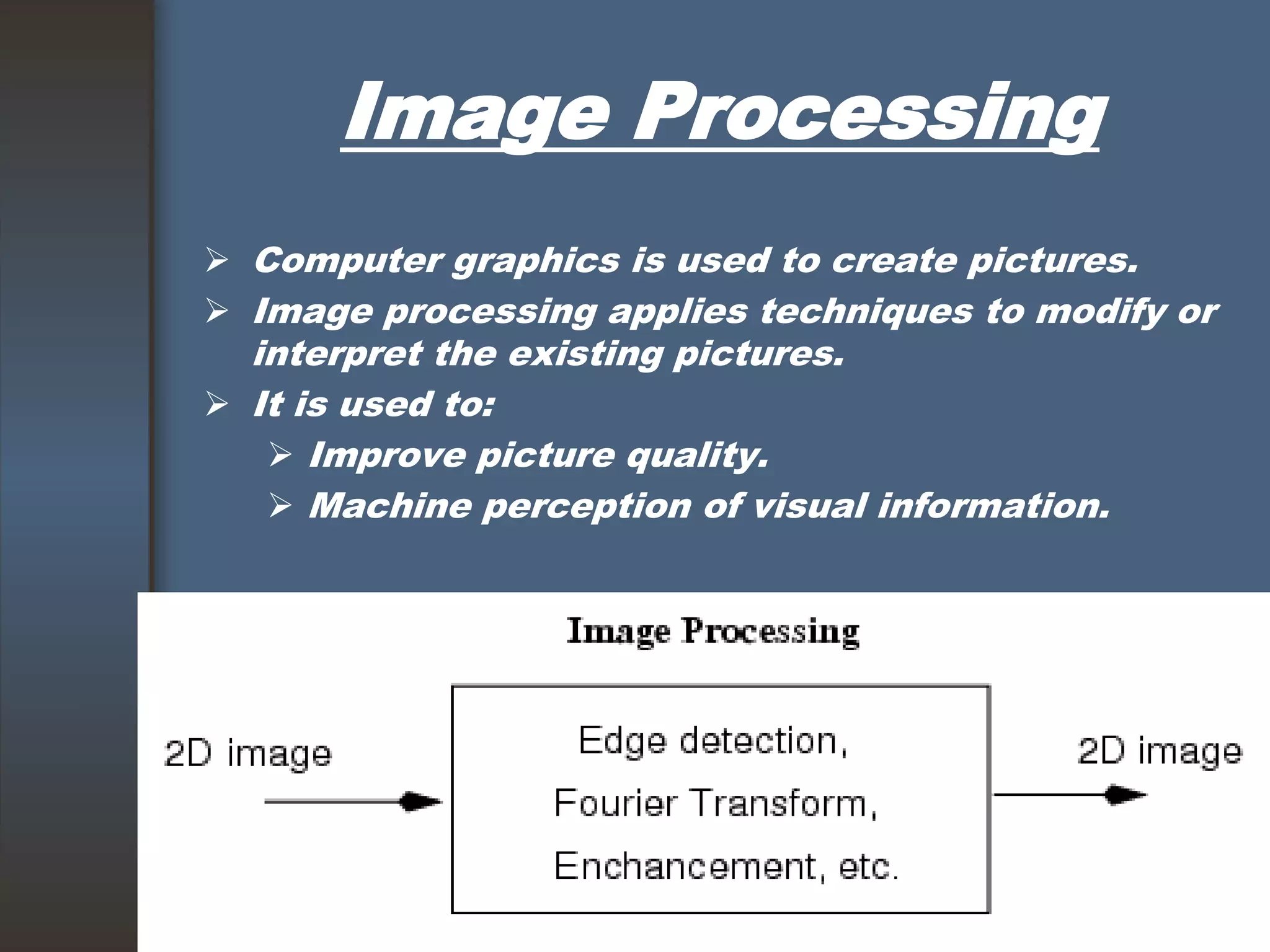
Image Processing
 Computer graphics is used to create pictures.
 Image processing applies techniques to modify or
interpret the existing pictures.
 It is used to:
 Improve picture quality.
 Machine perception of visual information.
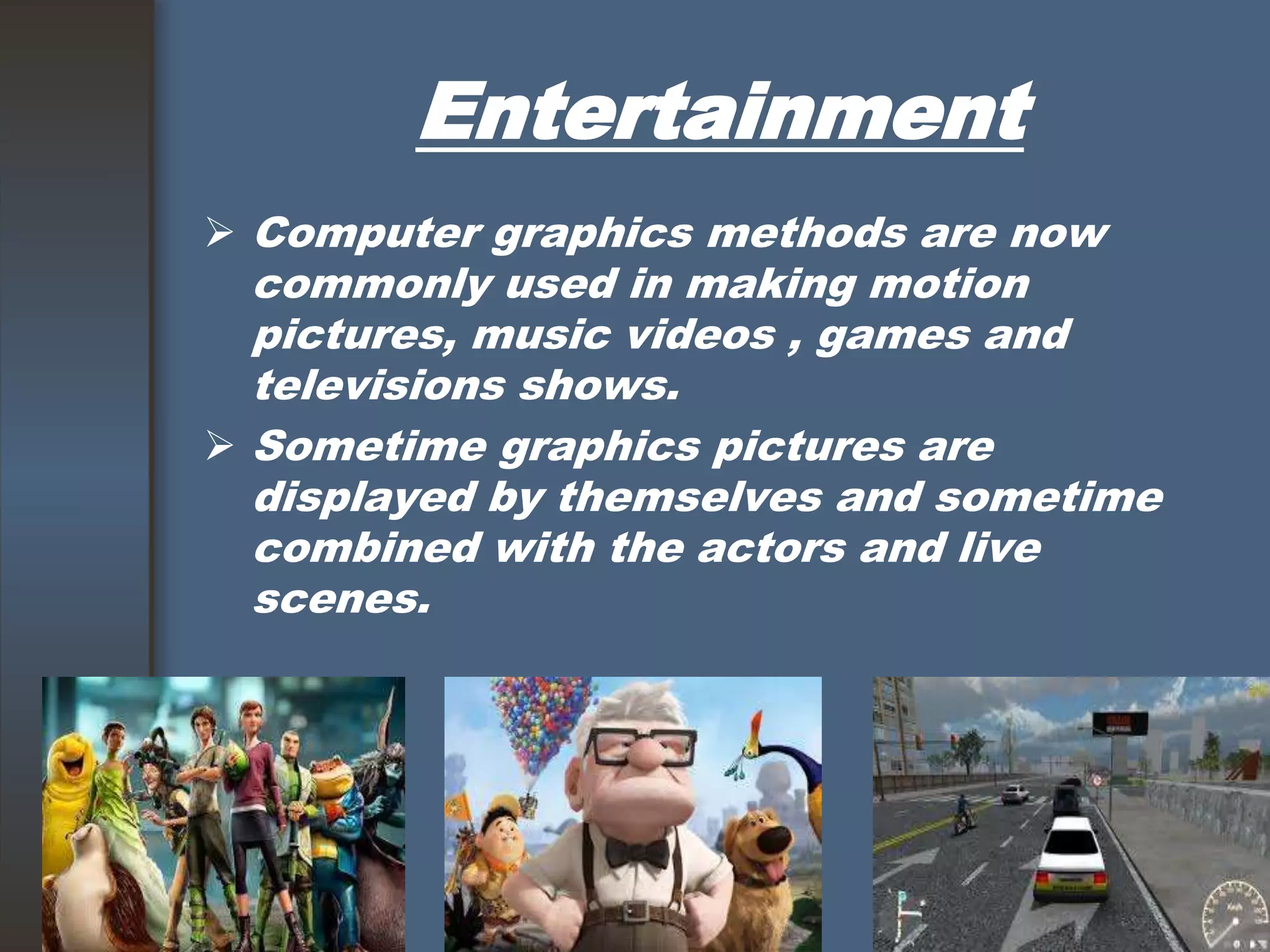
Entertainment
 Computer graphics methods are now
commonly used in making motion
pictures, music videos , games and
televisions shows.
 Sometime graphics pictures are
displayed by themselves and sometime
combined with the actors and live
scenes.
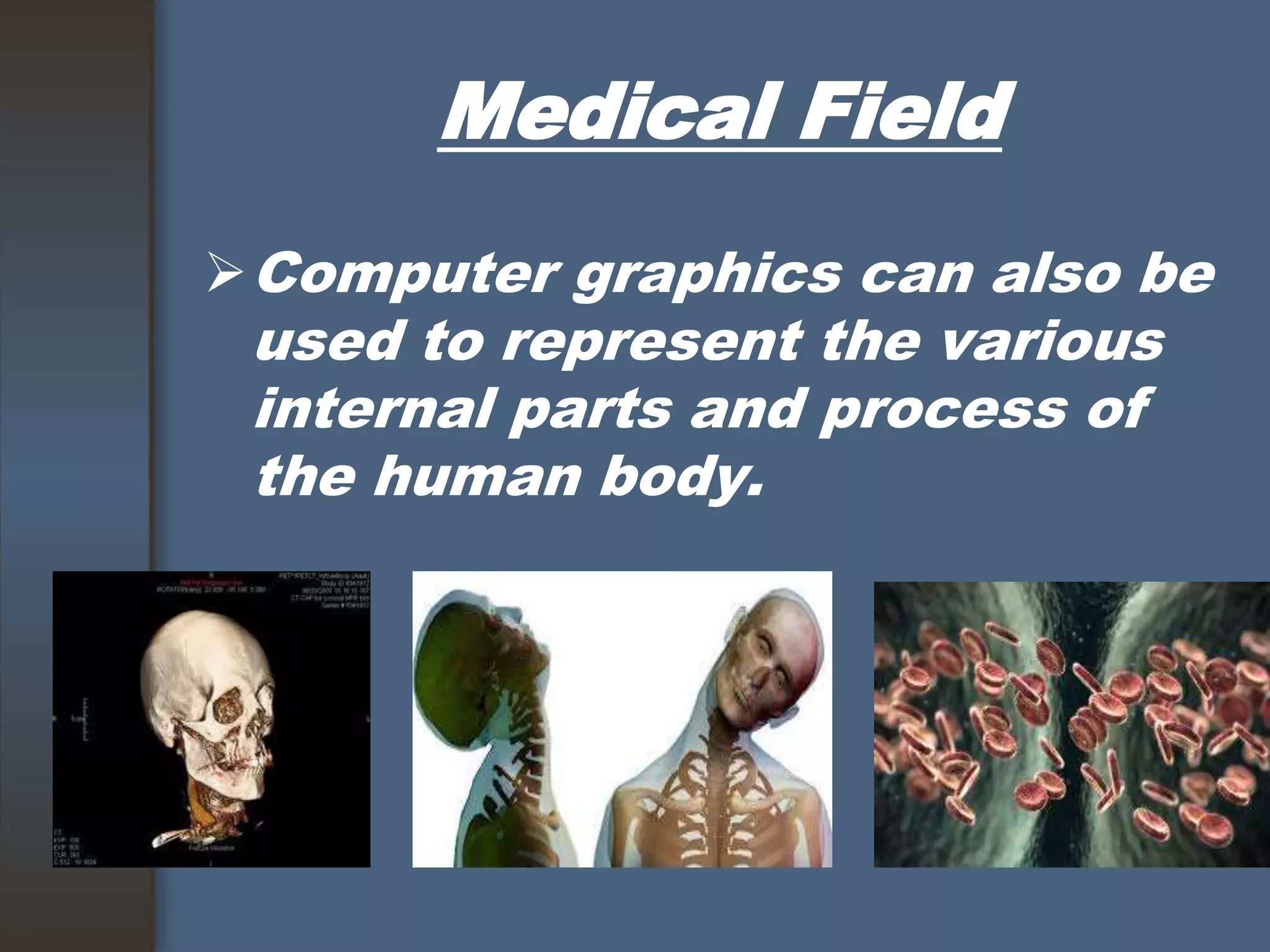
Medical Field
Computer graphics can also be
used to represent the various
internal parts and process of
the human body.
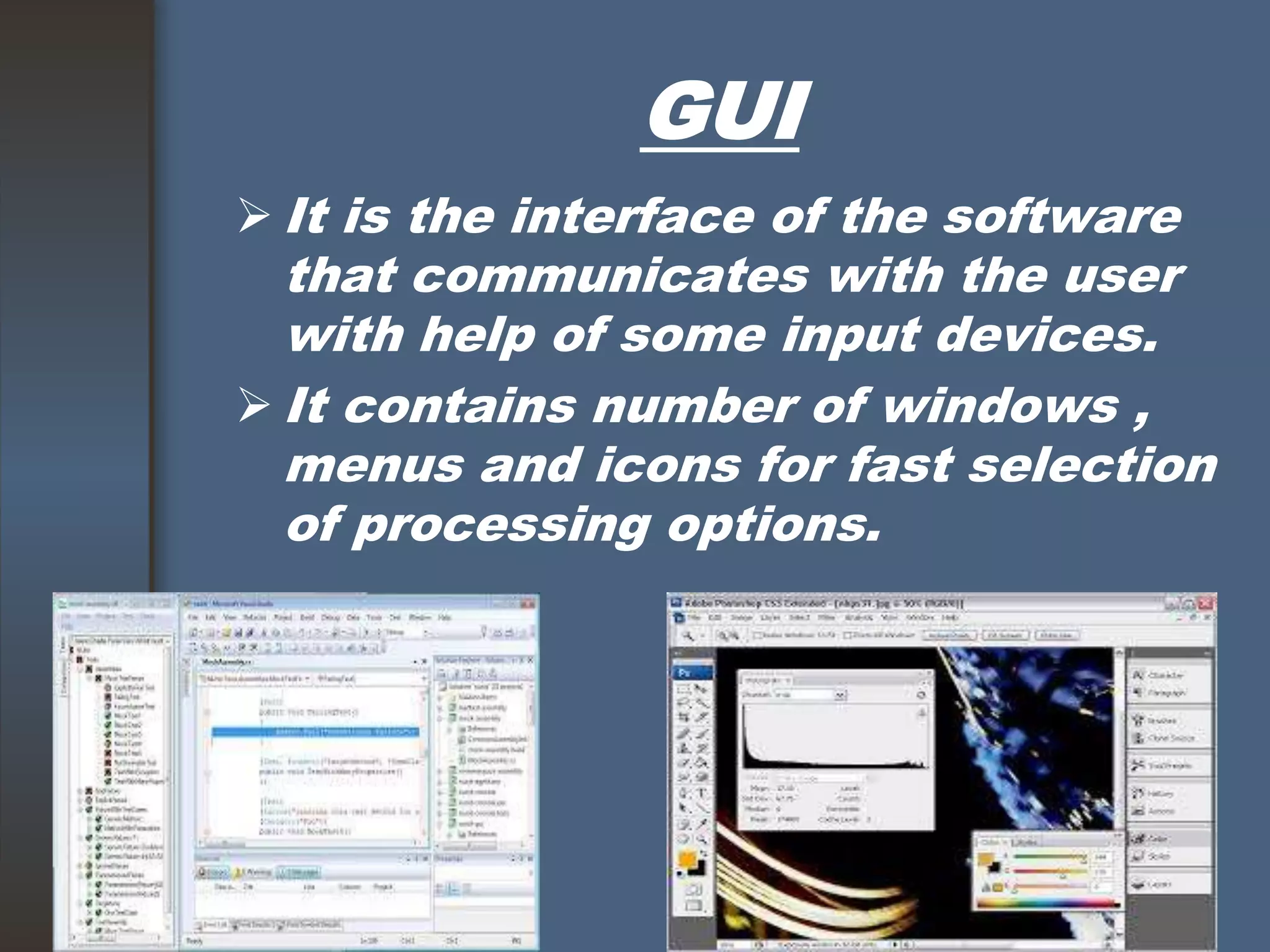
GUI
 It is the interface of the software
that communicates with the user
with help of some input devices.
 It contains number of windows ,
menus and icons for fast selection
of processing options.

THANK YOU 

Compute graphics

  • 1.
  • 2.
  • 3.
    Introduction  Computer graphicsinvolves display, manipulation data for proper visualization using computer.  Generate 2D images of a 3D world represented in a computer.  Main tasks: Modeling: creating and representing the geometry of objects in the 3D world Rendering: generating 2D images of the objects Animation: describing how objects change in time
  • 5.
     Typical graphicalsystem consists of host computer with support of fast processor , large memory ,frame buffer and Display devices(Monitors) Input devices(keyboards, mouse , joysticks) Output devices(printers, plotters, LCD panel)
  • 6.
  • 7.
     Designer ofcomputer graphics system or software engineer puts his design in application model.  He will then writes the program to model the object he is planning to display.  This application will run on the computer graphics system and output will be displayed on the display devices and the required input can be obtained from the input devices.
  • 8.
    Advantages  High qualitygraphics display provide best way to communicate with computer.  It is possible to produce animation.  Can be used to control animation such as speed, total scene in view etc.  Provides facility of update dynamic which can be used to change shape , color and other properties of object in view.
  • 9.
    Advantages  With thedevelopment in DSP it can provide audio feedback along with the video.
  • 10.
    Application Areas  ComputerAided Design(CAD).  Presentation Graphics.  Computer Art.  Education and training.  Visualization.  Image processing.  Entertainment Movies Industry. Gaming Industry.  Medical field.  Graphical User Interface(GUI).
  • 11.
    CAD  Major useof computer graphics is in design process, particularly for engineering and architectural systems.  This include design of buildings, automobiles, aircraft etc.
  • 12.
    Presentation Graphics  Usedto summarize the financial, mathematical, scientific and economic data.  Typical examples are bar charts, line graphs, pie charts etc.
  • 13.
    Computer Art  Artistuses special purpose hardware and programs that provides facilities for designing object shapes and specifying object motion.  Examples pixel paint, super paint etc.
  • 14.
    Education and training Computer generated models of physical, financial and economic system are often used as educational aids.  Various kinds of simulators program can be used to provide the trainings. E.g. automobile driving simulator.
  • 15.
    Visualization  Various techniquescan be used to represent the large amount of data obtained from scientific , medical or business analysis.  These includes color coding, contour plots, graphs , charts etc.
  • 16.
    Image Processing  Computergraphics is used to create pictures.  Image processing applies techniques to modify or interpret the existing pictures.  It is used to:  Improve picture quality.  Machine perception of visual information.
  • 17.
    Entertainment  Computer graphicsmethods are now commonly used in making motion pictures, music videos , games and televisions shows.  Sometime graphics pictures are displayed by themselves and sometime combined with the actors and live scenes.
  • 18.
    Medical Field Computer graphicscan also be used to represent the various internal parts and process of the human body.
  • 19.
    GUI  It isthe interface of the software that communicates with the user with help of some input devices.  It contains number of windows , menus and icons for fast selection of processing options.
  • 21.