335
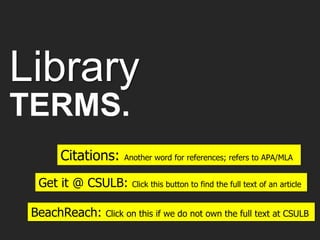
Library
TERMS.
Citations: Another word for references; refers to APA/MLA
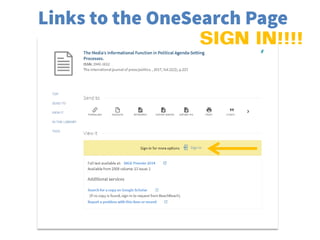
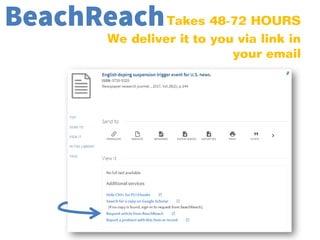
BeachReach: Click on this if we do not own the full text at CSULB
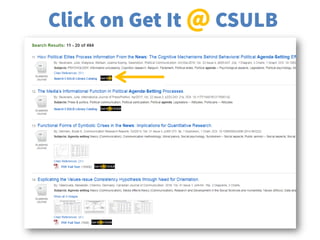
Get it @ CSULB: Click this button to find the full text of an article
Research
TOPIC.
What kinds of information do you need?
Determine which databases and information sources you need
Identify Keywords and Synonyms
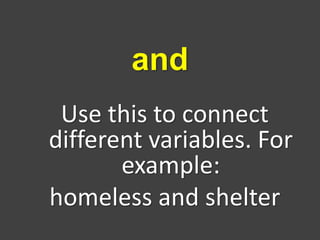
Use this to connect
different variables. For
example:
homeless and shelter
and
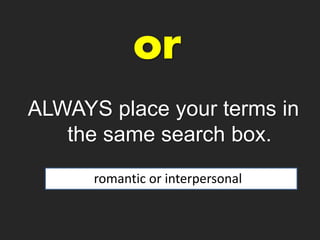
ALWAYS place your terms in
the same search box.
romantic or interpersonal
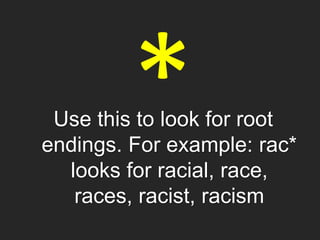
Use this to look for root
endings. For example: rac*
looks for racial, race,
races, racist, racism
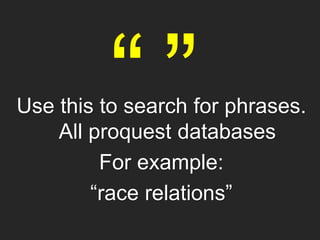
cUse this to search for phrases.
All proquest databases
For example:
“race relations”
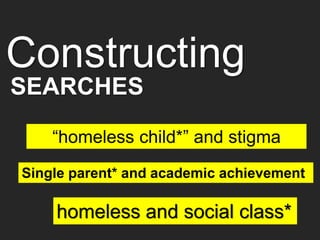
Constructing
“homeless child*” and stigma
Single parent* and academic achievement
homeless and social class*
SEARCHES
Scholarly
INFO
Provide empirical evidence of a claim
Useful if you need data to support your claim
References for additional research
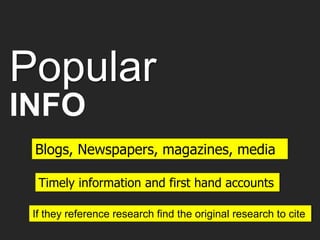
Popular
INFO
Blogs, Newspapers, magazines, media
If they reference research find the original research to cite
Timely information and first hand accounts
Choose the one that covers your topic
Databases by subject
Always search at least two
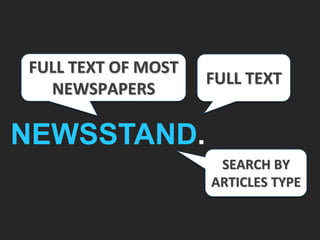
FULL TEXT
SEARCH BY
ARTICLES TYPE
NEWSSTAND.
FULL TEXT OF MOST
NEWSPAPERS
FULL TEXT
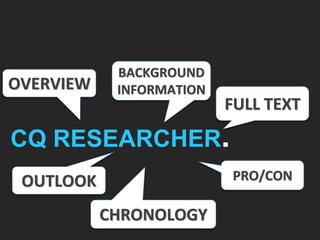
PRO/CON
CQ RESEARCHER.
OVERVIEW
BACKGROUND
INFORMATION
OUTLOOK
CHRONOLOGY
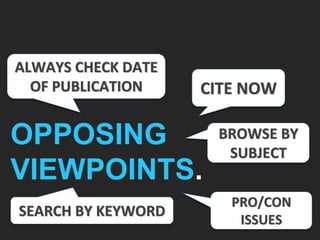
CITE NOW
PRO/CON
ISSUES
OPPOSING
VIEWPOINTS.
ALWAYS CHECK DATE
OF PUBLICATION
SEARCH BY KEYWORD
BROWSE BY
SUBJECT
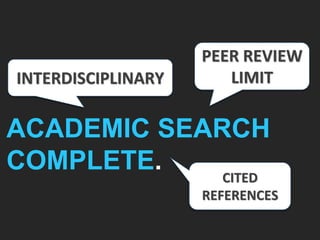
PEER REVIEW
LIMIT
CITED
REFERENCES
ACADEMIC SEARCH
COMPLETE.
INTERDISCIPLINARY
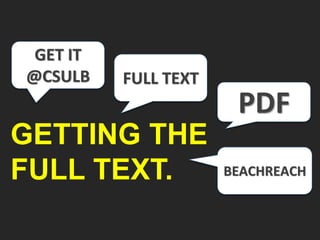
FULL TEXT
PDF
BEACHREACH
GETTING THE
FULL TEXT.
GET IT
@CSULB
APA and MLA Styles
USE: Owl Purdue Writing Guides
Citing
SOURCES.
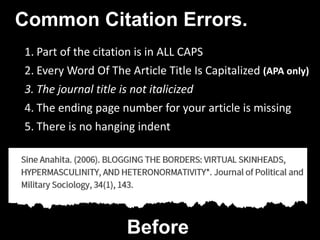
Common Citation Errors.
1. Part of the citation is in ALL CAPS
2. Every Word Of The Article Title Is Capitalized (APA only)
3. The journal title is not italicized
4. The ending page number for your article is missing
5. There is no hanging indent
Before
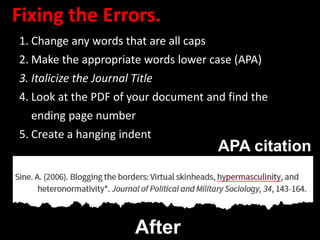
Fixing the Errors.
1. Change any words that are all caps
2. Make the appropriate words lower case (APA)
3. Italicize the Journal Title
4. Look at the PDF of your document and find the
ending page number
5. Create a hanging indent
After
APA citation
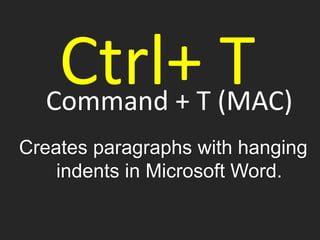
Command + T (MAC)
Creates paragraphs with hanging
indents in Microsoft Word.
Ctrl+ T
COMM 335

COMM 335