Using Appcelerator Cloud
 Services in Your Apps
                Michael Goff
   Director of Engineering, Cloud Services
                 Appcelerator
                  @mikegoff

          mgoff@appcelerator.com
Designing and
implementing cloud-
connected apps
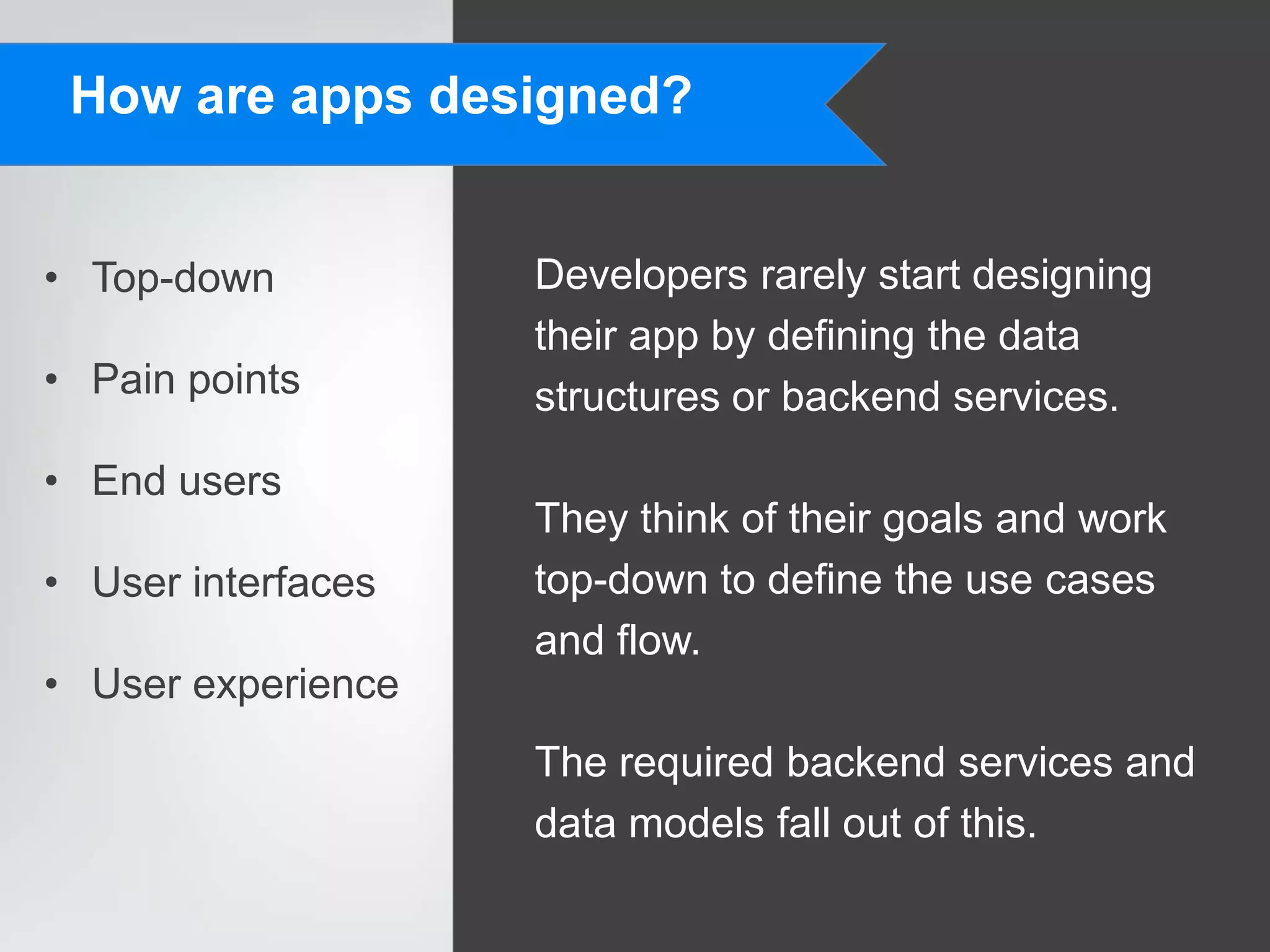
How are apps designed?


• Top-down          Developers rarely start designing
                    their app by defining the data
• Pain points       structures or backend services.
• End users
                    They think of their goals and work
• User interfaces   top-down to define the use cases
                    and flow.
• User experience
                    The required backend services and
                    data models fall out of this.
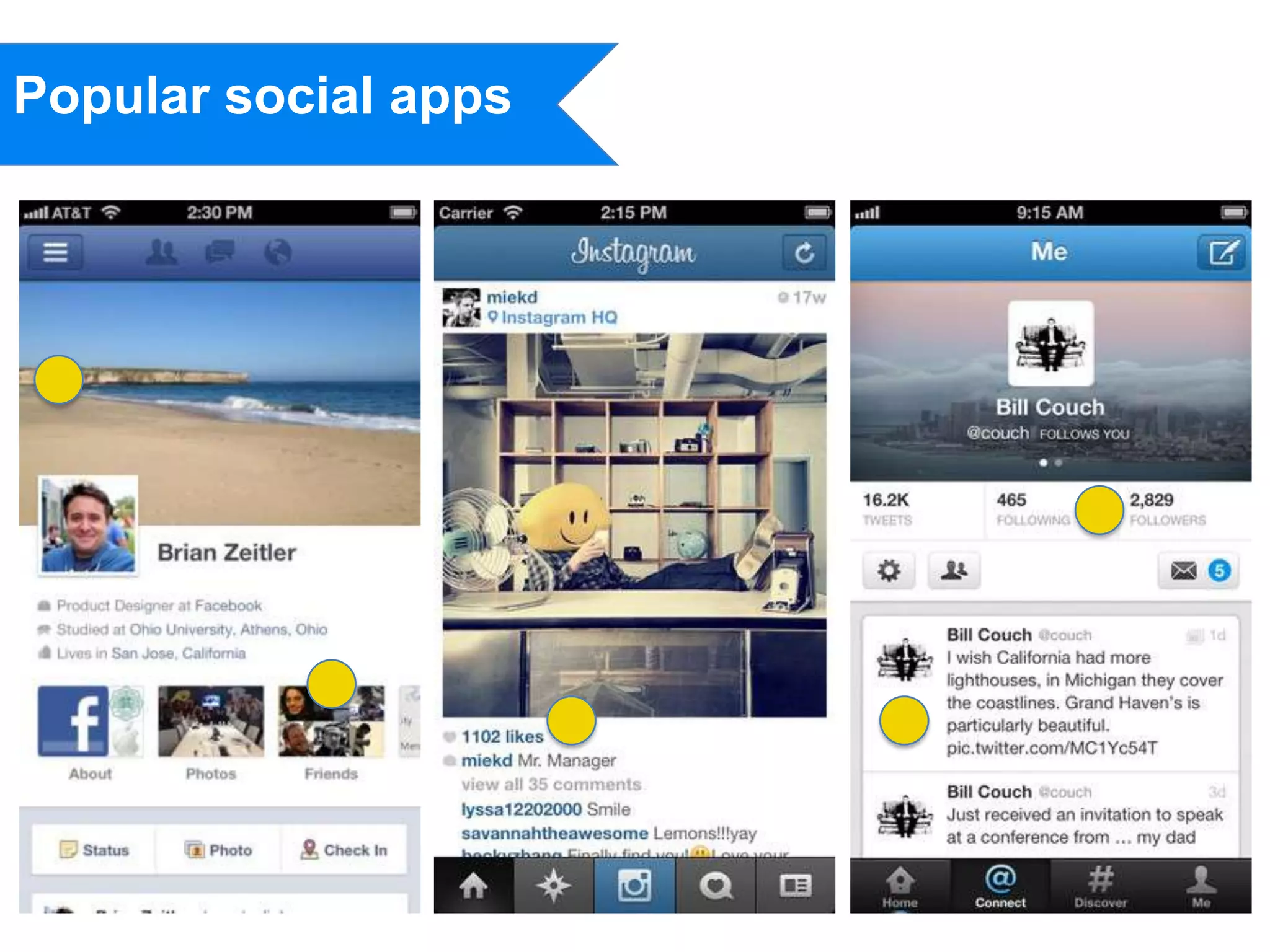
Popular social apps
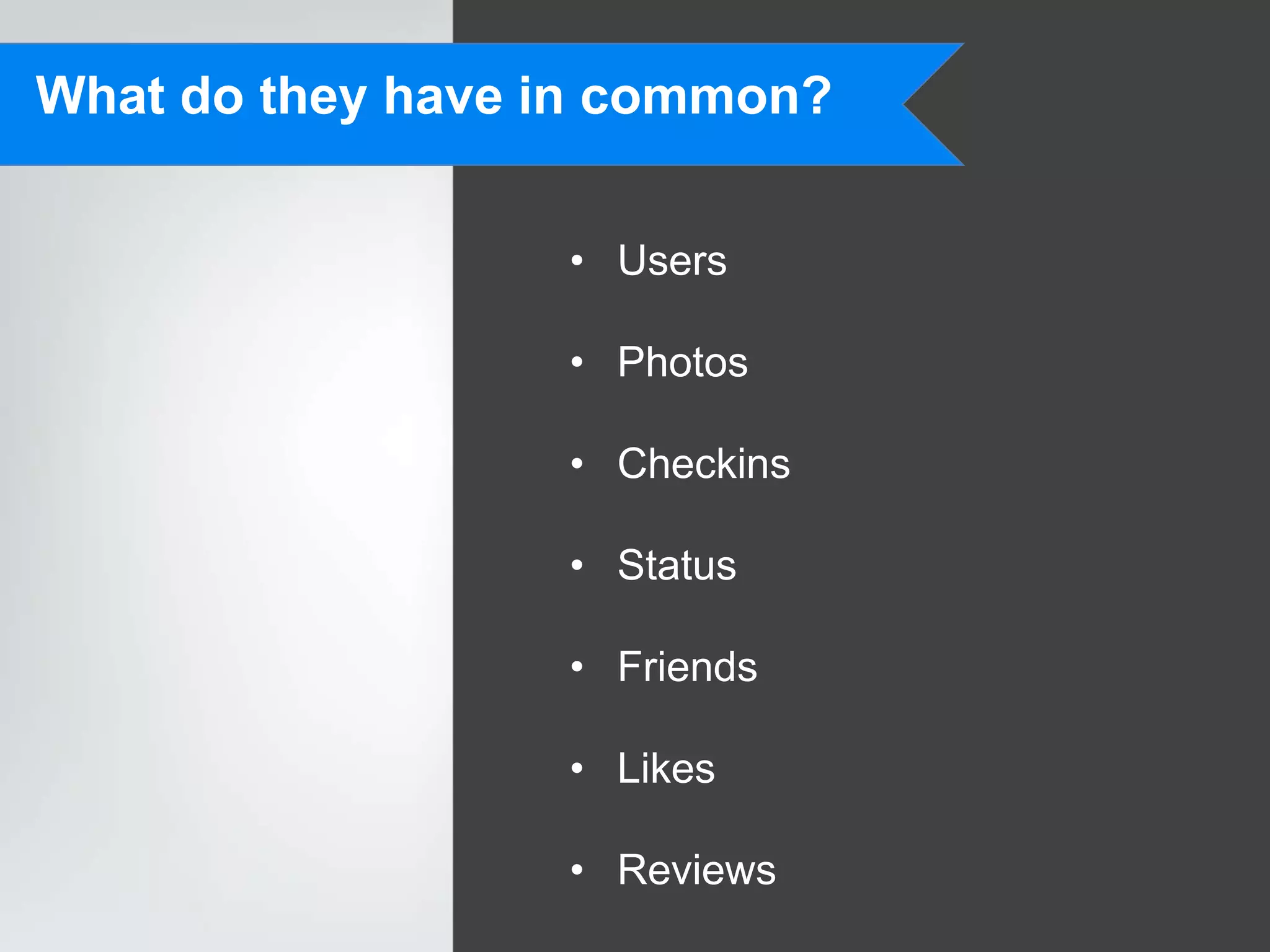
What do they have in common?


                  • Users

                  • Photos

                  • Checkins

                  • Status

                  • Friends

                  • Likes

                  • Reviews
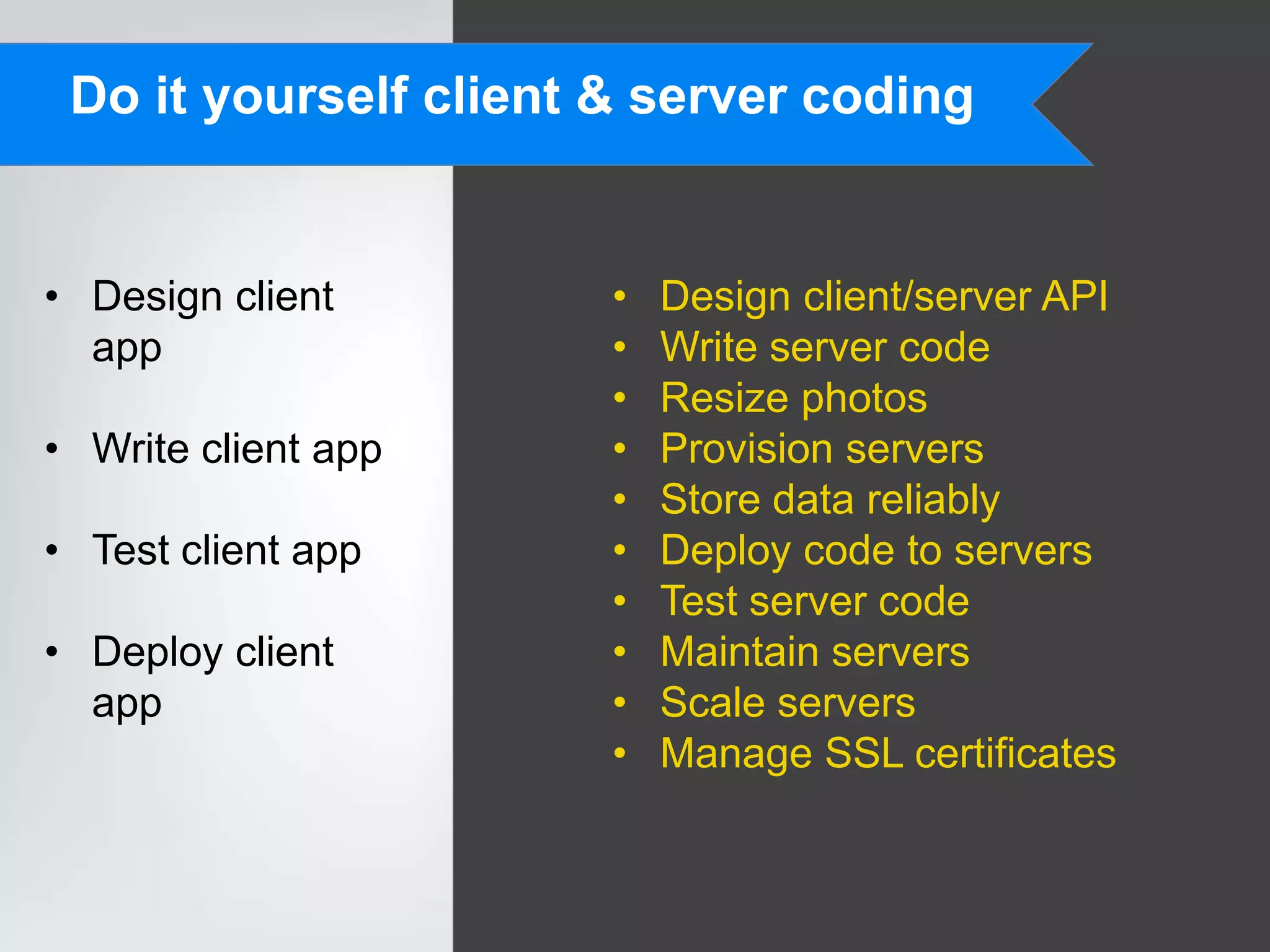
Do it yourself client & server coding


• Design client        •   Design client/server API
  app                  •   Write server code
                       •   Resize photos
• Write client app     •   Provision servers
                       •   Store data reliably
• Test client app      •   Deploy code to servers
                       •   Test server code
• Deploy client        •   Maintain servers
  app                  •   Scale servers
                       •   Manage SSL certificates
Build your app with ACS


• Design client      • Use ACS APIs
  app
                     • Manage your app data
• Write client app

• Test client app

• Deploy client
  app
20 cloud services that
will rock your world
(and make your apps
successful)
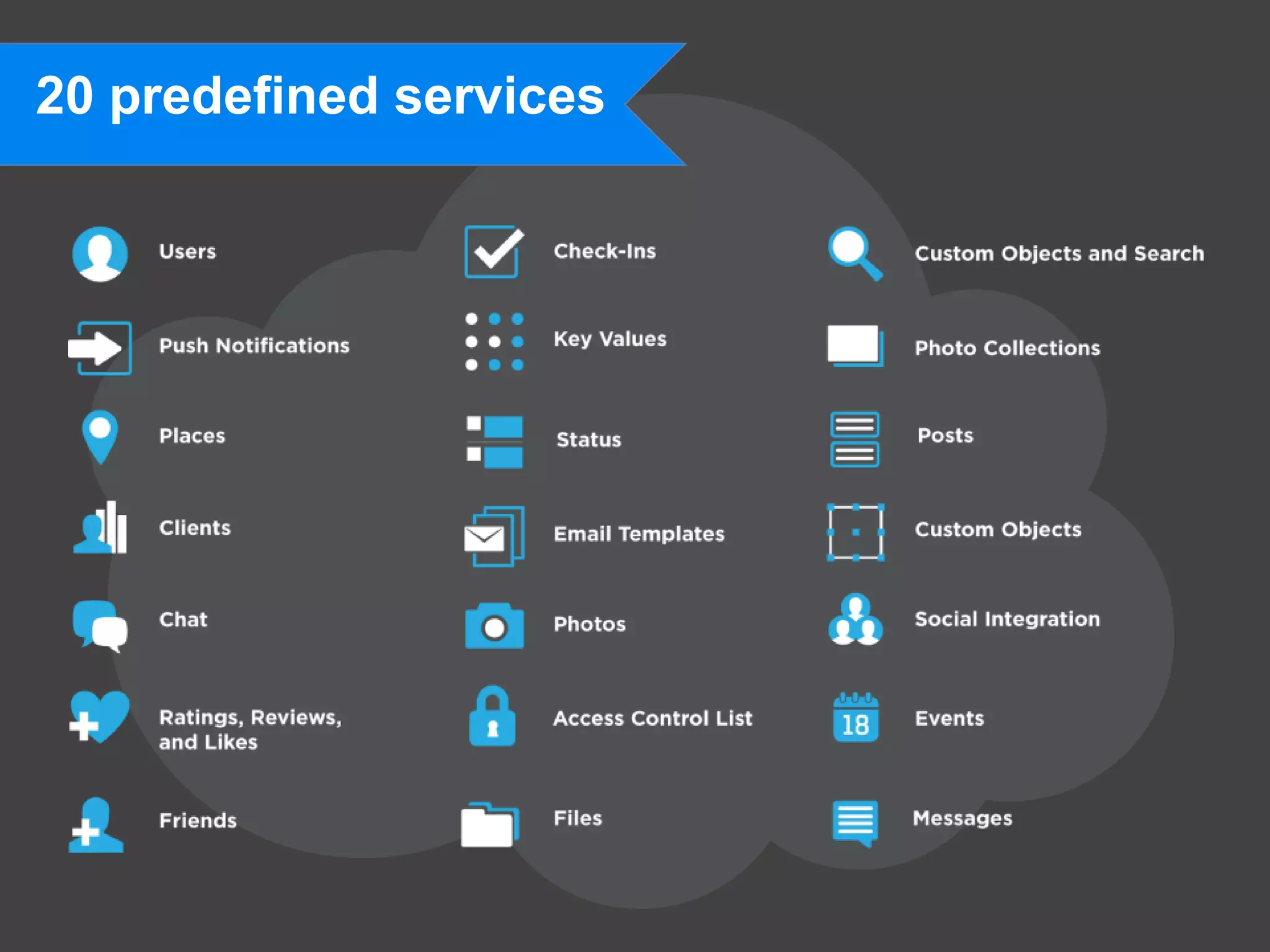
20 predefined services
Need more? Use custom data & code!


{
 "meta": {
                                              • Key-value store simple data
  "status": "ok",
  "code": 200,
  "method_name": "showUsers”
 },
 "response": {
                                              • Custom fields to supplement
  "users": [{
   "id":"4e8b8e627818261d1d0003a8",
   "first_name":”Cloud",
                                                predefined data types
   "last_name":”User",
   "created_at":"2011-10-04T22:53:22+0000",
   "updated_at":"2012-05-08T17:12:43+0000",
   "email":”clouduser@cocoafish.com",
   "custom_fields": {
                                              • Custom objects for defining your
    ”age”:28,
    ”show_size":”8",
    ”favorite_color":”blue”
                                                own data types
   }
  }]
 }
}
                                              • Custom code allows you to write
                                                your own server-side components
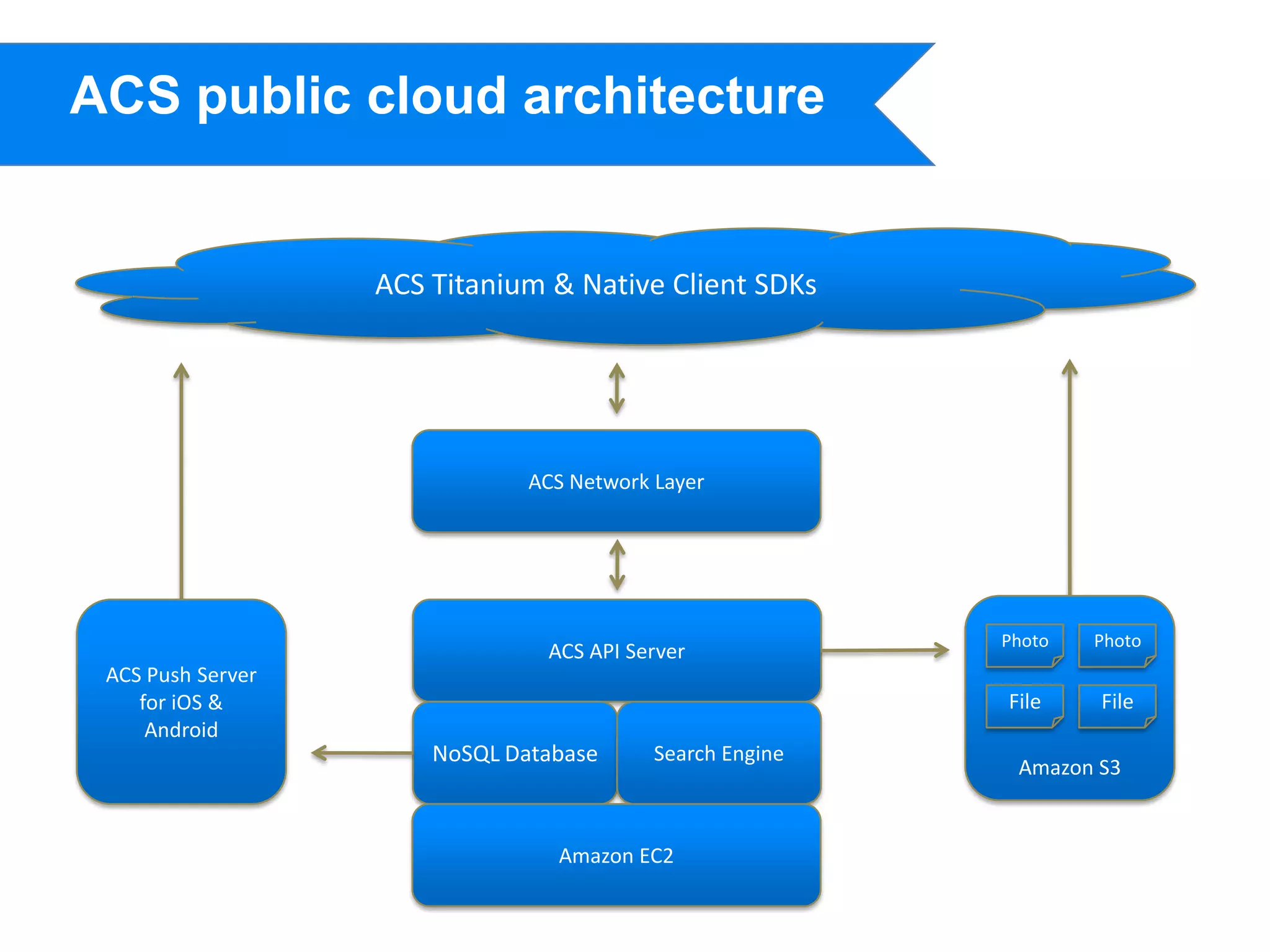
ACS public cloud architecture


                   ACS Titanium & Native Client SDKs


                               ACS Network Layer


                                                           Photo   Photo
                                ACS API Server
 ACS Push Server
    for iOS &                                              File    File
     Android
                       NoSQL Database      Search Engine
                                                            Amazon S3


                                 Amazon EC2
Using Appcelerator
Cloud Services
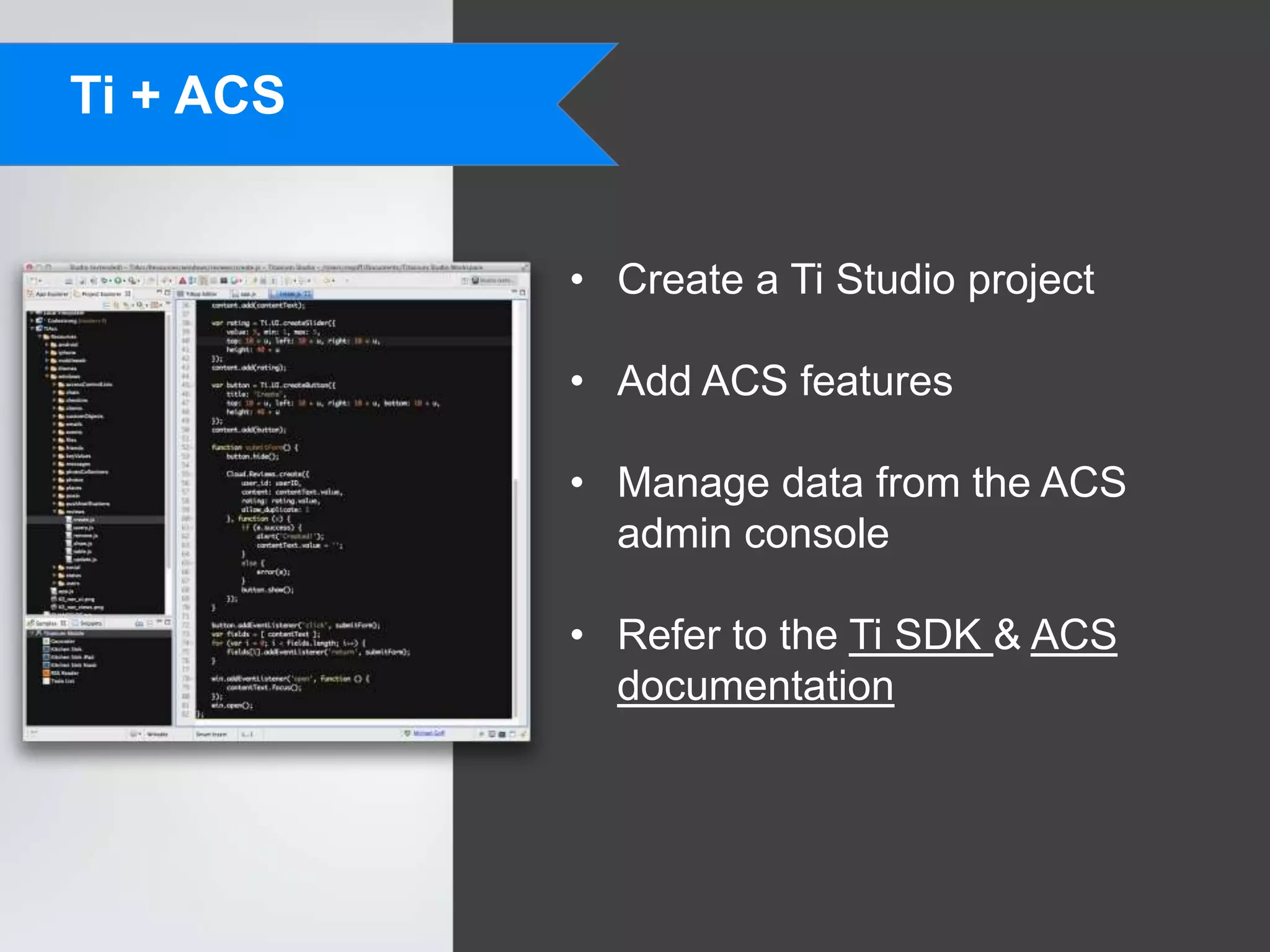
Ti + ACS


           • Create a Ti Studio project

           • Add ACS features

           • Manage data from the ACS
             admin console

           • Refer to the Ti SDK & ACS
             documentation
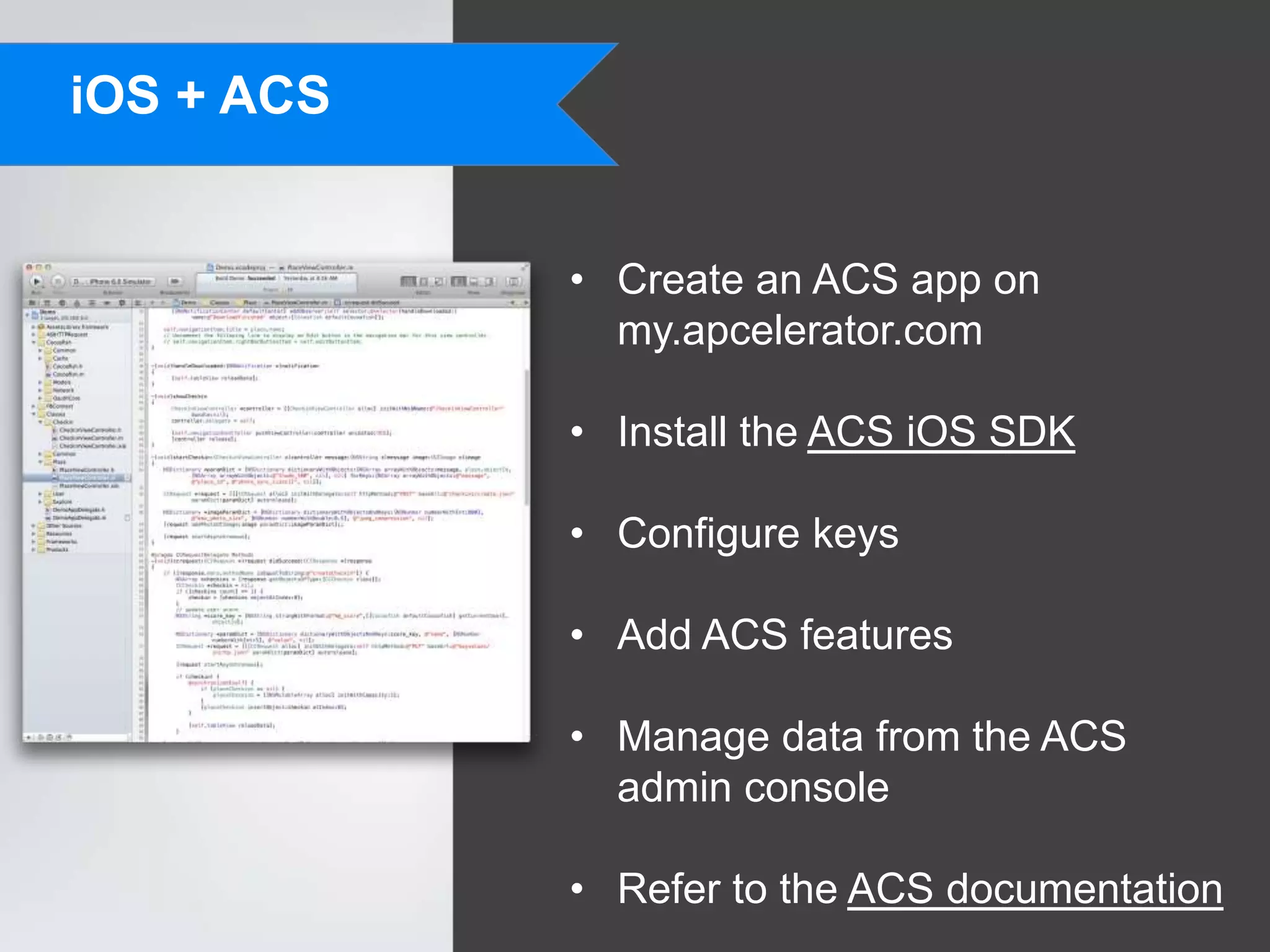
iOS + ACS


            • Create an ACS app on
              my.apcelerator.com

            • Install the ACS iOS SDK

            • Configure keys

            • Add ACS features

            • Manage data from the ACS
              admin console

            • Refer to the ACS documentation
Handling Photos

              • We provide six predefined sizes, but
                you can specify your own with
                photo_sizes[]

              • Photo resizing can be synchronous
                using photo_sync_sizes[]

              • Photo processing extracts exif data

              • Photos are downloaded from S3

              • Retry uploads in your app

              • Preload photo downloads
Custom Objects

                 • Use this to define your own types of
                   objects (video, car, book)

                 • Fields are indexed and efficiently
                   queryable

                 • Upcoming relational objects feature
                   will allow inclusion of other
                   predefined & custom objects
Checkout the
Building Custom
Cloud Services talk @
5pm today in Nob Hill!
Thanks!
             Michael Goff
Director of Engineering, Cloud Services
              Appcelerator
               @mikegoff

       mgoff@appcelerator.com
iOS + ACS Apps
Ti + ACS Apps
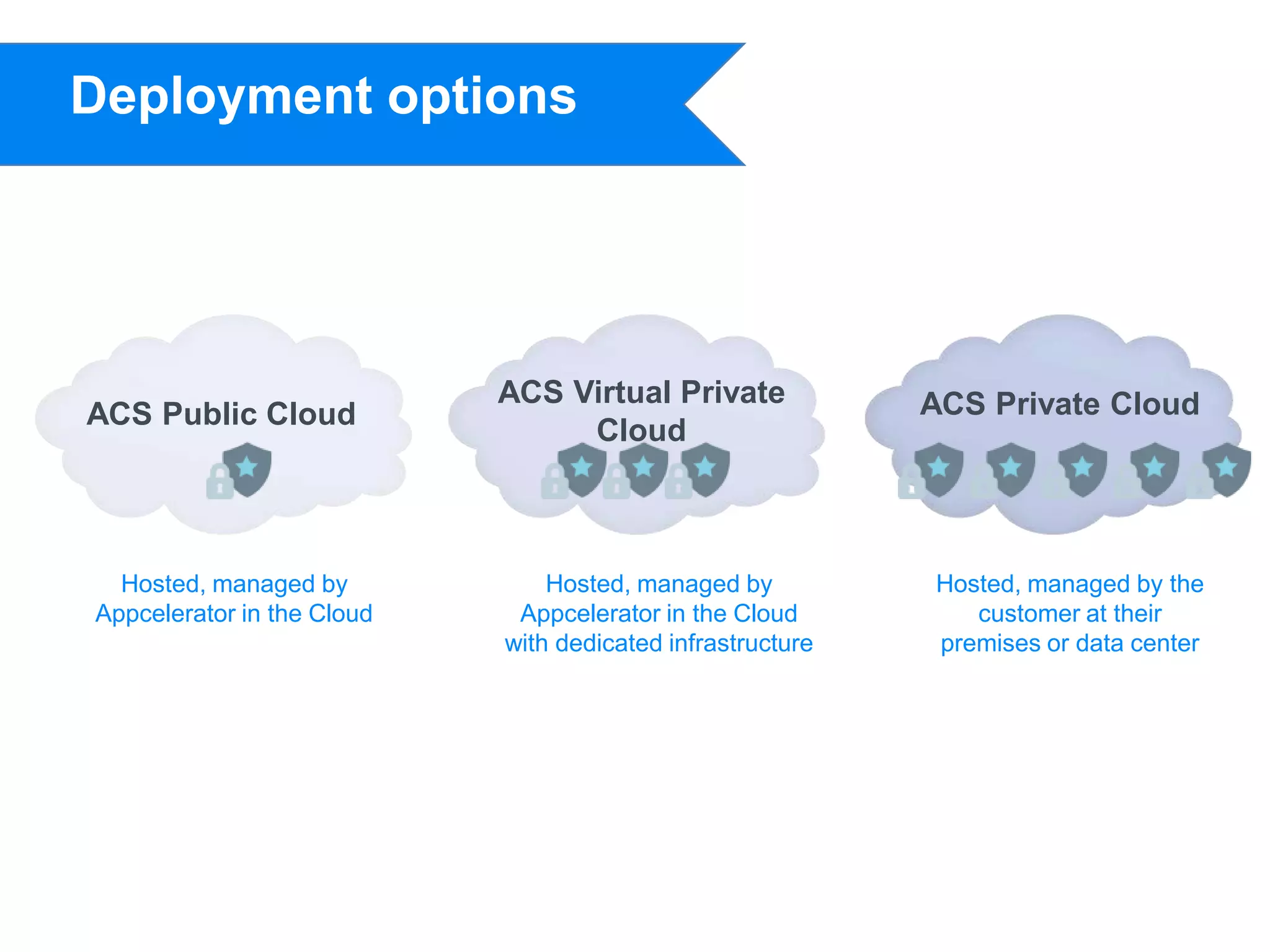
Deployment options


                            ACS Virtual Private             ACS Private Cloud
ACS Public Cloud
                                 Cloud


  Hosted, managed by            Hosted, managed by          Hosted, managed by the
Appcelerator in the Cloud    Appcelerator in the Cloud         customer at their
                            with dedicated infrastructure   premises or data center

Codestrong 2012 breakout session using appcelerator cloud services in your apps

  • 1.
    Using Appcelerator Cloud Services in Your Apps Michael Goff Director of Engineering, Cloud Services Appcelerator @mikegoff mgoff@appcelerator.com
  • 2.
  • 3.
    How are appsdesigned? • Top-down Developers rarely start designing their app by defining the data • Pain points structures or backend services. • End users They think of their goals and work • User interfaces top-down to define the use cases and flow. • User experience The required backend services and data models fall out of this.
  • 4.
  • 5.
    What do theyhave in common? • Users • Photos • Checkins • Status • Friends • Likes • Reviews
  • 6.
    Do it yourselfclient & server coding • Design client • Design client/server API app • Write server code • Resize photos • Write client app • Provision servers • Store data reliably • Test client app • Deploy code to servers • Test server code • Deploy client • Maintain servers app • Scale servers • Manage SSL certificates
  • 7.
    Build your appwith ACS • Design client • Use ACS APIs app • Manage your app data • Write client app • Test client app • Deploy client app
  • 8.
    20 cloud servicesthat will rock your world (and make your apps successful)
  • 9.
  • 10.
    Need more? Usecustom data & code! { "meta": { • Key-value store simple data "status": "ok", "code": 200, "method_name": "showUsers” }, "response": { • Custom fields to supplement "users": [{ "id":"4e8b8e627818261d1d0003a8", "first_name":”Cloud", predefined data types "last_name":”User", "created_at":"2011-10-04T22:53:22+0000", "updated_at":"2012-05-08T17:12:43+0000", "email":”clouduser@cocoafish.com", "custom_fields": { • Custom objects for defining your ”age”:28, ”show_size":”8", ”favorite_color":”blue” own data types } }] } } • Custom code allows you to write your own server-side components
  • 11.
    ACS public cloudarchitecture ACS Titanium & Native Client SDKs ACS Network Layer Photo Photo ACS API Server ACS Push Server for iOS & File File Android NoSQL Database Search Engine Amazon S3 Amazon EC2
  • 12.
  • 13.
    Ti + ACS • Create a Ti Studio project • Add ACS features • Manage data from the ACS admin console • Refer to the Ti SDK & ACS documentation
  • 14.
    iOS + ACS • Create an ACS app on my.apcelerator.com • Install the ACS iOS SDK • Configure keys • Add ACS features • Manage data from the ACS admin console • Refer to the ACS documentation
  • 15.
    Handling Photos • We provide six predefined sizes, but you can specify your own with photo_sizes[] • Photo resizing can be synchronous using photo_sync_sizes[] • Photo processing extracts exif data • Photos are downloaded from S3 • Retry uploads in your app • Preload photo downloads
  • 16.
    Custom Objects • Use this to define your own types of objects (video, car, book) • Fields are indexed and efficiently queryable • Upcoming relational objects feature will allow inclusion of other predefined & custom objects
  • 17.
    Checkout the Building Custom CloudServices talk @ 5pm today in Nob Hill!
  • 18.
    Thanks! Michael Goff Director of Engineering, Cloud Services Appcelerator @mikegoff mgoff@appcelerator.com
  • 19.
  • 20.
  • 21.
    Deployment options ACS Virtual Private ACS Private Cloud ACS Public Cloud Cloud Hosted, managed by Hosted, managed by Hosted, managed by the Appcelerator in the Cloud Appcelerator in the Cloud customer at their with dedicated infrastructure premises or data center

Editor's Notes

  • #2 Good afternoon. Thanks for coming to my presentation about using Appcelerator Cloud Services in your mobile apps, or websites, or anything else!In the keynote talks from Jeff, Nolan, and Jonathan, and in the earlier breakout session with Simon, you heard a lot about the benefits if using ACS. Now let’s jump into more details about making apps using cloud services.
  • #3 First, let’s start from a high level about how people design their apps.
  • #4 When making your own app, it’s often not clear which backend services or data objects you’ll need. This is because apps are usually designed top-down. You think of your goals and users. You design the user interface. Only then does that data required to drive all of that become clear.
  • #5 Here are some of the most popular social apps. What do we see in common between them? Other than the fact that they are all different shades of blue and have a common layout, we see they they show a of the same data.We’ve got users, photos, friends, likes comments, statuses, and followers. This leads one to naturally think… if they provide a lot of the same data, do they really need their own unique backend?
  • #6 That’s the thinking that my Cocoafish cofounder Wei Kong and I had when we originally built the common backend for Cocoafish, which was acquired by Appcelerator in January of this year.There are so many features in common between apps these days, that we realized we could abstract it out and provide an easy to use service for app developers.
  • #7 When you’re ready to go with your app design, what’s next? Well the actual steps to implement a cloud-connected app are many. If you have the skills to take care of everything, that’s great. However it’s not as common that app developers also have the skills and experience to handle server coding, and vice-versa. You can hire folks, but that just takes extra time and money.Before we built Cocoafish, Wei and I built a little food review app called Dishfinders. We went through all of these steps. And in our case since we’re server developers, the app development part was harder. But we could see how the server coding, testing, deployment, and scaling would ne really difficult for app developers. And since a lot of the same data is used over and over again, we felt that we could built something reusable.
  • #8 On the contrary, when building your apps using ACS, the process is greatly simplified.
  • #10 An MBaaS service offering a fast and easy way to build next gen connected mobile apps. Featuring a pre-built library of services such as push notification, status updates, photo storage, user management and social integration, as well as the ability to create your own custom services, you can develop your mobile apps at a fraction of the time, cost and risk.
  • #11 We strive to provide 80% or so of what you need from a backend service for your app. But we know that there will be types of data or actions that we can’t provide for you.In the beginning we provided keyvalues to provide a Redis-like way to store simple data. Then we added custom fields to help you extend the objects we predefined for you.Next we added custom objects so that you can define an entirely new type of data object.And soon we’re adding custom code, which lets you write your own node.js code which runs in the cloud and connects to ACS.
  • #12 Here is a basic picture of the core ACS stack. Basically, we’ve built what you would have built for your own app, but done it in a scalable and reusable way,