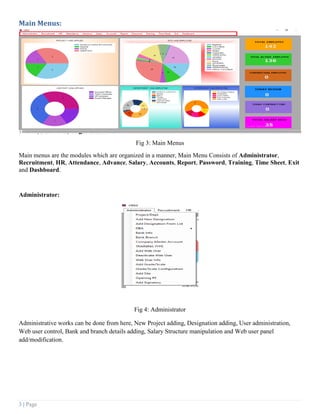
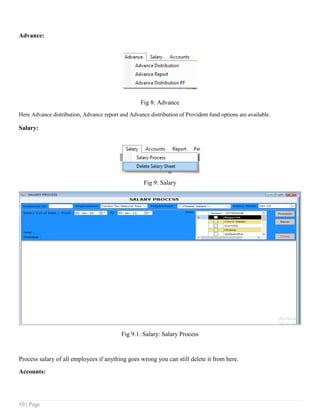
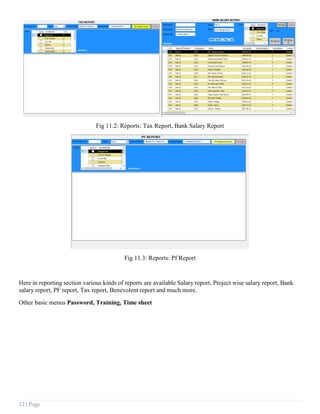
This document provides an overview and instructions for using the key features and modules of a desktop user guide. It describes the main dashboard that displays various statistics. It outlines the main menus for administrator functions, recruitment, HR, attendance, advances, salary, accounts, reports, password management, training, and timesheets. Finally, it provides screenshots and descriptions of the key functions within several of the modules, such as adding projects, designations, and users in the administrator section.