Pages Feature Examples
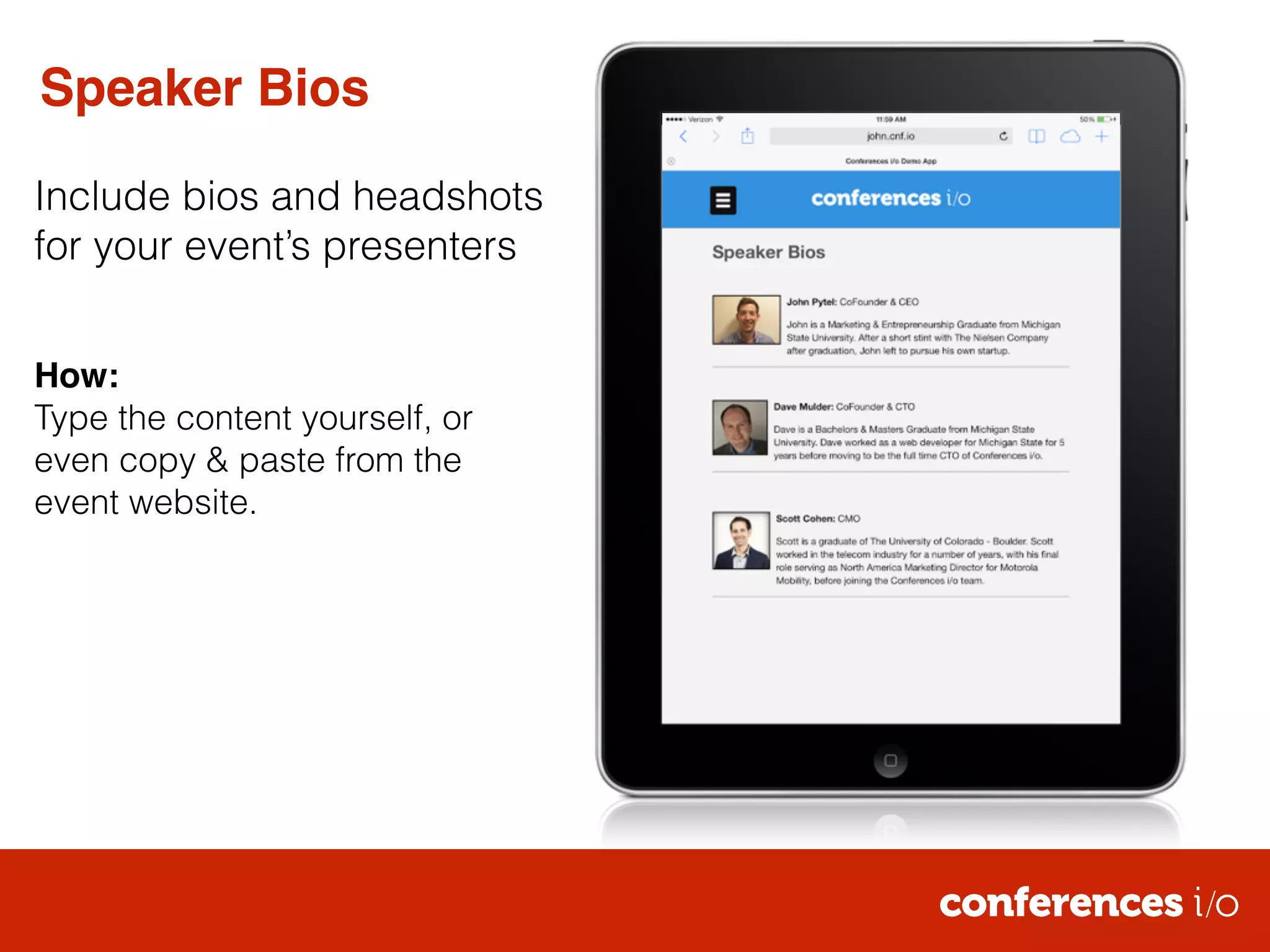
Speaker Bios 
Include bios and headshots 
for your event’s presenters 
! 
! 
How:! 
Type the content yourself, or 
even copy & paste from the 
event website.
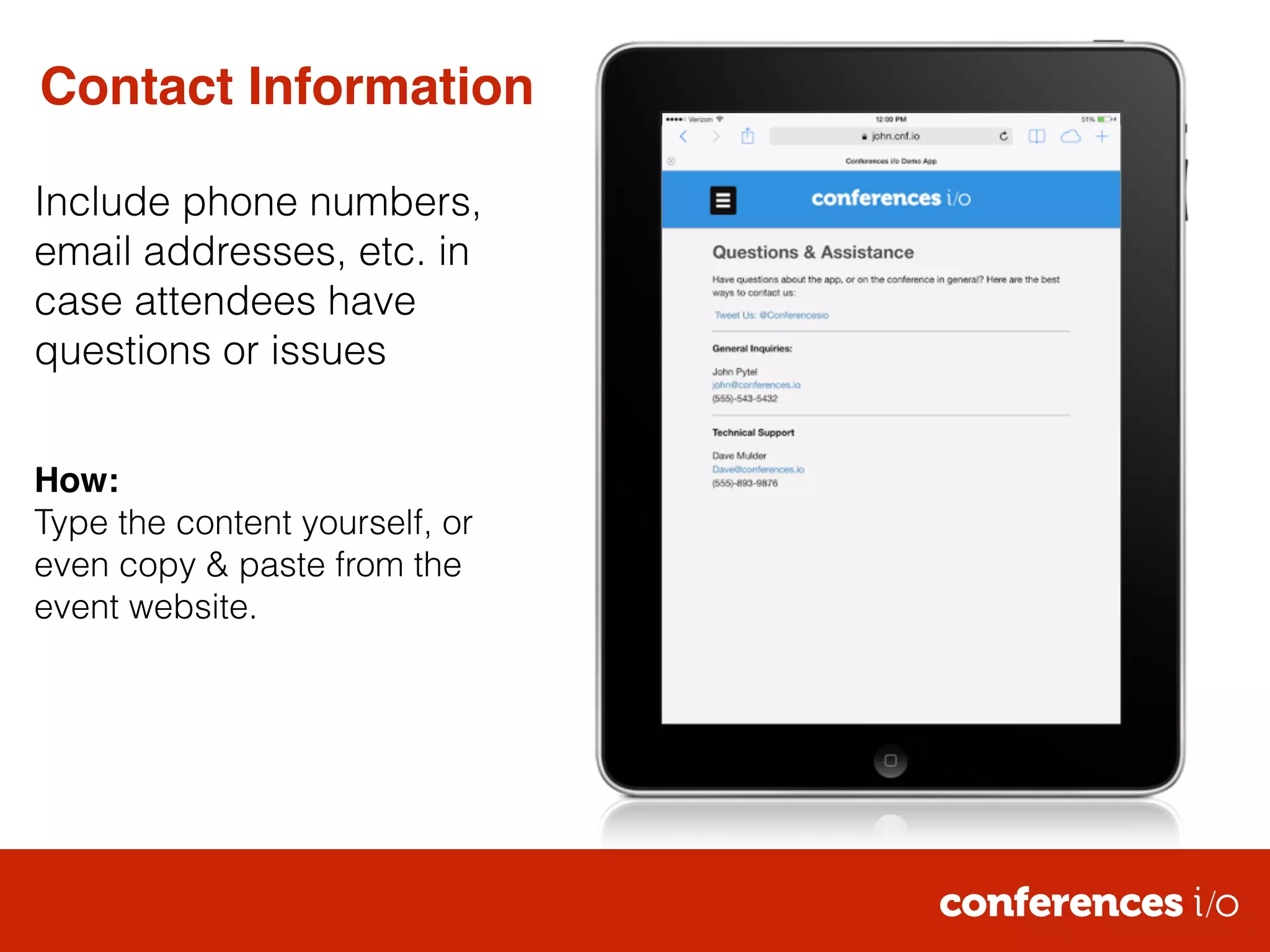
Contact Information 
Include phone numbers, 
email addresses, etc. in 
case attendees have 
questions or issues 
! 
! 
How:! 
Type the content yourself, or 
even copy & paste from the 
event website.
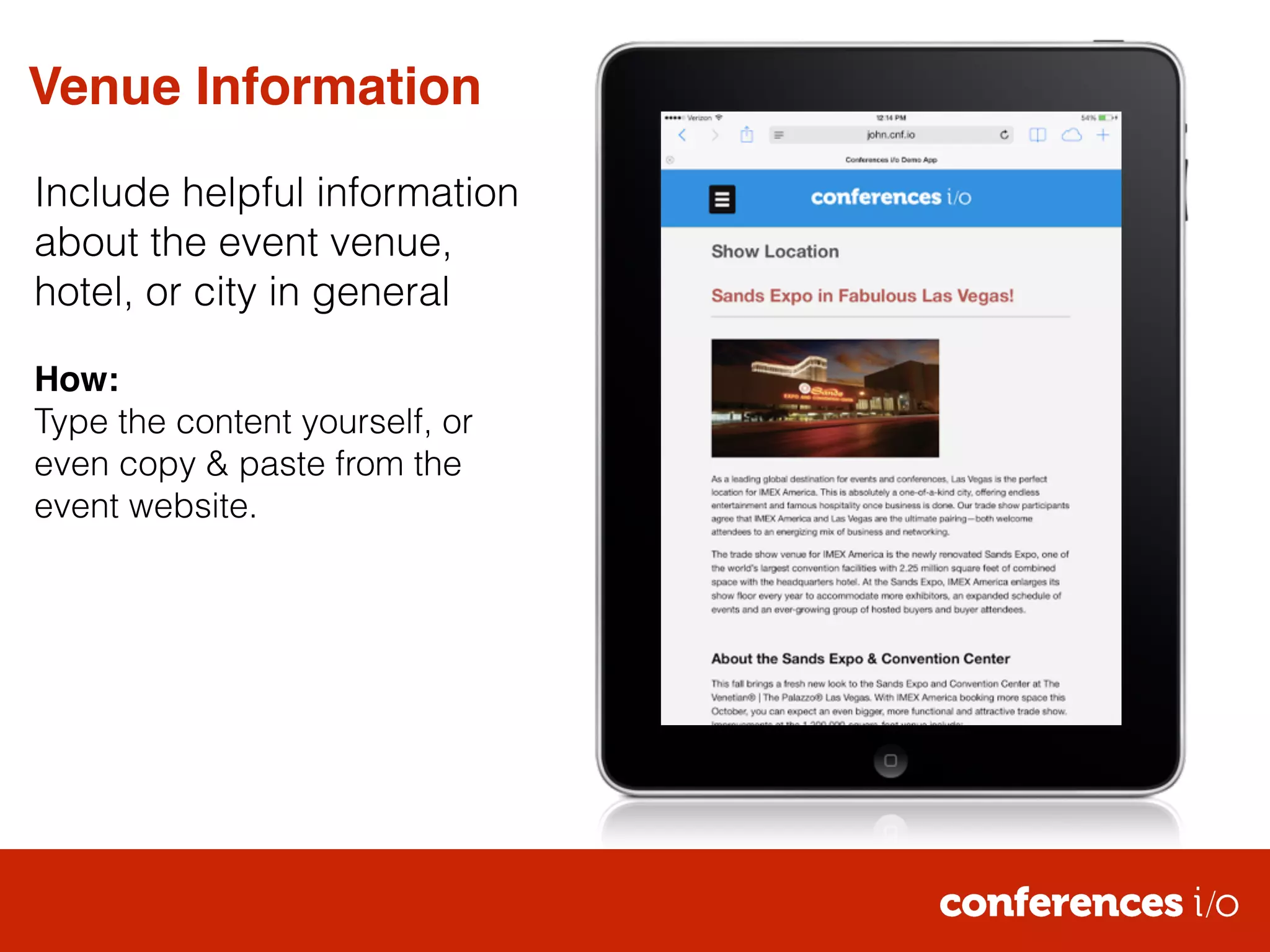
Venue Information 
Include helpful information 
about the event venue, 
hotel, or city in general 
! 
How:! 
Type the content yourself, or 
even copy & paste from the 
event website.
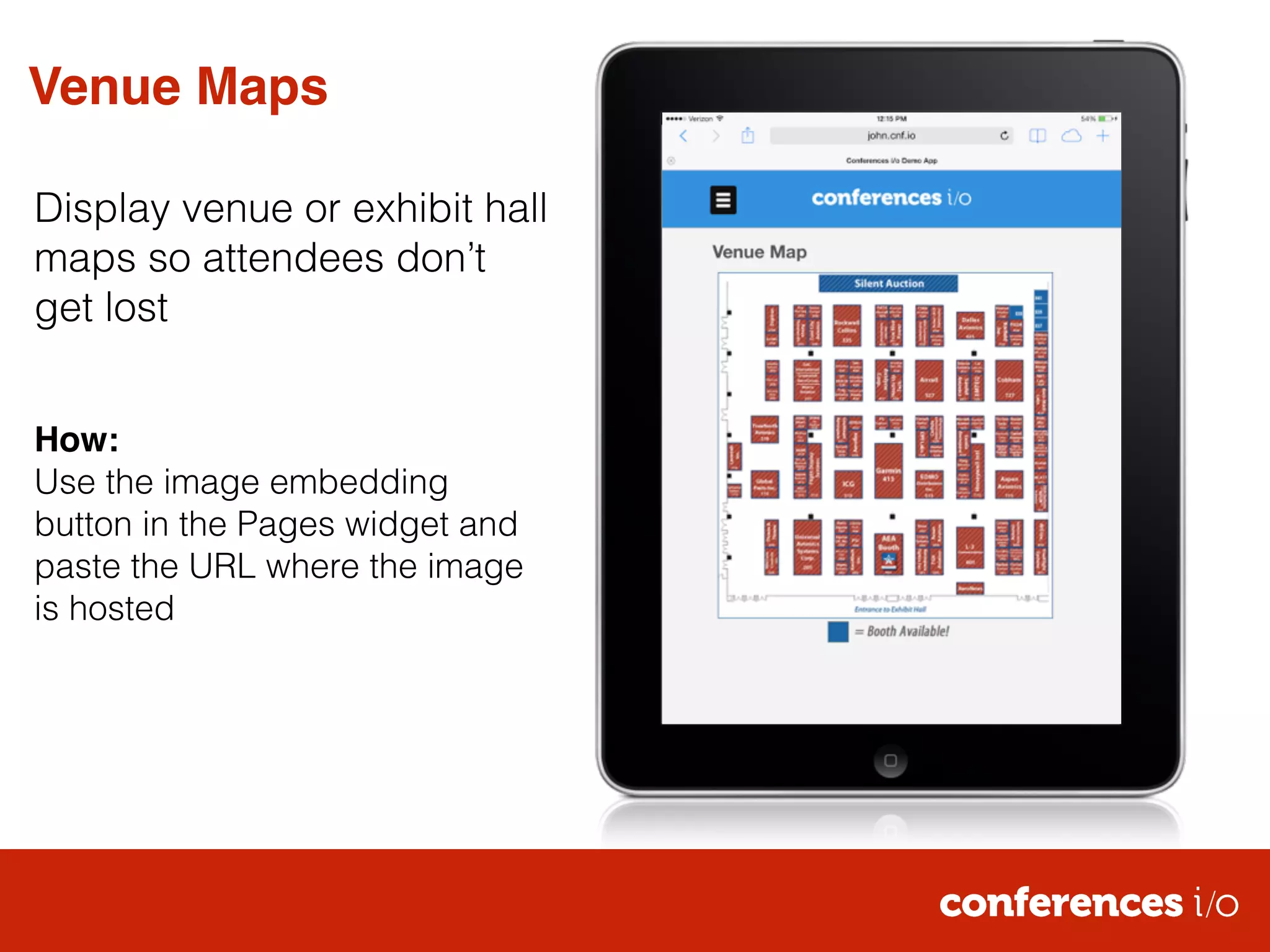
Venue Maps 
Display venue or exhibit hall 
maps so attendees don’t 
get lost 
! 
! 
How:! 
Use the image embedding 
button in the Pages widget and 
paste the URL where the image 
is hosted
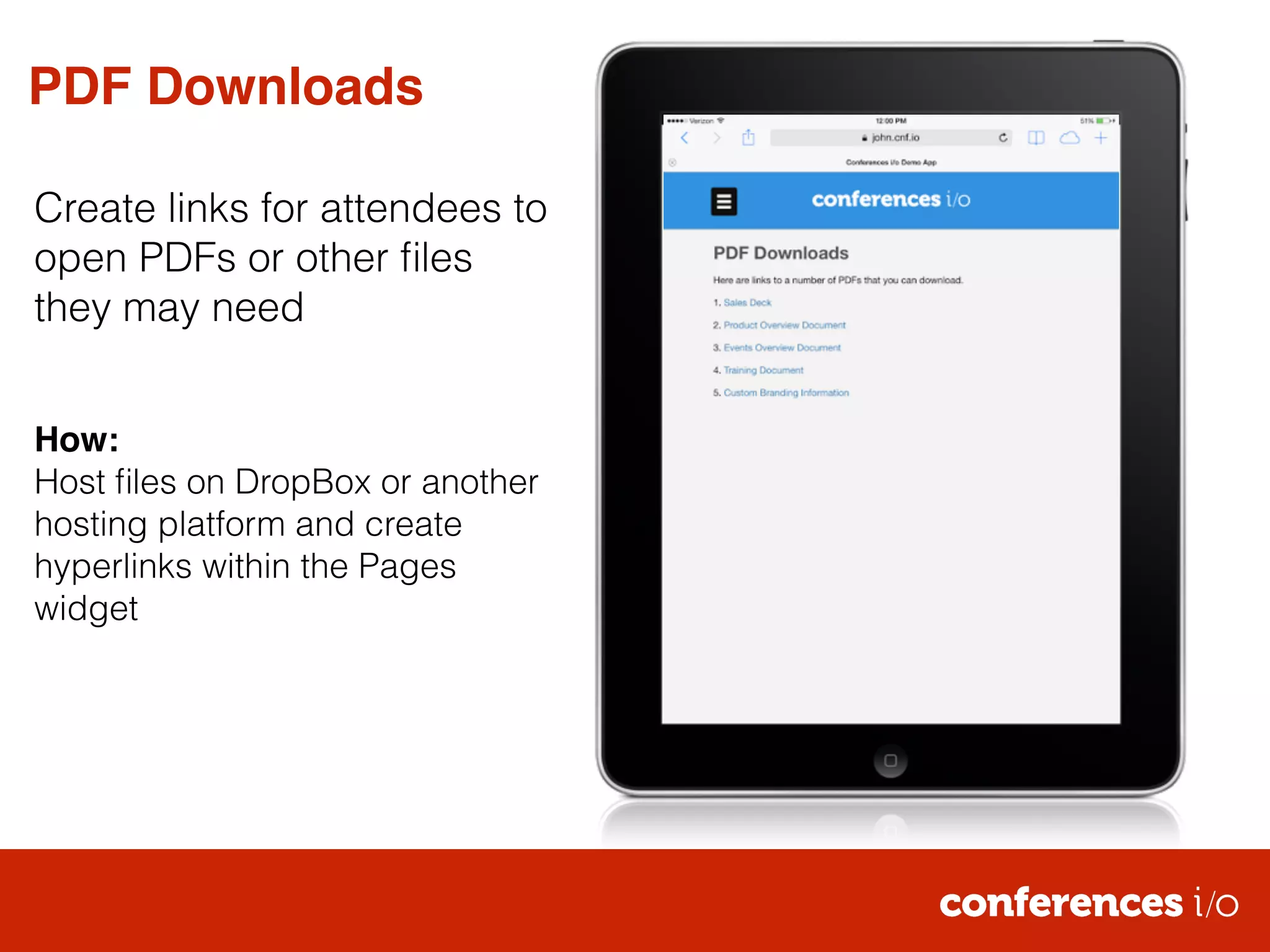
PDF Downloads 
Create links for attendees to 
open PDFs or other files 
they may need 
! 
! 
How:! 
Host files on DropBox or another 
hosting platform and create 
hyperlinks within the Pages 
widget
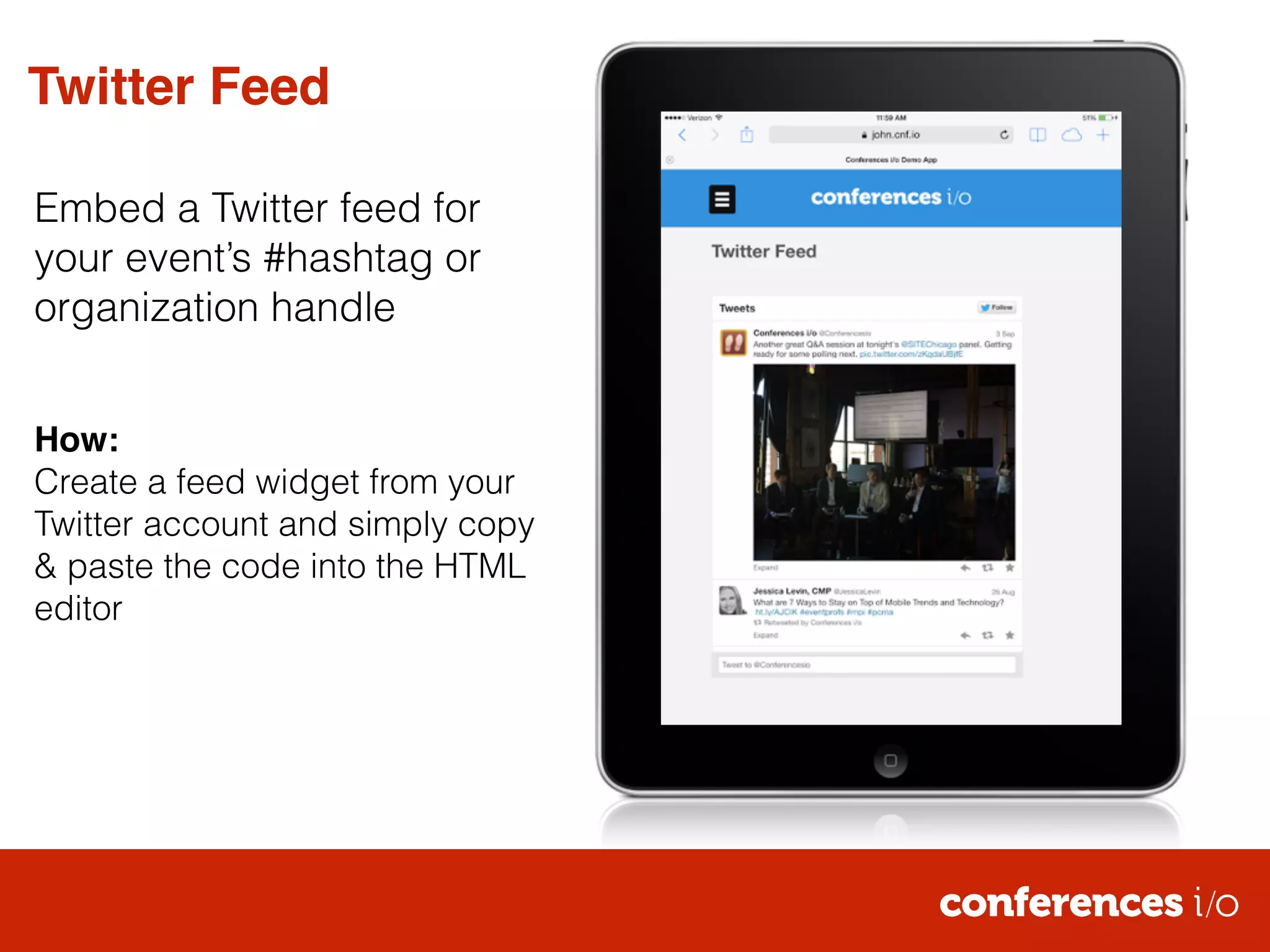
Twitter Feed 
Embed a Twitter feed for 
your event’s #hashtag or 
organization handle 
! 
! 
How:! 
Create a feed widget from your 
Twitter account and simply copy 
& paste the code into the HTML 
editor
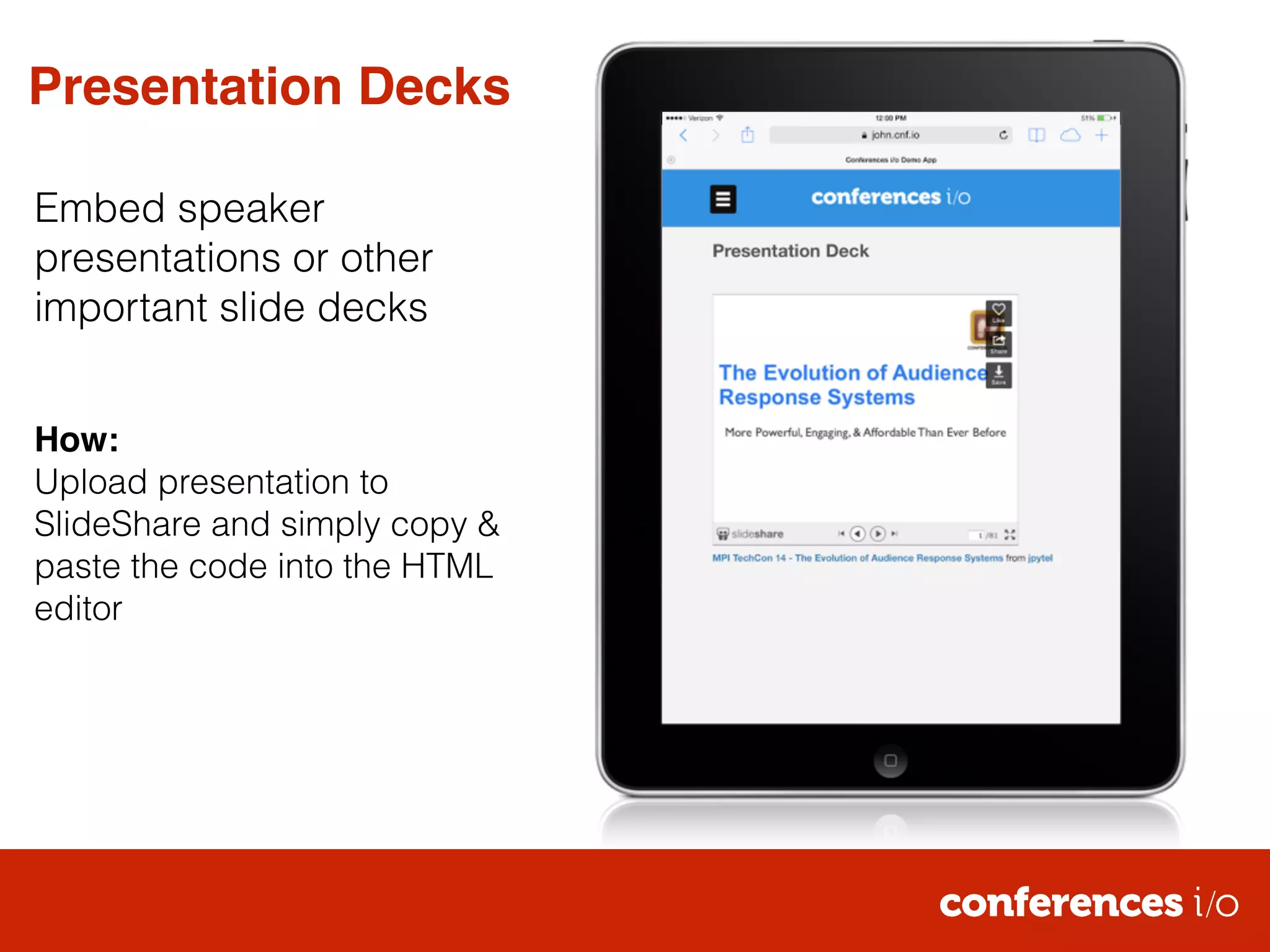
Presentation Decks 
Embed speaker 
presentations or other 
important slide decks 
! 
! 
How:! 
Upload presentation to 
SlideShare and simply copy & 
paste the code into the HTML 
editor
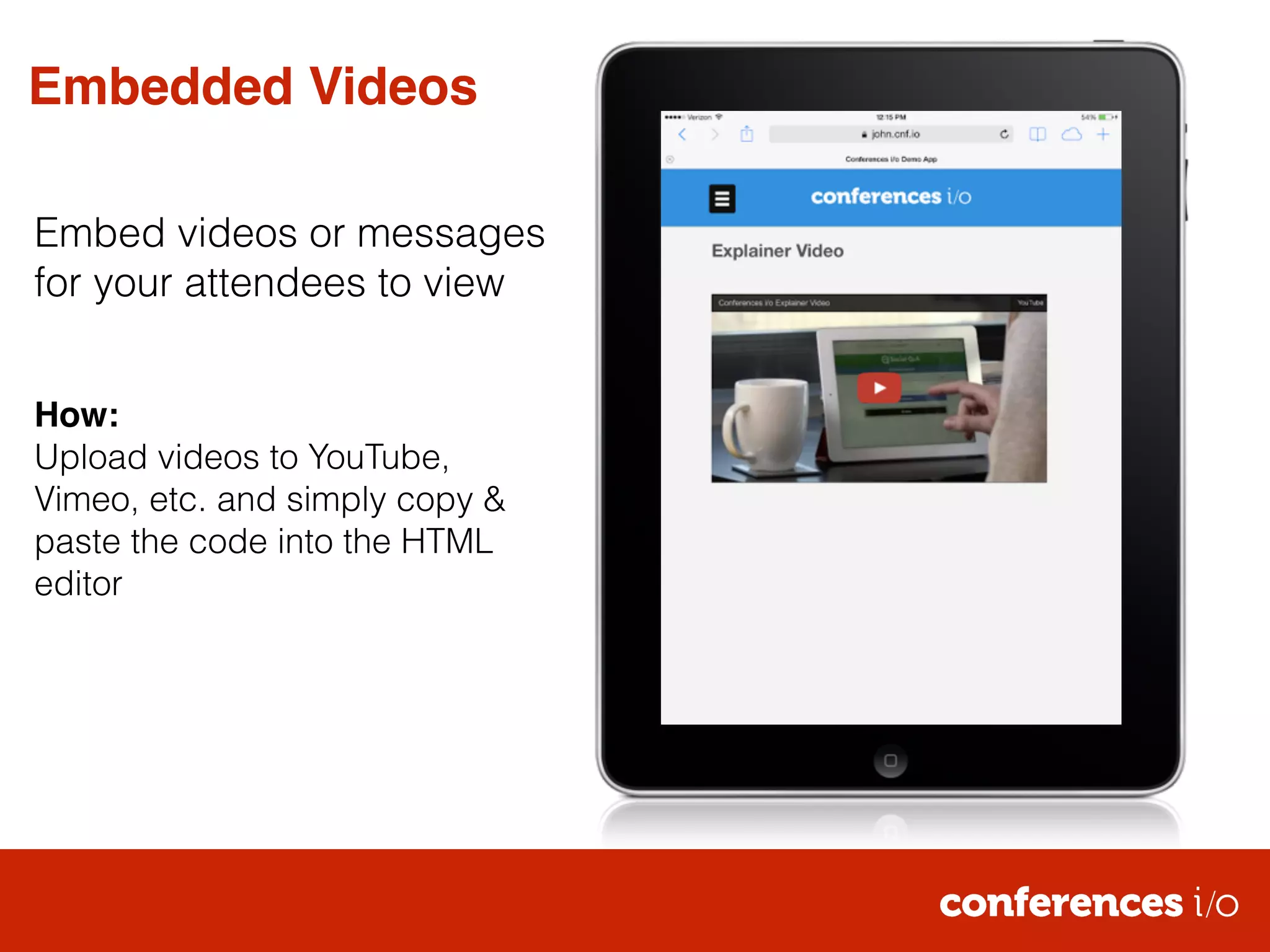
Embedded Videos 
Embed videos or messages 
for your attendees to view 
! 
! 
How:! 
Upload videos to YouTube, 
Vimeo, etc. and simply copy & 
paste the code into the HTML 
editor

Conferences i/o Pages Examples

  • 1.
  • 2.
    Speaker Bios Includebios and headshots for your event’s presenters ! ! How:! Type the content yourself, or even copy & paste from the event website.
  • 3.
    Contact Information Includephone numbers, email addresses, etc. in case attendees have questions or issues ! ! How:! Type the content yourself, or even copy & paste from the event website.
  • 4.
    Venue Information Includehelpful information about the event venue, hotel, or city in general ! How:! Type the content yourself, or even copy & paste from the event website.
  • 5.
    Venue Maps Displayvenue or exhibit hall maps so attendees don’t get lost ! ! How:! Use the image embedding button in the Pages widget and paste the URL where the image is hosted
  • 6.
    PDF Downloads Createlinks for attendees to open PDFs or other files they may need ! ! How:! Host files on DropBox or another hosting platform and create hyperlinks within the Pages widget
  • 7.
    Twitter Feed Embeda Twitter feed for your event’s #hashtag or organization handle ! ! How:! Create a feed widget from your Twitter account and simply copy & paste the code into the HTML editor
  • 8.
    Presentation Decks Embedspeaker presentations or other important slide decks ! ! How:! Upload presentation to SlideShare and simply copy & paste the code into the HTML editor
  • 9.
    Embedded Videos Embedvideos or messages for your attendees to view ! ! How:! Upload videos to YouTube, Vimeo, etc. and simply copy & paste the code into the HTML editor