CMS Revisions

   IT2032PA
Chapter 1
• Media Server Definition
• Streaming Media Definition
Chapter 2
• Hardware requirements – HDD, RAM
• Popular Codecs
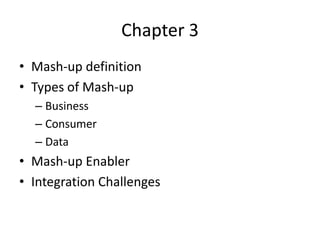
Chapter 3
• Mash-up definition
• Types of Mash-up
  – Business
  – Consumer
  – Data
• Mash-up Enabler
• Integration Challenges
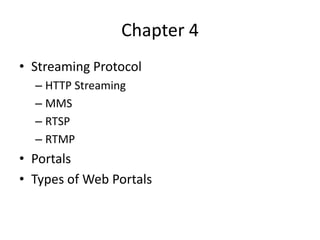
Chapter 4
• Streaming Protocol
  – HTTP Streaming
  – MMS
  – RTSP
  – RTMP
• Portals
• Types of Web Portals
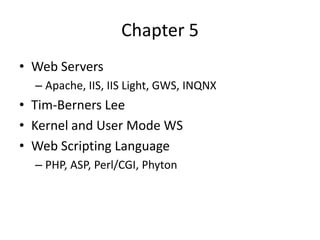
Chapter 5
• Web Servers
  – Apache, IIS, IIS Light, GWS, INQNX
• Tim-Berners Lee
• Kernel and User Mode WS
• Web Scripting Language
  – PHP, ASP, Perl/CGI, Phyton
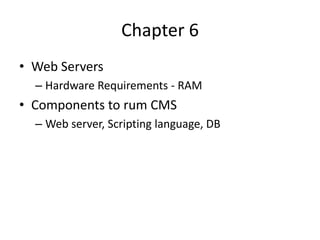
Chapter 6
• Web Servers
  – Hardware Requirements - RAM
• Components to rum CMS
  – Web server, Scripting language, DB
Chapter 7
•   What is CMS
•   Main features of CMS
•   CMS type of releases
•   Advantages and disadvantages of using CMS
Chapter 8
• Advantages and disadvantages of using
  proprietary and open source CMS
• Open Source CMS
  – Drupal, WordPress, Joomla, TYPO3
• Proprietary CMS
  – Adobe CQ, MS SharePoint
• Things to consider in choosing CMS
Chapter 9
• CMS Components
  – Modules
  – Templates
  – Plug-ins
  – Languages
  – Contact Form
  – Digital Images
  – Forum Structure and terminologies
  – Digital video and images
Chapter 10
• Key elements of design
  – xHTML, CSS
• Web Design Elements
• Digital Text Formats
  – Rtf, pdf, txt, doc, html
• Monitor resolution
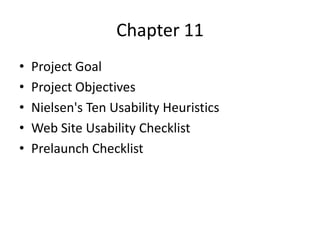
Chapter 11
•   Project Goal
•   Project Objectives
•   Nielsen's Ten Usability Heuristics
•   Web Site Usability Checklist
•   Prelaunch Checklist
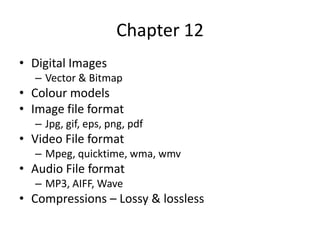
Chapter 12
• Digital Images
  – Vector & Bitmap
• Colour models
• Image file format
  – Jpg, gif, eps, png, pdf
• Video File format
  – Mpeg, quicktime, wma, wmv
• Audio File format
  – MP3, AIFF, Wave
• Compressions – Lossy & lossless
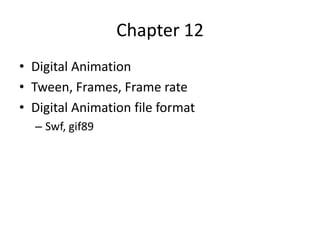
Chapter 12
• Digital Animation
• Tween, Frames, Frame rate
• Digital Animation file format
  – Swf, gif89
Chapter 13
• W3C
• Publish your website

Cms revisions

  • 1.
  • 2.
    Chapter 1 • MediaServer Definition • Streaming Media Definition
  • 3.
    Chapter 2 • Hardwarerequirements – HDD, RAM • Popular Codecs
  • 4.
    Chapter 3 • Mash-updefinition • Types of Mash-up – Business – Consumer – Data • Mash-up Enabler • Integration Challenges
  • 5.
    Chapter 4 • StreamingProtocol – HTTP Streaming – MMS – RTSP – RTMP • Portals • Types of Web Portals
  • 6.
    Chapter 5 • WebServers – Apache, IIS, IIS Light, GWS, INQNX • Tim-Berners Lee • Kernel and User Mode WS • Web Scripting Language – PHP, ASP, Perl/CGI, Phyton
  • 7.
    Chapter 6 • WebServers – Hardware Requirements - RAM • Components to rum CMS – Web server, Scripting language, DB
  • 8.
    Chapter 7 • What is CMS • Main features of CMS • CMS type of releases • Advantages and disadvantages of using CMS
  • 9.
    Chapter 8 • Advantagesand disadvantages of using proprietary and open source CMS • Open Source CMS – Drupal, WordPress, Joomla, TYPO3 • Proprietary CMS – Adobe CQ, MS SharePoint • Things to consider in choosing CMS
  • 10.
    Chapter 9 • CMSComponents – Modules – Templates – Plug-ins – Languages – Contact Form – Digital Images – Forum Structure and terminologies – Digital video and images
  • 11.
    Chapter 10 • Keyelements of design – xHTML, CSS • Web Design Elements • Digital Text Formats – Rtf, pdf, txt, doc, html • Monitor resolution
  • 12.
    Chapter 11 • Project Goal • Project Objectives • Nielsen's Ten Usability Heuristics • Web Site Usability Checklist • Prelaunch Checklist
  • 13.
    Chapter 12 • DigitalImages – Vector & Bitmap • Colour models • Image file format – Jpg, gif, eps, png, pdf • Video File format – Mpeg, quicktime, wma, wmv • Audio File format – MP3, AIFF, Wave • Compressions – Lossy & lossless
  • 14.
    Chapter 12 • DigitalAnimation • Tween, Frames, Frame rate • Digital Animation file format – Swf, gif89
  • 15.
    Chapter 13 • W3C •Publish your website