IT2032PA
Content Management
   System (CMS)
 Nitec in Social Media & Web Technology
Proprietary & Open Source CMS
In this chapter, you will learn:
  o Identify a few notable proprietary list of CMS
  o Identify a few notable open source list of CMS
  o Identify the appropriate CMS in accordance to
    user specifications
Proprietary CMS
Benefits:
  o Support
     • you will have access to a team who knows the CMS code
       inside and out


  o Setup
     • Hire a 3rd party company offering the CMS setup
Proprietary CMS
Drawbacks:
  o Licensing Fees
     • pay a licensing fee or at least setup fee


  o Tied to proprietary developer
     • rely on the company to create upgrades and new features


  o Developer feeds
     • support is readily available but with a price
Popular Proprietary CMS
Adobe® CQ
 o foundation of the Adobe Web Experience
   Management (WEM) solution
 o provides digital marketers with easy-to-use web-
   based applications
 o provides integration with of Adobe Digital
   Marketing Suite
Popular Proprietary CMS
Microsoft SharePoint
  o typically associated with web and doc mgt systems
  o much broader platform of web technologies,
  o capable of being configured to suit a wide range of
    solution areas
  o designed as a central application platform for
    common enterprise web requirements
Popular Proprietary CMS
IBM Enterprise Content Management
  o It strength lies on:
  • Advanced case               • Defensible disposal,
    management,                 • Document management,
  • Document imaging and        • eDiscovery,
    capture,                    • Enterprise report
  • Social content                management,
    management,                 • Enterprise search,
  • Content Analytics,          • Records and retention
                                  management
  • Information lifecycle
    governance,
  • Archiving Classification,
Open Source CMS
The most popular Open Source CMS run on
PHP (a scripting language well-suit for web
development that can be imbedded into HTML)

Open source (OS) programs can be used by
anyone for any purpose and do not require you
to purchase a license
Open Source CMS
Benefits
  o Cheaper;
  o No license fees,
  o No fees for upgrades,
  o No contracts to sign
  o No long-term commitments.
Open Source CMS
Benefits
  o Best benefit: They practically work "right out of the
    box."
  o Countless free modules, plugins, and
    complimentary tools
  o Countless free themes (skins)
  o simple to optimize for search engines
Popular Open Source CMS
Drupal
  A free and open-source content management system
  (CMS) and content management framework (CMF)
  o used as a back-end system for at least 1.5% of all
    websites worldwide
  o used for knowledge management and business
    collaboration
  o Org that uses Drupal
     • AT&T, McDonald's, Duke and Standford Universities,
       Symantic, Fiju, Linux Foundation
Popular Open Source CMS
Joomla!
  A free and open source content management framework
  (CMF) for publishing content on the WWW and intranets
  o Written in PHP
  o uses object-oriented programming (OOP)
    techniques
  o stores data in a MySQL
  o Org that uses Drupal
     • AT&T, McDonald's, Duke and Standford Universities,
       Symantic, Fiju, Linux Foundation
Popular Open Source CMS
Joomla!
  A free and open source content management framework
  (CMF) for publishing content on the WWW and intranets
  o Written in PHP
  o uses object-oriented programming (OOP)
    techniques
  o stores data in a MySQL
  o Org that uses Joomla!
     • Olympus, Porsche, Sprint and Vodafone
Popular Open Source CMS
Joomla!
  o   Includes features such as:
  o   page caching,
  o   RSS feeds,
  o   printable versions of pages,
  o   news flashes,
  o   blogs,
  o   polls,
  o   search,
  o   support for language internationalization
Popular Open Source CMS
WordPress
  A free and open source blogging tool and a dynamic
  CMS based on PHP and MySQL.
  o features such as plug-in architecture and a
    template system
  o most popular CMS in use for personal websites,
    blogs, small businesses
  o Companies that use WordPress :
     • About.com, Ford, People Magazine, Sony, CNN, eBay,
       Wired, and even Yahoo!
Popular Open Source CMS
TYPO3
 is suitable for enterprise websites and for intranets.
 o can be extended through extra ready-made
   modules
 o design of is template-based
 o webmaster can create templates using TypoScript.
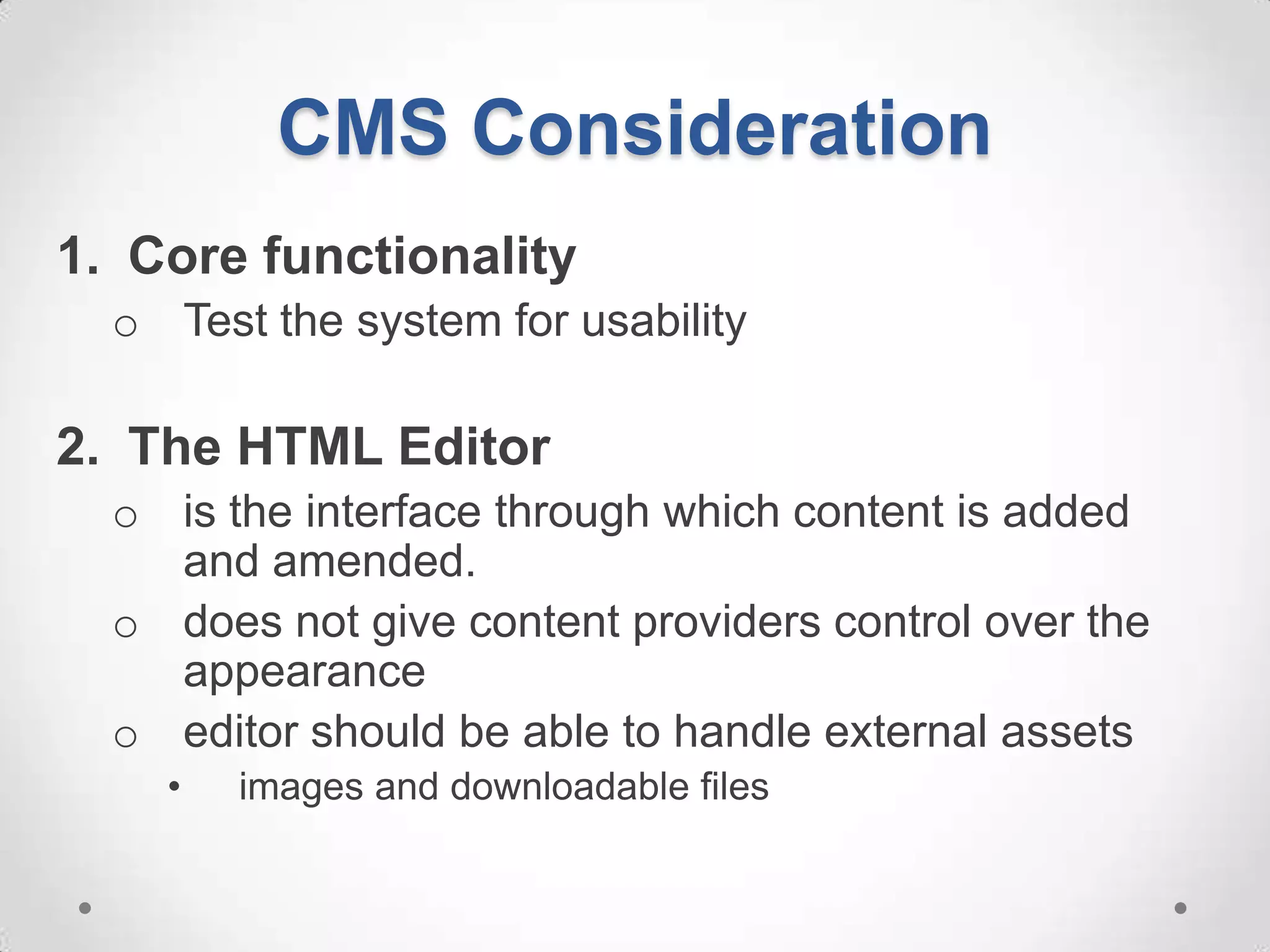
CMS Consideration
1. Core functionality
  o Test the system for usability

2. The HTML Editor
  o is the interface through which content is added
    and amended.
  o does not give content providers control over the
    appearance
  o editor should be able to handle external assets
    •   images and downloadable files
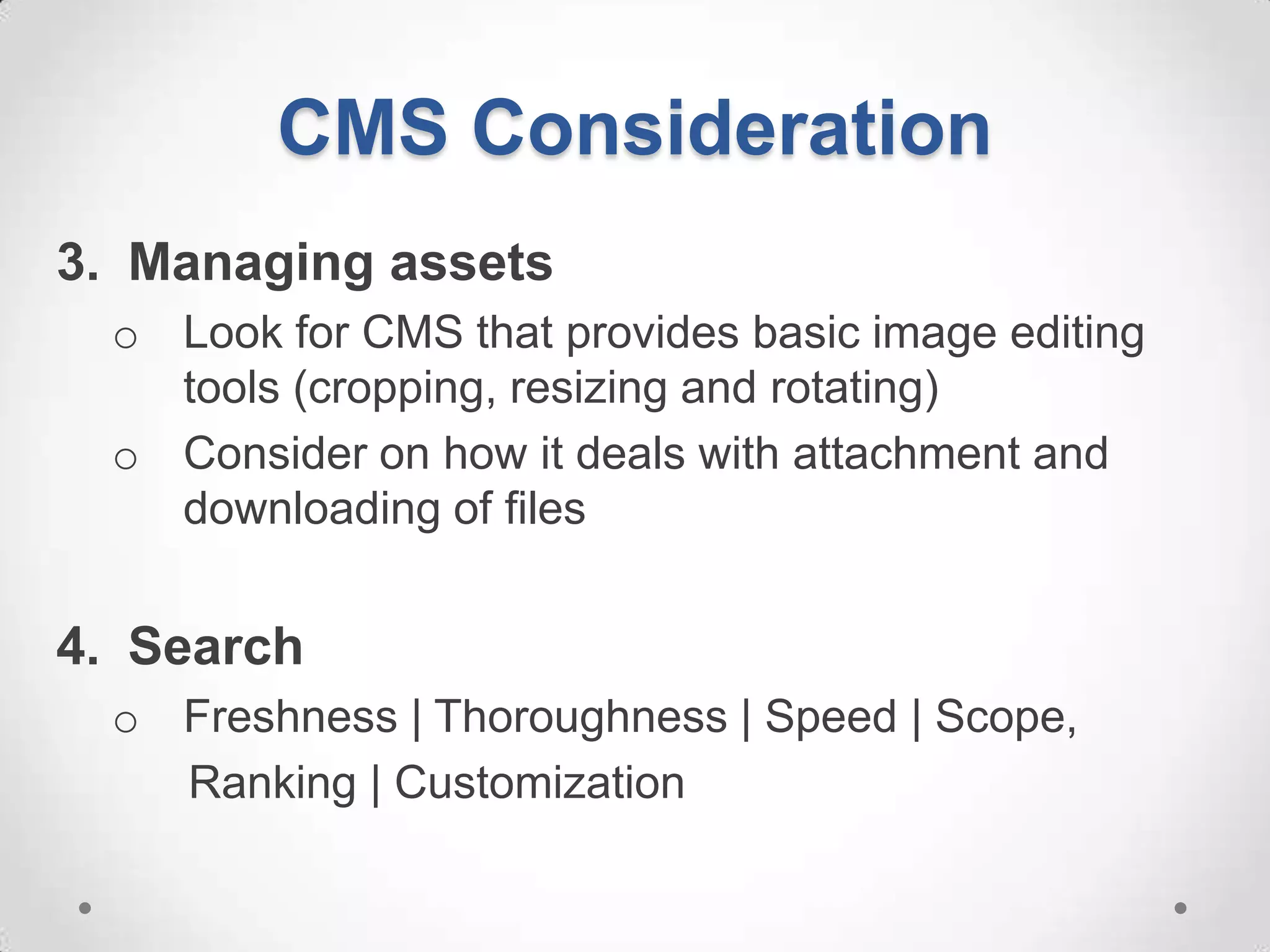
CMS Consideration
3. Managing assets
  o Look for CMS that provides basic image editing
    tools (cropping, resizing and rotating)
  o Consider on how it deals with attachment and
    downloading of files


4. Search
  o Freshness | Thoroughness | Speed | Scope,
    Ranking | Customization
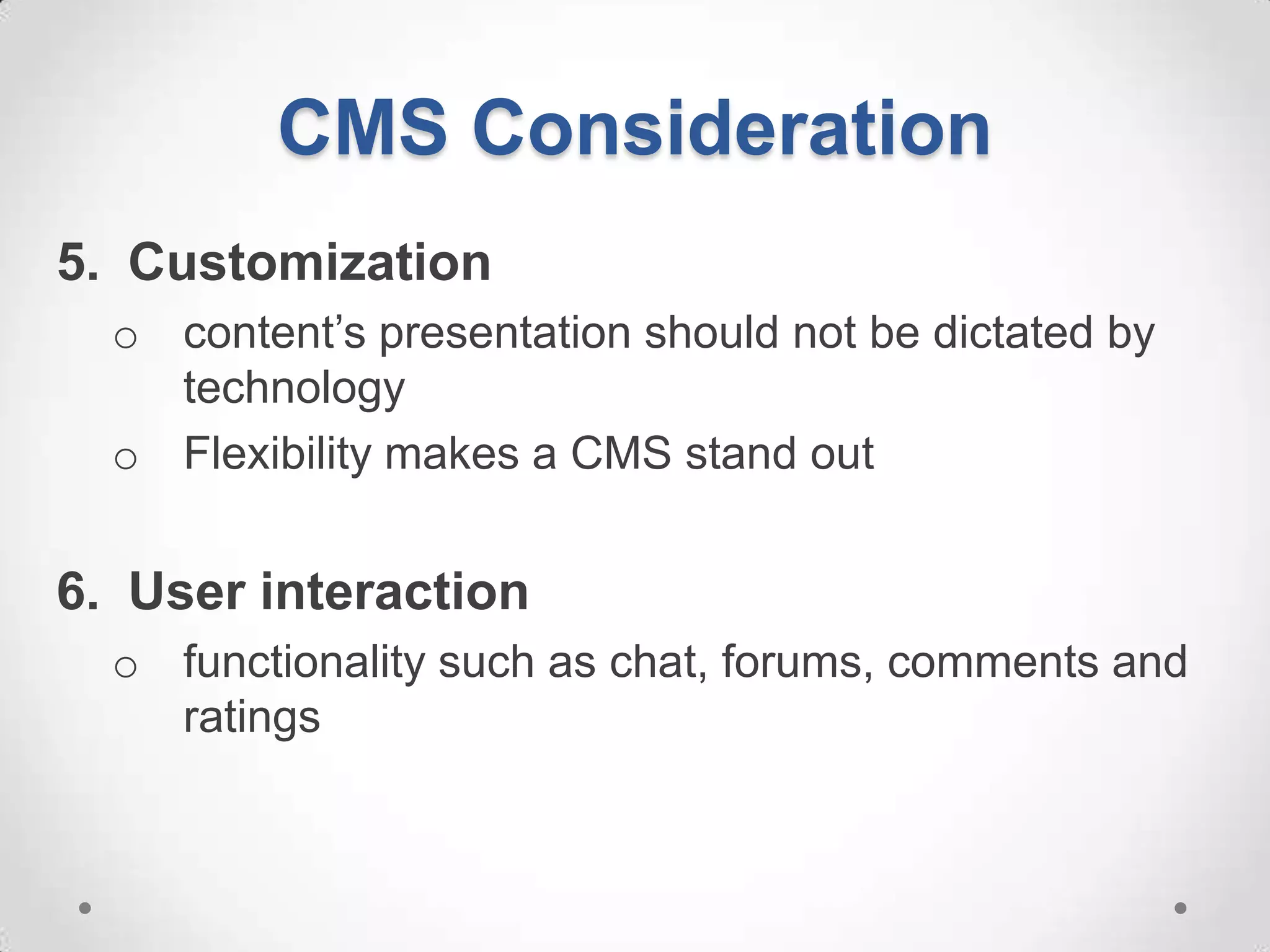
CMS Consideration
5. Customization
  o content’s presentation should not be dictated by
    technology
  o Flexibility makes a CMS stand out


6. User interaction
  o functionality such as chat, forums, comments and
    ratings
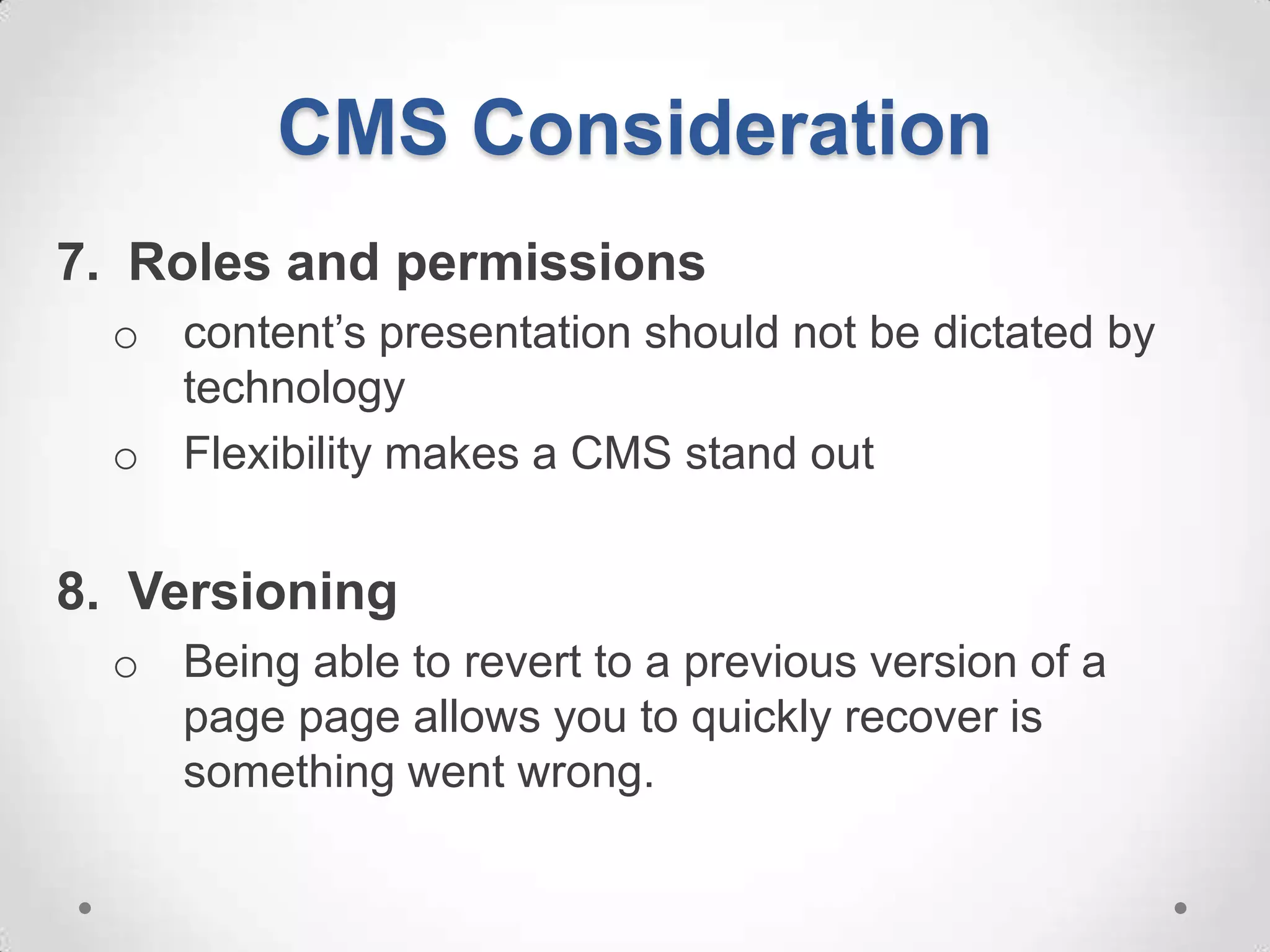
CMS Consideration
7. Roles and permissions
  o content’s presentation should not be dictated by
    technology
  o Flexibility makes a CMS stand out


8. Versioning
  o Being able to revert to a previous version of a
    page page allows you to quickly recover is
    something went wrong.
CMS Consideration
9. Multiple website support
  o having the flexibility to run multiple websites is
    important


10.Multilingual support
  o ability to add multiple languages

08.m3 cms cms-proprietary&open-src

  • 1.
    IT2032PA Content Management System (CMS) Nitec in Social Media & Web Technology
  • 2.
    Proprietary & OpenSource CMS In this chapter, you will learn: o Identify a few notable proprietary list of CMS o Identify a few notable open source list of CMS o Identify the appropriate CMS in accordance to user specifications
  • 3.
    Proprietary CMS Benefits: o Support • you will have access to a team who knows the CMS code inside and out o Setup • Hire a 3rd party company offering the CMS setup
  • 4.
    Proprietary CMS Drawbacks: o Licensing Fees • pay a licensing fee or at least setup fee o Tied to proprietary developer • rely on the company to create upgrades and new features o Developer feeds • support is readily available but with a price
  • 5.
    Popular Proprietary CMS Adobe®CQ o foundation of the Adobe Web Experience Management (WEM) solution o provides digital marketers with easy-to-use web- based applications o provides integration with of Adobe Digital Marketing Suite
  • 6.
    Popular Proprietary CMS MicrosoftSharePoint o typically associated with web and doc mgt systems o much broader platform of web technologies, o capable of being configured to suit a wide range of solution areas o designed as a central application platform for common enterprise web requirements
  • 7.
    Popular Proprietary CMS IBMEnterprise Content Management o It strength lies on: • Advanced case • Defensible disposal, management, • Document management, • Document imaging and • eDiscovery, capture, • Enterprise report • Social content management, management, • Enterprise search, • Content Analytics, • Records and retention management • Information lifecycle governance, • Archiving Classification,
  • 8.
    Open Source CMS Themost popular Open Source CMS run on PHP (a scripting language well-suit for web development that can be imbedded into HTML) Open source (OS) programs can be used by anyone for any purpose and do not require you to purchase a license
  • 9.
    Open Source CMS Benefits o Cheaper; o No license fees, o No fees for upgrades, o No contracts to sign o No long-term commitments.
  • 10.
    Open Source CMS Benefits o Best benefit: They practically work "right out of the box." o Countless free modules, plugins, and complimentary tools o Countless free themes (skins) o simple to optimize for search engines
  • 11.
    Popular Open SourceCMS Drupal A free and open-source content management system (CMS) and content management framework (CMF) o used as a back-end system for at least 1.5% of all websites worldwide o used for knowledge management and business collaboration o Org that uses Drupal • AT&T, McDonald's, Duke and Standford Universities, Symantic, Fiju, Linux Foundation
  • 12.
    Popular Open SourceCMS Joomla! A free and open source content management framework (CMF) for publishing content on the WWW and intranets o Written in PHP o uses object-oriented programming (OOP) techniques o stores data in a MySQL o Org that uses Drupal • AT&T, McDonald's, Duke and Standford Universities, Symantic, Fiju, Linux Foundation
  • 13.
    Popular Open SourceCMS Joomla! A free and open source content management framework (CMF) for publishing content on the WWW and intranets o Written in PHP o uses object-oriented programming (OOP) techniques o stores data in a MySQL o Org that uses Joomla! • Olympus, Porsche, Sprint and Vodafone
  • 14.
    Popular Open SourceCMS Joomla! o Includes features such as: o page caching, o RSS feeds, o printable versions of pages, o news flashes, o blogs, o polls, o search, o support for language internationalization
  • 15.
    Popular Open SourceCMS WordPress A free and open source blogging tool and a dynamic CMS based on PHP and MySQL. o features such as plug-in architecture and a template system o most popular CMS in use for personal websites, blogs, small businesses o Companies that use WordPress : • About.com, Ford, People Magazine, Sony, CNN, eBay, Wired, and even Yahoo!
  • 16.
    Popular Open SourceCMS TYPO3 is suitable for enterprise websites and for intranets. o can be extended through extra ready-made modules o design of is template-based o webmaster can create templates using TypoScript.
  • 17.
    CMS Consideration 1. Corefunctionality o Test the system for usability 2. The HTML Editor o is the interface through which content is added and amended. o does not give content providers control over the appearance o editor should be able to handle external assets • images and downloadable files
  • 18.
    CMS Consideration 3. Managingassets o Look for CMS that provides basic image editing tools (cropping, resizing and rotating) o Consider on how it deals with attachment and downloading of files 4. Search o Freshness | Thoroughness | Speed | Scope, Ranking | Customization
  • 19.
    CMS Consideration 5. Customization o content’s presentation should not be dictated by technology o Flexibility makes a CMS stand out 6. User interaction o functionality such as chat, forums, comments and ratings
  • 20.
    CMS Consideration 7. Rolesand permissions o content’s presentation should not be dictated by technology o Flexibility makes a CMS stand out 8. Versioning o Being able to revert to a previous version of a page page allows you to quickly recover is something went wrong.
  • 21.
    CMS Consideration 9. Multiplewebsite support o having the flexibility to run multiple websites is important 10.Multilingual support o ability to add multiple languages