By-Pankaj Kandpal
CS 3rd Year
Roll No.-0936310078
 What

is Cloud Computing?
 Why Cloud computing?
 Cloud Anatomy
 Security & Safety
 Life in Cloud
 Work in Cloud
 Conclusion
Definitions:
“Cloud computing is a general
term for anything that involves delivering
hosted services over the internet.”
“Cloud computing is Internet-based
computing, whereby shared resources,
software, and information are provided to
computers and other devices on demand,
like the electricity grid.”






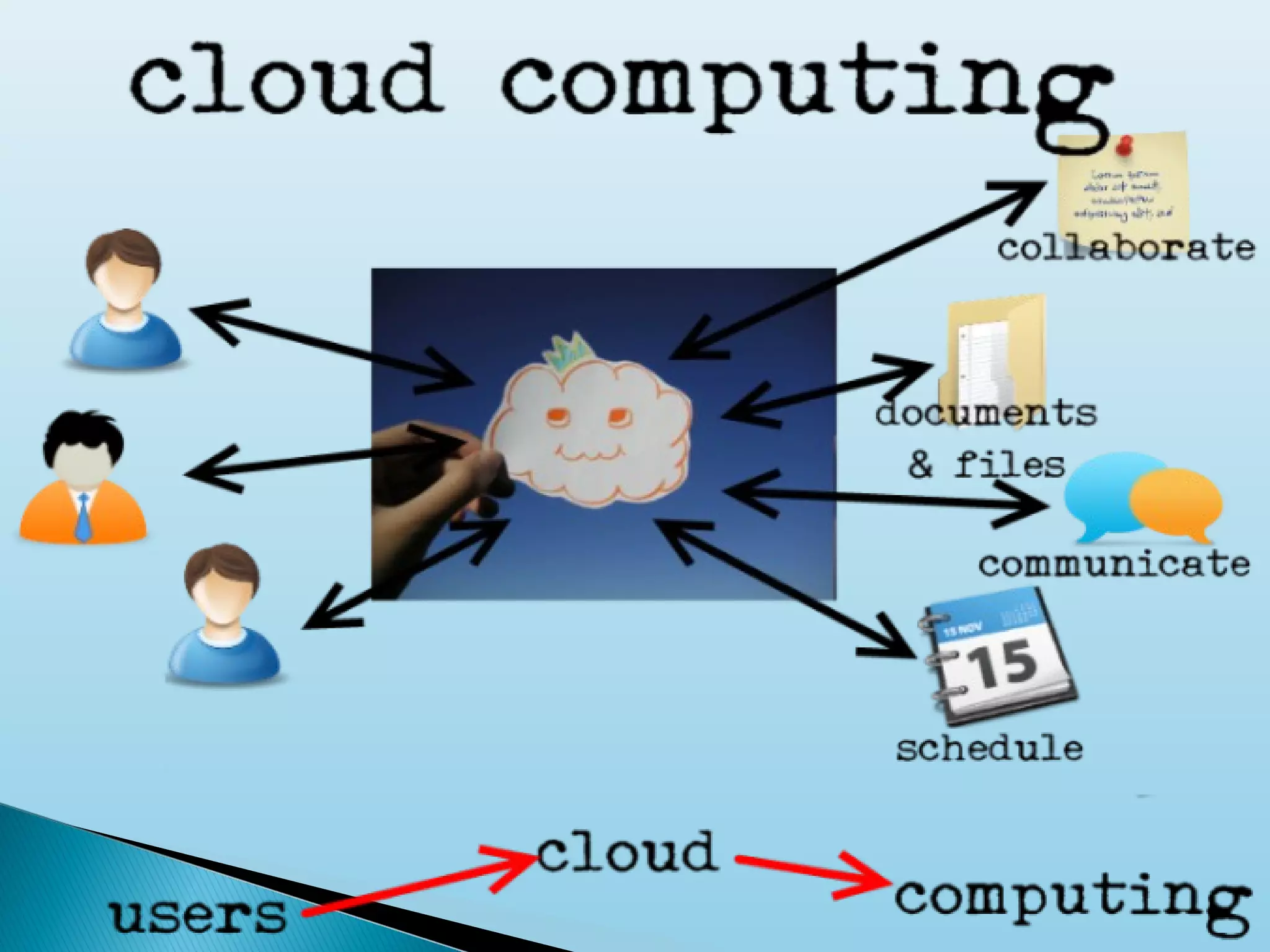
In short ,taking onus away from the individual’s
personal computer and placing the resources that
provide the service remotely.
In many Firms therefore the “cloud” is a shorthand for
the company’s central network servers and services
they provide.
This is contrast to traditional “desktop” computing
where the applications we use and documents we
create are largely stored on a single machine in our
homes.
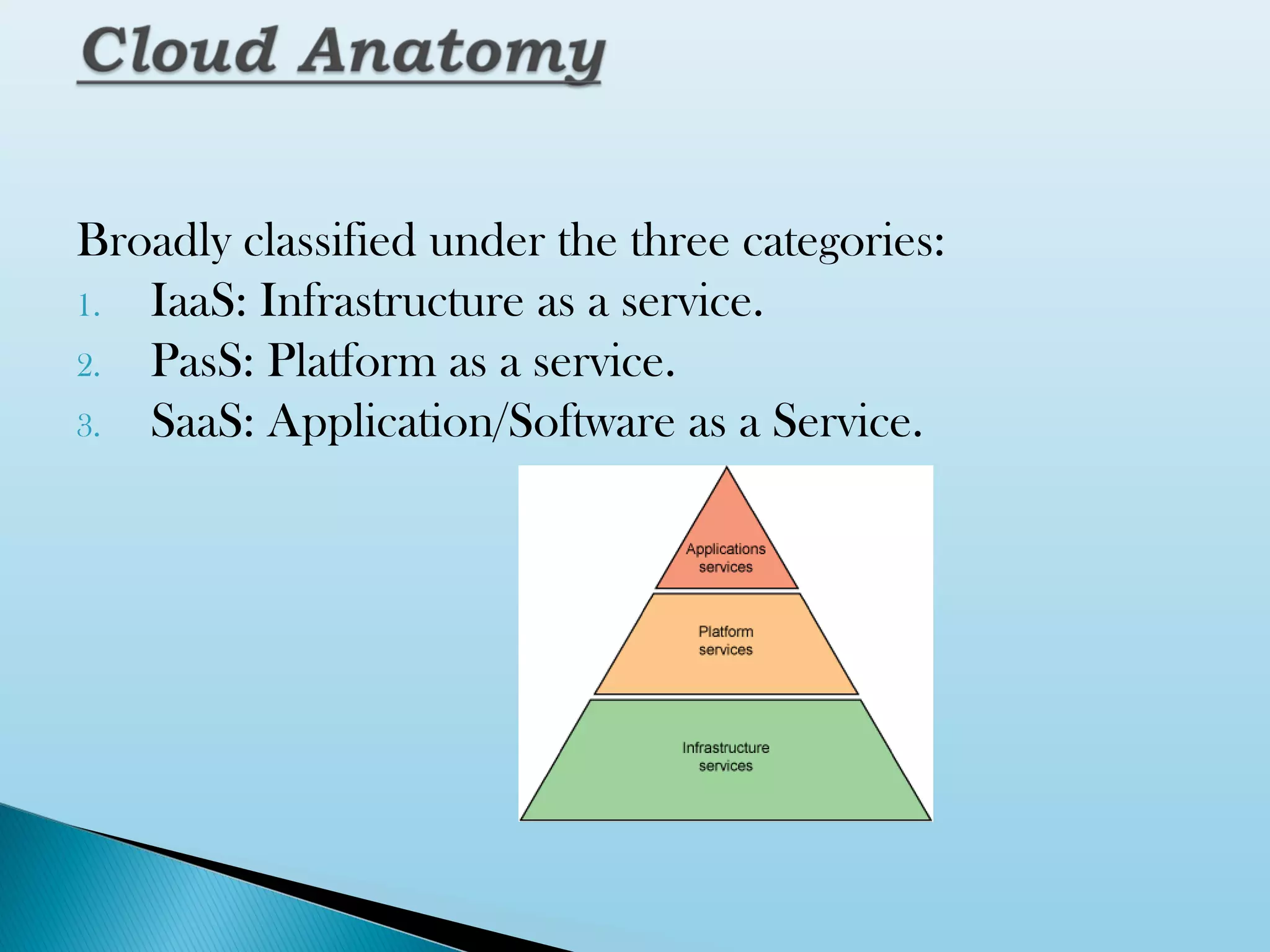
Broadly classified under the three categories:
1. IaaS: Infrastructure as a service.
2. PasS: Platform as a service.
3. SaaS: Application/Software as a Service.


Cloud infrastructure services or "Infrastructure as a
Service (IaaS)" delivers computer infrastructure, typically
a platform virtualization environment as a service.
Rather than purchasing servers, software, data center
space or network equipment, clients instead buy those
resources as a fully outsourced service.

Benefits to the clients:

 1. Stop worrying about heavy traffic and bandwidth requirements.
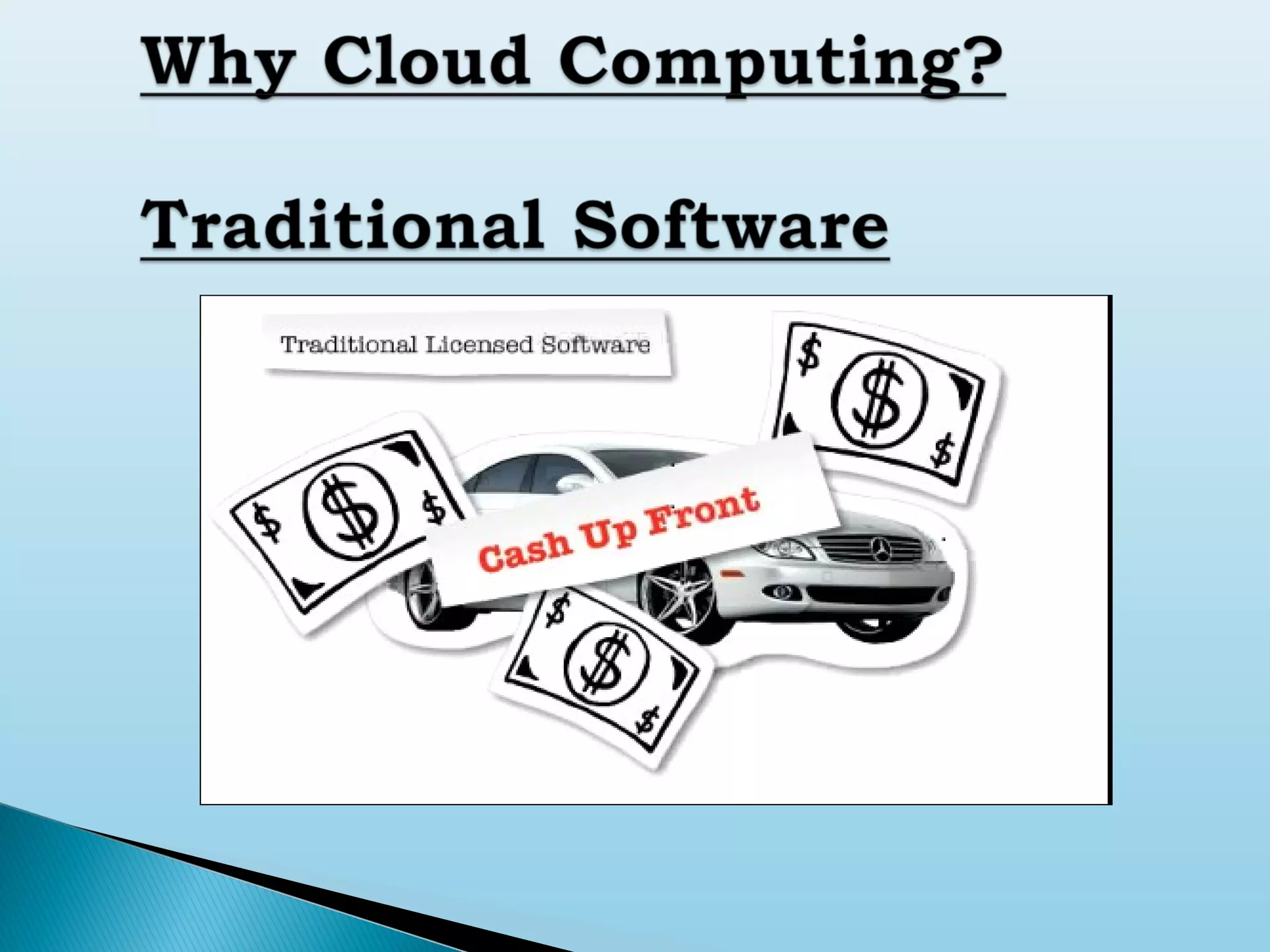
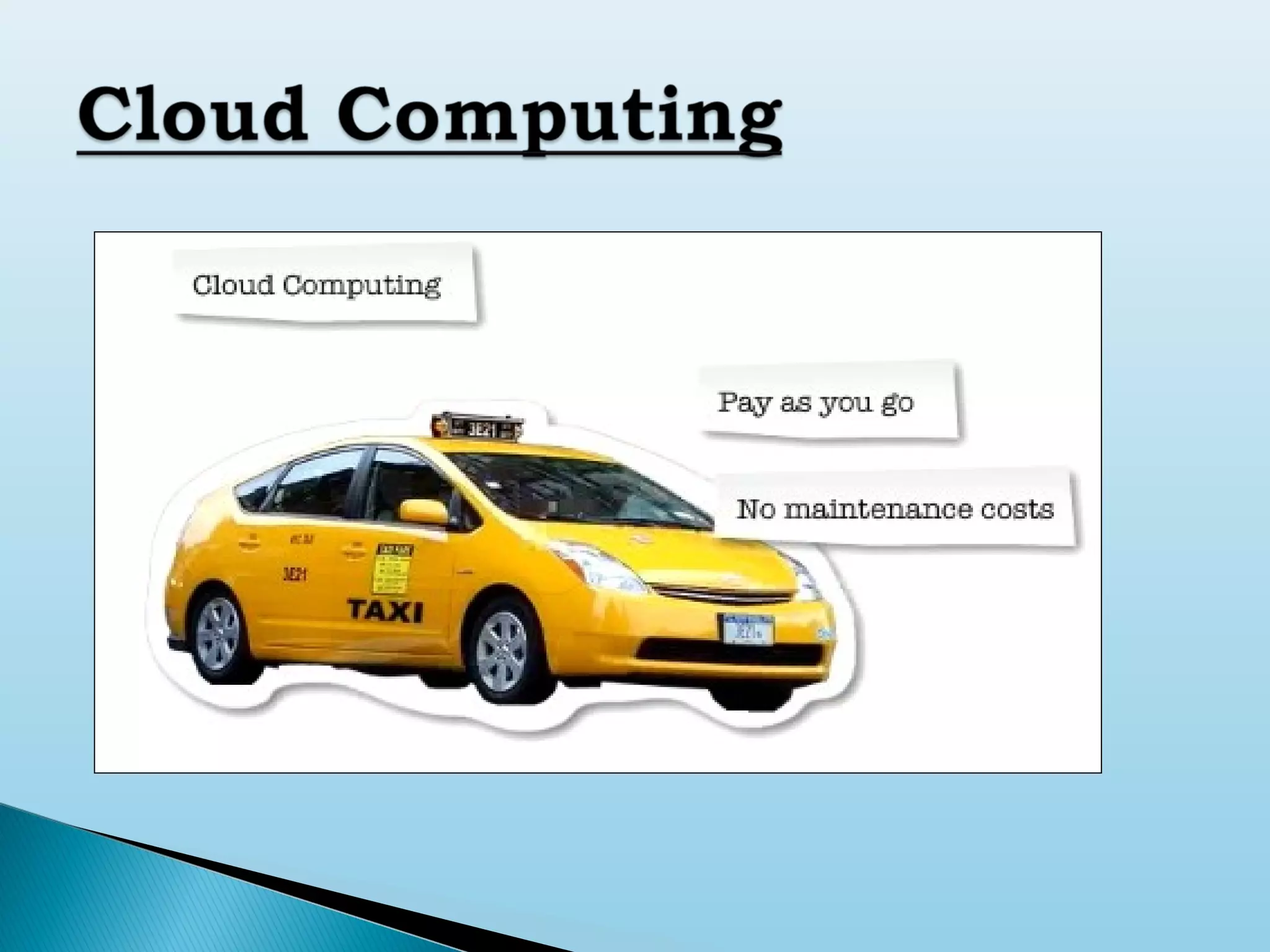
 2. Pay as you go.
 3. No need to buy high configuration servers from day one.
 4. Low maintenance.


Platform-as-a-service in the cloud is defined as a
set of software and
product development tools hosted on the
provider’s infrastructure.



Developers create applications on the provider’s
platform over the
Internet.



PaaS providers may use APIs, website portals
or gateway software installed on the customer’s
computer, GoogleApps are examples of PaaS.




In the software-as-a-service cloud model, the
vendor supplies the hardware infrastructure, the
software product and interacts with the user through a
front-end portal.

Services can be anything from Web-based email to
inventory control and database processing. Because the
service provider hosts both the application and the data,
the end user is free to use the service from anywhere.
There are several successful SaaS model running all
over the web.

Example: Gmail, Google Calender


Public Cloud: the services are delivered to the
client via the Internet from a third party service
provider.
Example: Amazon



Private Cloud: these services are managed and
provided within the organization. There are less
restriction on network bandwidth, fewer security
exposures and other legal requirements compared to
the public Cloud.
Example: HP Data Centers
Read news and emails from anywhere.
 Edit and crop your photos.
 Listen to your favorite tunes.
 Collaboratively write and edit documents.
 Host a web conference.
 Record music online.
 Find your way around.

Wherever and however you store your precious
data, there are going to be issues of security.
 Even if you choose to store all your emails,
addresses,financial records and the like on your
home pc, there is a danger that it
might be stolen or hacked into from the web.
 By the same token migrating your data to cloud
has its risks.
 The good news is that with a bit of commonsense
you should be able to stay safe online.

Keep your system up to date.
 Don’t run dodgy software.
 Hide behind a firewall.
 Scan regularly.
 Enable wireless security.
 Consider switching browser and mail program.
 Secure your connections.
 Don’t respond to spams.
 Beware the phishermem.



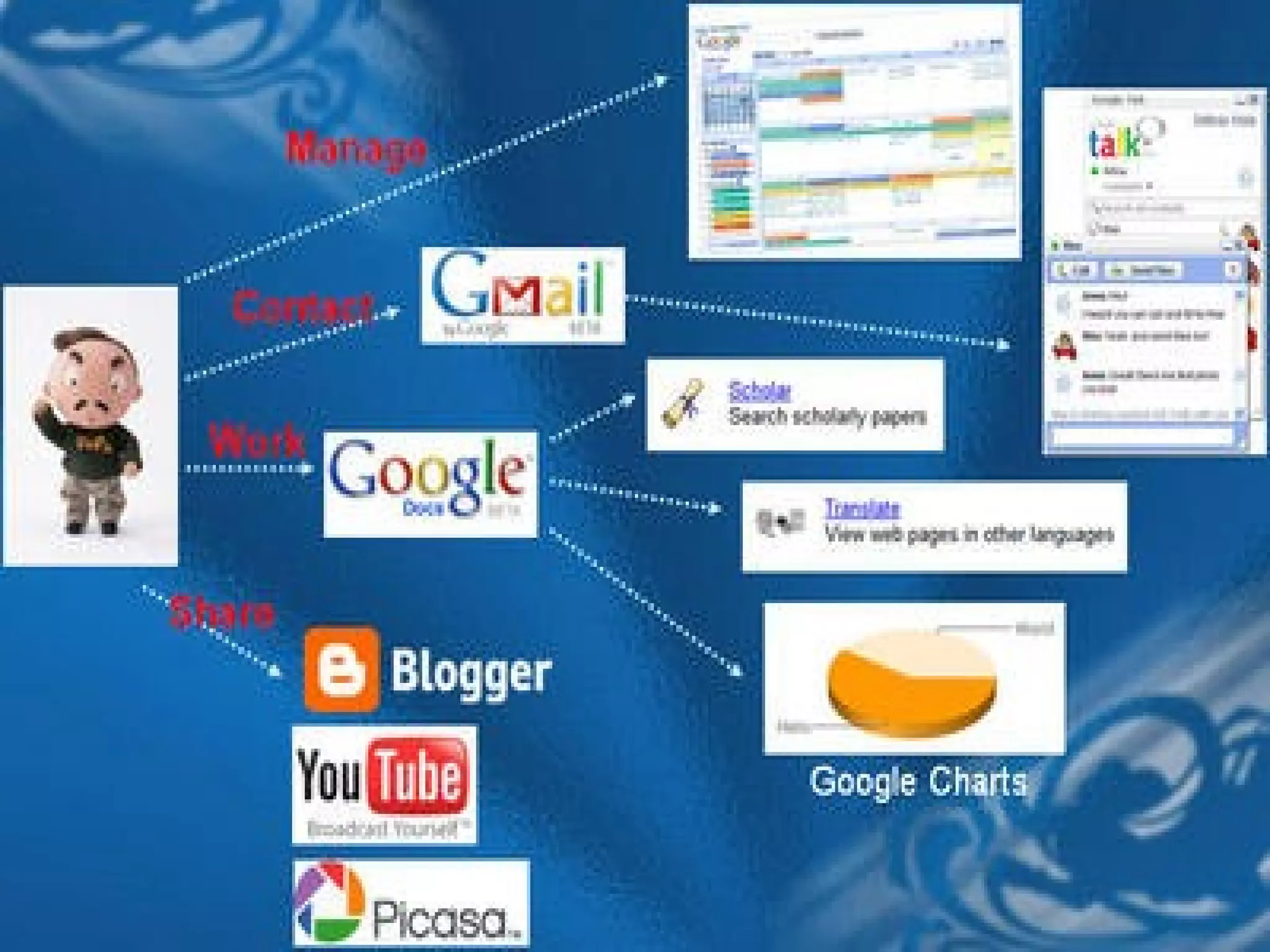
Email and Communication is probably the one
area of cloud computing that you are already
using without even knowing it.



We can stay in Touch by using one of these cloud
services...


The advantage of signing up with web based
email service is that they don’t tie you to your
internet provider.



Gmail provides so much of online storage that we
can leave our emails permanently online as well
as downloading them to an email program on your
Mac or PC.






Known as VoIP client ; in other words ,it makes phone
calls via the internet .
We can use skype account to make free
computer
to computer phone calls-with or without video to anyone
anywhere in the world, who has also a skype account, it
also provides instant messaging from desktop or mobile.
We can also pay to call regular landlines and mobile
phones, potentially it can slash our phone bills, especially
if you regularly call long distances.

1.

2.



Google Calendar
Provides excellent search feature for quickly tracking
down appointments by keyword.
As well as the regular calendar views there is a very
useful “Agenda” view ,which displays all your
appointments as a scrollable chronological list.

Yahoo also provides this facility which helps in
event scheduling and better organizing your life.





Does everything you would expect it to do.
We can edit and add contacts, and associate photos
with individual entries, just as you might with the
desktop client you use on your mac or PC.
Other useful features of Google contacts include
ability to click straight through from an address to a
Google map of the location and the fact that
whenever you send email to someone new they are
automatically added to your contact list.
Once you start using to-do lists you’ll wonder
how you ever managed without one.
 Online to-do lists are eminently flexible and
really can take on the role of a virtual
personal assistant.
 There are several websites provides this
facility like:
1. rememberthemilk.com
2. Todoist.com and many more...



Provides the basis for storing all your documents
and file, folders available from anywhere through
Internet.

There are several online storage providers:
1. mesh.com
2. sugarsync.com
3. wuala.com and many more...




Many of them gives free space for trial phase .
Cloud computing scheme provides Online
Desktops.
 It also provides office suites and tools.
 Provides photos storage and editing.
1. pixlr.com
2. photoshop.com
 We can also make notes & maintain scrapbooks.
1. evernote.com
2. springnote.com












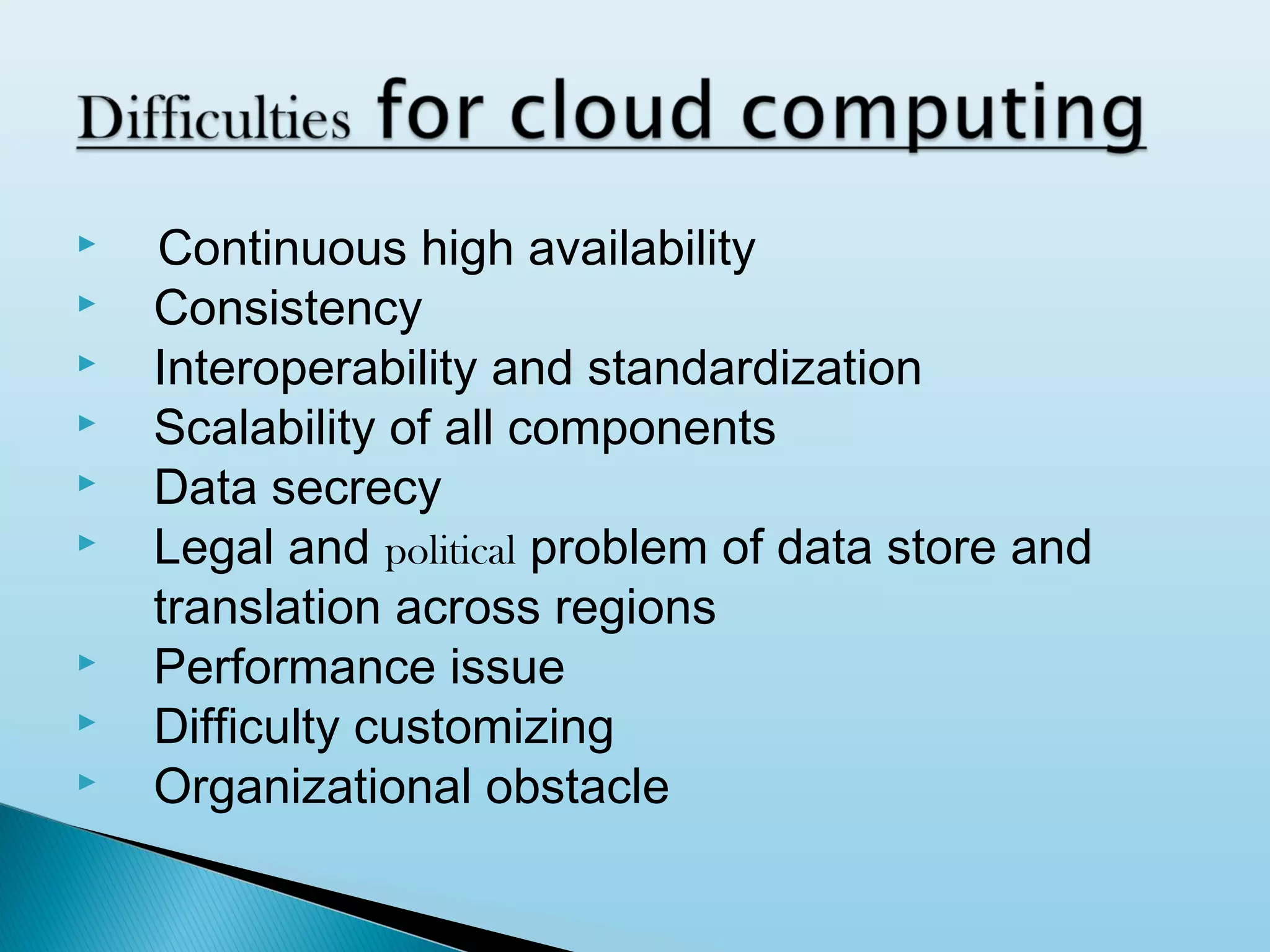
Continuous high availability
Consistency
Interoperability and standardization
Scalability of all components
Data secrecy
Legal and political problem of data store and
translation across regions
Performance issue
Difficulty customizing
Organizational obstacle
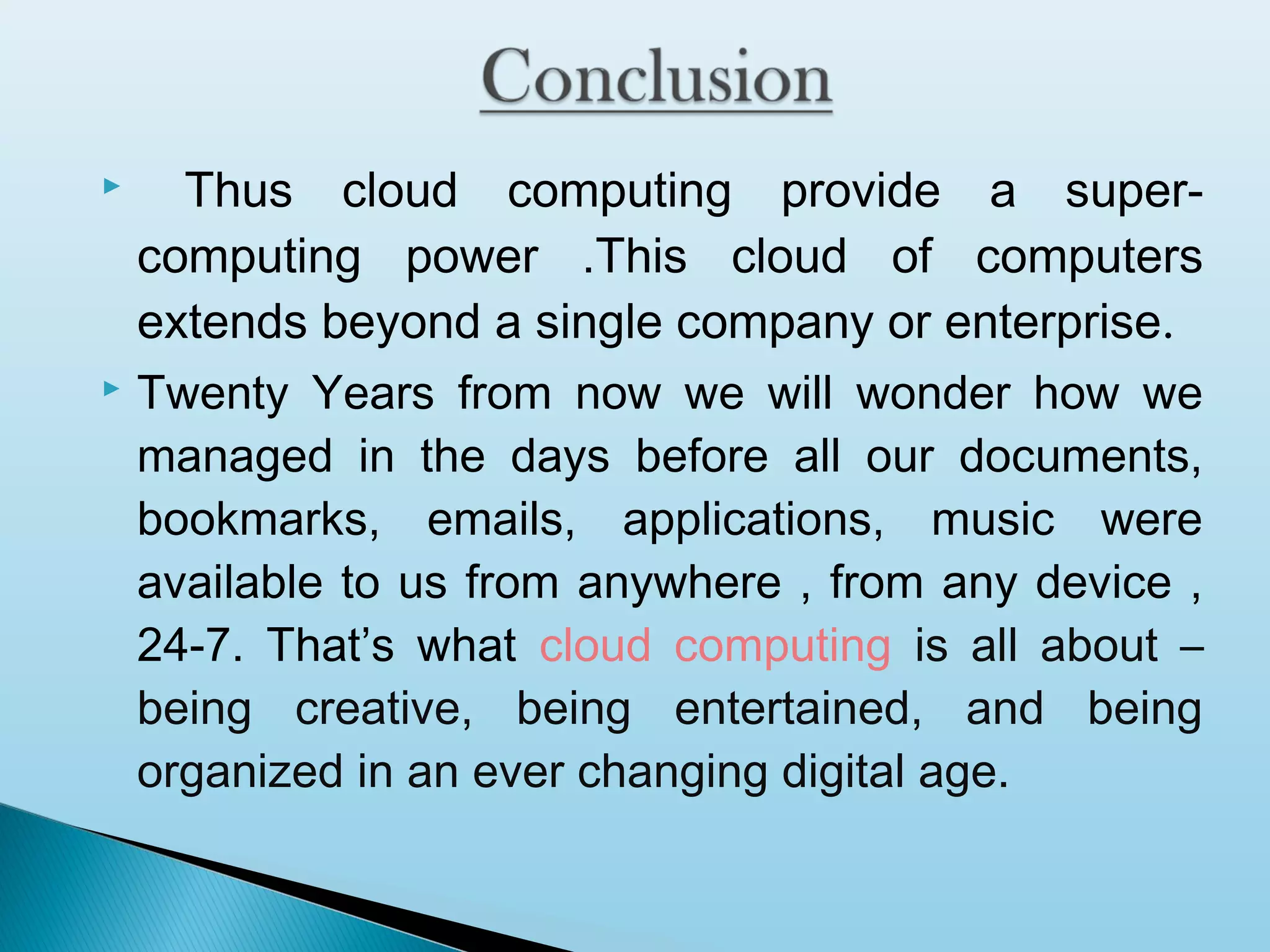
Thus cloud computing provide a supercomputing power .This cloud of computers
extends beyond a single company or enterprise.
 Twenty Years from now we will wonder how we
managed in the days before all our documents,
bookmarks, emails, applications, music were
available to us from anywhere , from any device ,
24-7. That’s what cloud computing is all about –
being creative, being entertained, and being
organized in an ever changing digital age.

Cloud computing

Cloud computing

  • 1.
    By-Pankaj Kandpal CS 3rdYear Roll No.-0936310078
  • 2.
     What is CloudComputing?  Why Cloud computing?  Cloud Anatomy  Security & Safety  Life in Cloud  Work in Cloud  Conclusion
  • 3.
    Definitions: “Cloud computing isa general term for anything that involves delivering hosted services over the internet.” “Cloud computing is Internet-based computing, whereby shared resources, software, and information are provided to computers and other devices on demand, like the electricity grid.”
  • 5.
       In short ,takingonus away from the individual’s personal computer and placing the resources that provide the service remotely. In many Firms therefore the “cloud” is a shorthand for the company’s central network servers and services they provide. This is contrast to traditional “desktop” computing where the applications we use and documents we create are largely stored on a single machine in our homes.
  • 8.
    Broadly classified underthe three categories: 1. IaaS: Infrastructure as a service. 2. PasS: Platform as a service. 3. SaaS: Application/Software as a Service.
  • 9.
     Cloud infrastructure servicesor "Infrastructure as a Service (IaaS)" delivers computer infrastructure, typically a platform virtualization environment as a service. Rather than purchasing servers, software, data center space or network equipment, clients instead buy those resources as a fully outsourced service. Benefits to the clients:  1. Stop worrying about heavy traffic and bandwidth requirements.  2. Pay as you go.  3. No need to buy high configuration servers from day one.  4. Low maintenance.
  • 10.
     Platform-as-a-service in thecloud is defined as a set of software and product development tools hosted on the provider’s infrastructure.  Developers create applications on the provider’s platform over the Internet.  PaaS providers may use APIs, website portals or gateway software installed on the customer’s computer, GoogleApps are examples of PaaS.
  • 11.
      In the software-as-a-servicecloud model, the vendor supplies the hardware infrastructure, the software product and interacts with the user through a front-end portal. Services can be anything from Web-based email to inventory control and database processing. Because the service provider hosts both the application and the data, the end user is free to use the service from anywhere. There are several successful SaaS model running all over the web. Example: Gmail, Google Calender
  • 12.
     Public Cloud: theservices are delivered to the client via the Internet from a third party service provider. Example: Amazon  Private Cloud: these services are managed and provided within the organization. There are less restriction on network bandwidth, fewer security exposures and other legal requirements compared to the public Cloud. Example: HP Data Centers
  • 13.
    Read news andemails from anywhere.  Edit and crop your photos.  Listen to your favorite tunes.  Collaboratively write and edit documents.  Host a web conference.  Record music online.  Find your way around. 
  • 14.
    Wherever and howeveryou store your precious data, there are going to be issues of security.  Even if you choose to store all your emails, addresses,financial records and the like on your home pc, there is a danger that it might be stolen or hacked into from the web.  By the same token migrating your data to cloud has its risks.  The good news is that with a bit of commonsense you should be able to stay safe online. 
  • 15.
    Keep your systemup to date.  Don’t run dodgy software.  Hide behind a firewall.  Scan regularly.  Enable wireless security.  Consider switching browser and mail program.  Secure your connections.  Don’t respond to spams.  Beware the phishermem. 
  • 16.
     Email and Communicationis probably the one area of cloud computing that you are already using without even knowing it.  We can stay in Touch by using one of these cloud services...
  • 17.
     The advantage ofsigning up with web based email service is that they don’t tie you to your internet provider.  Gmail provides so much of online storage that we can leave our emails permanently online as well as downloading them to an email program on your Mac or PC.
  • 18.
       Known as VoIPclient ; in other words ,it makes phone calls via the internet . We can use skype account to make free computer to computer phone calls-with or without video to anyone anywhere in the world, who has also a skype account, it also provides instant messaging from desktop or mobile. We can also pay to call regular landlines and mobile phones, potentially it can slash our phone bills, especially if you regularly call long distances.
  • 19.
     1. 2.  Google Calendar Provides excellentsearch feature for quickly tracking down appointments by keyword. As well as the regular calendar views there is a very useful “Agenda” view ,which displays all your appointments as a scrollable chronological list. Yahoo also provides this facility which helps in event scheduling and better organizing your life.
  • 20.
       Does everything youwould expect it to do. We can edit and add contacts, and associate photos with individual entries, just as you might with the desktop client you use on your mac or PC. Other useful features of Google contacts include ability to click straight through from an address to a Google map of the location and the fact that whenever you send email to someone new they are automatically added to your contact list.
  • 21.
    Once you startusing to-do lists you’ll wonder how you ever managed without one.  Online to-do lists are eminently flexible and really can take on the role of a virtual personal assistant.  There are several websites provides this facility like: 1. rememberthemilk.com 2. Todoist.com and many more... 
  • 22.
     Provides the basisfor storing all your documents and file, folders available from anywhere through Internet. There are several online storage providers: 1. mesh.com 2. sugarsync.com 3. wuala.com and many more...   Many of them gives free space for trial phase .
  • 23.
    Cloud computing schemeprovides Online Desktops.  It also provides office suites and tools.  Provides photos storage and editing. 1. pixlr.com 2. photoshop.com  We can also make notes & maintain scrapbooks. 1. evernote.com 2. springnote.com 
  • 25.
             Continuous high availability Consistency Interoperabilityand standardization Scalability of all components Data secrecy Legal and political problem of data store and translation across regions Performance issue Difficulty customizing Organizational obstacle
  • 26.
    Thus cloud computingprovide a supercomputing power .This cloud of computers extends beyond a single company or enterprise.  Twenty Years from now we will wonder how we managed in the days before all our documents, bookmarks, emails, applications, music were available to us from anywhere , from any device , 24-7. That’s what cloud computing is all about – being creative, being entertained, and being organized in an ever changing digital age. 